
Anime Victorian House Dance
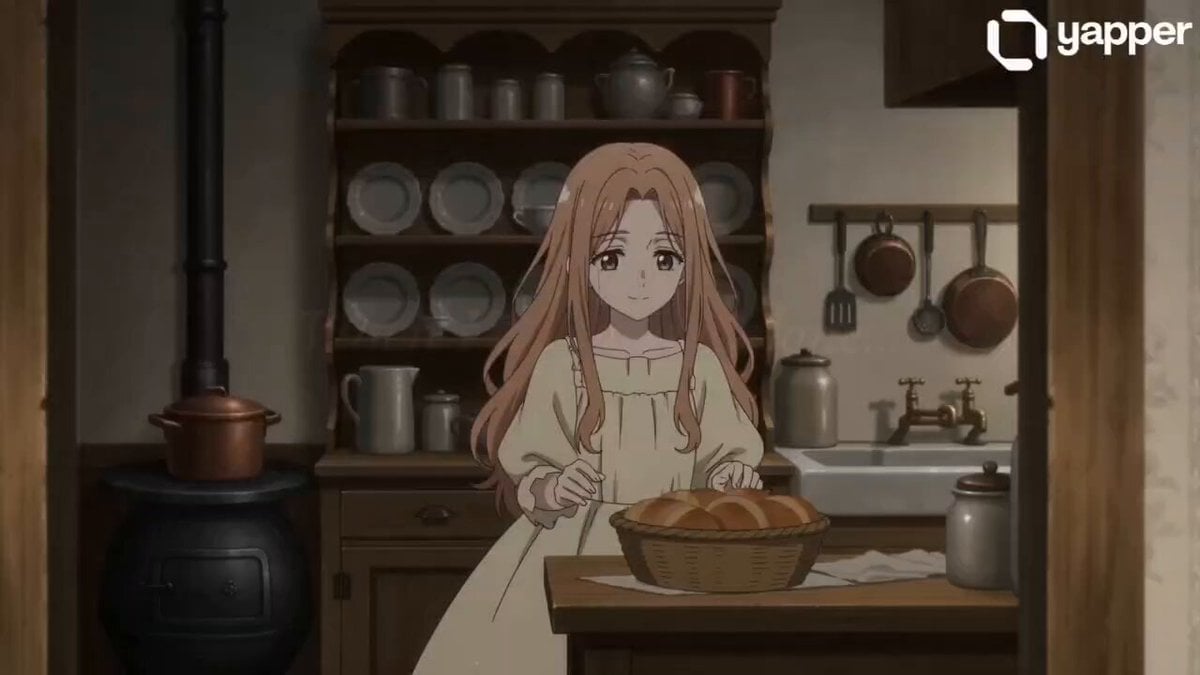
A nostalgic anime-style video prompt featuring a girl dancing in a beautifully lit vintage Victorian house with her cat.
- Prompt included
- Model and format preset
- Free template
The prompt behind this video
Copy the exact prompt behind Anime Victorian House Dance, or open it in the studio and make it yours.
On screen (soft glowing serif text, gently fading in): “When I am home alone…” “A beautifully illustrated anime-style vintage Victorian house interior — tall windows, lace curtains, antique wooden furniture, warm golden sunlight streaming in, soft dust particles floating in the air. Calm, nostalgic atmosphere. Background music: a soft old Victorian-style piano melody with light violin, slow and elegant. A beautiful anime girl in a simple plain frock (soft pastel/cream) stands in a cozy kitchen. She smiles to herself… then begins to dance lightly, her movements soft and carefree. She gently picks up a basket of fresh bread, holding it close as she twirls out of the kitchen into the dining room, placing it neatly on the table. She continues dancing across the room, her dress flowing. Reaching the tall windows, she pulls back the lace curtains, and warm sunlight pours in, lighting up her face. She giggles softly. A small cat walks in. She bends down, lovingly picks up the cat, holding it close to her chest… and begins to slowly dance with it, swaying to the music. Her expression is peaceful, lost in her own little world. Soft whisper narration (optional, gentle tone): “…these quiet moments… feel like a world of my own.” Final shot: sunlight glowing, curtains moving slightly, girl spinning slowly with the cat… soft fade-out with lingering music ✨”
How to use Anime Victorian House Dance in 3 steps
- 1
Open
The prompt is already in the box next to the preview, with the template's model and format selected.
- 2…a portrait of your subject in softgolden-hour light, 85mm…
Personalize
Edit the subject and creative details for your destination.
- 3Generate
Generate
Press Generate — your video is created in PicX Studio, so you can compare it with the original and refine one variable at a time.
More like this
Templates with the same subject, style or setup. Open one to see its prompt.
Ballerina Opera House — Seedance 2.0
Future House Dance Performance

Cyberpunk Holographic Dance Performance - Seedance 2.5

MiniMax H3 Character Introduction
Early-2000s Trainee Flashback Film

Japanese Pure Love Short Film

Luxury Airport Travel Vlog
Anime Style TikTok Dance

Studio Ghibli Dumpling Kitchen Cooking Scene
In Each Other's Gravity — Dance Duo
Luxury House Tour — 15 Shots in 15 Seconds (Seedance)
Mecha Transformation vs Kaiju — 4-Scene Epic
Make it yours
Anime Victorian House Dance works as-is. These are the safest ways to change it without losing the look.
Change one field
Copy a single group, rewrite it, and generate again so you can see what that field is doing.
Keep the frame, change the subject
Hold the composition and light of Anime Victorian House Dance, then swap wardrobe, props or the person for a new take.
| If the result… | Why | Fix |
|---|---|---|
| The result drifts from the preview | Too many fields changed at once. | Reuse Anime Victorian House Dance as-is first, then change one group — subject, light, or setting. |
| The model over-stylizes the scene | The prose prompt leaves finish and camera underspecified. | Add one camera or lighting sentence and stay on Seedance 2.0. |
More Seedance 2.0 templates
Other prompts made for Seedance 2.0.

Comical Martial Arts Punch Scene

Maglev Train Action Sequence

Martial Arts Fight Sequence

Wuxia Protection and Trust Script

Vintage Korean Arcade MiniDV Vlog

Ancient Roman Celestial Flight

Mercedes 190 SL Luxury Ad

Rainy Night Supernatural Reverse Comedy Video Script

Amazon Civilization Discovery

Futuristic South Asian City Transformation
More video prompts
Fresh picks from across the catalog.
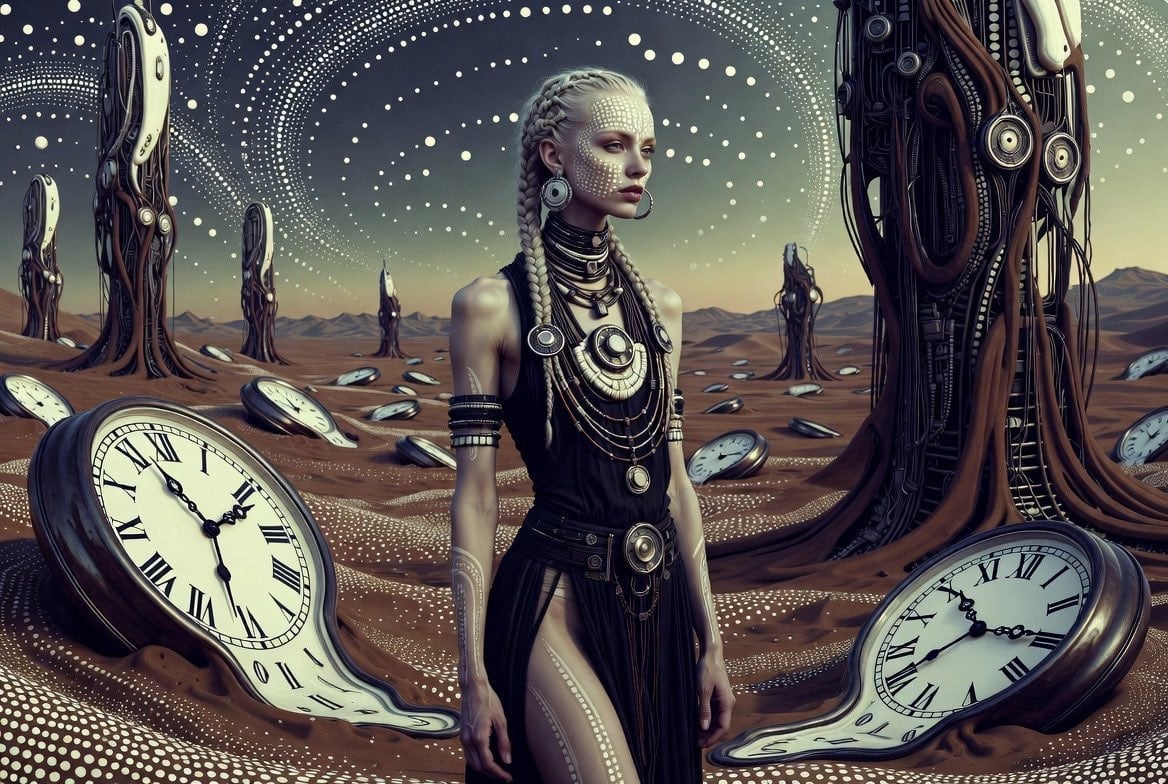
Futuristic Tribal Woman Video Prompt

Mad Max Exodus Story Prompt
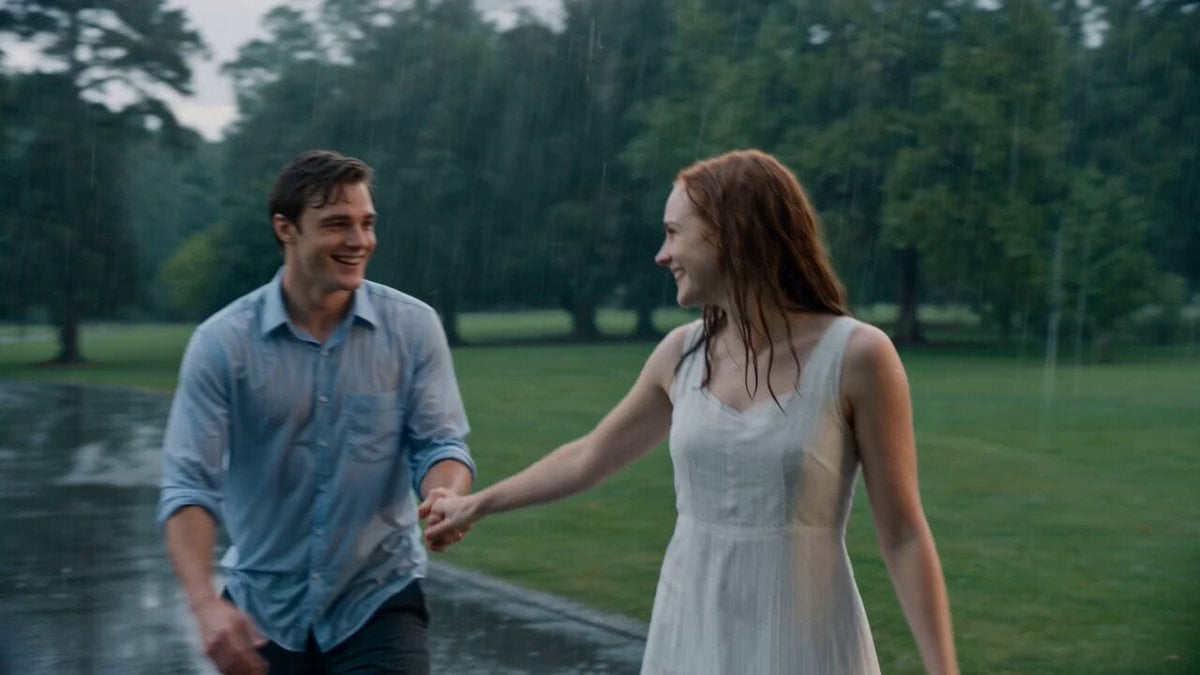
Cinematic Rainy Park Romantic Walk
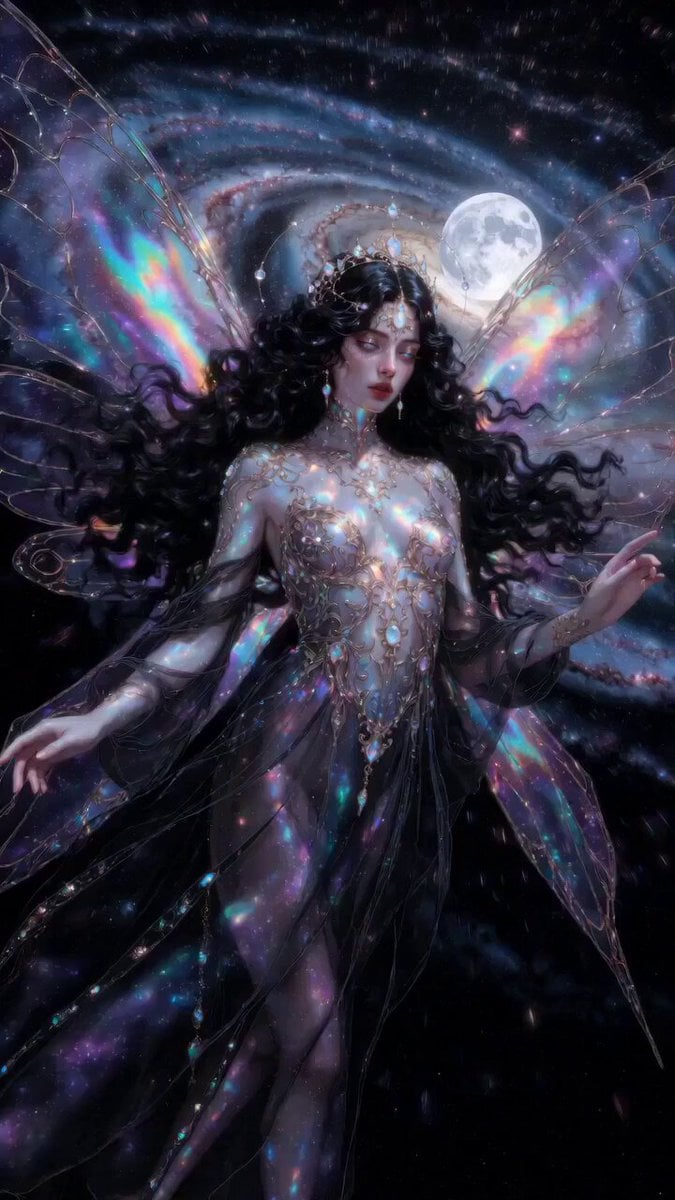
Ethereal dark fairy goddess cosmic video
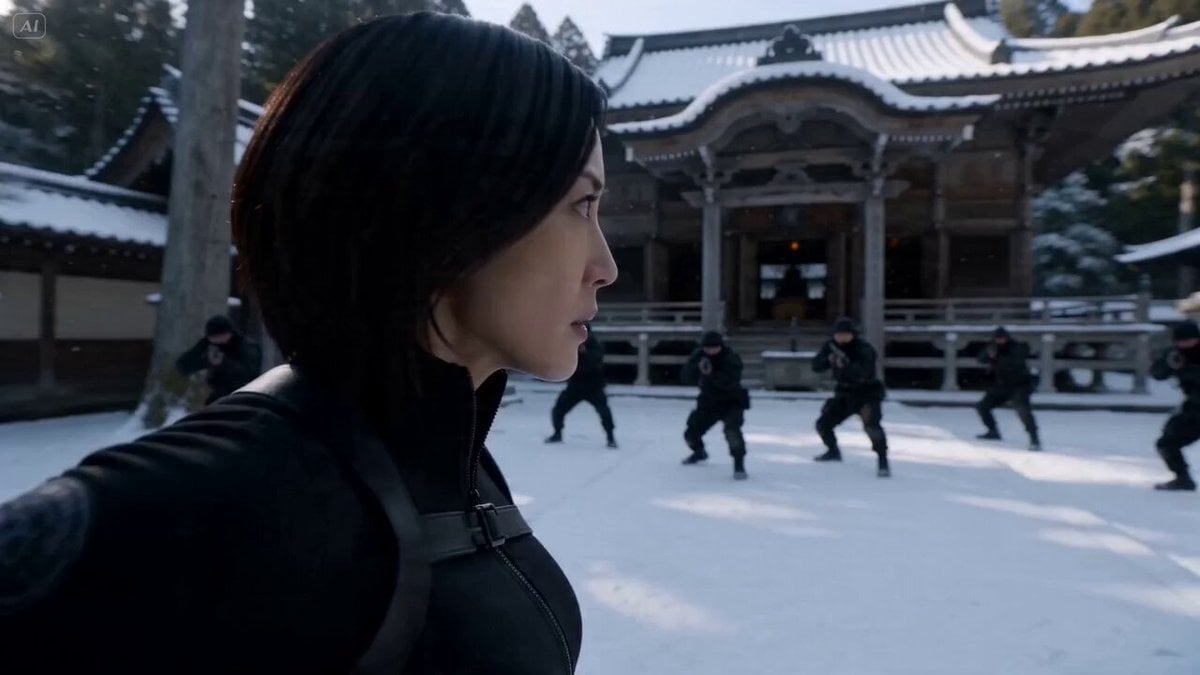
Cinematic Kunoichi Fight Video Prompt for Seedance 2.0
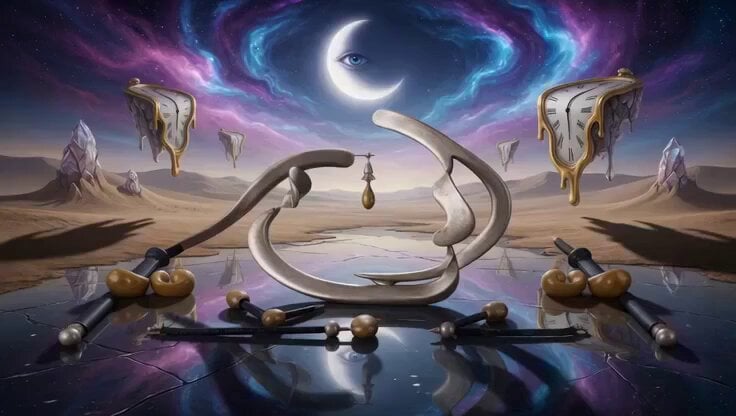
Surreal Molten Gold Sculpture
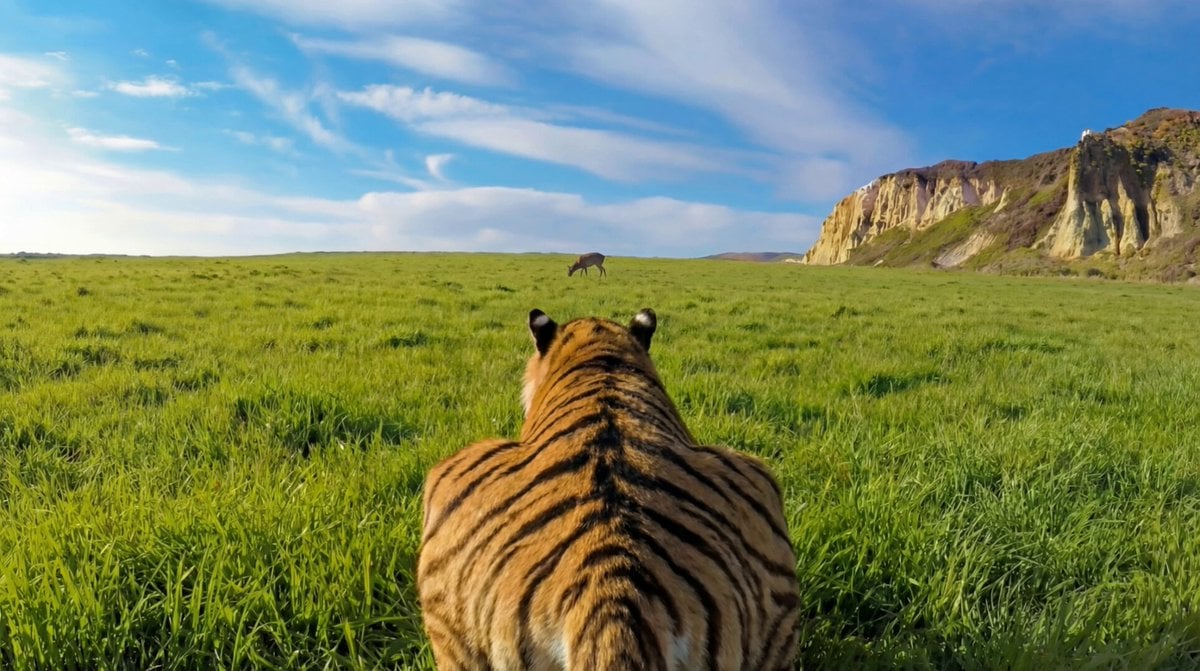
Ultra-Realistic Continuous Tiger Chase Shot Prompt
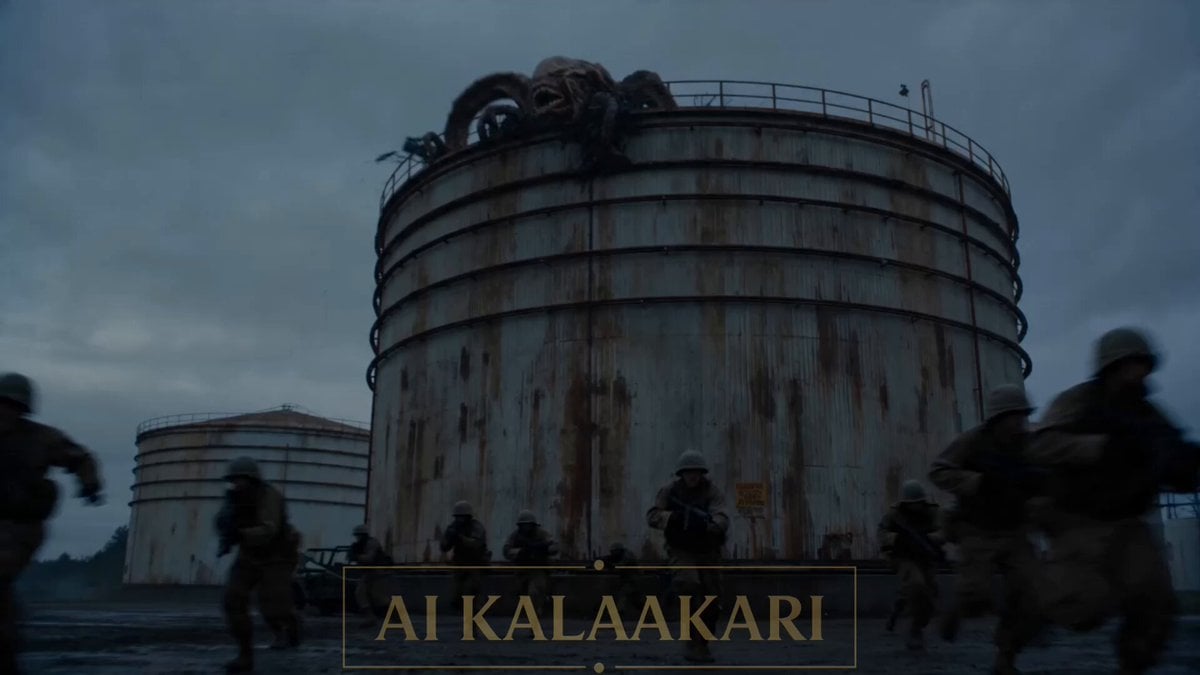
Sci-Fi Alien Attack on Fuel Depot
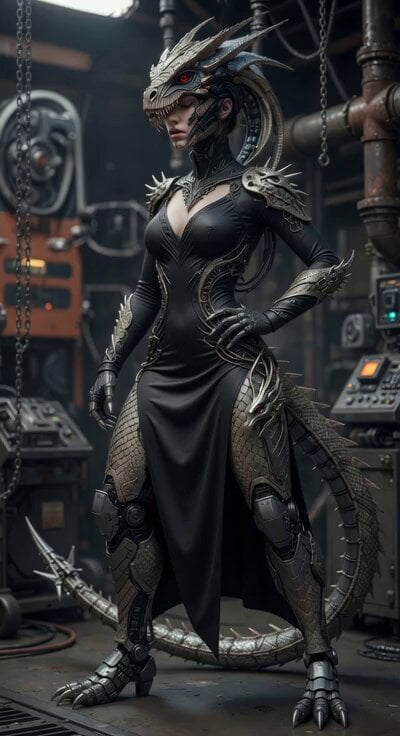
Cyber Dragon Female Warrior Video
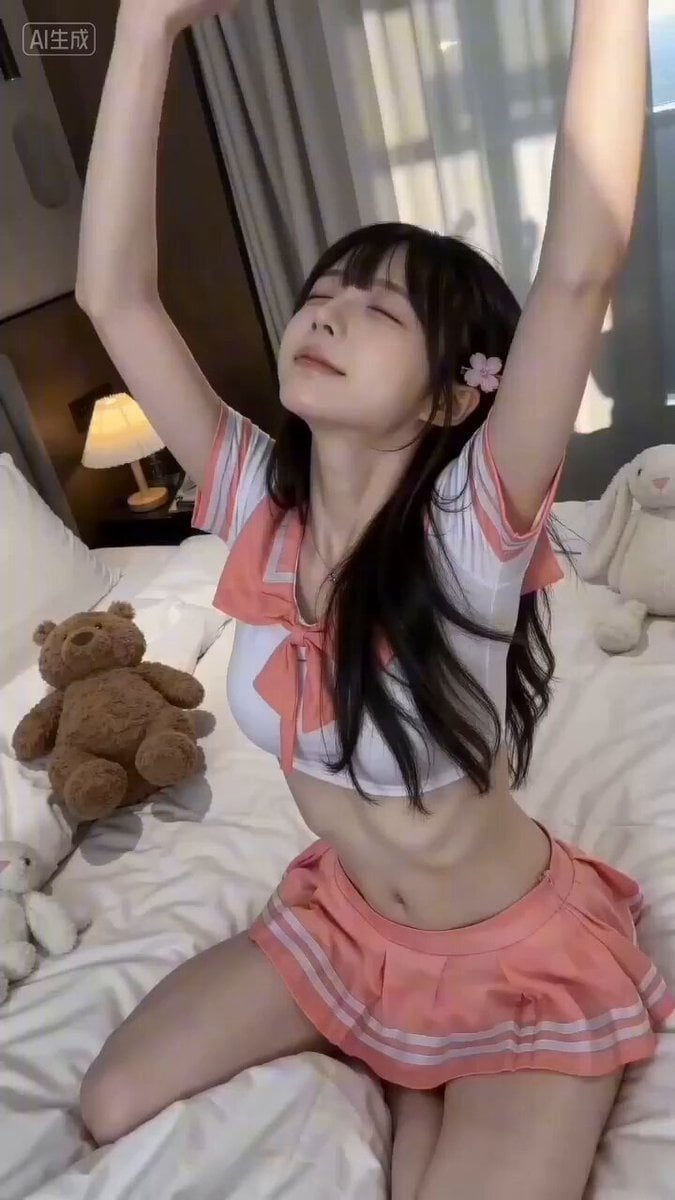
Girlfriend's Morning Greeting Video Prompt for Seedance 2.0
Browse template categories
Anime Victorian House Dance questions
How do I use the Anime Victorian House Dance template?
Add your photo if the template asks for one, edit the prompt if you like — the template's model and format are already selected — and press Generate. Your version opens in PicX Studio.
Can I customize the Anime Victorian House Dance template?
Yes. You can change the subject, setting, lighting, mood, format, and available model controls before creating your video.
Is the Anime Victorian House Dance template free?
Opening and editing this template is free. Generating uses credits, shown on the Generate button when you are signed in.
Which AI model should I use?
Start with Seedance 2.0, which is the model associated with this template. You can compare another compatible model for a different finish.
Looking for something else? Browse all templates.

Your photo, any look
Thousands of ready templates for every top image and video model, from one credit balance.