
Ultra-Realistic Continuous Tiger Chase Shot Prompt
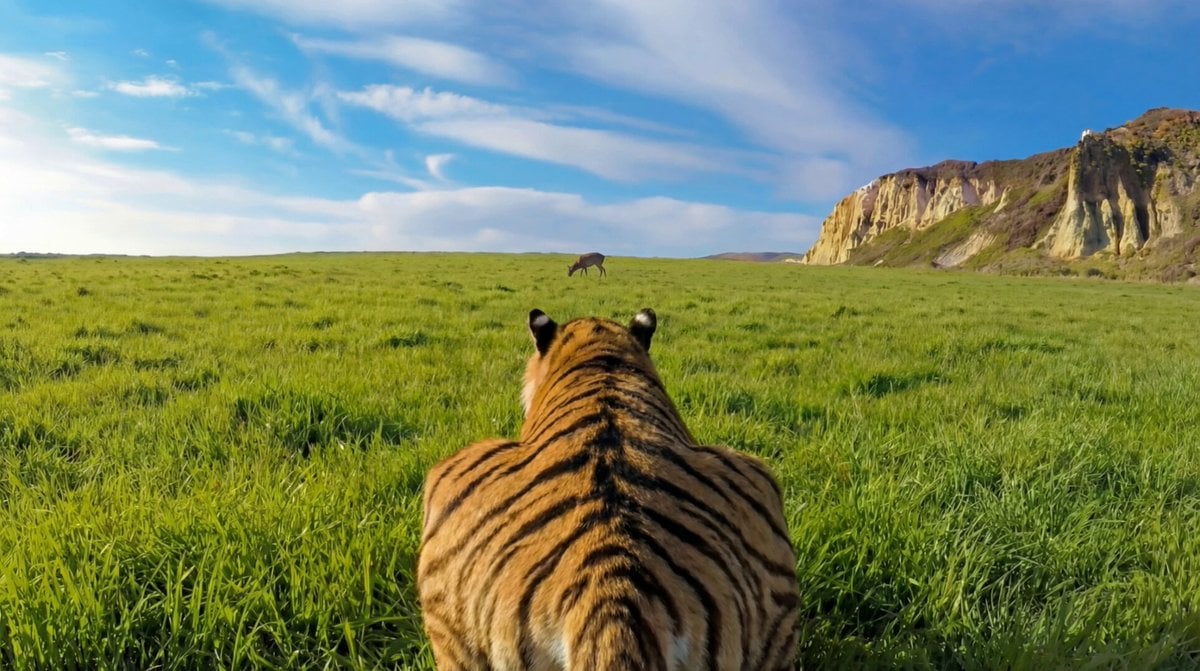
A highly detailed prompt for an ultra-realistic 15-second continuous chase shot featuring a tiger pursuing a deer.
- Prompt included
- Model and format preset
- Free template
The prompt behind this video
Copy the exact prompt behind Ultra-Realistic Continuous Tiger Chase Shot Prompt, or open it in the studio and make it yours.
"Use the uploaded image as the exact first frame. Create a 15-second ultra-realistic continuous chase shot. The camera is physically gripping the tiger’s tail, locked in a rigid trailing POV. The tail fills the foreground, muscles flexing, skin rippling, fur vibrating from speed and airflow. Ahead, a deer sprints across the grassy field in panic. Its movement is erratic and unbalanced, fear-driven stride changes and sharp direction shifts clearly visible as the distance rapidly closes. The tiger accelerates into a full sprint with precise biomechanics: explosive hind-leg extension, visible spine compression and release, tail counterbalancing each stride. Grass flattens under impact, dirt and debris kick up naturally. The horizon trembles subtly from ground force, not artificial camera shake. Extreme forward velocity creates strong motion parallax in the environment while the tail remains relatively stable due to the physical grip. Micro-oscillations sync perfectly with each stride cycle. Wind roars; fur streams backward consistently. Lighting stays natural and continuous, shadows strobing beneath the body as legs cycle. No slow motion, no cuts, no stylization. In the final moments, the tiger lunges, collides with the deer, pins it to the ground, and secures a decisive neck hold. The shot ends mid-action with full weight, tension, and momentum still present."
How to use Ultra-Realistic Continuous Tiger Chase Shot Prompt in 3 steps
- 1Upload ImagePNG, JPG or paste
Add your photo
Upload the photo the template builds on. The prompt, model and format are already set.
- 2…a portrait of your subject in softgolden-hour light, 85mm…
Personalize
Edit the subject and creative details for your destination.
- 3Generate
Generate
Press Generate — your video is created in PicX Studio, so you can compare it with the original and refine one variable at a time.
More like this
Templates with the same subject, style or setup. Open one to see its prompt.
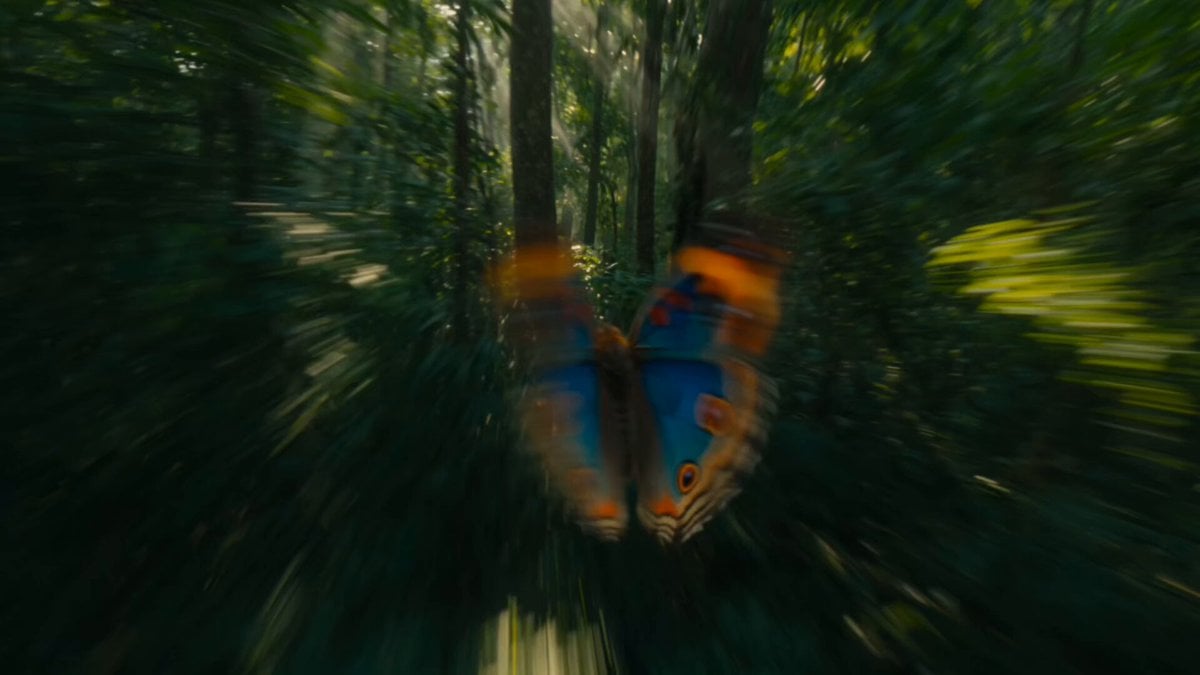
Continuous Butterfly and Parrot Forest Chase
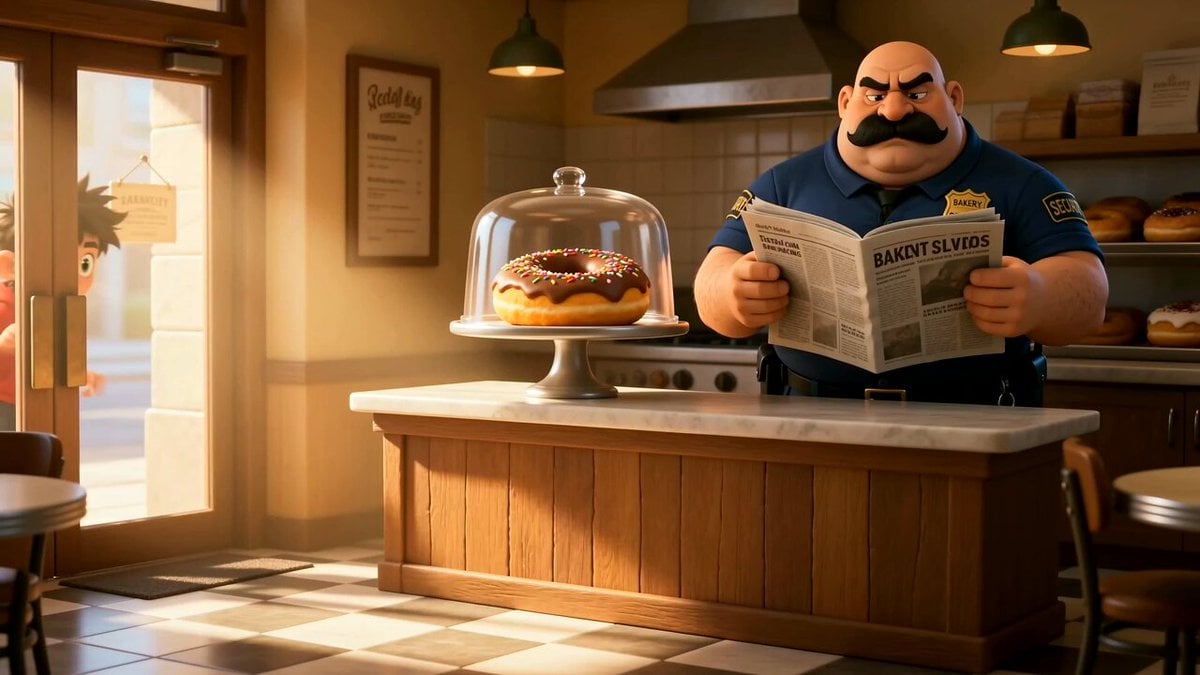
Cartoon Donut Heist Bakery Chase

Walking Factory with Rebel on Hoverbike - Wasteland
Amazon FPV Drone Chase — Seedance 2.0
Tiger vs Gorilla — Jungle Canyon Clash
Dim Sum Chase — Shrimp Dumpling Monster
Speeder Chase Across a Cliff City
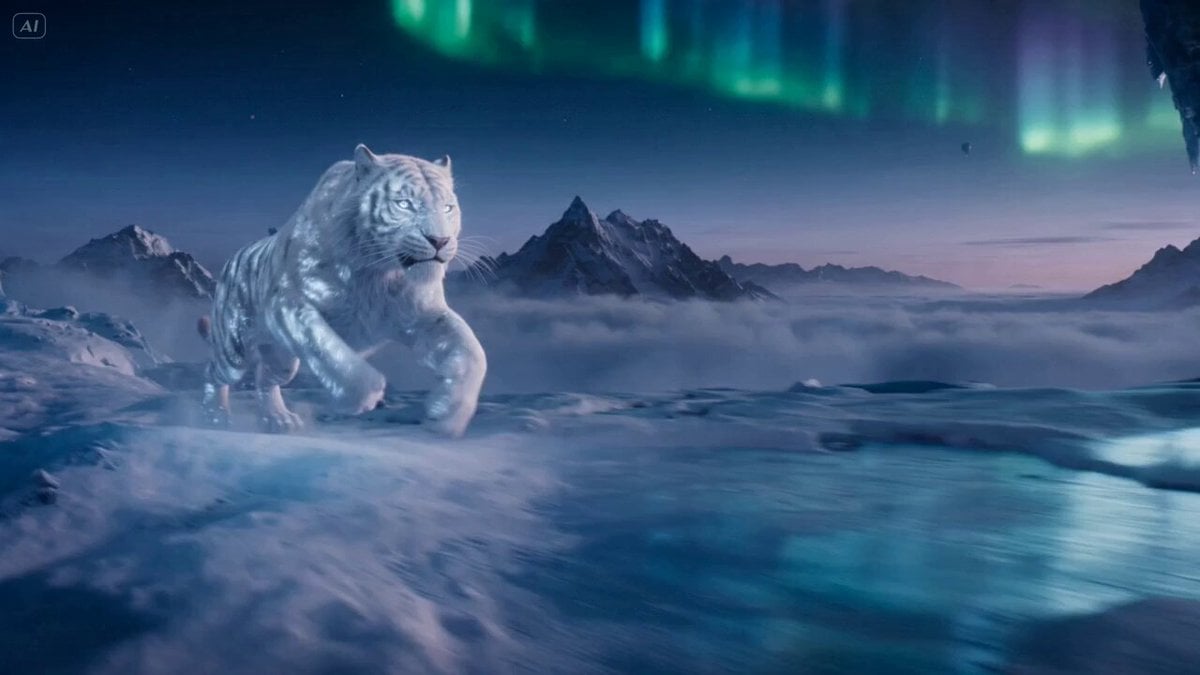
Ice Tiger vs Dragon - Seedance 2.0
Rooftop Chase Motion Phrases
Growling Tiger on Luxury Sofa
Tiger Striped Black Panther Entry
Urban Fantasy RPG Car Chase
Make it yours
Ultra-Realistic Continuous Tiger Chase Shot Prompt works as-is. These are the safest ways to change it without losing the look.
Change one field
Copy a single group, rewrite it, and generate again so you can see what that field is doing.
Keep the frame, change the subject
Hold the composition and light of Ultra-Realistic Continuous Tiger Chase Shot Prompt, then swap wardrobe, props or the person for a new take.
| If the result… | Why | Fix |
|---|---|---|
| The result drifts from the preview | Too many fields changed at once. | Reuse Ultra-Realistic Continuous Tiger Chase Shot Prompt as-is first, then change one group — subject, light, or setting. |
| The model over-stylizes the scene | The prose prompt leaves finish and camera underspecified. | Add one camera or lighting sentence and stay on Seedance 2.0. |
More Seedance 2.0 templates
Other prompts made for Seedance 2.0.

Comical Martial Arts Punch Scene

Maglev Train Action Sequence

Martial Arts Fight Sequence

Wuxia Protection and Trust Script

Vintage Korean Arcade MiniDV Vlog

Mercedes 190 SL Luxury Ad

Rainy Night Supernatural Reverse Comedy Video Script

Amazon Civilization Discovery

Futuristic South Asian City Transformation

Cozy Luxury Cafe Commercial
More video prompts
Fresh picks from across the catalog.
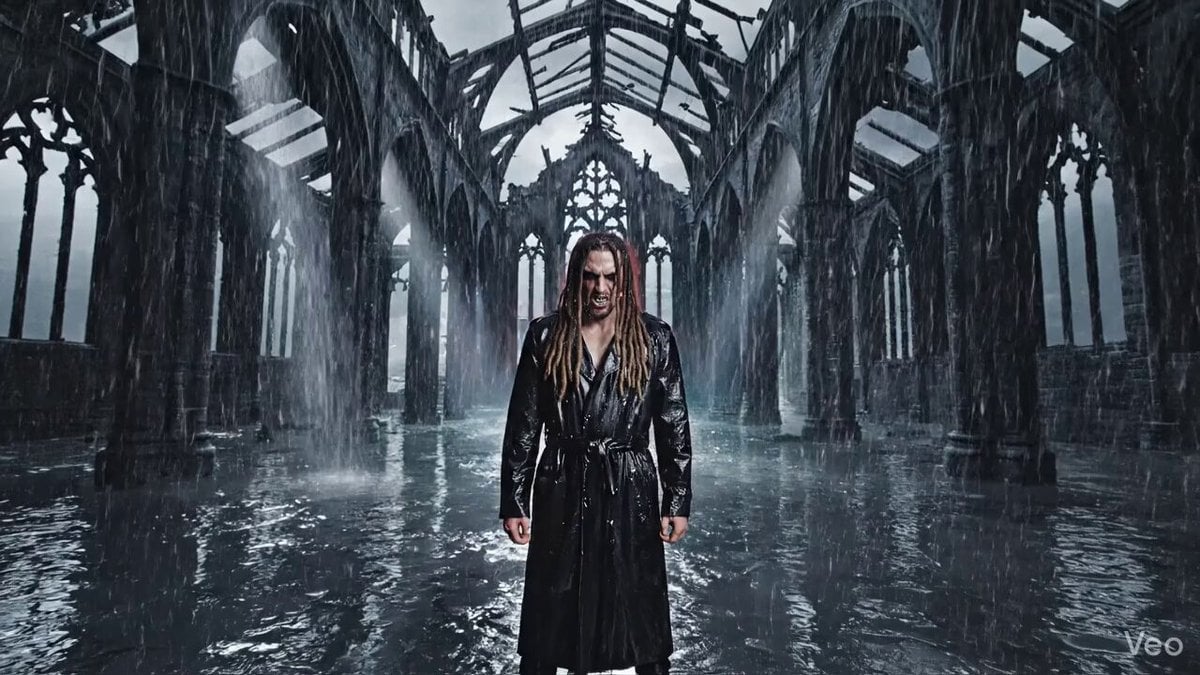
Cinematic Nu-Metal Nightmare Style Prompt

Medieval Woman with Silver Veil and Sword
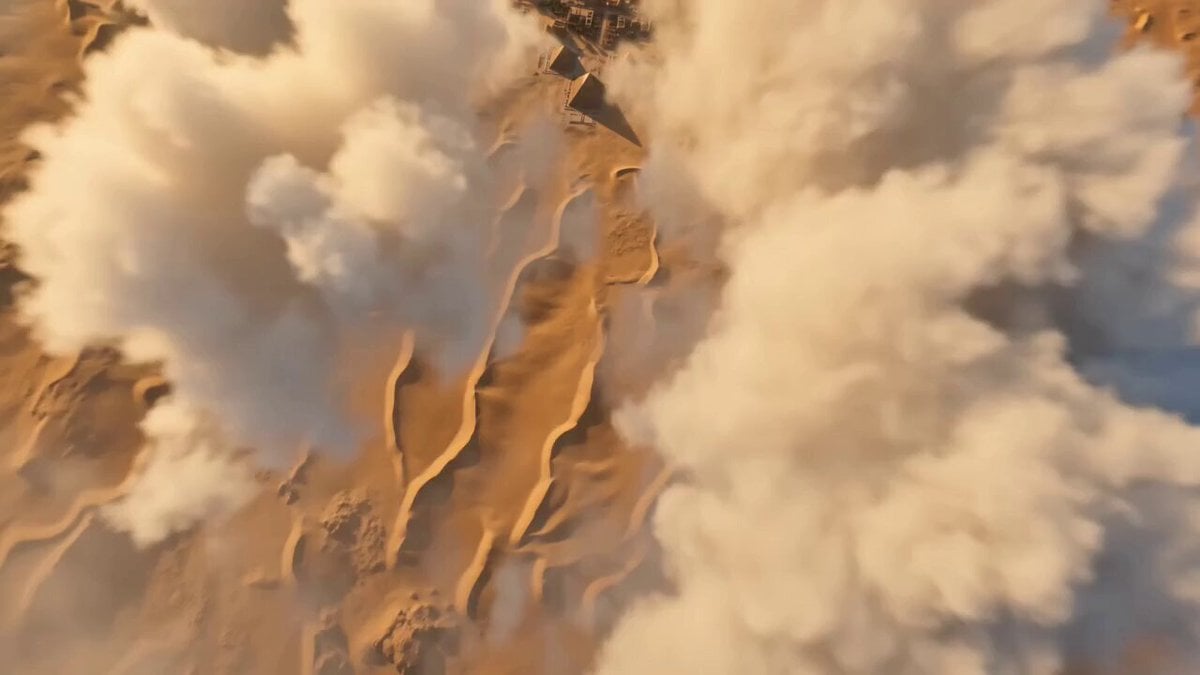
Kingdom of Kush FPV Flight
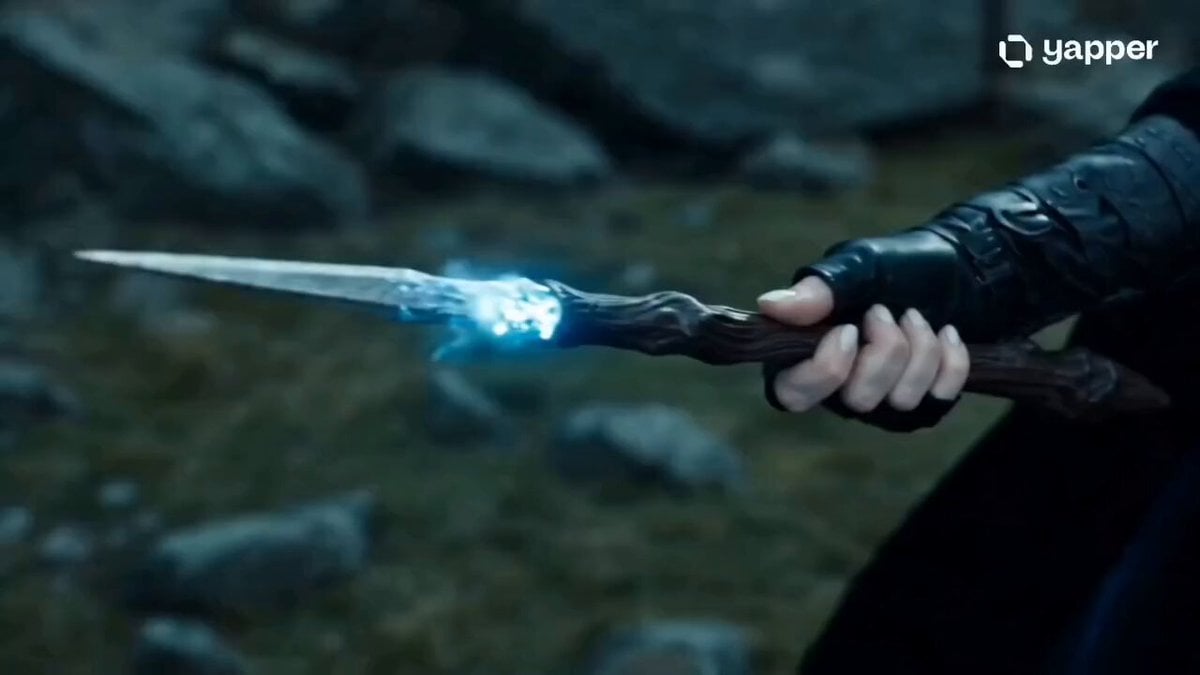
Sorceress Frost Shockwave

Alpine Inn Daily Chores Scene

Seedance 2.0 Tanghulu Animated Food Ad

Cinematic Mariachi Bar Scene

Cinematic Anime Cat Girl Parkour
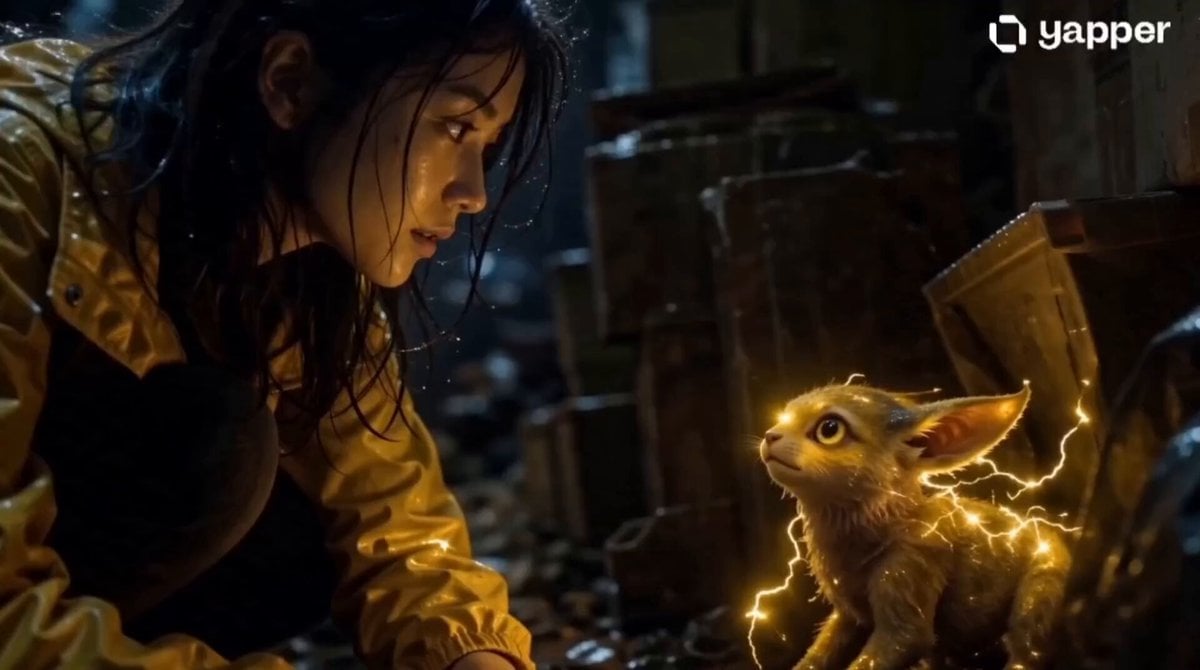
Realistic Girl and Electric Creature
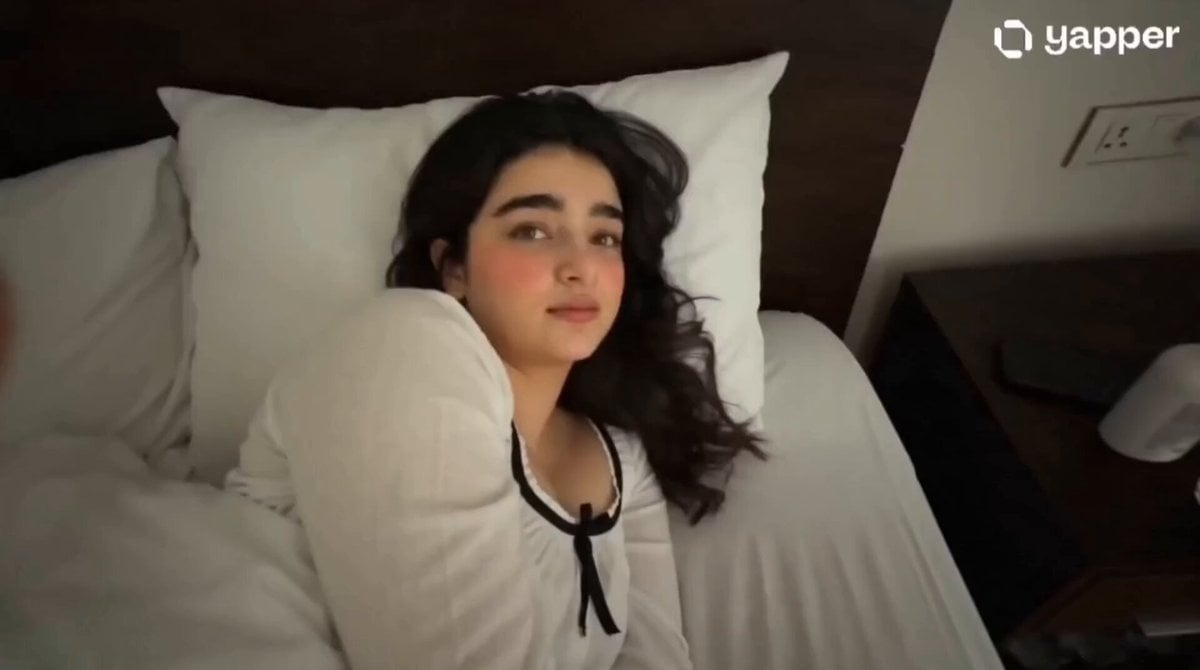
Gen Z Morning Aesthetic Routine
Browse template categories
Ultra-Realistic Continuous Tiger Chase Shot Prompt questions
How do I use the Ultra-Realistic Continuous Tiger Chase Shot Prompt template?
Add your photo if the template asks for one, edit the prompt if you like — the template's model and format are already selected — and press Generate. Your version opens in PicX Studio.
Can I customize the Ultra-Realistic Continuous Tiger Chase Shot Prompt template?
Yes. You can change the subject, setting, lighting, mood, format, and available model controls before creating your video.
Is the Ultra-Realistic Continuous Tiger Chase Shot Prompt template free?
Opening and editing this template is free. Generating uses credits, shown on the Generate button when you are signed in.
Which AI model should I use?
Start with Seedance 2.0, which is the model associated with this template. You can compare another compatible model for a different finish.
Looking for something else? Browse all templates.

Your photo, any look
Thousands of ready templates for every top image and video model, from one credit balance.