How do I use the Medieval Woman with Silver Veil and Sword template?
Edit the prompt in the box under the preview — the template's model and format are already selected — and press Generate. Your version appears right on this page.
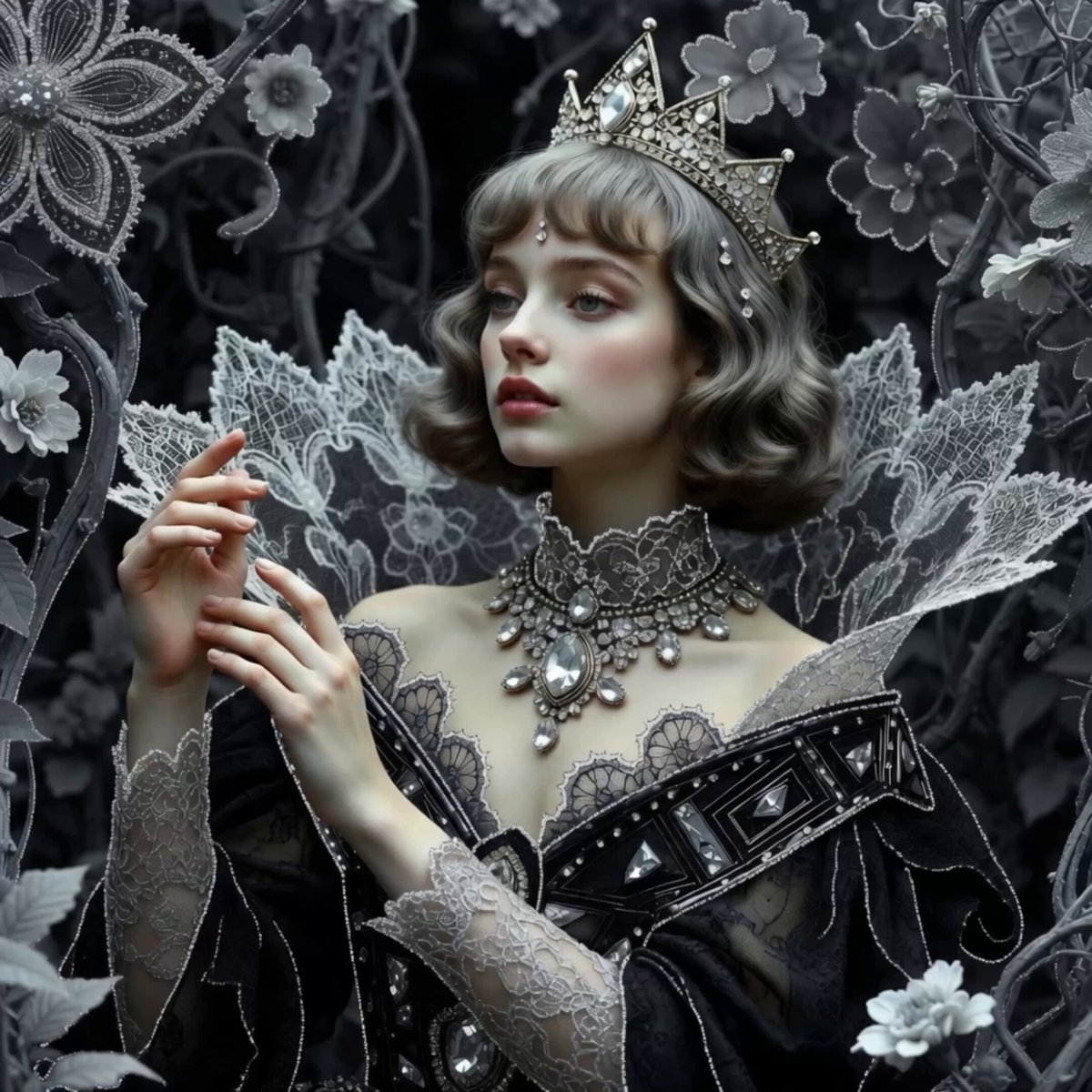
A cinematic Grok Imagine video prompt featuring a woman in an ornate silver crown and sparkling veil, holding a medieval sword against a muted cool-toned background.
woman with delicate freckles on nose and cheeks, wet dark hair strands sticking to her face. Ornate intricate silver crown with crystals, slightly thicker sheer sparkling silver veil dramatically draped over the left half of her face (covering one eye) and softly wrapping part of the sword. The veil has a delicate but more substantial translucent texture with fine glitter. She holds an ornate medieval sword with both hands, hilt and upper blade gently covered by the thicker veil near her chin and lips, multiple ornate silver rings on fingers. Very soft diffused side lighting, muted desaturated cool silvery-grey color palette, low saturation, elegant understated tones. Hyper detailed realistic skin texture, natural glossy lips, realistic fabric folds and light reflections on thicker veil. Razor sharp focus on visible eye, freckles and veil texture, shallow depth of field, soft dreamy bokeh, hyperrealistic, photorealistic, cinematic color grading.
woman with delicate freckles on nose and cheeks, wet dark hair strands sticking to her face. Ornate intricate silver crown with crystals, slightly thicker sheer sparkling silver veil dramatically draped over the left half of her face (covering one eye) and softly wrapping part of the sword. The veil has a delicate but more substantial translucent texture with fine glitter. She holds an ornate medieval sword with both hands, hilt and upper blade gently covered by the thicker veil near her chin and lips, multiple ornate silver rings on fingers. Very soft diffused side lighting, muted desaturated cool silvery-grey color palette, low saturation, elegant understated tones. Hyper detailed realistic skin texture, natural glossy lips, realistic fabric folds and light reflections on thicker veil. Razor sharp focus on visible eye, freckles and veil texture, shallow depth of field, soft dreamy bokeh, hyperrealistic, photorealistic, cinematic color grading.
Edit the prompt in the box under the preview — the template's model and format are already selected — and press Generate. Your version appears right on this page.
Yes. You can change the subject, setting, lighting, mood, format, and available model controls before creating your video.
Opening and editing this template is free. Generating uses credits, shown on the Generate button when you are signed in.
Start with Grok Imagine, which is the model associated with this template. You can compare another compatible model for a different finish.
Follow a topic to a crawlable collection of related PicX Studio templates.