
Medieval Duel Style Transfer
video editing, motion preservation, and controlled transformation.
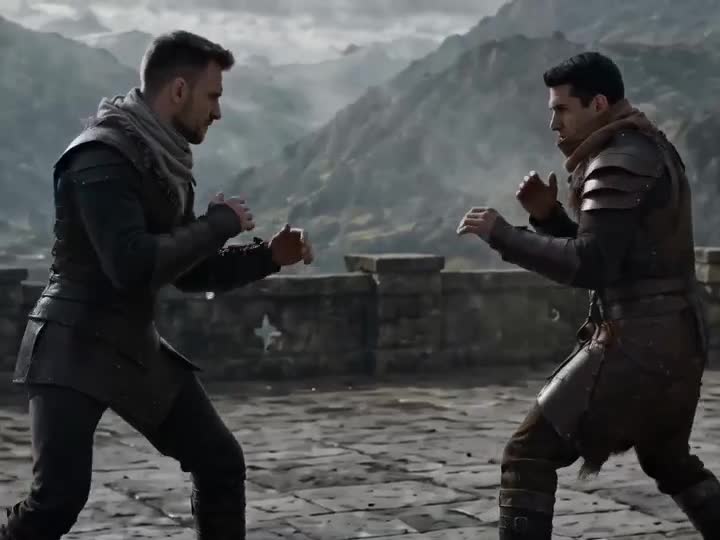
- Prompt included
- Model and format preset
- Free template
The prompt behind this video
Copy the exact prompt behind Medieval Duel Style Transfer, or open it in the studio and make it yours.
Transform the plain two-person martial-arts video <<<video_1_1>>> into an empty-hand probing exchange before a cold-weapon duel. Replace the scene with a medieval stone-castle platform, ancient courtyard ground, mountain fortress exterior platform, or simple stone-brick duel arena. The background should include castle walls, wind, mist, distant mountain lines, and flat stone ground <<<image_1_2>>>. Replace the clothing of the dark-clothed man in the video with <<<image_2_3>>> and the light-clothed man with <<<image_3_4>>>. Keep the original action rhythm and body motion, but make the atmosphere more restrained, tense, and cinematic, as if the duel is about to begin.
How to use Medieval Duel Style Transfer in 3 steps
- 1
Open
The prompt is already in the box next to the preview, with the template's model and format selected.
- 2…a portrait of your subject in softgolden-hour light, 85mm…
Personalize
Edit the subject and creative details for your destination.
- 3Generate
Generate
Press Generate — your video is created in PicX Studio, so you can compare it with the original and refine one variable at a time.
More like this
Templates with the same subject, style or setup. Open one to see its prompt.
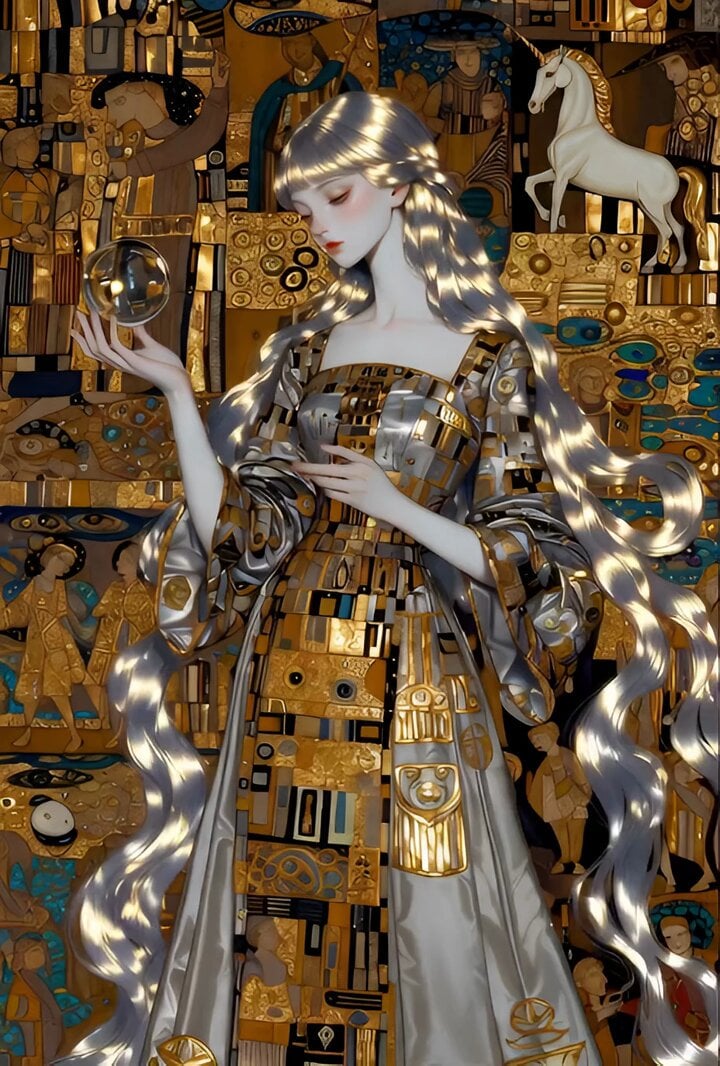
High Voltage Klimt style video prompt with medieval elements
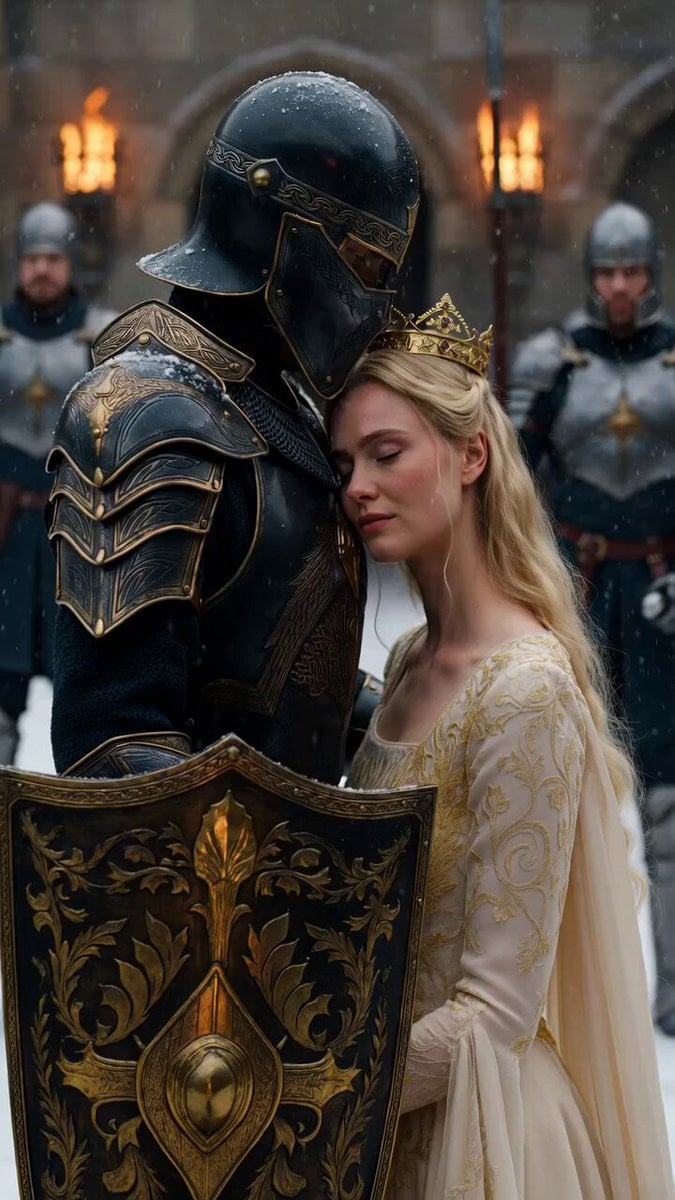
Medieval Knight and Queen Cinematic Close-up
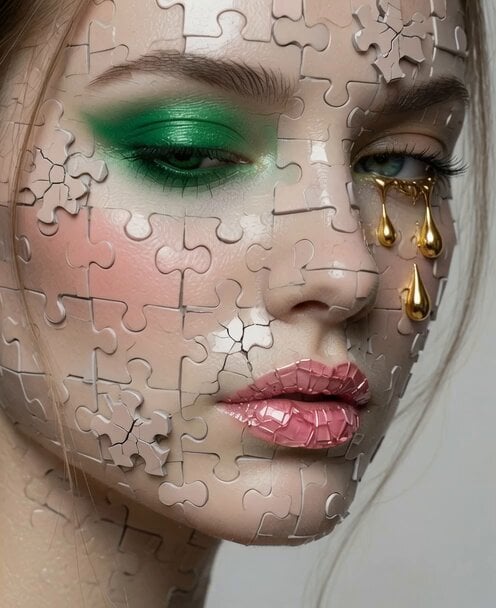
Video Editing and Animation Prompt
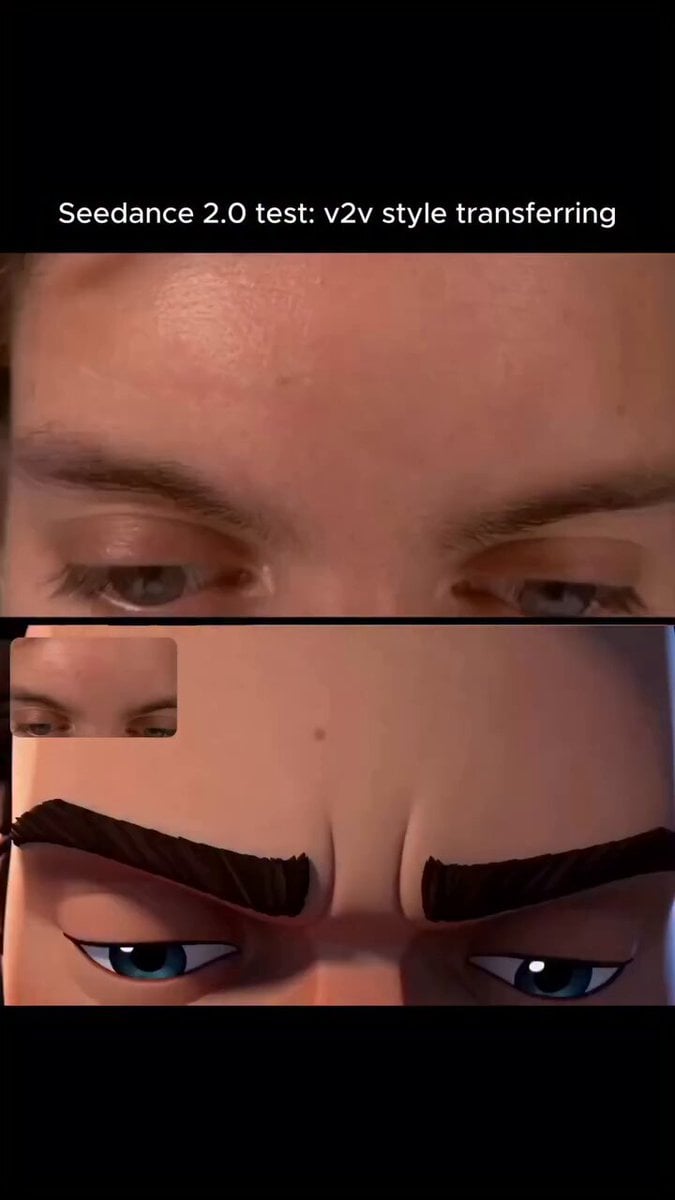
Arcane Style Video Transfer
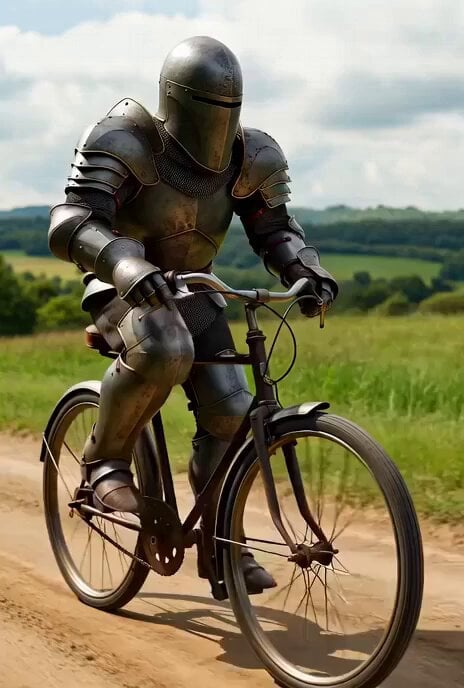
Live-action medieval knight on bicycle video prompt
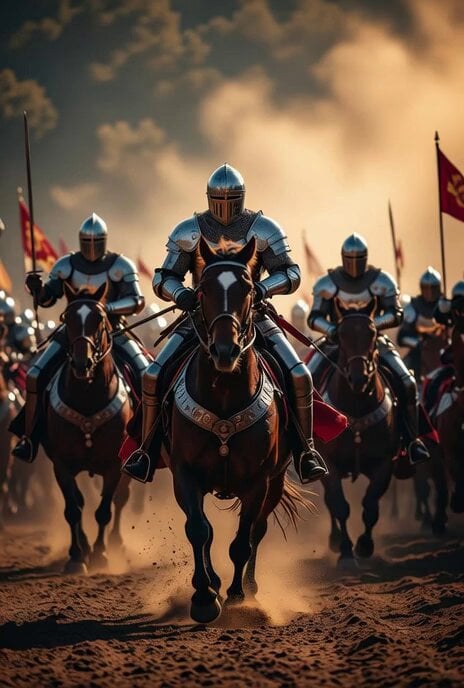
Medieval Knights Charging on Horseback
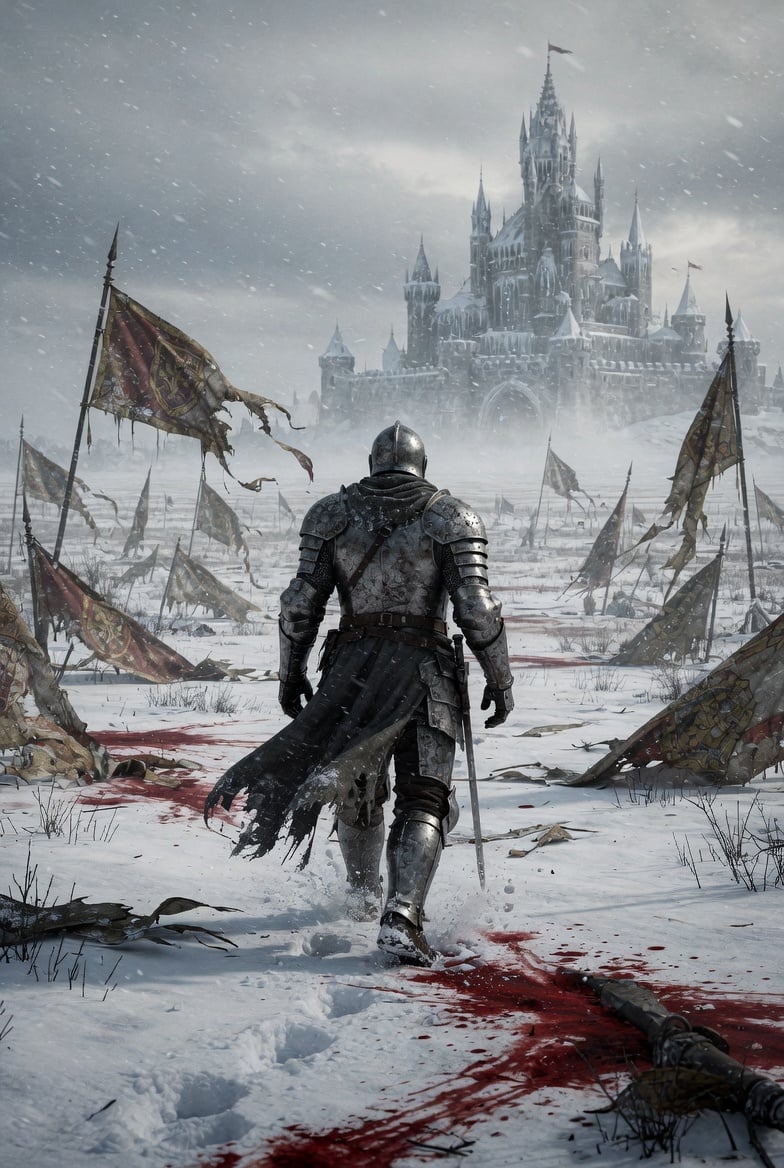
Lone Medieval Knight in Snowy Field Video Prompt
Spanish woman in retro dress, cartoon style
Comic Book Style Forest Fairy Video
Doves in White Stripes music video style
Medieval Double Exposure Animation
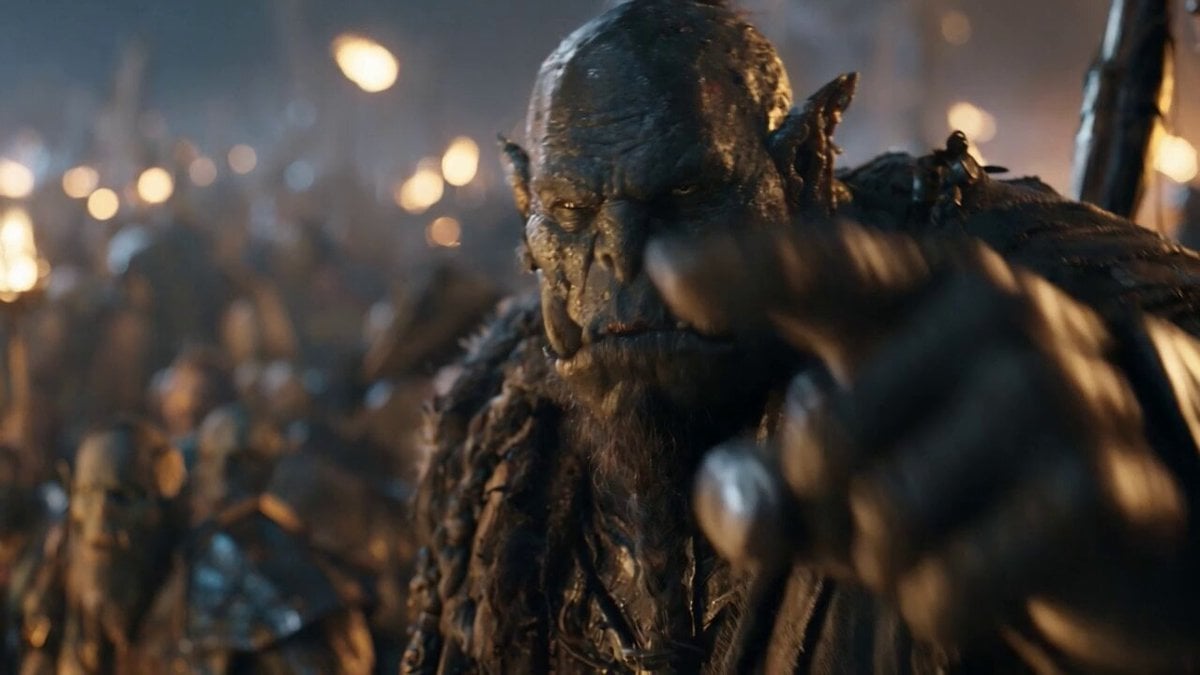
Orc Warlord Performance Transfer - Seedance 2.5
Make it yours
Medieval Duel Style Transfer works as-is. These are the safest ways to change it without losing the look.
Change one field
Copy a single group, rewrite it, and generate again so you can see what that field is doing.
Keep the frame, change the subject
Hold the composition and light of Medieval Duel Style Transfer, then swap wardrobe, props or the person for a new take.
| If the result… | Why | Fix |
|---|---|---|
| The result drifts from the preview | Too many fields changed at once. | Reuse Medieval Duel Style Transfer as-is first, then change one group — subject, light, or setting. |
| The model over-stylizes the scene | The prose prompt leaves finish and camera underspecified. | Add one camera or lighting sentence and stay on Seedance 2.5. |
More Seedance 2.5 templates
Other prompts made for Seedance 2.5.

Wholesome Puppy and Kitten Story - Seedance 2.5
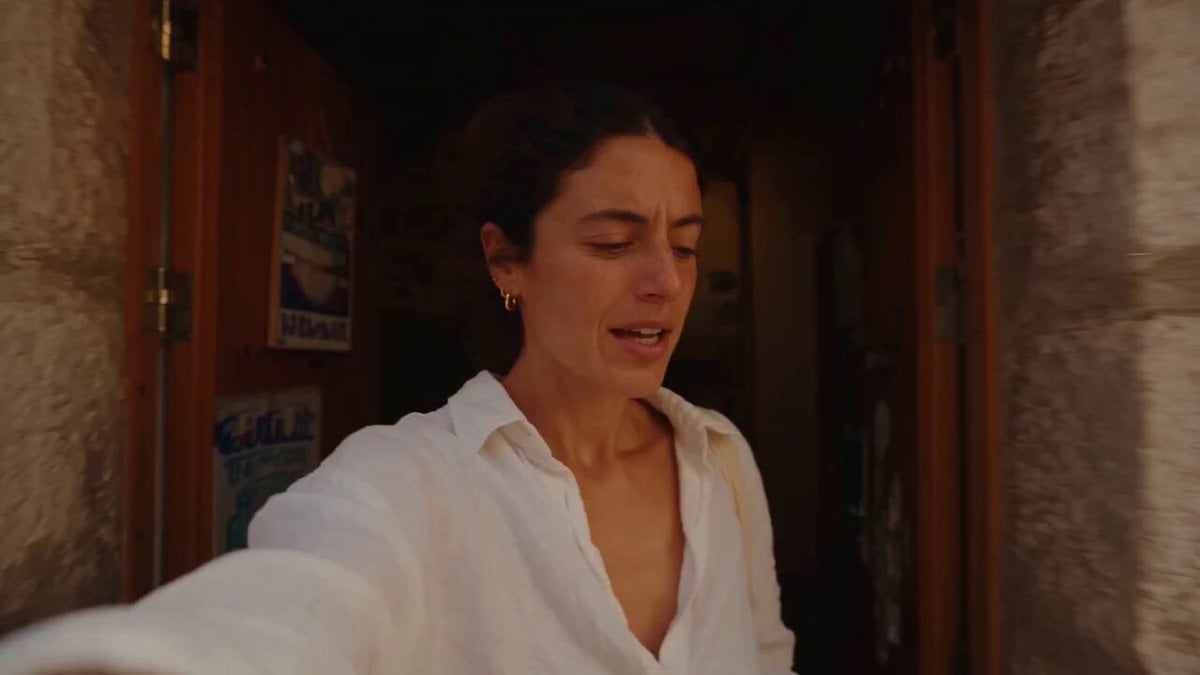
Mediterranean Coffee Run Vlog - Seedance 2.5
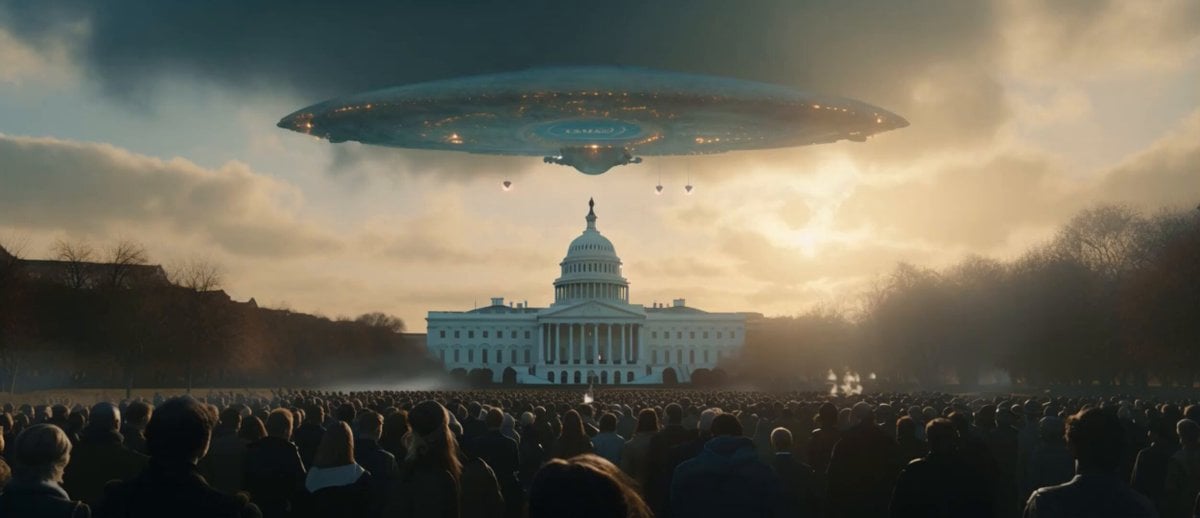
Sci-Fi Disaster Movie Scene - Seedance 2.5

Mysterious Home Exploration Vlog - Seedance 2.5
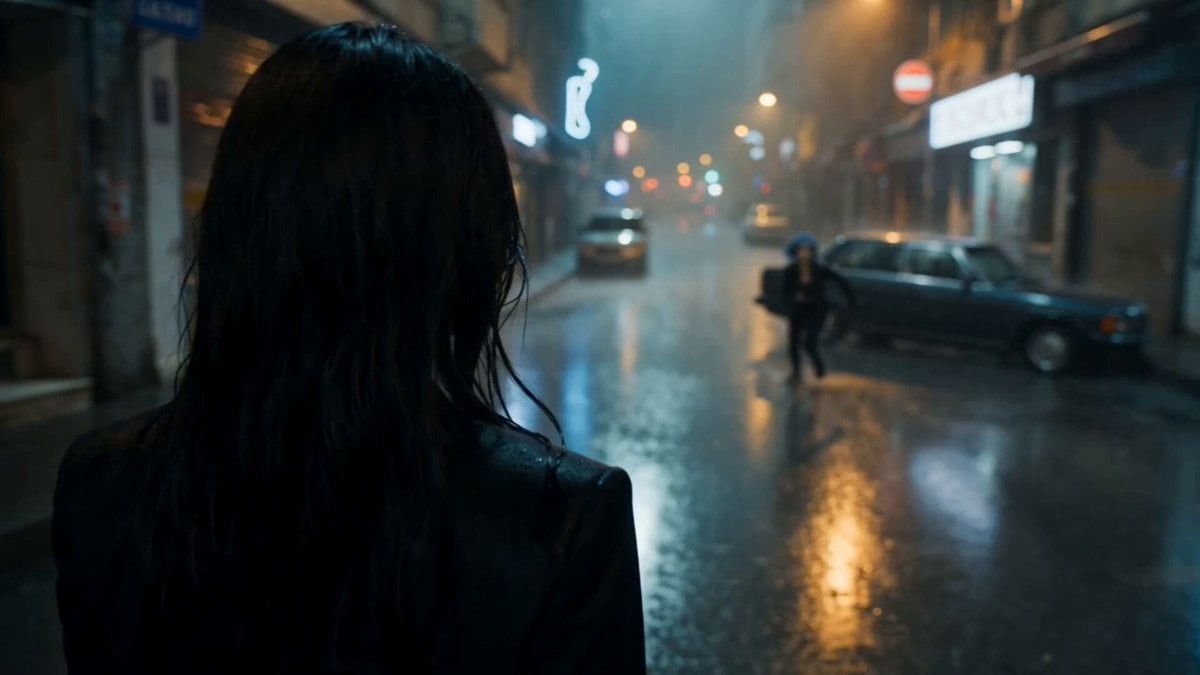
Cinematic Istanbul Night Fight - Seedance 2.5

Magical Room Transformation - Seedance 2.5

Dark Tokusatsu Transformation - Seedance 2.5
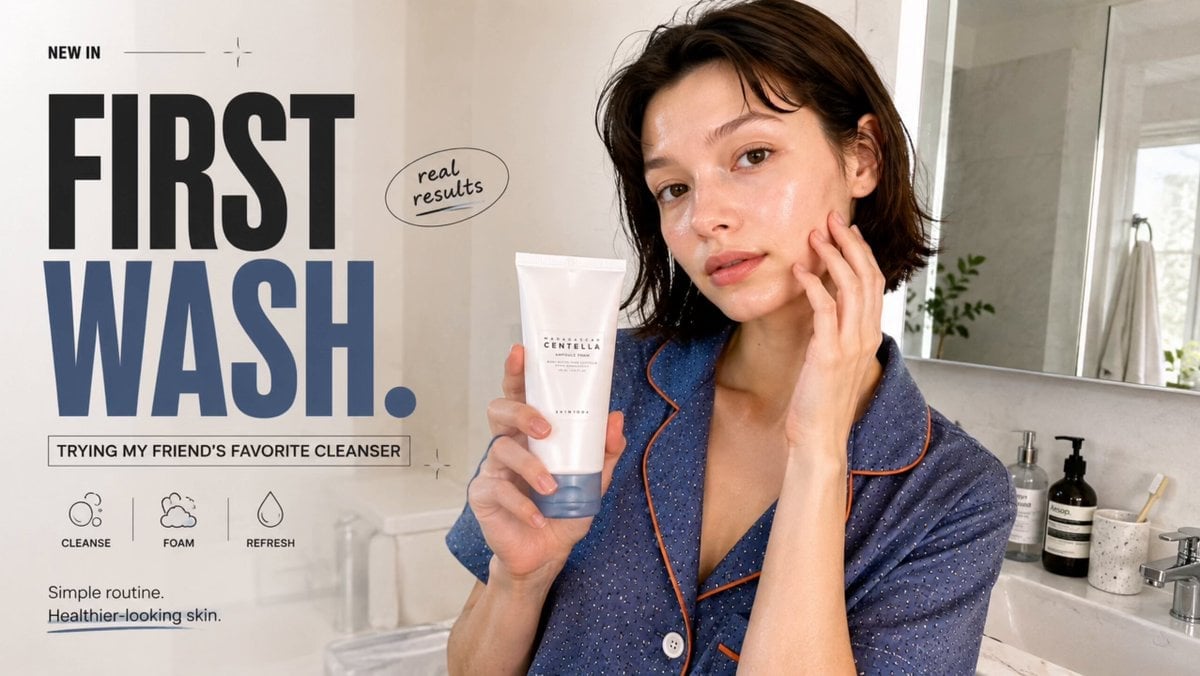
Realistic UGC Cleanser Review - Seedance 2.5
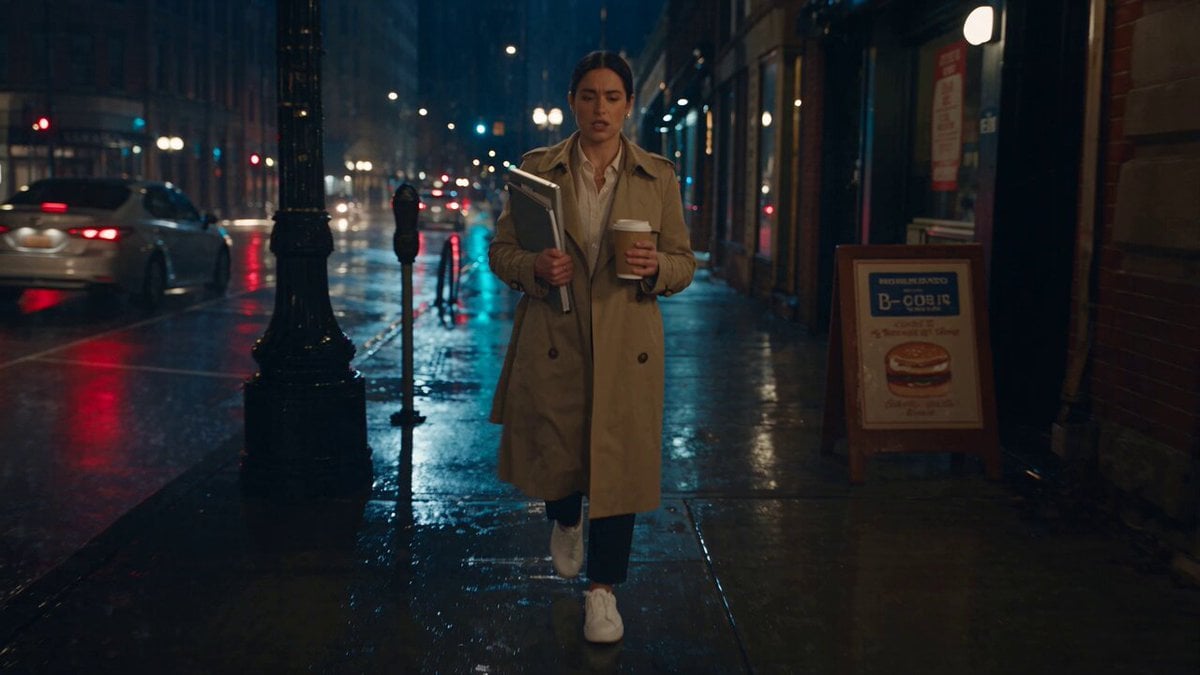
Viking in Modern America Comedy - Seedance 2.5
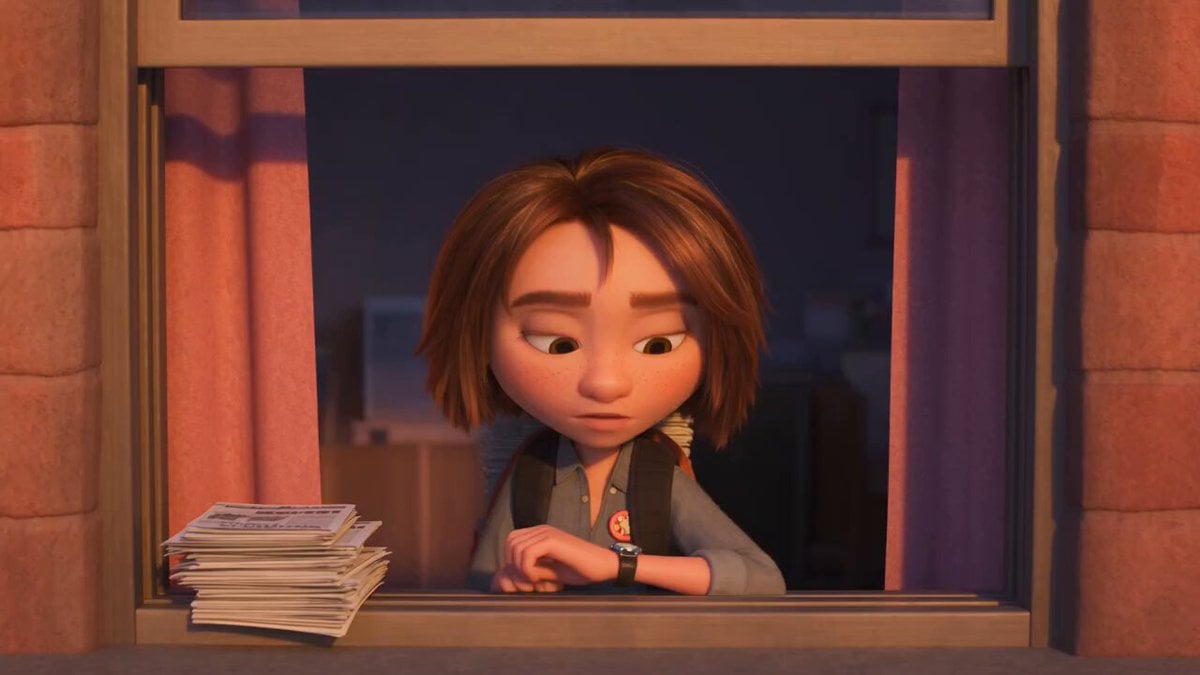
3D Animated Newspaper Delivery Short - Seedance 2.5
More video prompts
Fresh picks from across the catalog.
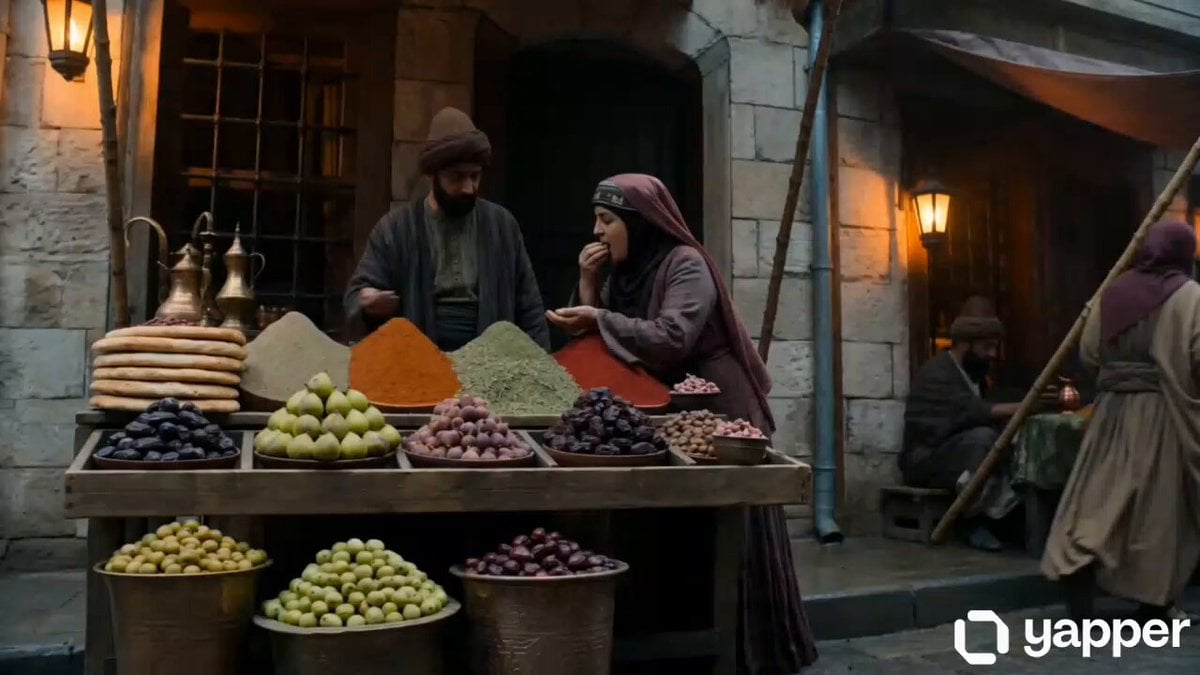
16th Century Istanbul Market Street Sequence
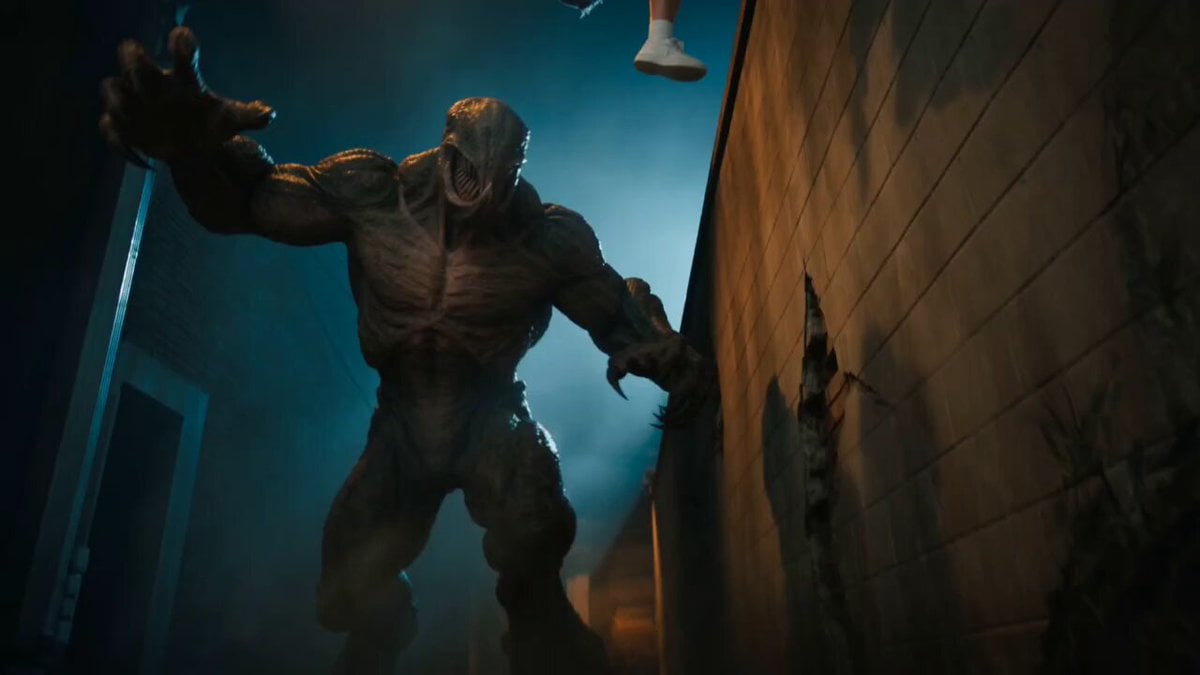
Horror Cinematic Monster Strike
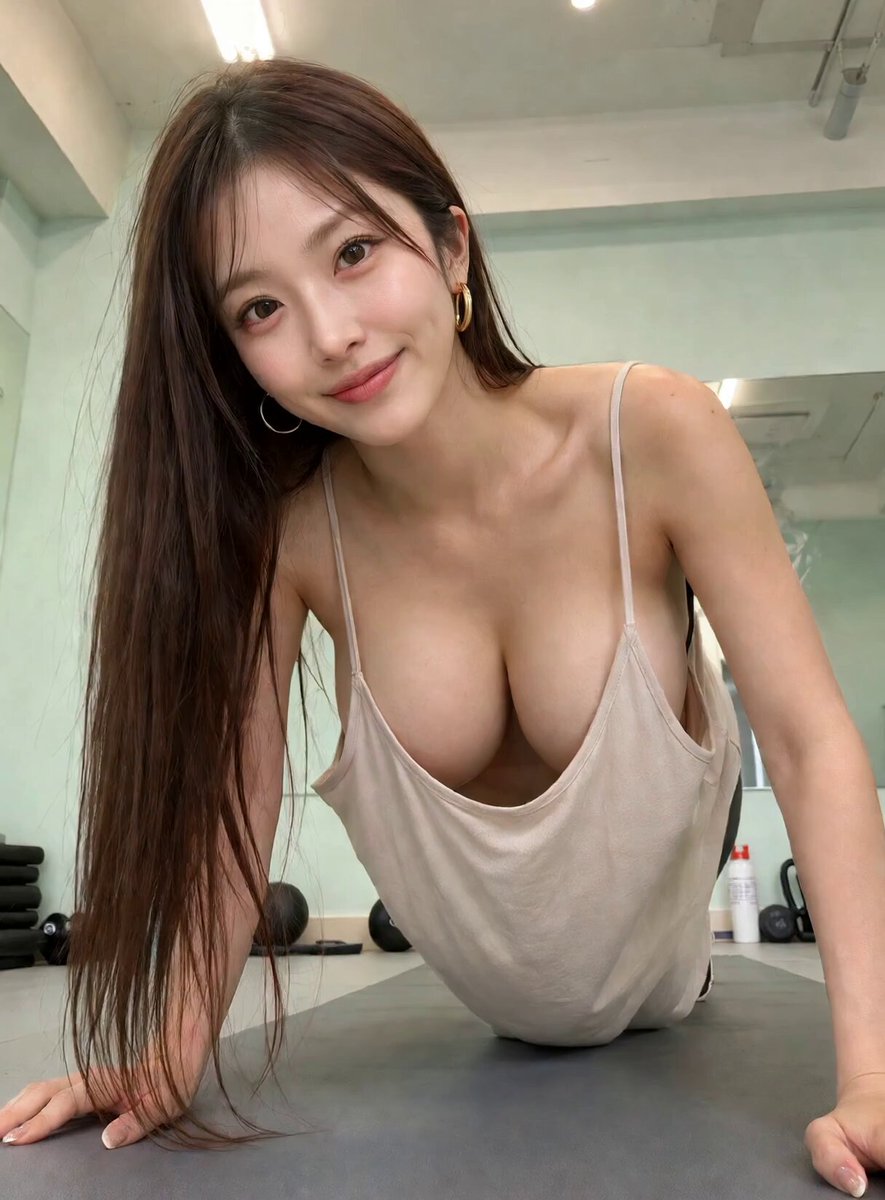
Chinese Woman Gym Pushups Prompt
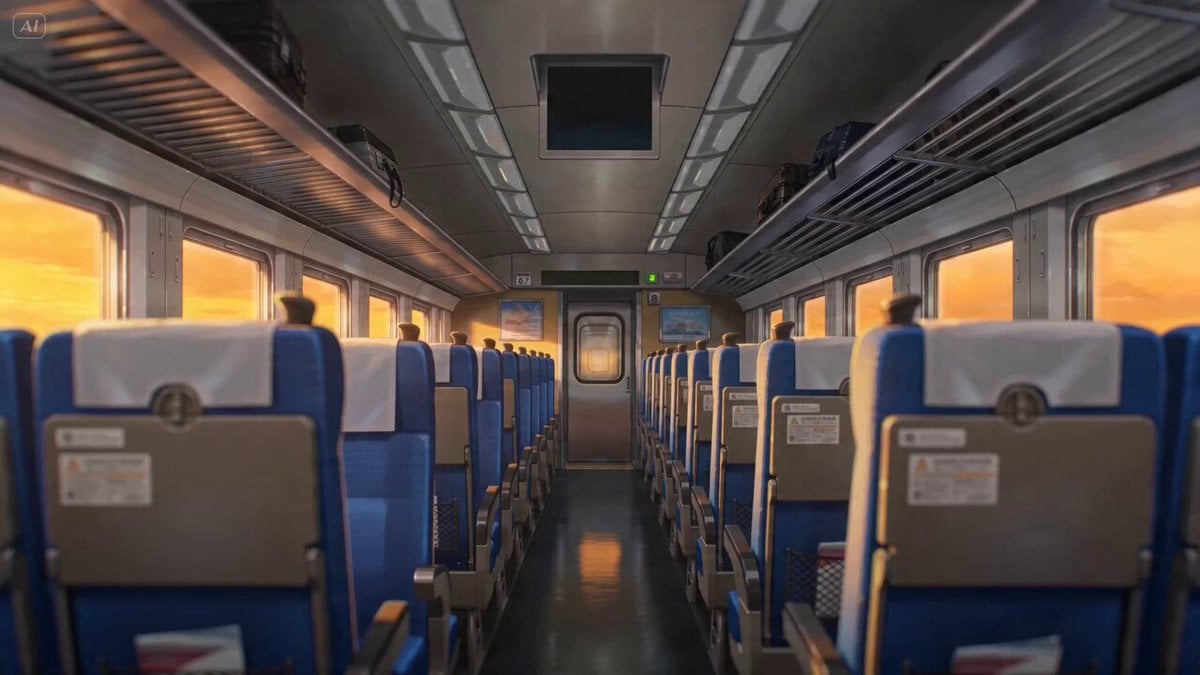
Anime Lofi Train Ride Prompt
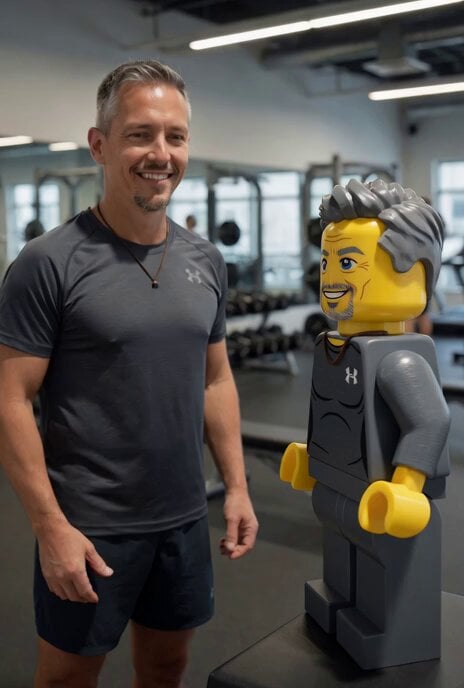
Lego Character Self-Animation
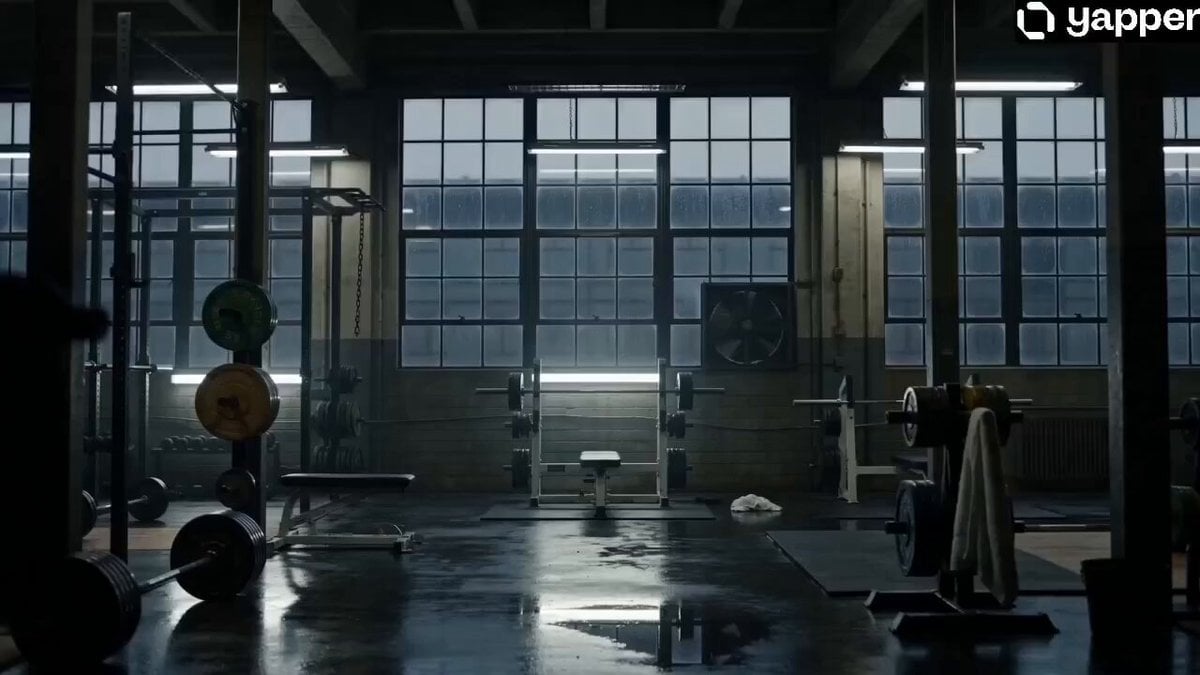
Monster Energy Industrial Commercial
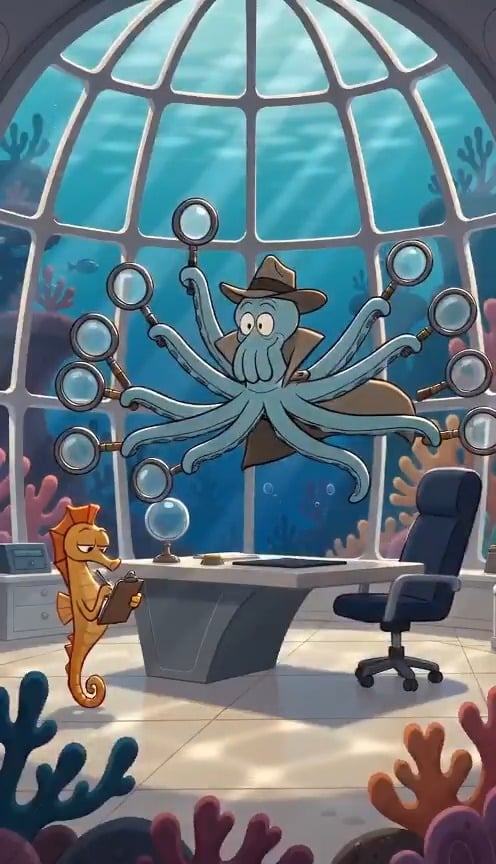
French Comic Octopus Detective Mystery
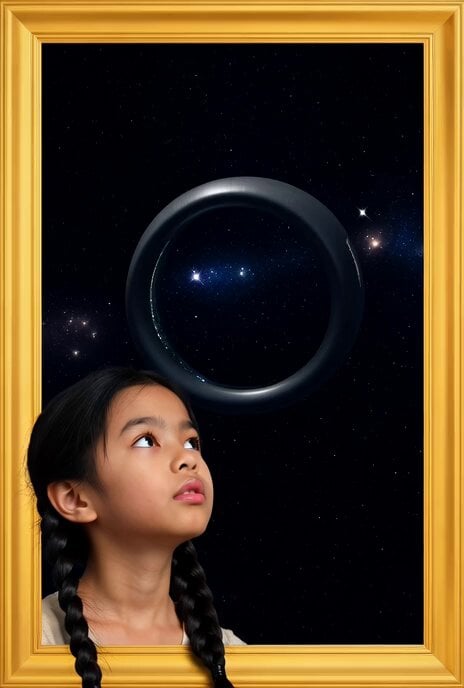
Golden Frame with Girl and Torus Space Settlement
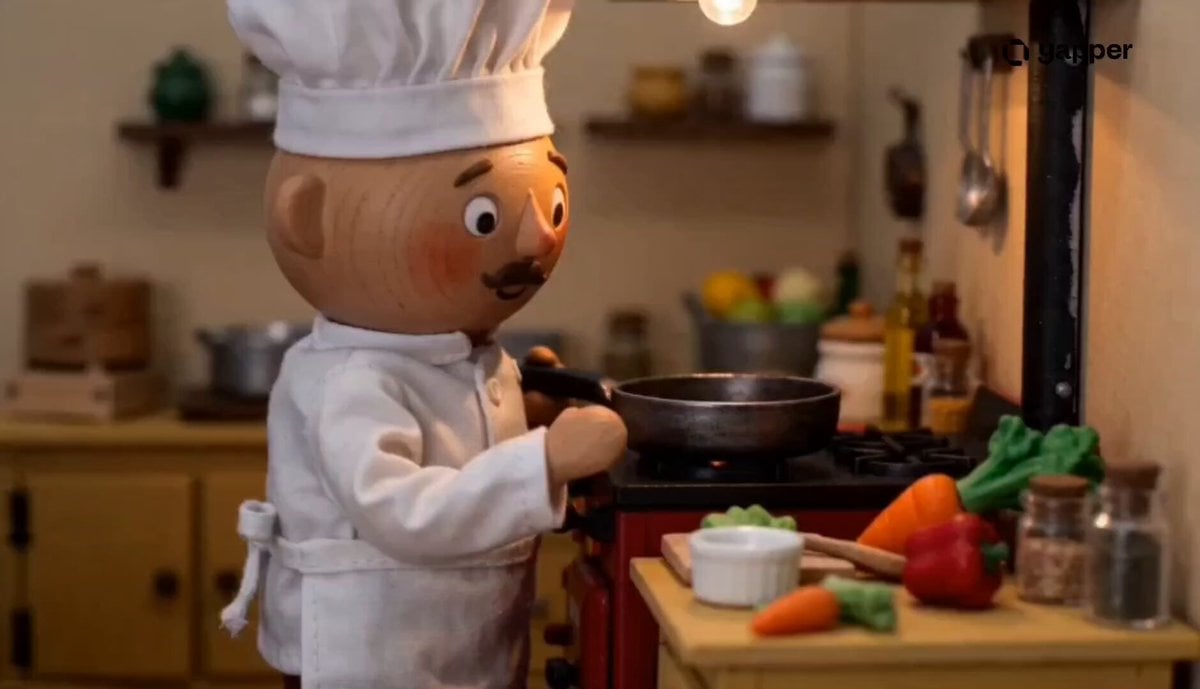
Claymation Miniature Chef Prompt
Cinematic Morning Food Commercial
Browse template categories
Medieval Duel Style Transfer questions
How do I use the Medieval Duel Style Transfer template?
Add your photo if the template asks for one, edit the prompt if you like — the template's model and format are already selected — and press Generate. Your version opens in PicX Studio.
Can I customize the Medieval Duel Style Transfer template?
Yes. You can change the subject, setting, lighting, mood, format, and available model controls before creating your video.
Is the Medieval Duel Style Transfer template free?
Opening and editing this template is free. Generating uses credits, shown on the Generate button when you are signed in.
Which AI model should I use?
Start with Seedance 2.5, which is the model associated with this template. You can compare another compatible model for a different finish.
Looking for something else? Browse all templates.

Your photo, any look
Thousands of ready templates for every top image and video model, from one credit balance.