
Monster Energy Industrial Commercial
A cinematic, industrial-style beverage commercial prompt for Monster Energy, focusing on cold, atmospheric shots and psychological tension.
- Prompt included
- Model and format preset
- Free template
The prompt behind this video
Copy the exact prompt behind Monster Energy Industrial Commercial, or open it in the studio and make it yours.
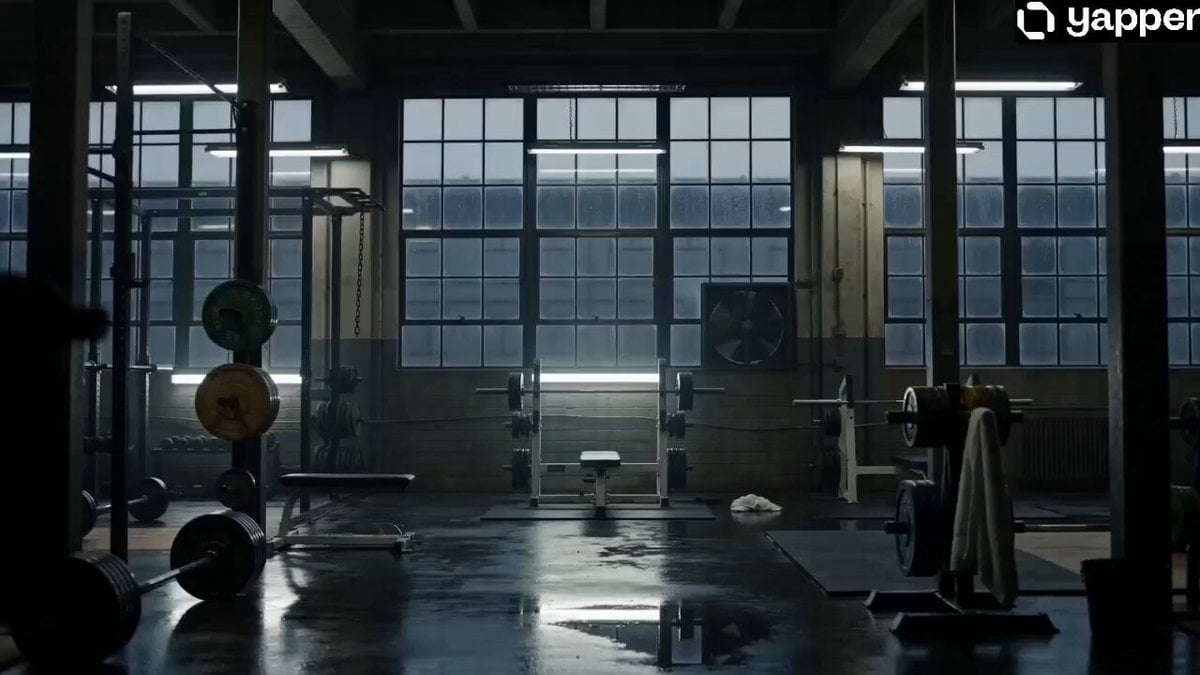
MONSTER ENERGY — “AFTER THE LIMIT” Vertical 9:16 cinematic commercial, 14–18 seconds. Visual style: luxury fragrance campaign mixed with psychological thriller realism and grounded industrial cinematography. Tone: restrained, cold, atmospheric, psychologically tense. No fast cuts, no workout montage, no influencer energy, no motivational tone. Everything should feel physically cold, exhausted, and ritualistic. Natural cinematic realism only. Organic grain, soft shadows, muted highlights, shallow depth of field, realistic lens imperfections, subtle camera drift. Color palette: desaturated blacks, cold grays, industrial whites, subtle green contamination in shadows. The green Monster Energy logo should be the ONLY saturated color in the film. SHOT 1 — EMPTY HOURS Wide cinematic shot of an industrial gym before sunrise. Empty atmosphere. Cold fluorescent ceiling lights buzz softly overhead with slight flickering. Rain streaks down massive dark windows outside. A loose metal chain sways subtly from weak ventilation airflow. A distant industrial fan rotates slowly with faint mechanical clicking. The gym feels repeatedly used: chalk dust near squat rack, worn grip tape on barbells, rust around steel bolts, abandoned towel blurred in background, mirrors reflecting fragmented darkness. Moist rubber flooring reflects faint fluorescent light. Camera slowly drifts almost imperceptibly. No music. Only fluorescent hum, rain ambience, distant thunder, ventilation noise, metallic building creaks, isolated water drip echoes. SHOT 2 — THE OBJECT Slow cinematic push-in toward a single Monster Energy can resting alone on a black workout bench beneath a dim fluorescent light. Everything remains muted except the bright green Monster claw logo. The fluorescent light subtly pulses every few seconds with low electrical hum. Macro realism: thick condensation droplets crawling down aluminum, tiny water pools beneath can, faint cold vapor drifting around surface, hyper-detailed metallic texture, green reflections bleeding softly onto bench material. Ultra shallow depth of field, natural lens breathing, slight chromatic aberration, soft focus falloff, organic sensor grain. The can should feel unnaturally cold compared to the room. SHOT 3 — PRESENCE A lone figure partially enters frame from darkness. Never fully reveal him. Only fragmented details: oversized rain-damp hoodie sleeve, veined exhausted hand, bruised knuckles, water droplets falling from fabric, gym bag softly hitting floor, distorted silhouette in mirror reflection. A fluorescent flicker briefly reveals part of his jaw before darkness swallows it again. His posture communicates repetition, exhaustion, and discipline repeated too many times. Camera remains emotionally detached and distant. SHOT 4 — ANTICIPATION Extreme macro close-up of the Monster can. Condensation droplets crawl slowly across aluminum in hyper-detail. Tiny ice crackling sounds emerge
How to use Monster Energy Industrial Commercial in 3 steps
- 1
Open
The prompt is already in the box next to the preview, with the template's model and format selected.
- 2…a portrait of your subject in softgolden-hour light, 85mm…
Personalize
Edit the subject and creative details for your destination.
- 3Generate
Generate
Press Generate — your video is created in PicX Studio, so you can compare it with the original and refine one variable at a time.
More like this
Templates with the same subject, style or setup. Open one to see its prompt.
Energy Bow Jungle Edit

Fruit Cookie Commercial

Silk Road Pomegranate Folk Animation

Mechanical Flower Bloom Brand Film

Crystal Ball Match-Cut Brand Film

Sneaker Product Commercial

Skincare Product Commercial 3

Cinematic Portrait Study 3

Product UGC Commercial

Cinematic Portrait Study
Skincare Product Commercial
Vibrant Purple Gluco Energy Biscuit Commercial
Make it yours
Monster Energy Industrial Commercial works as-is. These are the safest ways to change it without losing the look.
Change one field
Copy a single group, rewrite it, and generate again so you can see what that field is doing.
Keep the frame, change the subject
Hold the composition and light of Monster Energy Industrial Commercial, then swap wardrobe, props or the person for a new take.
| If the result… | Why | Fix |
|---|---|---|
| The result drifts from the preview | Too many fields changed at once. | Reuse Monster Energy Industrial Commercial as-is first, then change one group — subject, light, or setting. |
| The model over-stylizes the scene | The prose prompt leaves finish and camera underspecified. | Add one camera or lighting sentence and stay on Seedance 2.0. |
More Seedance 2.0 templates
Other prompts made for Seedance 2.0.

Comical Martial Arts Punch Scene

Maglev Train Action Sequence

Martial Arts Fight Sequence

Wuxia Protection and Trust Script

Vintage Korean Arcade MiniDV Vlog

Mercedes 190 SL Luxury Ad

Rainy Night Supernatural Reverse Comedy Video Script

Amazon Civilization Discovery

Futuristic South Asian City Transformation

Cozy Luxury Cafe Commercial
More video prompts
Fresh picks from across the catalog.
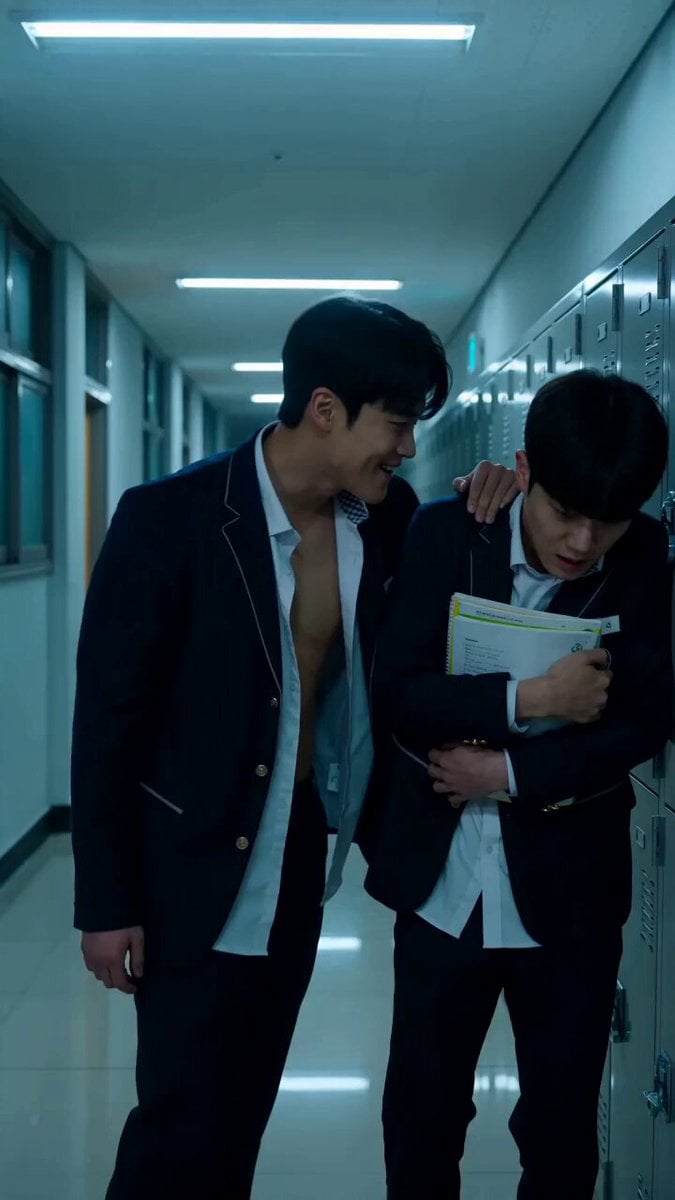
Korean school revenge drama cinematic prompt
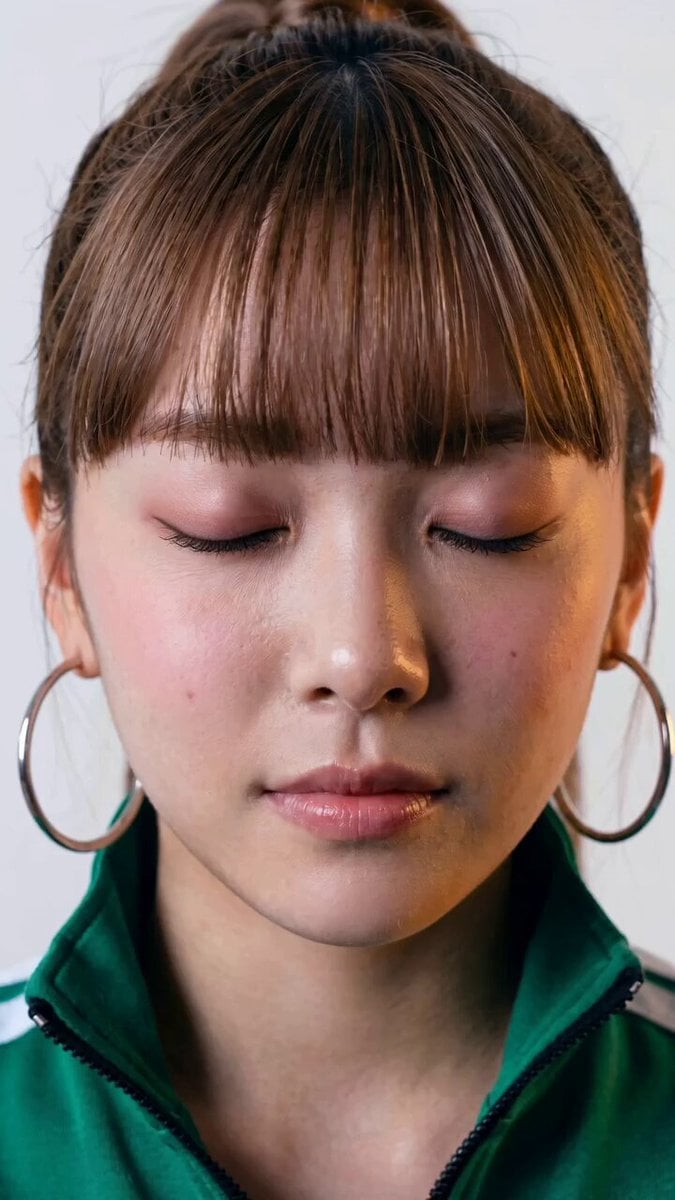
Seedance 2.0 Facial Expression Control
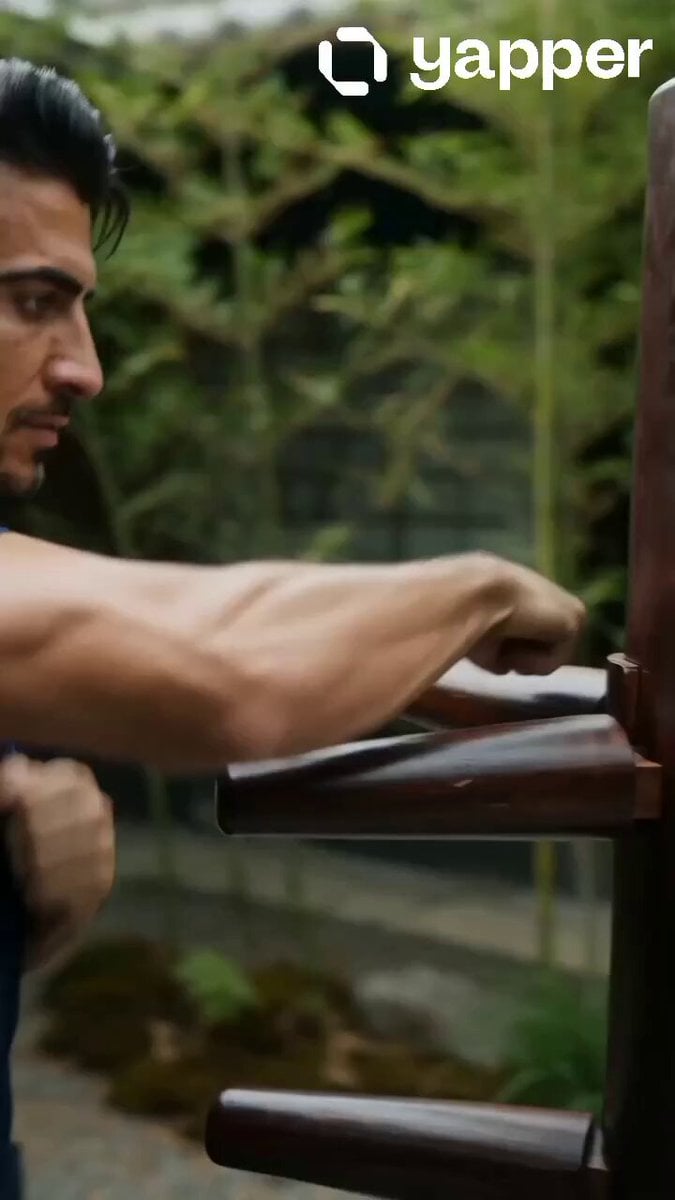
Realistic Wing Chun Training Sequence
Runner with BE 2060 i inscription passing through sequential doors video prompt
Futuristic Yacht Hull Close-up
Cinematic Action Scene: Mega Crocodile vs Bus
Cyberpunk Ninja Battle Video Prompt
Male Street Dancer Studio Shot
Actor Drinking and Giving Review
Cinematic Skincare Beauty Vlog
Browse template categories
Monster Energy Industrial Commercial questions
How do I use the Monster Energy Industrial Commercial template?
Add your photo if the template asks for one, edit the prompt if you like — the template's model and format are already selected — and press Generate. Your version opens in PicX Studio.
Can I customize the Monster Energy Industrial Commercial template?
Yes. You can change the subject, setting, lighting, mood, format, and available model controls before creating your video.
Is the Monster Energy Industrial Commercial template free?
Opening and editing this template is free. Generating uses credits, shown on the Generate button when you are signed in.
Which AI model should I use?
Start with Seedance 2.0, which is the model associated with this template. You can compare another compatible model for a different finish.
Looking for something else? Browse all templates.

Your photo, any look
Thousands of ready templates for every top image and video model, from one credit balance.