
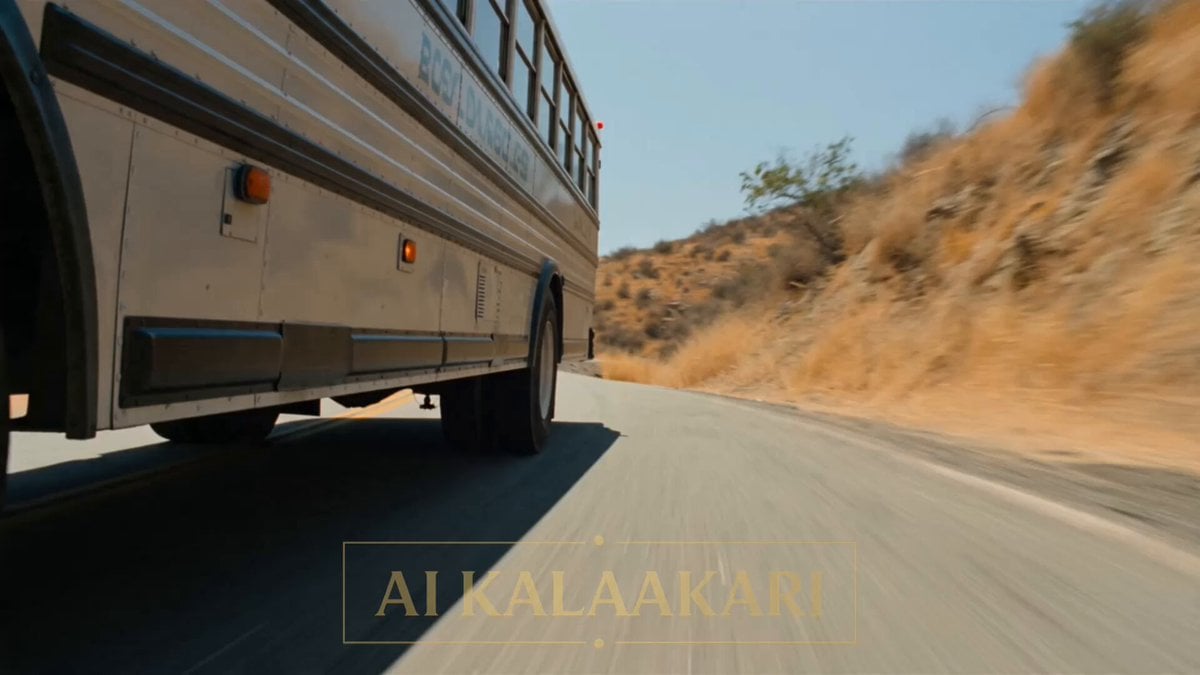
Cinematic Action Scene: Mega Crocodile vs Bus
A multi-shot cinematic storyboard prompt for Seedance 2.0 featuring a giant crocodile attacking a bus, complete with character actions and sound design cues.
- Prompt included
- Model and format preset
- Free template
The prompt behind this video
Copy the exact prompt behind Cinematic Action Scene: Mega Crocodile vs Bus, or open it in the studio and make it yours.
A road in the daytime. A regular bus is driving with people inside. A big crocodile bites the back of the bus. On a hill nearby, a soldier holds a big gun. Sounds: loud bus engine, people yelling, crocodile growling. Shot 1 (0–3s) — THE HOOK: The big crocodile bites the back of the bus. The bus shakes hard. People inside scream. The driver shouts on his radio: "IT'S BITING THE BUS!" Shot 2 (3–6s): On the hill, the soldier holds his big gun ready. He watches close but does not shoot yet. The bus is too close to the crocodile. He says: "Turn now! Get away!" Shot 3 (6–9s): The bus driver turns the wheel fast. The bus gets away from the crocodile's mouth. The big crocodile runs onto the open road all by itself, chasing behind. Shot 4 (9–13s) — BIG SLOW MOMENT: The crocodile is alone in the open road now. The soldier on the hill shoots his big gun. We see it slow. Smoke comes out. The shot flies fast down the road at the crocodile. Shot 5 (13–15s): Everything goes back to normal speed. BOOM! Big fire goes up where the crocodile was. The bus is safe and drives away. People inside look back, happy and safe. Smoke goes up in the sky. Cut.
How to use Cinematic Action Scene: Mega Crocodile vs Bus in 3 steps
- 1
Open
The prompt is already in the box next to the preview, with the template's model and format selected.
- 2…a portrait of your subject in softgolden-hour light, 85mm…
Personalize
Edit the subject and creative details for your destination.
- 3Generate
Generate
Press Generate — your video is created in PicX Studio, so you can compare it with the original and refine one variable at a time.
More like this
Templates with the same subject, style or setup. Open one to see its prompt.
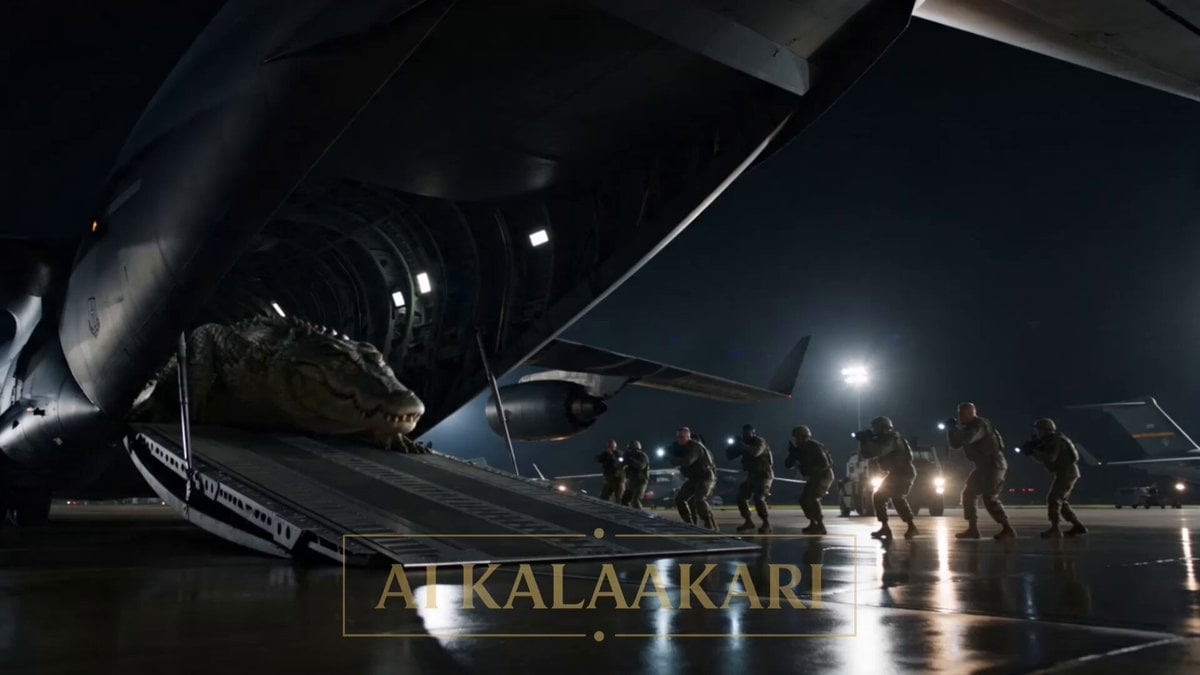
Mega Crocodile Cargo Plane Action

Crocodile Ambush Action Sequence
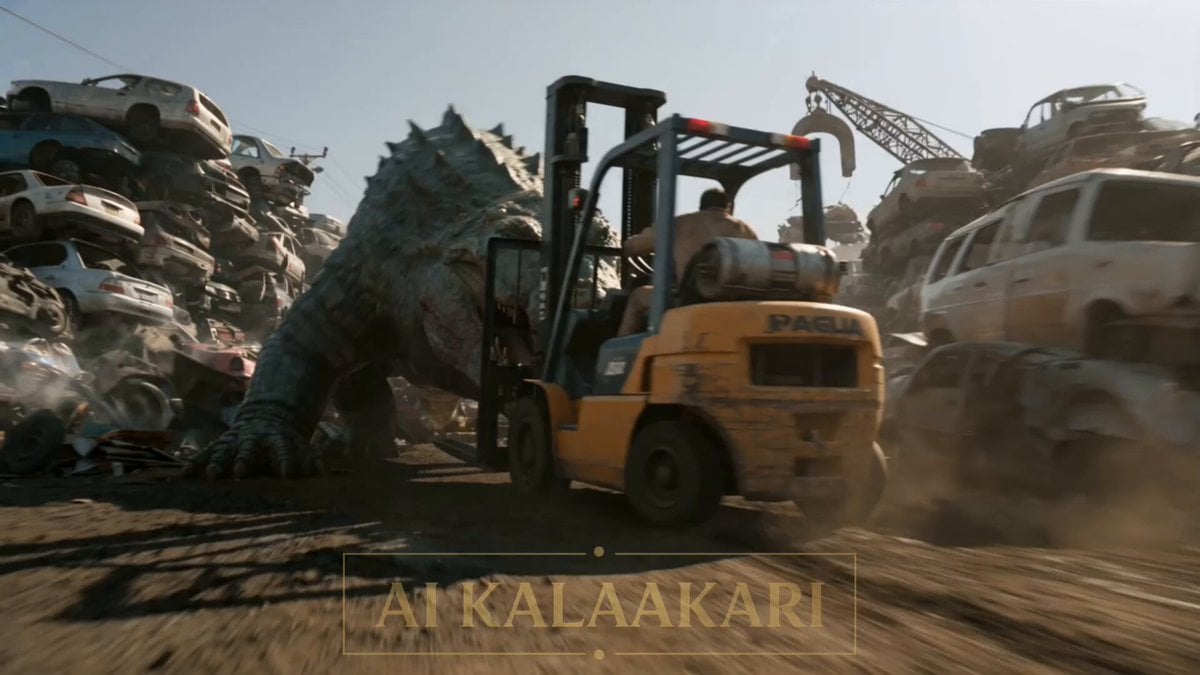
Scrapyard Mega Crocodile Ambush
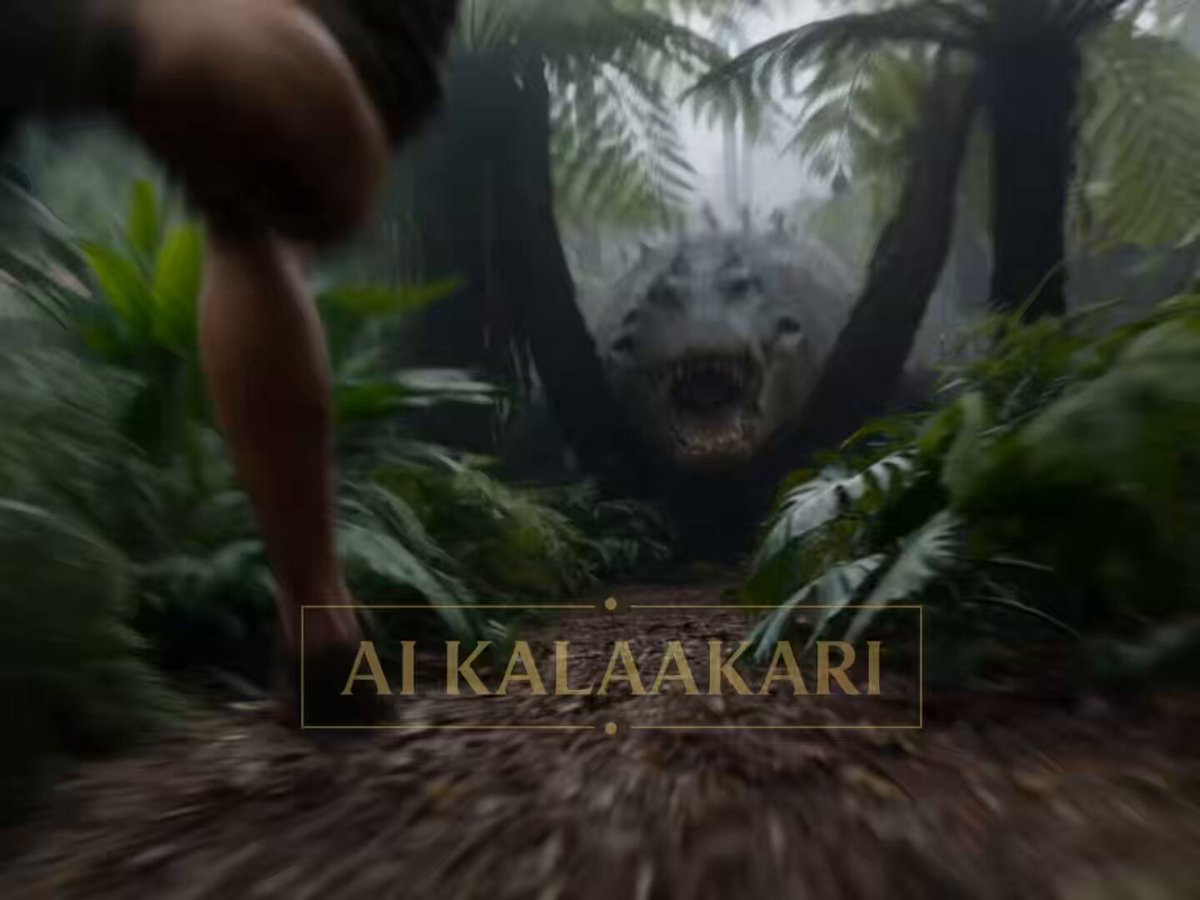
Mega Crocodile vs Carnivorous Flower Pit
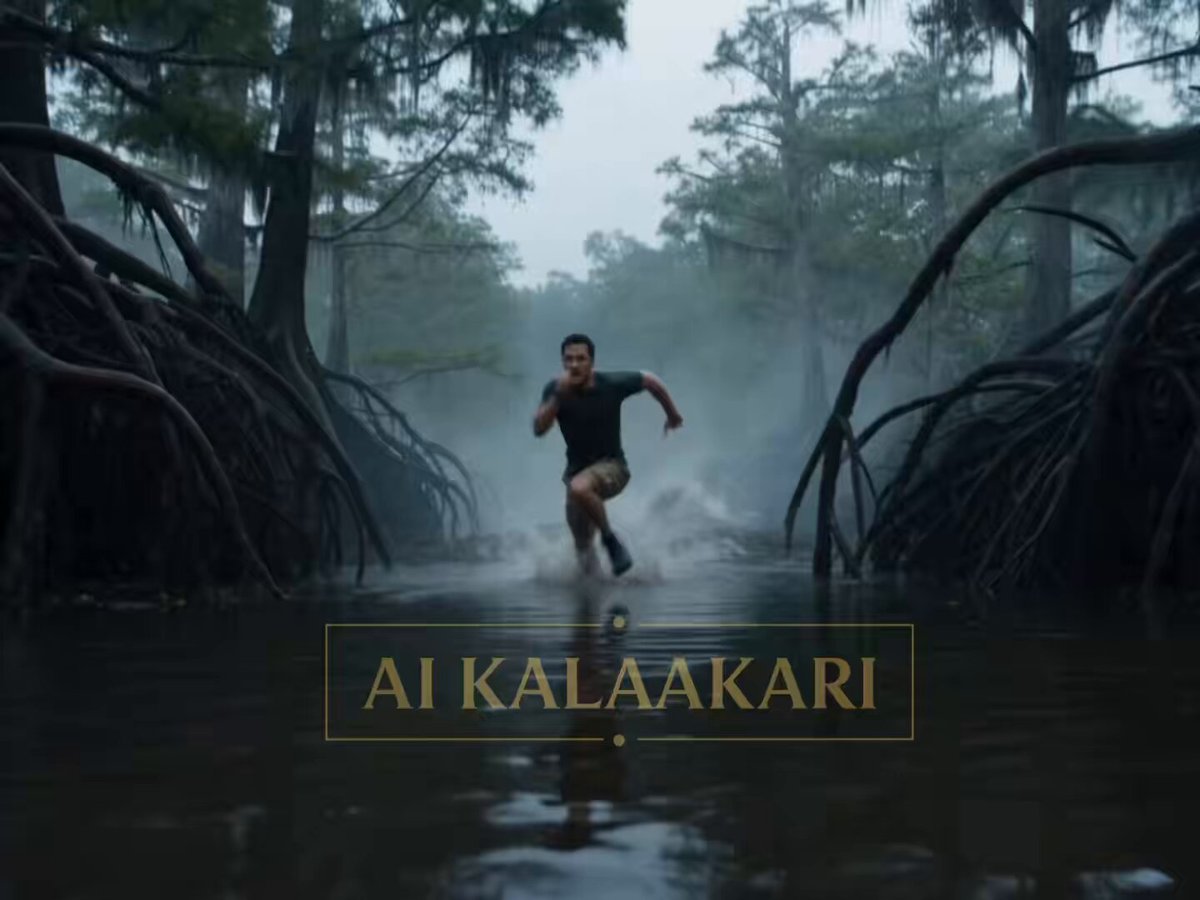
Mega Crocodile Swamp Spider Chase
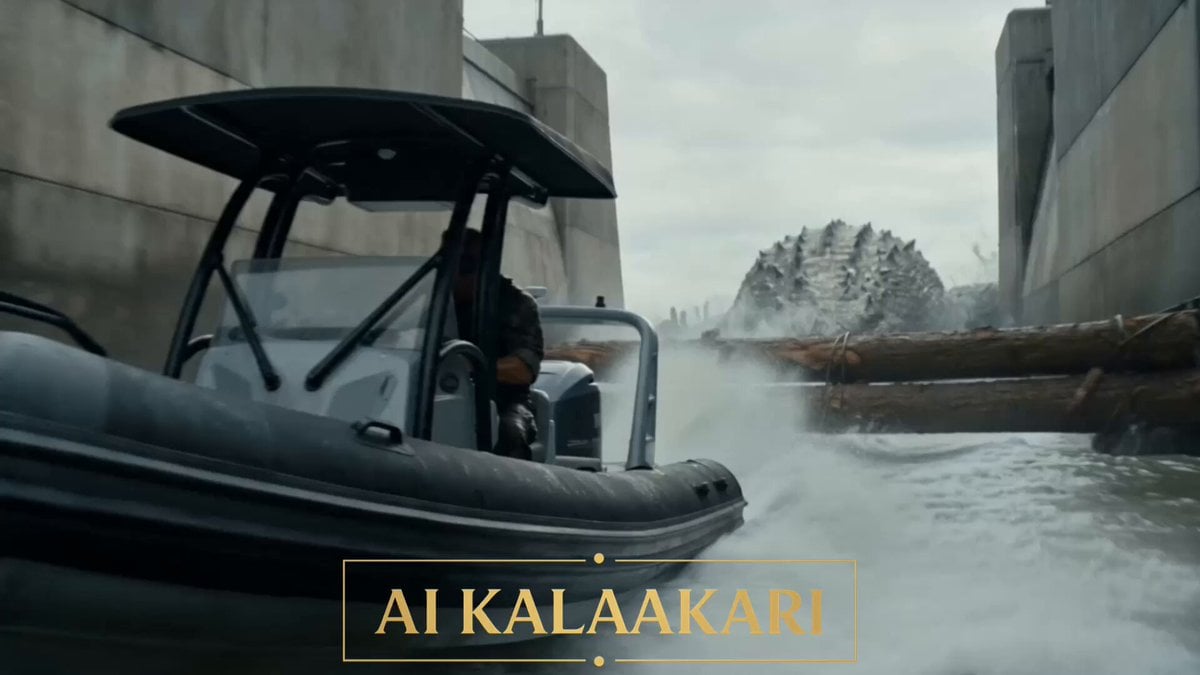
Mega Crocodile vs Dam Military Operation

Walking Factory with Rebel on Hoverbike - Wasteland
Thornmaw Monarch — Crimson Glass Desert Beast
Warhorse Sprint on Cliff Aqueduct
Parametric Fight Scenes Seedance

Nano Banana Seedance Time Control Streets
Colossal Sea Creature — Stormy Shore Charge (Seedance)
Make it yours
Cinematic Action Scene: Mega Crocodile vs Bus works as-is. These are the safest ways to change it without losing the look.
Change one field
Copy a single group, rewrite it, and generate again so you can see what that field is doing.
Keep the frame, change the subject
Hold the composition and light of Cinematic Action Scene: Mega Crocodile vs Bus, then swap wardrobe, props or the person for a new take.
| If the result… | Why | Fix |
|---|---|---|
| The result drifts from the preview | Too many fields changed at once. | Reuse Cinematic Action Scene: Mega Crocodile vs Bus as-is first, then change one group — subject, light, or setting. |
| The model over-stylizes the scene | The prose prompt leaves finish and camera underspecified. | Add one camera or lighting sentence and stay on Seedance 2.0. |
More Seedance 2.0 templates
Other prompts made for Seedance 2.0.

Comical Martial Arts Punch Scene

Maglev Train Action Sequence

Martial Arts Fight Sequence

Wuxia Protection and Trust Script

Vintage Korean Arcade MiniDV Vlog

Mercedes 190 SL Luxury Ad

Rainy Night Supernatural Reverse Comedy Video Script

Amazon Civilization Discovery

Futuristic South Asian City Transformation

Cozy Luxury Cafe Commercial
More video prompts
Fresh picks from across the catalog.
Bullet time selfie video template
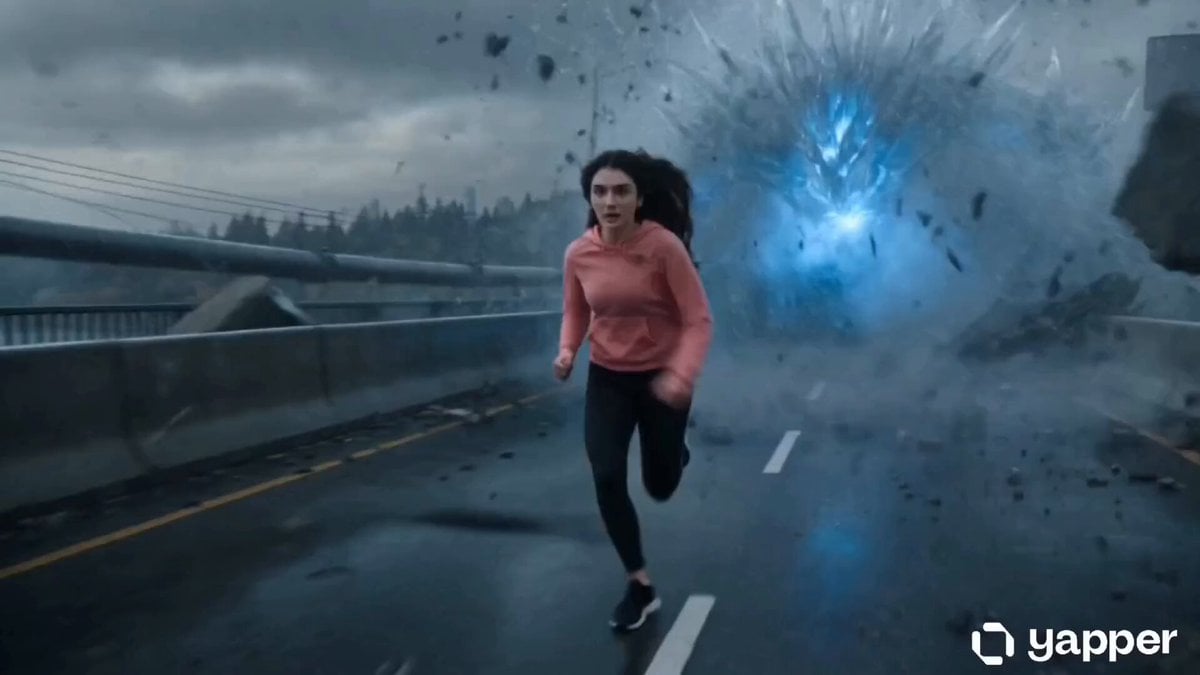
Action Thriller Leviathan Chase
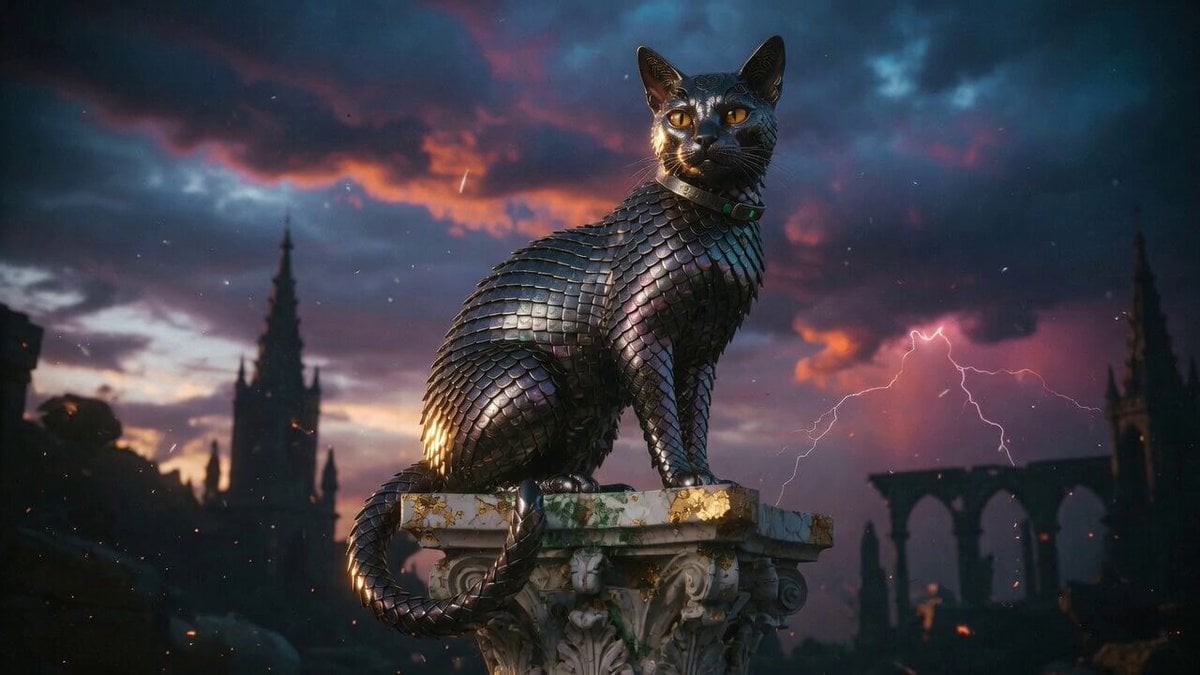
Metallic Scale Cat Prompt

Clay Model Conversation Sequence
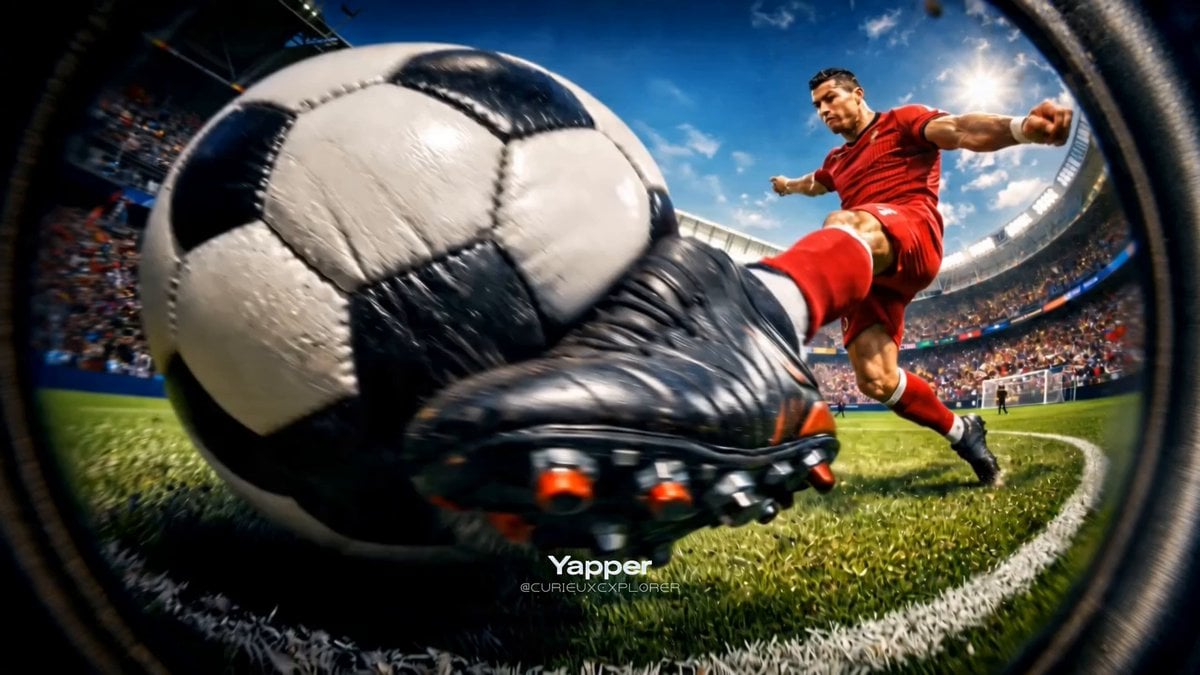
Hyper-Realistic Football Strike Sequence

Dialogue Scene in a Van
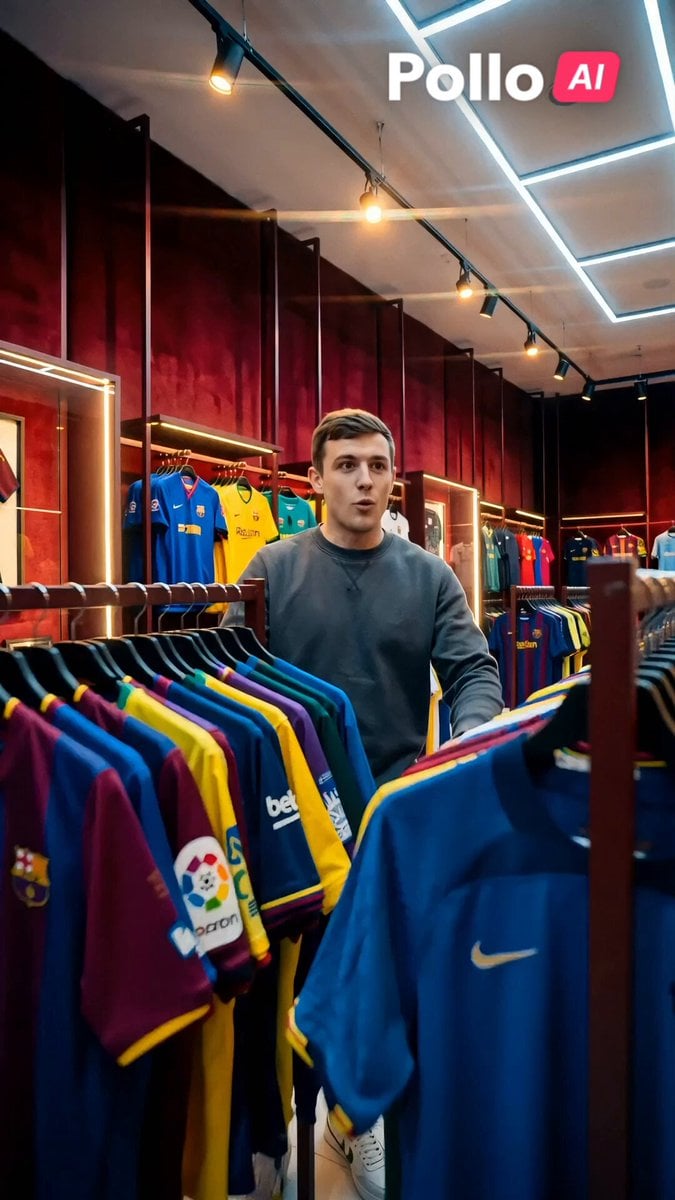
World Cup 2026 Fan Experience
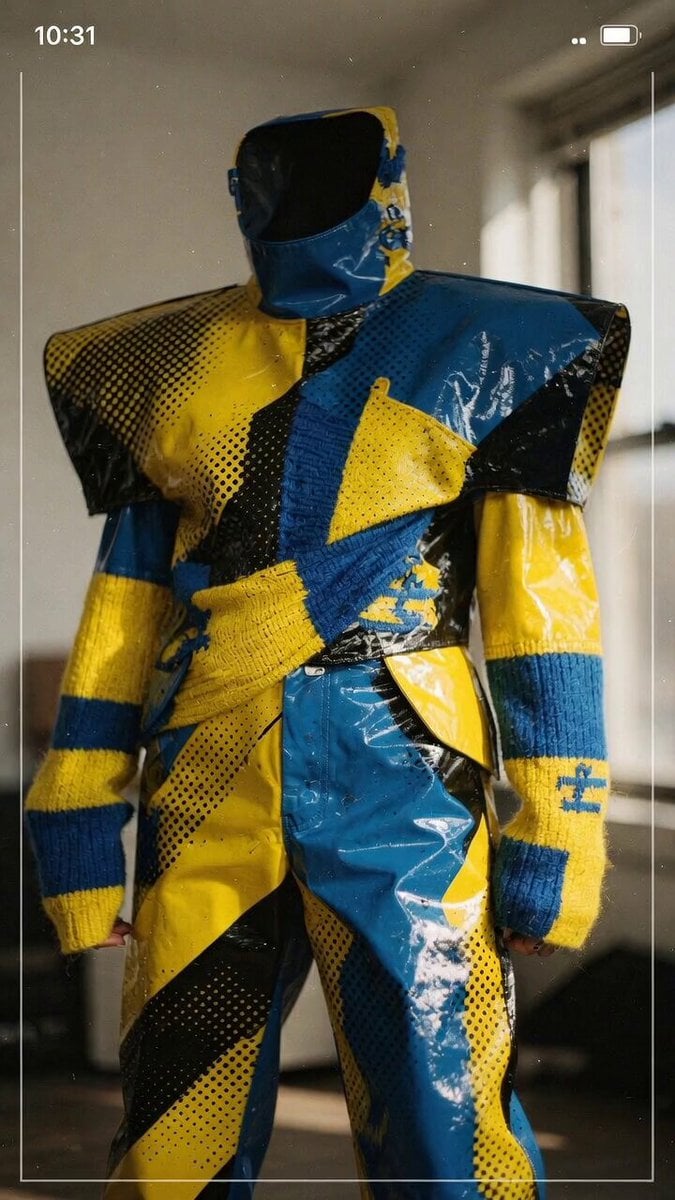
Abstract High Fashion Photo Prompt
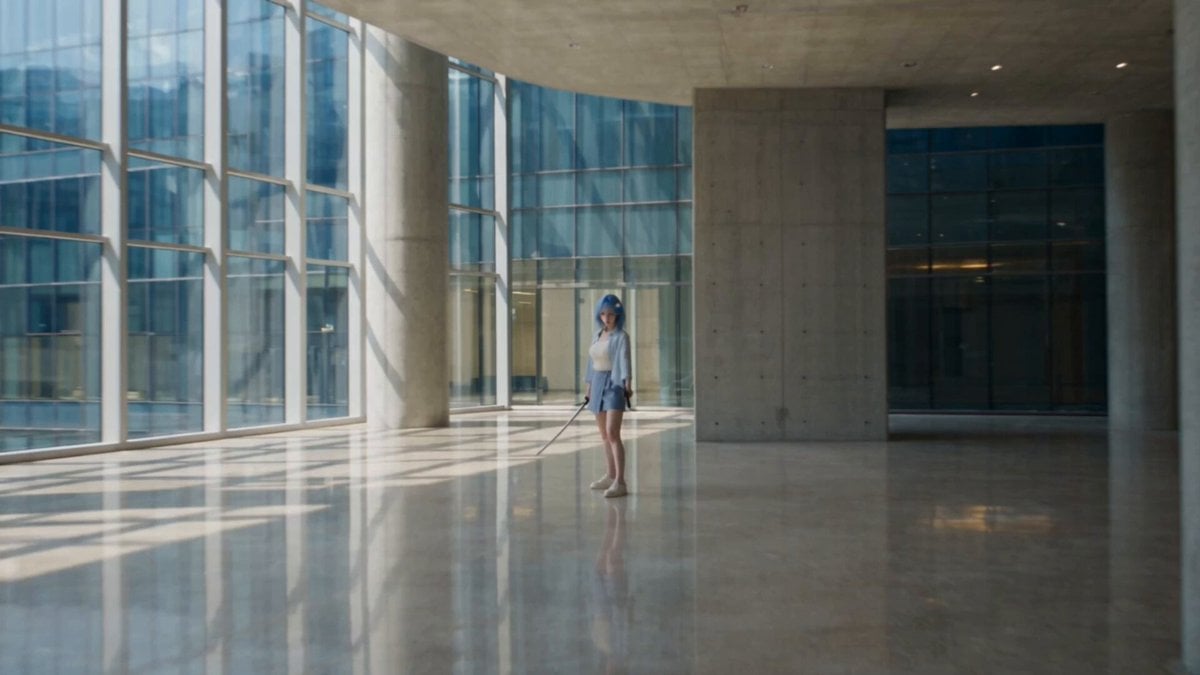
Modern Ninja Skyscraper Lobby Combat
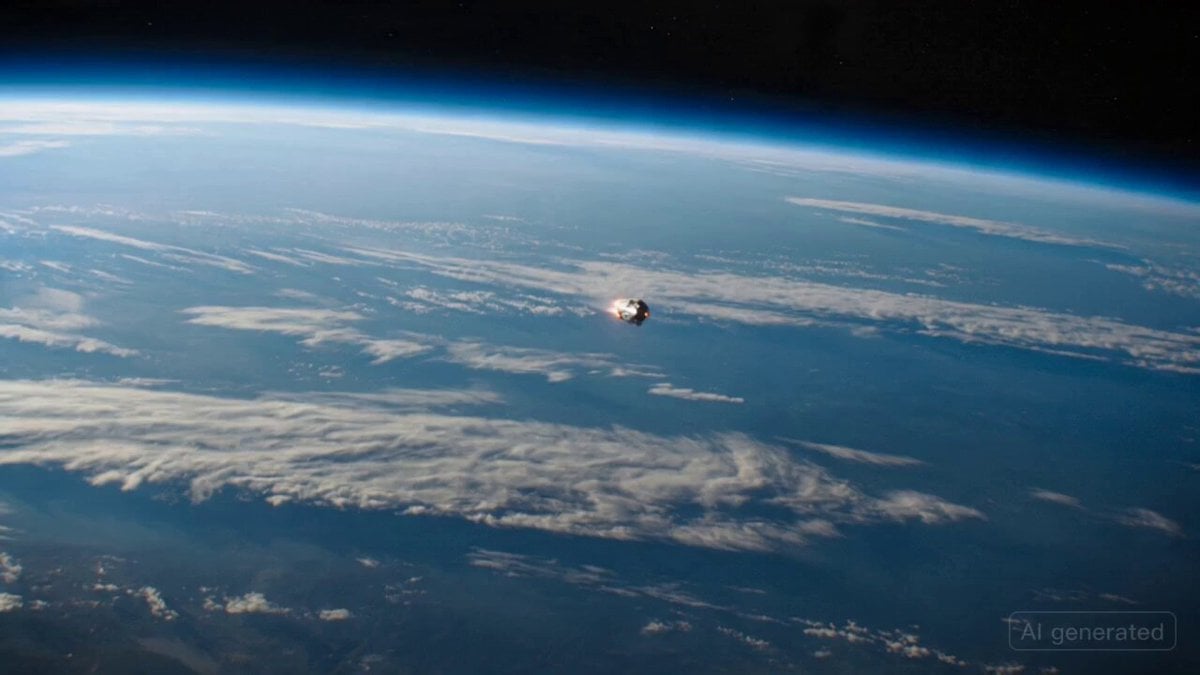
Exploded View Spaceship Video Prompt
Browse template categories
Cinematic Action Scene: Mega Crocodile vs Bus questions
How do I use the Cinematic Action Scene: Mega Crocodile vs Bus template?
Add your photo if the template asks for one, edit the prompt if you like — the template's model and format are already selected — and press Generate. Your version opens in PicX Studio.
Can I customize the Cinematic Action Scene: Mega Crocodile vs Bus template?
Yes. You can change the subject, setting, lighting, mood, format, and available model controls before creating your video.
Is the Cinematic Action Scene: Mega Crocodile vs Bus template free?
Opening and editing this template is free. Generating uses credits, shown on the Generate button when you are signed in.
Which AI model should I use?
Start with Seedance 2.0, which is the model associated with this template. You can compare another compatible model for a different finish.
Looking for something else? Browse all templates.

Your photo, any look
Thousands of ready templates for every top image and video model, from one credit balance.