
World Cup 2026 Fan Experience
A detailed cinematic video storyboard for a World Cup commercial featuring dynamic scenes of football merchandise, celebratory stadium moments, and product integration.
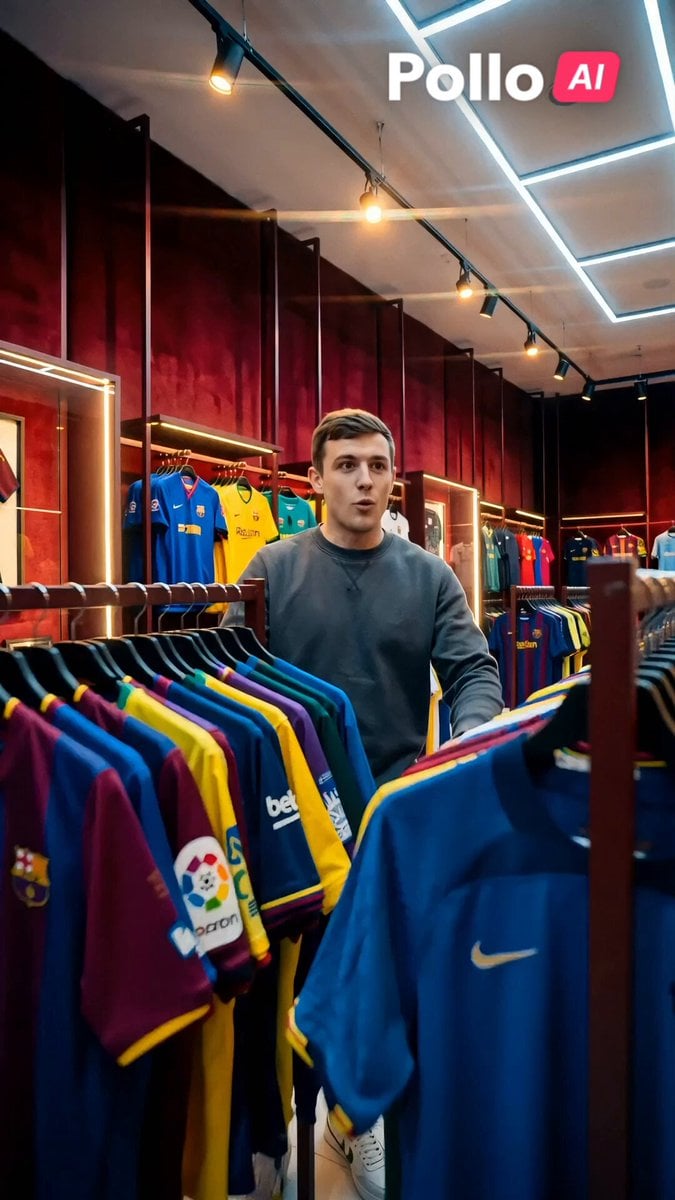
- Prompt included
- Model and format preset
- Premium template
The prompt behind this video
Copy the exact prompt behind World Cup 2026 Fan Experience, or open it in the studio and make it yours.
Scene 1 (0-3s): Quick cut — excited young man (athletic build) browsing football jerseys in a vibrant merchandise store. Scene 2 (3-6s): Close-up: He picks up a red and white Arsenal jersey, holds it up smiling. Dialogue: "This one feels perfect." Scene 3 (6-9s): Fast cut — he tries on the Arsenal jersey in front of the mirror, adjusting it confidently. Scene 4 (9-13s): He pays at the counter, then eats lays. Instant confident glow. Quick zoom on glowing bottle. Dialogue: "Now ready for the big match." Scene 5 (13-20s): Rapid montage cuts: him rushing out of the store, arriving at the stadium, entering luxurious VIP box at night. Scene 6 (20-27s): Dynamic cuts: tracking shot to the box edge overlooking the pitch, whip pan to epic slow-motion goal celebration, fireworks and confetti exploding. Crowd cheers intensify. Scene 7 (27-35s): Climax — he smiles with champion energy, raising arms in celebration. Camera circles for satisfying close-up of lays under stadium lights with wild crowd behind. Ultra realistic cinematic style, film grain, anamorphic flares, sharp 4K, vertical 9:16. Triumphant, luxurious, empowering mood. Bold red velvet color grading, vibrant greens & golds. packaging 100% accurate from reference image. Natural lip sync, snappy energetic cuts. No text overlays.
How to use World Cup 2026 Fan Experience in 3 steps
- 1Upload ImagePNG, JPG or paste
Add your photo
Upload the photo the template builds on. The prompt, model and format are already set.
- 2…a portrait of your subject in softgolden-hour light, 85mm…
Personalize
Edit the subject and creative details for your destination.
- 3Generate
Generate
Press Generate — your video is created in PicX Studio, so you can compare it with the original and refine one variable at a time.
More like this
Templates with the same subject, style or setup. Open one to see its prompt.

World Cup Football Fan Meme
Italian World Cup Reaction
Anime Style World Cup Football Climax
World Cup Final Emotional Drama

Real-World Fantasy Ninja Battle Prompt
World Cup Final Travel Vlog
FIFA World Cup Broadcast Goal
Futuristic World Cup Final Action
Lays World Cup 2026 Commercial
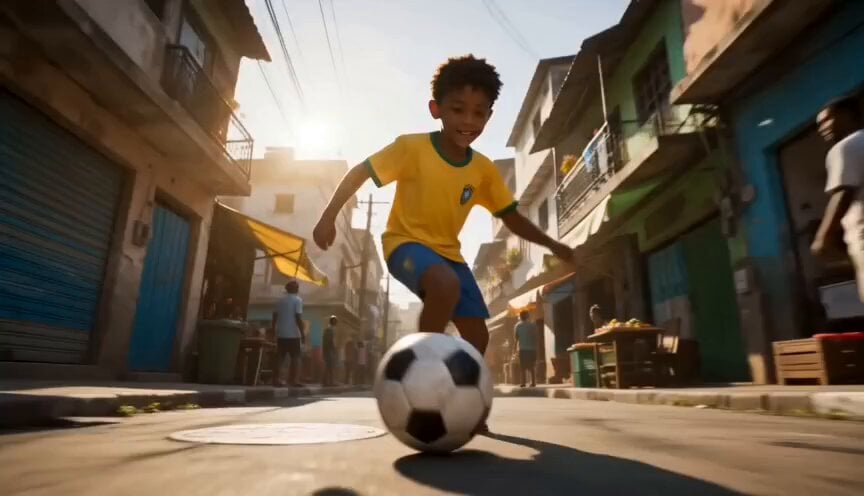
Global Football World Cup Journey
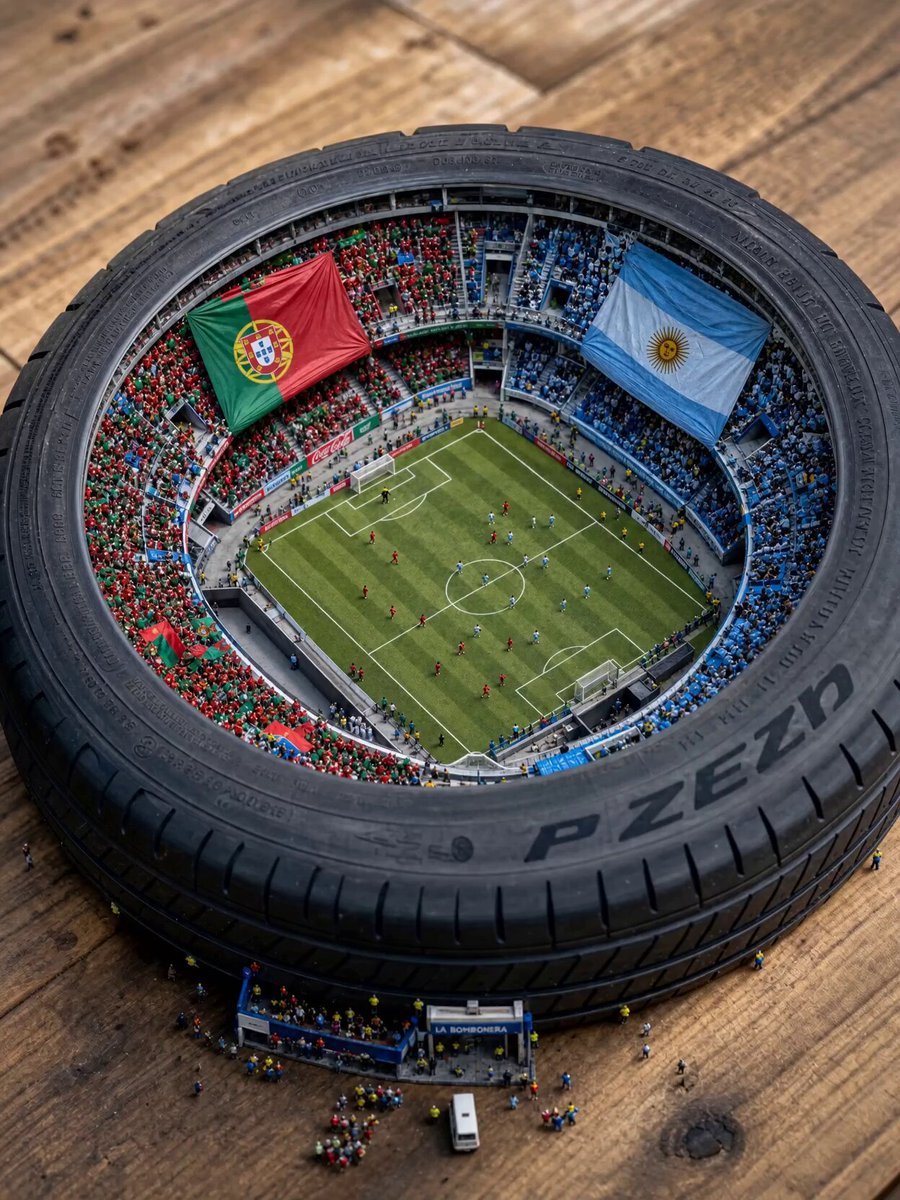
Miniature World Cup Tire Stadium
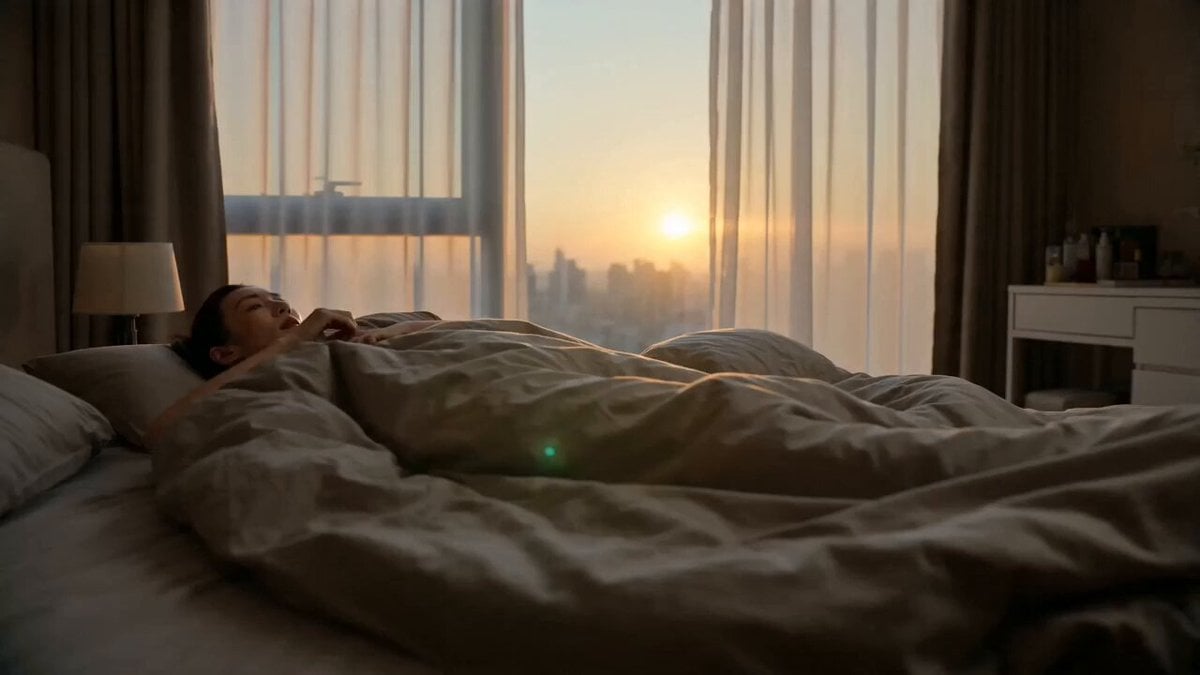
World Cup Travel Vlog Style Video
Make it yours
World Cup 2026 Fan Experience works as-is. These are the safest ways to change it without losing the look.
Change one field
Copy a single group, rewrite it, and generate again so you can see what that field is doing.
Keep the frame, change the subject
Hold the composition and light of World Cup 2026 Fan Experience, then swap wardrobe, props or the person for a new take.
| If the result… | Why | Fix |
|---|---|---|
| The result drifts from the preview | Too many fields changed at once. | Reuse World Cup 2026 Fan Experience as-is first, then change one group — subject, light, or setting. |
| The model over-stylizes the scene | The prose prompt leaves finish and camera underspecified. | Add one camera or lighting sentence and stay on Seedance 2.0. |
More Seedance 2.0 templates
Other prompts made for Seedance 2.0.

Comical Martial Arts Punch Scene

Maglev Train Action Sequence

Martial Arts Fight Sequence

Wuxia Protection and Trust Script

Vintage Korean Arcade MiniDV Vlog

Mercedes 190 SL Luxury Ad

Rainy Night Supernatural Reverse Comedy Video Script

Amazon Civilization Discovery

Futuristic South Asian City Transformation

Cozy Luxury Cafe Commercial
More video prompts
Fresh picks from across the catalog.
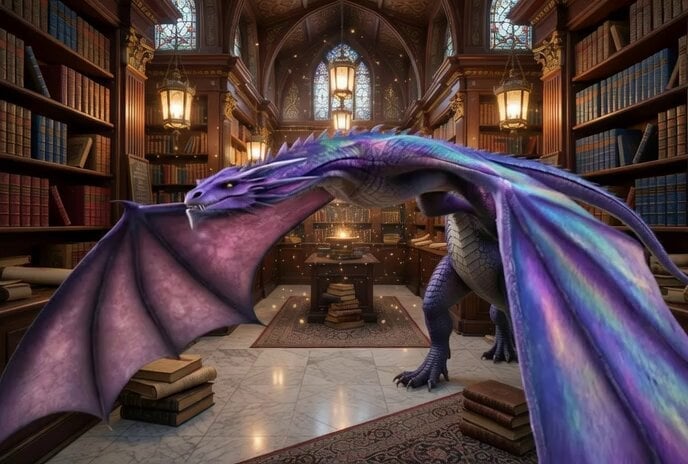
Grumpy Purple Dragon Video Prompt
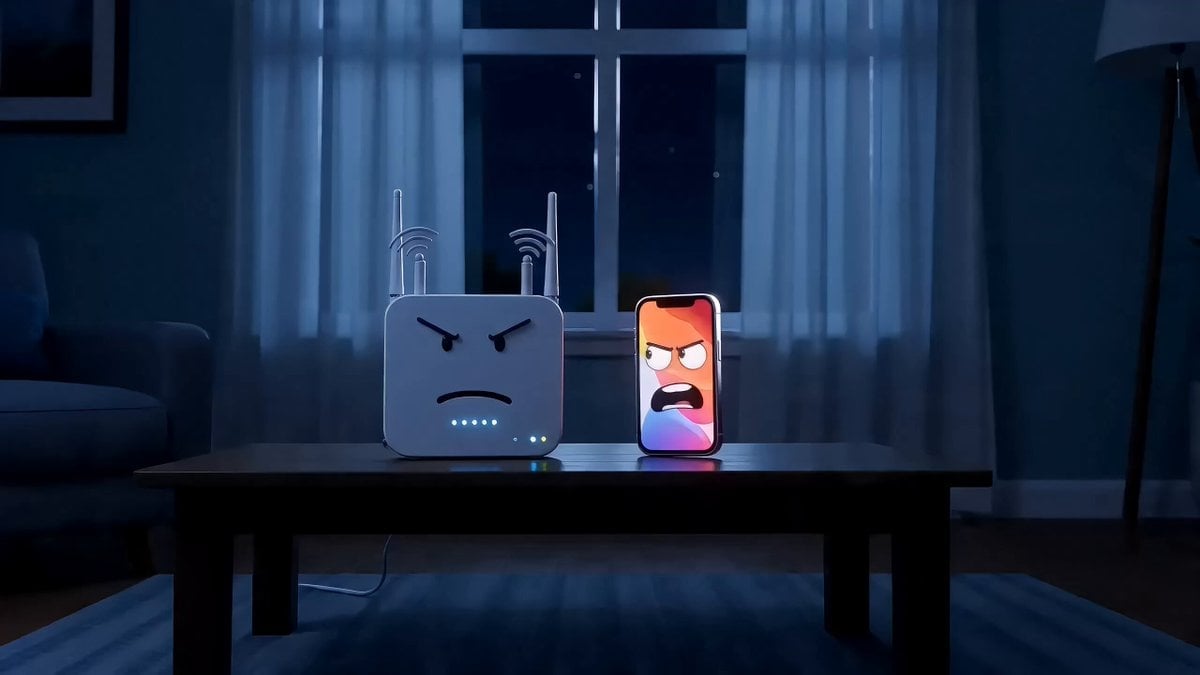
Anthropomorphic Tech Gadgets Fighting
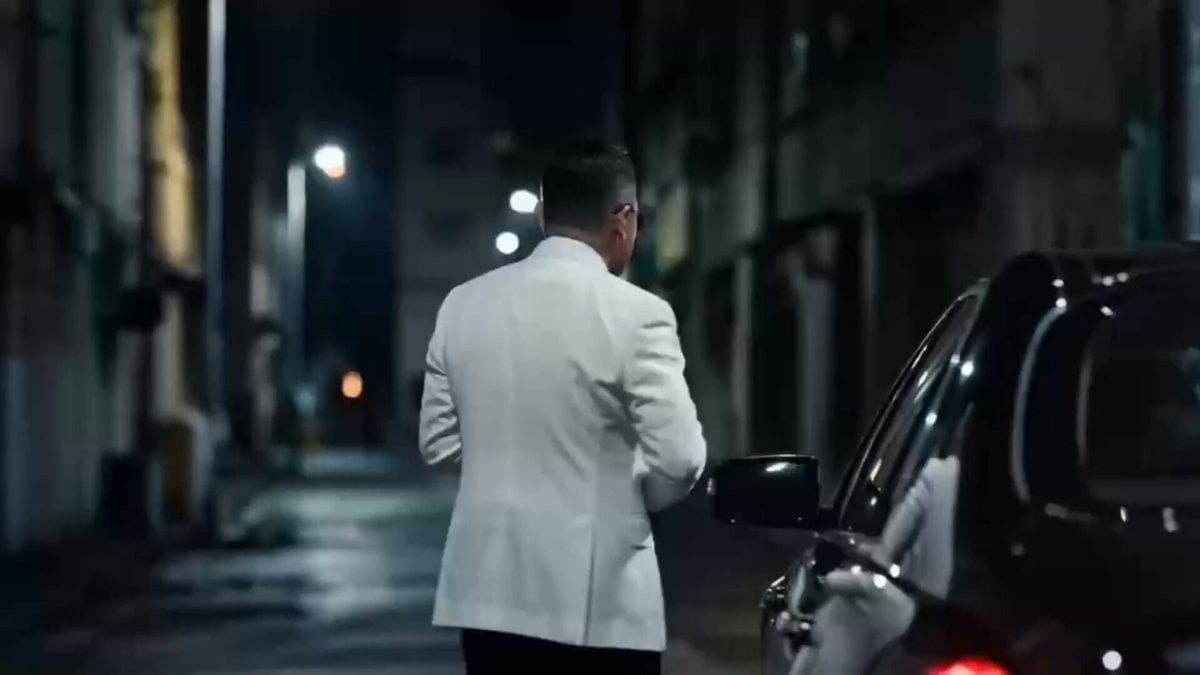
Storyboarding and Multi-Perspective Video Generation
Porsche 911 GT3 RS Night Racing — Neon City Streets
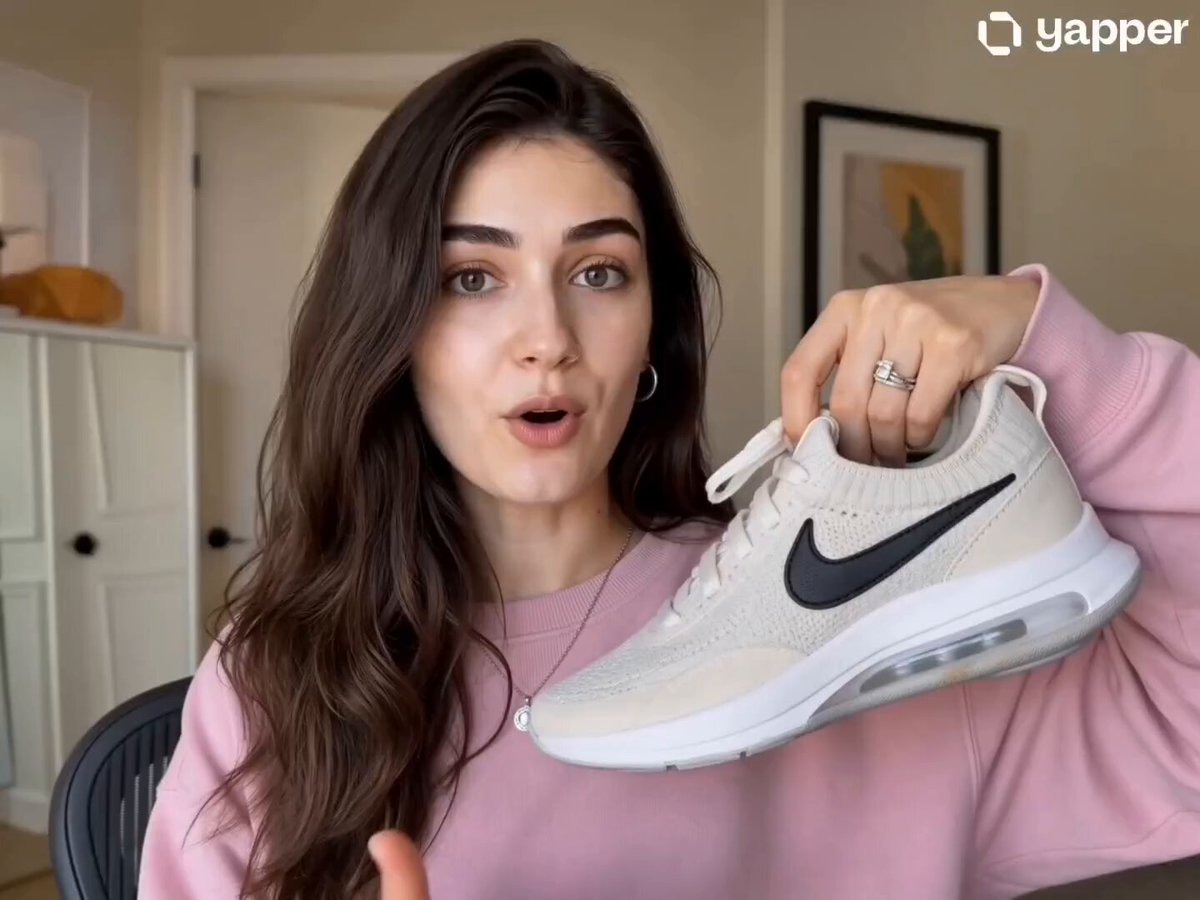
Nike Sneakers Lifestyle Campaign
Fashion Outfit Transformation Office Vlog
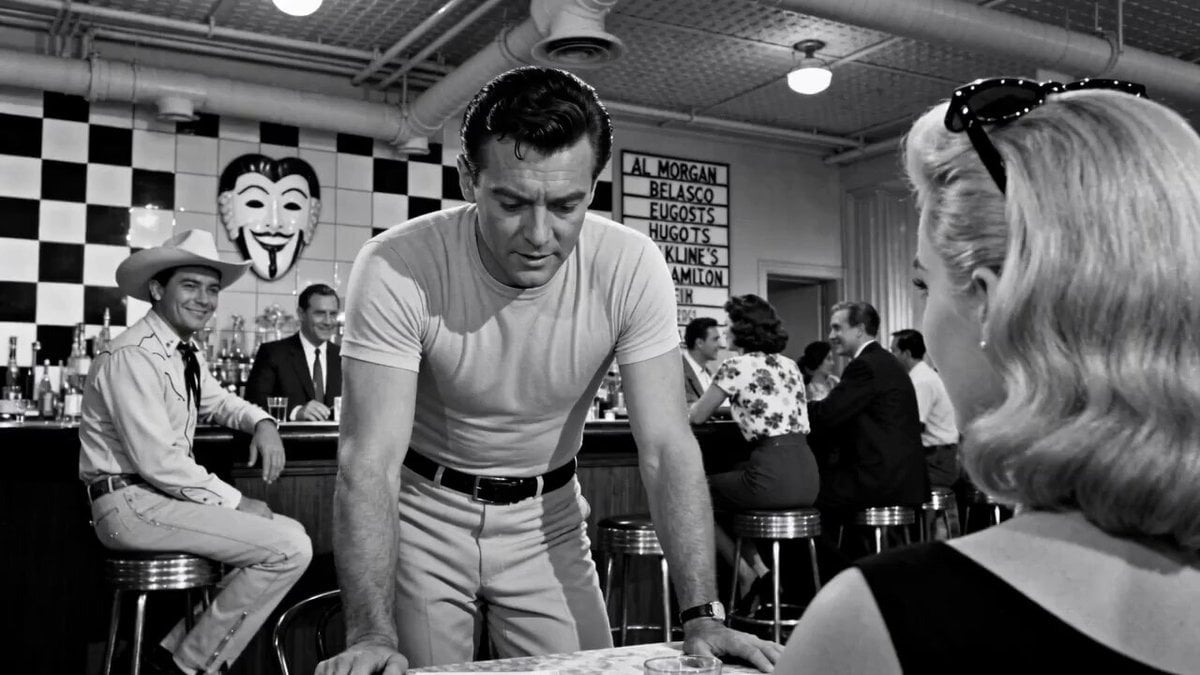
Cinematic 1950s Film Noir Diner Scene
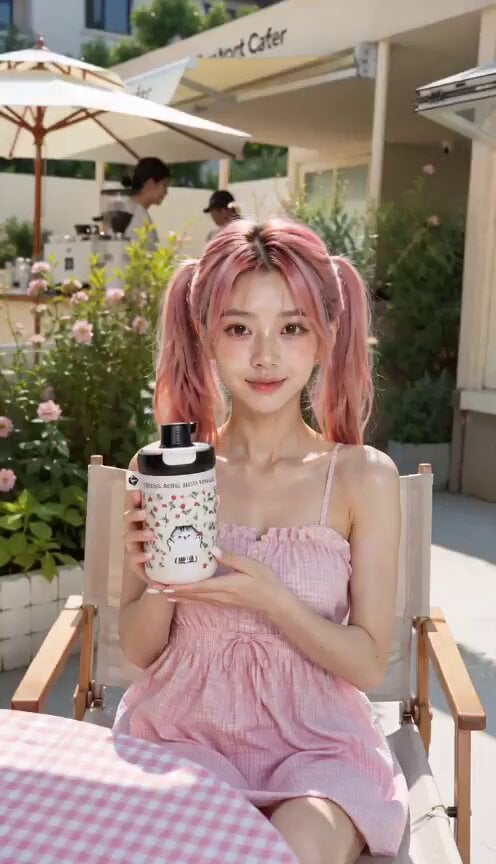
Natural Smartphone Vlogger Product Review
Alla Kling World Acceleration
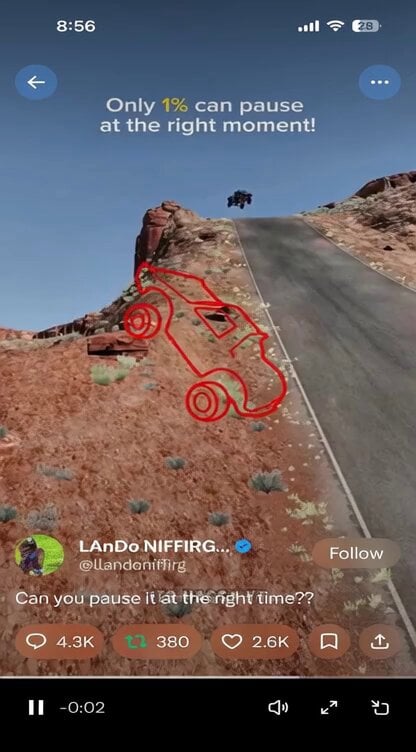
Grok Imagine Prompt: Flying Truck Explosion
Browse template categories
World Cup 2026 Fan Experience questions
How do I use the World Cup 2026 Fan Experience template?
Add your photo if the template asks for one, edit the prompt if you like — the template's model and format are already selected — and press Generate. Your version opens in PicX Studio.
Can I customize the World Cup 2026 Fan Experience template?
Yes. You can change the subject, setting, lighting, mood, format, and available model controls before creating your video.
Is the World Cup 2026 Fan Experience template free?
Opening and editing this template is free. Generating uses credits, shown on the Generate button when you are signed in.
Which AI model should I use?
Start with Seedance 2.0, which is the model associated with this template. You can compare another compatible model for a different finish.
Looking for something else? Browse all templates.

Your photo, any look
Thousands of ready templates for every top image and video model, from one credit balance.