How do I use the Storyboarding and Multi-Perspective Video Generation template?
Edit the prompt in the box under the preview — the template's model and format are already selected — and press Generate. Your version appears right on this page.
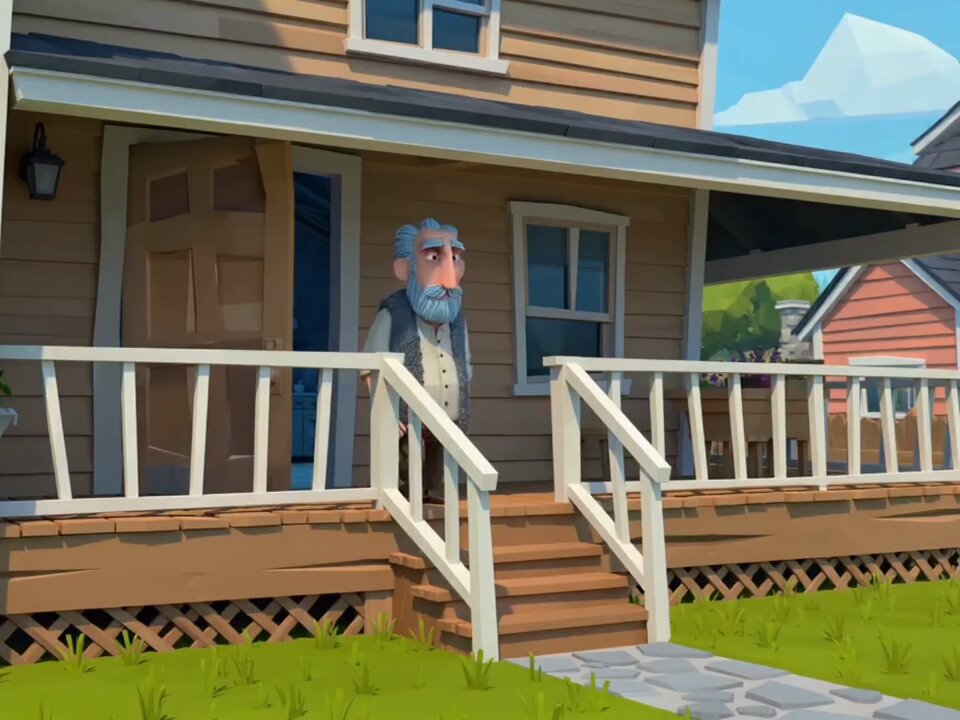
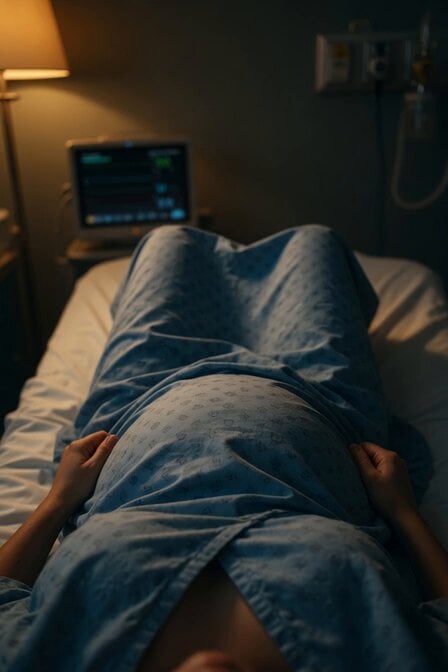
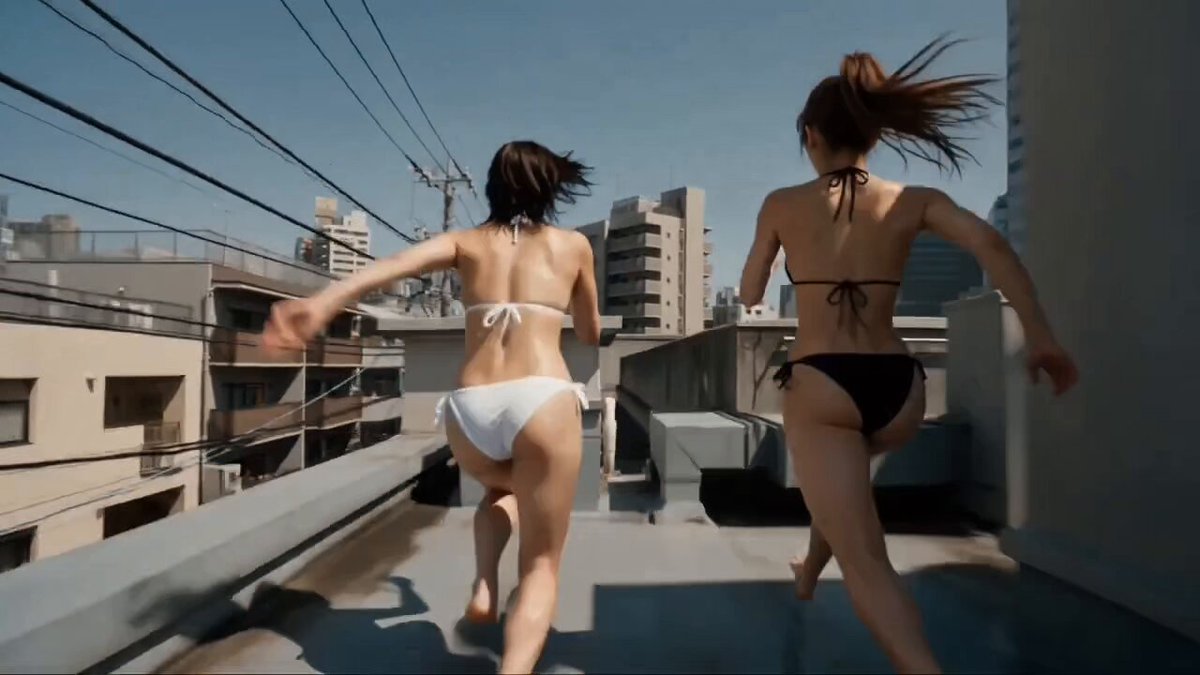
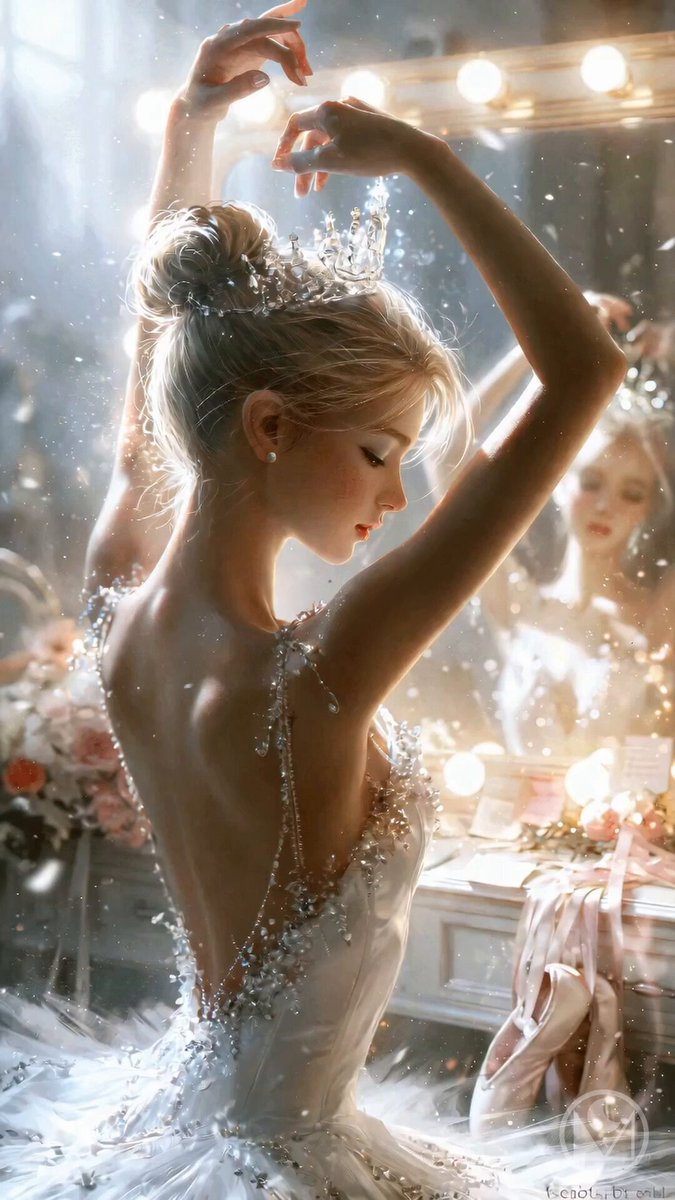
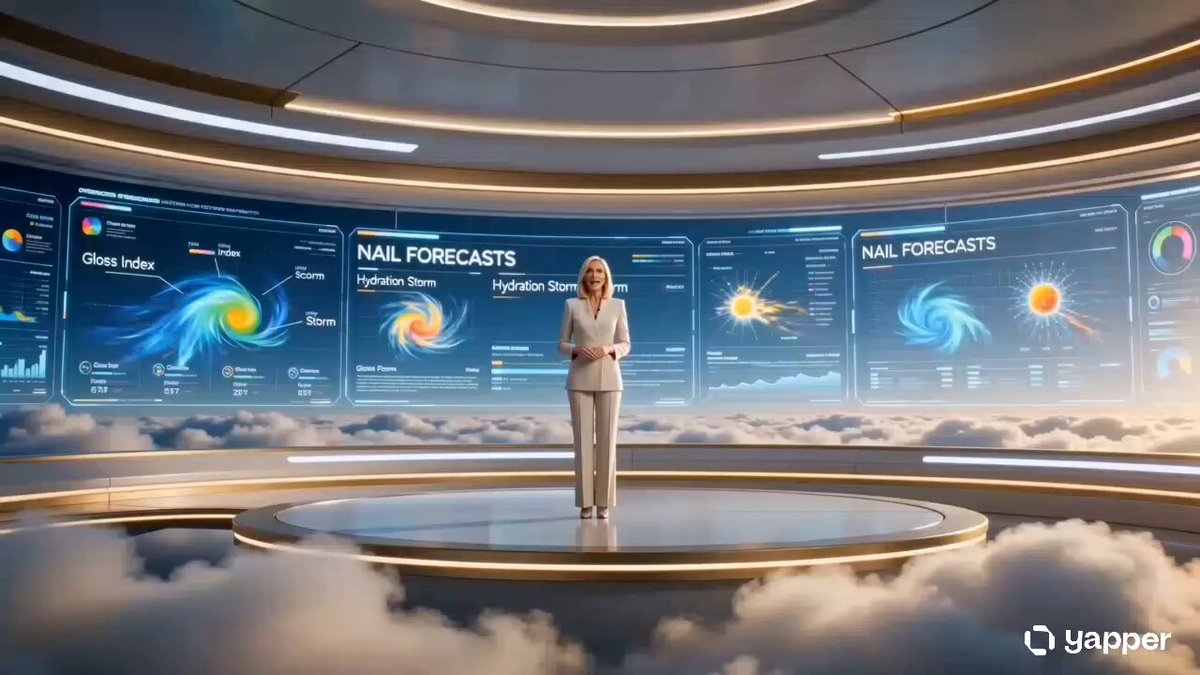
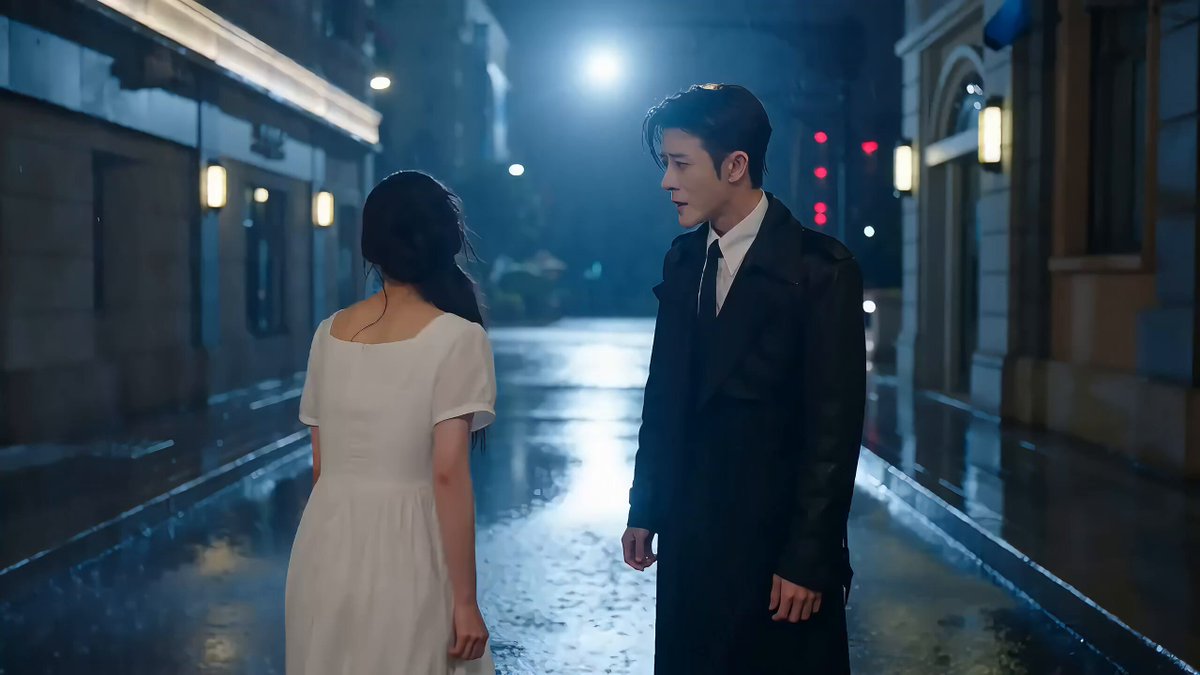
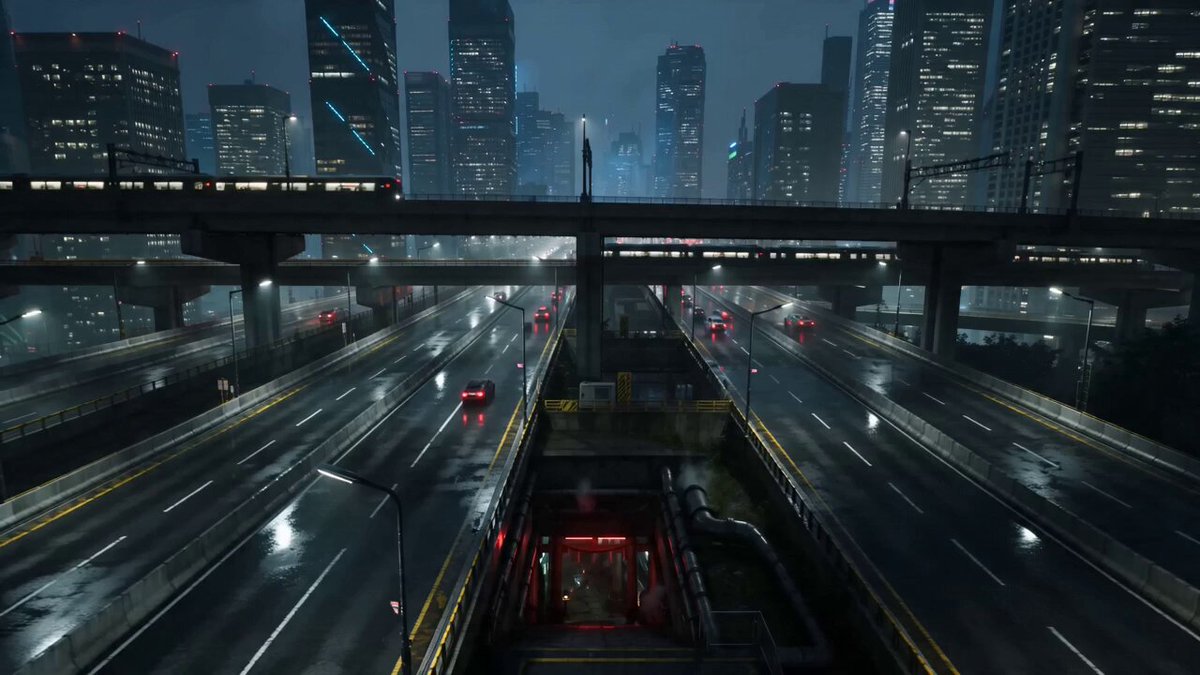
A general instruction for creating a short film using Seedance 2.0, emphasizing the use of storyboards and switching between different perspectives to enhance rhythm and cinematic quality.
从故事板图像生成视频 需要运用到分镜和不同视角切换,让整个画面更有节奏感和电影感
从故事板图像生成视频 需要运用到分镜和不同视角切换,让整个画面更有节奏感和电影感
Edit the prompt in the box under the preview — the template's model and format are already selected — and press Generate. Your version appears right on this page.
Yes. You can change the subject, setting, lighting, mood, format, and available model controls before creating your video.
Opening and editing this template is free. Generating uses credits, shown on the Generate button when you are signed in.
Start with Seedance 2.0, which is the model associated with this template. You can compare another compatible model for a different finish.
Follow a topic to a crawlable collection of related PicX Studio templates.