
Immersive FPV Surreal Flying Perspective
A high-speed FPV camera prompt for Seedance 2.0 that creates a surreal journey through floating mountains and gravity-defying landscapes.
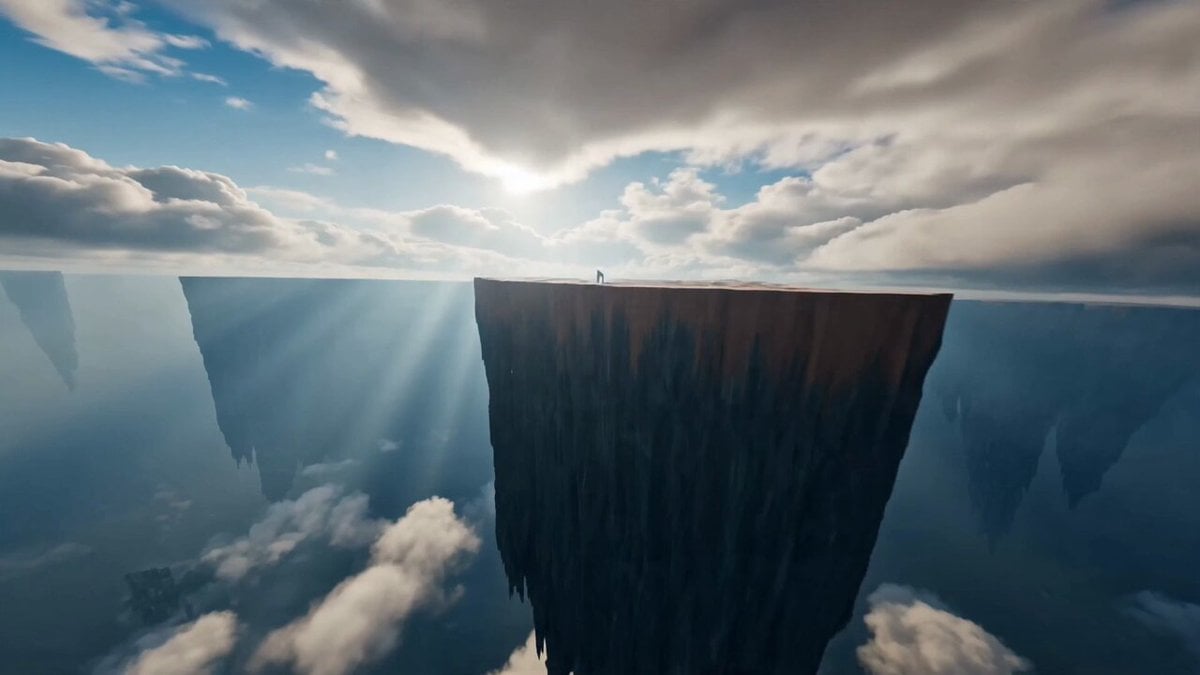
- Prompt included
- Model and format preset
- Premium template
The prompt behind this video
Copy the exact prompt behind Immersive FPV Surreal Flying Perspective, or open it in the studio and make it yours.
Immersive first-person flying camera perspective, no visible drone or flying device. The camera launches instantly at impossible speed, diving off the edge of a colossal floating cliff before violently pulling up only centimeters above an endless mirror-like desert. It immediately snap-rolls through gigantic fractured stone arches, knife-edges between impossibly thin monoliths, corkscrews around rotating floating cubes, then drops vertically into a bottomless glowing chasm. Without slowing, the camera exits sideways through a narrow crystal tunnel, performing rapid S-turns between colossal suspended rocks before climbing almost vertically through a forest of floating mountains. Gravity continuously shifts as entire landscapes rotate around the camera. Rivers flow upward, waterfalls fall into the sky, staircases twist through the air, giant mirrors reflect impossible worlds, and luminous portals open and close in every direction. The camera repeatedly dives, climbs, barrel rolls, wall-hugs, power-loops around massive floating structures, skims inches above glowing surfaces, then squeezes through impossibly tight gaps at breathtaking speed. Every second introduces a completely new surreal environment—an upside-down city suspended beneath the clouds, an infinite crystal canyon, a rotating labyrinth of giant stone rings, a colossal kaleidoscope corridor where reality fractures into thousands of reflections, and a universe filled with gigantic luminous geometric structures. The final acceleration becomes overwhelming as the camera threads through an enormous rotating celestial ring, dives through a collapsing prism of light, and bursts into an infinite cosmic dreamscape where planets, stars, and architecture stretch endlessly in every direction. Continuous POV shot, no cuts, relentless acceleration, extreme FPV racing, aggressive banking, rapid elevation changes, barrel rolls, corkscrews, power loops, knife-edge turns, vertical dives, cinematic motion blur, realistic inertia, volumetric lighting, surreal physics, hyper-detailed environments, mind-bending blockbuster VFX, IMAX quality.
How to use Immersive FPV Surreal Flying Perspective in 3 steps
- 1
Open
The prompt is already in the box next to the preview, with the template's model and format selected.
- 2…a portrait of your subject in softgolden-hour light, 85mm…
Personalize
Edit the subject and creative details for your destination.
- 3Generate
Generate
Press Generate — your video is created in PicX Studio, so you can compare it with the original and refine one variable at a time.
More like this
Templates with the same subject, style or setup. Open one to see its prompt.
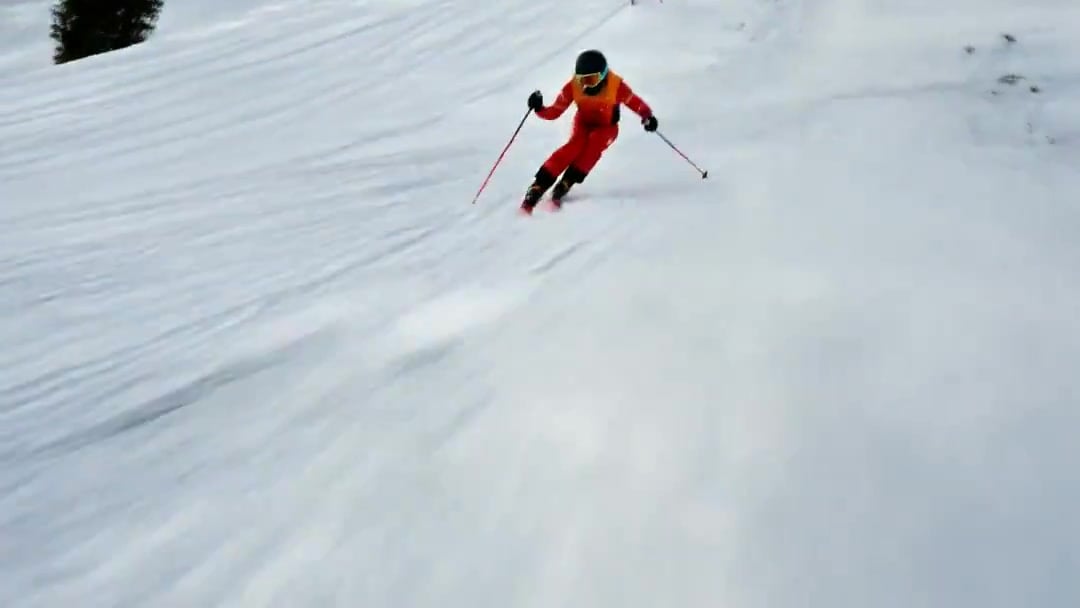
FPV Drone Skier Tracking — Kling 3.0 O3 Pro

Giant Seahorse City Destruction — Flova AI
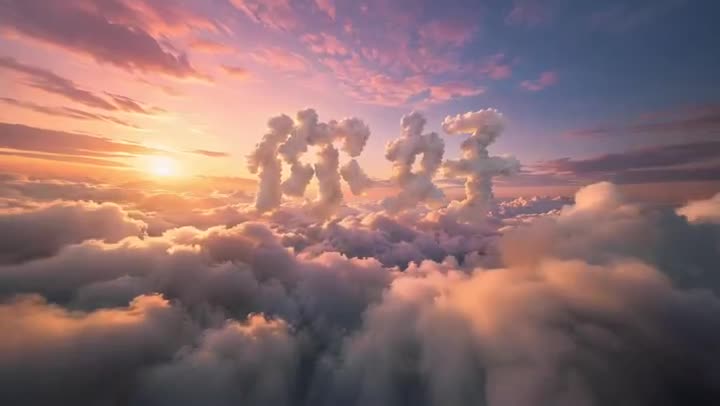
FPV Multilingual Landscape Flight

Surreal Cinematic Whales Flying Over a City at Sunrise
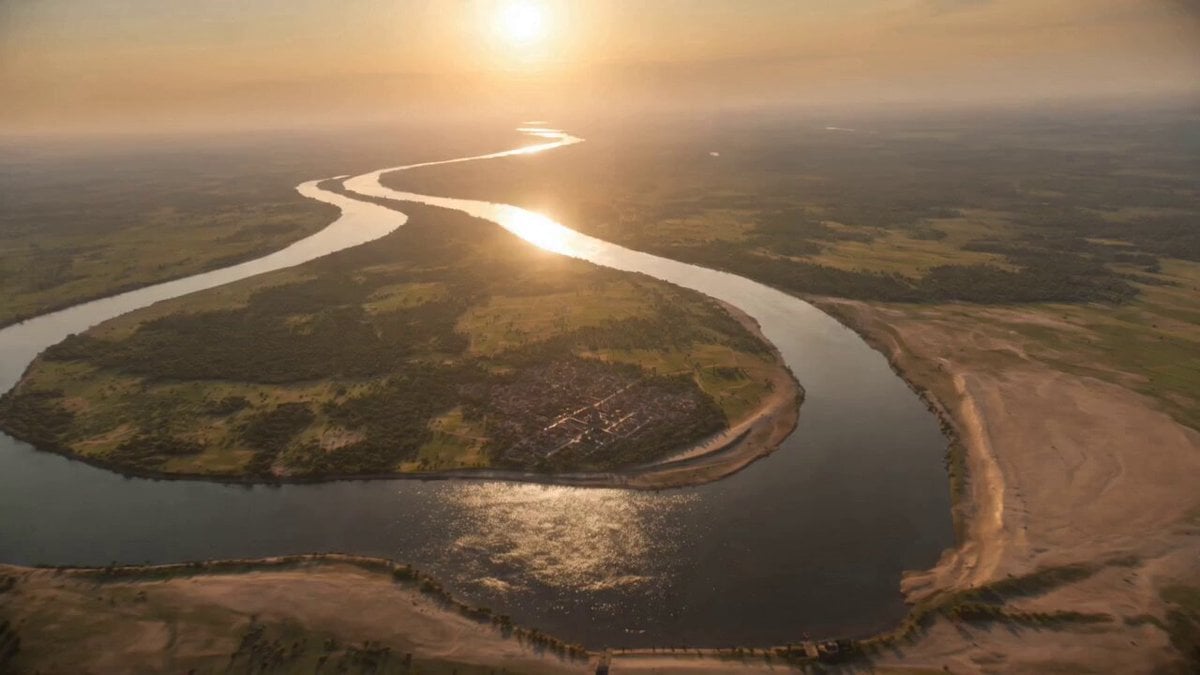
FPV flying through Kuru Kingdom
Nano Banana Seedance Environment Render Walk
Pearl Harbor Attack — Seedance 2.0 FPV
Amazon FPV Drone Chase — Seedance 2.0
FPV Ancient Kuru Kingdom — Hastinapura Golden Hour (Seedance)
Whale in the Sky — City Shadows (Kling AI)
Cinematic Wuxia Flying Sword Scene
Flying Sword Traffic Light Violation
Make it yours
Immersive FPV Surreal Flying Perspective works as-is. These are the safest ways to change it without losing the look.
Change one field
Copy a single group, rewrite it, and generate again so you can see what that field is doing.
Keep the frame, change the subject
Hold the composition and light of Immersive FPV Surreal Flying Perspective, then swap wardrobe, props or the person for a new take.
| If the result… | Why | Fix |
|---|---|---|
| The result drifts from the preview | Too many fields changed at once. | Reuse Immersive FPV Surreal Flying Perspective as-is first, then change one group — subject, light, or setting. |
| The model over-stylizes the scene | The prose prompt leaves finish and camera underspecified. | Add one camera or lighting sentence and stay on Seedance 2.0. |
More Seedance 2.0 templates
Other prompts made for Seedance 2.0.

Comical Martial Arts Punch Scene

Maglev Train Action Sequence

Martial Arts Fight Sequence

Wuxia Protection and Trust Script

Vintage Korean Arcade MiniDV Vlog

Mercedes 190 SL Luxury Ad

Rainy Night Supernatural Reverse Comedy Video Script

Amazon Civilization Discovery

Futuristic South Asian City Transformation

Cozy Luxury Cafe Commercial
More video prompts
Fresh picks from across the catalog.
Cinematic Anime Rock Band MV
Anime Style Kite Flying Adventure
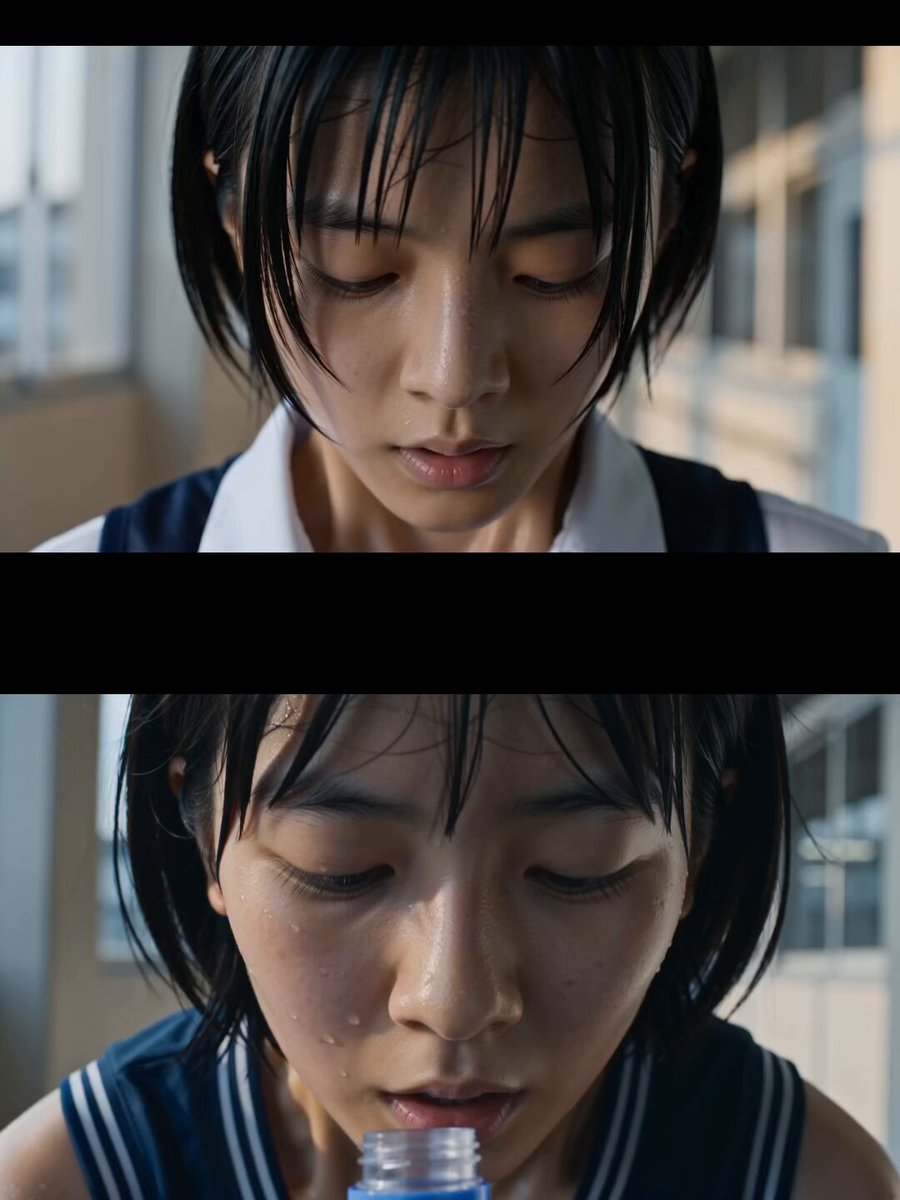
Japanese High School Soda Commercial
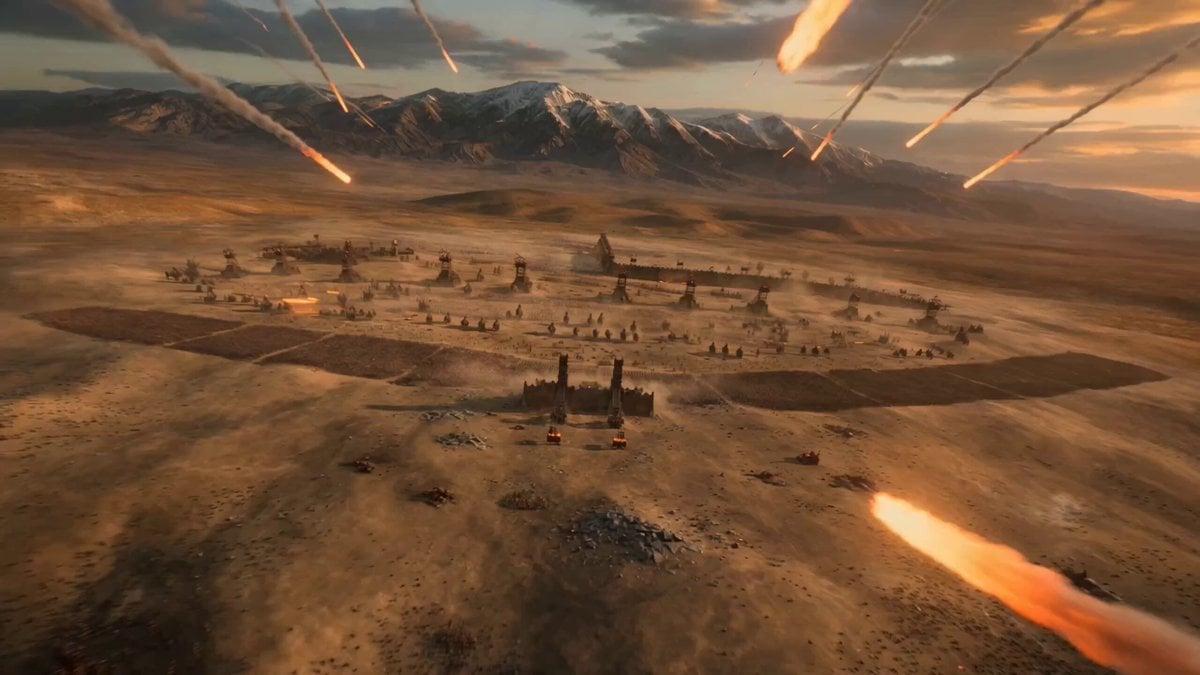
Epic Historical-Fantasy Battle Video Prompt
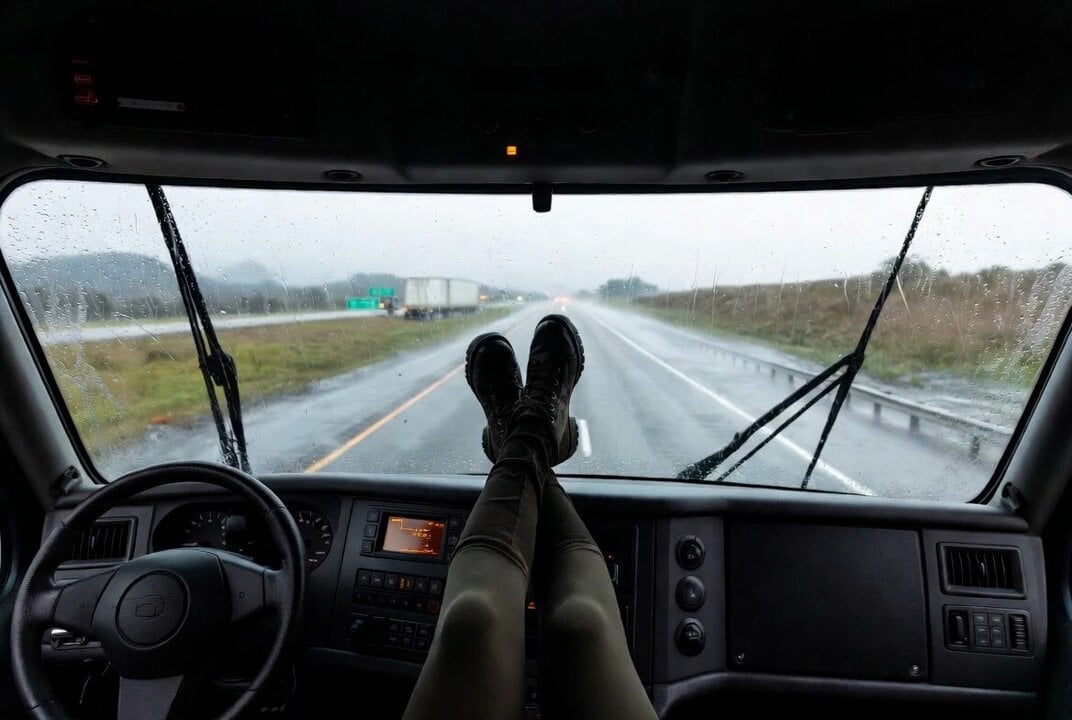
Cyber-Trucker in a Futuristic Truck

Continuous Long Take Combat Camera
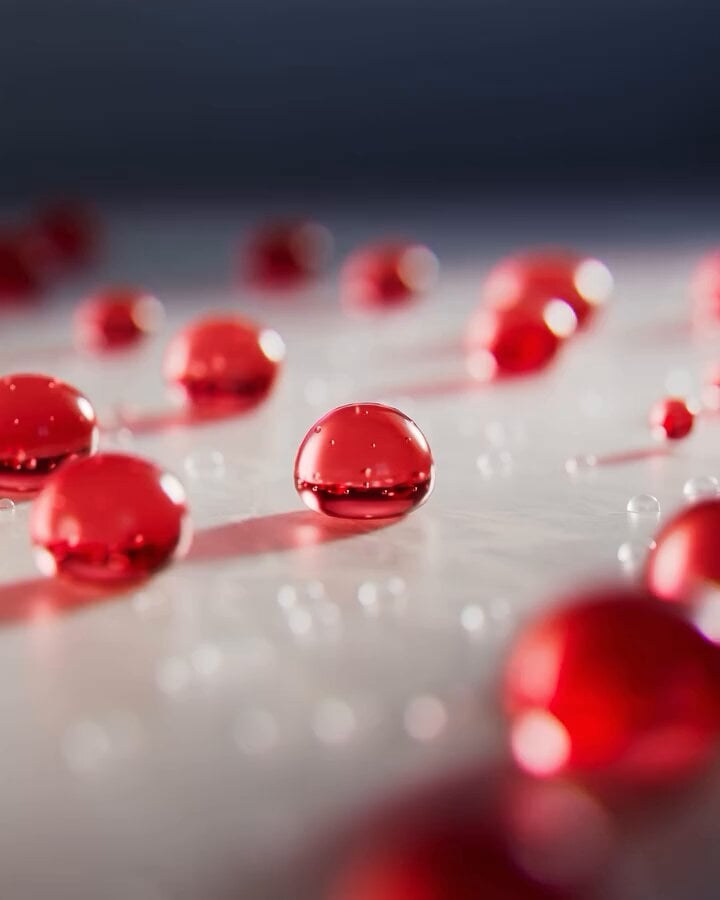
Luxury Skincare Product Commercial
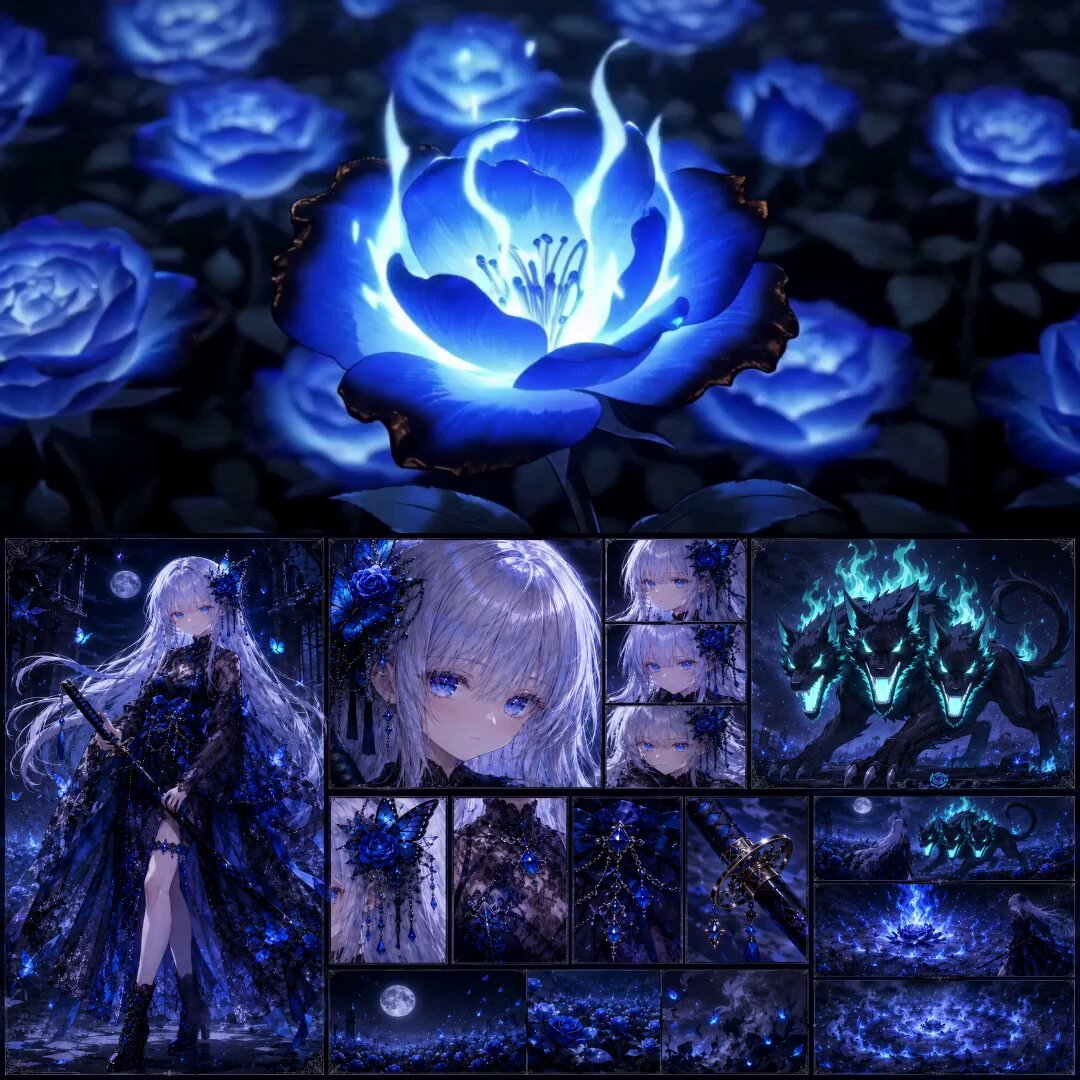
High-End Anime Dark Fantasy Cerberus Battle
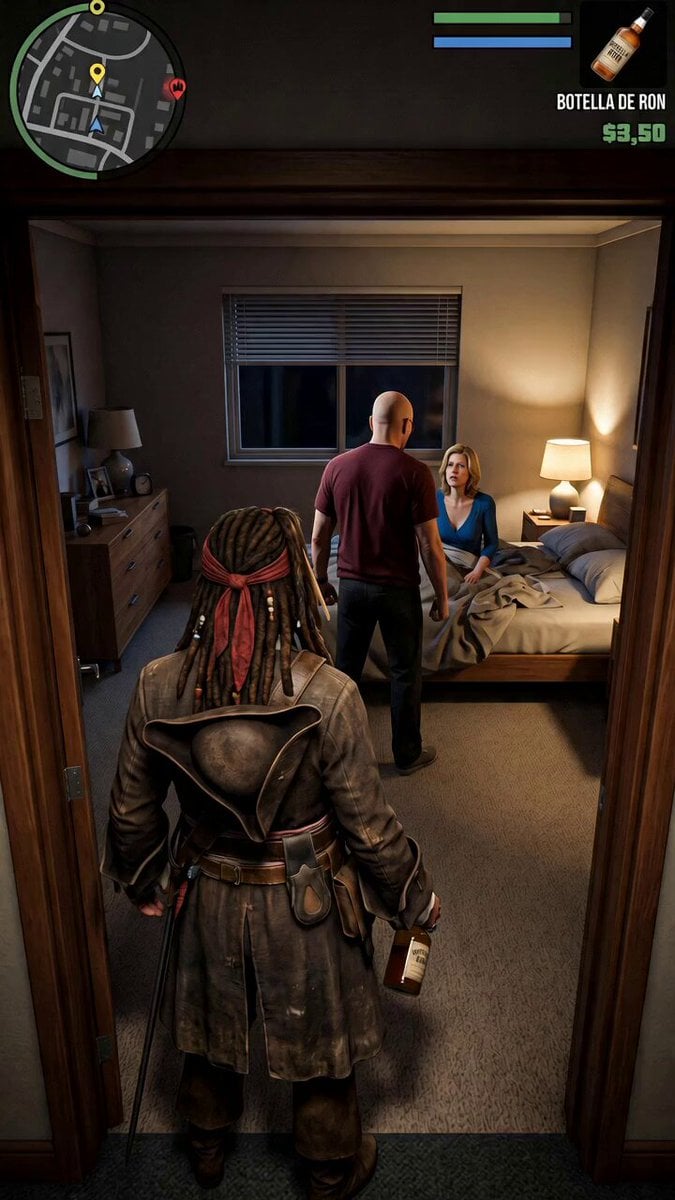
GTA V Style Narrative Animations
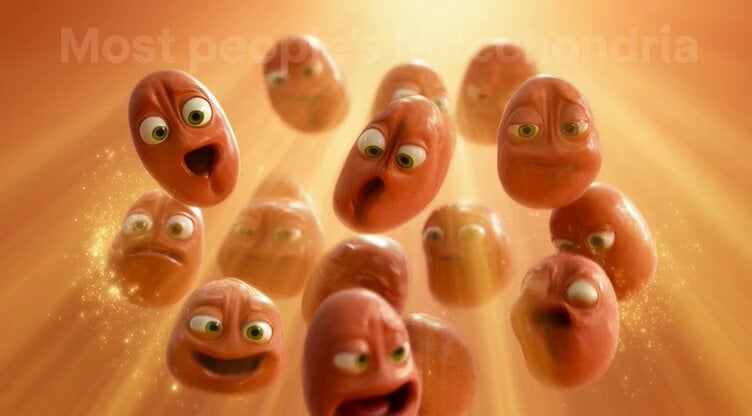
Mitochondria Hiding from Russians
Browse template categories
Immersive FPV Surreal Flying Perspective questions
How do I use the Immersive FPV Surreal Flying Perspective template?
Add your photo if the template asks for one, edit the prompt if you like — the template's model and format are already selected — and press Generate. Your version opens in PicX Studio.
Can I customize the Immersive FPV Surreal Flying Perspective template?
Yes. You can change the subject, setting, lighting, mood, format, and available model controls before creating your video.
Is the Immersive FPV Surreal Flying Perspective template free?
Opening and editing this template is free. Generating uses credits, shown on the Generate button when you are signed in.
Which AI model should I use?
Start with Seedance 2.0, which is the model associated with this template. You can compare another compatible model for a different finish.
Looking for something else? Browse all templates.

Your photo, any look
Thousands of ready templates for every top image and video model, from one credit balance.