
Cinematic Anime Rock Band MV
A comprehensive prompt for generating a high-quality anime music video featuring a 5-member girls' rock band with detailed stylistic and technical directions.

- Prompt included
- Model and format preset
- Free template
The prompt behind this video
Copy the exact prompt behind Cinematic Anime Rock Band MV, or open it in the studio and make it yours.
超高品質アニメMV。 5人組ガールズロックバンド。 黒を基調とした圧倒的な高コントラスト表現。 巨大なネガティブスペース。 大胆なシルエット演出。 洗練されたグラフィックデザイン。 アニメOPとライブMVを融合したような映像表現。 背景は漆黒。 画面には巨大な縦長カラーパネル。 黄色。 オレンジ。 赤。 シアン。 緑。 それぞれのメンバーカラーを象徴する原色の縦長パネルが配置される。 キャラクターはパネルの中に収まり、 光と影によって半分シルエット化される。 深い黒。 鮮烈な原色。 大胆な色面構成。 平面的なグラフィックデザインと、 繊細なアニメ作画を融合。 キャラクターデザインは現代日本アニメ最高品質。 シャープな線画。 美しい瞳。 繊細な髪の描写。 アーティスティックな陰影。 高密度なライティング。 ■キャラクター 黄色担当 長い金髪。 青い瞳。 知的で落ち着いた雰囲気。 オレンジ担当 短いオレンジボブ。 オレンジ色の瞳。 情熱的なギタリスト。 赤担当 黒髪ショート。 赤い瞳。 ミステリアスなボーカル。 シアン担当 白黒ツートンロングヘア。 金色の瞳。 クールで中性的。 緑担当 深緑色のツインテール。 緑の瞳。 寡黙で鋭い存在感。 全員黒いライブ衣装。 アイドル衣装ではない。 フリル無し。 ファンタジー要素無し。 現代的なロックバンドスタイル。 ■映像演出 音楽に同期した高速カット。 瞳のクローズアップ。 髪が風になびく。 マイクを握る指先。 ギターをかき鳴らす瞬間。 ドラムのシンバルが弾ける瞬間。 スポットライトが暗闇を切り裂く。 煙。 粒子。 逆光。 レンズフレア。 ライブ会場の熱量。 観客のペンライトが光跡を描く。 シルエット演出。 分割画面。 リズムカット。 高速モンタージュ。 画面構成は 全身シルエット ↓ 横顔 ↓ 瞳アップ ↓ 演奏シーン ↓ 全員集合 ↓ ライブ全景 を繰り返す。 ■カメラワーク ダイナミックな移動。 高速パン。 スライダー移動。 ドリーイン。 ドリーアウト。 楽曲のリズムに完全同期。 静止と高速移動の強い緩急。 ■画面デザイン 巨大な黒背景。 大胆な余白。 雑誌表紙のようなデザイン性。 アニメOP映像。 アルバムジャケット。 バンドロゴアニメーション。 モーショングラフィックス。 抽象的な幾何学図形。 カラーパネルを利用したトランジション。 色面構成による演出。 強烈なビジュアルインパクト。 スタイリッシュ。 クール。 ダーク。 洗練。 都会的。 スタイリッシュなグラフィックセンス。 日本アニメのハイエンドMV。 高級感のあるライブ映像。 アニメーションとグラフィックデザインの融合。 超高精細。 超高品質。 映画レベル。 プロモーションMV品質。 最高品質アニメーション。
How to use Cinematic Anime Rock Band MV in 3 steps
- 1
Open
The prompt is already in the box next to the preview, with the template's model and format selected.
- 2…a portrait of your subject in softgolden-hour light, 85mm…
Personalize
Edit the subject and creative details for your destination.
- 3Generate
Generate
Press Generate — your video is created in PicX Studio, so you can compare it with the original and refine one variable at a time.
More like this
Templates with the same subject, style or setup. Open one to see its prompt.
Anthropomorphic Rock Band Live Concert - Seedance 2.5

MiniMax H3 Character Introduction

Japanese Pure Love Short Film

Studio Ghibli Dumpling Kitchen Cooking Scene
Mecha Transformation vs Kaiju — 4-Scene Epic
Y2K Rock Fashion Transition Video
Japanese Schoolgirl Brass Band Vlog
Floating Islands and Rock Spires
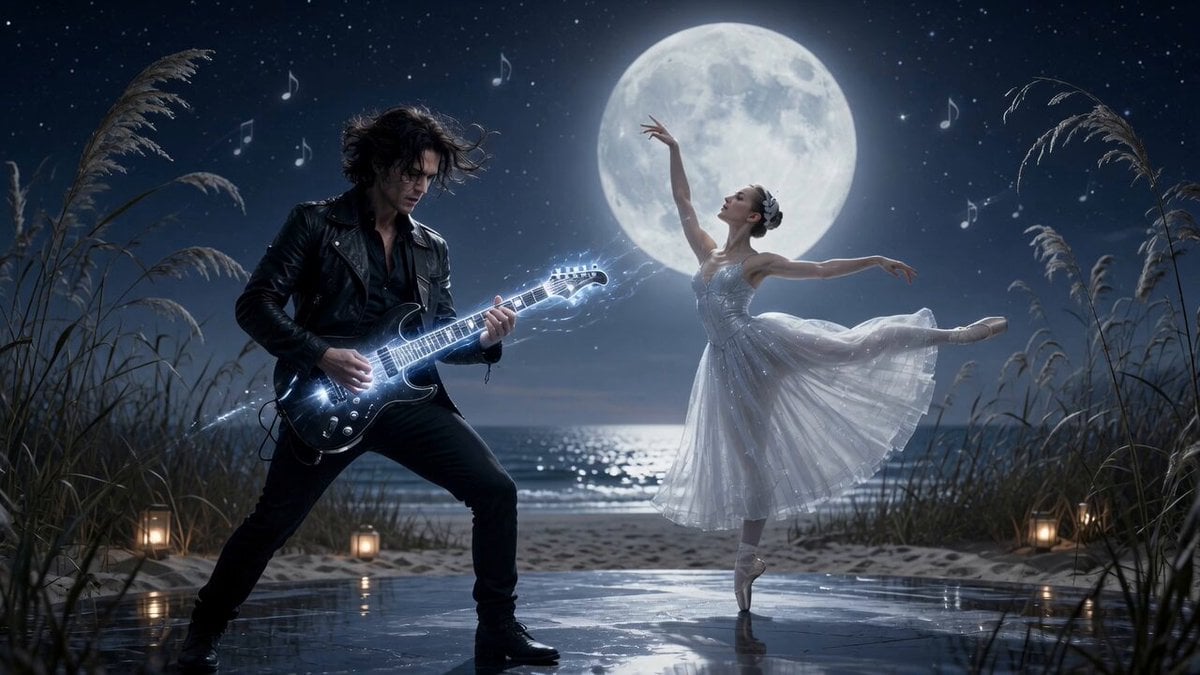
Moonlit Shoreline Rock Concert Performance

Hard Rock Performance Music Video
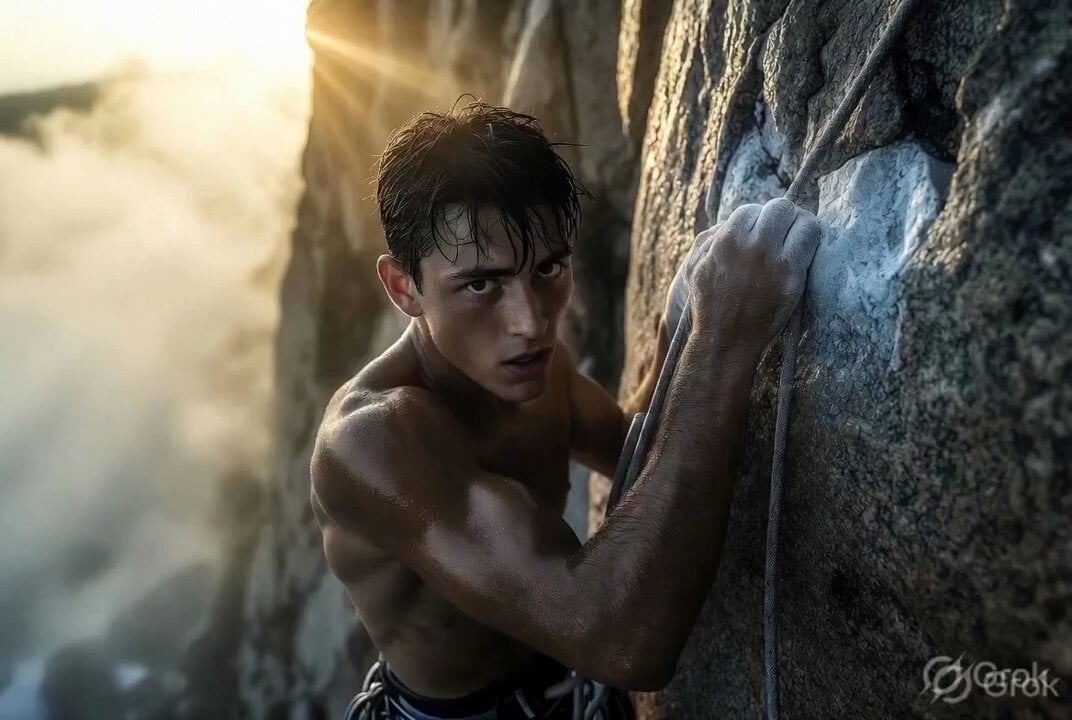
Photorealistic cinematic rock climber
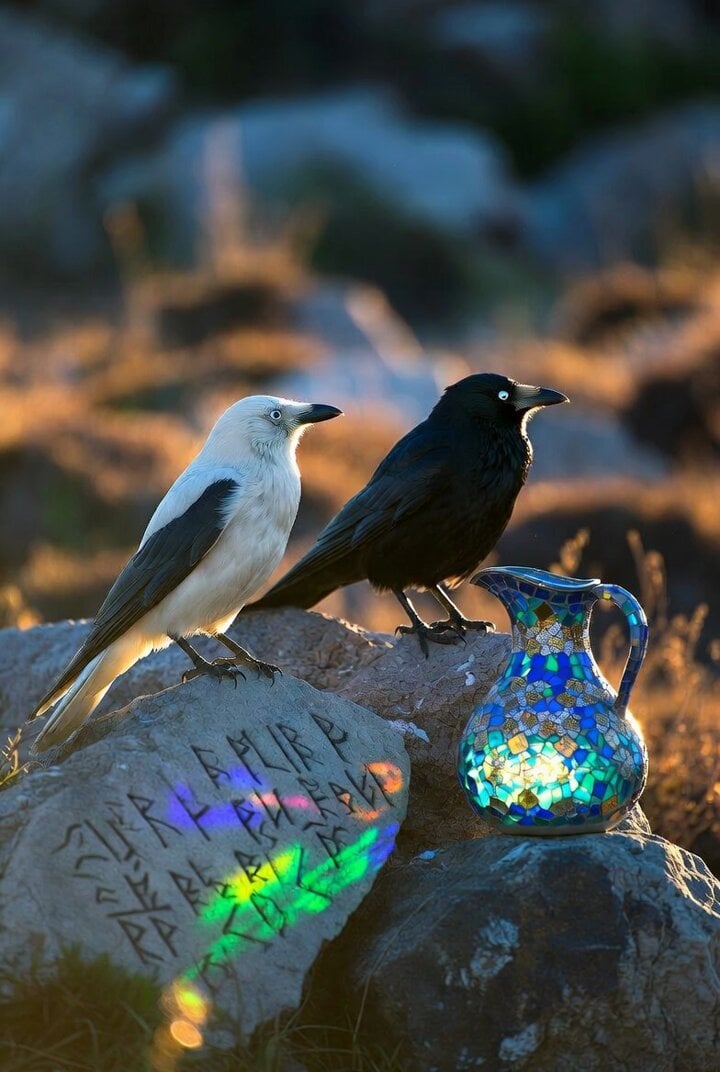
Crows on a rock with Celtic runes and glass mosaic jug
Make it yours
Cinematic Anime Rock Band MV works as-is. These are the safest ways to change it without losing the look.
Change one field
Copy a single group, rewrite it, and generate again so you can see what that field is doing.
Keep the frame, change the subject
Hold the composition and light of Cinematic Anime Rock Band MV, then swap wardrobe, props or the person for a new take.
| If the result… | Why | Fix |
|---|---|---|
| The result drifts from the preview | Too many fields changed at once. | Reuse Cinematic Anime Rock Band MV as-is first, then change one group — subject, light, or setting. |
| The model over-stylizes the scene | The prose prompt leaves finish and camera underspecified. | Add one camera or lighting sentence and stay on Seedance 2.0. |
More Seedance 2.0 templates
Other prompts made for Seedance 2.0.

Comical Martial Arts Punch Scene

Maglev Train Action Sequence

Martial Arts Fight Sequence

Wuxia Protection and Trust Script

Vintage Korean Arcade MiniDV Vlog

Mercedes 190 SL Luxury Ad

Rainy Night Supernatural Reverse Comedy Video Script

Amazon Civilization Discovery

Futuristic South Asian City Transformation

Cozy Luxury Cafe Commercial
More video prompts
Fresh picks from across the catalog.
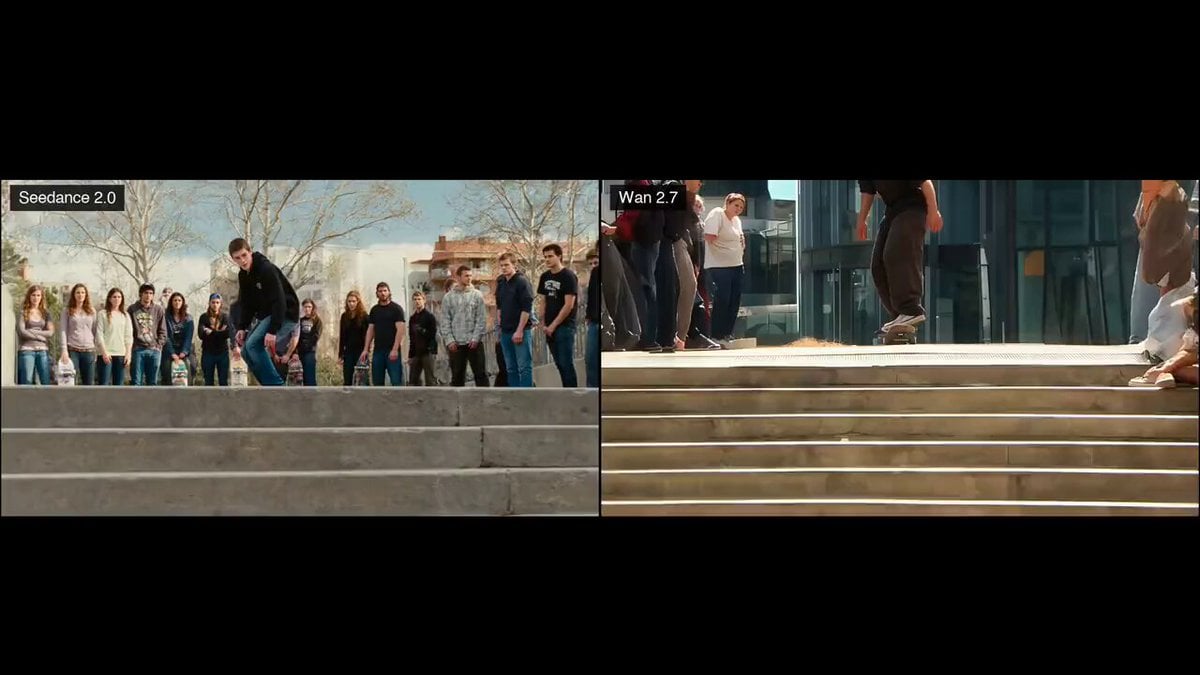
Skateboard Kickflip Action
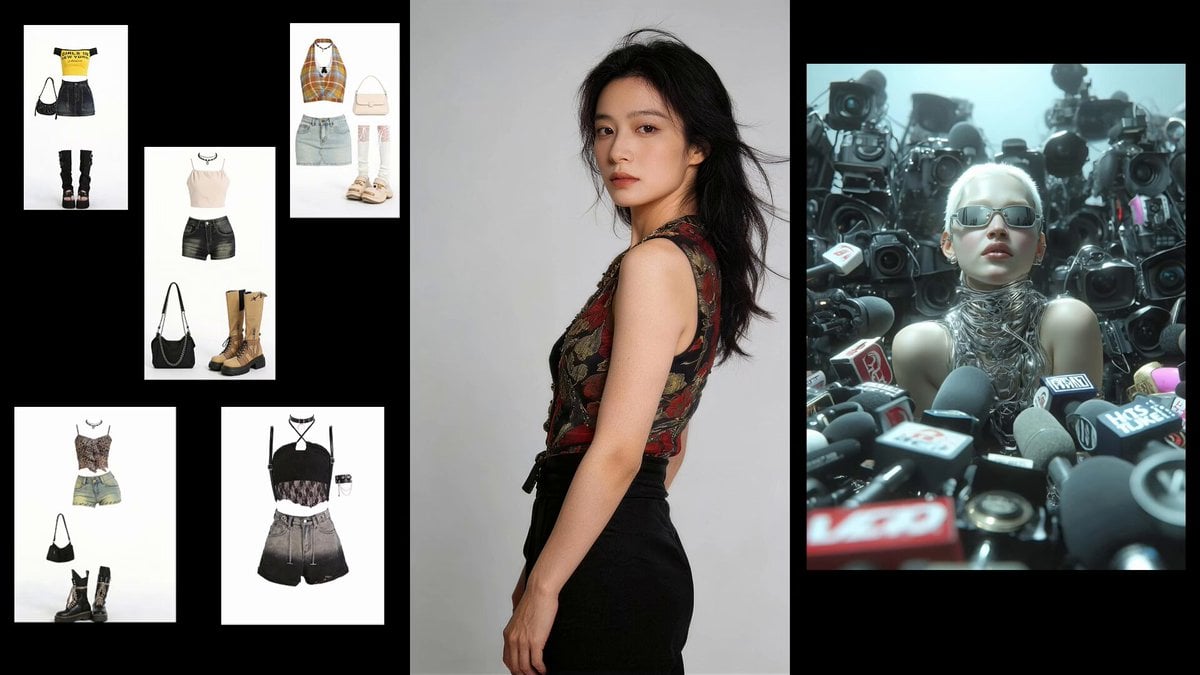
Fashion Sequence with Multiple Outfits and Effects

The founder was actually a Swiss student named Hans
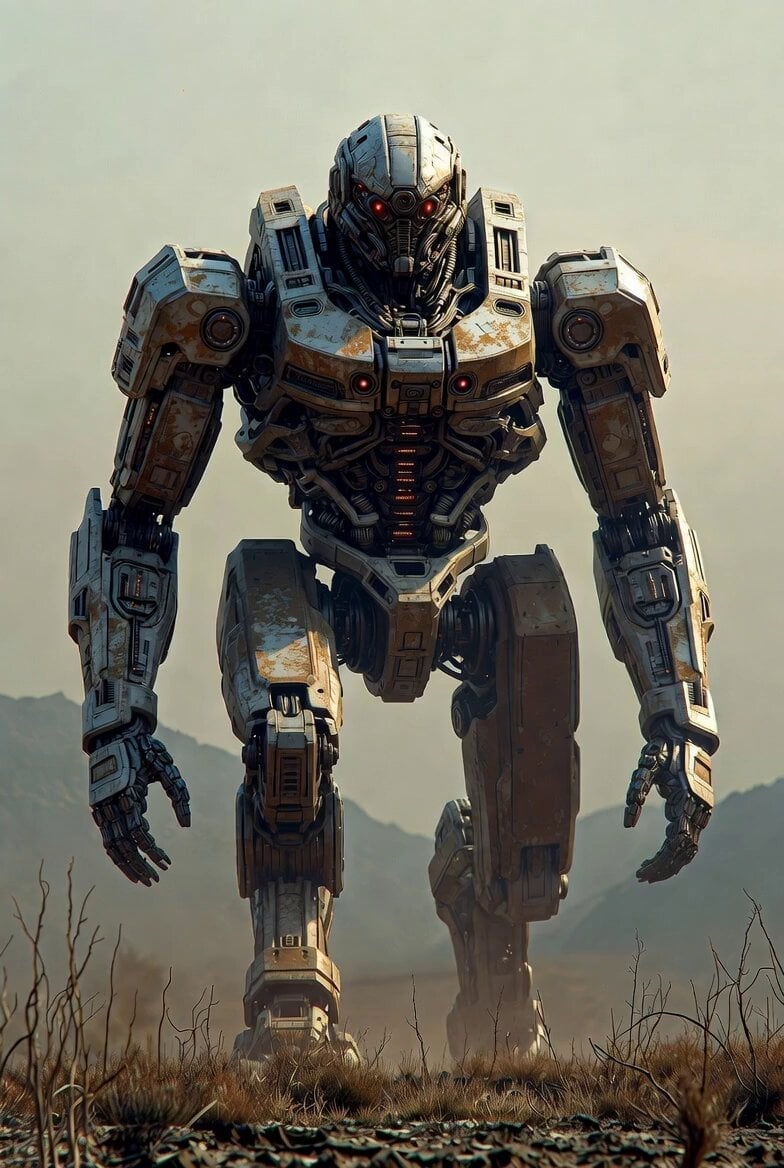
Cinematic 4K Volumetric Clouds
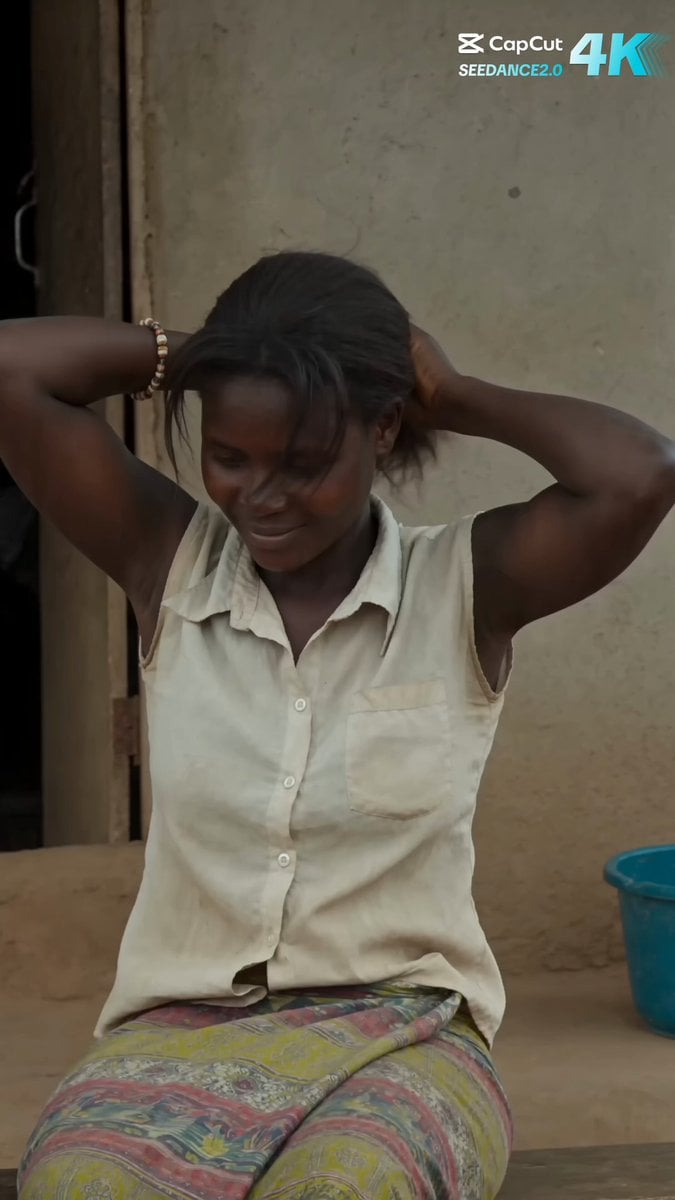
Rural African Village Life Documentary
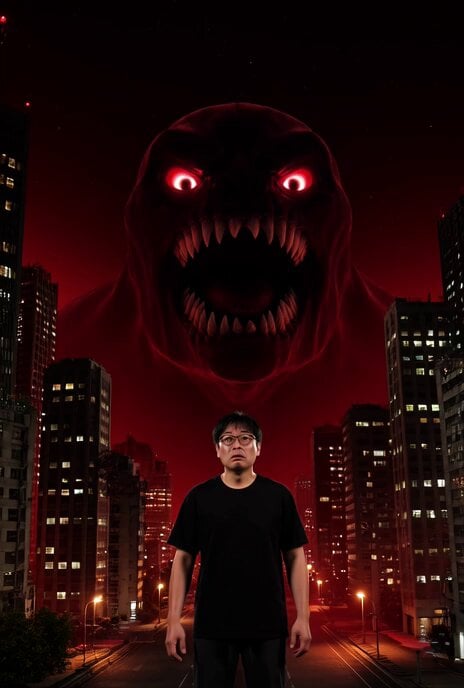
Cyberpunk Tokyo AI Monster Video Prompt
Expensive Makeup Product Promo Videos
Desert Canyon FPV Rally Race
Lone Space Soldier Cinematic Scene
Urban Shockwave Tracking Shot
Browse template categories
Cinematic Anime Rock Band MV questions
How do I use the Cinematic Anime Rock Band MV template?
Add your photo if the template asks for one, edit the prompt if you like — the template's model and format are already selected — and press Generate. Your version opens in PicX Studio.
Can I customize the Cinematic Anime Rock Band MV template?
Yes. You can change the subject, setting, lighting, mood, format, and available model controls before creating your video.
Is the Cinematic Anime Rock Band MV template free?
Opening and editing this template is free. Generating uses credits, shown on the Generate button when you are signed in.
Which AI model should I use?
Start with Seedance 2.0, which is the model associated with this template. You can compare another compatible model for a different finish.
Looking for something else? Browse all templates.

Your photo, any look
Thousands of ready templates for every top image and video model, from one credit balance.