
Y2K Rock Fashion Transition Video
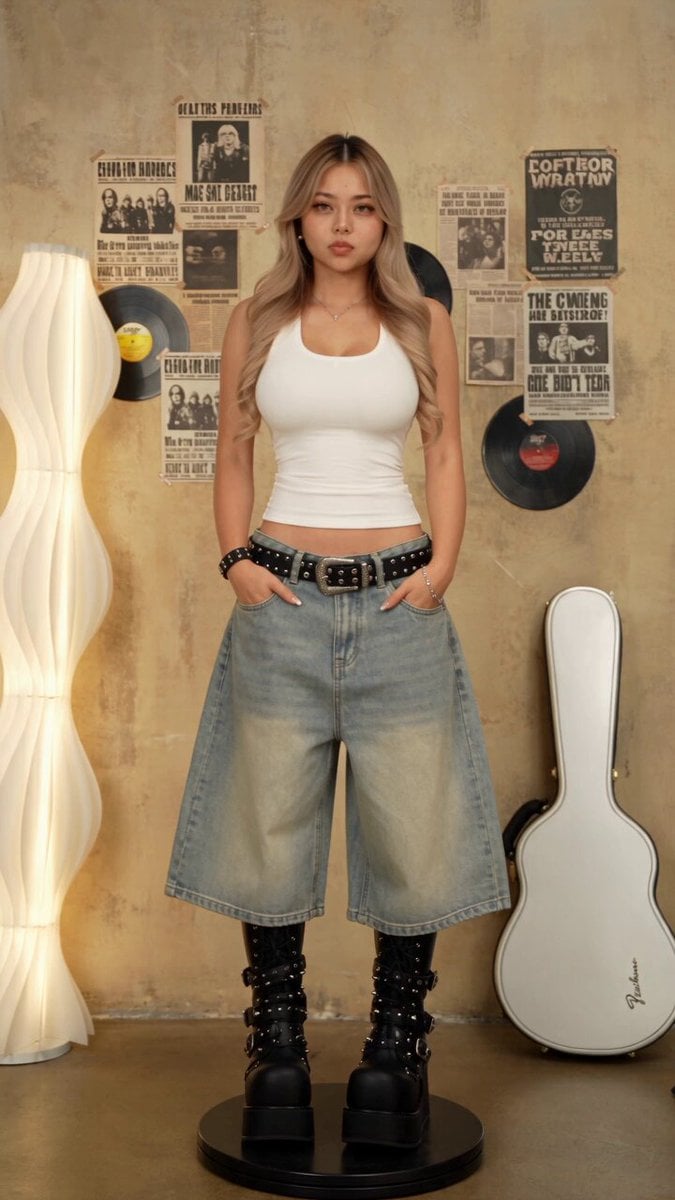
A high-quality Y2K-style fashion transition video prompt featuring a rotating platform and motion blur match cuts for a nostalgic magazine aesthetic.
- Prompt included
- Model and format preset
- Free template
The prompt behind this video
Copy the exact prompt behind Y2K Rock Fashion Transition Video, or open it in the studio and make it yours.
【风格】千禧年Y2K摇滚变装(Y2K Rock Fashion),2000年代潮流杂志质感,复古暖黄调,60fps,4K写实画质 【时长】15秒 【比例】9:16竖屏 【场景】复古摇滚试衣间,米黄色旧墙贴满无文字的原创摇滚海报与黑胶唱片;左侧白色波浪落地灯,右侧斜靠白色吉他盒,地面中央放置黑色电动旋转圆台 【角色】主角@图片1,五官、发型、身形始终对应参考图;全程冷静看向镜头,表情自然有型 【声音】原创Y2K流行摇滚节拍,每两秒一次重拍;无对白、无字幕、无文字、无品牌标志 【核心运镜】相机全程固定在正面全身机位(Locked Full-body Shot),不得摇移、跟拍或环绕。主角站在圆台中央,由圆台匀速顺时针旋转。所有视角变化均来自圆台旋转,不是相机运动。 【转场规则】每次重拍前,主角随圆台从正面转向侧面或背面;当身体经过镜头中央、全身运动模糊最强时硬切换装(Motion-blur Match Cut)。切后人物保持相同位置、朝向、手势和旋转速度,继续顺时针转动。禁止闪白、溶解、衣服凭空生长。 [00:00-00:03] 镜头1:基础千禧造型 主角穿白色修身背心、浅蓝低腰超宽牛仔裤、黑色铆钉腰带、黑色厚底绑带靴,双手插袋站在圆台中央。 圆台缓慢顺时针旋转,主角从正面转至侧面,再转向背面。 00:02.9身体侧后方经过镜头中央,全身形成横向运动模糊,卡重拍切换。 [00:03-00:05] 镜头2:黑色摇滚造型 切后保持相同背身角度,换成黑色星星针织帽、黑色铆钉无袖上衣、白色层叠下摆、黑色百褶皮裙、黑色高筒靴、黑色肩包。 主角继续顺时针转回正面,单手扶包,随后再次转向侧后方。 00:04.9在包身与裙摆甩动最明显时匹配切换。 [00:05-00:07] 镜头3:紫色街头造型 换成豹纹报童帽、白色不对称印花上衣、紫色宽松五分工装裤、铆钉腰带、黑色手提包、黑色高筒靴。 切后身体角度与步态不变,主角随圆台从侧面转至正面,轻抬下巴看镜头。 00:06.9转向背面,利用身体和手提包的运动模糊切换。 [00:07-00:09] 镜头4:层叠滑板造型 换成黑色星星针织帽、白色长袖打底叠穿斑马纹短袖、渐变灰色宽腿牛仔裤、黑白帆布鞋、豹纹大背包。 主角从背面对镜头平滑转回正面,双手插袋,背包随旋转自然摆动。 00:08.9在背包扫过身体侧面时硬切。 [00:09-00:11] 镜头5:黑色工装造型 换成黑色铆钉鸭舌帽、黑色墨镜、黑色修身长袖、浅蓝超宽多口袋工装牛仔裤、字母腰带、金属裤链、黑色厚底靴。 保持上一帧侧身角度,继续顺时针旋转;双手插袋,裤链产生轻微惯性摆动。 00:10.9主角抬手调整帽檐,手臂经过面部时切换。 [00:11-00:13] 镜头6:粉色街头造型 换成粉色格纹头巾帽、黑色墨镜、灰色印花背心、浅蓝超宽牛仔裤、粉色运动鞋、格纹斜挎包。 切后继续相同的抬手动作,完成调整帽檐;圆台从侧面转至正面。 00:12.9主角再次转向侧后方,斜挎包扫过躯干时切换。 [00:13-00:15] 镜头7:终极千禧摇滚造型 换成豹纹鸭舌帽、黑色墨镜、黑白拼接铆钉短袖、黑白艺术印花宽腿工装裤、黑色双排扣腰带、黑色重型厚底靴、豹纹背包。 切后保持相同侧后方角度,继续顺时针转至正面。 主角双手插袋,身体微微后倾,最后正面对镜头定格;圆台仍缓慢转动。 【物理连续性】圆台位置、转速、旋转方向始终不变;人物双脚固定在圆台中央;切前切后身体角度误差极小;帽子、包和宽腿裤随旋转产生真实惯性;每套造型先清晰展示,再进入短暂运动模糊。 【避免】相机环绕、甩镜、横向跟拍、人物自行绕场行走、人物走出画面、圆台消失、逆时针旋转、切后身体朝向跳变、闪白转场、溶解转场、液态变形、衣服凭空覆盖身体、造型顺序混乱、漏掉造型、重复服装、换脸、发型漂移、额外人物、字幕、文字、品牌标志、海报乱码、手指畸形、包带穿模、鞋底悬空、塑料皮肤。禁止
How to use Y2K Rock Fashion Transition Video in 3 steps
- 1
Open
The prompt is already in the box next to the preview, with the template's model and format selected.
- 2…a portrait of your subject in softgolden-hour light, 85mm…
Personalize
Edit the subject and creative details for your destination.
- 3Generate
Generate
Press Generate — your video is created in PicX Studio, so you can compare it with the original and refine one variable at a time.
More like this
Templates with the same subject, style or setup. Open one to see its prompt.
Anthropomorphic Rock Band Live Concert - Seedance 2.5

Sneaker Product Commercial
Cinematic Short Film Scene

Luxury Lifestyle Day Vlog
Douyin Catch and Wipe Fashion Transition
Coca-Cola Fashion Transition Ad
Luxury Handbag Commercial — Hollywood VFX Ad
Cinematic Storyboard Sequence Transition
Fashion Runway Couture Walk
Fashion Outfit Transformation Office Vlog
Astronaut to Apartment Match Cut Transition
Seasonal Path Transition Animation
Make it yours
Y2K Rock Fashion Transition Video works as-is. These are the safest ways to change it without losing the look.
Change one field
Copy a single group, rewrite it, and generate again so you can see what that field is doing.
Keep the frame, change the subject
Hold the composition and light of Y2K Rock Fashion Transition Video, then swap wardrobe, props or the person for a new take.
| If the result… | Why | Fix |
|---|---|---|
| The result drifts from the preview | Too many fields changed at once. | Reuse Y2K Rock Fashion Transition Video as-is first, then change one group — subject, light, or setting. |
| The model over-stylizes the scene | The prose prompt leaves finish and camera underspecified. | Add one camera or lighting sentence and stay on Seedance 2.0. |
More Seedance 2.0 templates
Other prompts made for Seedance 2.0.

Comical Martial Arts Punch Scene

Maglev Train Action Sequence

Martial Arts Fight Sequence

Wuxia Protection and Trust Script

Vintage Korean Arcade MiniDV Vlog

Mercedes 190 SL Luxury Ad

Rainy Night Supernatural Reverse Comedy Video Script

Amazon Civilization Discovery

Futuristic South Asian City Transformation

Cozy Luxury Cafe Commercial
More video prompts
Fresh picks from across the catalog.
Miniature World Cup Tire Stadium
Indian Village Football Documentary
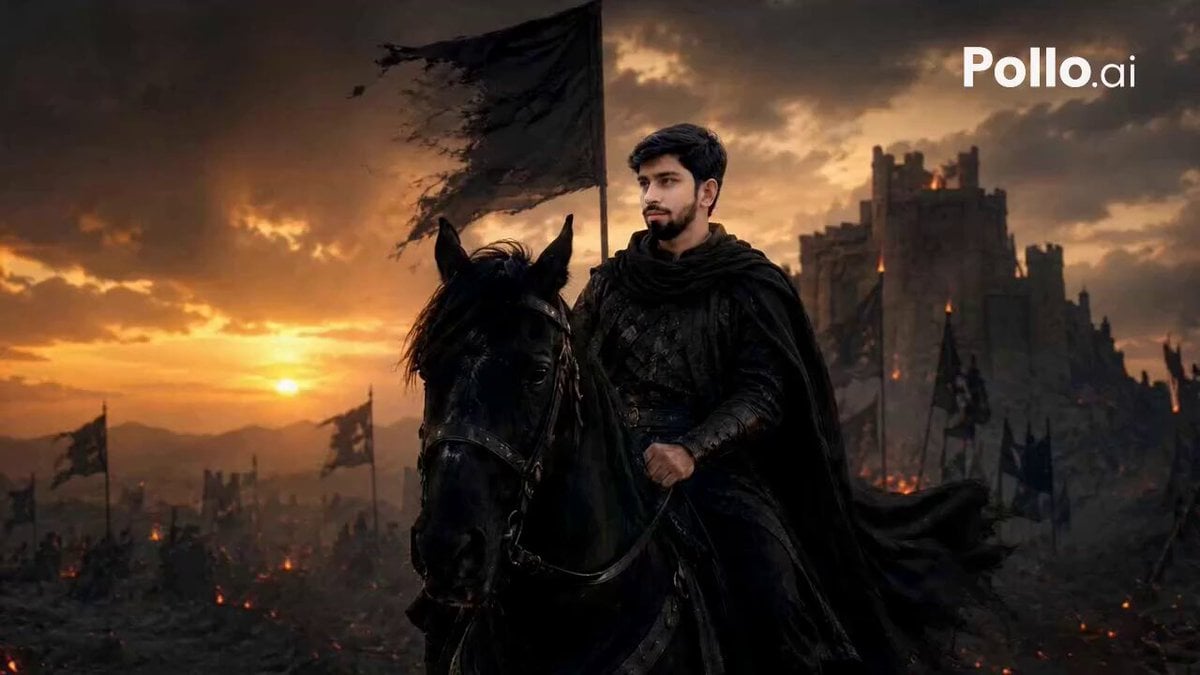
Lone Warrior Medieval Battlefield Video Prompt
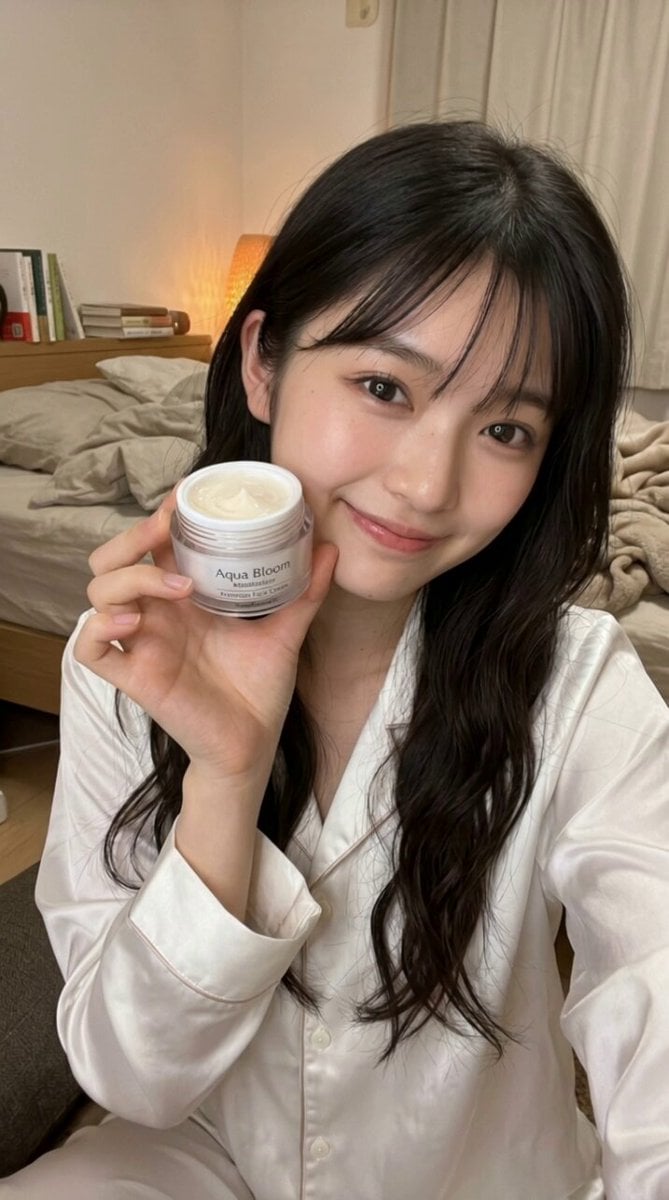
Beauty Influencer Vlog Prompt
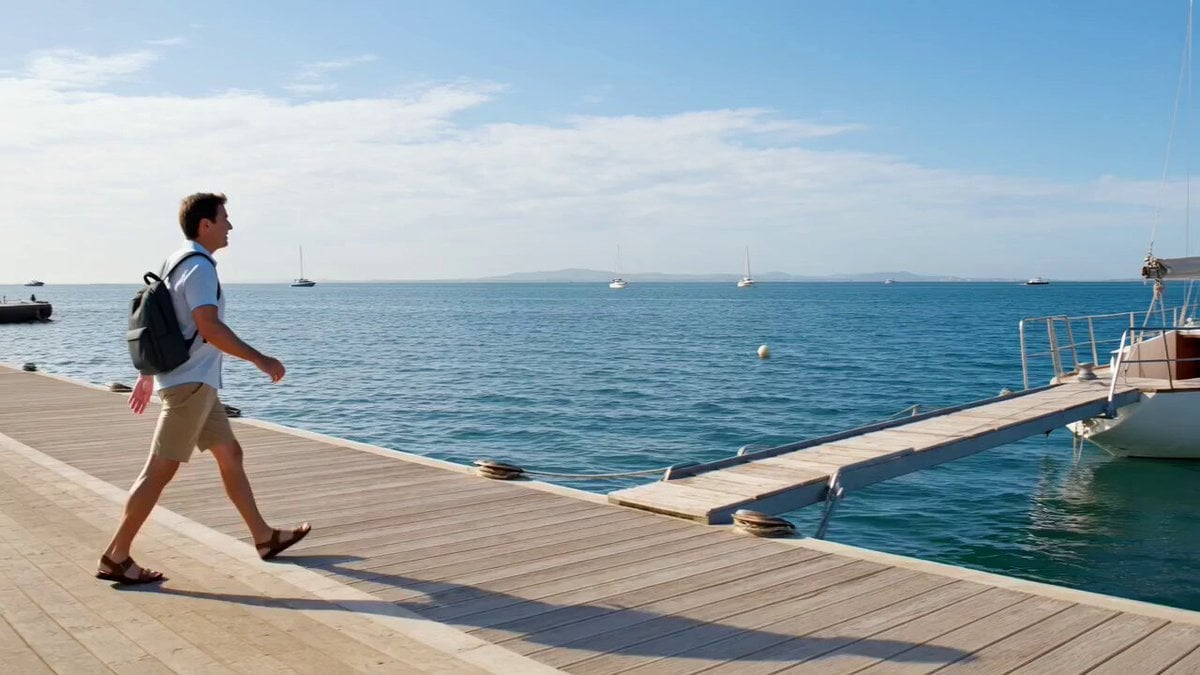
Grok Imagine Prompt: Wow! Logo Followed by Off-Screen Narration
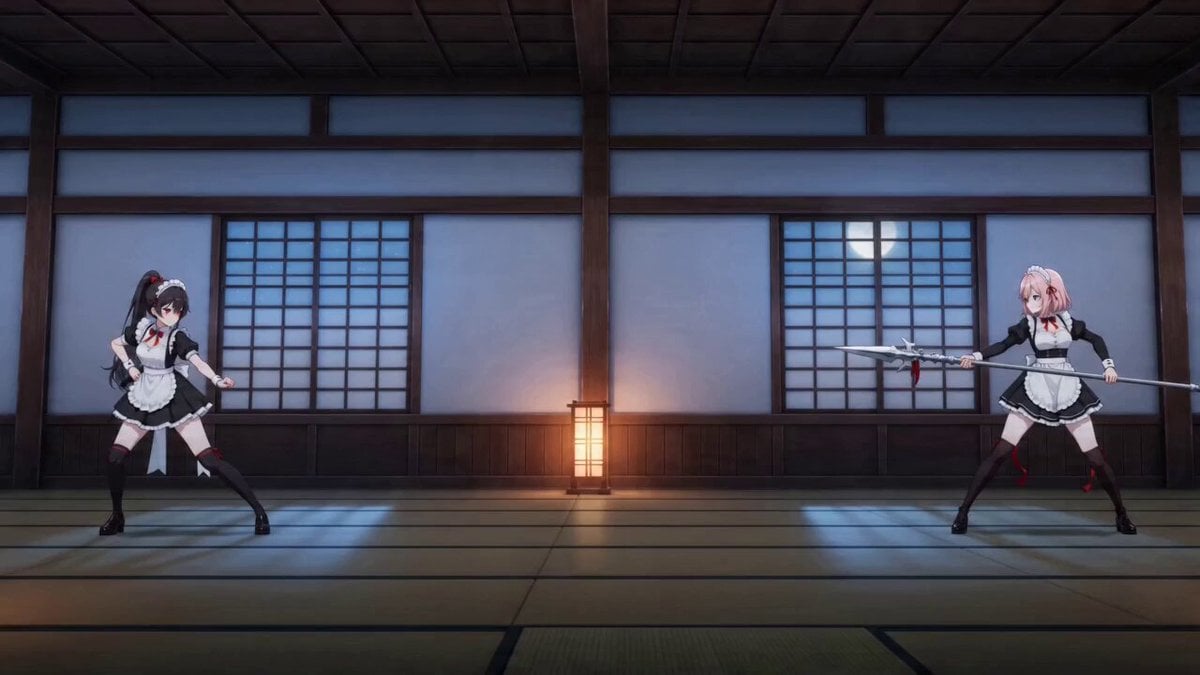
Seedance 2.0 Detailed Combat Video Prompt: Maid Blade Dance
Second Cinematic Anime Duel

Futuristic Arena Sci-Fi Combat
Cinematic Lifestyle Vlog Character Consistency
Second Live Action Rivalry Video Script
Browse template categories
Y2K Rock Fashion Transition Video questions
How do I use the Y2K Rock Fashion Transition Video template?
Add your photo if the template asks for one, edit the prompt if you like — the template's model and format are already selected — and press Generate. Your version opens in PicX Studio.
Can I customize the Y2K Rock Fashion Transition Video template?
Yes. You can change the subject, setting, lighting, mood, format, and available model controls before creating your video.
Is the Y2K Rock Fashion Transition Video template free?
Opening and editing this template is free. Generating uses credits, shown on the Generate button when you are signed in.
Which AI model should I use?
Start with Seedance 2.0, which is the model associated with this template. You can compare another compatible model for a different finish.
Looking for something else? Browse all templates.

Your photo, any look
Thousands of ready templates for every top image and video model, from one credit balance.