
Douyin Catch and Wipe Fashion Transition
A viral Douyin-style fashion transition prompt featuring a lens-wipe match-cut from casual wear to a sequined mini dress with ASMR sound design.

- Prompt included
- Model and format preset
- Premium template
The prompt behind this video
Copy the exact prompt behind Douyin Catch and Wipe Fashion Transition, or open it in the studio and make it yours.
[Global Vision & Tone] Cinematic 15s sequence, fast-paced viral Douyin "Catch and Wipe" glow-up transition. Core VFX: Object catch, lens-wipe match-cut, slow-motion catwalk, and background extras turning heads. AUDIO INSTRUCTION: STRICTLY NO BACKGROUND MUSIC. Pure ASMR sound design (fabric catching, heavy cloth wiping lens, sharp high heel clicks on wet asphalt, muffled city street ambiance). LIVE-ACTION REAL HUMAN (Female face base input_file_0.png). High-fashion, edgy, and glamorous aesthetic. [Shot Breakdown] [0.0-5.0s] The Reality (Shot 1): Static medium shot in a bright, modern room. The subject (input_file_0.png) stands confidently wearing casual chic minimalist clothing (a stylish sleeveless summer top and denim shorts). Suddenly, a glamorous, highly reflective white sequined mini dress (haute couture) flies into the frame from off-screen. She catches it effortlessly with one hand. She gives a confident smile, takes a dynamic step forward, and aggressively thrusts the sparkling white dress directly into the camera lens, blacking out the screen. ASMR fabric catch and heavy cloth wipe. [5.0-15.0s] The Street Superstar Reveal (5 Rapid Shots): [5.0-6.5s] Shot 2 (Match-Cut Reveal): The fabric is aggressively pulled away! Explosive match-cut. The room dissolves into a vibrant, neon-lit city street at night. The subject is now fully transformed, wearing the exact breathtaking white sequined high-fashion mini dress she caught. The dress sparkles blindingly under the streetlights. [6.5-8.5s] Shot 3 (Dynamic Catwalk): Medium tracking shot moving backward. She executes a powerful, highly confident high-fashion runway strut down the glowing wet asphalt. Her edgy, elegant styling stands out perfectly against the dark city background. [8.5-10.5s] Shot 4 (The Head-Turners): Slow-motion wide tracking shot. As she confidently walks past, blurred background extras (passersby) visibly stop and turn their heads in absolute awe, completely mesmerized by her aura. [10.5-12.5s] Shot 5 (Low-Angle Details): Low-angle tracking shot focusing on her incredibly long legs and sparkling diamond-studded high heels clicking rhythmically on the neon-lit pavement. ASMR sharp heel clicks. [12.5-15.0s] Shot 6 (Final Hold): Extreme close-up on her face. Flawless Douyin-style makeup (glossy lips, glowing glass skin V10.2). Cinematic city wind whips her perfectly styled hair. She stares directly into the lens with an edgy, charismatic, and arrogant smirk, knowing she owns the street. Fades to black. Kodak Vision3 500T film look, beautiful anamorphic lens flares.
How to use Douyin Catch and Wipe Fashion Transition in 3 steps
- 1
Open
The prompt is already in the box next to the preview, with the template's model and format selected.
- 2…a portrait of your subject in softgolden-hour light, 85mm…
Personalize
Edit the subject and creative details for your destination.
- 3Generate
Generate
Press Generate — your video is created in PicX Studio, so you can compare it with the original and refine one variable at a time.
More like this
Templates with the same subject, style or setup. Open one to see its prompt.
Sneaker Product Commercial
Cinematic Short Film Scene
Luxury Lifestyle Day Vlog
Coca-Cola Fashion Transition Ad
Luxury Handbag Commercial — Hollywood VFX Ad
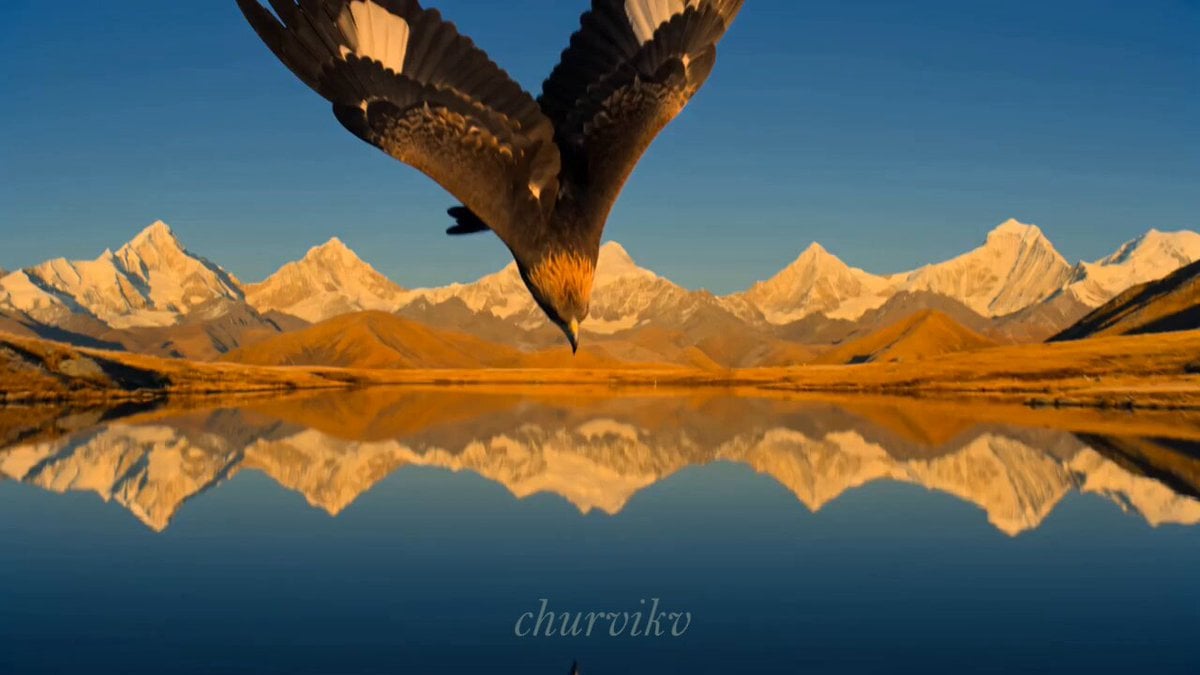
Cinematic Storyboard Sequence Transition
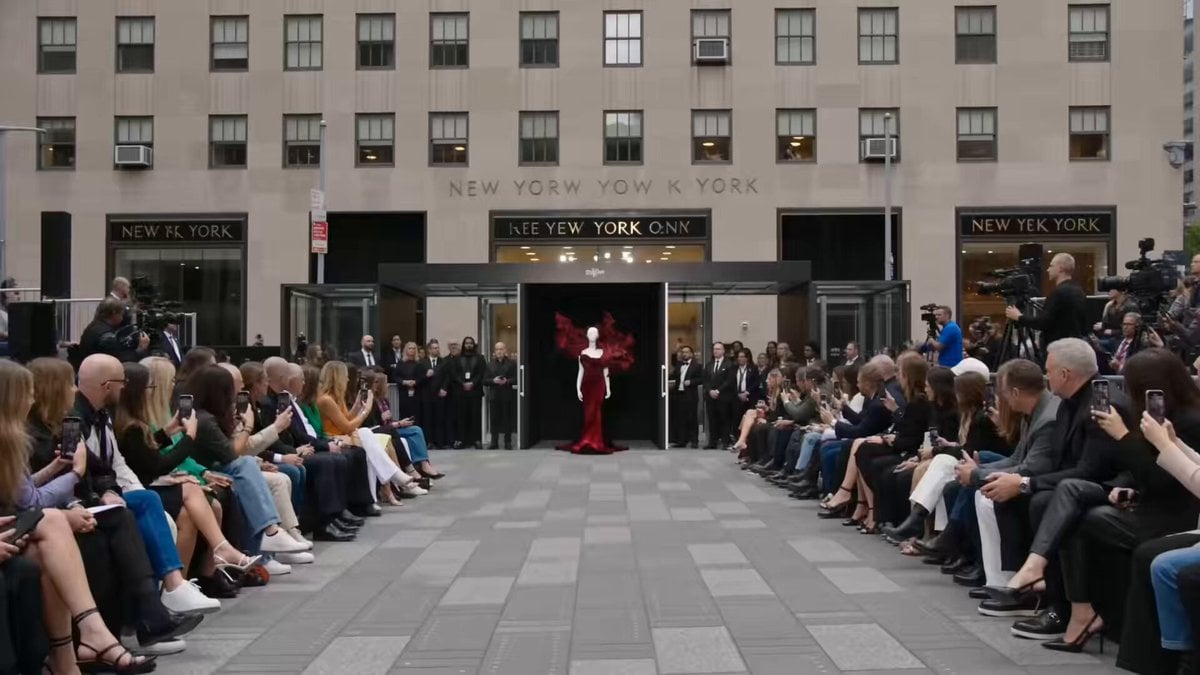
Fashion Runway Couture Walk
Fashion Outfit Transformation Office Vlog
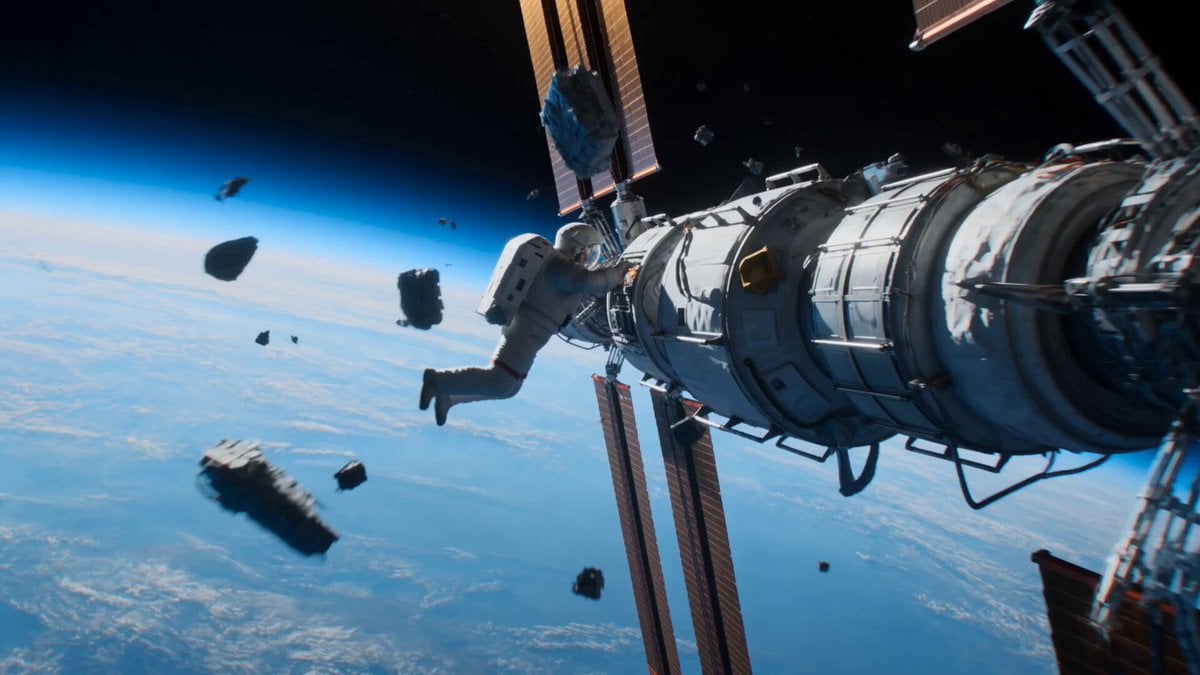
Astronaut to Apartment Match Cut Transition

Seasonal Path Transition Animation
Industrial Loft Fashion Performance Film
Industrial Underground Fashion Film
Make it yours
Douyin Catch and Wipe Fashion Transition works as-is. These are the safest ways to change it without losing the look.
Change one field
Copy a single group, rewrite it, and generate again so you can see what that field is doing.
Keep the frame, change the subject
Hold the composition and light of Douyin Catch and Wipe Fashion Transition, then swap wardrobe, props or the person for a new take.
| If the result… | Why | Fix |
|---|---|---|
| The result drifts from the preview | Too many fields changed at once. | Reuse Douyin Catch and Wipe Fashion Transition as-is first, then change one group — subject, light, or setting. |
| The model over-stylizes the scene | The prose prompt leaves finish and camera underspecified. | Add one camera or lighting sentence and stay on Seedance 2.0. |
More Seedance 2.0 templates
Other prompts made for Seedance 2.0.

Comical Martial Arts Punch Scene

Maglev Train Action Sequence

Martial Arts Fight Sequence

Wuxia Protection and Trust Script

Vintage Korean Arcade MiniDV Vlog

Mercedes 190 SL Luxury Ad

Rainy Night Supernatural Reverse Comedy Video Script

Amazon Civilization Discovery

Futuristic South Asian City Transformation

Cozy Luxury Cafe Commercial
More video prompts
Fresh picks from across the catalog.
Fantasy Martial Arts Fight Scene
Fashion Sequence with Multiple Outfits and Effects
Abandoned Gothic Cathedral with Shadow Figures

Cinematic Tokyo Night Commercial
Grok Imagine Morning Scene Video Prompt
Anime Wall Running Action Scene
The Desert Train Heist

Morning Vlog Desk Setup
UGC Style Phone Case Advertisement
Ancient Indian Kingdom FPV Flight
Browse template categories
Douyin Catch and Wipe Fashion Transition questions
How do I use the Douyin Catch and Wipe Fashion Transition template?
Add your photo if the template asks for one, edit the prompt if you like — the template's model and format are already selected — and press Generate. Your version opens in PicX Studio.
Can I customize the Douyin Catch and Wipe Fashion Transition template?
Yes. You can change the subject, setting, lighting, mood, format, and available model controls before creating your video.
Is the Douyin Catch and Wipe Fashion Transition template free?
Opening and editing this template is free. Generating uses credits, shown on the Generate button when you are signed in.
Which AI model should I use?
Start with Seedance 2.0, which is the model associated with this template. You can compare another compatible model for a different finish.
Looking for something else? Browse all templates.

Your photo, any look
Thousands of ready templates for every top image and video model, from one credit balance.