How do I use the Industrial Loft Fashion Performance Film template?
Edit the prompt in the box under the preview — the template's model and format are already selected — and press Generate. Your version appears right on this page.
A high-end fashion cinematography prompt for a 15-second performance film with distinct wardrobe changes and handheld camera movements in an industrial loft.
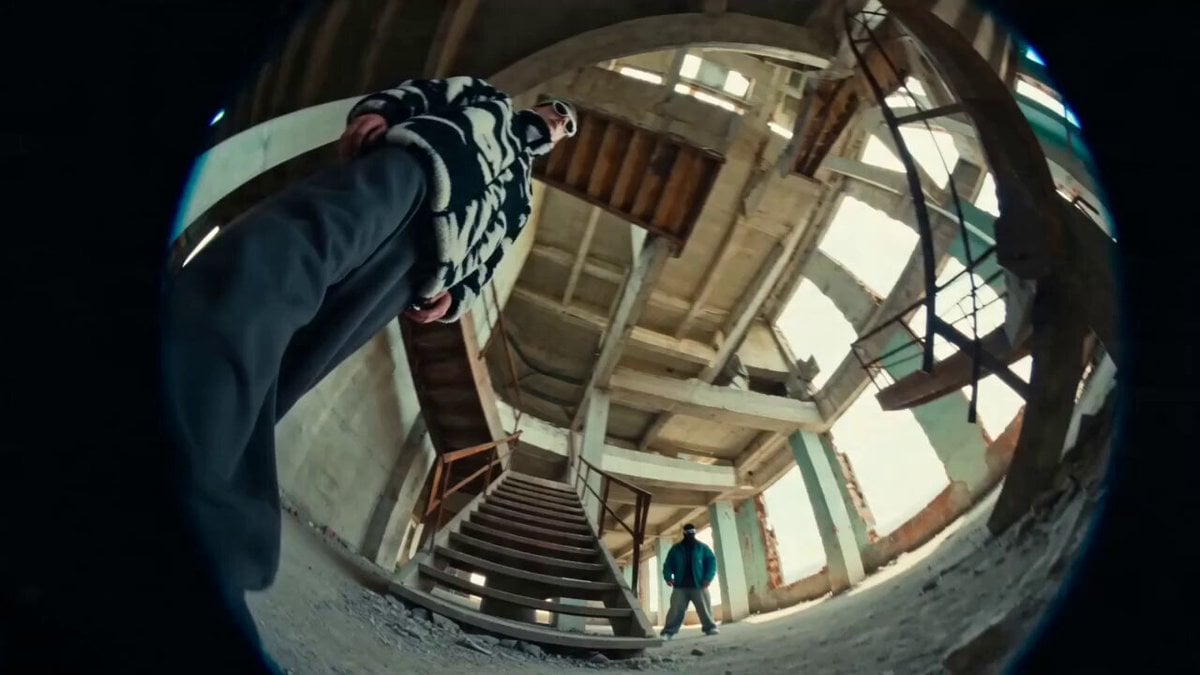
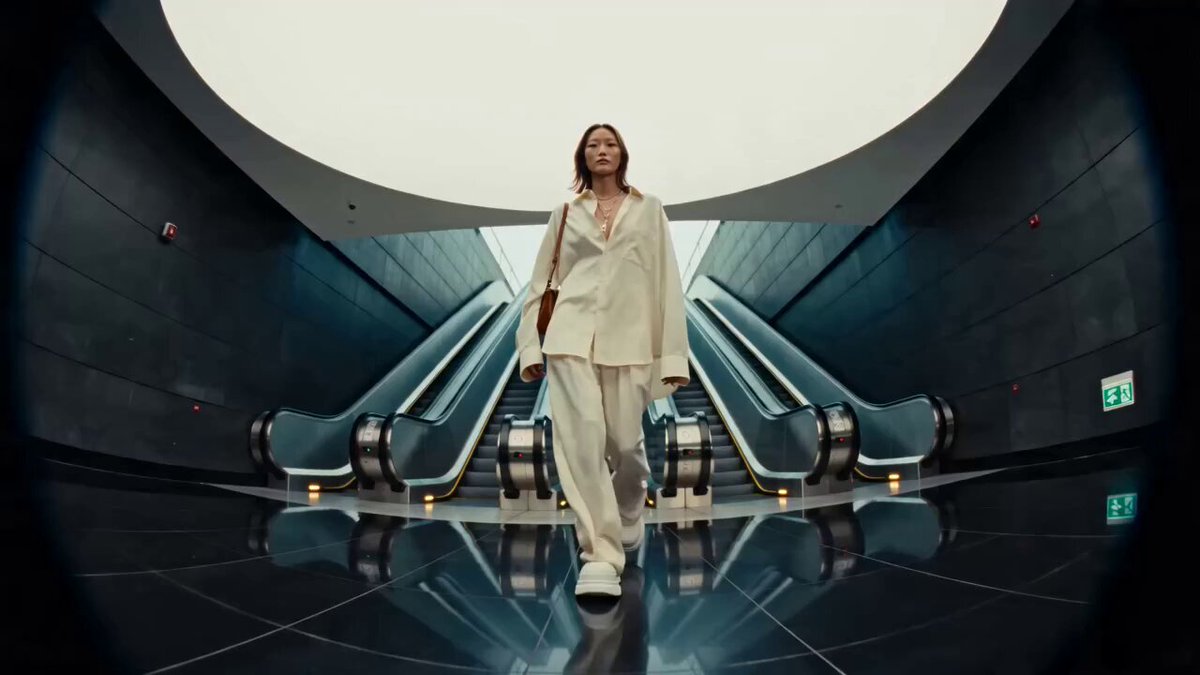
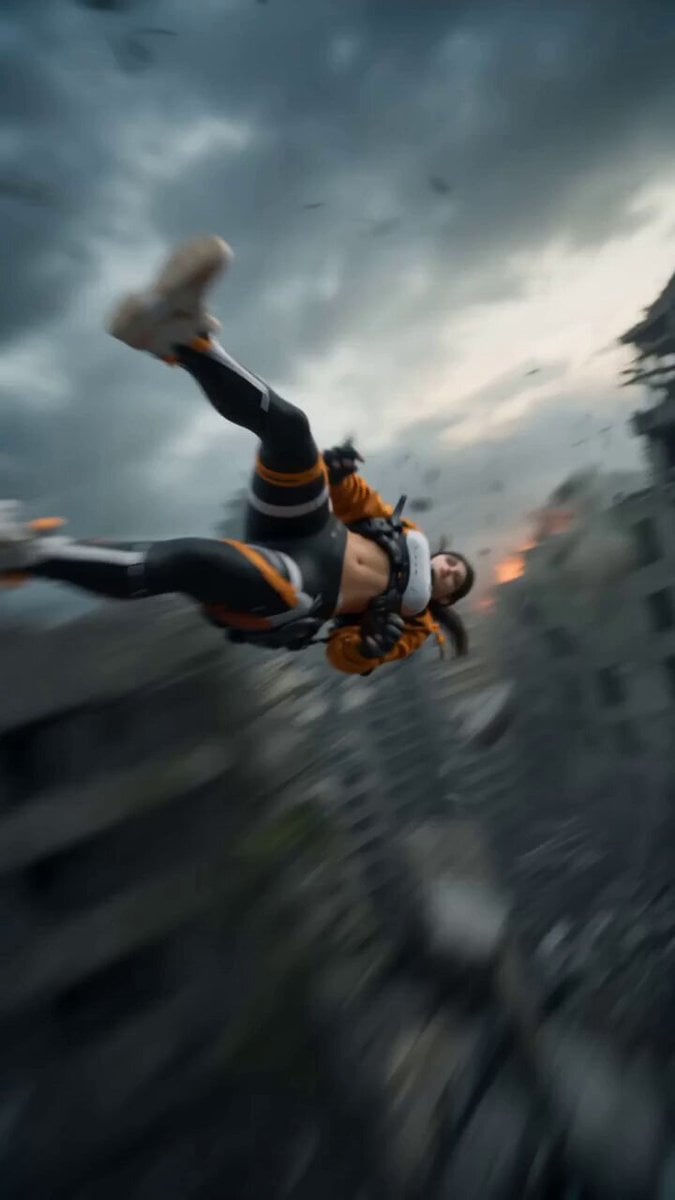
Create a 15 second, 16:9 photoreal fashion performance film in one real industrial loft/studio. Keep one young adult woman consistent: long auburn-brown hair, natural skin texture, subtle makeup, confident relaxed expression. Intercut two believable wardrobe states: LOOK A oversized washed blue grey hoodie, short dark skirt/shorts, black tights, worn sneakers; LOOK B multi colour striped cropped top, loose low rise blue jeans, dark cap/sunglasses, jacket tied at the waist. Cuts must feel like a real handheld editorial shoot, never a digital transformation. 0.0–2.0s Bright white studio corridor, large grid windows, worn concrete/tile floor, fluorescent ceiling fixtures, plants and scattered studio objects. 14–16mm fisheye/ultra wide lens, chest-height camera rapidly dollies forward with slight handheld sway toward her standing on a small white cube. Cool soft daylight, windows slightly overexposed, neutral interior shadows. Real focus breathing, subtle rolling shutter skew, natural motion blur. 2.0–3.5s Hard beat cut to LOOK B. Medium full shot; fast imperfect orbit as she shifts her hips and adjusts the loose jeans. Use only movement driven radial blur. Cut to a monochrome fisheye selfie style angle of LOOK A, sleeve and hand near lens, face centered, a second blurred figure deep in the room. High contrast B&W, grain, slight edge vignette. 3.5–5.0s Color returns in the darker loft zone: exposed steel, black brick, timber ceiling, staircase, red accents. Brief medium shot against brick, then high angle view from the staircase looking down into the white studio. Whip pan on the beat; exposure blooms naturally crossing the windows. 5.0–9.0s Energetic LOOK A sequence. Camera extremely close on a 10–12mm circular fisheye. She bends toward it, reaches one hand toward lens, steps around it and opens both sleeves wide. Operator rolls camera 60–100 degrees, dips toward the floor and swings back up; hair and hoodie lag with real inertia. Alternate tilted close ups and low angle full body frames. Strong but plausible barrel distortion, circular edge vignette, occasional chromatic fringe and faint analog scanline texture. No body warping or face changes. 9.0–11.5s Beat cut to LOOK B beneath an industrial chandelier in the lounge; she holds a grounded pose while camera rushes in then eases back. Cut to LOOK A full-body against freestanding blue-grey studio partitions, hands briefly behind her head, knees bouncing once to rhythm. Keep room geometry and shadows consistent. 11.5–13.2s Extreme fisheye LOOK B close-up. She leans toward camera and reaches past it; ceiling cables and red architectural details bend only from the lens. Keep eyes, fingers, teeth, jewellery and clothing seams anatomically correct. 13.2–15.0s Back to bright studio. She sits casually on the white cube, one leg extended, hoodie slipping naturally off one shoulder; camera glides
Create a 15 second, 16:9 photoreal fashion performance film in one real industrial loft/studio. Keep one young adult woman consistent: long auburn-brown hair, natural skin texture, subtle makeup, confident relaxed expression. Intercut two believable wardrobe states: LOOK A oversized washed blue grey hoodie, short dark skirt/shorts, black tights, worn sneakers; LOOK B multi colour striped cropped top, loose low rise blue jeans, dark cap/sunglasses, jacket tied at the waist. Cuts must feel like a real handheld editorial shoot, never a digital transformation. 0.0–2.0s Bright white studio corridor, large grid windows, worn concrete/tile floor, fluorescent ceiling fixtures, plants and scattered studio objects. 14–16mm fisheye/ultra wide lens, chest-height camera rapidly dollies forward with slight handheld sway toward her standing on a small white cube. Cool soft daylight, windows slightly overexposed, neutral interior shadows. Real focus breathing, subtle rolling shutter skew, natural motion blur. 2.0–3.5s Hard beat cut to LOOK B. Medium full shot; fast imperfect orbit as she shifts her hips and adjusts the loose jeans. Use only movement driven radial blur. Cut to a monochrome fisheye selfie style angle of LOOK A, sleeve and hand near lens, face centered, a second blurred figure deep in the room. High contrast B&W, grain, slight edge vignette. 3.5–5.0s Color returns in the darker loft zone: exposed steel, black brick, timber ceiling, staircase, red accents. Brief medium shot against brick, then high angle view from the staircase looking down into the white studio. Whip pan on the beat; exposure blooms naturally crossing the windows. 5.0–9.0s Energetic LOOK A sequence. Camera extremely close on a 10–12mm circular fisheye. She bends toward it, reaches one hand toward lens, steps around it and opens both sleeves wide. Operator rolls camera 60–100 degrees, dips toward the floor and swings back up; hair and hoodie lag with real inertia. Alternate tilted close ups and low angle full body frames. Strong but plausible barrel distortion, circular edge vignette, occasional chromatic fringe and faint analog scanline texture. No body warping or face changes. 9.0–11.5s Beat cut to LOOK B beneath an industrial chandelier in the lounge; she holds a grounded pose while camera rushes in then eases back. Cut to LOOK A full-body against freestanding blue-grey studio partitions, hands briefly behind her head, knees bouncing once to rhythm. Keep room geometry and shadows consistent. 11.5–13.2s Extreme fisheye LOOK B close-up. She leans toward camera and reaches past it; ceiling cables and red architectural details bend only from the lens. Keep eyes, fingers, teeth, jewellery and clothing seams anatomically correct. 13.2–15.0s Back to bright studio. She sits casually on the white cube, one leg extended, hoodie slipping naturally off one shoulder; camera glides
Edit the prompt in the box under the preview — the template's model and format are already selected — and press Generate. Your version appears right on this page.
Yes. You can change the subject, setting, lighting, mood, format, and available model controls before creating your video.
Opening and editing this template is free. Generating uses credits, shown on the Generate button when you are signed in.
Start with Seedance 2.0, which is the model associated with this template. You can compare another compatible model for a different finish.
Follow a topic to a crawlable collection of related PicX Studio templates.