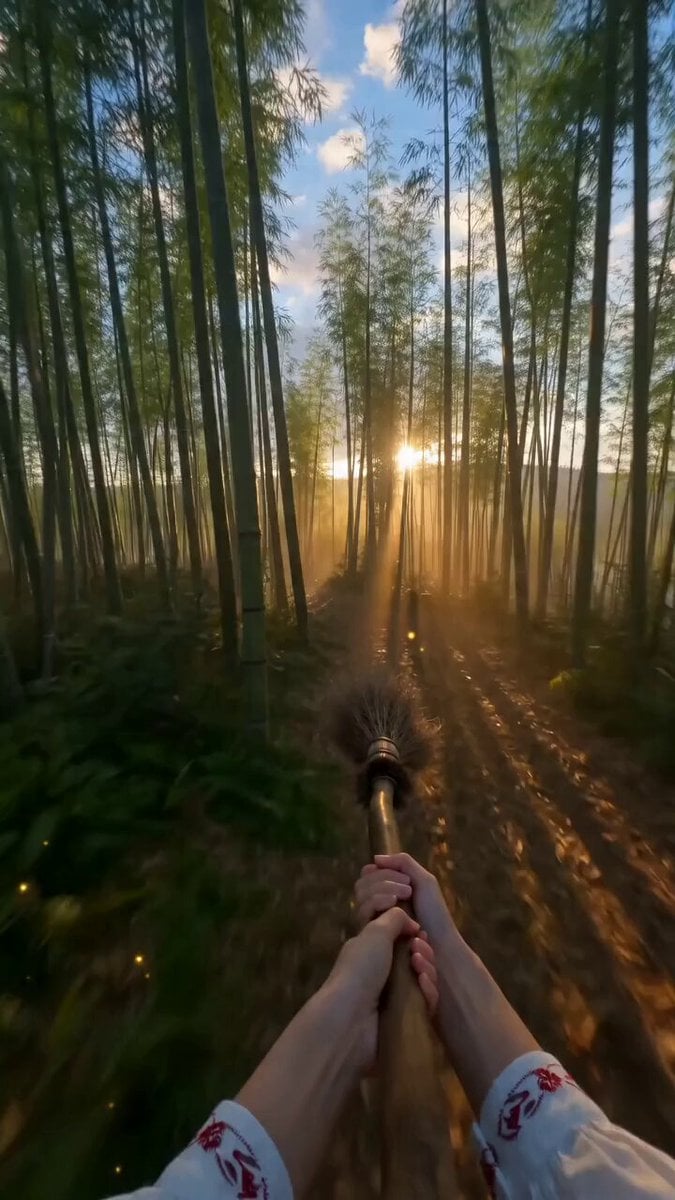
How do I use the Youth Racing Short Film template?
Edit the prompt in the box under the preview — the template's model and format are already selected — and press Generate. Your version appears right on this page.
reference-guided generation, scene continuity, and multimodal prompting.
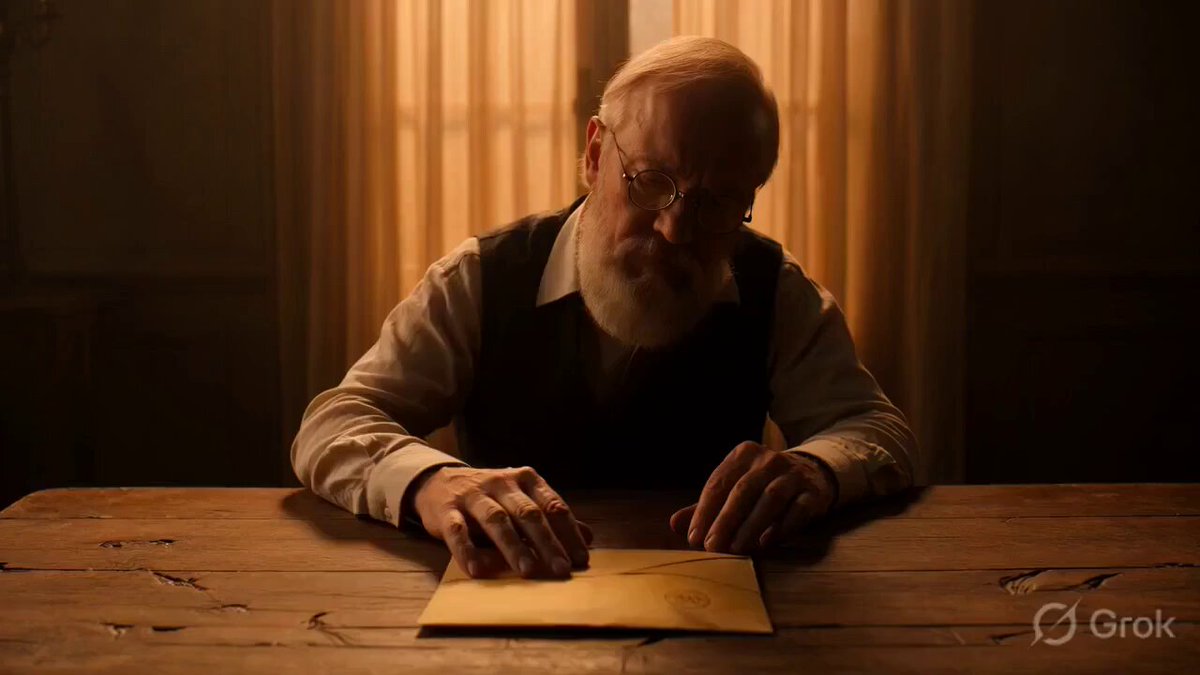
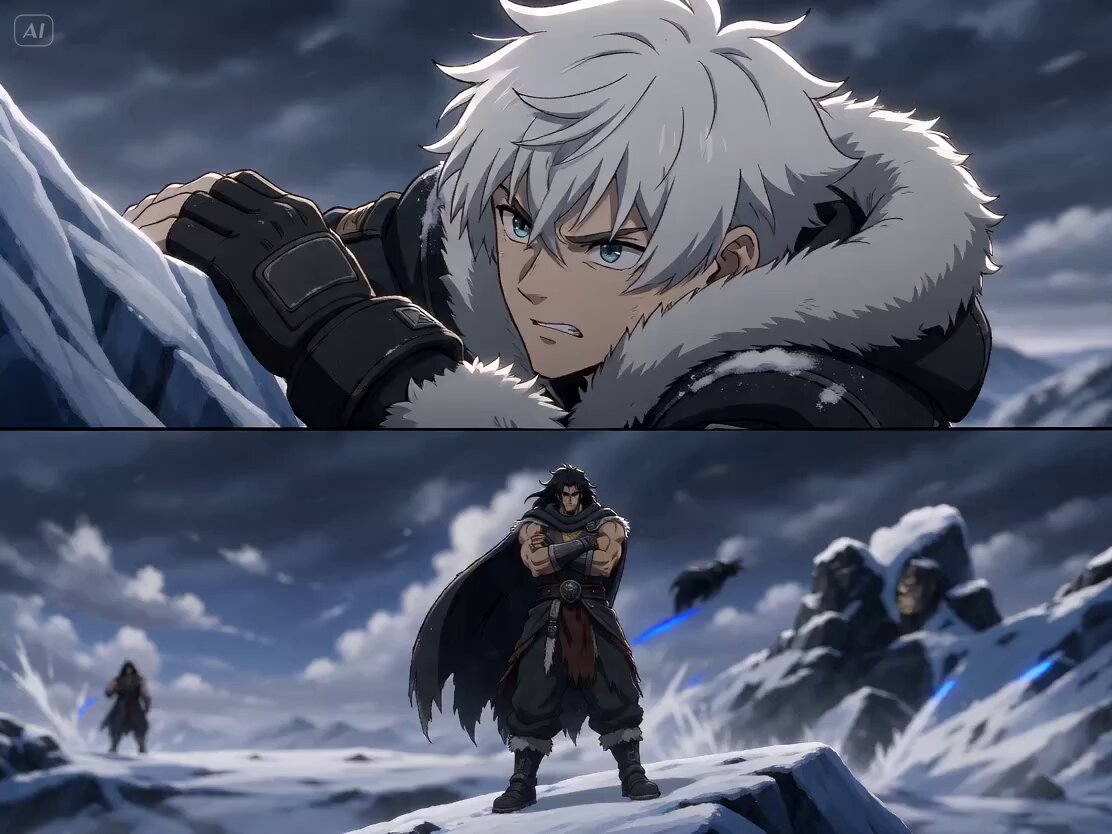
A 30-second cinematic youth racing story in 2D animation style. The protagonist is a young rider driving a motorcycle in a high-level race. The overall style is passionate, youthful, emotionally strong, and cinematic, with a complete beginning, development, turn, and conclusion, and a clear emotional arc. Use only two kinds of camera movement: high-speed follow shots and slow-motion orbit shots. Dialogue is minimal and should appear naturally like fragments of memory: sincere, gentle, restrained, not slogan-like, and not overly sentimental. Avoid disaster tone, negative expression, or exaggerated sci-fi. Focus on love, support, comeback, and upward flight within youth racing. 0-6s: High-speed follow shot. The rider starts the race, engines roaring. The camera follows close to the rear wheel and side profile. The city track, lights, and speed lines pass rapidly. 6-12s: Slow-motion orbit. The rider remembers a gentle voice and a supporting hand. Brief memory flashes appear through light and motion, not full dialogue. 12-20s: High-speed follow. The rider accelerates through a curve, overtaking others with clean motion. The rhythm becomes hotter and brighter. 20-27s: Slow-motion orbit. The motorcycle leaps briefly in the air. Memories bloom behind the rider as warm light and flowers. A gentle smiling voice says, "Go on." 27-30s: The camera circles the motorcycle in midair in slow motion. Push the emotions of passion, tenderness, freedom, and upward flight to the climax. Floral effects open behind the rider, then "seedance" appears based on <<<image_1_1>>>.
A 30-second cinematic youth racing story in 2D animation style. The protagonist is a young rider driving a motorcycle in a high-level race. The overall style is passionate, youthful, emotionally strong, and cinematic, with a complete beginning, development, turn, and conclusion, and a clear emotional arc. Use only two kinds of camera movement: high-speed follow shots and slow-motion orbit shots. Dialogue is minimal and should appear naturally like fragments of memory: sincere, gentle, restrained, not slogan-like, and not overly sentimental. Avoid disaster tone, negative expression, or exaggerated sci-fi. Focus on love, support, comeback, and upward flight within youth racing. 0-6s: High-speed follow shot. The rider starts the race, engines roaring. The camera follows close to the rear wheel and side profile. The city track, lights, and speed lines pass rapidly. 6-12s: Slow-motion orbit. The rider remembers a gentle voice and a supporting hand. Brief memory flashes appear through light and motion, not full dialogue. 12-20s: High-speed follow. The rider accelerates through a curve, overtaking others with clean motion. The rhythm becomes hotter and brighter. 20-27s: Slow-motion orbit. The motorcycle leaps briefly in the air. Memories bloom behind the rider as warm light and flowers. A gentle smiling voice says, "Go on." 27-30s: The camera circles the motorcycle in midair in slow motion. Push the emotions of passion, tenderness, freedom, and upward flight to the climax. Floral effects open behind the rider, then "seedance" appears based on <<<image_1_1>>>.
Edit the prompt in the box under the preview — the template's model and format are already selected — and press Generate. Your version appears right on this page.
Yes. You can change the subject, setting, lighting, mood, format, and available model controls before creating your video.
Opening and editing this template is free. Generating uses credits, shown on the Generate button when you are signed in.
Start with seedance-2.5, which is the model associated with this template. You can compare another compatible model for a different finish.
Follow a topic to a crawlable collection of related PicX Studio templates.