
Soccer Knuckleball Free Kick Simulation
A complex video prompt for a soccer goal scene, using diagrammatic reference images to control ball trajectory and physical movement.
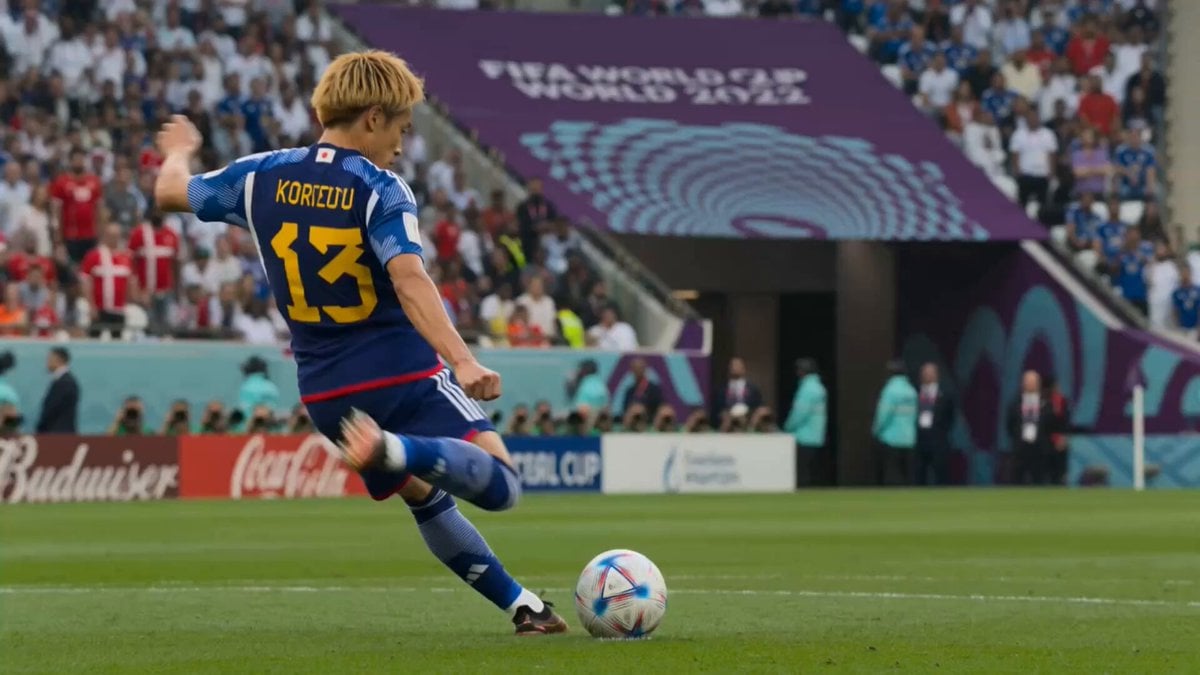
- Prompt included
- Model and format preset
- Premium template
The prompt behind this video
Copy the exact prompt behind Soccer Knuckleball Free Kick Simulation, or open it in the studio and make it yours.
Use @image1 side-view trajectory diagram) and @image2 (top-down trajectory diagram) as the exact reference for the ball's flight path. The red line in @Image1 defines the ball's vertical arc — rising sharply after the kick, peaking around the halfway line, then dipping down hard into the left goal (knuckleball dip). The red line in @Image2 defines the ball's horizontal route — traveling diagonally from the kick spot near the halfway line straight toward the goal in the lower-left, curving only slightly at the very end into the corner. The ball is kicked from the point labeled "キック" and ends inside the goal labeled "ゴール". Shot count: 4 | Duration: 10s | Aspect ratio: 16:9 CONTEXT: Fictional FIFA World Cup match, Japan vs Denmark. Packed stadium under bright daylight, green striped pitch. A Japanese national team player — blonde hair, left-footed (southpaw), blue Japan home kit — takes a long-range direct free kick. The ball is struck with no spin (knuckleball), so it flies fast and straight, then suddenly dips and dives into the top corner of the Denmark goal. STYLE: cinematic sports broadcast realism, 4K ultra-high resolution, natural daylight, sharp detail, realistic grass and stadium crowd, smooth slow-motion accents, stable footage, no jitter, no distortion, no deformation, photorealistic players. [0s – 2.5s] SHOT 1 — THE STRIKE. Low-angle medium shot behind the blonde left-footed Japanese player. He plants his right foot and swings his left foot through the ball with a clean, flat no-spin contact. Camera: slow push-in. Crowd noise swells. [2.5s – 5s] SHOT 2 — RISING FLIGHT (side view). Side-on tracking shot following the ball as it rises and climbs over the halfway line, exactly matching the upward arc of the red line in @Image1. The ball wobbles slightly with no rotation. Camera: smooth lateral tracking with the ball. [5s – 7.5s] SHOT 3 — THE DIP (overhead transition). High overhead angle showing the ball cutting diagonally across the pitch toward the lower-left goal, matching the route of the red line in @Image2, then dipping downward. Camera: high aerial following the ball's path. [7.5s – 10s] SHOT 4 — THE GOAL. Behind-the-goal shot. The ball dives into the top corner of the Denmark net, rippling the netting. The goalkeeper dives too late. Camera: slow pull-out as the crowd erupts. Slow-motion on the net ripple. Audio: live stadium ambience, rising crowd roar, sharp ball-strike sound, explosive goal celebration. Avoid: jitter, distortion, blur, deformation, extra players blocking the ball, wrong-footed kick (must be LEFT foot), spinning/curling ball (must be knuckleball, no spin). NO SUBTITLES. NO TEXT ON SCREEN. NO CAPTIONS. NO WATERMARKS.
How to use Soccer Knuckleball Free Kick Simulation in 3 steps
- 1
Open
The prompt is already in the box next to the preview, with the template's model and format selected.
- 2…a portrait of your subject in softgolden-hour light, 85mm…
Personalize
Edit the subject and creative details for your destination.
- 3Generate
Generate
Press Generate — your video is created in PicX Studio, so you can compare it with the original and refine one variable at a time.
More like this
Templates with the same subject, style or setup. Open one to see its prompt.
Nano Banana Seedance Environment Render Walk
Street Soccer Bicycle Kick Action Sequence
Live Soccer TV Broadcast Simulation
Brazilian Soccer Player Bicycle Kick Video Prompt
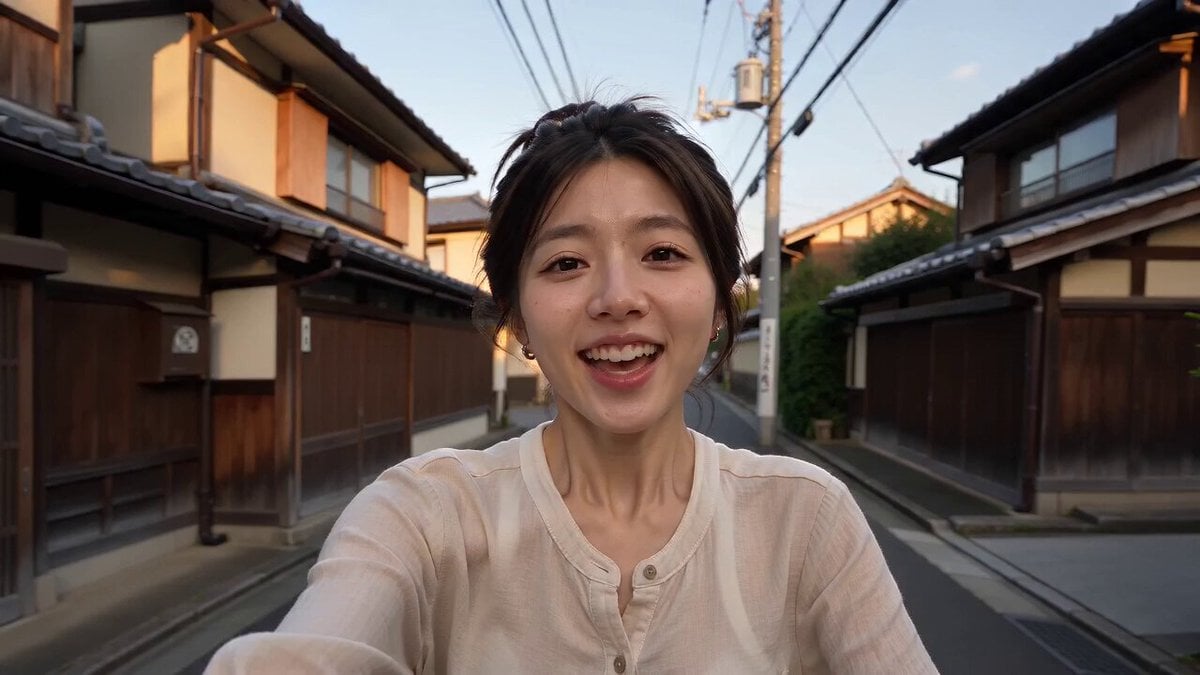
Kyoto Smartphone Vlog Simulation

Surreal Free Range Trees Video
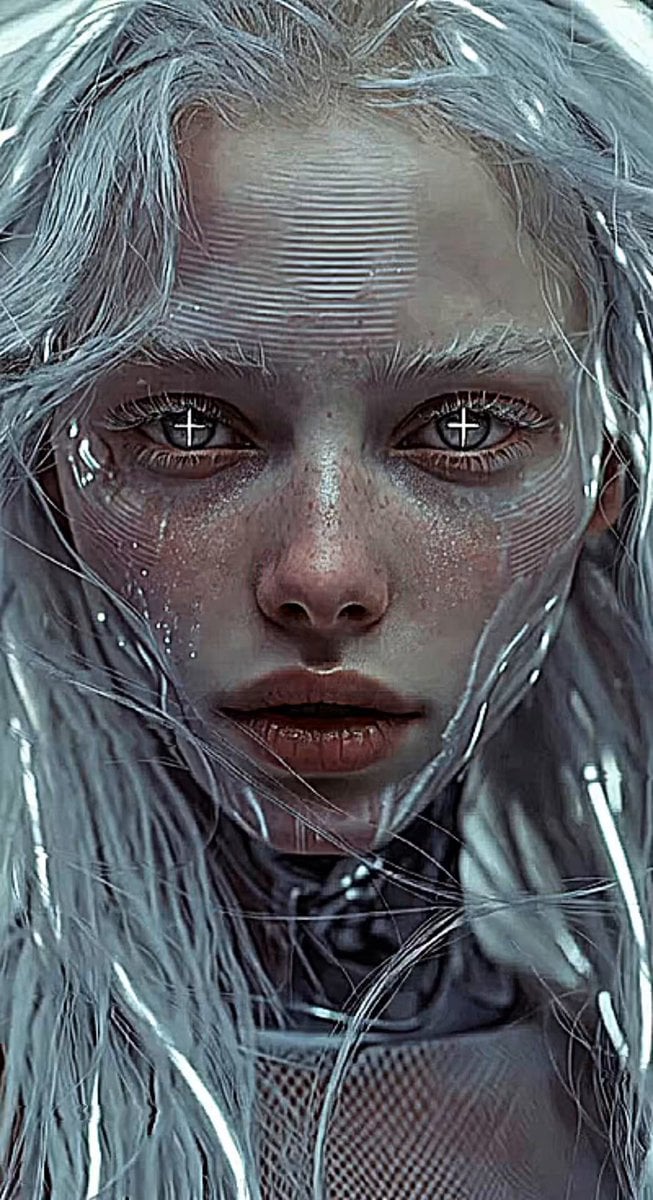
Glitches in the Simulation Prompt
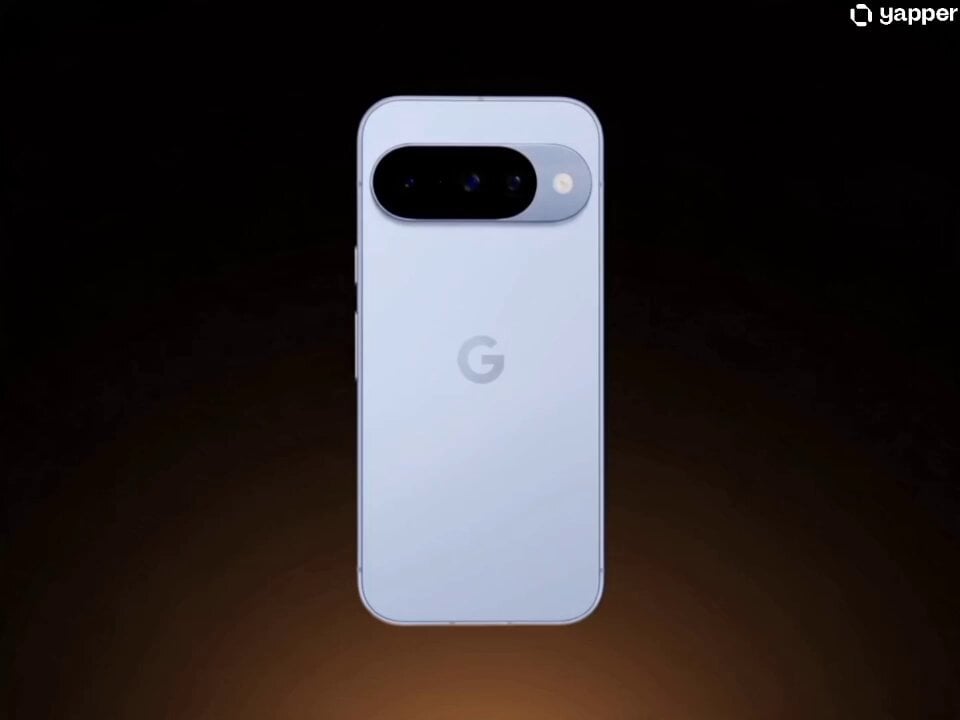
Google Pixel 10 IMAX Simulation
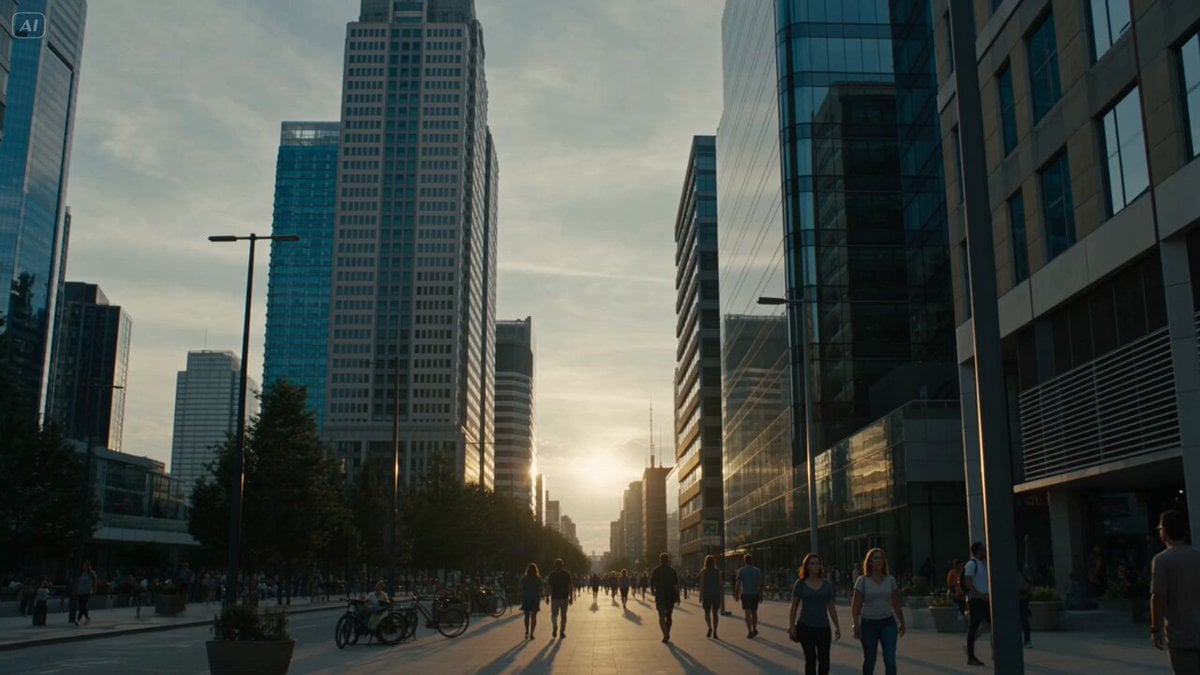
Solar Flare Cosmic Disaster Simulation
Corporate Office Glitch Simulation
Morpho Butterfly Wing Simulation
Matrix Style Bullet Time Kick
Make it yours
Soccer Knuckleball Free Kick Simulation works as-is. These are the safest ways to change it without losing the look.
Change one field
Copy a single group, rewrite it, and generate again so you can see what that field is doing.
Keep the frame, change the subject
Hold the composition and light of Soccer Knuckleball Free Kick Simulation, then swap wardrobe, props or the person for a new take.
| If the result… | Why | Fix |
|---|---|---|
| The result drifts from the preview | Too many fields changed at once. | Reuse Soccer Knuckleball Free Kick Simulation as-is first, then change one group — subject, light, or setting. |
| The model over-stylizes the scene | The prose prompt leaves finish and camera underspecified. | Add one camera or lighting sentence and stay on Seedance 2.0. |
More Seedance 2.0 templates
Other prompts made for Seedance 2.0.

Comical Martial Arts Punch Scene

Maglev Train Action Sequence

Martial Arts Fight Sequence

Wuxia Protection and Trust Script

Vintage Korean Arcade MiniDV Vlog

Mercedes 190 SL Luxury Ad

Rainy Night Supernatural Reverse Comedy Video Script

Amazon Civilization Discovery

Futuristic South Asian City Transformation

Cozy Luxury Cafe Commercial
More video prompts
Fresh picks from across the catalog.
Dancing Kittens in Mittens

Pirate Deck Action and Desert Transition
Martial Arts Fight Scene in a Japanese Dojo
Rooftop secret garden creation prompt

Anime Character Transformation with Ethereal Glow
Cinematic Anime Celebration Video

Cat Elevator Fight Comedy

Realistic AI Influencer GRWM Beauty Video
3D chibi character interaction
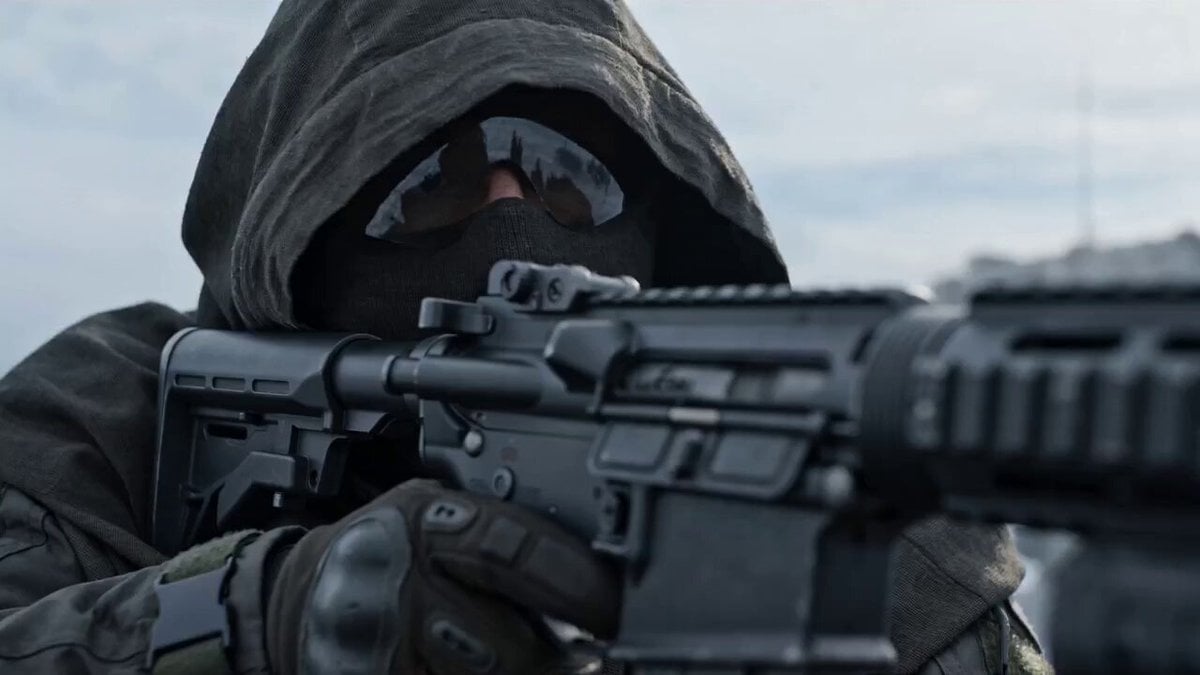
Video Prompt: Hyper-realistic Military CGI Scene
Browse template categories
Soccer Knuckleball Free Kick Simulation questions
How do I use the Soccer Knuckleball Free Kick Simulation template?
Add your photo if the template asks for one, edit the prompt if you like — the template's model and format are already selected — and press Generate. Your version opens in PicX Studio.
Can I customize the Soccer Knuckleball Free Kick Simulation template?
Yes. You can change the subject, setting, lighting, mood, format, and available model controls before creating your video.
Is the Soccer Knuckleball Free Kick Simulation template free?
Opening and editing this template is free. Generating uses credits, shown on the Generate button when you are signed in.
Which AI model should I use?
Start with Seedance 2.0, which is the model associated with this template. You can compare another compatible model for a different finish.
Looking for something else? Browse all templates.

Your photo, any look
Thousands of ready templates for every top image and video model, from one credit balance.