
Matrix Style Bullet Time Kick
A high-action cinematic prompt for a 360-degree bullet-time rotation of an agent performing a roundhouse kick in the rain.
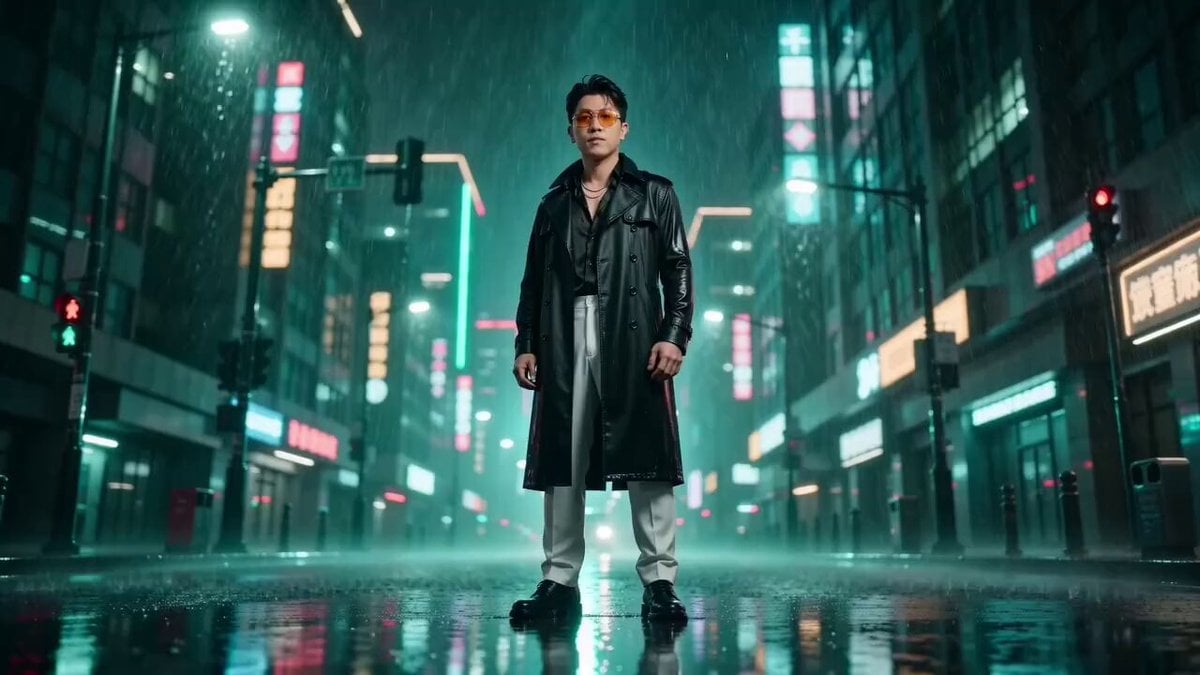
- Prompt included
- Model and format preset
- Premium template
The prompt behind this video
Copy the exact prompt behind Matrix Style Bullet Time Kick, or open it in the studio and make it yours.
黑客帝国风格,数字绿色色调。图片中人物穿着黑色风衣的特工在雨中做出高难度回旋踢动作。周围的雨滴全部静止在空中,形成晶莹的水珠矩阵。镜头以极慢的速度360度环绕特工,捕捉他踢腿的完整轨迹,风衣和雨水在慢动作中呈现出丝绸般的质感。子弹时间特效,高对比度光影,超写实细节,4K画质
How to use Matrix Style Bullet Time Kick in 3 steps
- 1
Open
The prompt is already in the box next to the preview, with the template's model and format selected.
- 2…a portrait of your subject in softgolden-hour light, 85mm…
Personalize
Edit the subject and creative details for your destination.
- 3Generate
Generate
Press Generate — your video is created in PicX Studio, so you can compare it with the original and refine one variable at a time.
More like this
Templates with the same subject, style or setup. Open one to see its prompt.

Korean Night Market Bullet-Time Scene - Seedance 2.5
Mujeeb Matrix Bullet Time
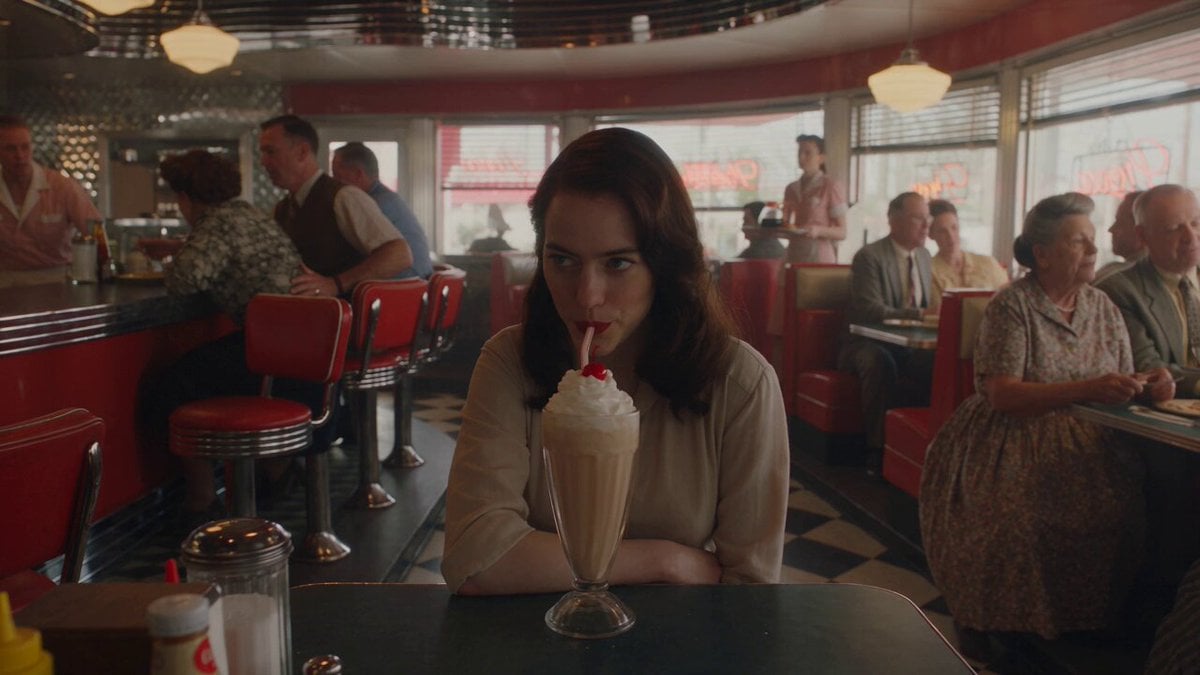
1950s Diner Time Freeze Rewind - Seedance 2.5
Time Stealer — Seedance 2.0
Civilization Timelapse — Centuries in One Shot
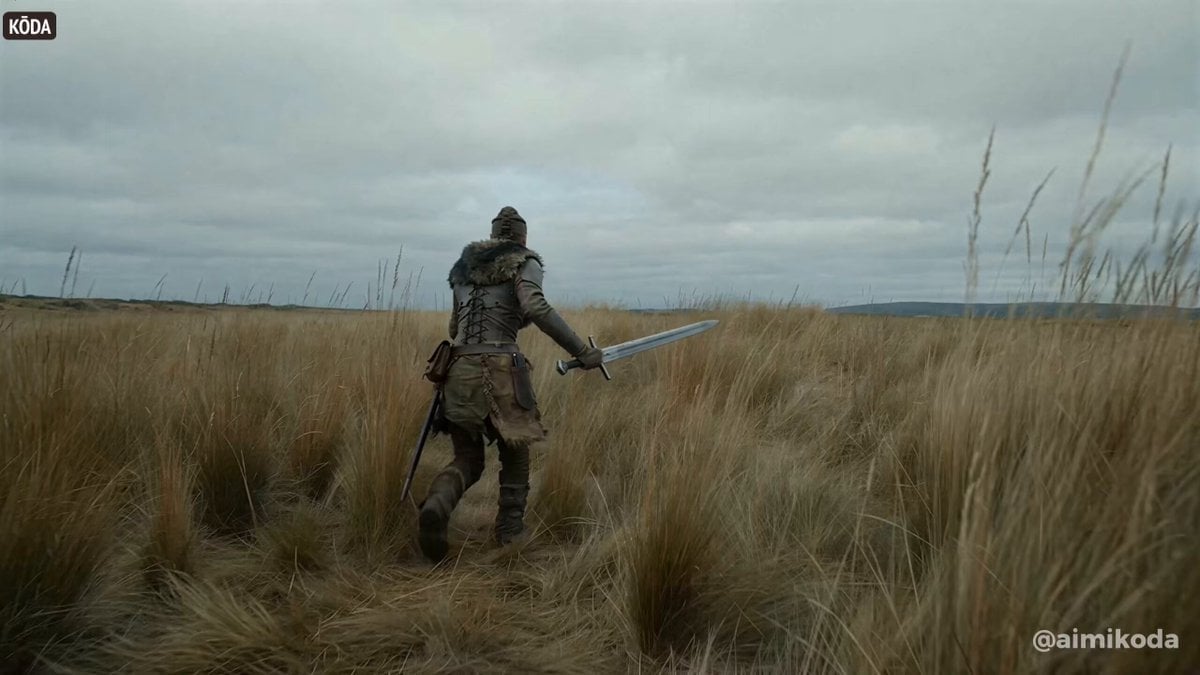
Bullet time selfie video template
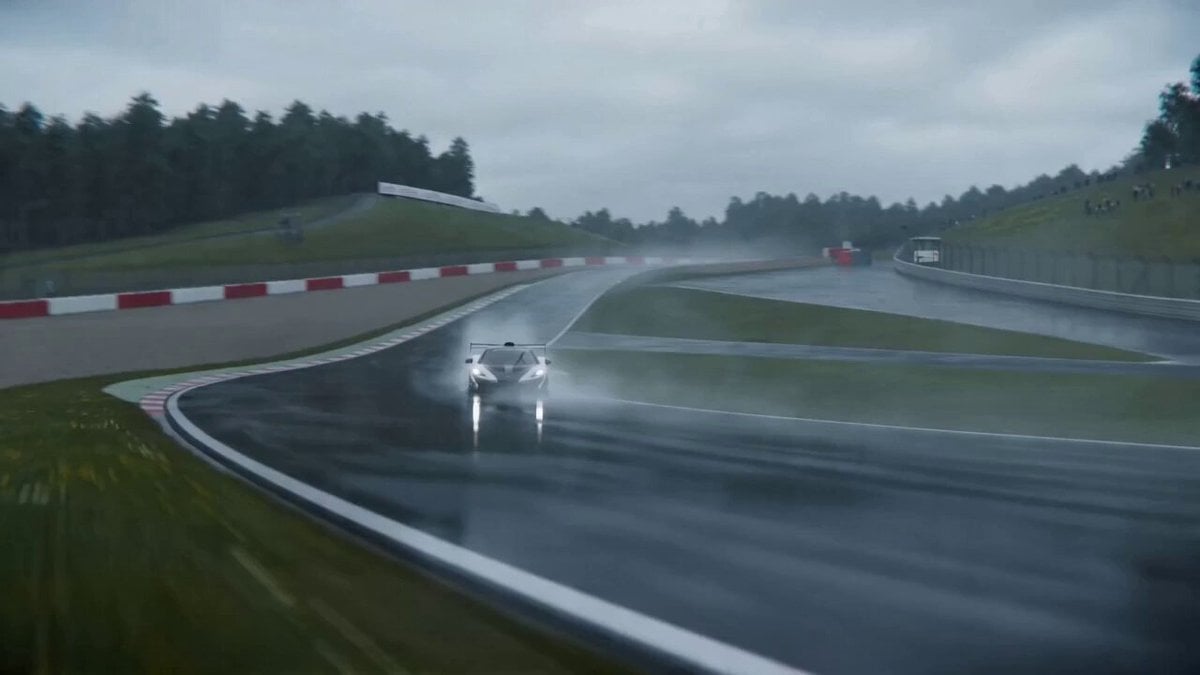
Cinematic VFX racing sequence with bullet-time rain effect

Cinematic VFX war sequence with bullet-time tank shell firing

Bullet Time Dragon Battle Cinematic
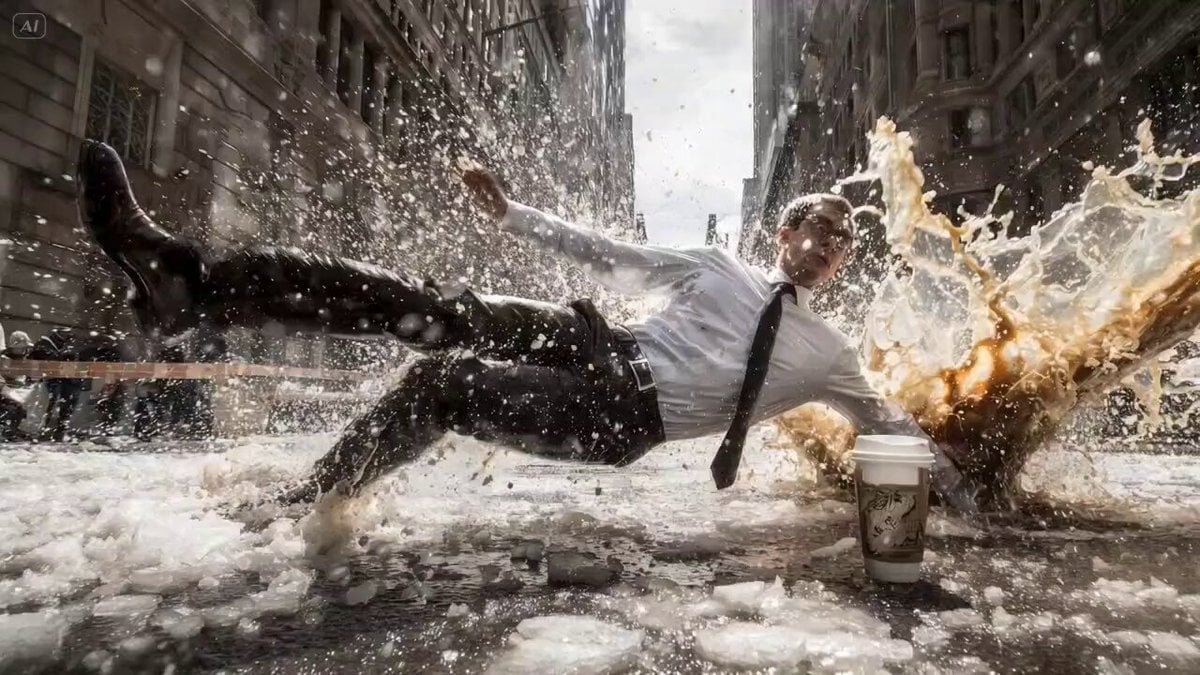
Bullet Time Falling Businessman
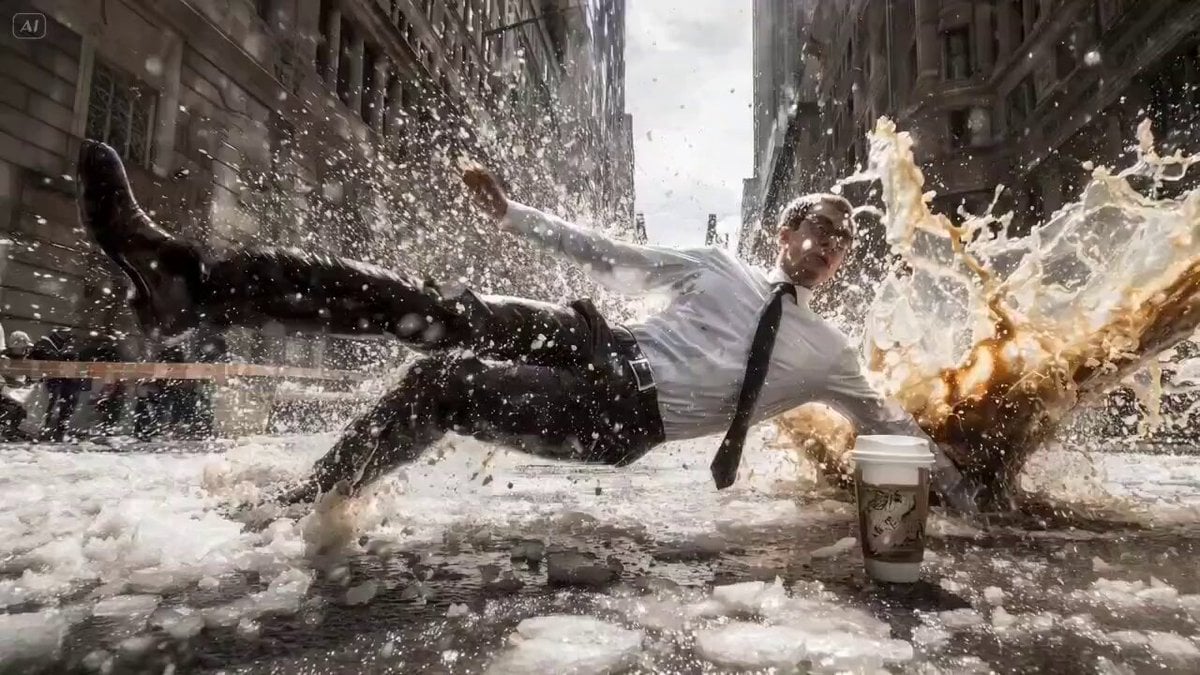
Bullet Time Cinematic Prompt
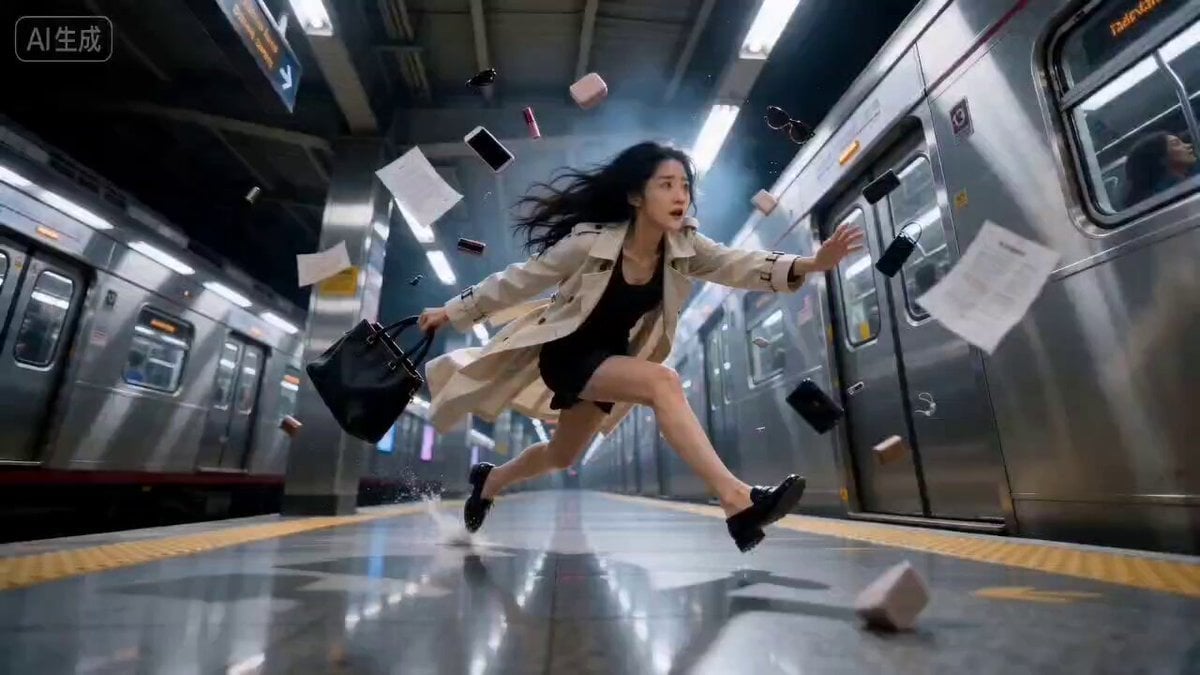
Bullet Time Effect at Subway Station
Make it yours
Matrix Style Bullet Time Kick works as-is. These are the safest ways to change it without losing the look.
Change one field
Copy a single group, rewrite it, and generate again so you can see what that field is doing.
Keep the frame, change the subject
Hold the composition and light of Matrix Style Bullet Time Kick, then swap wardrobe, props or the person for a new take.
| If the result… | Why | Fix |
|---|---|---|
| The result drifts from the preview | Too many fields changed at once. | Reuse Matrix Style Bullet Time Kick as-is first, then change one group — subject, light, or setting. |
| The model over-stylizes the scene | The prose prompt leaves finish and camera underspecified. | Add one camera or lighting sentence and stay on Seedance 2.0. |
More Seedance 2.0 templates
Other prompts made for Seedance 2.0.

Comical Martial Arts Punch Scene

Maglev Train Action Sequence

Martial Arts Fight Sequence

Wuxia Protection and Trust Script

Vintage Korean Arcade MiniDV Vlog

Mercedes 190 SL Luxury Ad

Rainy Night Supernatural Reverse Comedy Video Script

Amazon Civilization Discovery

Futuristic South Asian City Transformation

Cozy Luxury Cafe Commercial
More video prompts
Fresh picks from across the catalog.
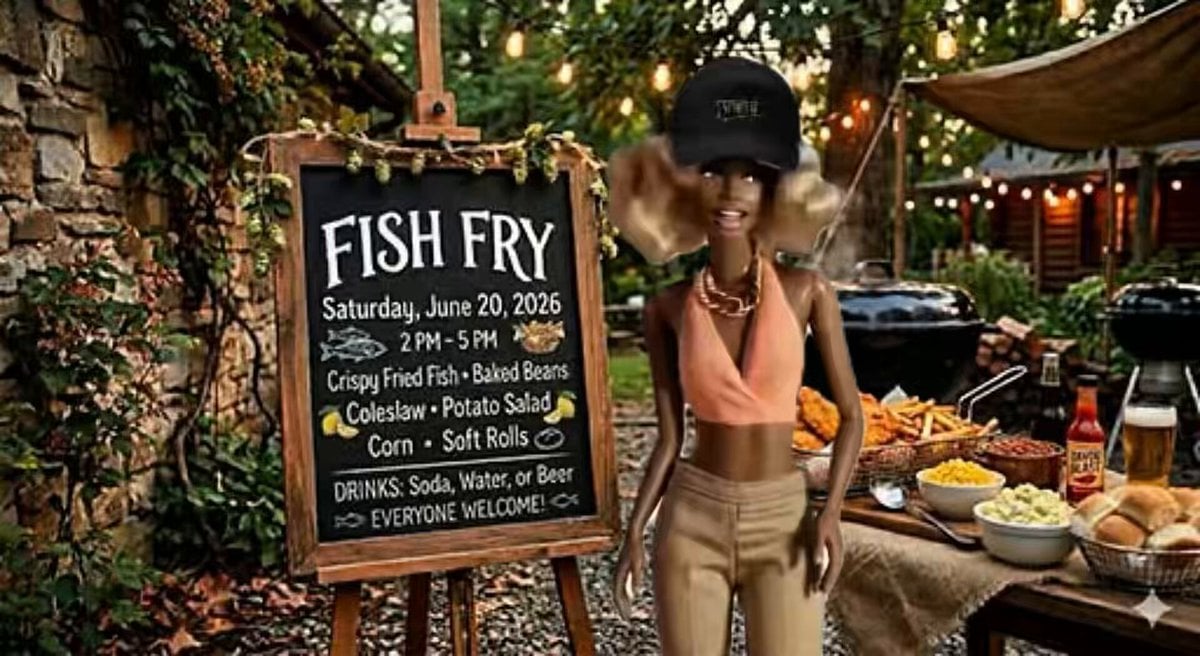
AI Video Lip-Sync Timing

Macro Spice Cosmos Stop-Motion

Animated Ramen Chef Sequence

Fantasy Warrior Transformation Sequence
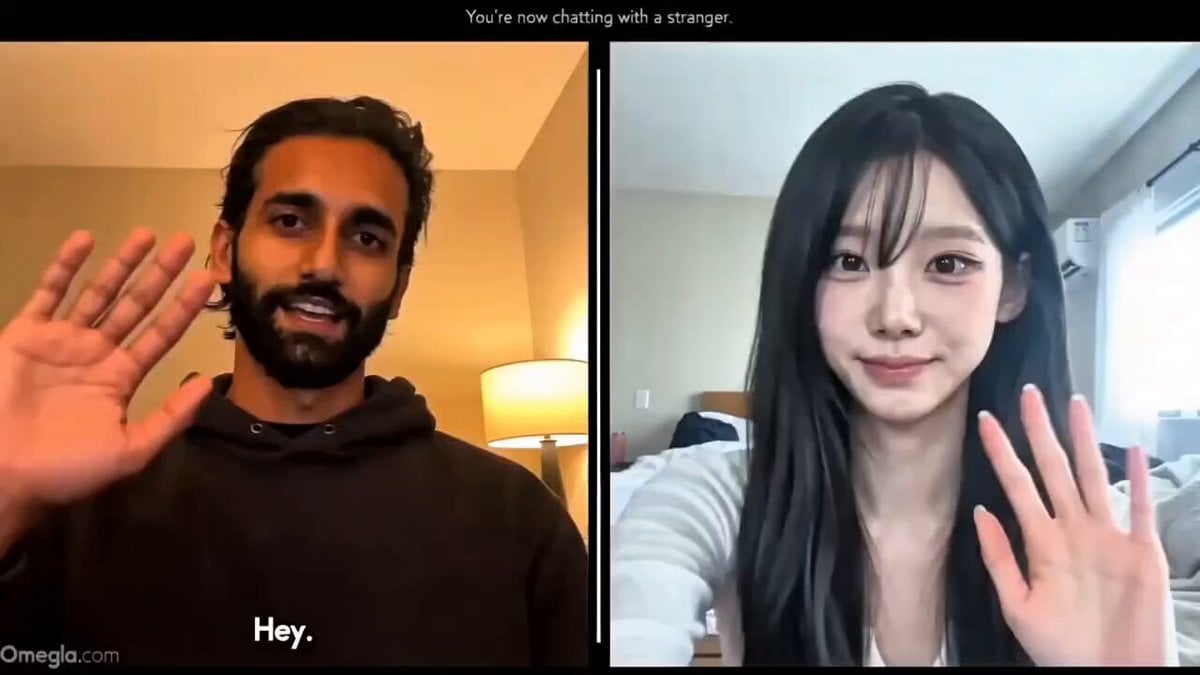
Realistic Omegle Chat Interaction
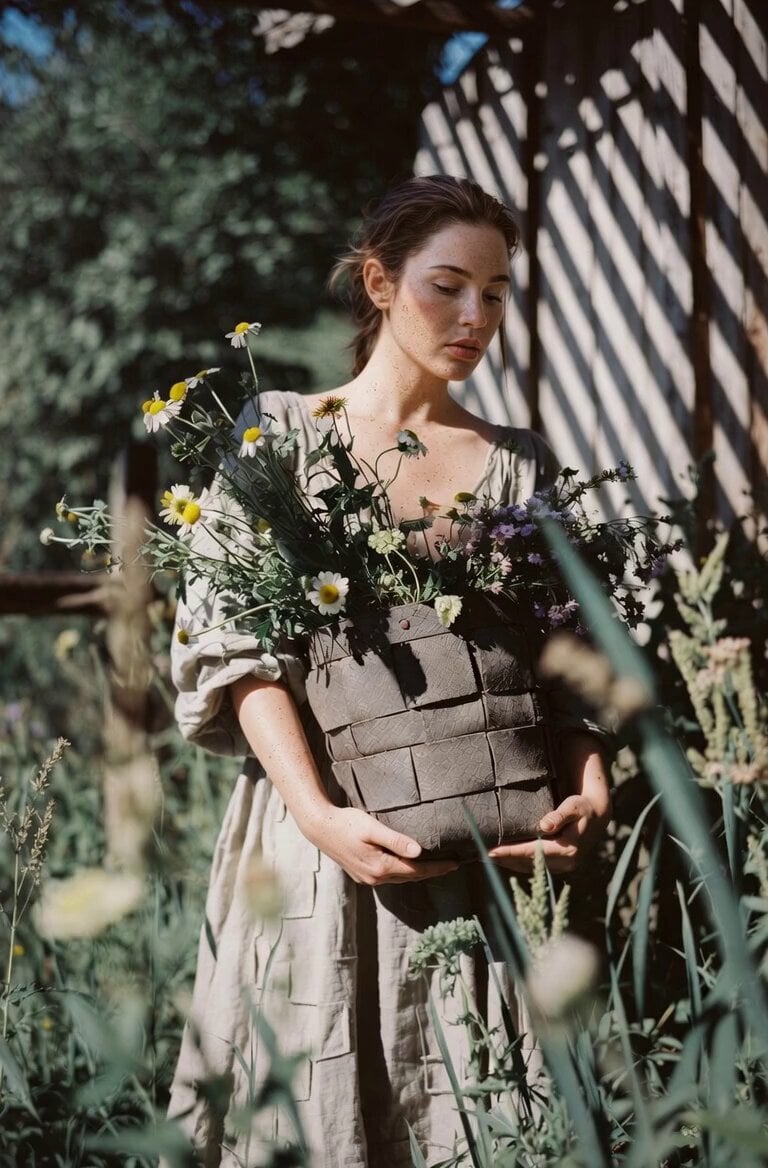
Soft Smile and Flower Kiss
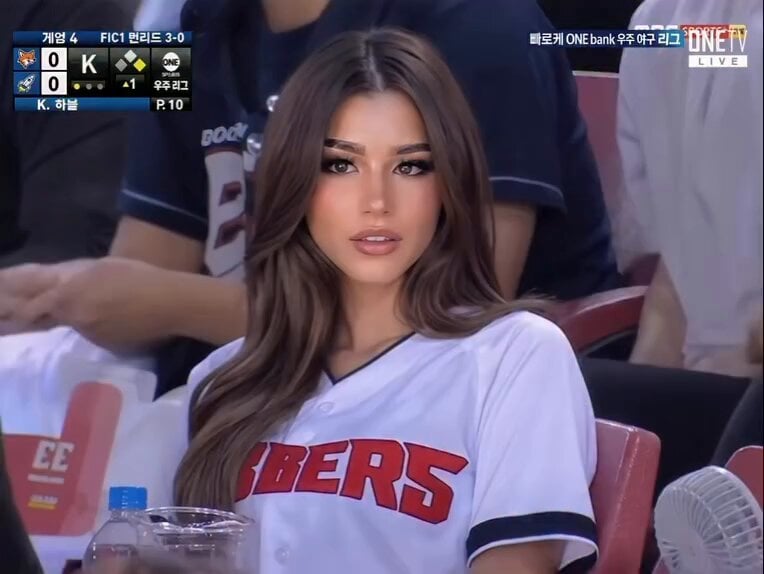
Baseball Stadium Broadcast Reaction Shot
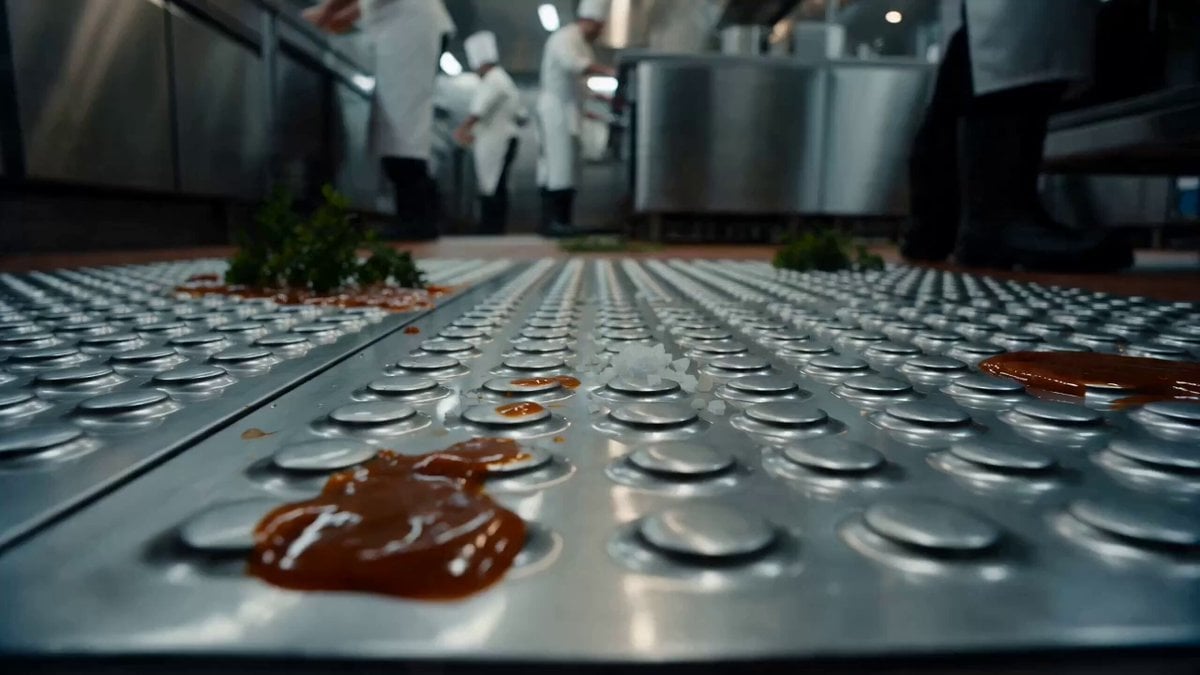
Commercial Kitchen Impossible Camera Move Prompt
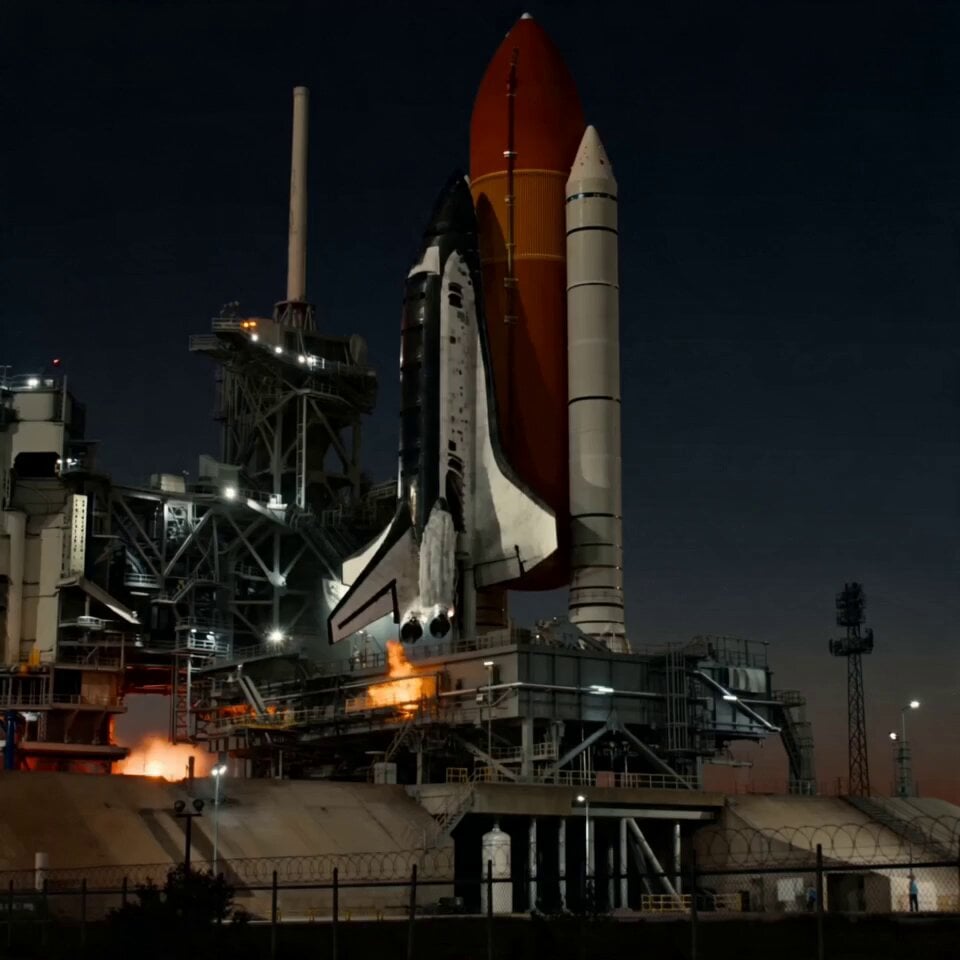
Rocket Launch Explosion Video Prompt
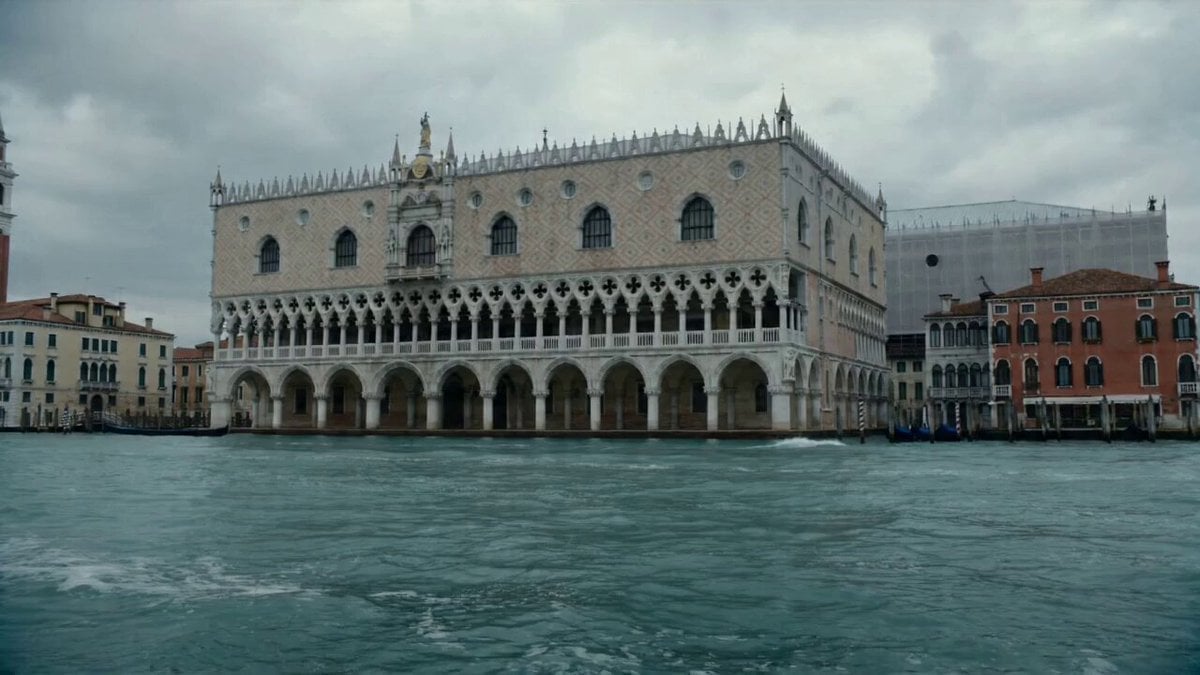
Hyper-realistic Cinematic Video of a Colossal Lobster in Venice
Browse template categories
Matrix Style Bullet Time Kick questions
How do I use the Matrix Style Bullet Time Kick template?
Add your photo if the template asks for one, edit the prompt if you like — the template's model and format are already selected — and press Generate. Your version opens in PicX Studio.
Can I customize the Matrix Style Bullet Time Kick template?
Yes. You can change the subject, setting, lighting, mood, format, and available model controls before creating your video.
Is the Matrix Style Bullet Time Kick template free?
Opening and editing this template is free. Generating uses credits, shown on the Generate button when you are signed in.
Which AI model should I use?
Start with Seedance 2.0, which is the model associated with this template. You can compare another compatible model for a different finish.
Looking for something else? Browse all templates.

Your photo, any look
Thousands of ready templates for every top image and video model, from one credit balance.