
Bullet Time Dragon Battle Cinematic
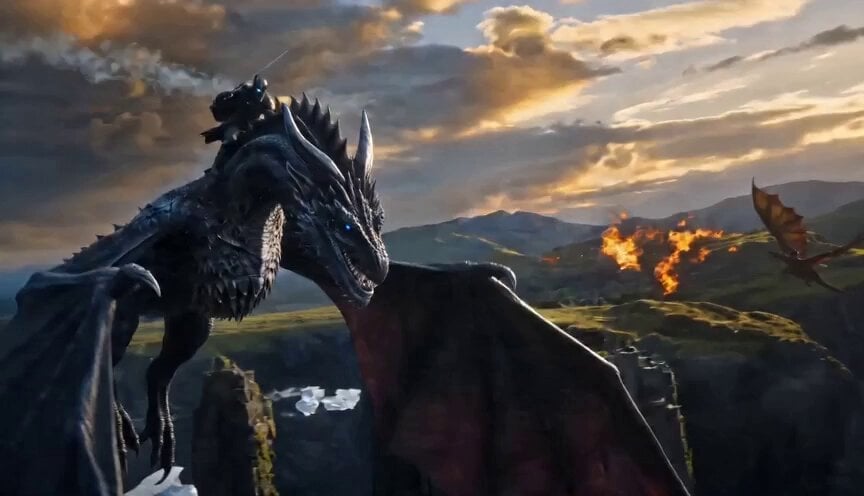
A highly detailed, hyper-realistic 3D CGI cinematic prompt for Seedance 2.0, designed to generate an epic dark fantasy battle sequence between two dragons, specifically utilizing a bullet time effect where the action is…
- Prompt included
- Model and format preset
- Free template
The prompt behind this video
Copy the exact prompt behind Bullet Time Dragon Battle Cinematic, or open it in the studio and make it yours.
as exact armored warrior and black-blue dragon base design with rider pose, Image3 as exact blue fire breath and icy scale texture reference, Image5 as fire dragon battle scale and opposing dragon design reference, Image1 Image2 as intense fire explosion lighting and particle reference Hyper-realistic 3D CGI cinematic dark fantasy battle, epic high-budget fantasy warfare sequence, armored warrior riding a massive black-blue dragon with rough textured scales and subtle glowing blue vein cracks, the dragon roaring with mouth wide open unleashing a powerful bright blue fire breath blast directly toward a massive opposing fire-emitting dragon on the other side of the frame, the second dragon is huge with glowing orange-red scales and leathery wings breathing intense roaring orange-red fire back at them, dramatic mid-air clash between the two dragons and their opposing fire streams colliding in the center, bullet time effect with everything perfectly frozen mid-air — bright blue fire particles, glowing orange embers, ice shards, snow flakes, sparks and debris all suspended in space, only the camera moves, smooth 360 degree orbiting camera at dramatic low-to-mid aerial angle circling the entire dragon fight with strong parallax and depth, epic sense of massive scale and weight between both dragons, background of floating ancient ruins, icy mountain peaks and burning battlefield under a stormy golden-purple sunset with thick volumetric god rays and atmospheric haze, moody cinematic color grading with deep shadows and rich warm-to-cool contrast, photorealistic PBR materials on scales armor and cloak, subtle film grain, sharp focus on both dragons and rider, ultra-detailed 8K, breathtaking grounded fantasy realism with intense dragon warfare energy
How to use Bullet Time Dragon Battle Cinematic in 3 steps
- 1
Open
The prompt is already in the box next to the preview, with the template's model and format selected.
- 2…a portrait of your subject in softgolden-hour light, 85mm…
Personalize
Edit the subject and creative details for your destination.
- 3Generate
Generate
Press Generate — your video is created in PicX Studio, so you can compare it with the original and refine one variable at a time.
More like this
Templates with the same subject, style or setup. Open one to see its prompt.
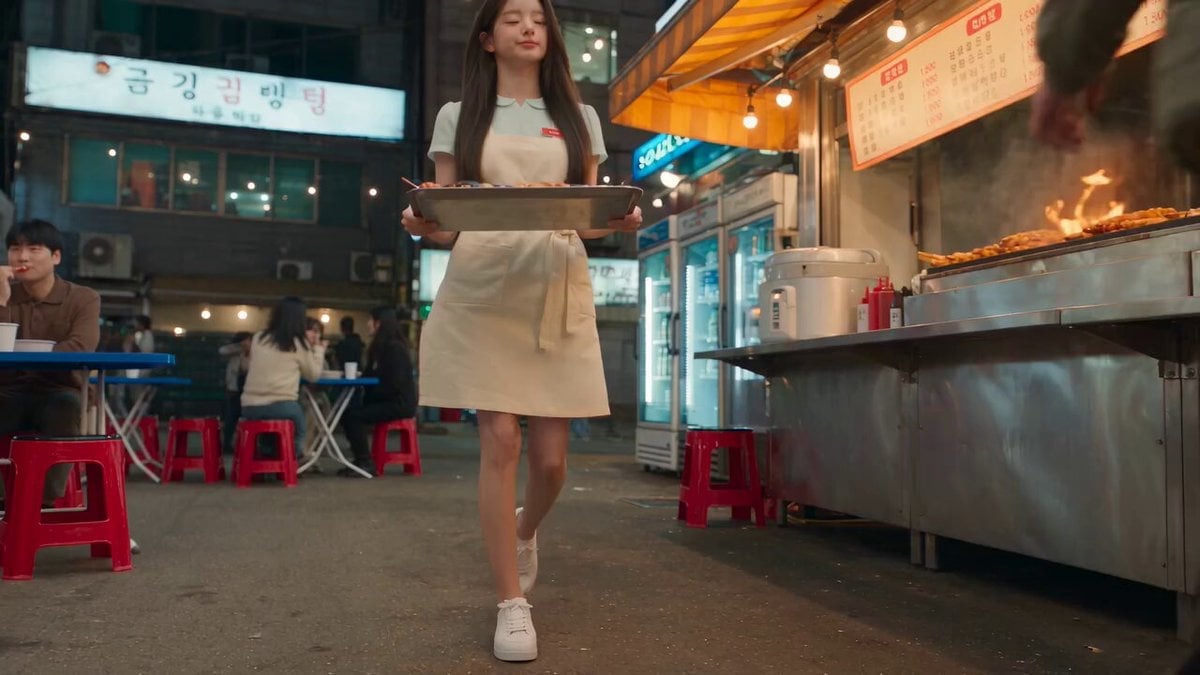
Korean Night Market Bullet-Time Scene - Seedance 2.5
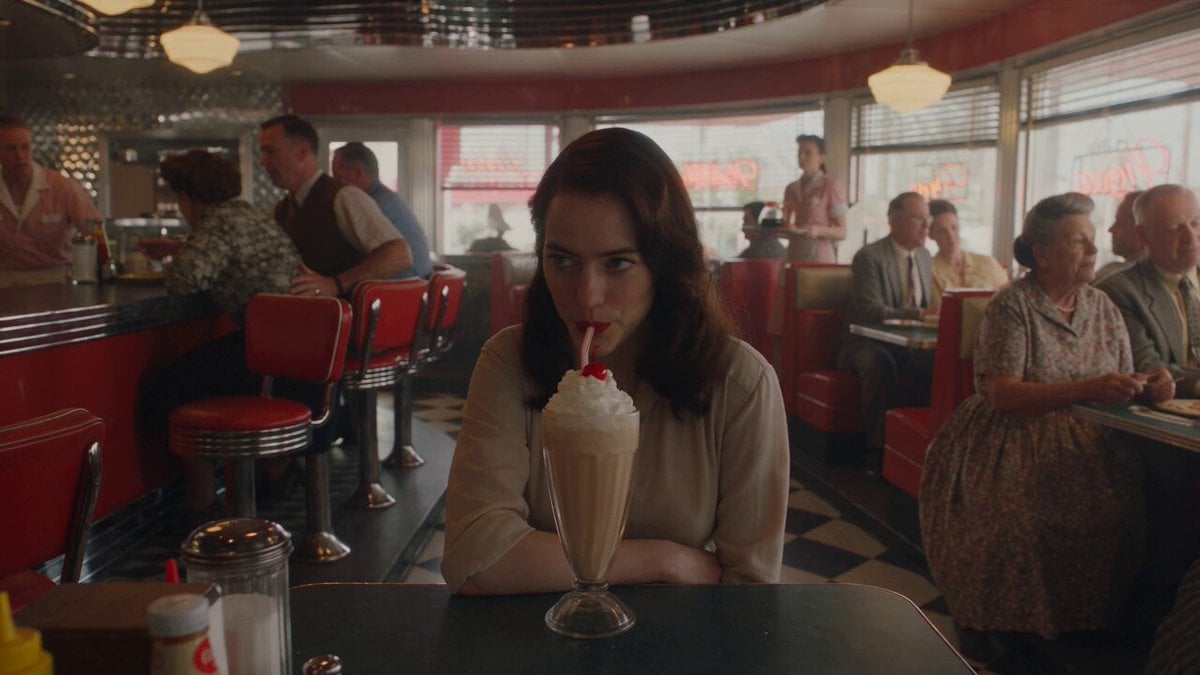
1950s Diner Time Freeze Rewind - Seedance 2.5

Dragon Rider Cinematic Flight — Seedance 2.5
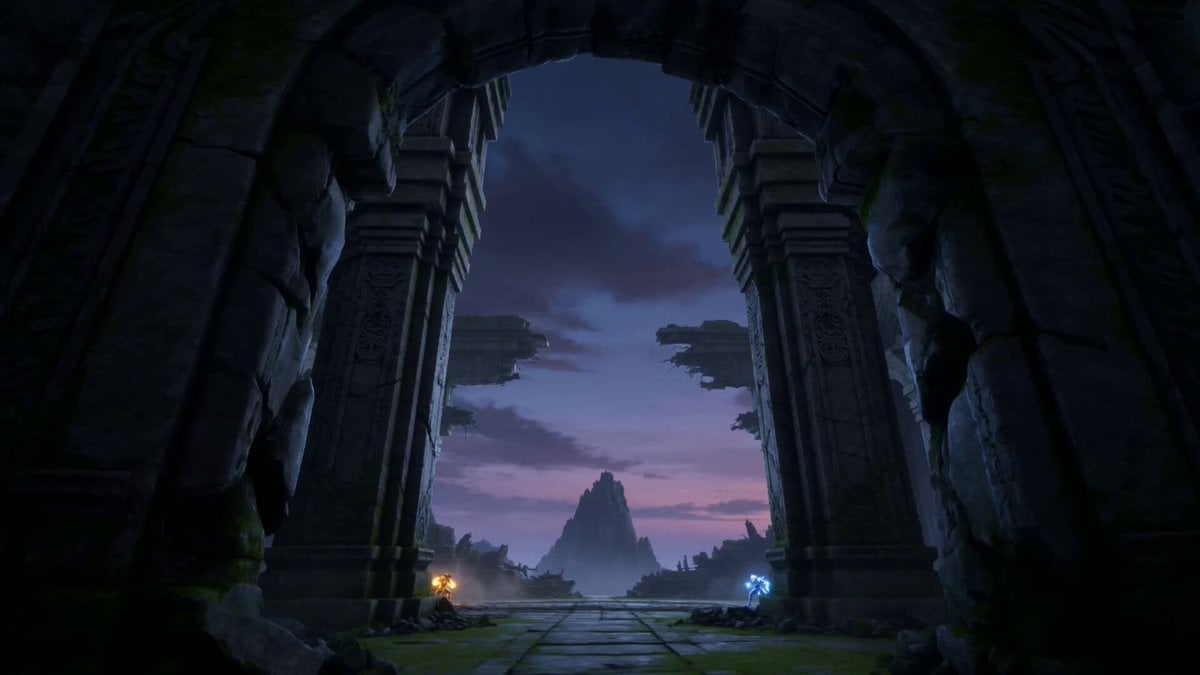
Dragon Energy Battle Anime Video
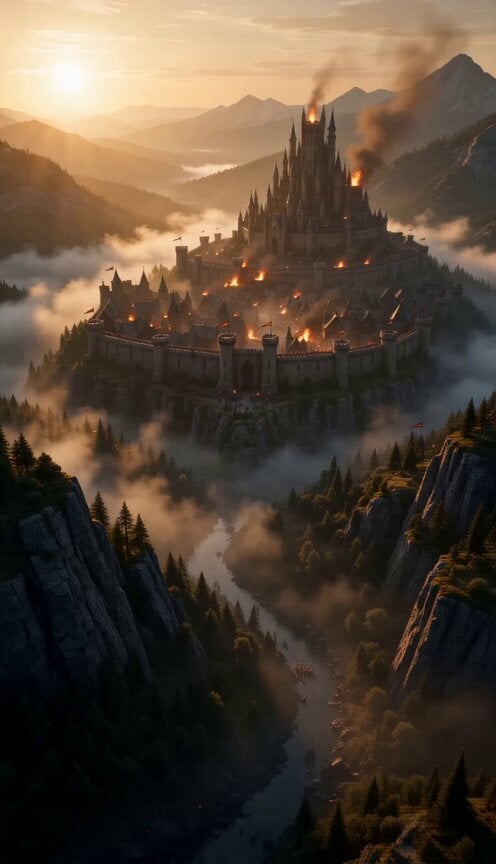
Continuous Cinematic Medieval Dragon Battle
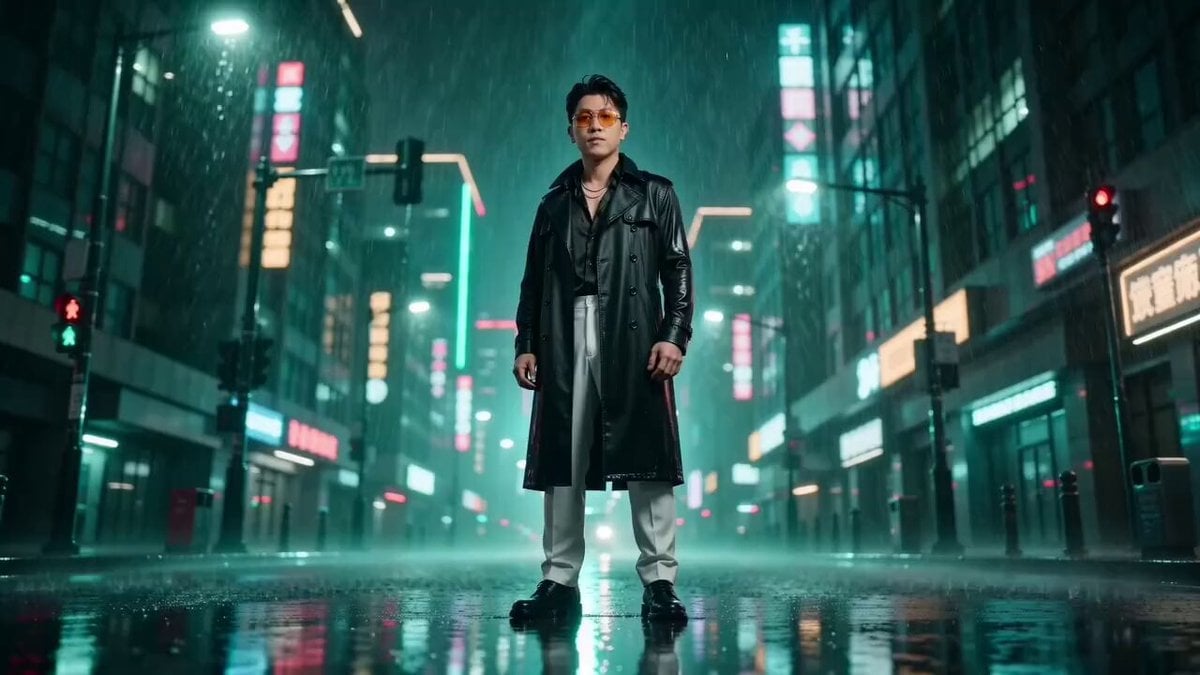
Matrix Style Bullet Time Kick
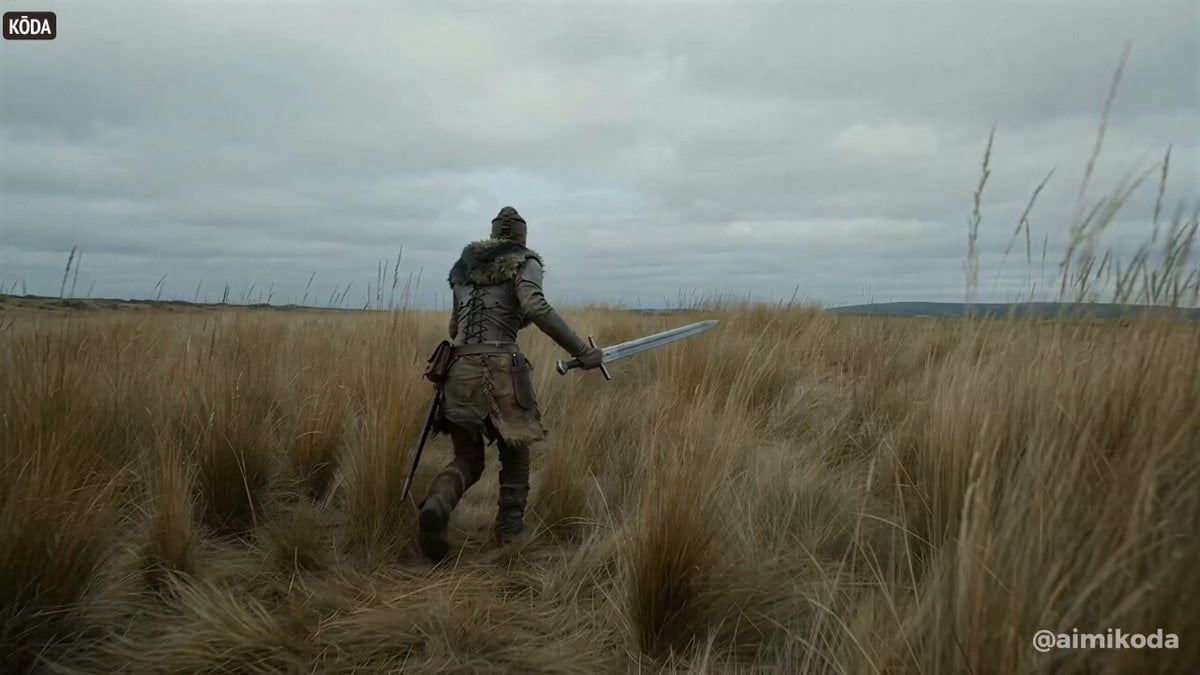
Bullet time selfie video template
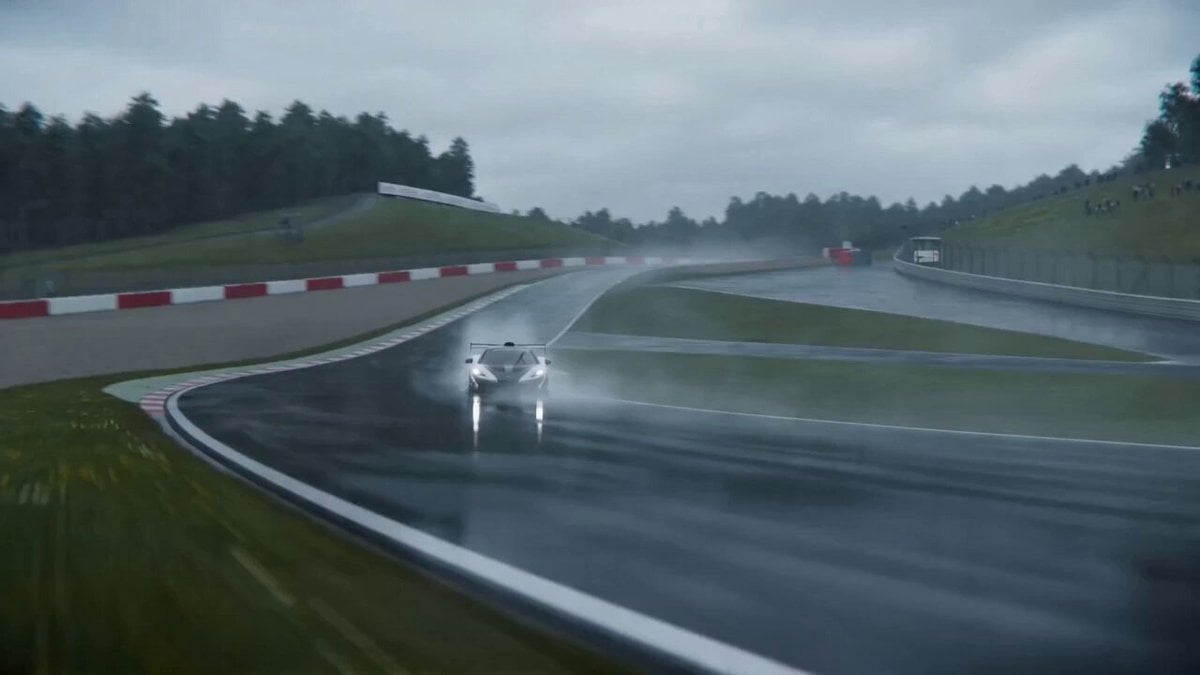
Cinematic VFX racing sequence with bullet-time rain effect
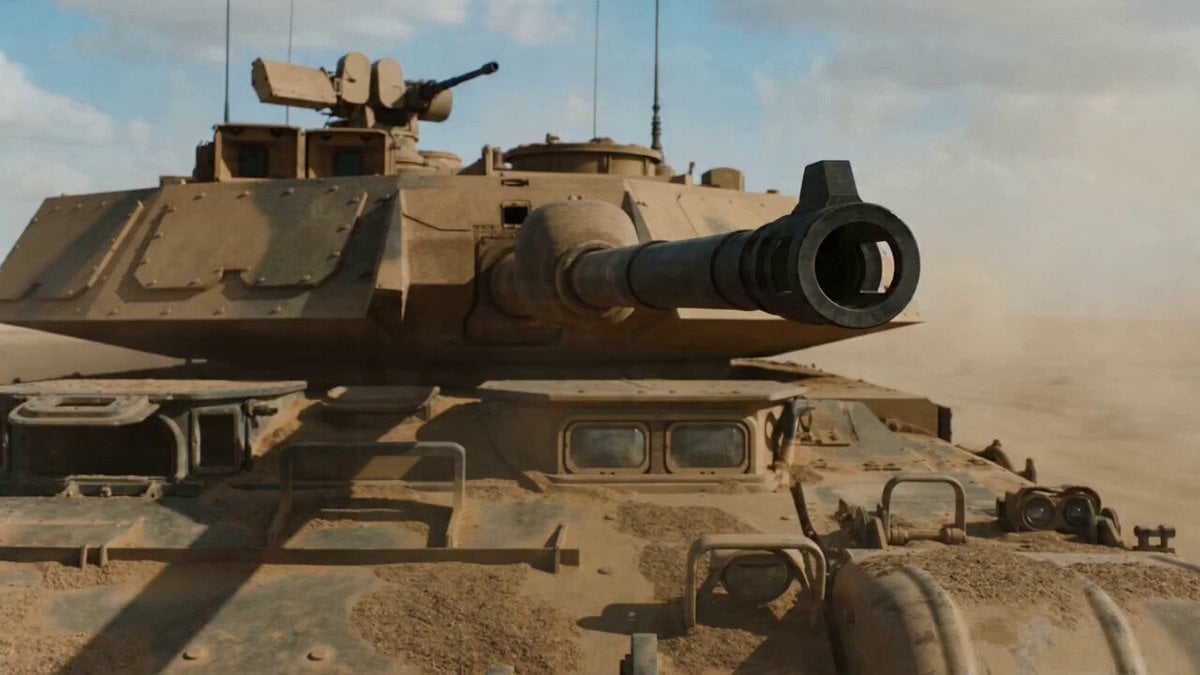
Cinematic VFX war sequence with bullet-time tank shell firing
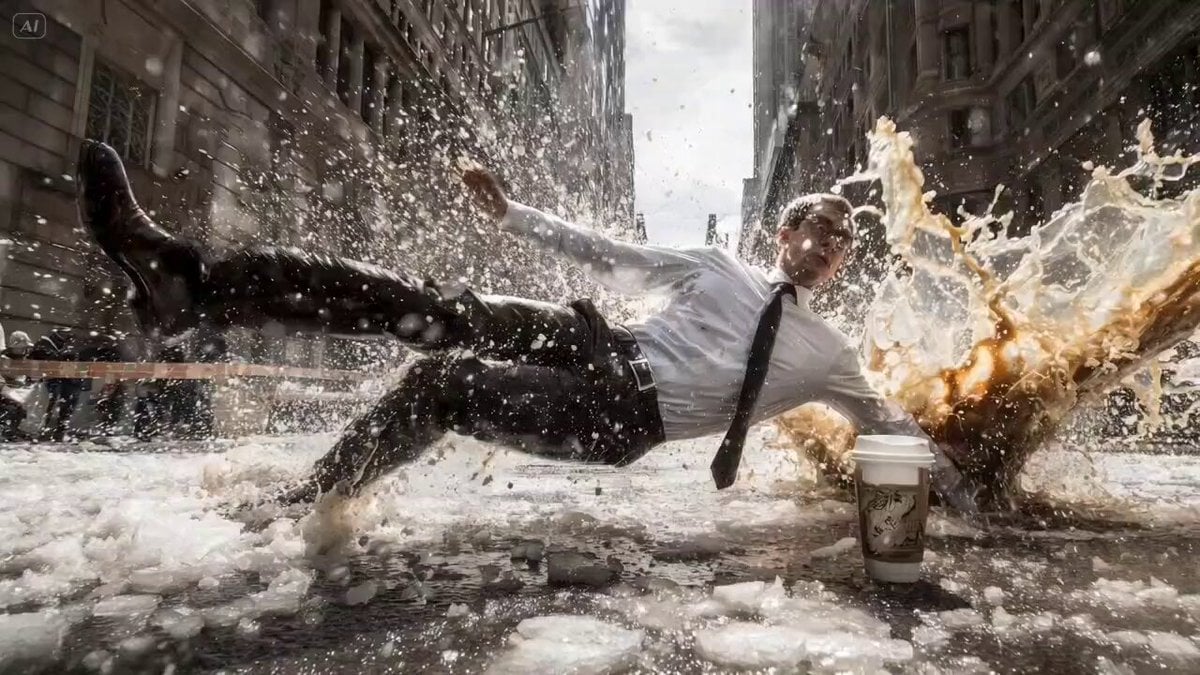
Bullet Time Falling Businessman
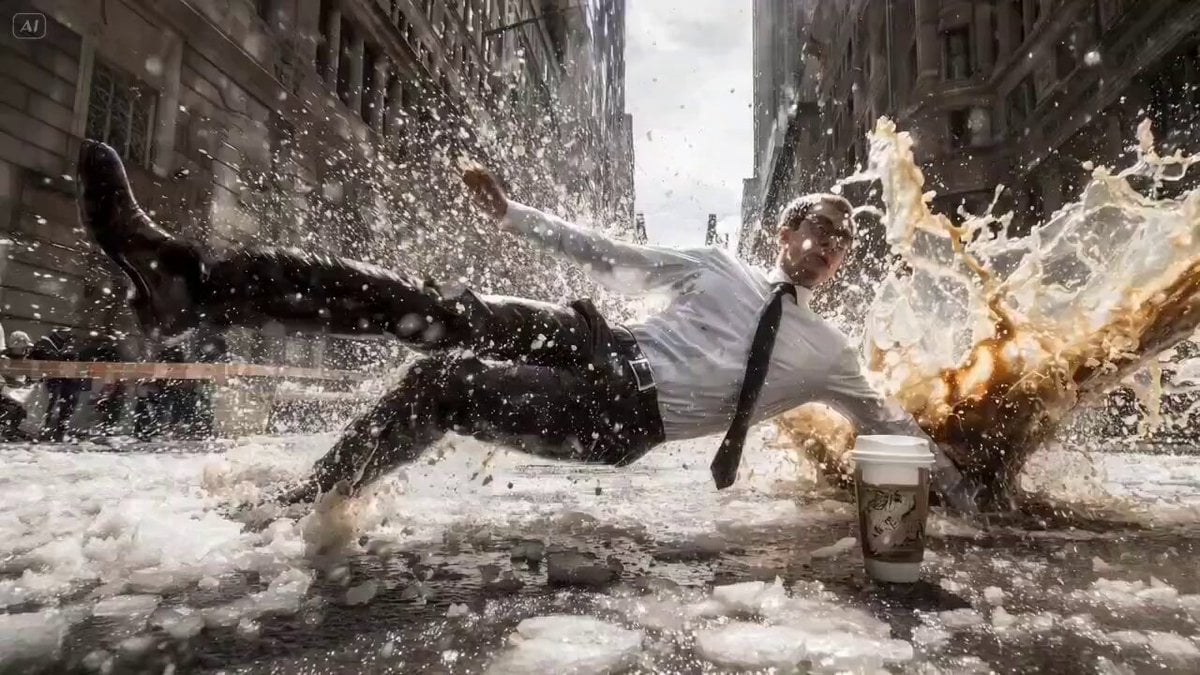
Bullet Time Cinematic Prompt
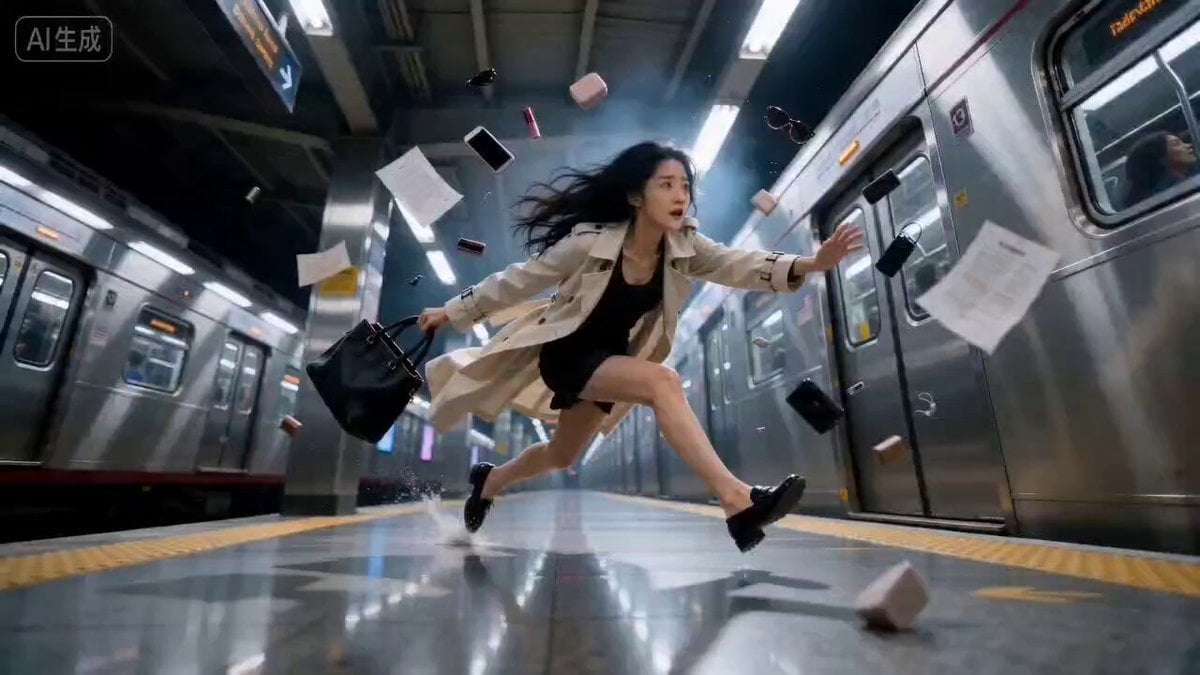
Bullet Time Effect at Subway Station
Make it yours
Bullet Time Dragon Battle Cinematic works as-is. These are the safest ways to change it without losing the look.
Change one field
Copy a single group, rewrite it, and generate again so you can see what that field is doing.
Keep the frame, change the subject
Hold the composition and light of Bullet Time Dragon Battle Cinematic, then swap wardrobe, props or the person for a new take.
| If the result… | Why | Fix |
|---|---|---|
| The result drifts from the preview | Too many fields changed at once. | Reuse Bullet Time Dragon Battle Cinematic as-is first, then change one group — subject, light, or setting. |
| The model over-stylizes the scene | The prose prompt leaves finish and camera underspecified. | Add one camera or lighting sentence and stay on Seedance 2.0. |
More Seedance 2.0 templates
Other prompts made for Seedance 2.0.

Comical Martial Arts Punch Scene

Maglev Train Action Sequence

Martial Arts Fight Sequence

Wuxia Protection and Trust Script

Vintage Korean Arcade MiniDV Vlog

Mercedes 190 SL Luxury Ad

Rainy Night Supernatural Reverse Comedy Video Script

Amazon Civilization Discovery

Futuristic South Asian City Transformation

Cozy Luxury Cafe Commercial
More video prompts
Fresh picks from across the catalog.
Post-Apocalyptic Desert Motorcycle Chase
Futuristic Home Transition Video

Live-Action Style Dancing Girl Video Prompt
70s Giallo Action Casino Battle
Vintage 1970s Shanghai Alleyway Scene
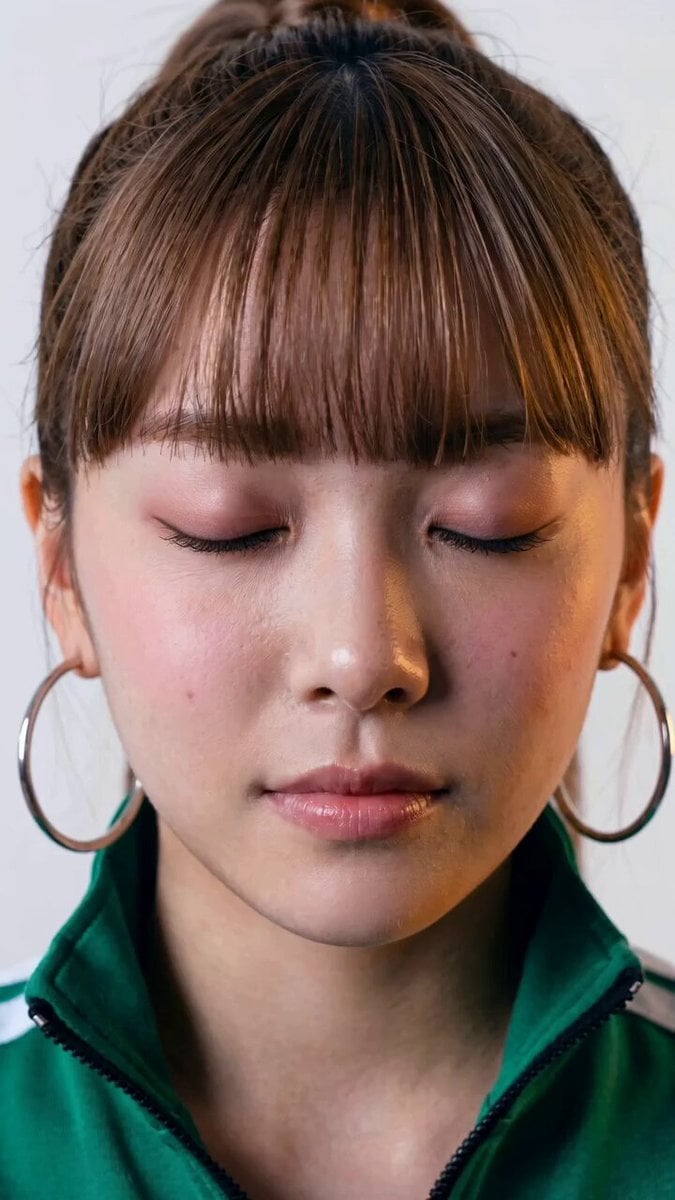
Seedance 2.0 Facial Expression Control
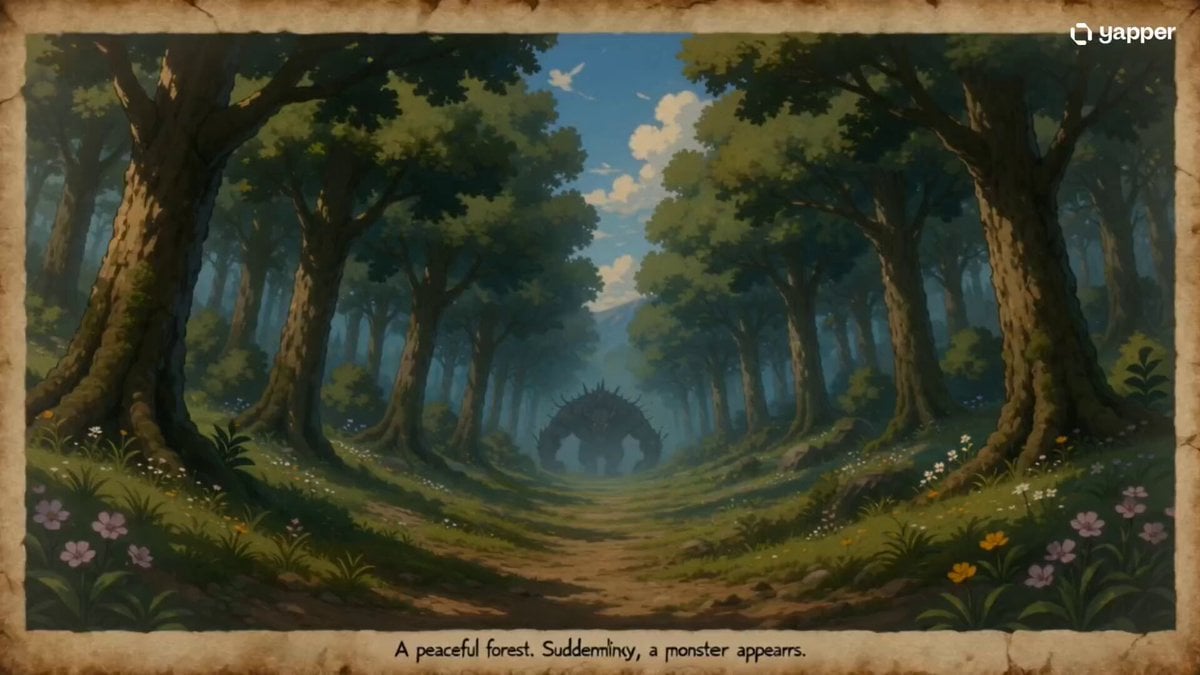
35mm Fast-Cut Memory Shot
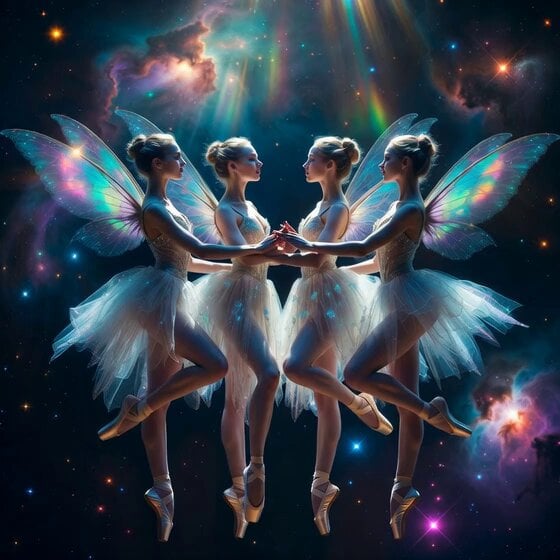
Fairy Ballerinas in Space Video Prompt
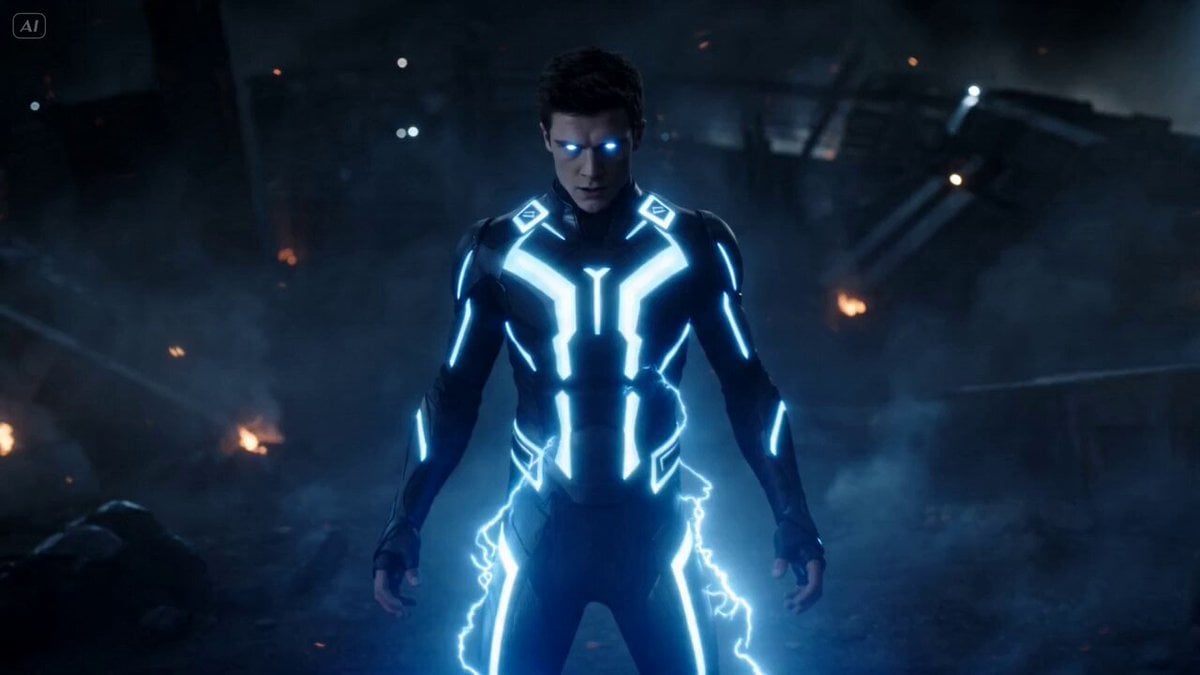
Superhuman Fighter Lightning Combat
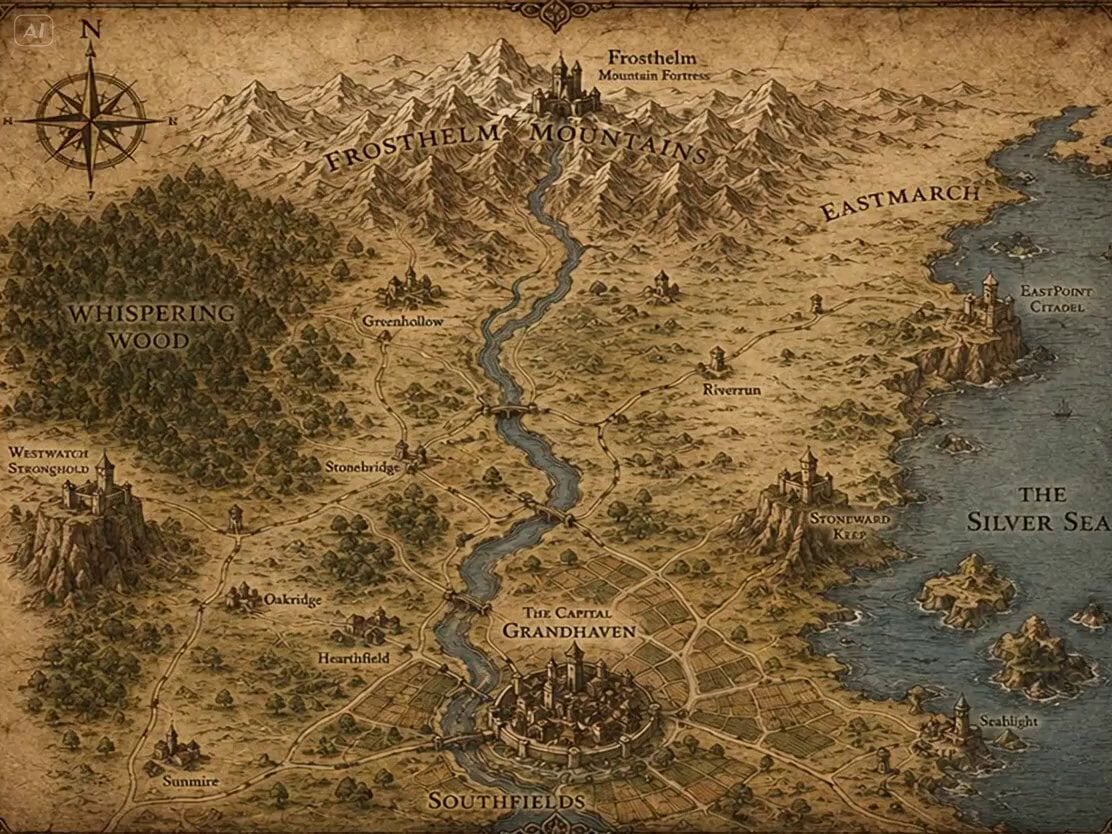
Fantasy Map Reality Transformation
Browse template categories
Bullet Time Dragon Battle Cinematic questions
How do I use the Bullet Time Dragon Battle Cinematic template?
Add your photo if the template asks for one, edit the prompt if you like — the template's model and format are already selected — and press Generate. Your version opens in PicX Studio.
Can I customize the Bullet Time Dragon Battle Cinematic template?
Yes. You can change the subject, setting, lighting, mood, format, and available model controls before creating your video.
Is the Bullet Time Dragon Battle Cinematic template free?
Opening and editing this template is free. Generating uses credits, shown on the Generate button when you are signed in.
Which AI model should I use?
Start with Seedance 2.0, which is the model associated with this template. You can compare another compatible model for a different finish.
Looking for something else? Browse all templates.

Your photo, any look
Thousands of ready templates for every top image and video model, from one credit balance.