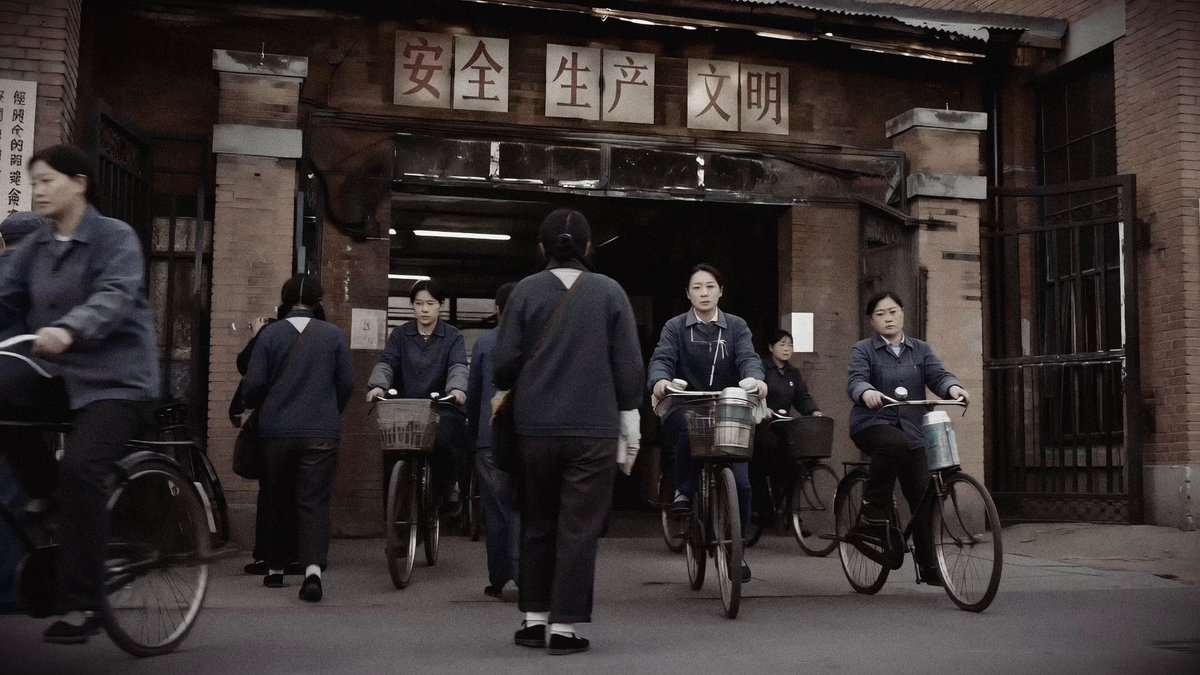
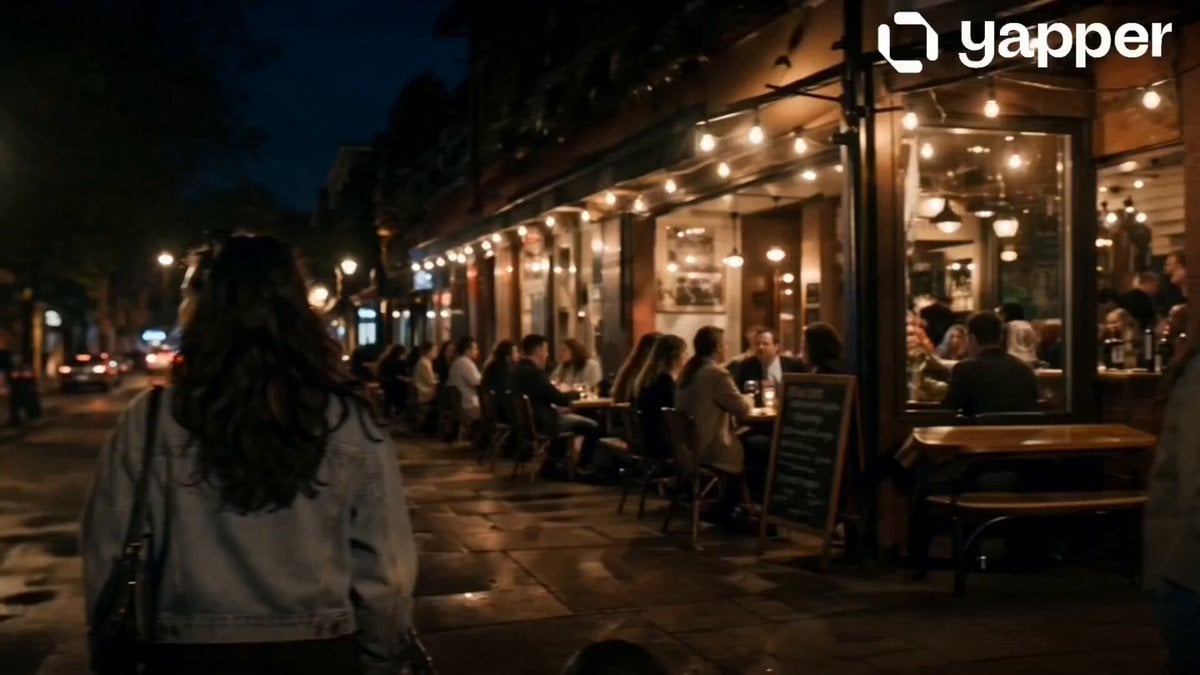
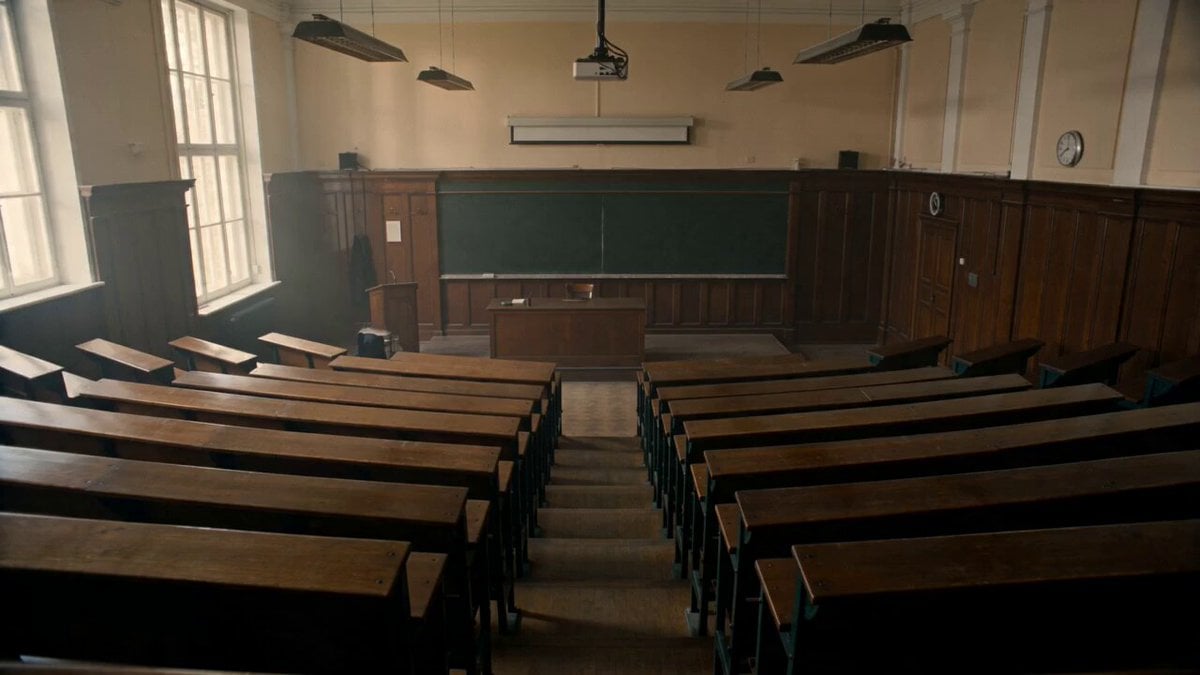
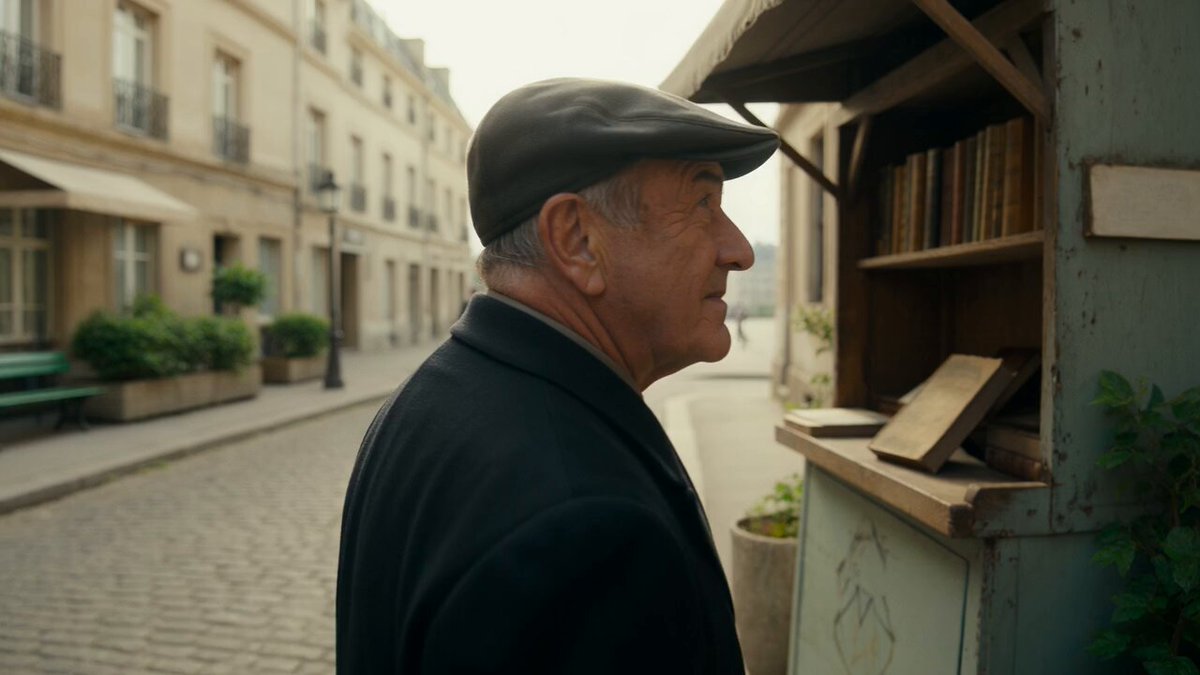
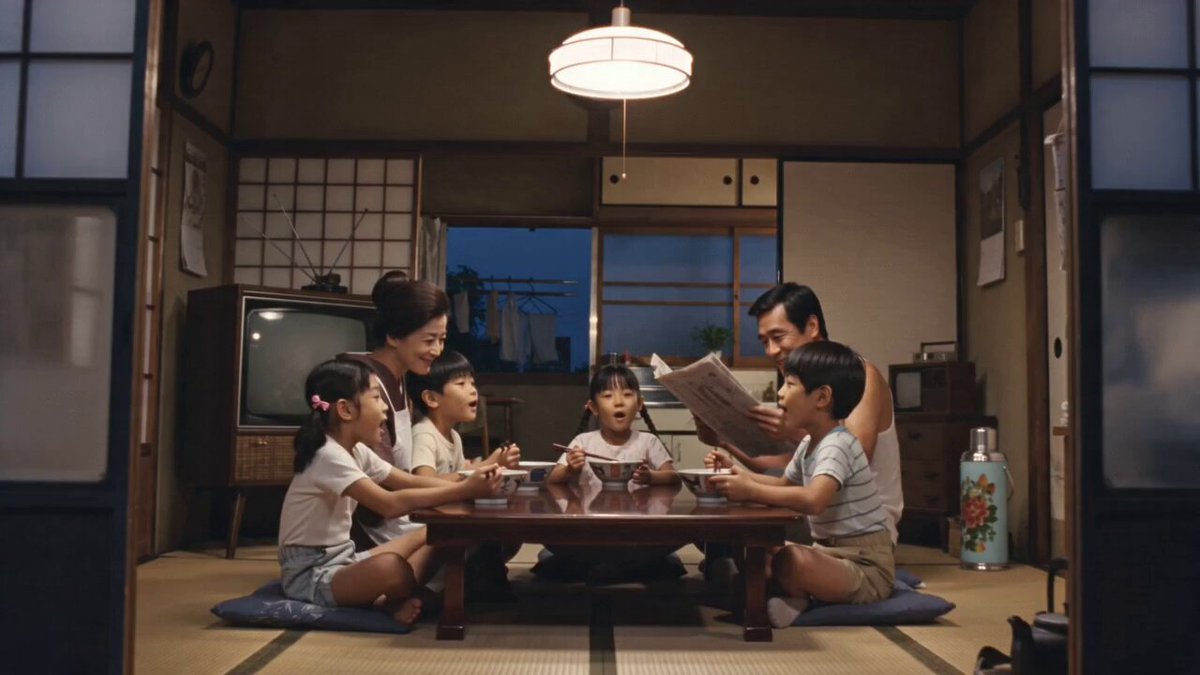
How do I use the Vintage 1970s Shanghai Alleyway Scene template?
Edit the prompt in the box under the preview — the template's model and format are already selected — and press Generate. Your version appears right on this page.
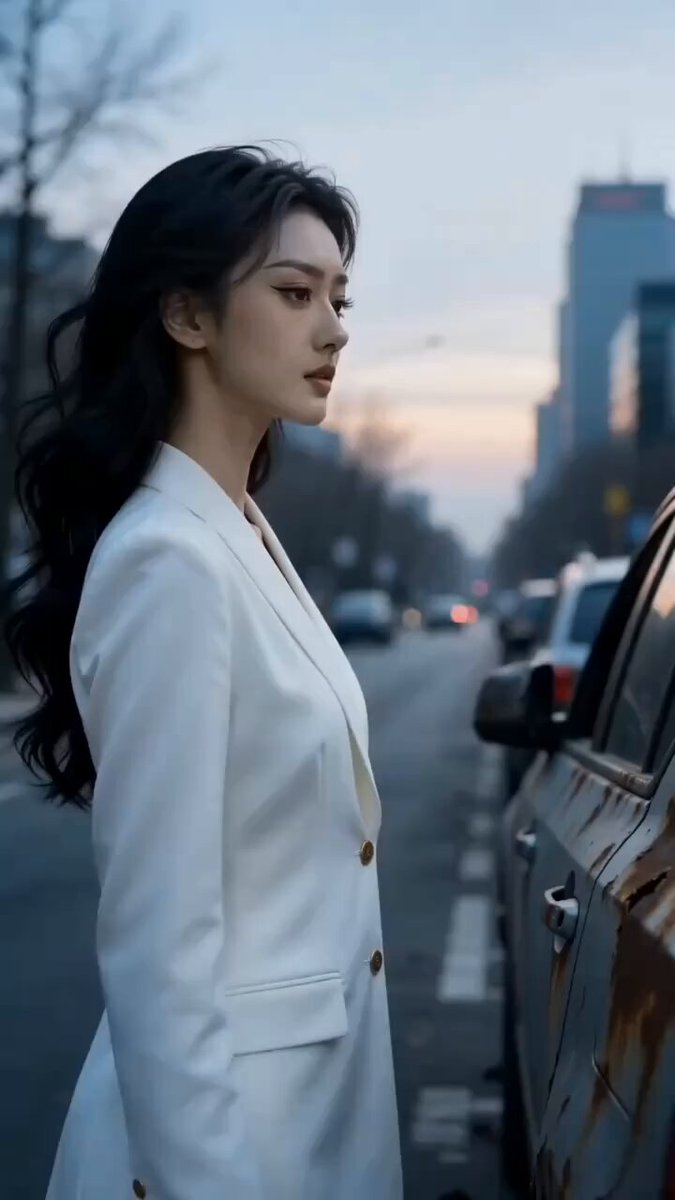
A nostalgic prompt for generating a handheld camera shot of daily life in a crowded 1976 Shanghai alleyway during a summer sunset.
快速手持镜头在上海市中心一条老胡同热闹拥挤的鲜活日常生活,夏天周末的黄昏时间(晚上6点),1976年。 镜头在石库门胡同的门台间移动,捕捉男人女人们在胡同里纳凉娱乐喝茶吃零食,
快速手持镜头在上海市中心一条老胡同热闹拥挤的鲜活日常生活,夏天周末的黄昏时间(晚上6点),1976年。 镜头在石库门胡同的门台间移动,捕捉男人女人们在胡同里纳凉娱乐喝茶吃零食,
Edit the prompt in the box under the preview — the template's model and format are already selected — and press Generate. Your version appears right on this page.
Yes. You can change the subject, setting, lighting, mood, format, and available model controls before creating your video.
Opening and editing this template is free. Generating uses credits, shown on the Generate button when you are signed in.
Start with Seedance 2.0, which is the model associated with this template. You can compare another compatible model for a different finish.
Follow a topic to a crawlable collection of related PicX Studio templates.