How do I use the Hollywood Racing Movie Scene Generation template?
Edit the prompt in the box under the preview — the template's model and format are already selected — and press Generate. Your version appears right on this page.
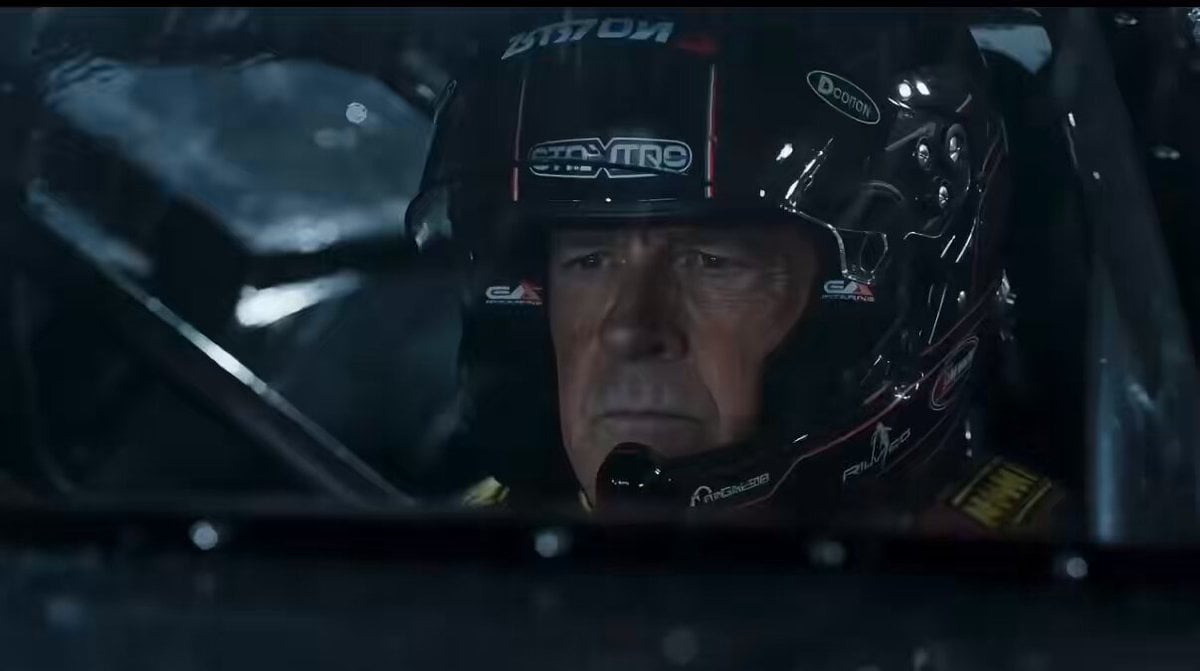
A detailed, multi-shot prompt designed to generate a high-stakes, cinematic night racing scene in the style of a Hollywood professional racing movie (Le Mans style), featuring two drivers: The Veteran and The Challenger.
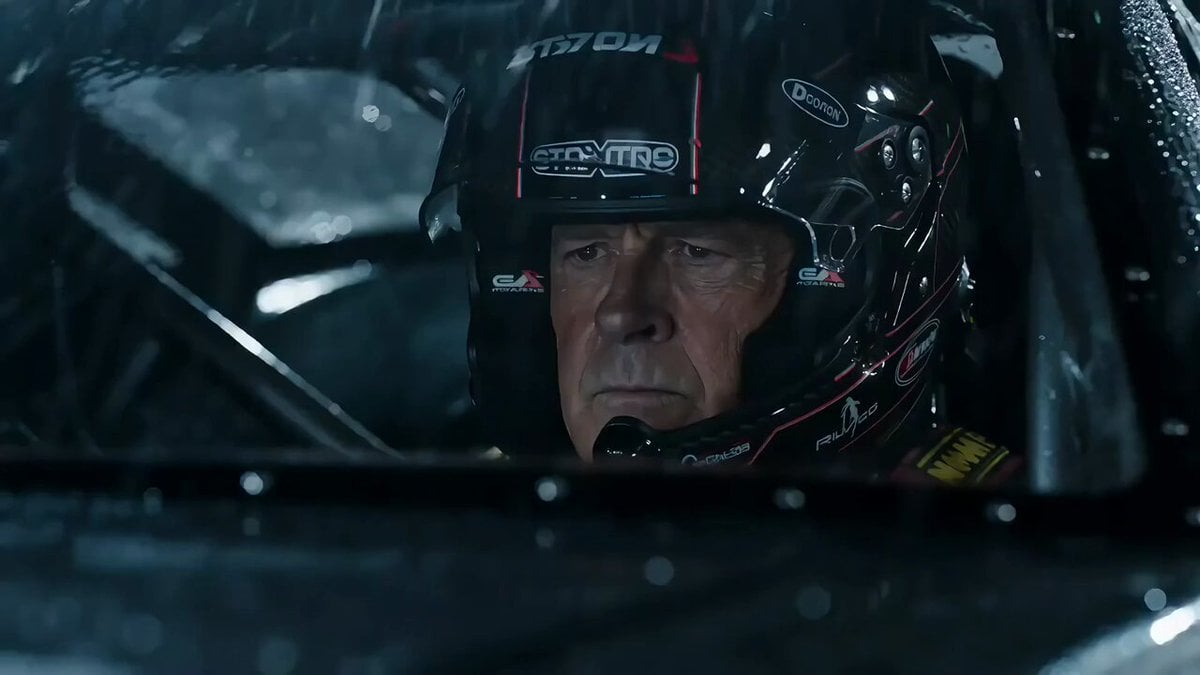
Style: Hollywood Professional Racing Movie (Le Mans Style), Cinematic Night, Rain, High Stakes Sport. Duration: 15s. [00-05s] Shot 1: The Veteran (Interior/Close-up). Rain lashes the windshield of a high-tech race car on a track. The Veteran driver (in helmet) looks over, calm and focused. Dashboard lights reflect on his visor. Dialogue Cue: He gives a subtle nod and mouths "Let's go." [05-10s] Shot 2: The Challenger (Interior/Close-up). Cut to the rival car next to him. The younger driver grips the wheel tight, breathing heavily. Eyes wide with adrenaline. Dialogue Cue: He whispers "Focus" to himself. [10-15s] Shot 3: The Green Light (Wide Action). The starting lights turn Green. Both cars accelerate in perfect sync on the wet asphalt. Water sprays massively into the camera lens. Motion blur turns the stadium lights into long streaks of color.
Style: Hollywood Professional Racing Movie (Le Mans Style), Cinematic Night, Rain, High Stakes Sport. Duration: 15s. [00-05s] Shot 1: The Veteran (Interior/Close-up). Rain lashes the windshield of a high-tech race car on a track. The Veteran driver (in helmet) looks over, calm and focused. Dashboard lights reflect on his visor. Dialogue Cue: He gives a subtle nod and mouths "Let's go." [05-10s] Shot 2: The Challenger (Interior/Close-up). Cut to the rival car next to him. The younger driver grips the wheel tight, breathing heavily. Eyes wide with adrenaline. Dialogue Cue: He whispers "Focus" to himself. [10-15s] Shot 3: The Green Light (Wide Action). The starting lights turn Green. Both cars accelerate in perfect sync on the wet asphalt. Water sprays massively into the camera lens. Motion blur turns the stadium lights into long streaks of color.
Edit the prompt in the box under the preview — the template's model and format are already selected — and press Generate. Your version appears right on this page.
Yes. You can change the subject, setting, lighting, mood, format, and available model controls before creating your video.
Opening and editing this template is free. Generating uses credits, shown on the Generate button when you are signed in.
Start with Seedance 2.0, which is the model associated with this template. You can compare another compatible model for a different finish.
Follow a topic to a crawlable collection of related PicX Studio templates.