
Premium Mech Toy Commercial Sequence
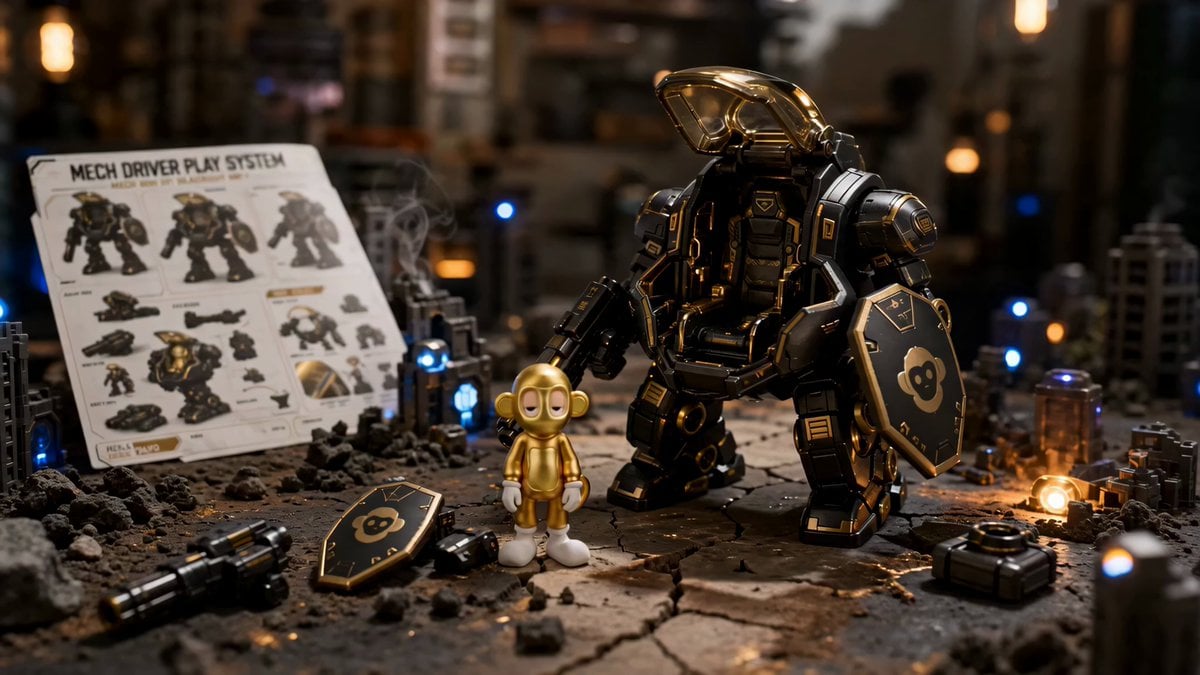
A professional toy commercial storyboard prompt using character sheets to create a cinematic sequence of a gold monkey pilot and a black-and-gold mech.
- Prompt included
- Model and format preset
- Premium template
The prompt behind this video
Copy the exact prompt behind Premium Mech Toy Commercial Sequence, or open it in the studio and make it yours.
Use uploaded MECH DRIVER PLAY SYSTEM IMG_134 images as reference for the exact gold monkey pilot, black-and-gold mech, tabletop diorama, and premium toy-ad look Create a high-budget toy commercial using this storyboard IMG_134 Real macro toy photography, cinematic, playful, premium. A child plays with the mech on a handmade miniature battle diorama. Child face never visible, only hands and blurred body. Focus on mech, cockpit, pilot, hands, LEDs, smoke, rubble, and toy scale TEXT RULE: No subtitles, captions, title cards, labels, UI, random text, logos, or watermark. Voiceover is audio only PILOT IMG_12 : metallic gold rounded monkey head and body, soft oval face area, half-lidded tired eyes, round ears, small tail, white gloves, white shoes, smooth toy surface, original proportions. Do not humanize, redesign, change eyes, remove tail, stretch, shrink, hide, or make plush/Funko/chibi. Pilot stays clearly visible inside cockpit MECH IMG_225 : satin black armor, gold panels, amber canopy, monkey-logo shield, rotary arm cannon, bulky legs, chunky feet, hinges, scratches, decals, glowing cockpit seams, brushed metal joints, premium black/gold toy finish. No generic robot STYLE: Physical toy commercial. Macro lens, shallow DOF, warm playroom window light, blue and amber LEDs, soft rim light, practical smoke, cracked terrain, tiny ruins, rubble, toy debris, film grain, physical shadows, premium contrast SHOT SEQUENCE: 0:00-0:02 Low-angle macro push-in. Manual, scattered parts, mech powered down on cracked tabletop terrain. Gold monkey pilot stands beside it. Smoke drifts, LEDs glow 0:02-0:04 Child hands open amber cockpit canopy. Show hinge detail, scratches, gold trim, warm reflections. Hands soft, mech sharp 0:04-0:06 Child lifts gold monkey pilot and aligns it with cockpit seat. Pilot clear, correctly proportioned, tail visible. 0:06-0:08 Pilot is placed inside. Seat panels lock without hiding face, eyes, ears, gloves, shoes, or tail. Amber seams glow 0:08-0:11 Mech powers on. Child pushes it forward across diorama. Cannon rotates, monkey-logo shield catches gold rim light, smoke and dust move around feet, LEDs shine through ruins 0:11-0:15 Final hero shot. Mech stands in powerful pose with pilot clearly visible inside amber cockpit. Child hands frame action, face out of frame. Manual and parts nearby. End on premium toy-commercial hero composition MOTION Smooth cinematic camera, realistic hand interaction, believable tabletop scale, controlled product-ad pacing, no chaotic action, no full CGI battlefield SOUND: Premium box opening, plastic clicks, canopy hinge click, tiny servo whirr, lock-on beep, seat lock, cockpit light pulse, toy footstep thuds, rotary cannon spin-up, rubble scrape, final power surge MUSIC
How to use Premium Mech Toy Commercial Sequence in 3 steps
- 1Upload ImagePNG, JPG or paste
Add your photo
Upload the photo the template builds on. The prompt, model and format are already set.
- 2…a portrait of your subject in softgolden-hour light, 85mm…
Personalize
Edit the subject and creative details for your destination.
- 3Generate
Generate
Press Generate — your video is created in PicX Studio, so you can compare it with the original and refine one variable at a time.
More like this
Templates with the same subject, style or setup. Open one to see its prompt.

Mechanical Flower Bloom Brand Film

RX-7 to Mech Transformation Cyberpunk
Fruit Cookie Commercial

Silk Road Pomegranate Folk Animation

Crystal Ball Match-Cut Brand Film

Sneaker Product Commercial

Skincare Product Commercial 3

Cinematic Portrait Study 3

Product UGC Commercial

Cinematic Portrait Study
Skincare Product Commercial
Luxury Perfume Commercial Sequence
Make it yours
Premium Mech Toy Commercial Sequence works as-is. These are the safest ways to change it without losing the look.
Change one field
Copy a single group, rewrite it, and generate again so you can see what that field is doing.
Keep the frame, change the subject
Hold the composition and light of Premium Mech Toy Commercial Sequence, then swap wardrobe, props or the person for a new take.
| If the result… | Why | Fix |
|---|---|---|
| The result drifts from the preview | Too many fields changed at once. | Reuse Premium Mech Toy Commercial Sequence as-is first, then change one group — subject, light, or setting. |
| The model over-stylizes the scene | The prose prompt leaves finish and camera underspecified. | Add one camera or lighting sentence and stay on Seedance 2.0. |
More Seedance 2.0 templates
Other prompts made for Seedance 2.0.

Comical Martial Arts Punch Scene

Maglev Train Action Sequence

Martial Arts Fight Sequence

Wuxia Protection and Trust Script

Vintage Korean Arcade MiniDV Vlog

Mercedes 190 SL Luxury Ad

Rainy Night Supernatural Reverse Comedy Video Script

Amazon Civilization Discovery

Futuristic South Asian City Transformation

Cozy Luxury Cafe Commercial
More video prompts
Fresh picks from across the catalog.
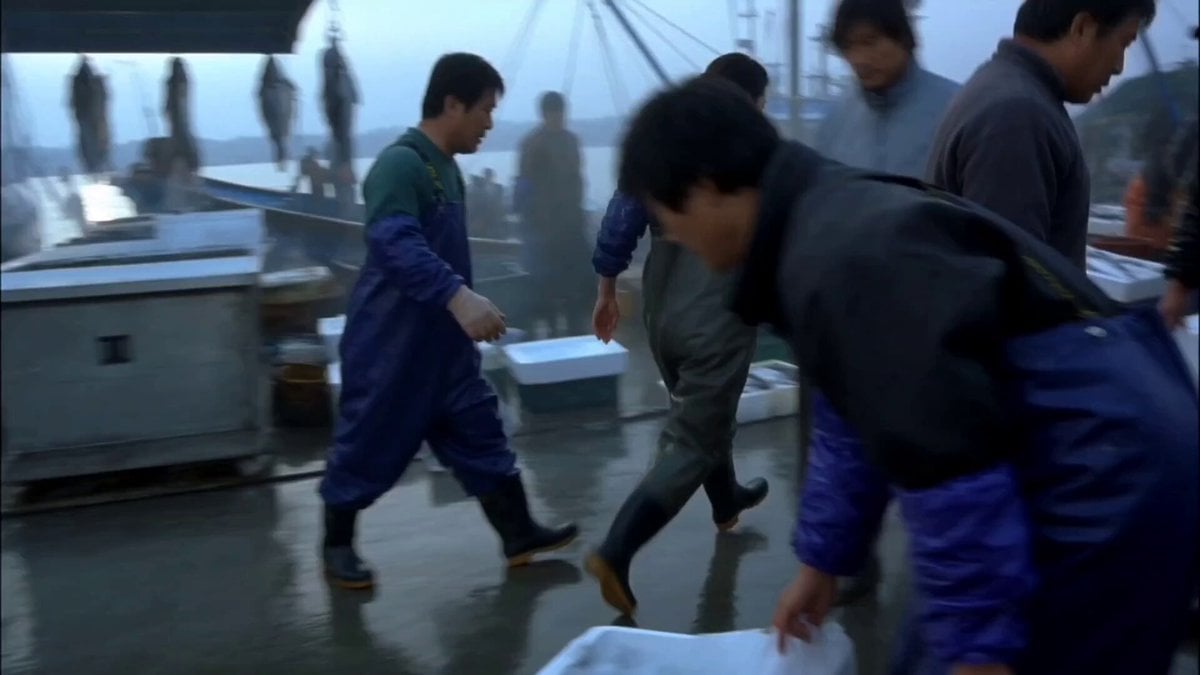
Realistic Korean Fish Market Auction

Professional Woman Success Workspace Scene
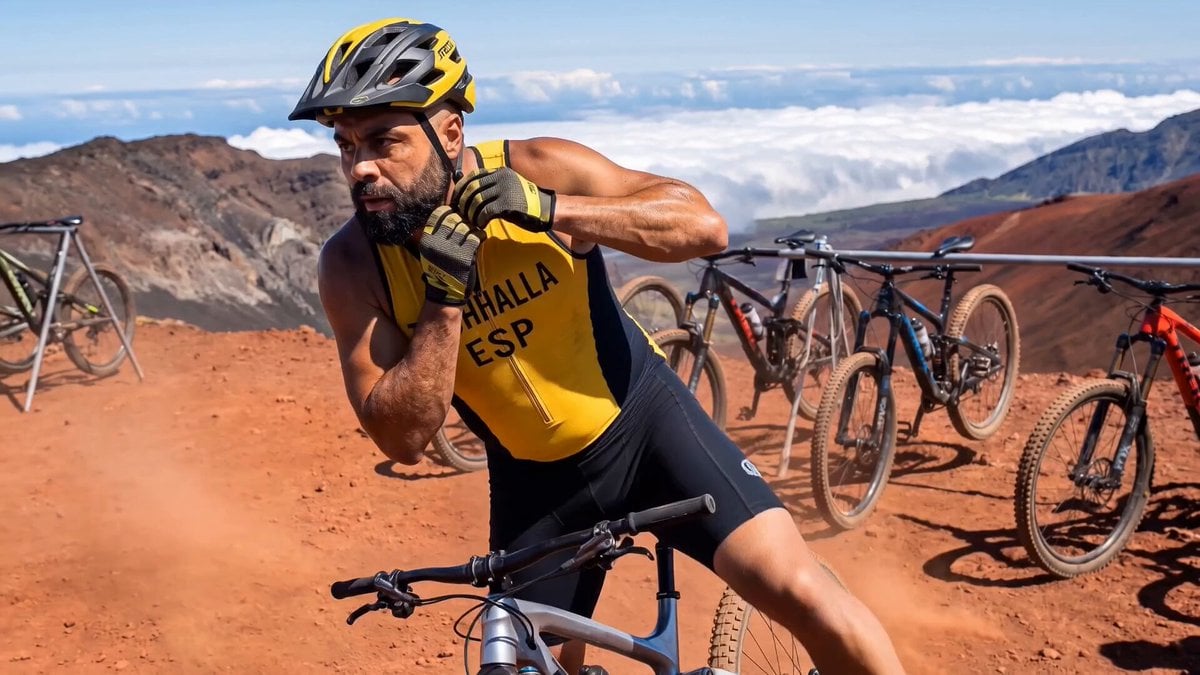
Documentary Tortilla Flip Action Sequence
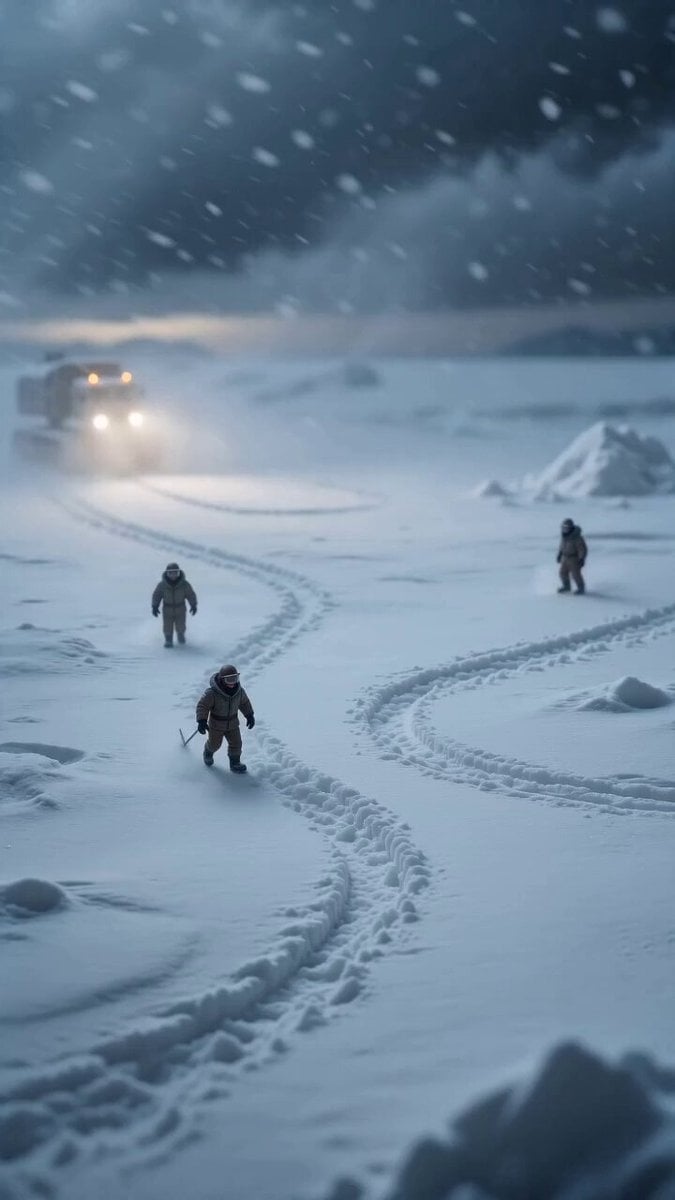
Miniature Ice Cream Construction Sequence
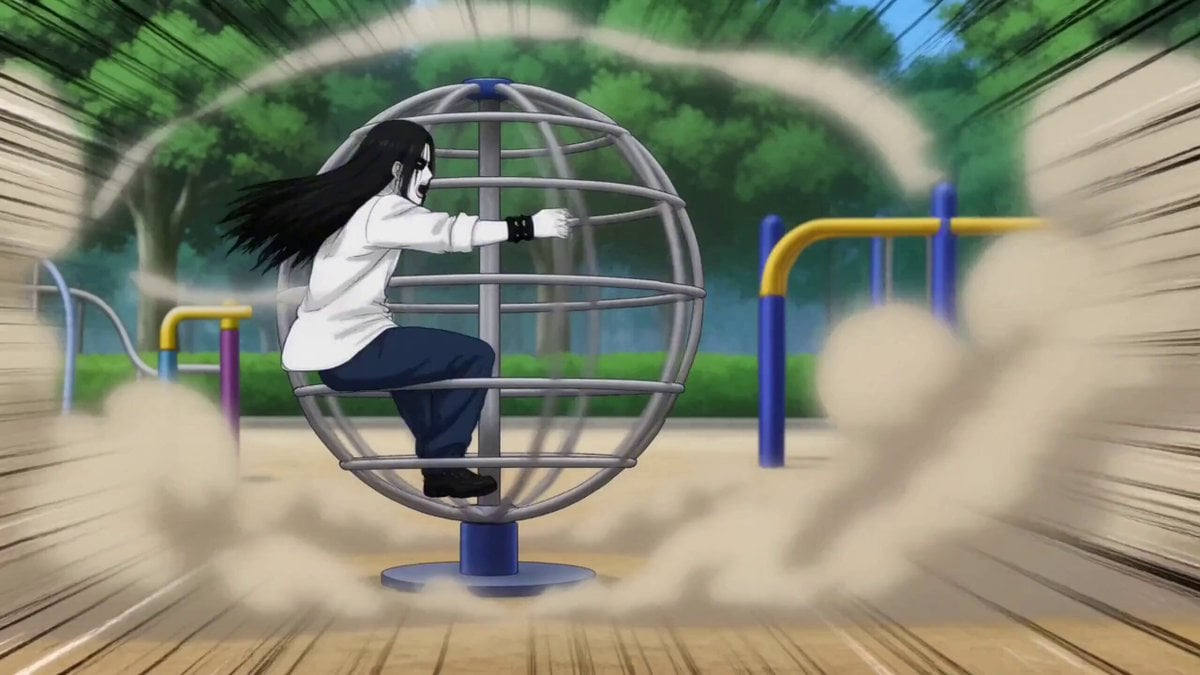
Gag Anime Comedy Reaction Scene
Celebratory Hat Flip Video
Seedance 2.0 Video Prompt: Cyberpunk Heroine in War and Desert
Alien Intruder in Modern House
Seedance 2.0: 'Fatal 'Miracle Drug': Pickled Chicken Feet' Video
Vibrant Stylized Woman with Butterflies
Browse template categories
Premium Mech Toy Commercial Sequence questions
How do I use the Premium Mech Toy Commercial Sequence template?
Add your photo if the template asks for one, edit the prompt if you like — the template's model and format are already selected — and press Generate. Your version opens in PicX Studio.
Can I customize the Premium Mech Toy Commercial Sequence template?
Yes. You can change the subject, setting, lighting, mood, format, and available model controls before creating your video.
Is the Premium Mech Toy Commercial Sequence template free?
Opening and editing this template is free. Generating uses credits, shown on the Generate button when you are signed in.
Which AI model should I use?
Start with Seedance 2.0, which is the model associated with this template. You can compare another compatible model for a different finish.
Looking for something else? Browse all templates.

Your photo, any look
Thousands of ready templates for every top image and video model, from one credit balance.