
Miniature Ice Cream Construction Sequence
A detailed cinematic prompt for creating a miniature construction sequence of a chocolate ice cream bowl being built by workers in a harsh blizzard.
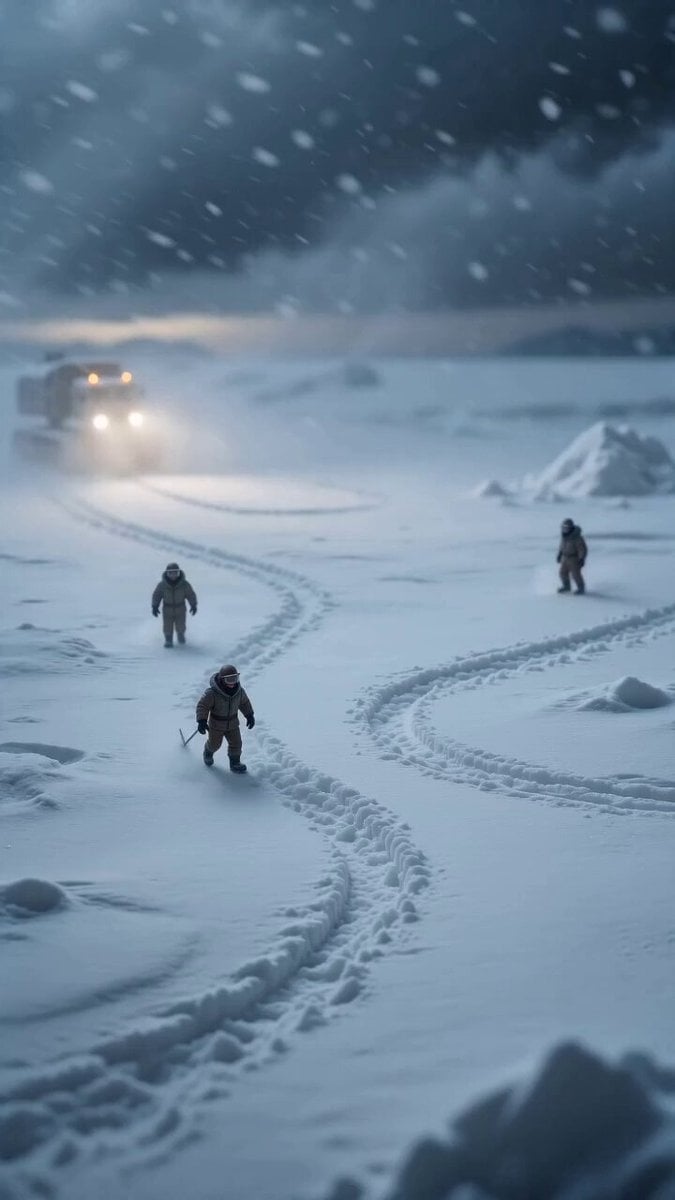
- Prompt included
- Model and format preset
- Free template
The prompt behind this video
Copy the exact prompt behind Miniature Ice Cream Construction Sequence, or open it in the studio and make it yours.
use the uploaded chocolate ice cream bowl @image1 image as final reference and generate a cinematic miniature construction sequence, static locked tripod camera, centered composition, identical perspective, harsh polar environment with icy ground, snow-covered surface, cold diffused lighting, strong wind and continuous heavy snowfall, no camera movement video begins with empty snow-covered ground and frozen surface, blizzard conditions active, no bowl present Step 1: miniature construction workers in heavy winter gear (parkas, goggles) struggle into frame through strong wind and snow, carrying tools, ropes, and equipment, leaving footprints in fresh snow Step 2: snow-covered construction vehicles (tracked trucks, snow crawlers, cranes) arrive slowly, headlights cutting through snowfall, unloading frozen materials—metal bowl parts, chocolate blocks, and tools Step 3: cranes lift and position the ceramic bowl base onto the icy ground, workers stabilize it using anchors drilled into the frozen surface, securing it against the wind Step 4: workers assemble and polish the bowl structure, brushing off snow and ice, revealing a clean smooth ceramic surface beneath Step 5: frozen chocolate mixture is transported in chunks, workers use heated equipment to soften and shape it, forming the first scoop using mechanical scoop rigs Step 6: additional scoops are formed one by one using coordinated crane-assisted scooping arms, each scoop placed precisely into the bowl despite harsh wind conditions Step 7: warm liquid chocolate drizzle is poured from insulated tanks, slowly cascading over the scoops, steam slightly visible as it meets the cold air Step 8: chocolate shavings are scattered by workers climbing ladders and platforms, pieces falling naturally onto the scoops and surrounding surface Step 9: a metal spoon is carried in by a team using ropes, carefully placed into the bowl at the correct angle, partially buried in the ice cream Step 10: snowfall intensifies briefly, then settles, condensation and slight frost form naturally around the bowl edges while the ice cream remains rich and textured Step 11: workers step back, vehicles exit slowly into the snowstorm, leaving the finished dessert standing in contrast to the harsh environment final cinematic hero moment showing the completed chocolate ice cream bowl exactly matching the reference image, surrounded by falling snow, ultra photorealistic, cinematic lighting, high contrast between cold environment and rich dessert textures, commercial advertising quality strict step-by-step construction, no instant appearance, smooth realistic assembly process, dramatic survival-like miniature realism, viral VFX style
How to use Miniature Ice Cream Construction Sequence in 3 steps
- 1Upload ImagePNG, JPG or paste
Add your photo
Upload the photo the template builds on. The prompt, model and format are already set.
- 2…a portrait of your subject in softgolden-hour light, 85mm…
Personalize
Edit the subject and creative details for your destination.
- 3Generate
Generate
Press Generate — your video is created in PicX Studio, so you can compare it with the original and refine one variable at a time.
More like this
Templates with the same subject, style or setup. Open one to see its prompt.
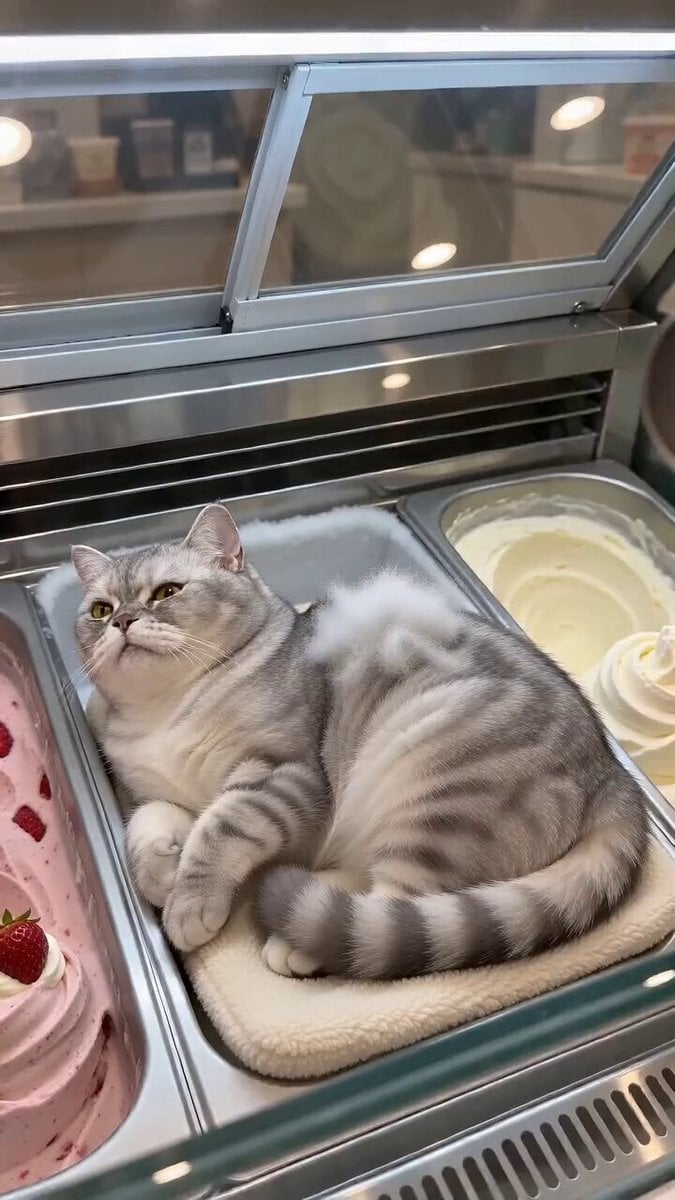
Cat Ice Cream Shop Magic Trick

Surreal ice cream cone transformation
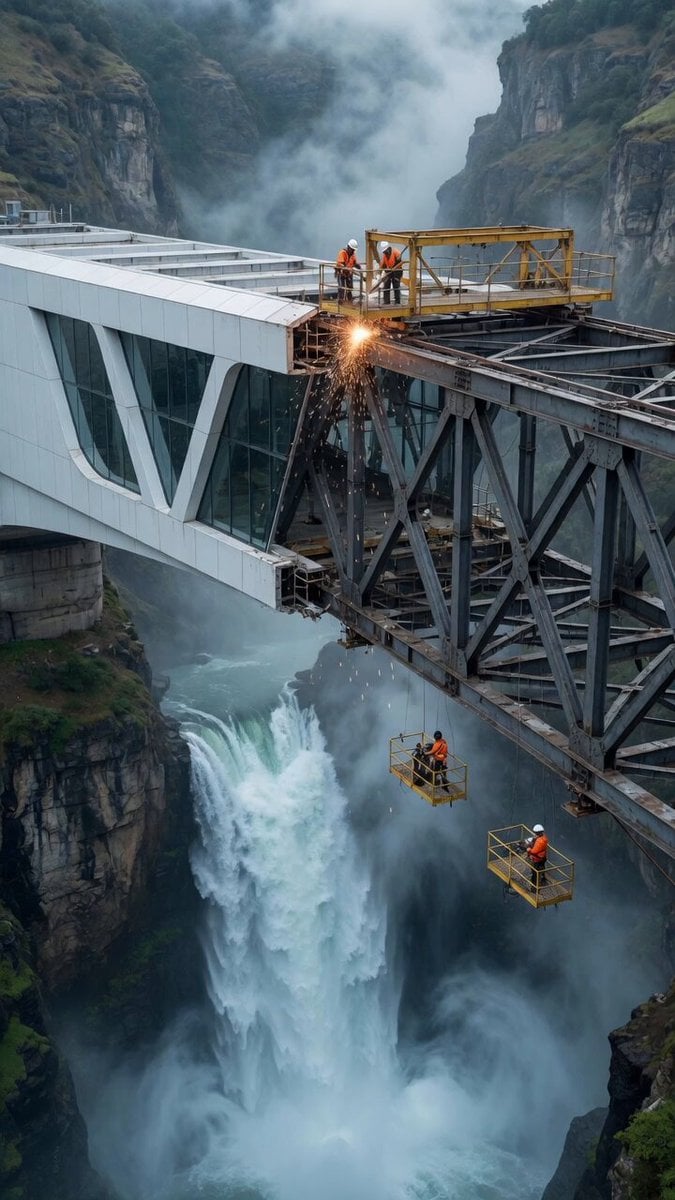
Architectural Construction Sequence Video
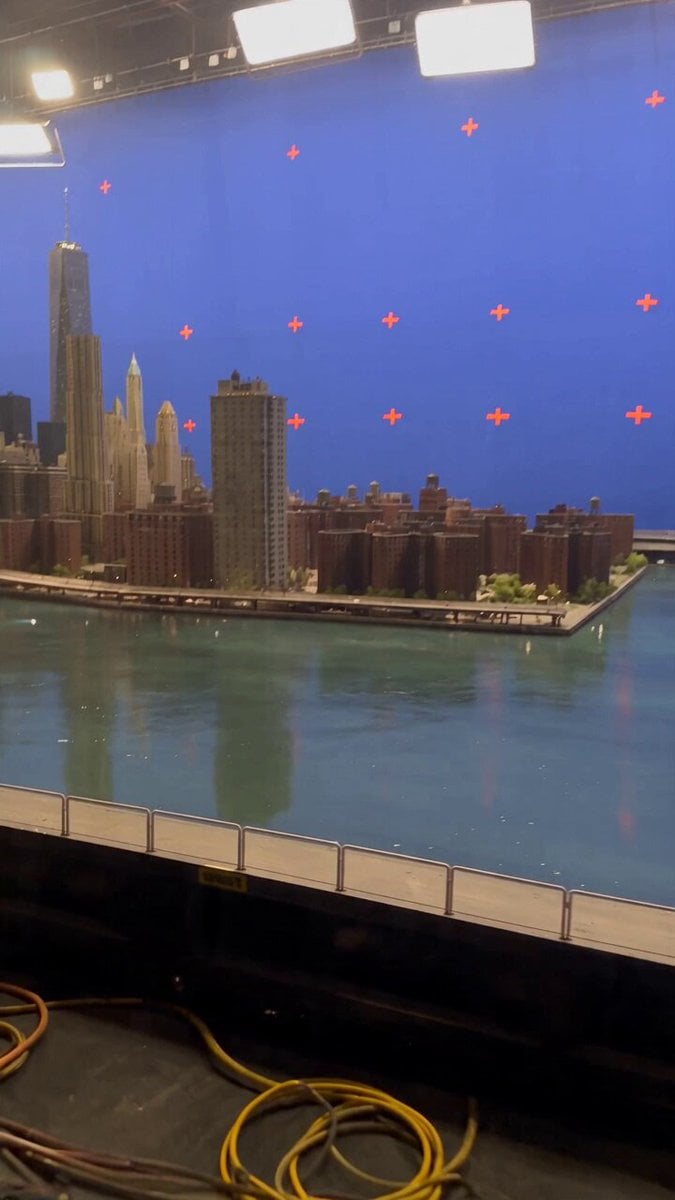
Miniature City Flood Soundstage
Miniature City Flood Soundstage

Dragon and Ice Cream Fantasy

Tiny Human Ice Cream Interaction
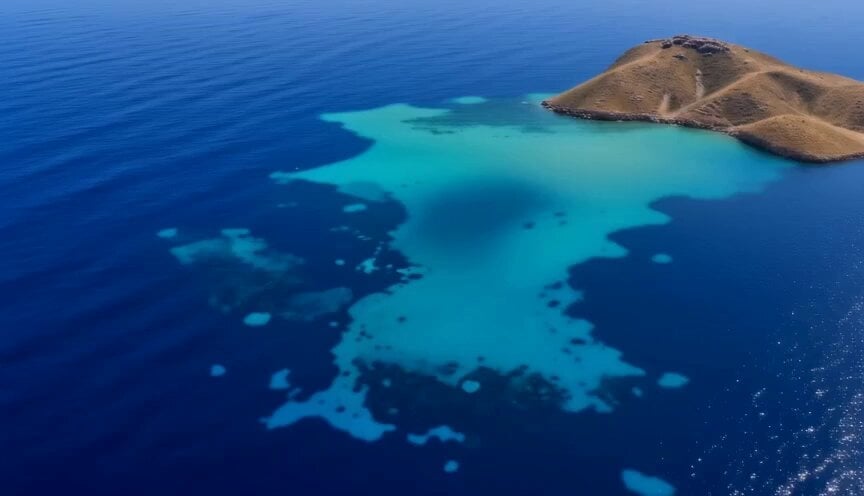
Miniature Harbour Island Construction
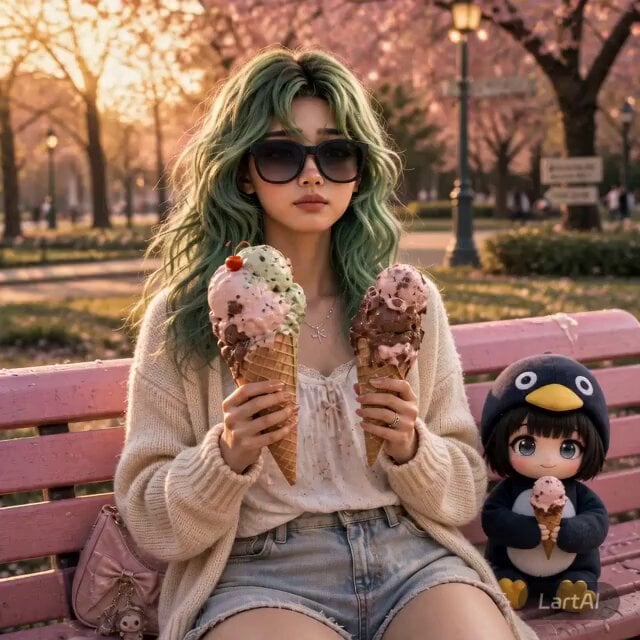
Girl and Penguin Melting Ice Cream Chaos
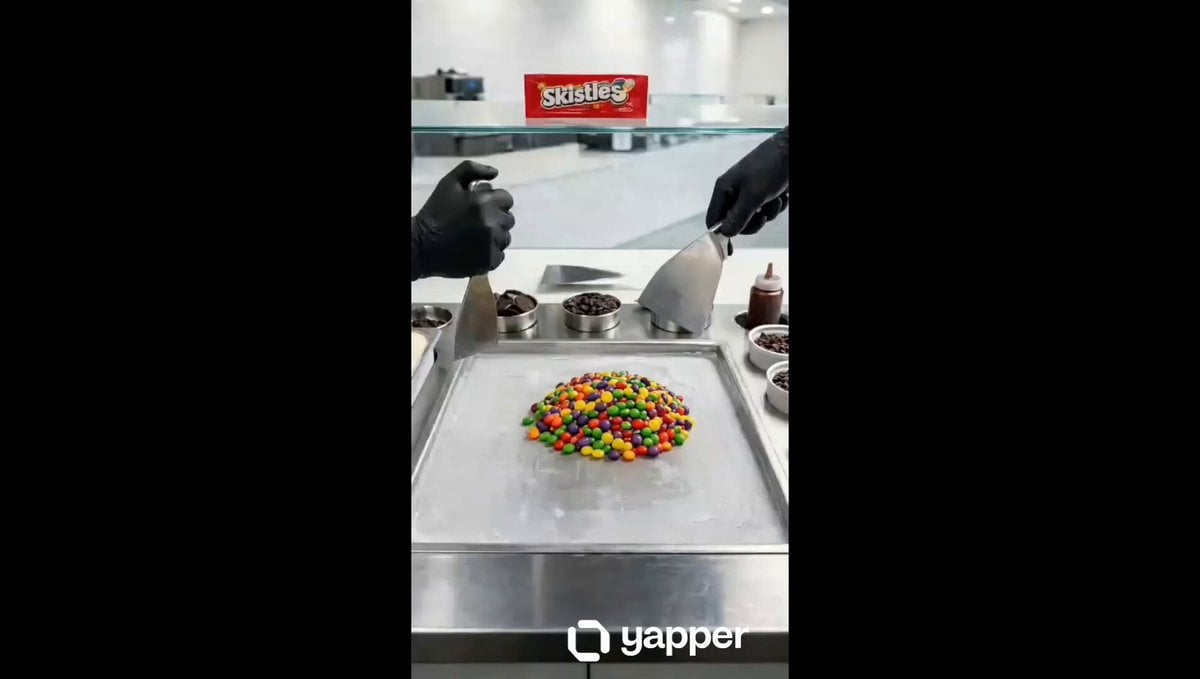
Ice Cream Preparation Commercial
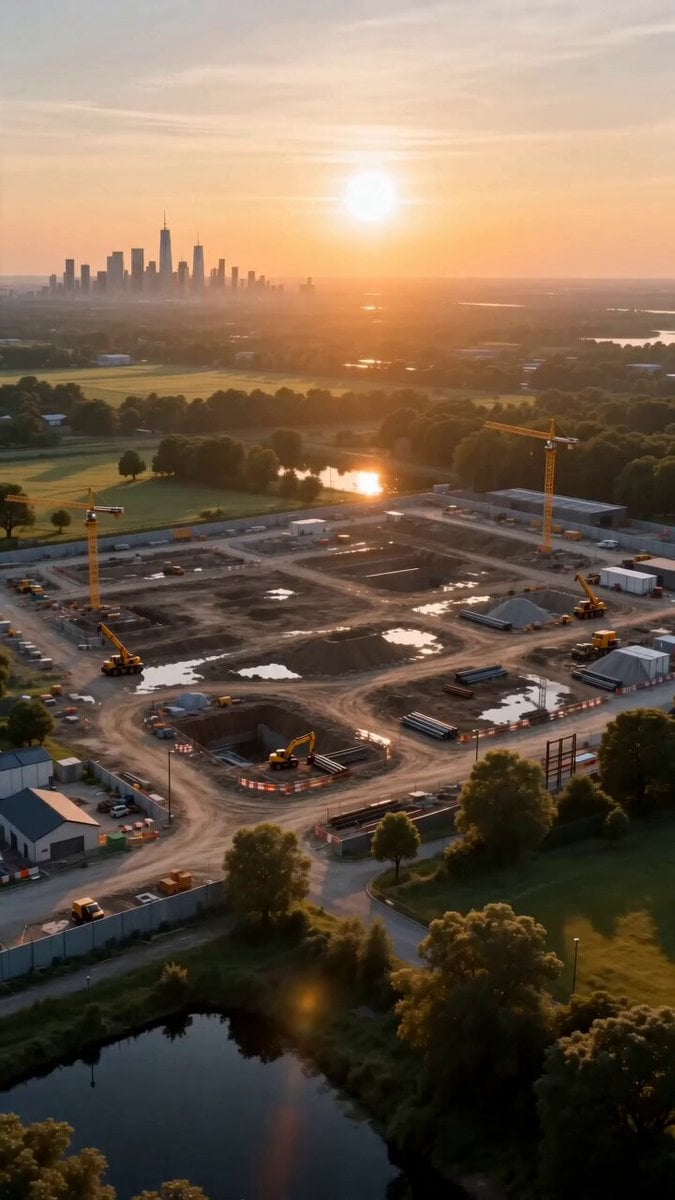
Miniature Sprite Can House Construction
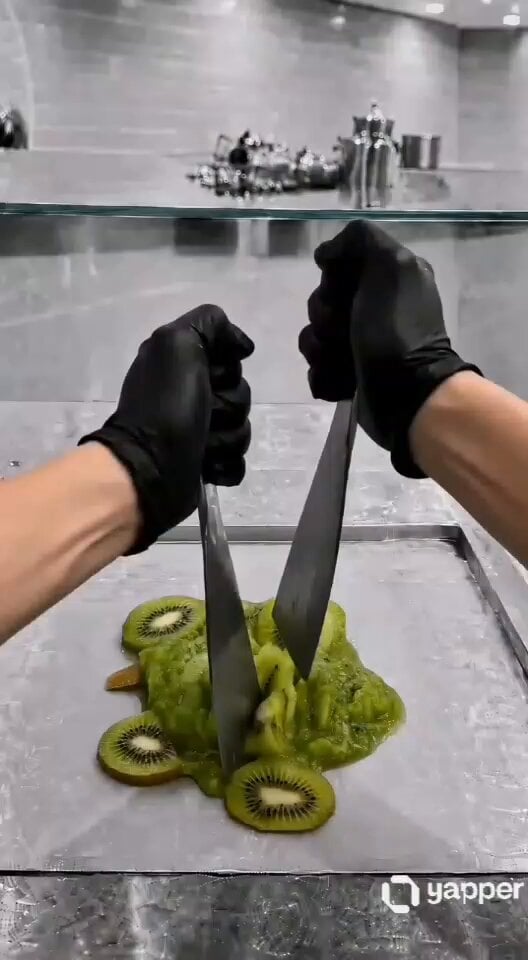
ASMR Kiwi Ice Cream Rolls Video Prompt
Make it yours
Miniature Ice Cream Construction Sequence works as-is. These are the safest ways to change it without losing the look.
Change one field
Copy a single group, rewrite it, and generate again so you can see what that field is doing.
Keep the frame, change the subject
Hold the composition and light of Miniature Ice Cream Construction Sequence, then swap wardrobe, props or the person for a new take.
| If the result… | Why | Fix |
|---|---|---|
| The result drifts from the preview | Too many fields changed at once. | Reuse Miniature Ice Cream Construction Sequence as-is first, then change one group — subject, light, or setting. |
| The model over-stylizes the scene | The prose prompt leaves finish and camera underspecified. | Add one camera or lighting sentence and stay on Seedance 2.0. |
More Seedance 2.0 templates
Other prompts made for Seedance 2.0.

Comical Martial Arts Punch Scene

Maglev Train Action Sequence

Martial Arts Fight Sequence

Wuxia Protection and Trust Script

Vintage Korean Arcade MiniDV Vlog

Mercedes 190 SL Luxury Ad

Rainy Night Supernatural Reverse Comedy Video Script

Amazon Civilization Discovery

Futuristic South Asian City Transformation

Cozy Luxury Cafe Commercial
More video prompts
Fresh picks from across the catalog.
chilling
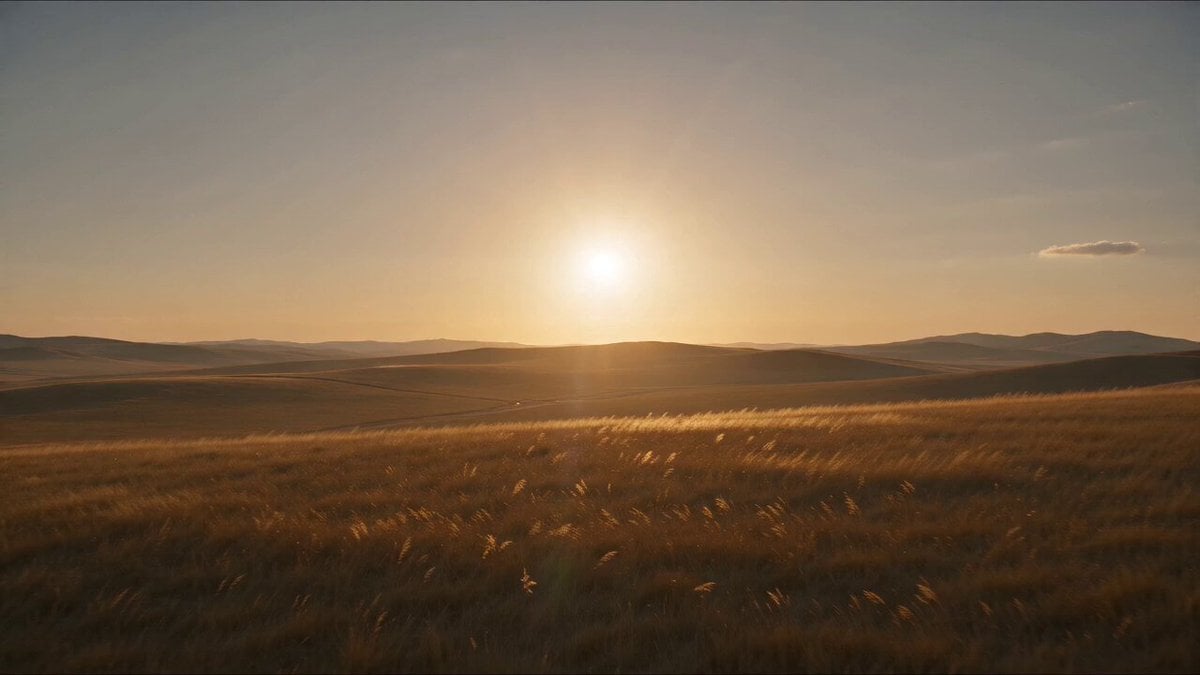
Mongol Woman Steppe Archery
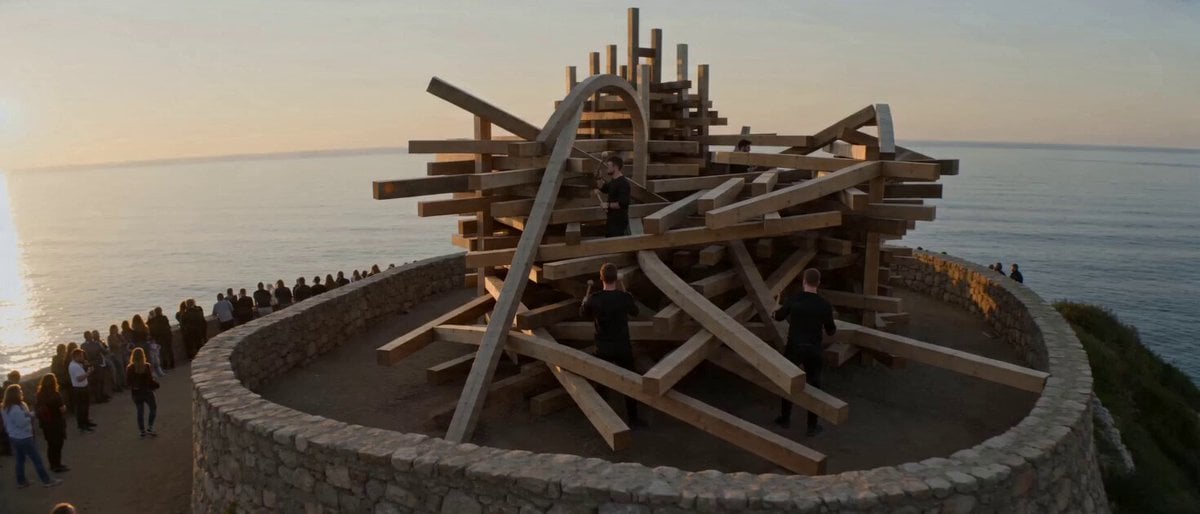
Surreal Musical Sculpture Animation
Seedance 2.0 Portrait Video Prompts Collection
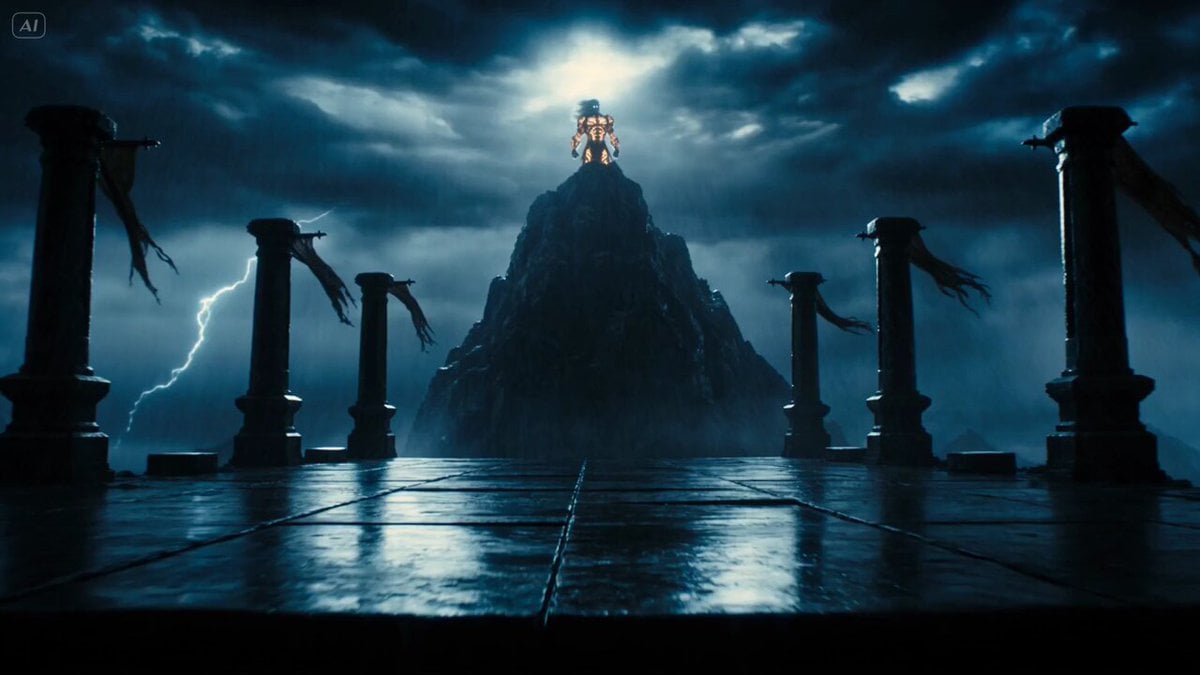
Mythological Lightning God Transformation

Luxury Perfume Boutique Tracking Shot
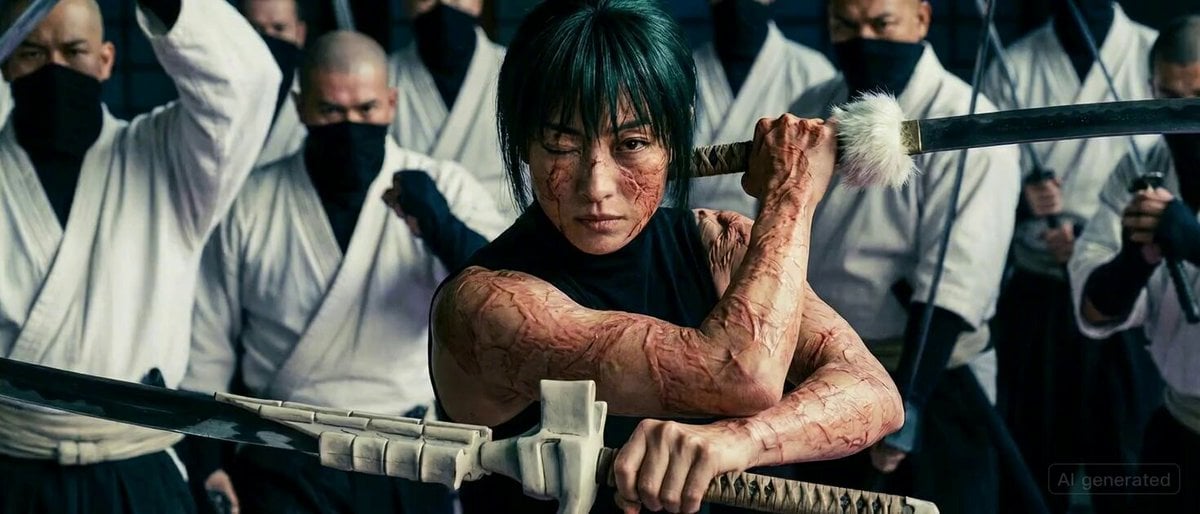
Maki Zenin Fight Scene Prompt (Nimble Movements)
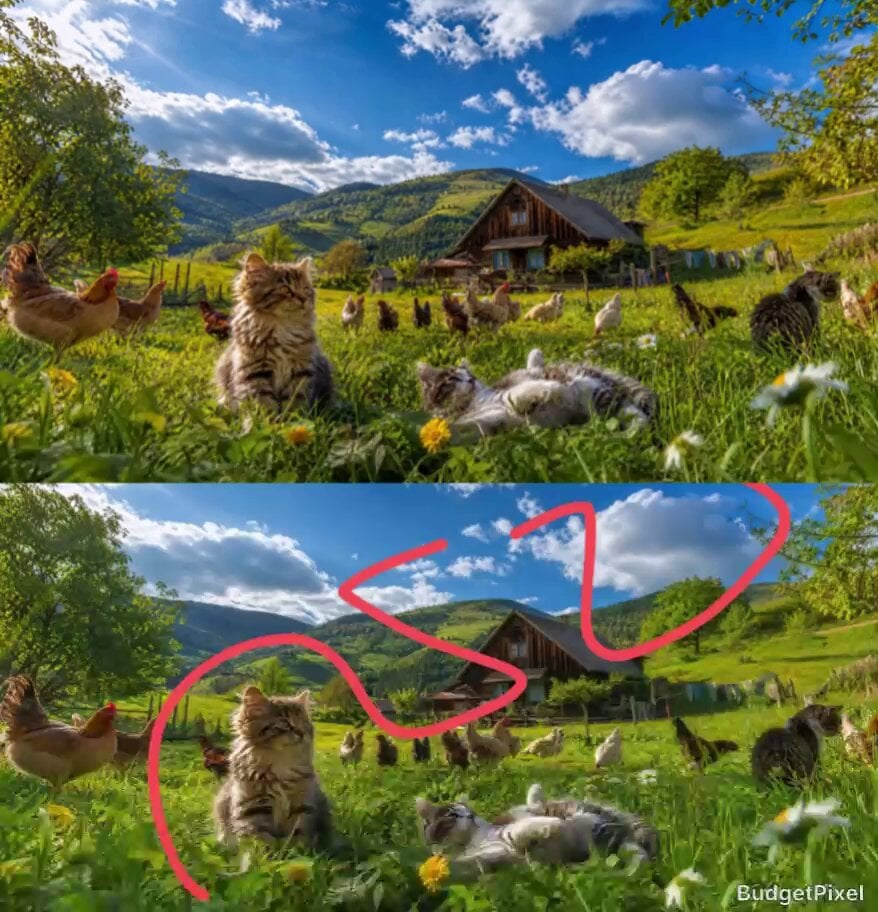
Cinematic Meadow Path and FPV Flight

Video Generation Prompt for a Race Scene

Cargo Plane Action Sequence

Browse template categories
Miniature Ice Cream Construction Sequence questions
How do I use the Miniature Ice Cream Construction Sequence template?
Add your photo if the template asks for one, edit the prompt if you like — the template's model and format are already selected — and press Generate. Your version opens in PicX Studio.
Can I customize the Miniature Ice Cream Construction Sequence template?
Yes. You can change the subject, setting, lighting, mood, format, and available model controls before creating your video.
Is the Miniature Ice Cream Construction Sequence template free?
Opening and editing this template is free. Generating uses credits, shown on the Generate button when you are signed in.
Which AI model should I use?
Start with Seedance 2.0, which is the model associated with this template. You can compare another compatible model for a different finish.
Looking for something else? Browse all templates.

Your photo, any look
Thousands of ready templates for every top image and video model, from one credit balance.