
Tiny Human Ice Cream Interaction
A hyper-realistic POV video prompt featuring an ultra-realistic miniature human interacting with a person's hand and an ice cream cone on a wooden table.

- Prompt included
- Model and format preset
- Free template
The prompt behind this video
Copy the exact prompt behind Tiny Human Ice Cream Interaction, or open it in the studio and make it yours.
POV first-person perspective. The character is an ultra-realistic tiny human, only the size of a human palm. He is **not** a 3D model, cartoon, CGI, toy, figurine, or miniature statue. He looks like a real miniature person with lifelike skin, natural hair, realistic facial features, authentic clothing, and convincing human movements. Everything in the scene is real, including the table, the owner's hands, the ice cream cone, the lighting, and the environment. The tiny man is sitting on a real wooden table. The owner reaches in with a real human hand and gently pokes the tiny man's cheek with a finger. The tiny man immediately looks annoyed, frowns deeply, pushes the giant finger away with both hands, turns his back, puffs out his cheeks, and sulks with crossed arms. The owner then brings a real ice cream cone into the frame and gently taps the top of the tiny man's head with it. The tiny man glances sideways at the ice cream. His eyes instantly light up with excitement. His expression changes from grumpy to delighted. He quickly turns around, eagerly grabs the giant ice cream cone with both hands, happily licks the melting ice cream, leaving a little cream around his lips. The owner gently pats the tiny man's head with a real finger. The tiny man smiles politely with a grateful and satisfied expression, gives a respectful nod, then immediately hugs the giant ice cream cone and runs toward the corner of the real table. He sits down happily and continues eating the ice cream with obvious enjoyment. Hyper-realistic tiny human illusion, miniature real person, macro photography, true-to-life human proportions, natural facial expressions, realistic skin texture with visible pores, lifelike eyes, authentic clothing physics, smooth natural body movements, perfect scale interaction with giant real objects, cinematic realism, physically accurate lighting, natural contact shadows, seamless integration into the real environment, shallow depth of field, handheld macro camera, one continuous shot, no cuts, no dialogue, no subtitles.
How to use Tiny Human Ice Cream Interaction in 3 steps
- 1
Open
The prompt is already in the box next to the preview, with the template's model and format selected.
- 2…a portrait of your subject in softgolden-hour light, 85mm…
Personalize
Edit the subject and creative details for your destination.
- 3Generate
Generate
Press Generate — your video is created in PicX Studio, so you can compare it with the original and refine one variable at a time.
More like this
Templates with the same subject, style or setup. Open one to see its prompt.
Emotional Breakdown and Fabric Interaction - Seedance 2.5
Cat Ice Cream Shop Magic Trick

Surreal ice cream cone transformation
Dragon and Ice Cream Fantasy
Girl and Penguin Melting Ice Cream Chaos
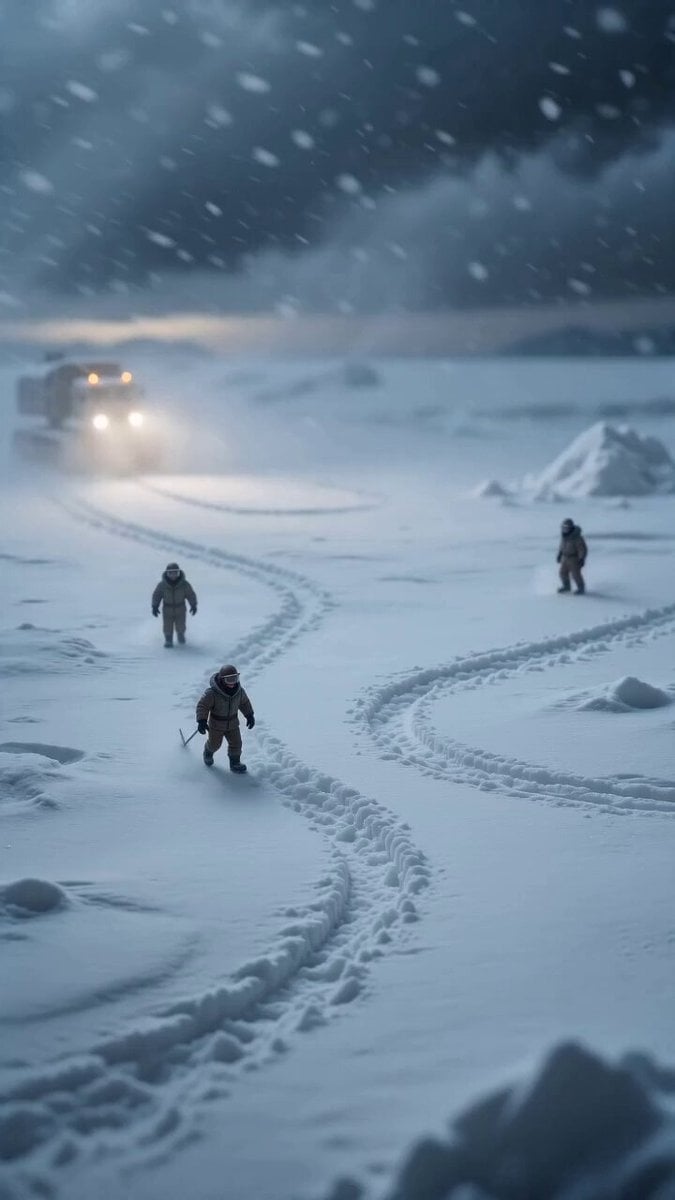
Miniature Ice Cream Construction Sequence
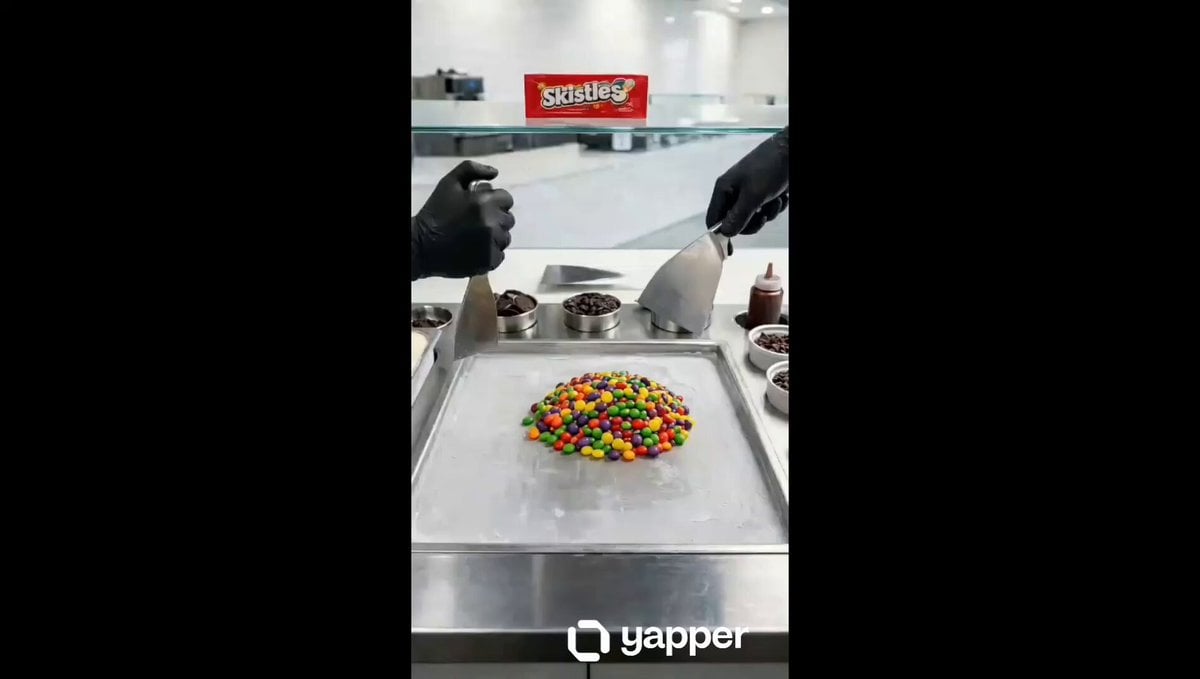
Ice Cream Preparation Commercial
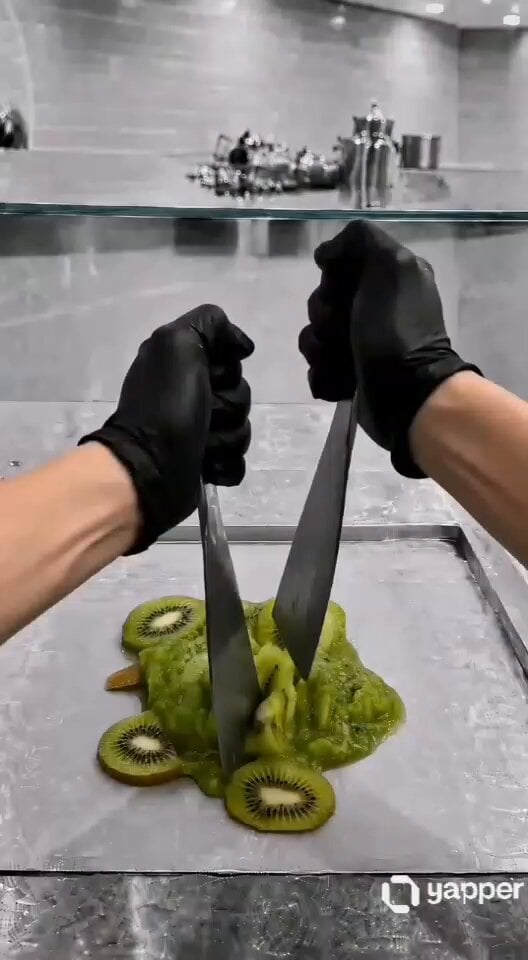
ASMR Kiwi Ice Cream Rolls Video Prompt
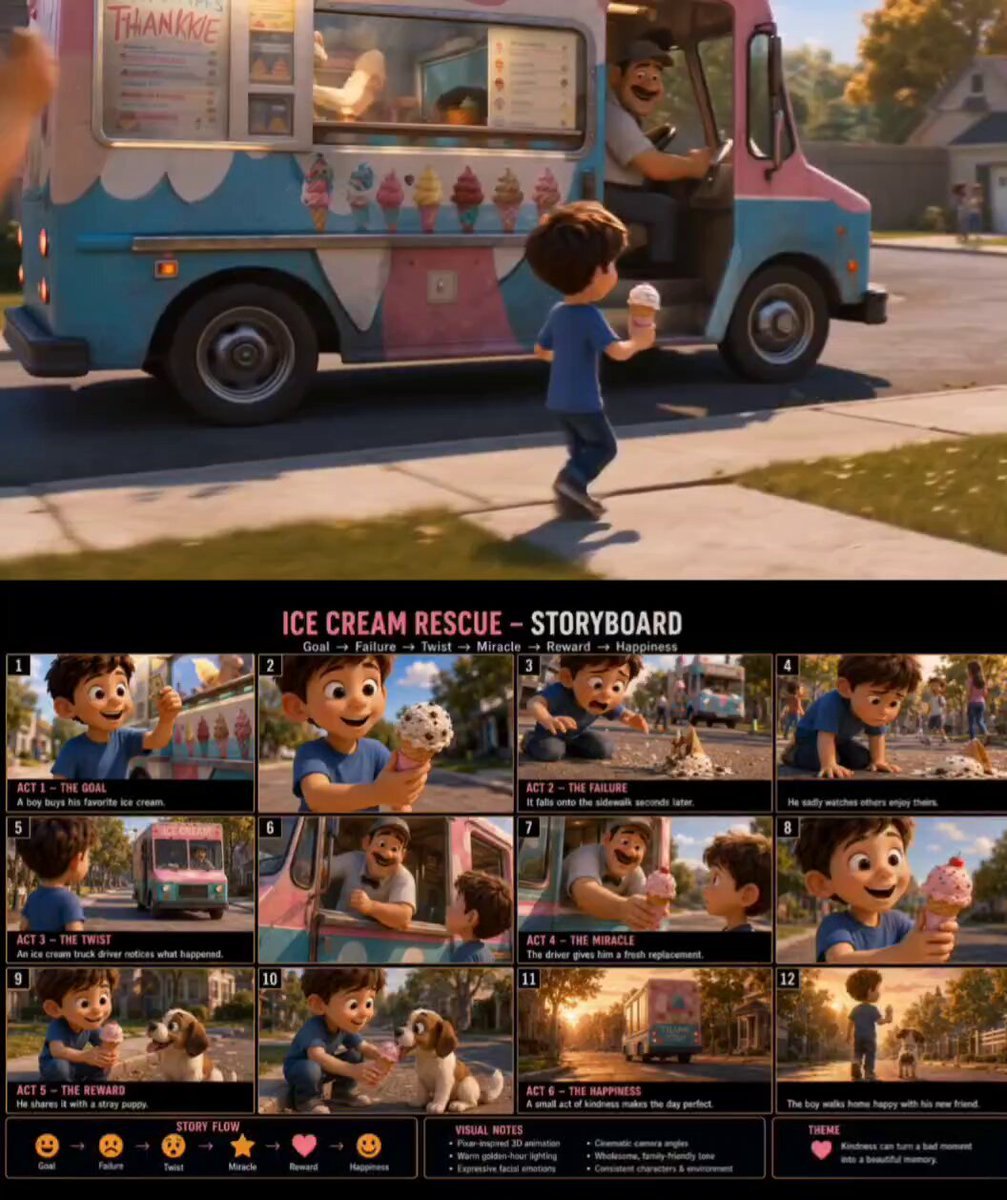
Pixar Style Ice Cream Rescue
Melting Ice Cream and Marshmallows Video Prompt
Premium Ice Cream Sundae Commercial
Hyper-Realistic Vertical Full-Body Ice Cream Cone Ad
Make it yours
Tiny Human Ice Cream Interaction works as-is. These are the safest ways to change it without losing the look.
Change one field
Copy a single group, rewrite it, and generate again so you can see what that field is doing.
Keep the frame, change the subject
Hold the composition and light of Tiny Human Ice Cream Interaction, then swap wardrobe, props or the person for a new take.
| If the result… | Why | Fix |
|---|---|---|
| The result drifts from the preview | Too many fields changed at once. | Reuse Tiny Human Ice Cream Interaction as-is first, then change one group — subject, light, or setting. |
| The model over-stylizes the scene | The prose prompt leaves finish and camera underspecified. | Add one camera or lighting sentence and stay on Seedance 2.0. |
More Seedance 2.0 templates
Other prompts made for Seedance 2.0.

Comical Martial Arts Punch Scene

Maglev Train Action Sequence

Martial Arts Fight Sequence

Wuxia Protection and Trust Script

Vintage Korean Arcade MiniDV Vlog

Mercedes 190 SL Luxury Ad

Rainy Night Supernatural Reverse Comedy Video Script

Amazon Civilization Discovery

Futuristic South Asian City Transformation

Cozy Luxury Cafe Commercial
More video prompts
Fresh picks from across the catalog.

Rally Car Coastal Drift Rescue
Anime DJ Girl Club Performance
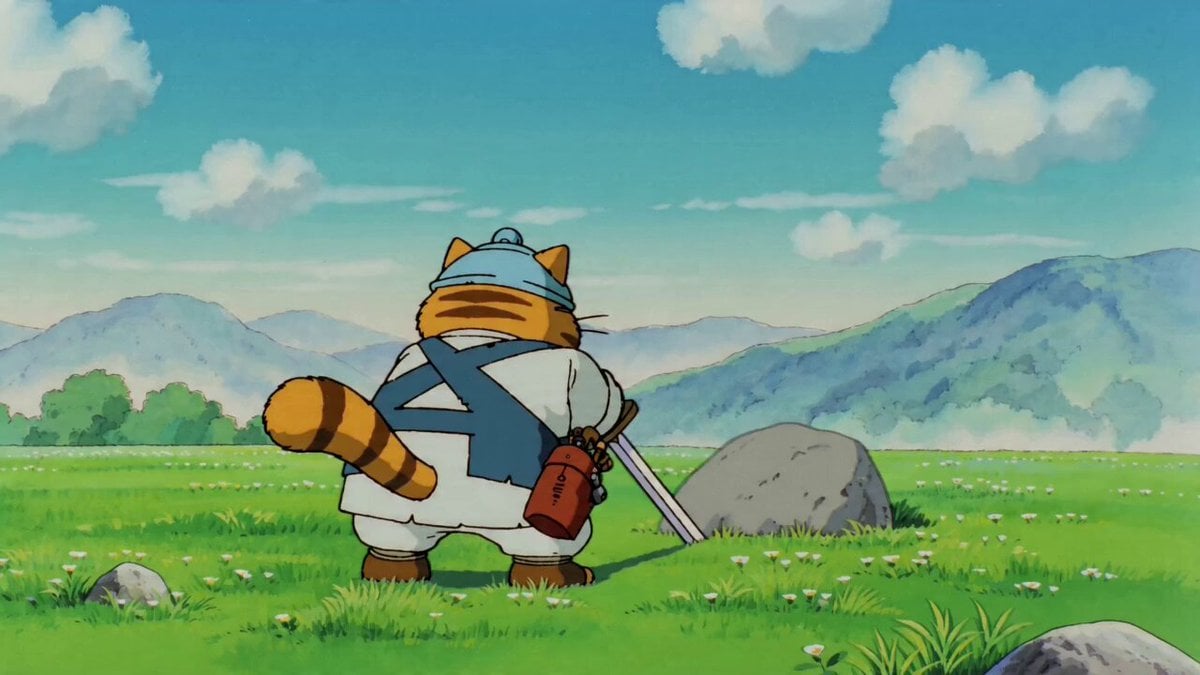
90s Anime Sword Fart Fail
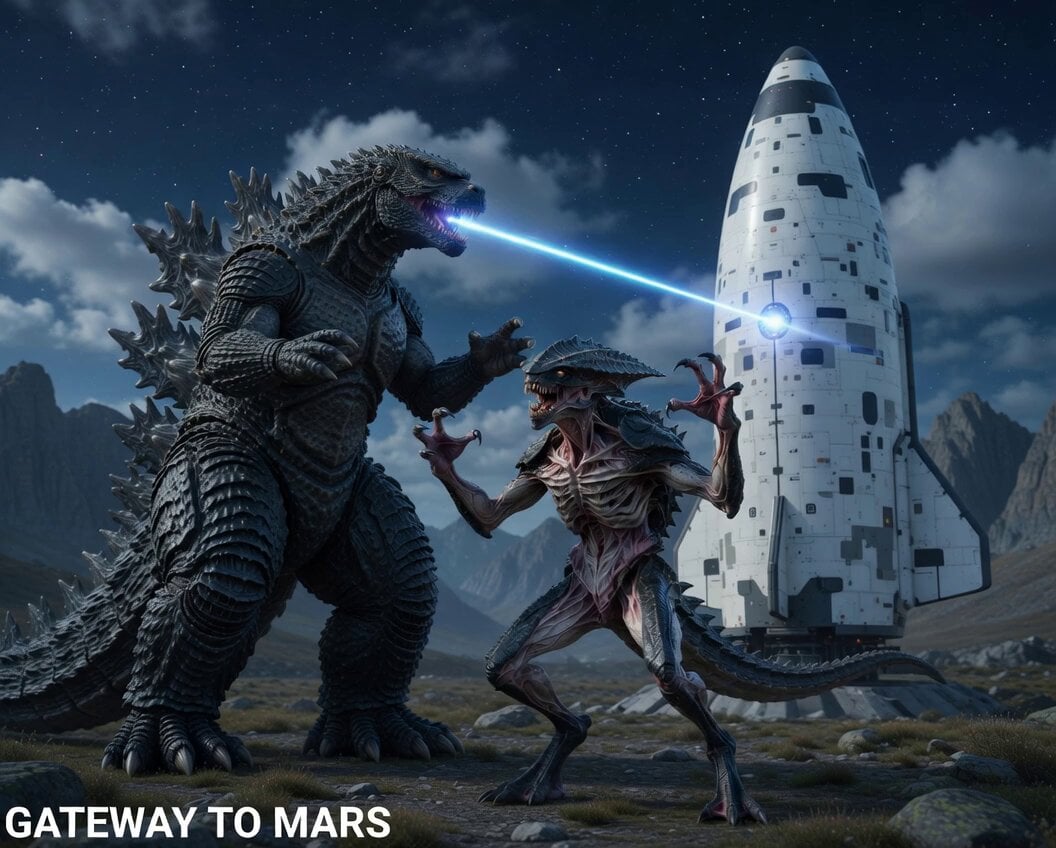
Alien creature protecting Starship from Godzilla
Neon Armor Epic Transformation Sequence
Reality-Shattering Glitch Metamorphosis

Blockbuster Supercar Chase Scene

Horror Mystery Animated Short Film
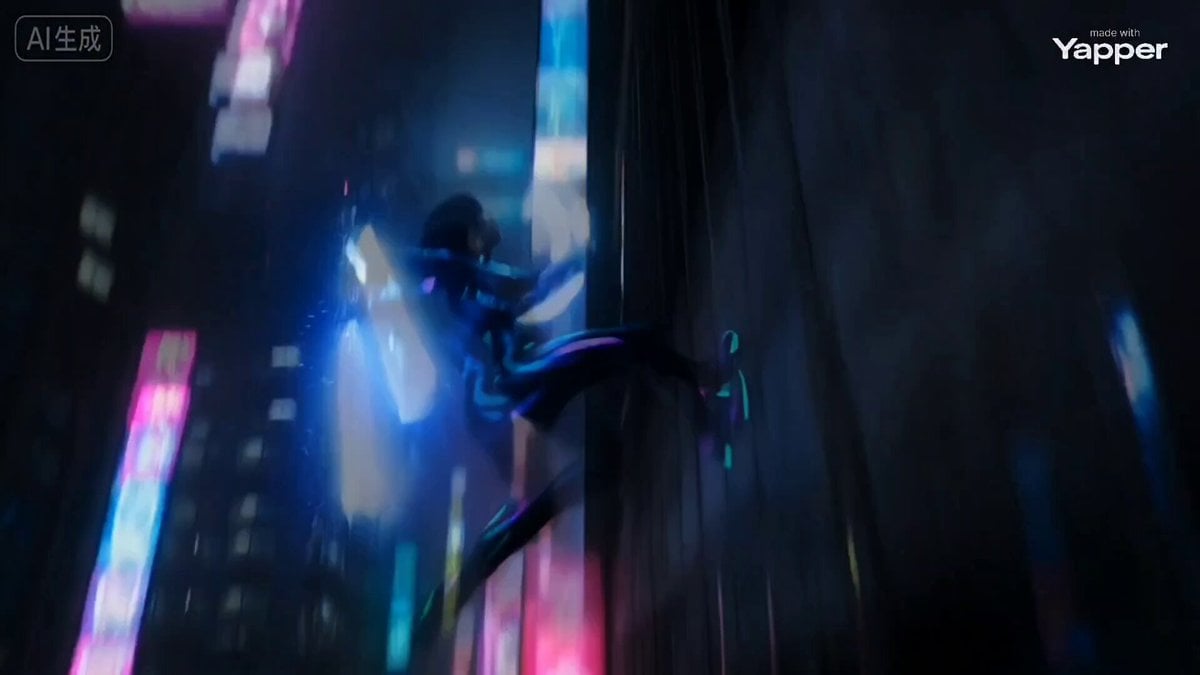
Cyber Ninja vs. Holographic Alien Fight Prompt
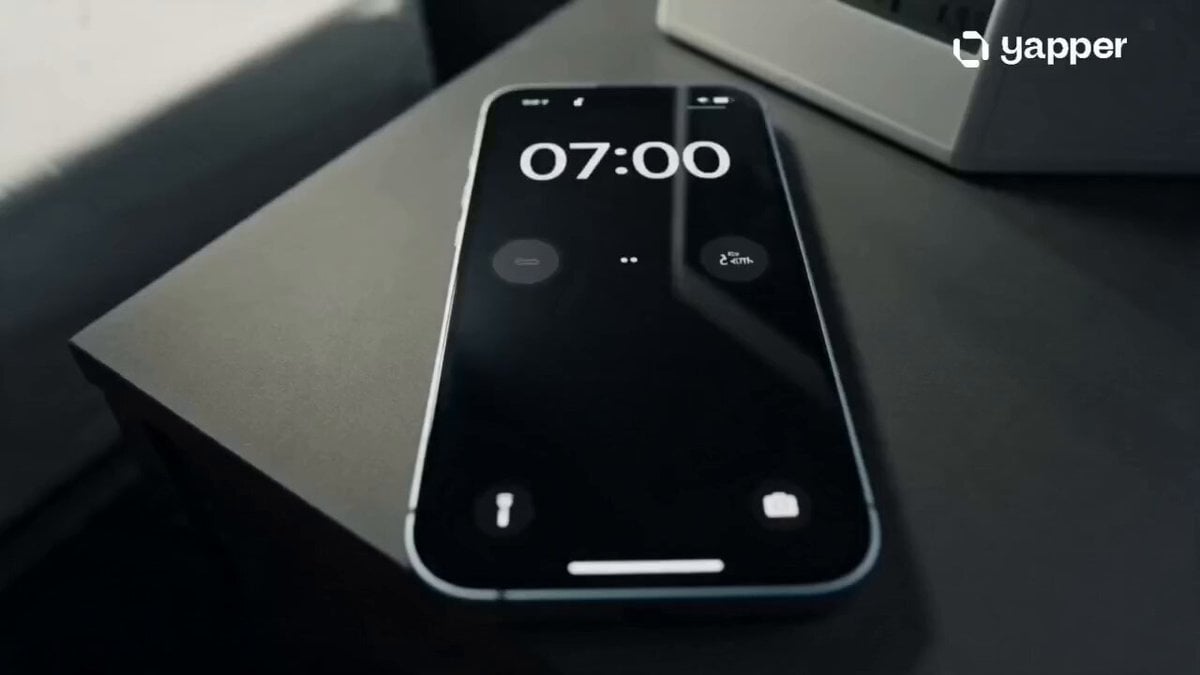
Football Match Day Cinematic POV Vlog
Browse template categories
Tiny Human Ice Cream Interaction questions
How do I use the Tiny Human Ice Cream Interaction template?
Add your photo if the template asks for one, edit the prompt if you like — the template's model and format are already selected — and press Generate. Your version opens in PicX Studio.
Can I customize the Tiny Human Ice Cream Interaction template?
Yes. You can change the subject, setting, lighting, mood, format, and available model controls before creating your video.
Is the Tiny Human Ice Cream Interaction template free?
Opening and editing this template is free. Generating uses credits, shown on the Generate button when you are signed in.
Which AI model should I use?
Start with Seedance 2.0, which is the model associated with this template. You can compare another compatible model for a different finish.
Looking for something else? Browse all templates.

Your photo, any look
Thousands of ready templates for every top image and video model, from one credit balance.