
Girl and Penguin Melting Ice Cream Chaos
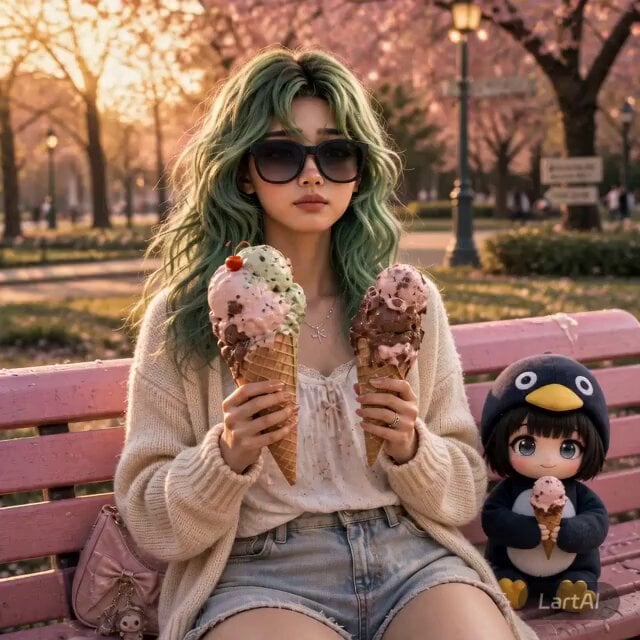
A viral-style cinematic short video prompt featuring a character and a penguin mascot dealing with melting ice cream in a park setting.
- Prompt included
- Model and format preset
- Free template
The prompt behind this video
Copy the exact prompt behind Girl and Penguin Melting Ice Cream Chaos, or open it in the studio and make it yours.
Ultra-viral cinematic short video, 9:16 vertical, 8–10 seconds total, smooth continuous scene with natural micro-cuts and motion continuity. CHARACTER CONSISTENCY: Same girl as reference image, exact face identity preserved, green wavy hair, soft skin tone, oversized black sunglasses unchanged. Outfit: modern Korean loose style — oversized beige cardigan, soft white inner top, loose light-wash denim pants, natural fabric folds, slightly oversized fit. Second subject: chibi penguin character, exact proportions, glossy expressive eyes, penguin hoodie, small rounded body. ENVIRONMENT: Pastel-colored park bench, golden hour sunlight, warm soft glow, dreamy bokeh background, shallow depth of field, soft breeze, cinematic lighting, ultra detailed textures, 4K realism blended with stylized 3D character. SCENE PROGRESSION (IMPORTANT — FOLLOW TIMING): [0.0–2.0s — Calm aesthetic intro] Girl and penguin sitting close together on bench, both holding perfect oversized ice cream cones. Relaxed mood, slight smile, soft wind moving hair, peaceful Instagram aesthetic. [2.0–4.0s — Melting begins] Ice cream starts melting rapidly. Thick glossy drips running down cones onto her hands and sleeves. She reacts subtly with surprise, looking down at the mess. Lighting glows through melting ice cream for realism. [4.0–7.0s — Chaos escalation] Penguin suddenly lunges toward her ice cream. Climbs onto her body, squishes her cheek noticeably. Penguin expression: dramatic, greedy, wide sparkling eyes. Girl expression: surprised, laughing, chaotic but natural. Dynamic movement, slight motion blur on fast actions. [7.0–9.0s — Peak viral moment] One scoop falls mid-air in slow motion (center frame emphasis). Ice cream smeared on hands, clothes, and bench. Napkins flying in air. A pigeon nearby reacting curiously. Golden sunlight highlights the chaos, cinematic depth. [9.0–10.0s — Loop ending] Girl looks toward camera with playful “what just happened” expression. Penguin still reaching for ice cream. Framing returns close to initial composition for seamless looping. STYLE & QUALITY: Ultra-realistic human + stylized 3D cartoon blend, seamless integration. Highly detailed skin, fabric, and melting textures. Soft cinematic shadows, warm pastel color grading. Shallow depth of field, creamy bokeh. Natural motion physics, expressive animation. Sharp focus on faces, background softly blurred. CAMERA: Centered close-medium framing, slight handheld micro-movement for realism. Subtle push-in during chaos phase. Maintain consistent composition across entire sequence. MOOD: Cute, chaotic, funny, wholesome, meme-worthy, perfectly timed viral moment. NEGATIVE PROMPT: distorted face, identity change, extra limbs, blurry face, low detail, unrealistic proportions, broken anatomy, inconsistent character design, harsh lighting
How to use Girl and Penguin Melting Ice Cream Chaos in 3 steps
- 1Upload ImagePNG, JPG or paste
Add your photo
Upload the photo the template builds on. The prompt, model and format are already set.
- 2…a portrait of your subject in softgolden-hour light, 85mm…
Personalize
Edit the subject and creative details for your destination.
- 3Generate
Generate
Press Generate — your video is created in PicX Studio, so you can compare it with the original and refine one variable at a time.
More like this
Templates with the same subject, style or setup. Open one to see its prompt.
Melting Ice Cream and Marshmallows Video Prompt
Chibi Anime Girl Ice Cream Tragedy Prompt
Cat Ice Cream Shop Magic Trick

Surreal ice cream cone transformation

Dragon and Ice Cream Fantasy

Tiny Human Ice Cream Interaction
Slow Motion Office Flood Chaos
Miniature Ice Cream Construction Sequence
Ice Cream Preparation Commercial
ASMR Kiwi Ice Cream Rolls Video Prompt
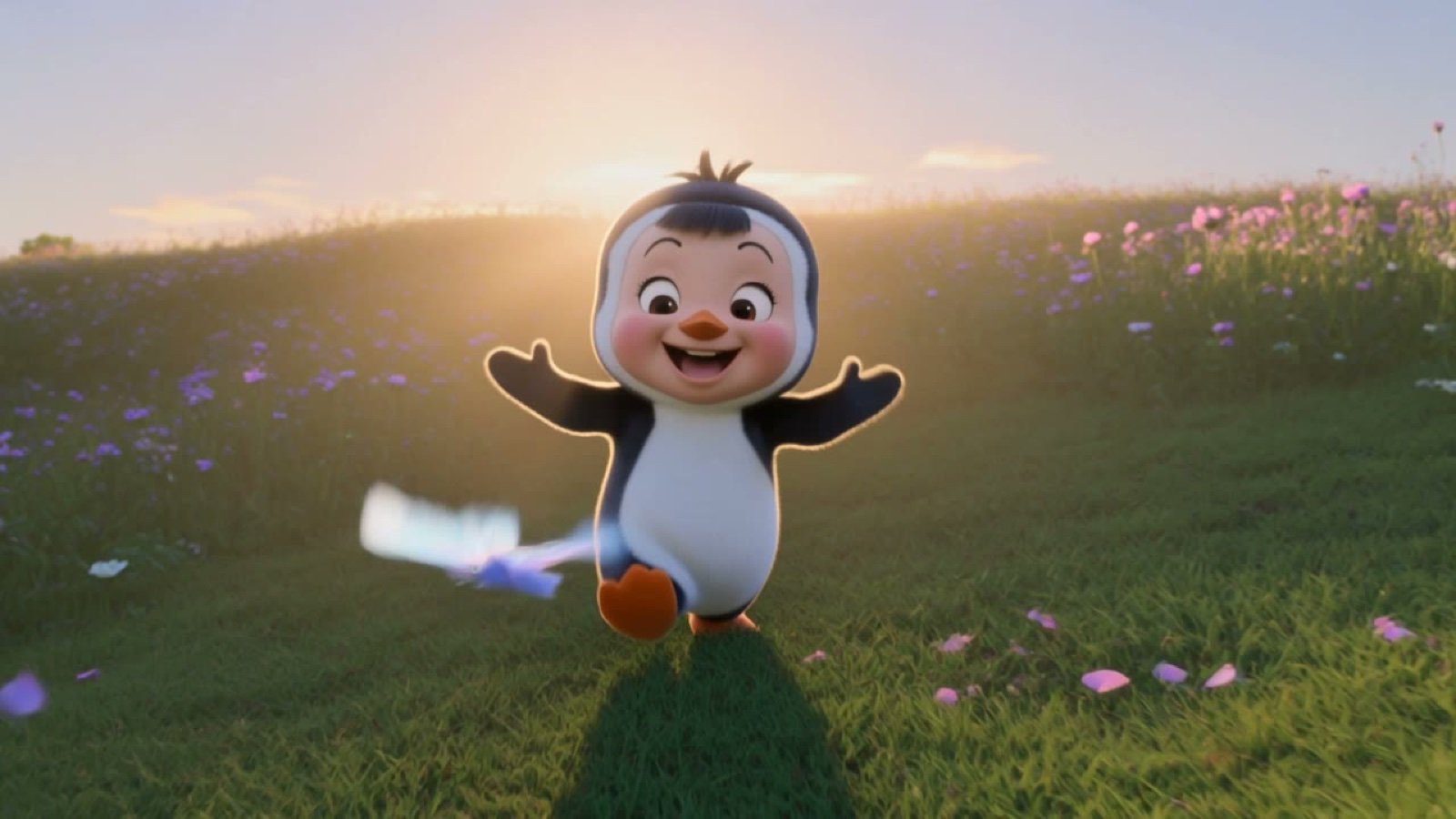
3D Chibi Penguin Girl Butterfly Chase
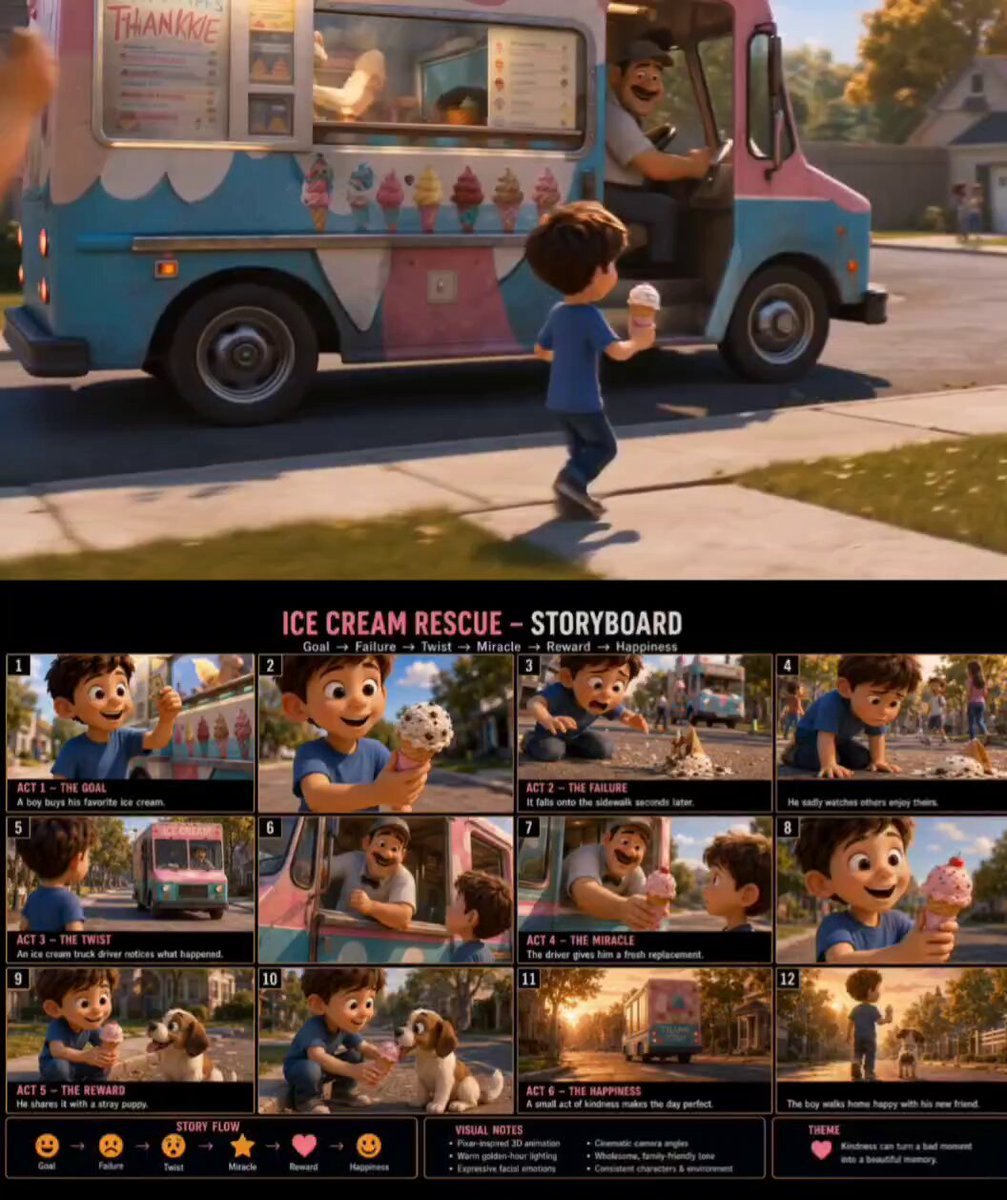
Pixar Style Ice Cream Rescue
Make it yours
Girl and Penguin Melting Ice Cream Chaos works as-is. These are the safest ways to change it without losing the look.
Change one field
Copy a single group, rewrite it, and generate again so you can see what that field is doing.
Keep the frame, change the subject
Hold the composition and light of Girl and Penguin Melting Ice Cream Chaos, then swap wardrobe, props or the person for a new take.
| If the result… | Why | Fix |
|---|---|---|
| The result drifts from the preview | Too many fields changed at once. | Reuse Girl and Penguin Melting Ice Cream Chaos as-is first, then change one group — subject, light, or setting. |
| The model over-stylizes the scene | The prose prompt leaves finish and camera underspecified. | Add one camera or lighting sentence and stay on Seedance 2.0. |
More Seedance 2.0 templates
Other prompts made for Seedance 2.0.

Comical Martial Arts Punch Scene

Maglev Train Action Sequence

Martial Arts Fight Sequence

Wuxia Protection and Trust Script

Vintage Korean Arcade MiniDV Vlog

Mercedes 190 SL Luxury Ad

Rainy Night Supernatural Reverse Comedy Video Script

Amazon Civilization Discovery

Futuristic South Asian City Transformation

Cozy Luxury Cafe Commercial
More video prompts
Fresh picks from across the catalog.

Skiing Video Generation Prompt with Detailed Scene Breakdown
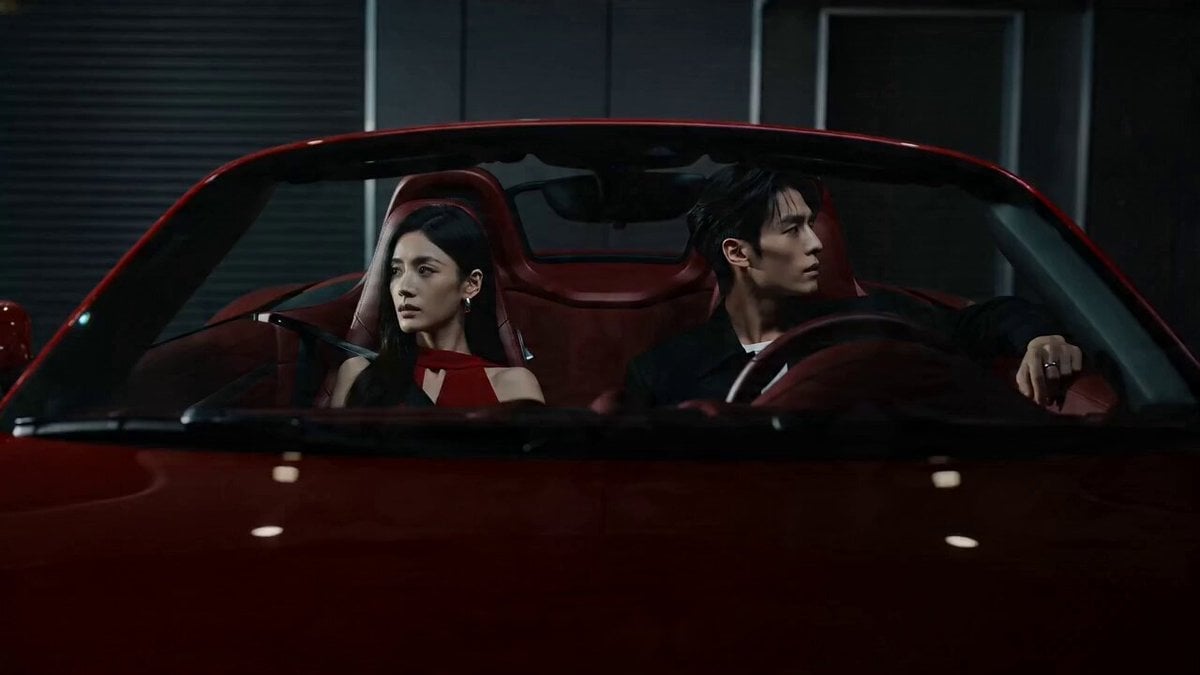
Cinematic Storyboard: Cool Couple in a Convertible
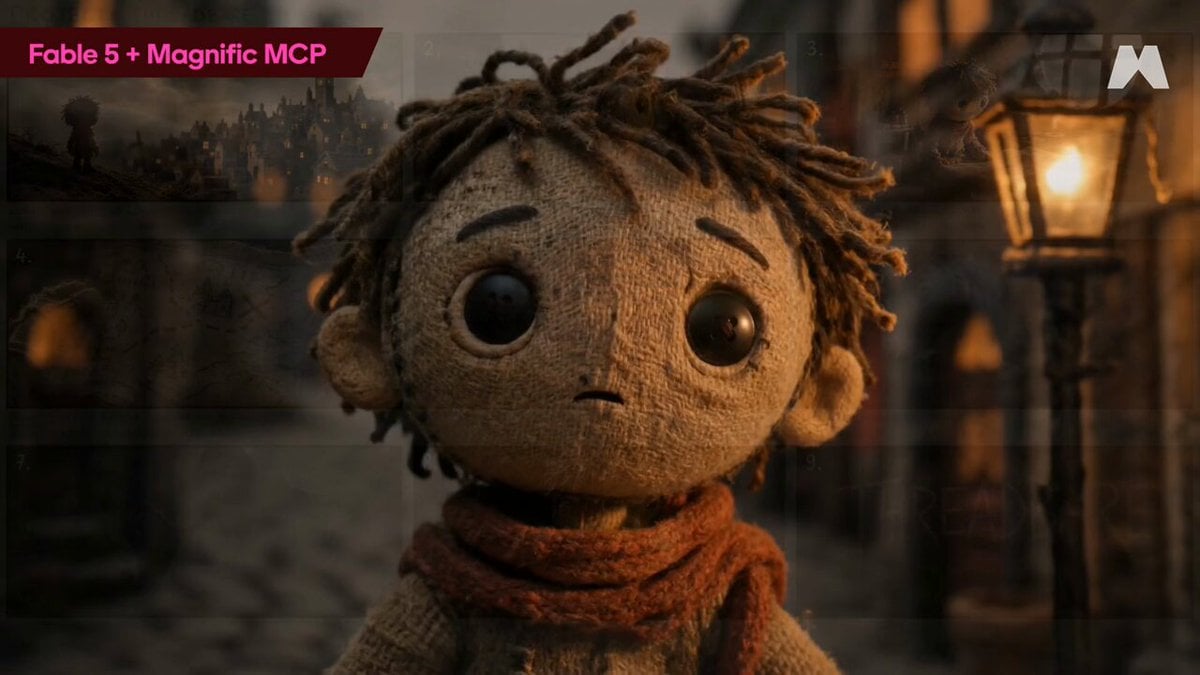
Stop-Motion Burlap Animation
Chinese Mythology Creature Transformation Video Prompt for Seedance 2.0
Grok Imagine prompt for a healing animation short video of two cute kittens talking
Bioluminescent Aquarium Dolphin Whirlpool
Continuous UGC Selfie Transition
Car Guardian Mechanical Transformation Vlog
Epic Historical-Fantasy Battle Video Prompt
SpaceX Style Rocket Launch
Browse template categories
Girl and Penguin Melting Ice Cream Chaos questions
How do I use the Girl and Penguin Melting Ice Cream Chaos template?
Add your photo if the template asks for one, edit the prompt if you like — the template's model and format are already selected — and press Generate. Your version opens in PicX Studio.
Can I customize the Girl and Penguin Melting Ice Cream Chaos template?
Yes. You can change the subject, setting, lighting, mood, format, and available model controls before creating your video.
Is the Girl and Penguin Melting Ice Cream Chaos template free?
Opening and editing this template is free. Generating uses credits, shown on the Generate button when you are signed in.
Which AI model should I use?
Start with Seedance 2.0, which is the model associated with this template. You can compare another compatible model for a different finish.
Looking for something else? Browse all templates.

Your photo, any look
Thousands of ready templates for every top image and video model, from one credit balance.