How do I use the Chibi Anime Girl Ice Cream Tragedy Prompt template?
Edit the prompt in the box under the preview — the template's model and format are already selected — and press Generate. Your version appears right on this page.
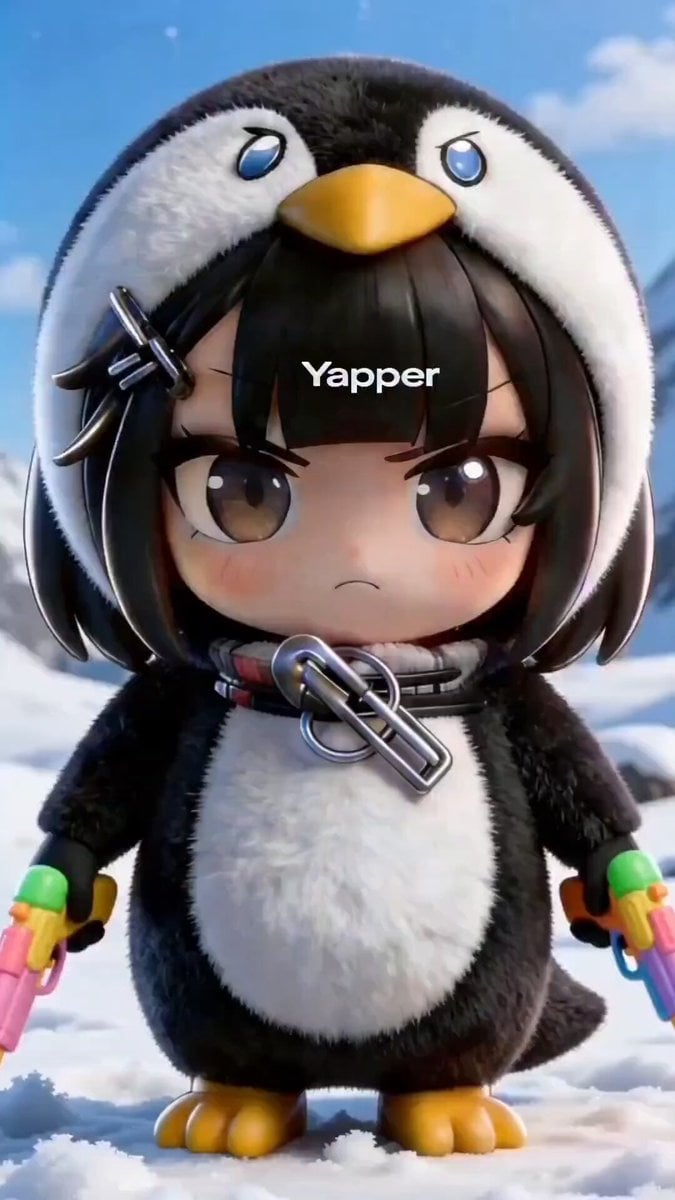
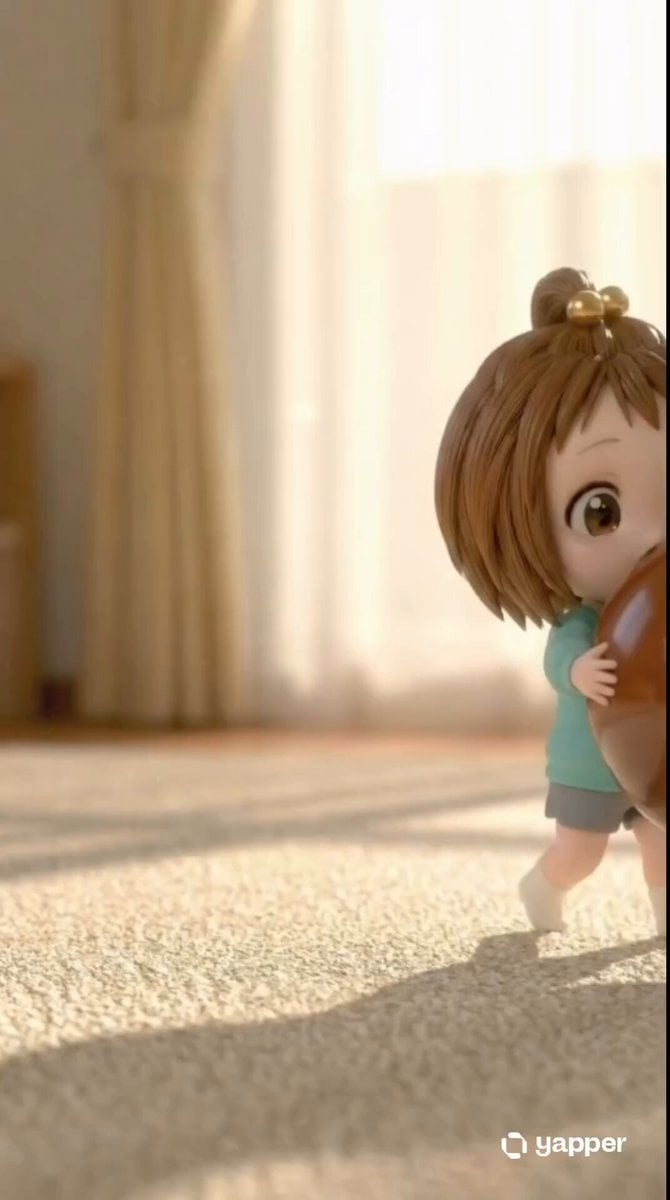
A highly structured JSON-formatted prompt for Seedance 2.0, generating a short, ultra-cute animated video of a chibi anime girl (GuguGgaga) experiencing the dramatic loss of her ice cream at sunset.
{ "character": { "description": "A tiny chibi anime girl with a short black bob haircut, straight bangs, and a small metallic hair clip, wearing a soft plush penguin hoodie with a yellow beak on top, black outer texture, white belly patch, wing-style sleeves, and tiny yellow penguin feet" }, "scene": { "environment": "Park bench at sunset with warm golden lighting, soft sky gradients, and a gentle breeze, cinematic atmosphere with depth of field and soft background blur", "style": "ultra cute, Pixar + anime inspired, high-quality 3D cartoon render, glossy lighting, vibrant colors, soft shadows" }, "action": { "sequence": [ "She happily holds an ice cream cone while sitting on the bench", "The ice cream suddenly slips and falls to the ground in slow motion", "She freezes and stares at it in disbelief", "She suddenly bursts into exaggerated dramatic crying with waterfall-like tears" ] }, "expression": { "start": "happy and excited", "middle": "blank shocked stare", "end": "over-the-top sadness with huge flowing tears" }, "camera": { "movement": "slow cinematic zoom-in toward her face", "framing": "starts as medium shot and ends in close-up", "effects": "soft depth of field, emotional dramatic focus" }, "audio": { "sound_effects": [ "soft ice cream drop plop", "sad violin music", "cute penguin crying chirps" ], "voice_line": "GuGuGaGa…!" }, "duration": "5-8 seconds", "loop": "seamless loop with crying continuing at the end" }
Edit the prompt in the box under the preview — the template's model and format are already selected — and press Generate. Your version appears right on this page.
Yes. You can change the subject, setting, lighting, mood, format, and available model controls before creating your video.
Opening and editing this template is free. Generating uses credits, shown on the Generate button when you are signed in.
Start with Seedance 2.0, which is the model associated with this template. You can compare another compatible model for a different finish.
Follow a topic to a crawlable collection of related PicX Studio templates.