
Neo-Wuxia Cinematic Action Match Cut
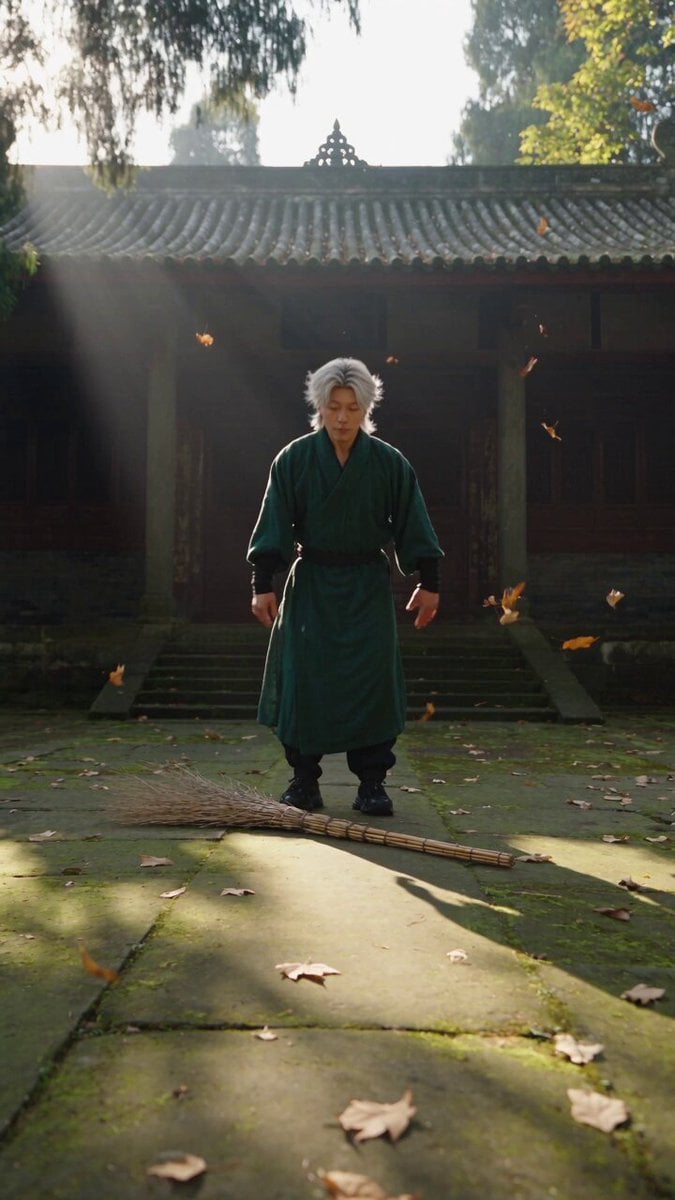
A sophisticated prompt for a neo-wuxia cinematic video featuring photorealistic lighting, 8K quality, and a seamless match-cut transition from a temple courtyard to a cliffside.
- Prompt included
- Model and format preset
- Free template
The prompt behind this video
Copy the exact prompt behind Neo-Wuxia Cinematic Action Match Cut, or open it in the studio and make it yours.
【风格】新派国风武侠大片(Neo-Wuxia Cinematic),电影级真实摄影(Photorealistic),8K超清画质,极致升格慢动作(Super Slow-mo),动作无缝匹配转场(Action Match Cut) 【时长】10秒 【场景】深山古寺青石庭院/山崖石台 → 惊涛拍岸的海边险峻绝壁礁石 【角色】侠客 身穿墨绿色宽袖古风长袍、黑色长裤与运动鞋的年轻武者) [00:00-00:05] 镜头1:空翻入局·执帚成兵(Acrobatic Backflip to High-Knee Step) 【低角度正面推镜头】日光斜照的古刹青石地面,落叶随风飘动。 动作:侠客@图片1 屈膝蓄力高高腾空,在空中完成一个干净利落的高难度后空翻(Backflip)。 动作承接:双脚稳稳落地瞬间顺势俯身下潜,单手一把抄起地面上的长竹柄高粱扫把。 动作推进:他眼神如鹰隼般凌厉,单手横握扫把如握神兵,大步流星朝镜头正前方疾冲;在逼近镜头的最后一刻,他右腿高高提起、做出身体前冲的腾空高抬膝跨步动作(High-Knee Action)。 【转场/连贯性】:在右腿腾空提膝踩出的瞬间卡点硬切转场(Action Match Cut) [00:05-00:10] 镜头2:金箍横空·双足锁棍(Staff-Balancing Legend & Giant Wave Splash) 【中远景仰拍/极致慢动作(Super Slow-mo)】场景瞬间切入狂风呼啸的海边险峻礁石悬崖。 道具与装扮置换:扫把瞬间化为一根雕刻云纹的暗金长铁棍(如意金箍棒),头戴黑白相间的侠客宽檐斗笠。 绝技定格姿态:铁棍呈45度斜立在礁石上。侠客以完全相同的动作承接转场——【一只脚踩在铁棍中段,另一只脚鞋底顶住铁棍最顶端】,双脚一上一下对顶卡紧铁棍,身体凌空横悬在铁棍侧面;单手立掌于胸前结印,神态从容霸气。 环境特效:身后悬崖下猛烈轰鸣炸裂起数十米高的雪白滔天巨浪(Massive Ocean Waves Crashing),无数水珠与水雾在阳光下以极度慢动作翻涌飞溅,墨绿长袍在狂风中剧烈翻飞,画面震撼定格收尾。
How to use Neo-Wuxia Cinematic Action Match Cut in 3 steps
- 1
Open
The prompt is already in the box next to the preview, with the template's model and format selected.
- 2…a portrait of your subject in softgolden-hour light, 85mm…
Personalize
Edit the subject and creative details for your destination.
- 3Generate
Generate
Press Generate — your video is created in PicX Studio, so you can compare it with the original and refine one variable at a time.
More like this
Templates with the same subject, style or setup. Open one to see its prompt.
Astronaut to Apartment Match Cut Transition
Football Match Fan Reaction
VR Survival Battle Match Cut
Cinematic Match Cut Flashback Sequence
Walking Factory with Rebel on Hoverbike - Wasteland
Neo-Chinese Wuxia Ink Style Combat: Black Ink Warrior vs. Red Assassin

Chibi Boxing Match with Anime Action Style
Cinematic video with continuous rotation match cut
Seamless 360° Cinematic Rotation Match-Cut Video Prompt

HK Neo-noir Action: Gritty Alley Fight
Thornmaw Monarch — Crimson Glass Desert Beast
Warhorse Sprint on Cliff Aqueduct
Make it yours
Neo-Wuxia Cinematic Action Match Cut works as-is. These are the safest ways to change it without losing the look.
Change one field
Copy a single group, rewrite it, and generate again so you can see what that field is doing.
Keep the frame, change the subject
Hold the composition and light of Neo-Wuxia Cinematic Action Match Cut, then swap wardrobe, props or the person for a new take.
| If the result… | Why | Fix |
|---|---|---|
| The result drifts from the preview | Too many fields changed at once. | Reuse Neo-Wuxia Cinematic Action Match Cut as-is first, then change one group — subject, light, or setting. |
| The model over-stylizes the scene | The prose prompt leaves finish and camera underspecified. | Add one camera or lighting sentence and stay on Seedance 2.0. |
More Seedance 2.0 templates
Other prompts made for Seedance 2.0.

Comical Martial Arts Punch Scene

Maglev Train Action Sequence

Martial Arts Fight Sequence

Wuxia Protection and Trust Script

Vintage Korean Arcade MiniDV Vlog

Mercedes 190 SL Luxury Ad

Rainy Night Supernatural Reverse Comedy Video Script

Amazon Civilization Discovery

Futuristic South Asian City Transformation

Cozy Luxury Cafe Commercial
More video prompts
Fresh picks from across the catalog.
Slow Cinematic Zoom

One Sword Breaks Dawn Video Prompt for Seedance 2.0 (Fantasy Action)
Cinematic WWE Wrestling Match with Shocking Twist

Scandinavian Interior Real Estate Tour
FPV Drone Stadium Flythrough
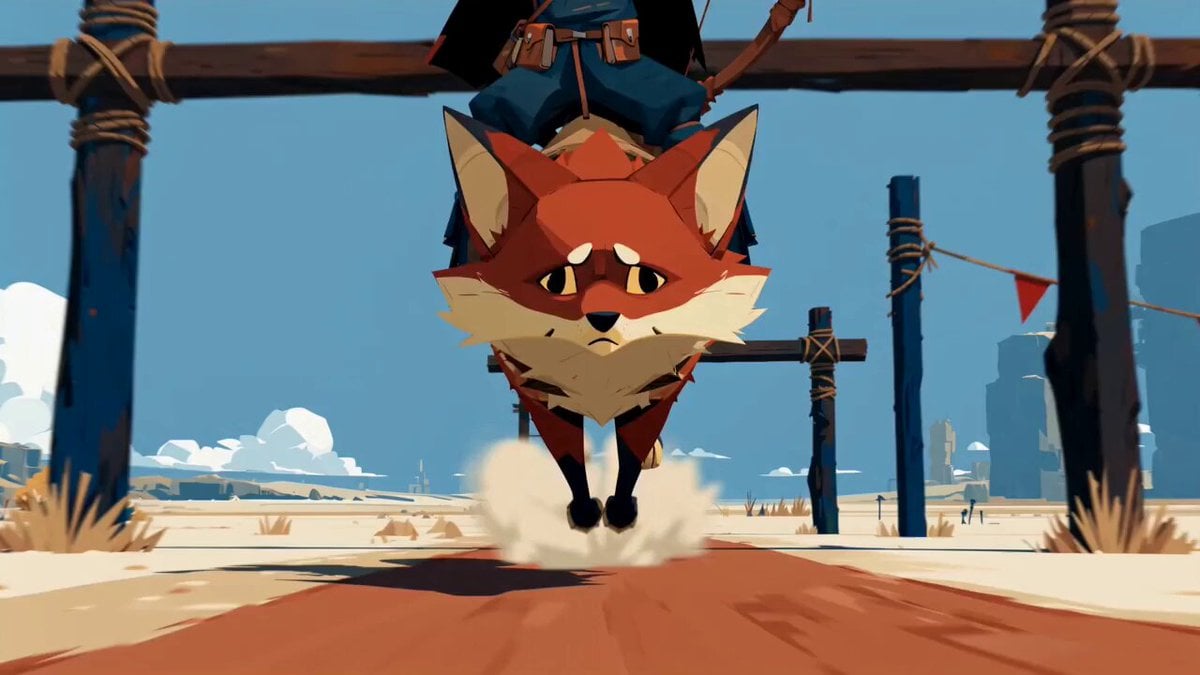
Fantasy Desert Training Sequence
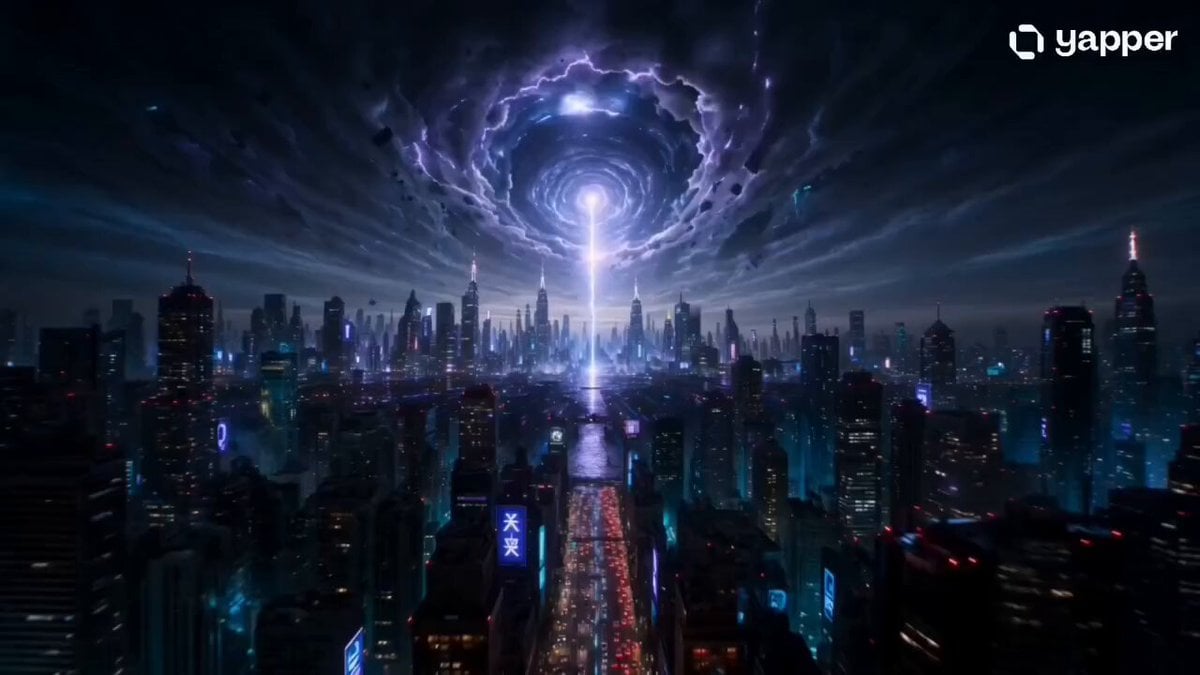
Cyberpunk Apocalyptic Vortex Sequence
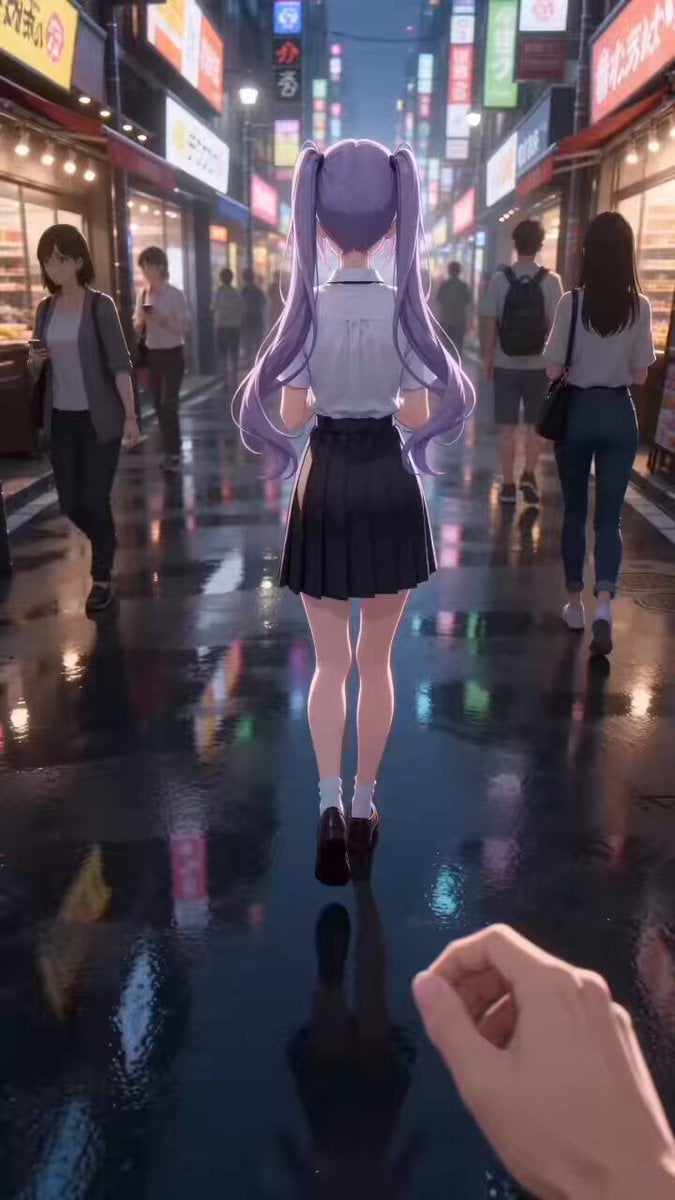
Anime Style Street Encounter Transition Video (Seedance 2.0)

Kitten Secretly Eating Snacks Cinematic Video Prompt

Whimsical Dancing Flower and World View
Browse template categories
Neo-Wuxia Cinematic Action Match Cut questions
How do I use the Neo-Wuxia Cinematic Action Match Cut template?
Add your photo if the template asks for one, edit the prompt if you like — the template's model and format are already selected — and press Generate. Your version opens in PicX Studio.
Can I customize the Neo-Wuxia Cinematic Action Match Cut template?
Yes. You can change the subject, setting, lighting, mood, format, and available model controls before creating your video.
Is the Neo-Wuxia Cinematic Action Match Cut template free?
Opening and editing this template is free. Generating uses credits, shown on the Generate button when you are signed in.
Which AI model should I use?
Start with Seedance 2.0, which is the model associated with this template. You can compare another compatible model for a different finish.
Looking for something else? Browse all templates.

Your photo, any look
Thousands of ready templates for every top image and video model, from one credit balance.