
Seamless 360° Cinematic Rotation Match-Cut Video Prompt
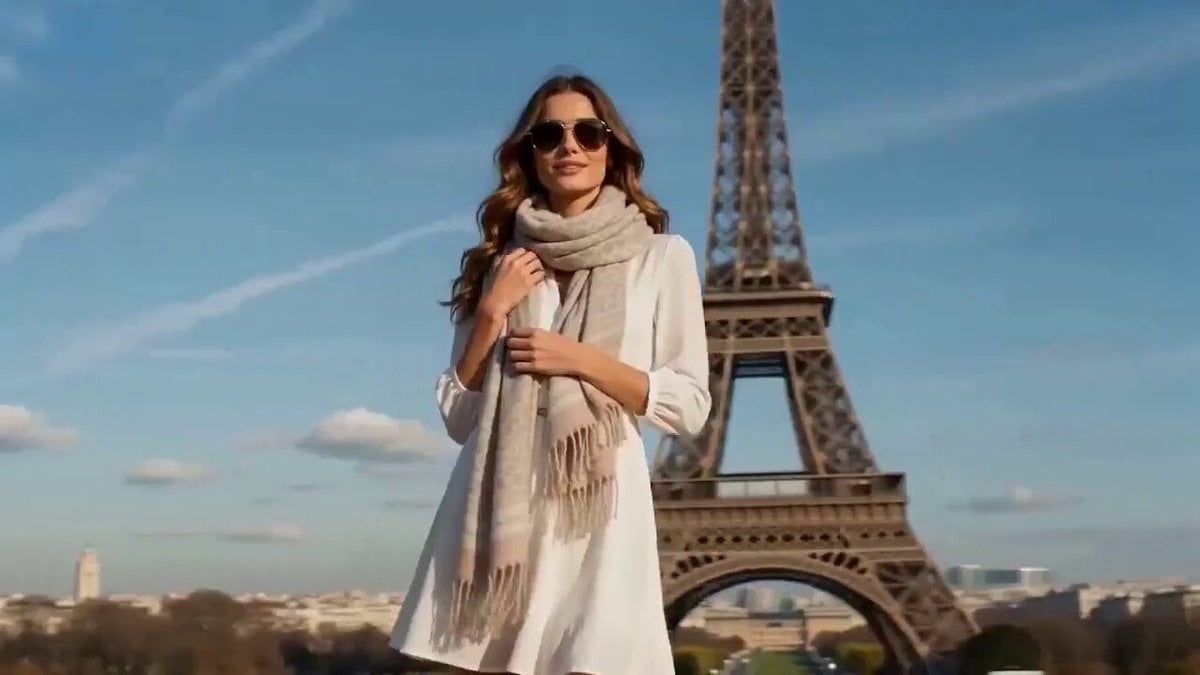
A detailed, structured prompt for generating a 15-second continuous orbit shot video with seamless match cuts, where a stylish woman's environment and outfit transform to match different world landmarks (Paris, New…
- Prompt included
- Model and format preset
- Free template
The prompt behind this video
Copy the exact prompt behind Seamless 360° Cinematic Rotation Match-Cut Video Prompt, or open it in the studio and make it yours.
"FORMAT: live action, cinematic video, 15s, continuous rotation match cut SCENE CONCEPT A stylish woman stands at the center of the frame while the camera performs a smooth circular orbit around her. She moves naturally like a travel influencer filming a fashion reel - small turns, relaxed walking steps, confident poses and subtle hair movement. During each rotation moment, the environment and her outfit transform to match a different famous world landmark. CAMERA Continuous orbiting camera around the character at waist height. The camera never stops rotating. Match cuts occur when the camera briefly passes behind her back or shoulder. TIMELINE 0:00–0:03 Paris - Eiffel Tower visible in the background. She wears a chic Parisian outfit: elegant dress, sunglasses, light scarf. She makes a small influencer pose and turns slightly toward the camera. 0:03–0:06 Rotation match cut. New York - Times Square neon lights and billboards. Her outfit transforms into modern urban street fashion. She takes a few confident steps forward like a fashion reel. 0:06–0:09 Rotation match cut. Egypt - pyramids and desert horizon behind her. Her clothing shifts into a desert-inspired travel outfit with flowing fabric. Wind moves her hair and fabric as she slowly turns. 0:09–0:12 Rotation match cut. India - Taj Mahal courtyard environment. Her outfit becomes an elegant traditional-inspired dress with vibrant colors. She lightly spins once like a travel influencer moment. 0:12–0:15 Final rotation match cut. Japan - Mount Fuji landscape with cherry blossoms drifting in the air. Her outfit becomes modern Japanese-inspired fashion. She finishes the movement facing the camera as the orbit completes. STYLE continuous orbit camera, influencer fashion reel energy, seamless landmark transitions, wardrobe transformation, cinematic lighting, travel montage aesthetic"
How to use Seamless 360° Cinematic Rotation Match-Cut Video Prompt in 3 steps
- 1
Open
The prompt is already in the box next to the preview, with the template's model and format selected.
- 2…a portrait of your subject in softgolden-hour light, 85mm…
Personalize
Edit the subject and creative details for your destination.
- 3Generate
Generate
Press Generate — your video is created in PicX Studio, so you can compare it with the original and refine one variable at a time.
More like this
Templates with the same subject, style or setup. Open one to see its prompt.
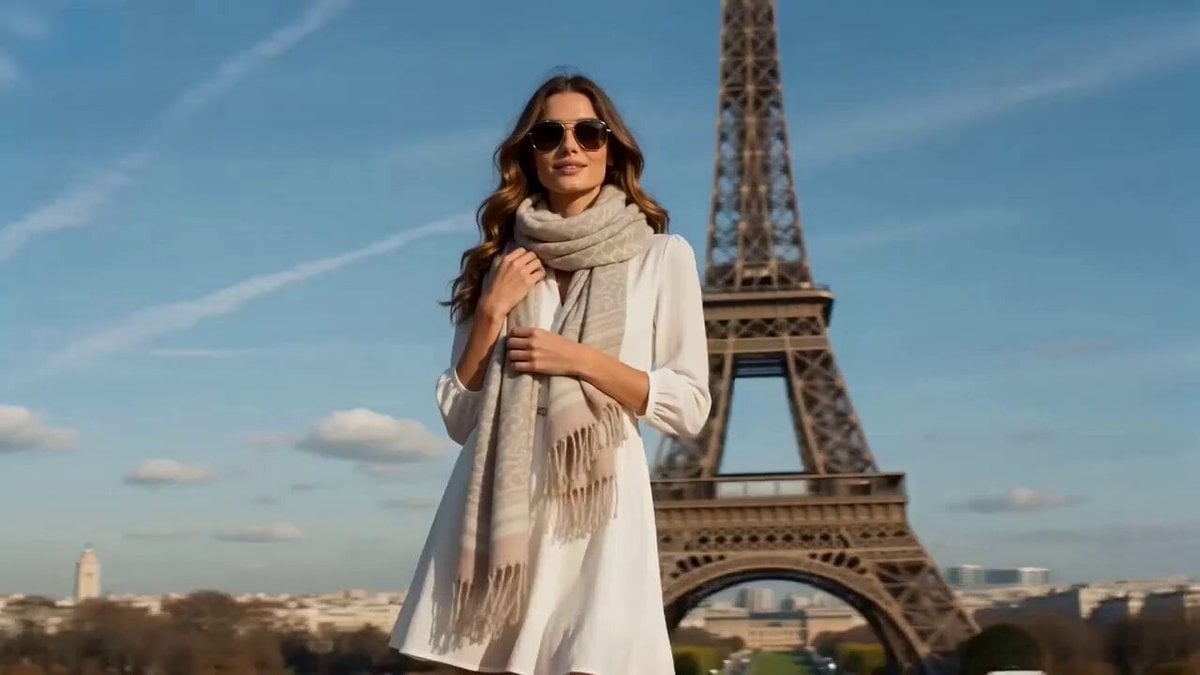
Cinematic video with continuous rotation match cut
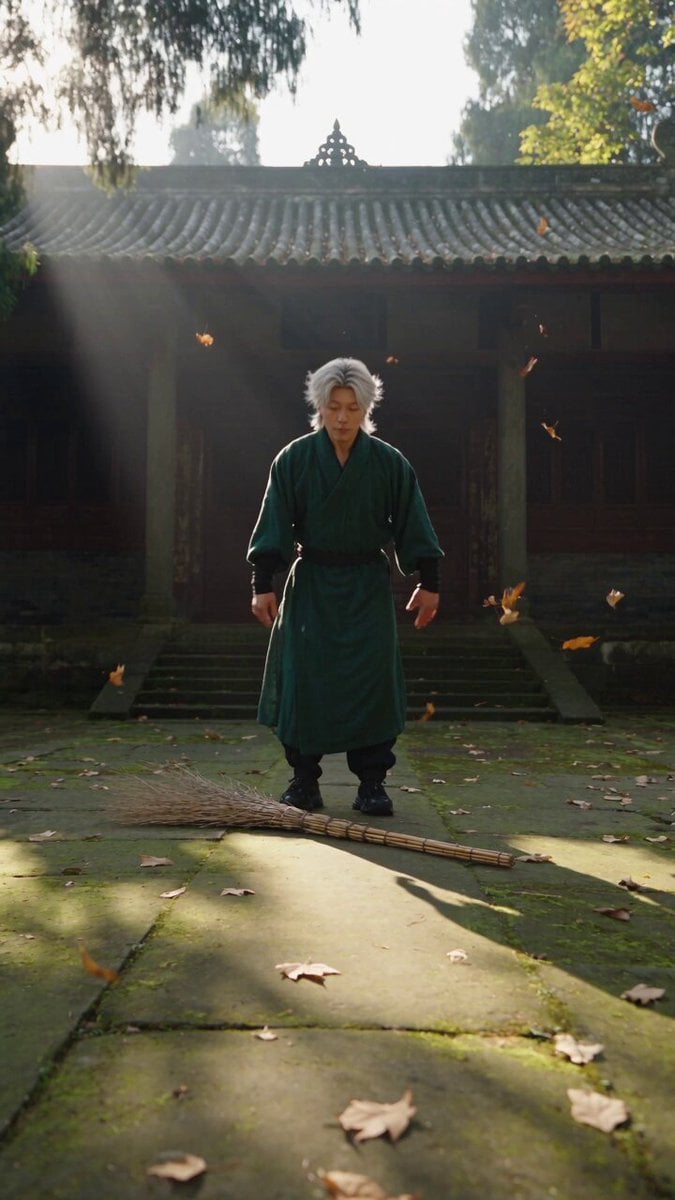
Neo-Wuxia Cinematic Action Match Cut
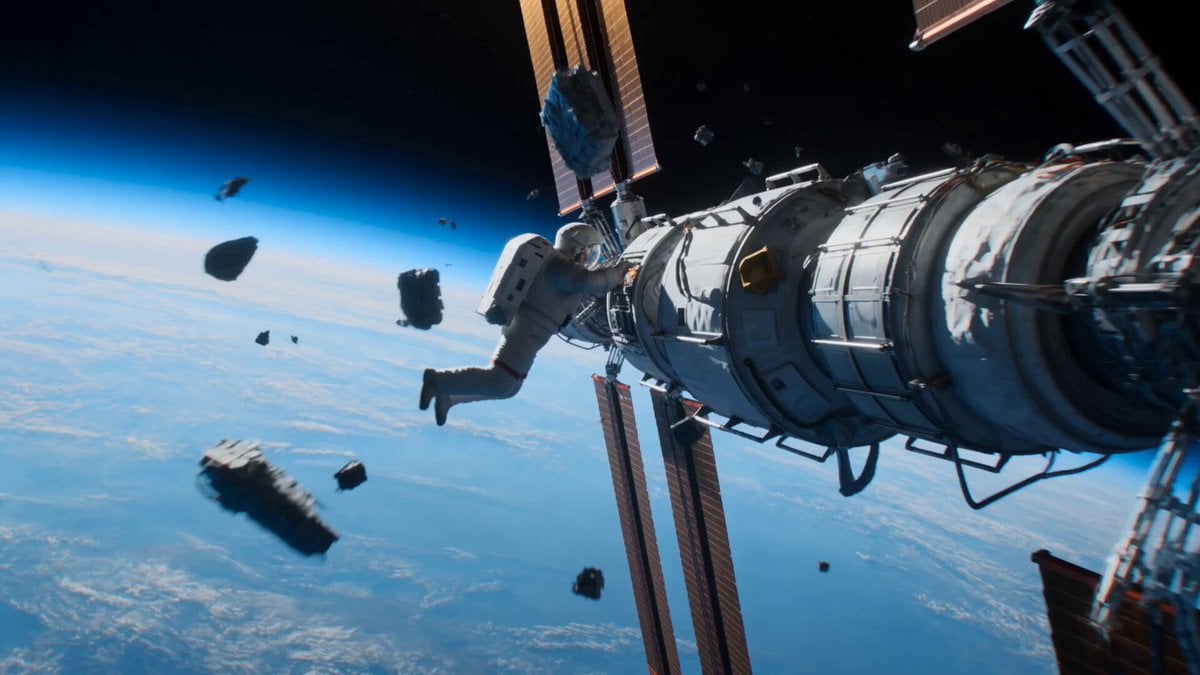
Astronaut to Apartment Match Cut Transition
Seamless Invisible Match Transition Video
VR Survival Battle Match Cut
Cinematic Match Cut Flashback Sequence
Multi-Cut Cinematic Summer Vlog Composition
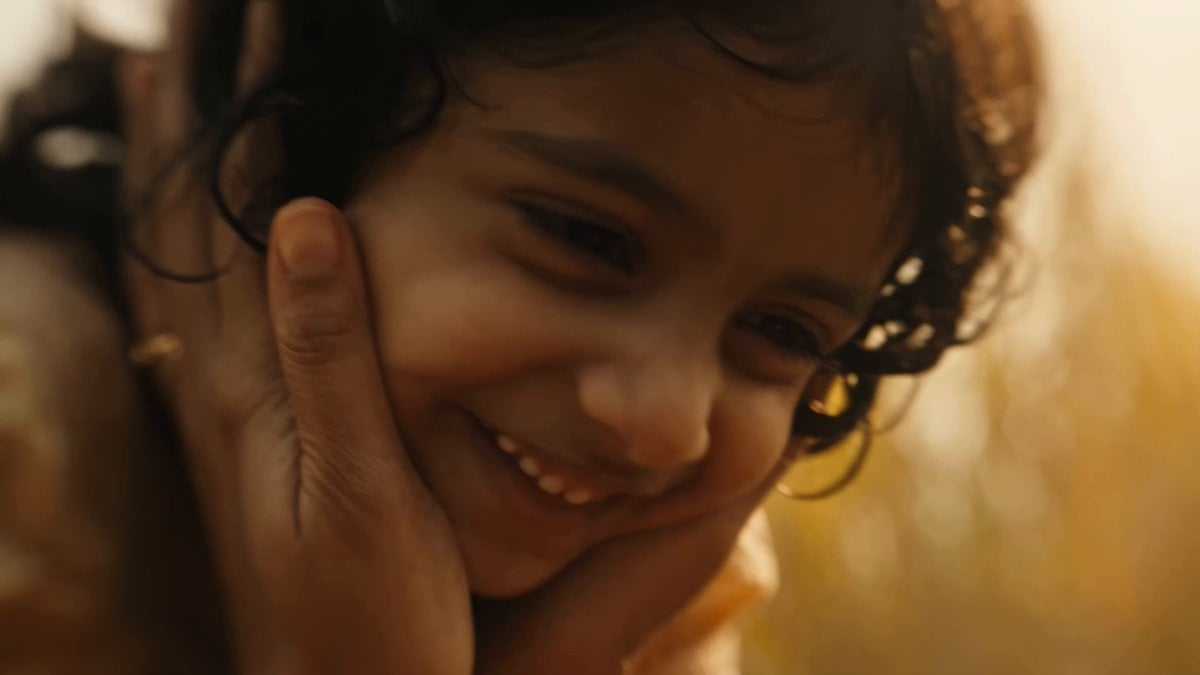
Indian Village Zombie Chase Intercut
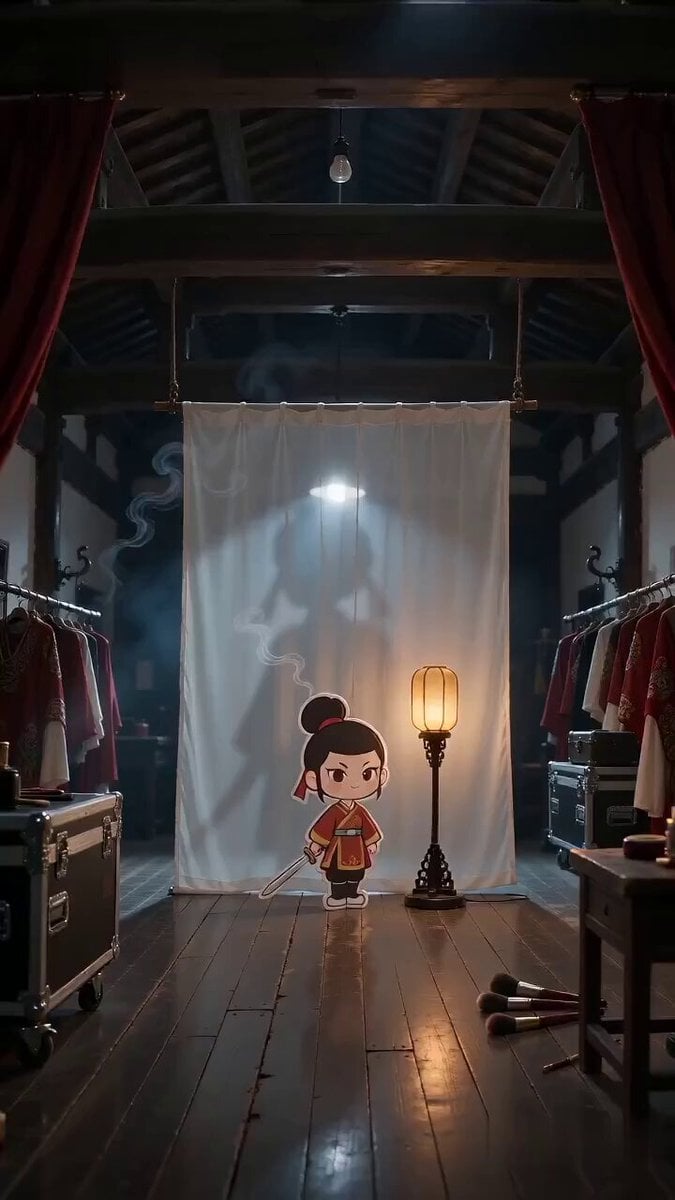
Paper Cutout Hero Shadow Comedy
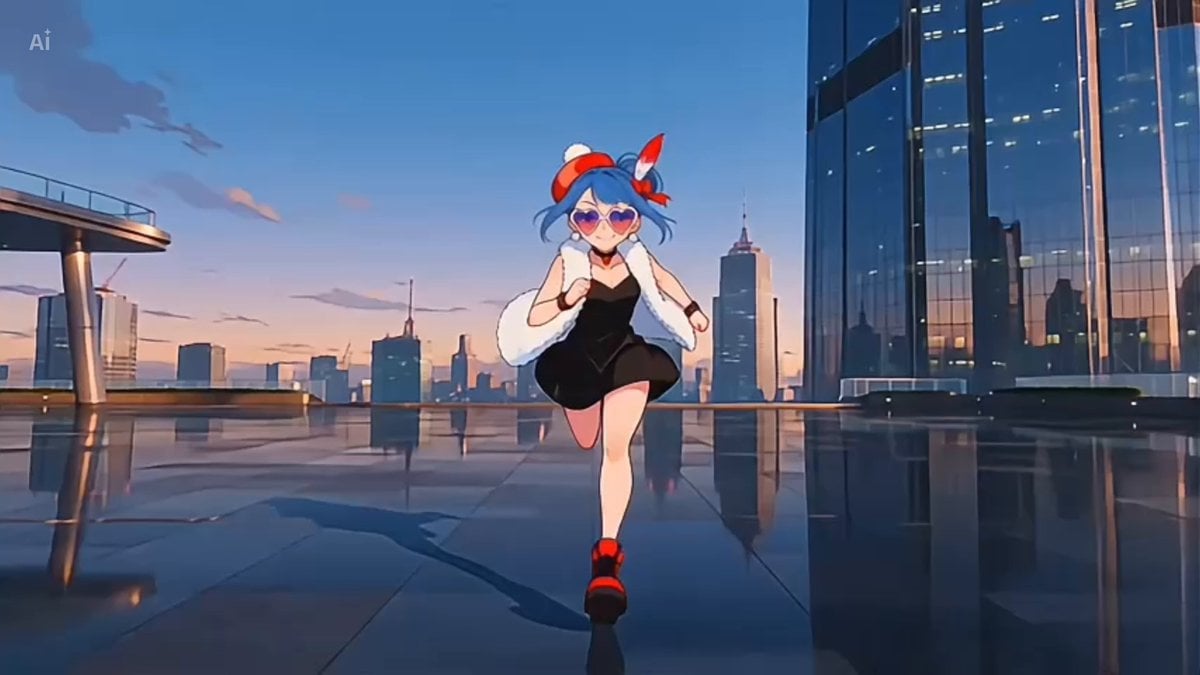
Anime Girl Cinematic One-Cut in Future City
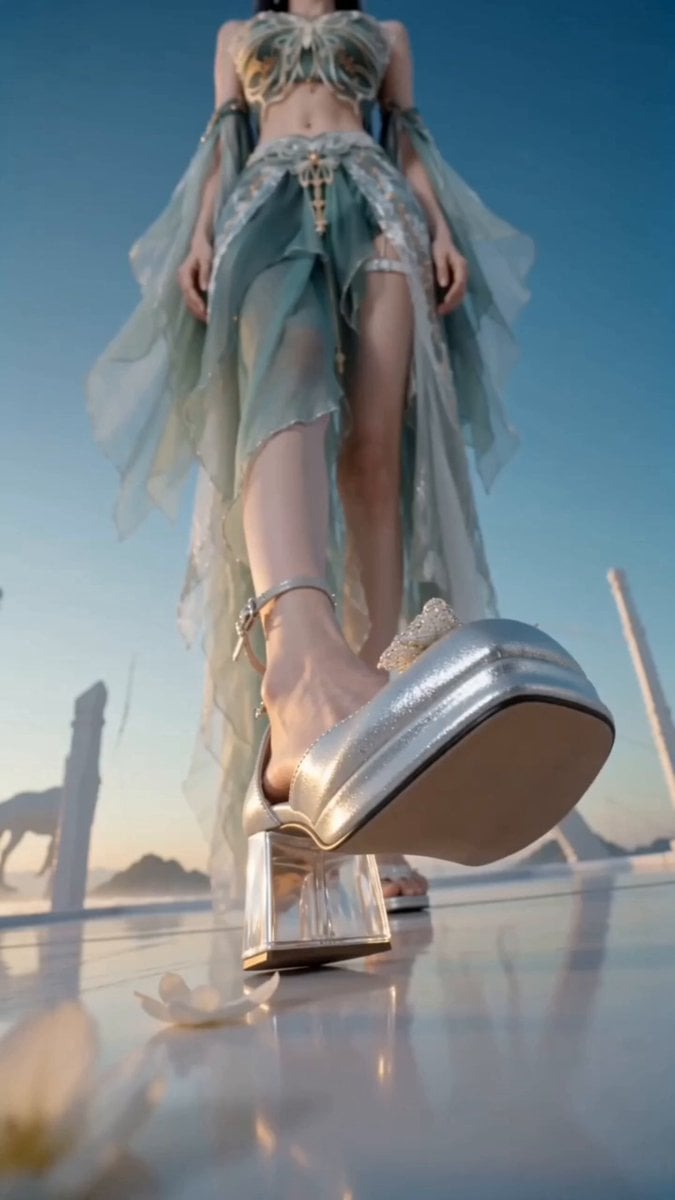
Thunder Camera Rotation Xianxia Fashion Video
Image Rotation and Color Flare Video
Make it yours
Seamless 360° Cinematic Rotation Match-Cut Video Prompt works as-is. These are the safest ways to change it without losing the look.
Change one field
Copy a single group, rewrite it, and generate again so you can see what that field is doing.
Keep the frame, change the subject
Hold the composition and light of Seamless 360° Cinematic Rotation Match-Cut Video Prompt, then swap wardrobe, props or the person for a new take.
| If the result… | Why | Fix |
|---|---|---|
| The result drifts from the preview | Too many fields changed at once. | Reuse Seamless 360° Cinematic Rotation Match-Cut Video Prompt as-is first, then change one group — subject, light, or setting. |
| The model over-stylizes the scene | The prose prompt leaves finish and camera underspecified. | Add one camera or lighting sentence and stay on Seedance 2.0. |
More Seedance 2.0 templates
Other prompts made for Seedance 2.0.

Comical Martial Arts Punch Scene

Maglev Train Action Sequence

Martial Arts Fight Sequence

Wuxia Protection and Trust Script

Vintage Korean Arcade MiniDV Vlog

Mercedes 190 SL Luxury Ad

Rainy Night Supernatural Reverse Comedy Video Script

Amazon Civilization Discovery

Futuristic South Asian City Transformation

Cozy Luxury Cafe Commercial
More video prompts
Fresh picks from across the catalog.
Luxury Fragrance Cinematic Campaign Prompt
Japanese Cinematic Style Video Montage
High-Octane Wuxia Anime Combat
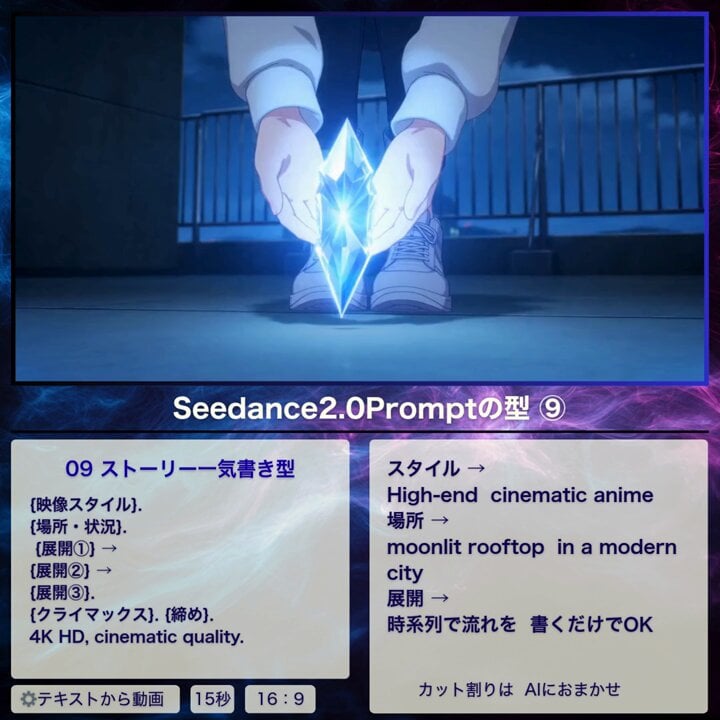
Cinematic Anime Story Sequence
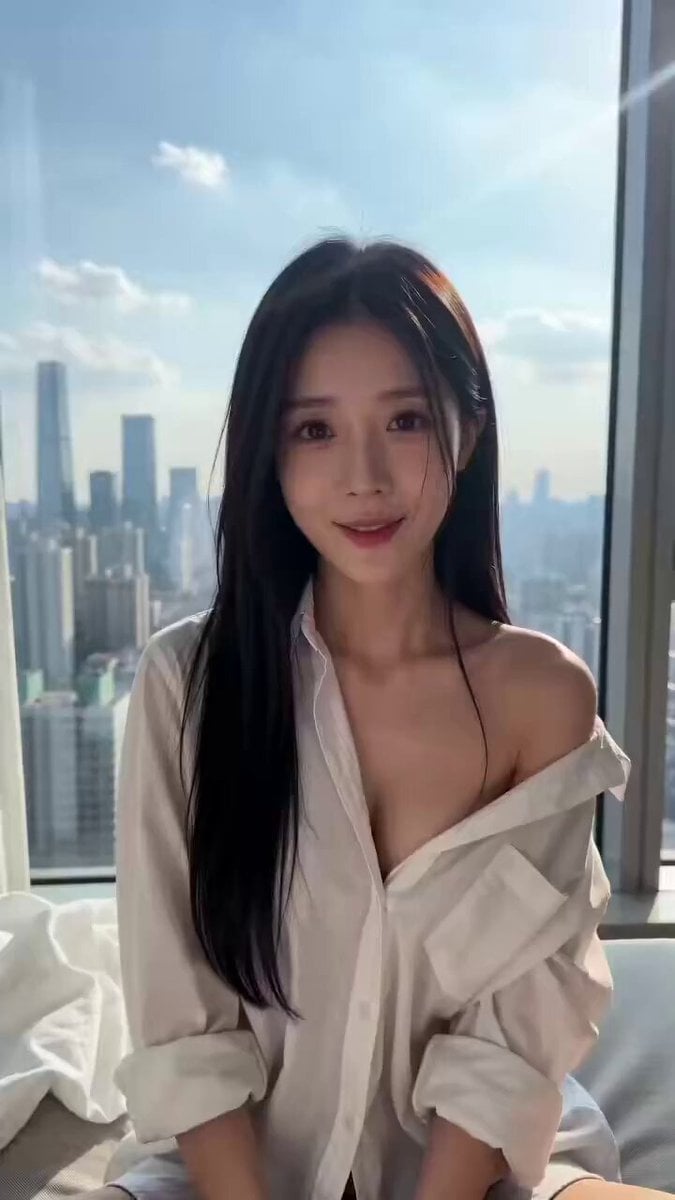
AI Girlfriend Interactive Scene
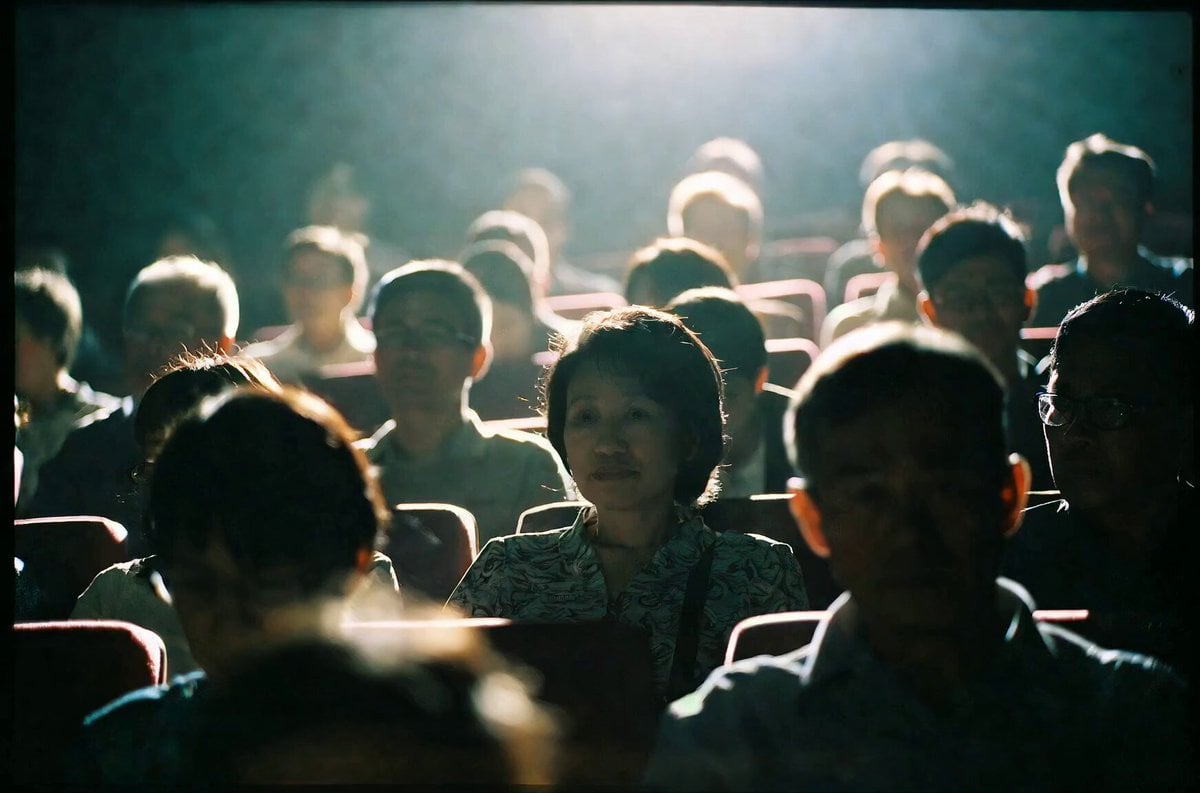
Emotional Movie Theater Scene
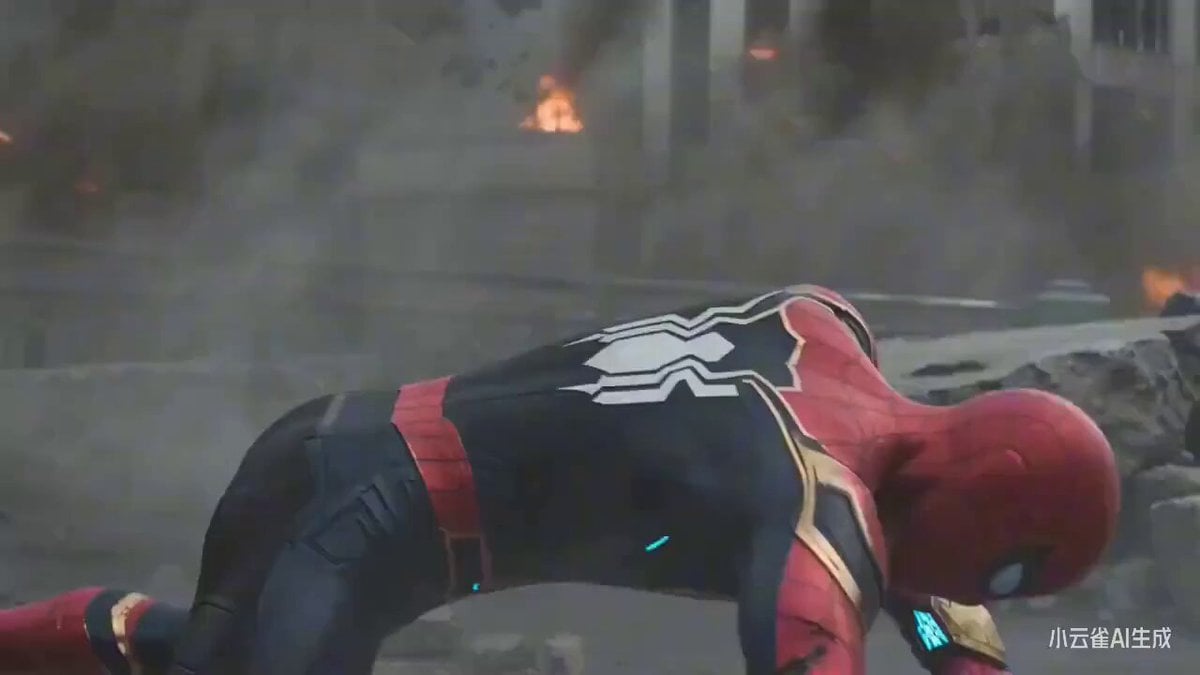
Spider-Man vs. Sun Wukong Cinematic Battle
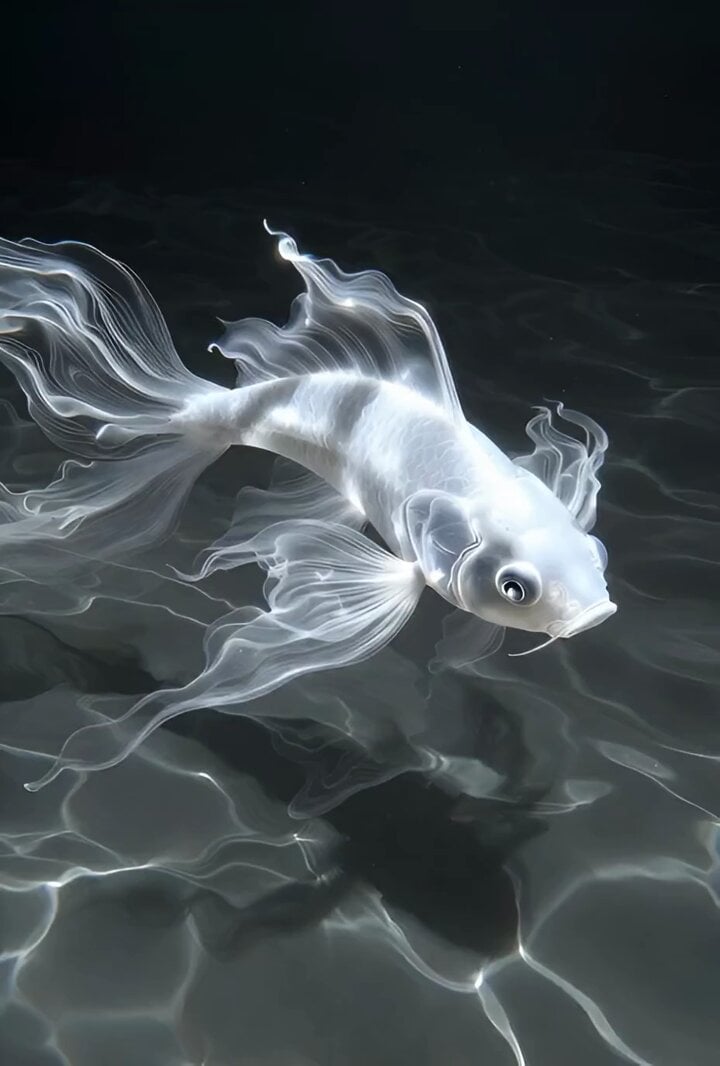
Grok Imagine Prompt: Slow Motion Nature Scene
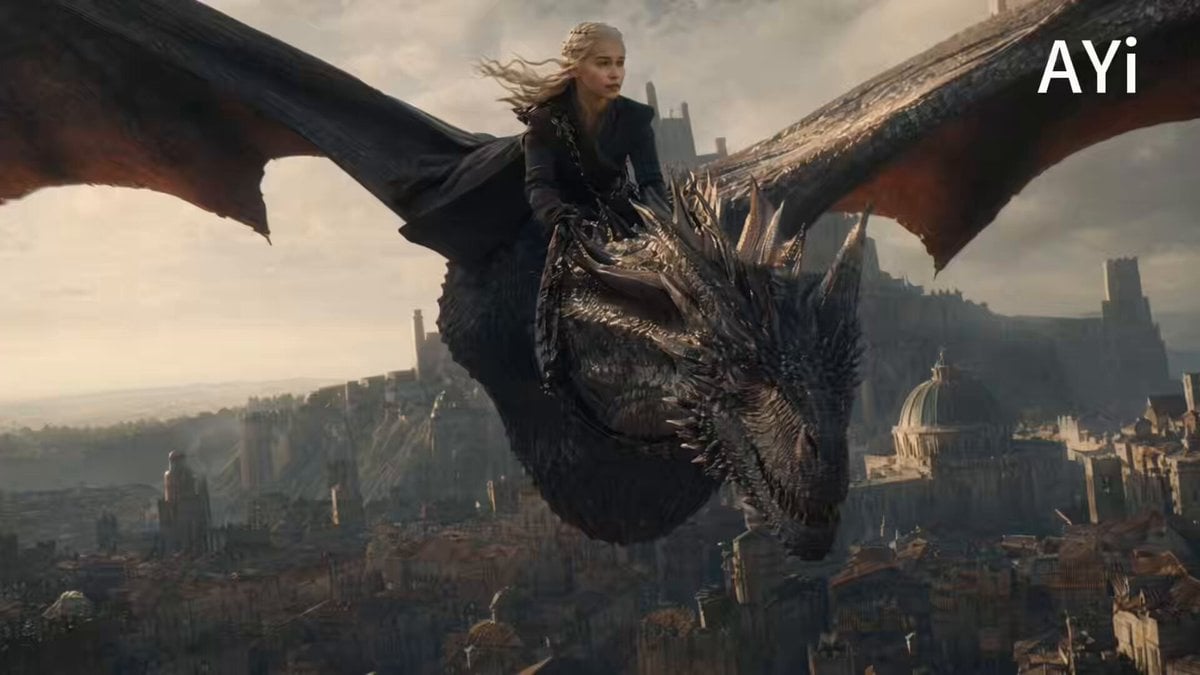
Cinematic Dragon Flight Animation
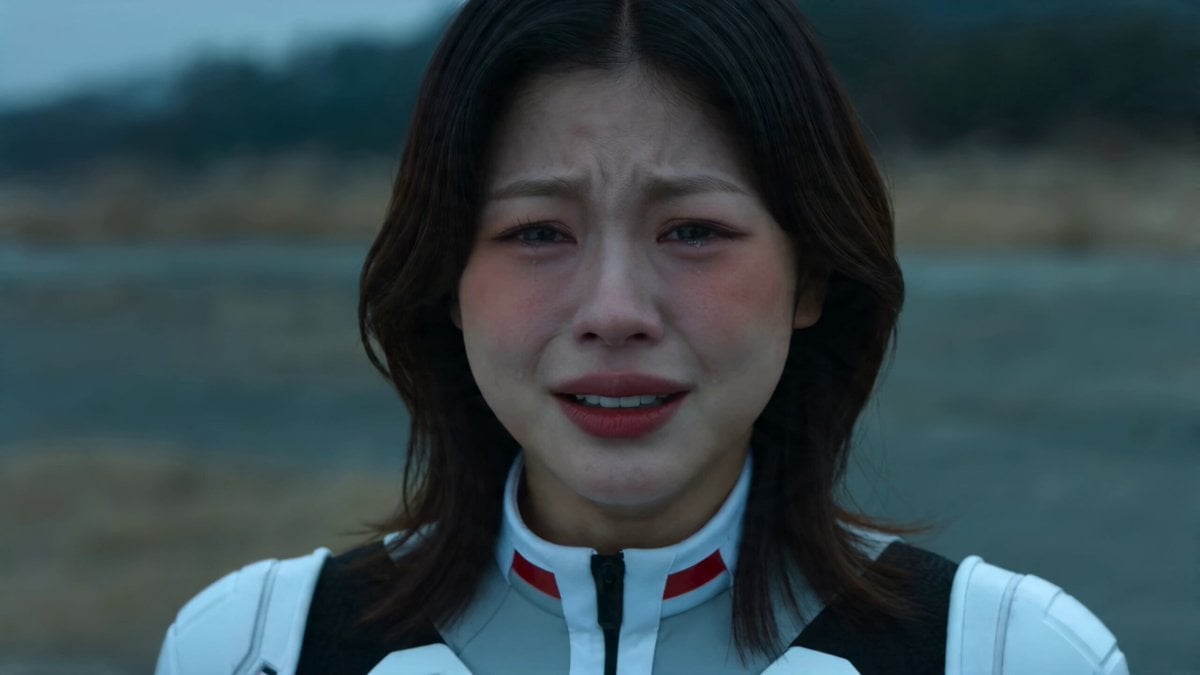
Wasteland Sister Battle
Browse template categories
Seamless 360° Cinematic Rotation Match-Cut Video Prompt questions
How do I use the Seamless 360° Cinematic Rotation Match-Cut Video Prompt template?
Add your photo if the template asks for one, edit the prompt if you like — the template's model and format are already selected — and press Generate. Your version opens in PicX Studio.
Can I customize the Seamless 360° Cinematic Rotation Match-Cut Video Prompt template?
Yes. You can change the subject, setting, lighting, mood, format, and available model controls before creating your video.
Is the Seamless 360° Cinematic Rotation Match-Cut Video Prompt template free?
Opening and editing this template is free. Generating uses credits, shown on the Generate button when you are signed in.
Which AI model should I use?
Start with Seedance 2.0, which is the model associated with this template. You can compare another compatible model for a different finish.
Looking for something else? Browse all templates.

Your photo, any look
Thousands of ready templates for every top image and video model, from one credit balance.