How do I use the Seamless Invisible Match Transition Video template?
Edit the prompt in the box under the preview — the template's model and format are already selected — and press Generate. Your version appears right on this page.
A complex multi-scene travel video script for Seedance 2.0 focused on 'one frame, two readings' invisible match transitions, morphing mundane textures like bedsheets and latte art into epic landscapes.
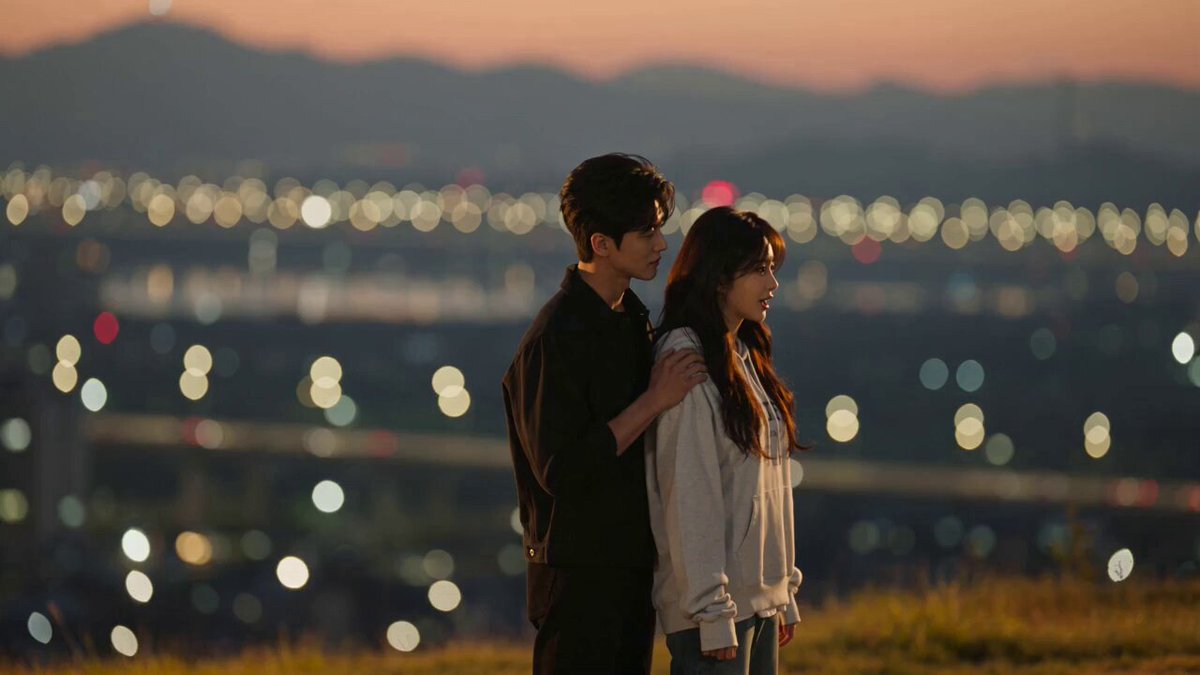
【风格】旅拍大片质感,真实自然光影,运镜丝滑连贯,"一帧两读"无缝转场(invisible match transition),竖屏9:16 【时长】15秒 【角色】主角() [00:00-00:04] 镜头1:床单=雪山(Duvet Folds = Snow Ridges) 画面:晨光卧室,主角对镜头自拍一笑,转身扑倒在白色床铺上,镜头俯冲推向床单褶皱,白色褶皱与阴影占满全屏——这一帧就是雪山山脊的航拍:褶皱的阴影就是山脊背光面,镜头保持同速继续向前飞,山脊上被风吹起一缕雪雾,镜头抬起,主角已站在雪坡上朝镜头挥手 音效:床单窸窣声被高空风声接管 [00:04-00:08] 镜头2:奶泡=云海(Milk Foam = Sea of Clouds) 画面:雪山木屋窗边,主角双手捧白瓷杯呵气,镜头垂直俯冲进杯口,奶泡表面占满全屏——这一帧就是航拍云海:奶泡的绵密纹理就是云层顶部,云层开始缓慢流动,镜头继续下坠穿出云底,露出金色海岸线,主角赤脚走在浪花边回头一笑 音效:吹咖啡的气声延长成穿云风声,落下时海浪声涌入 [00:08-00:12] 镜头3:金沙=烟花(Sand Grains = Fireworks) 画面:黄昏海滩背光处,主角抓一把细沙朝镜头上方扬起,沙粒逆光飞散,背景迅速压暗成夜色,悬浮的金色沙粒占满暗画面——这一帧就是夜空:沙粒就是烟花火星,火星逐颗炸开成满天烟花,城市天际线从画面底部缓缓升起,主角剪影出现在天台边 音效:沙粒沙沙声无缝接烟花升空爆裂声 [00:12-00:15] 镜头4:天台收尾(Rooftop Finale) 画面:主角在天台张开双臂看烟花,回眸对镜头一笑,镜头缓慢环绕上升,灯海与烟花铺满背景,收尾定格 音效:烟花齐放与音乐重拍同步收束 【导演备注】1. 转场铁律:桥接帧"一帧两读"——床单褶皱与雪山山脊、奶泡与云海、沙粒与烟花火星,必须是同一个画面的两种解读,切换瞬间画面内容零变化;2. 严禁任何叠化、扭曲、morphing变形动画,一出现变形即失败;3. 场景切换只靠新场景的"微动"确认:雪雾被吹起、云层流动、火星绽放;4. 跨越桥接帧时镜头运动方向与速度必须完全连续,像一次不停顿的飞行;5. 主角每段都有鲜活动作(扑床、呵气、扬沙、回眸),禁止僵住;6. 音效跨转场无缝渐变。
【风格】旅拍大片质感,真实自然光影,运镜丝滑连贯,"一帧两读"无缝转场(invisible match transition),竖屏9:16 【时长】15秒 【角色】主角() [00:00-00:04] 镜头1:床单=雪山(Duvet Folds = Snow Ridges) 画面:晨光卧室,主角对镜头自拍一笑,转身扑倒在白色床铺上,镜头俯冲推向床单褶皱,白色褶皱与阴影占满全屏——这一帧就是雪山山脊的航拍:褶皱的阴影就是山脊背光面,镜头保持同速继续向前飞,山脊上被风吹起一缕雪雾,镜头抬起,主角已站在雪坡上朝镜头挥手 音效:床单窸窣声被高空风声接管 [00:04-00:08] 镜头2:奶泡=云海(Milk Foam = Sea of Clouds) 画面:雪山木屋窗边,主角双手捧白瓷杯呵气,镜头垂直俯冲进杯口,奶泡表面占满全屏——这一帧就是航拍云海:奶泡的绵密纹理就是云层顶部,云层开始缓慢流动,镜头继续下坠穿出云底,露出金色海岸线,主角赤脚走在浪花边回头一笑 音效:吹咖啡的气声延长成穿云风声,落下时海浪声涌入 [00:08-00:12] 镜头3:金沙=烟花(Sand Grains = Fireworks) 画面:黄昏海滩背光处,主角抓一把细沙朝镜头上方扬起,沙粒逆光飞散,背景迅速压暗成夜色,悬浮的金色沙粒占满暗画面——这一帧就是夜空:沙粒就是烟花火星,火星逐颗炸开成满天烟花,城市天际线从画面底部缓缓升起,主角剪影出现在天台边 音效:沙粒沙沙声无缝接烟花升空爆裂声 [00:12-00:15] 镜头4:天台收尾(Rooftop Finale) 画面:主角在天台张开双臂看烟花,回眸对镜头一笑,镜头缓慢环绕上升,灯海与烟花铺满背景,收尾定格 音效:烟花齐放与音乐重拍同步收束 【导演备注】1. 转场铁律:桥接帧"一帧两读"——床单褶皱与雪山山脊、奶泡与云海、沙粒与烟花火星,必须是同一个画面的两种解读,切换瞬间画面内容零变化;2. 严禁任何叠化、扭曲、morphing变形动画,一出现变形即失败;3. 场景切换只靠新场景的"微动"确认:雪雾被吹起、云层流动、火星绽放;4. 跨越桥接帧时镜头运动方向与速度必须完全连续,像一次不停顿的飞行;5. 主角每段都有鲜活动作(扑床、呵气、扬沙、回眸),禁止僵住;6. 音效跨转场无缝渐变。
Edit the prompt in the box under the preview — the template's model and format are already selected — and press Generate. Your version appears right on this page.
Yes. You can change the subject, setting, lighting, mood, format, and available model controls before creating your video.
Opening and editing this template is free. Generating uses credits, shown on the Generate button when you are signed in.
Start with Seedance 2.0, which is the model associated with this template. You can compare another compatible model for a different finish.
Follow a topic to a crawlable collection of related PicX Studio templates.