
Cinematic Invisible Woman Storyboard
A multi-scene video generation prompt for a highly realistic narrative about a woman using a futuristic invisibility smartwatch in a city and a rooftop event.
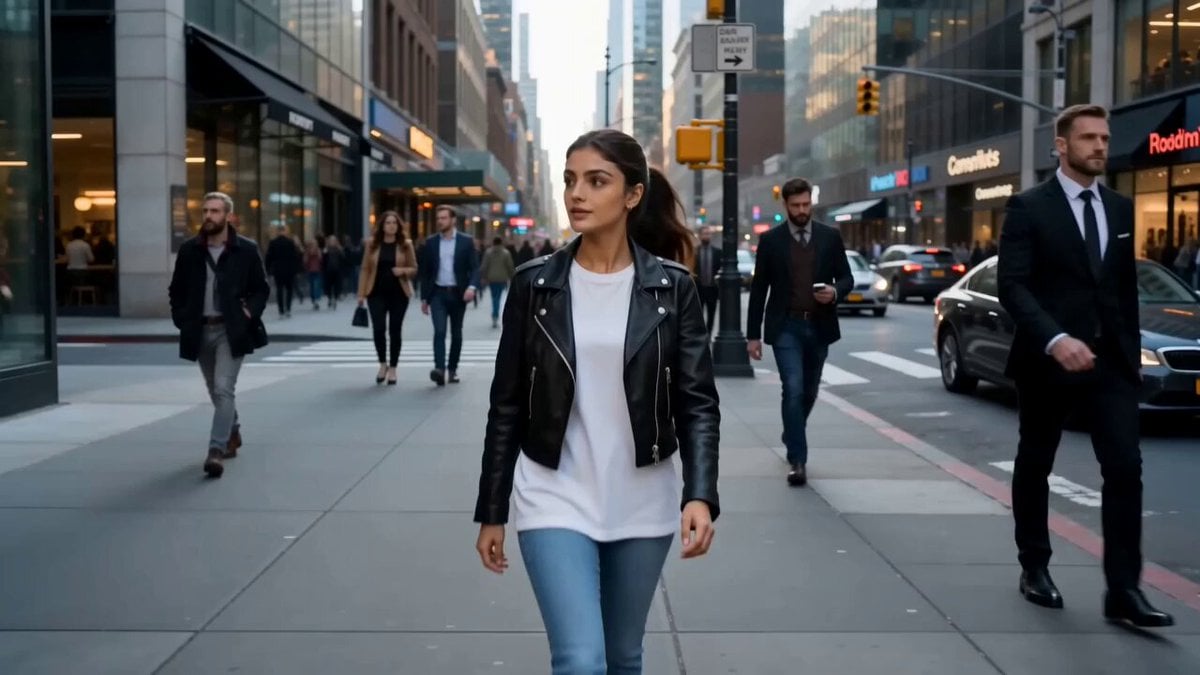
- Prompt included
- Model and format preset
- Premium template
The prompt behind this video
Copy the exact prompt behind Cinematic Invisible Woman Storyboard, or open it in the studio and make it yours.
Create a highly realistic, cinematic 15-second video featuring the same female character throughout every scene. She is a 24-year-old woman with long dark brown hair in a neat ponytail, expressive brown eyes, light olive skin, and a stylish casual outfit consisting of a black leather jacket, white oversized T-shirt, blue jeans, and white sneakers. Maintain identical facial features, hairstyle, clothing, body proportions, and accessories across the entire video. Ultra-photorealistic, natural lighting, realistic human movement, Hollywood-quality cinematography, 4K HDR, 24fps. Scene 1 (0–3s):The woman is walking through a busy modern city street when a glowing futuristic smartwatch on her wrist suddenly activates and displays "INVISIBLE – 00:15". Her body fades completely from view, leaving only the environment visible. Nearby pedestrians continue walking, completely unaware that she is there. Handheld cinematic camera, realistic city ambience. Scene 2 (3–6s):Still invisible, she playfully surprises people by gently moving a shopping cart on its own, making a café chair slide slightly, and causing a takeaway coffee cup to appear as if it is floating. The reactions are confused but humorous rather than frightening. Keep everything grounded and believable. Scene 3 (6–10s): She confidently walks through the entrance of an exclusive rooftop VIP event while security guards unknowingly let her pass. She casually picks up a small dessert and a sparkling drink from the buffet while invisible, smiling mischievously. Luxurious rooftop setting overlooking a city skyline at sunset. Scene 4 (10–15s):The smartwatch countdown rapidly reaches 00:03…00:02…00:01. She suddenly becomes fully visible again while standing in the middle of the VIP lounge holding the dessert and drink. The surrounding guests and security all turn toward her with shocked expressions. She freezes, gives an awkward smile, slowly raises one hand in an embarrassed wave, and the video ends on a comedic freeze frame. Natural crowd reactions, realistic facial expressions, cinematic ending. Style: Photorealistic, seamless continuity, smooth handheld camera movement, premium film-grade lighting, realistic physics, subtle humour, no subtitles, no watermarks, no visual glitches, no character changes, no extra limbs or distorted hands. The same woman must remain perfectly consistent in appearance throughout the entire video.
How to use Cinematic Invisible Woman Storyboard in 3 steps
- 1
Open
The prompt is already in the box next to the preview, with the template's model and format selected.
- 2…a portrait of your subject in softgolden-hour light, 85mm…
Personalize
Edit the subject and creative details for your destination.
- 3Generate
Generate
Press Generate — your video is created in PicX Studio, so you can compare it with the original and refine one variable at a time.
More like this
Templates with the same subject, style or setup. Open one to see its prompt.
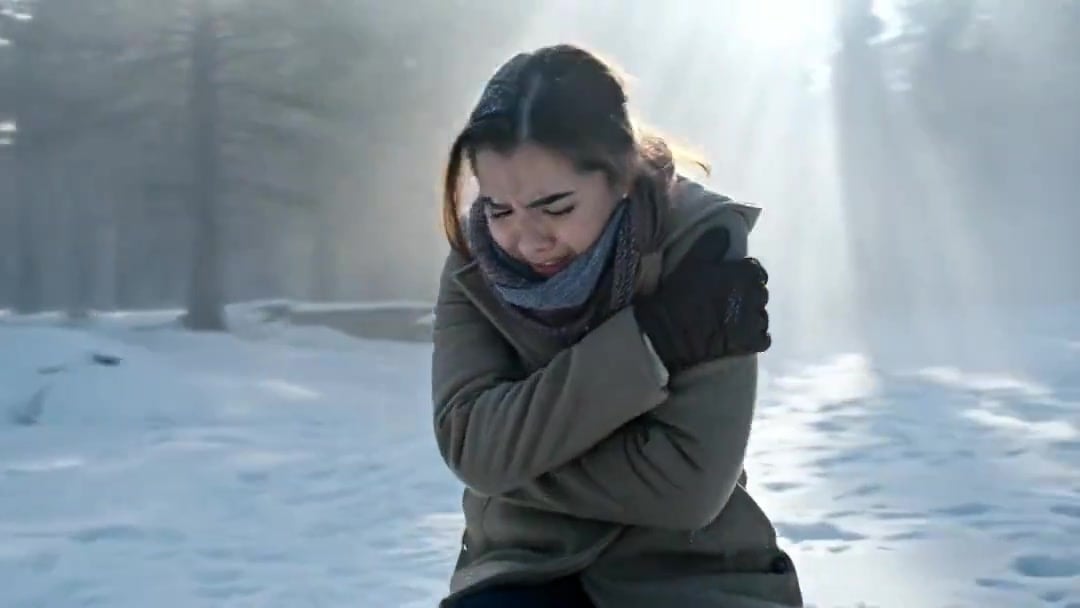
Arc Shot Frozen Woman Snow — Kling 3.0 v3 Pro
Arc Shot Frozen Woman Snow — Kling 3.0 v3 Pro
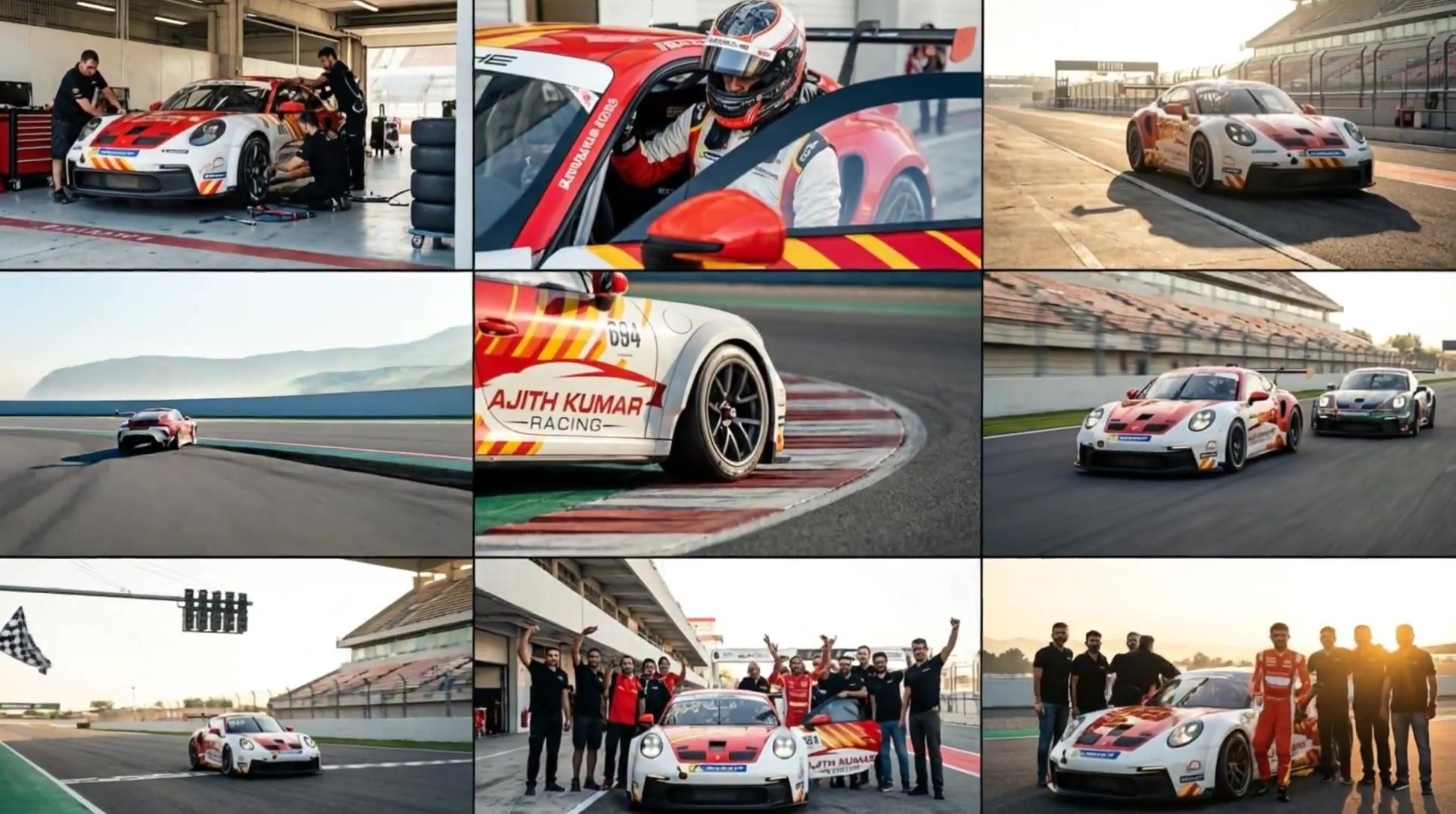
3x3 Grid Storyboard Racing — Kling 3.0 O3 Pro

Dragon Rider Cinematic Flight — Seedance 2.5
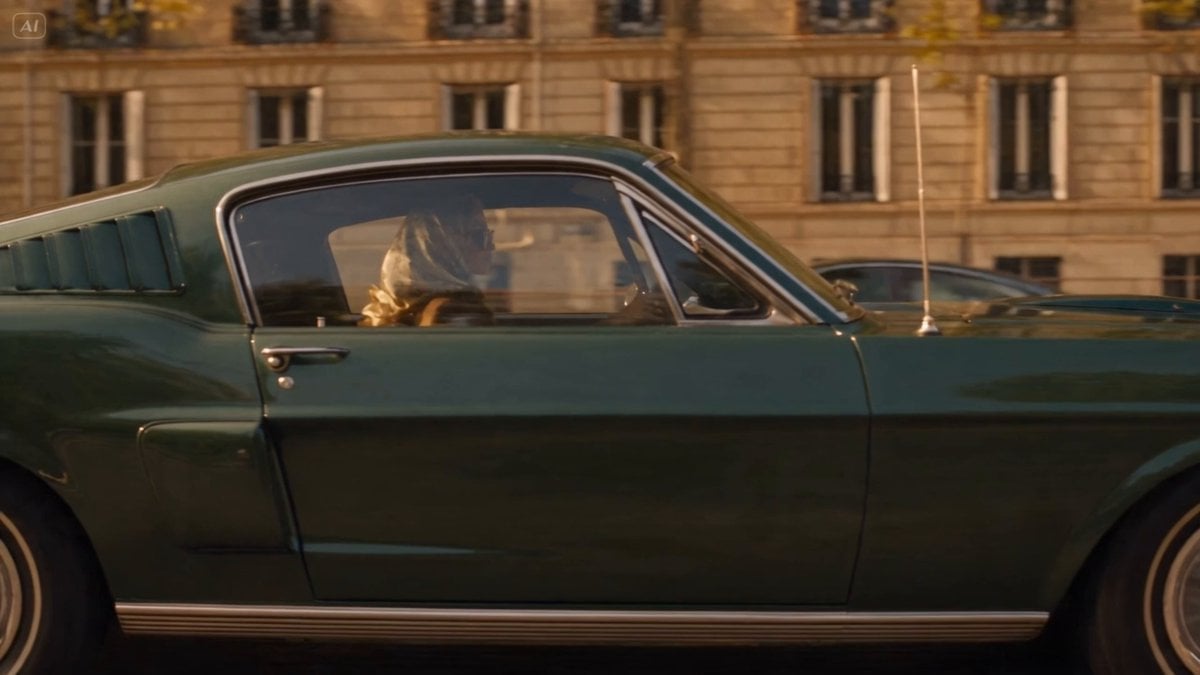
Blonde Woman Driving Green 1960s Mustang Golden Hour
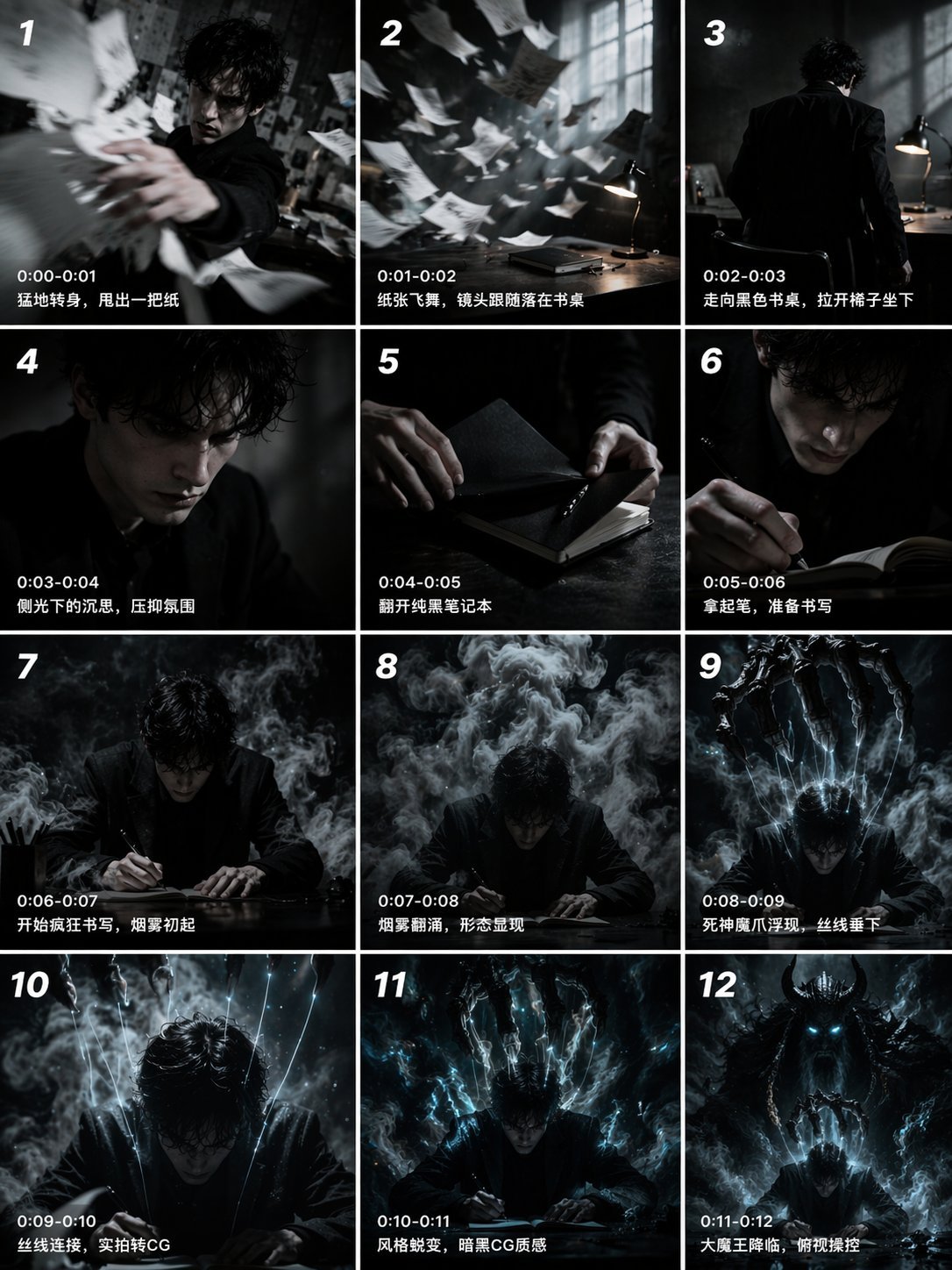
Gpt2 Gpt2 Seedance Storyboard to Video

Floating Woman Sunset Cloudscape
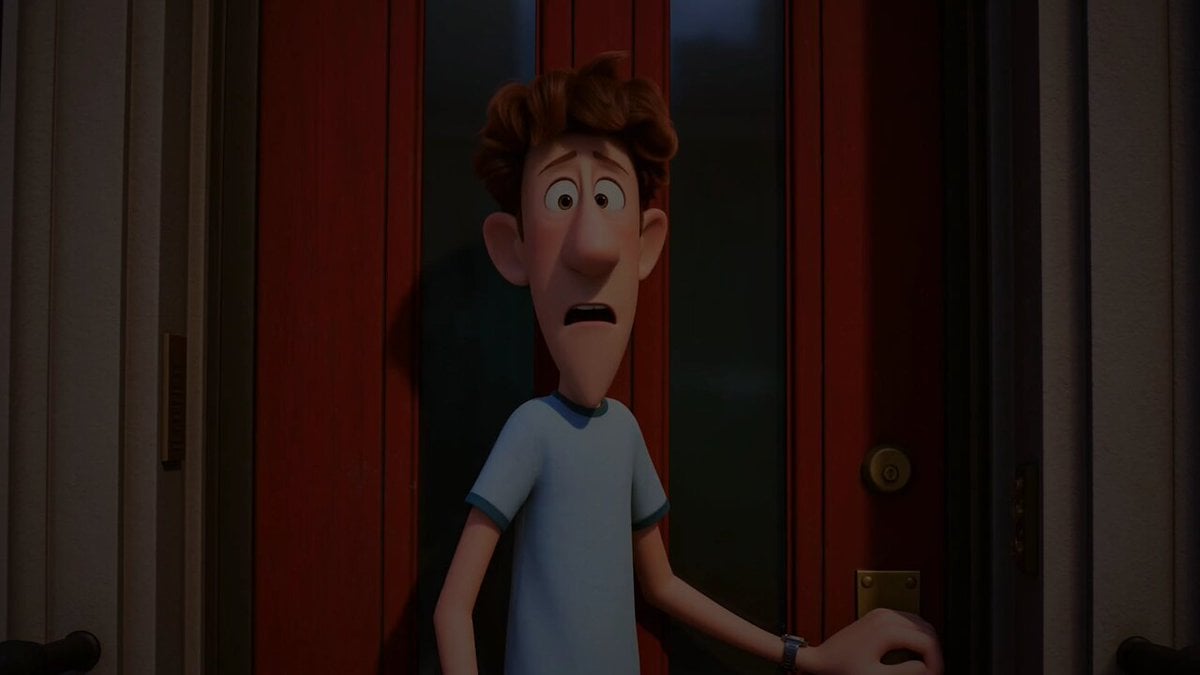
Pigeon Nemesis Pixar Animation Storyboard
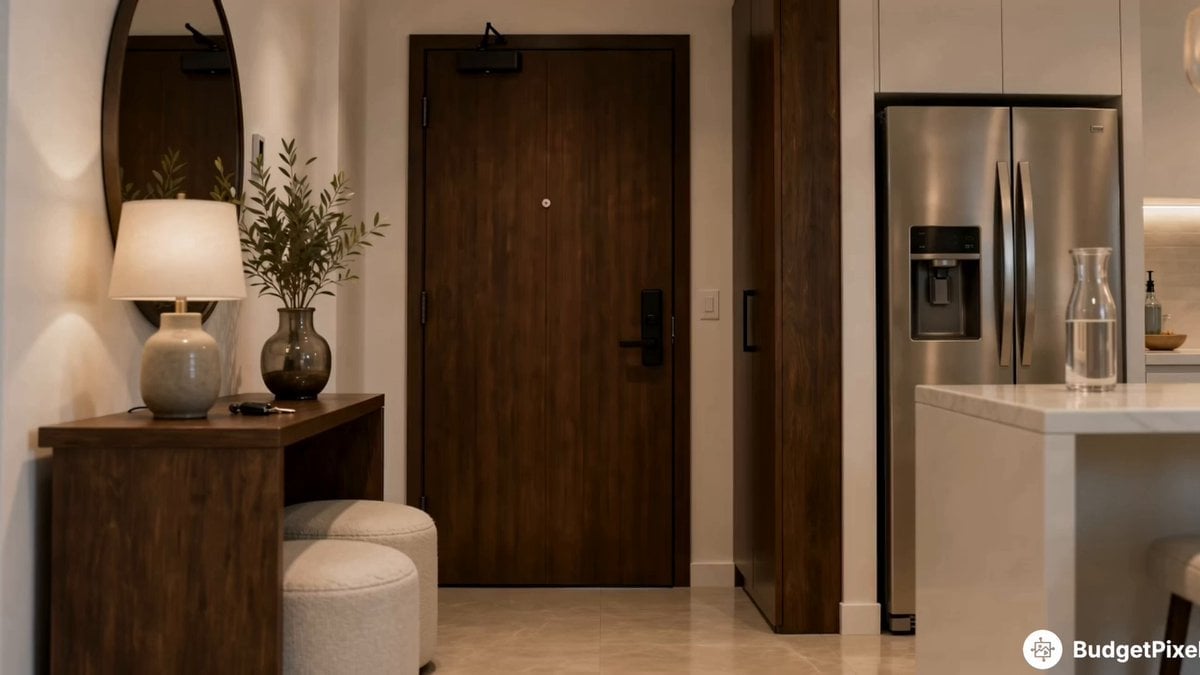
Apartment Arrival Storyboard Animation
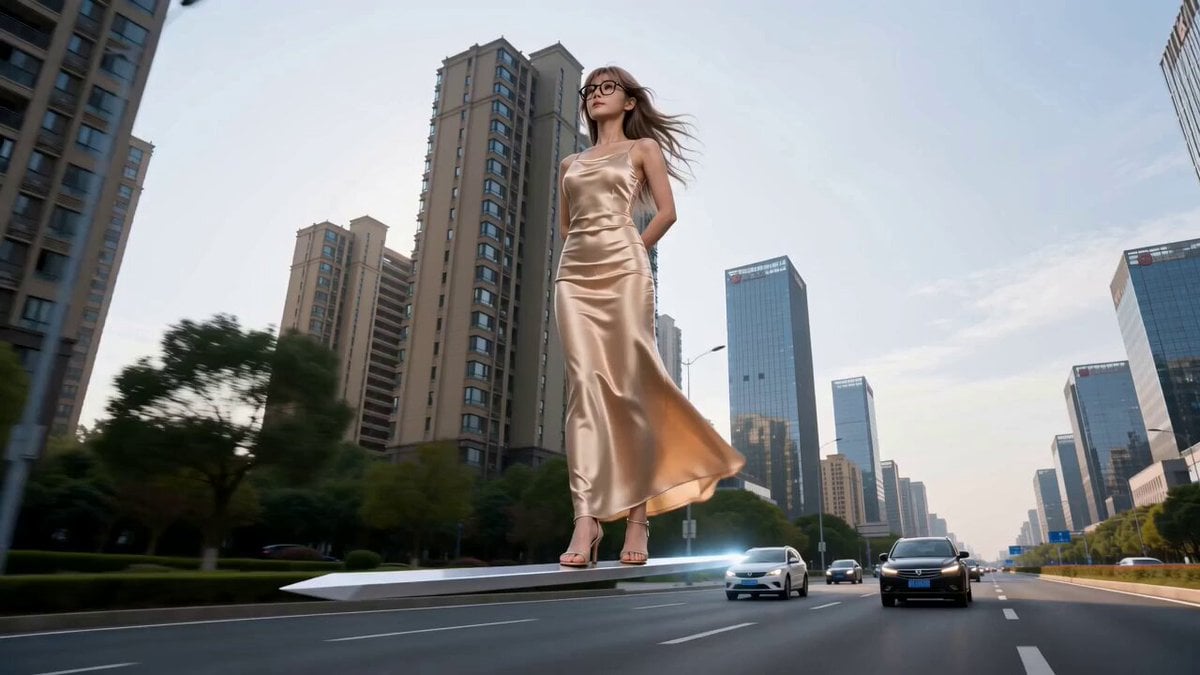
Modern Urban Fantasy Comedy Storyboard
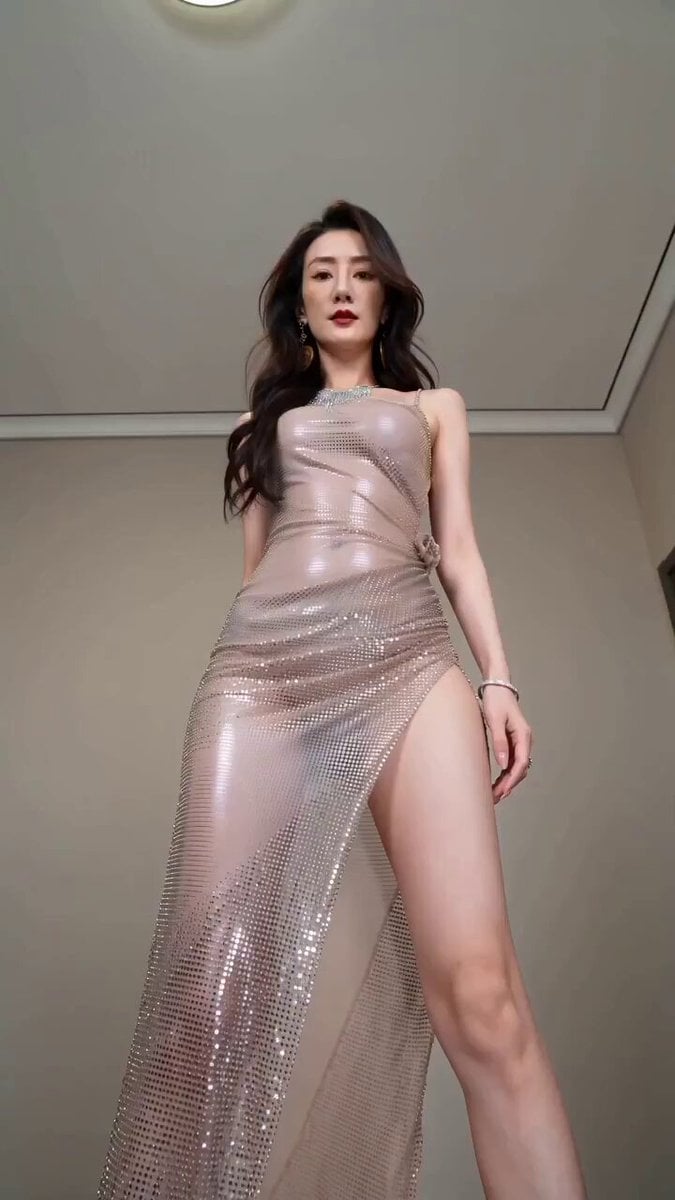
Realistic Fashion Quick Change Storyboard
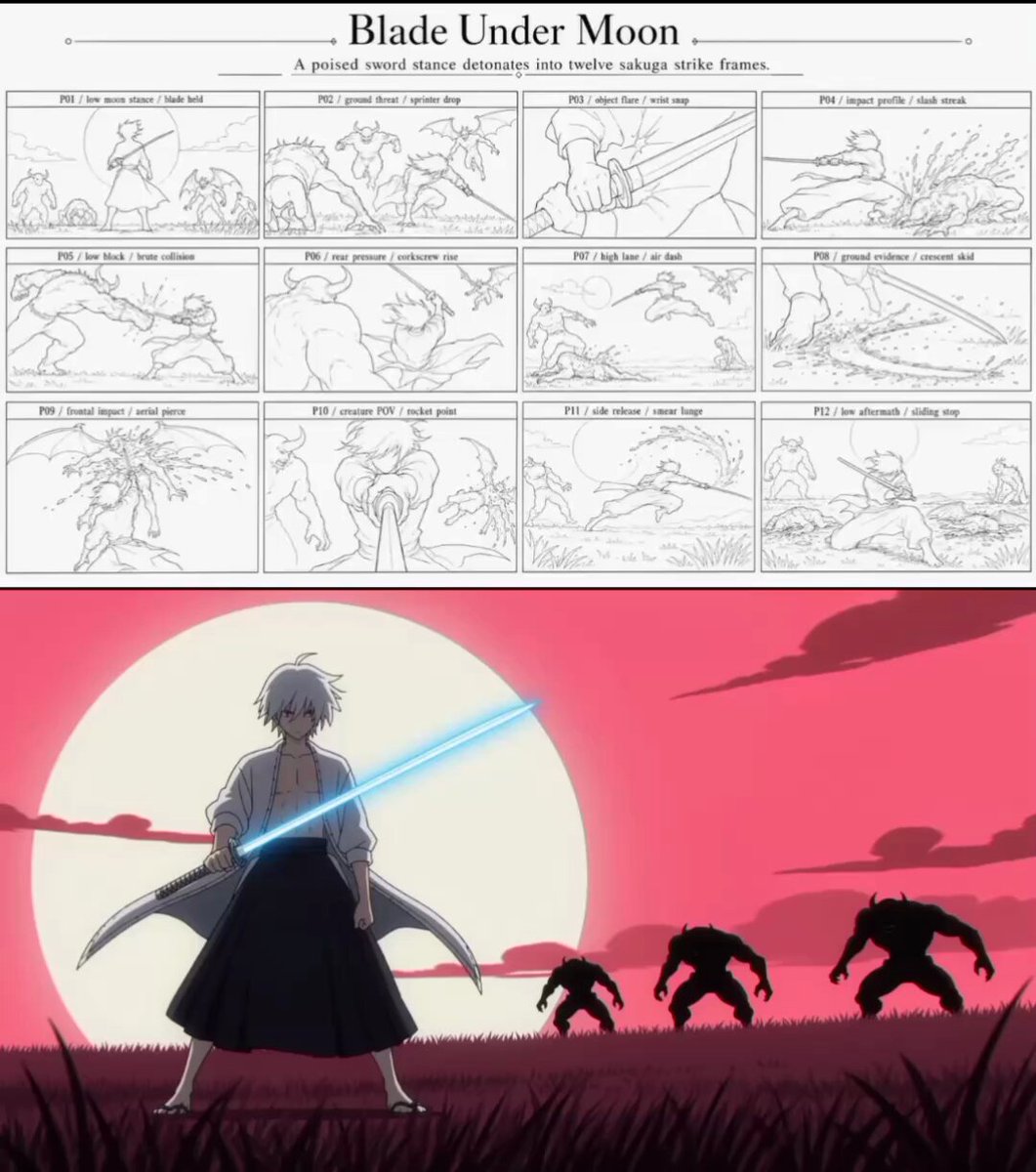
Sakuga Anime Action Storyboard
Make it yours
Cinematic Invisible Woman Storyboard works as-is. These are the safest ways to change it without losing the look.
Change one field
Copy a single group, rewrite it, and generate again so you can see what that field is doing.
Keep the frame, change the subject
Hold the composition and light of Cinematic Invisible Woman Storyboard, then swap wardrobe, props or the person for a new take.
| If the result… | Why | Fix |
|---|---|---|
| The result drifts from the preview | Too many fields changed at once. | Reuse Cinematic Invisible Woman Storyboard as-is first, then change one group — subject, light, or setting. |
| The model over-stylizes the scene | The prose prompt leaves finish and camera underspecified. | Add one camera or lighting sentence and stay on Seedance 2.0. |
More Seedance 2.0 templates
Other prompts made for Seedance 2.0.

Comical Martial Arts Punch Scene

Maglev Train Action Sequence

Martial Arts Fight Sequence

Wuxia Protection and Trust Script

Vintage Korean Arcade MiniDV Vlog

Mercedes 190 SL Luxury Ad

Rainy Night Supernatural Reverse Comedy Video Script

Amazon Civilization Discovery

Futuristic South Asian City Transformation

Cozy Luxury Cafe Commercial
More video prompts
Fresh picks from across the catalog.
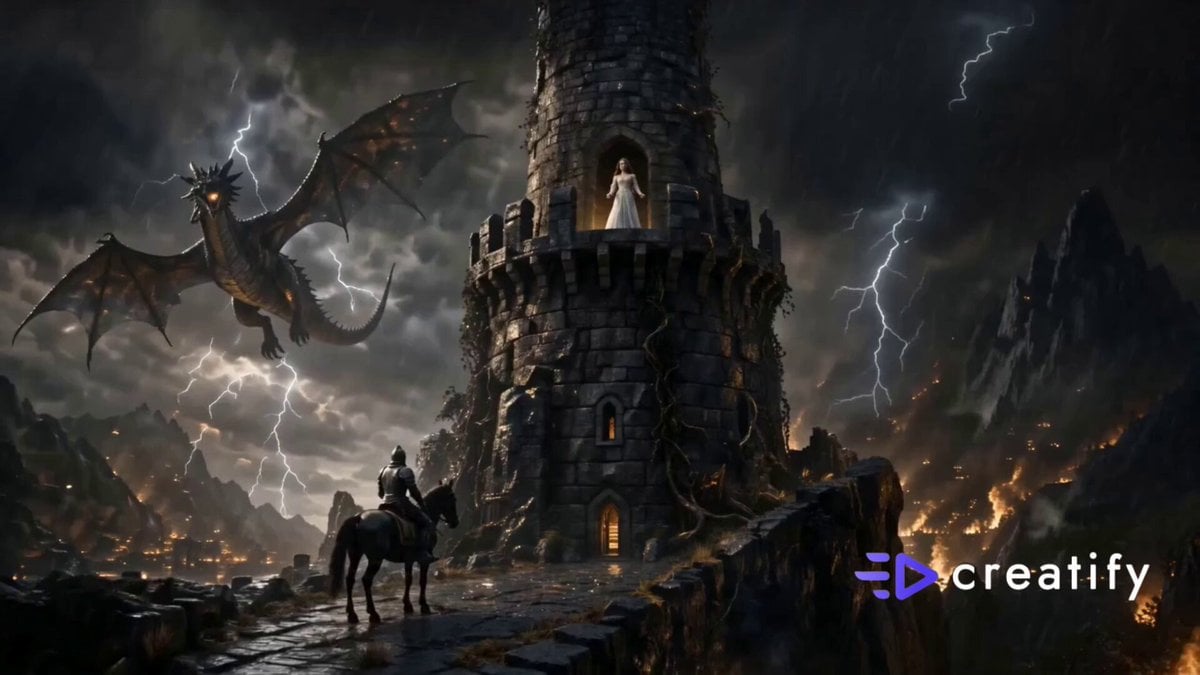
Fantasy Knight and Princess Commercial
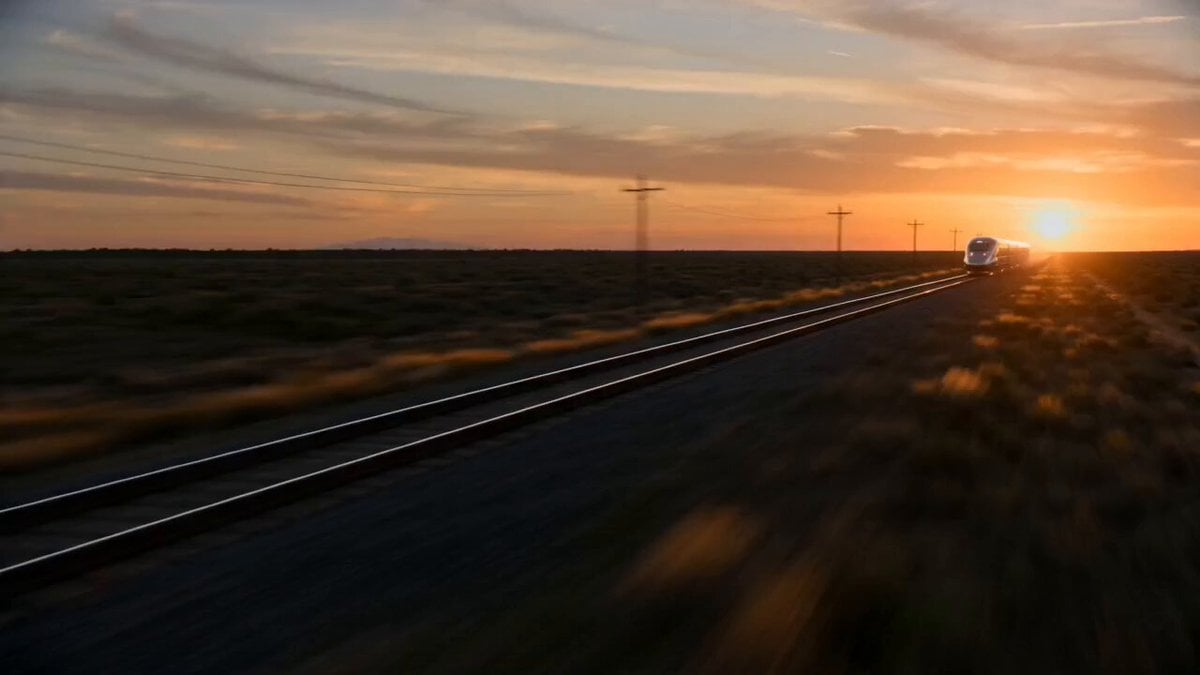
Sci-Fi Train Transformation
Spider-Man Pregnancy in MCU
Analog 35mm Style Indonesian Girl Vlog

Calm Organic Movement of Otters
Seedance 2.0 Prompt: Gothic Mech Battle on a Desolate Beach
Dreamy Soft Motion and Echoing Water
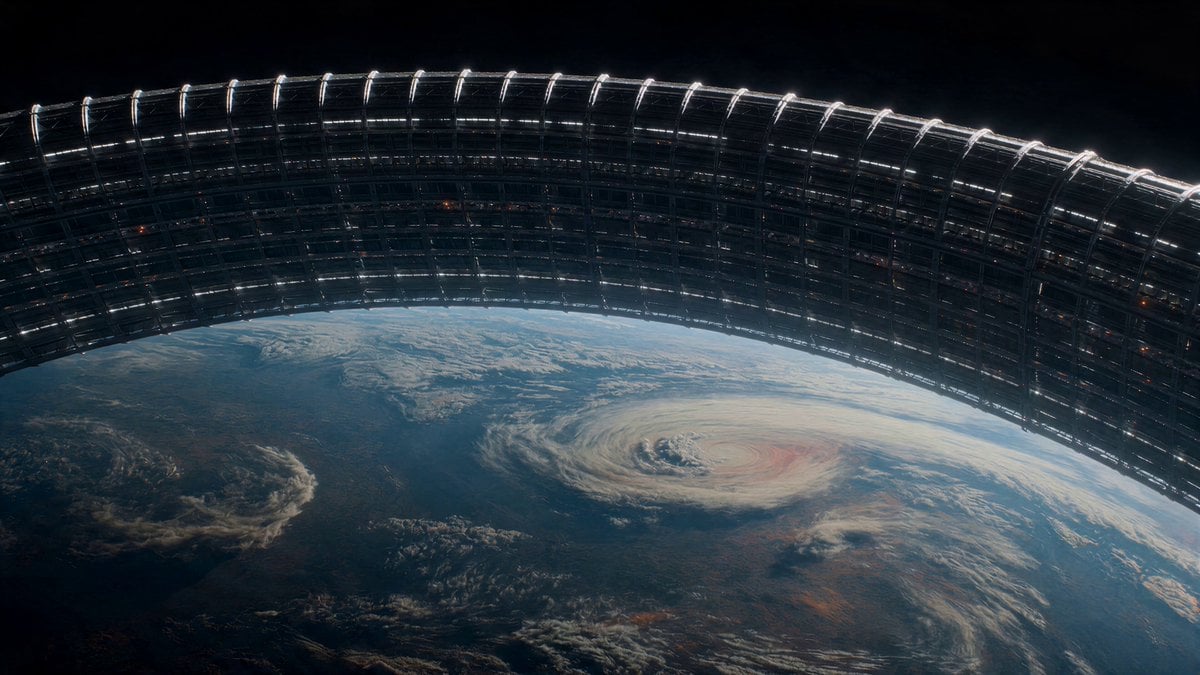
Orbital Ring Structural Failure
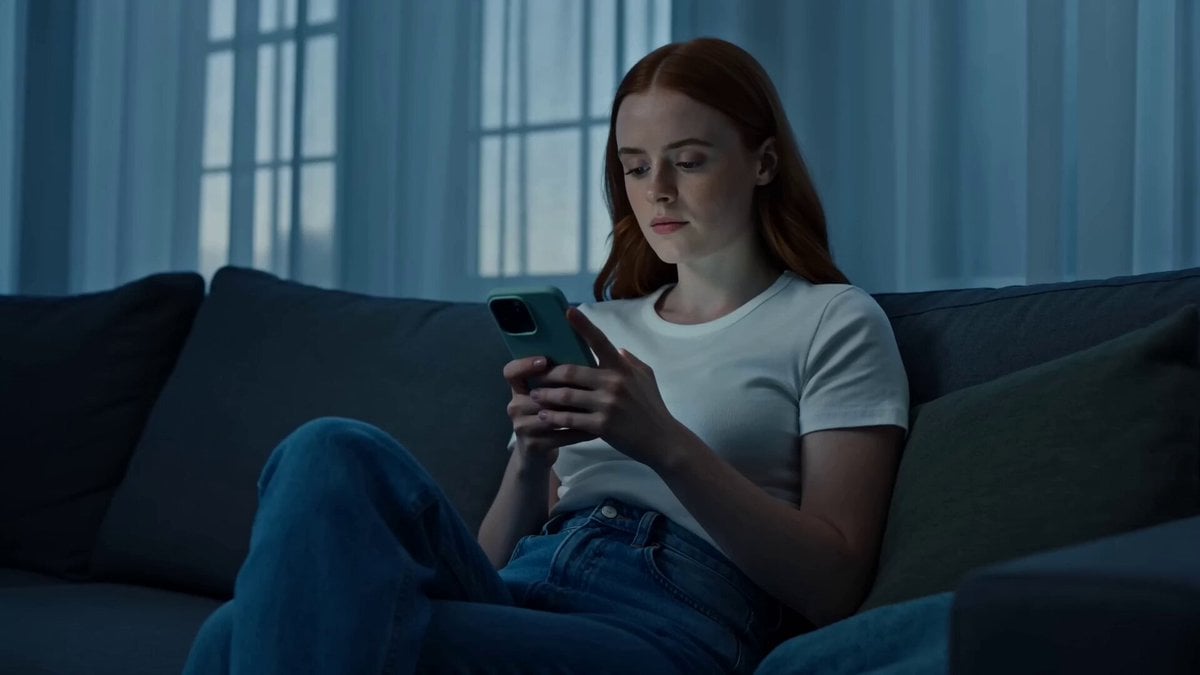
Cinematic Lifestyle Mood Shift
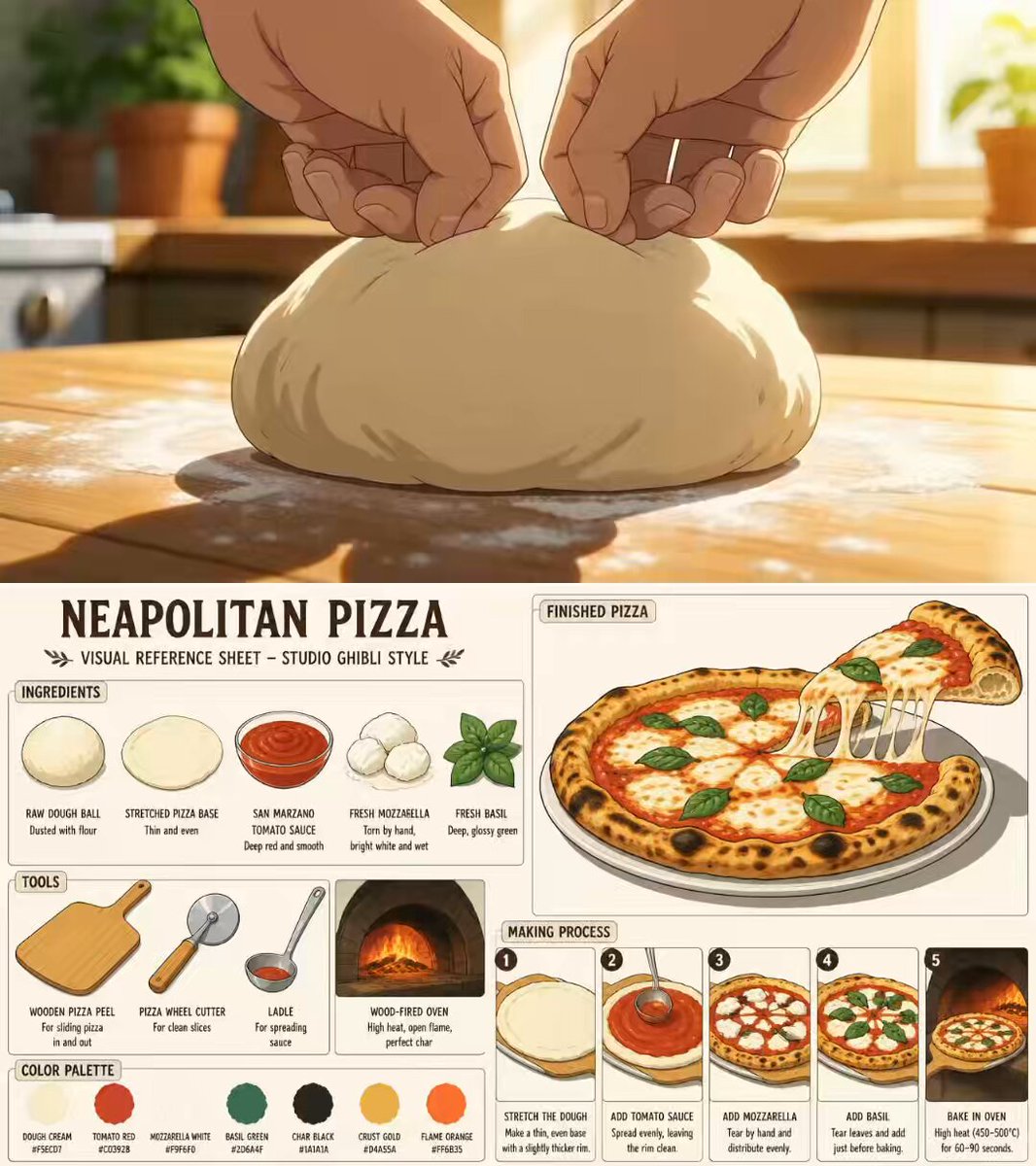
Ghibli Aesthetic Anime Cooking Video
Browse template categories
Cinematic Invisible Woman Storyboard questions
How do I use the Cinematic Invisible Woman Storyboard template?
Add your photo if the template asks for one, edit the prompt if you like — the template's model and format are already selected — and press Generate. Your version opens in PicX Studio.
Can I customize the Cinematic Invisible Woman Storyboard template?
Yes. You can change the subject, setting, lighting, mood, format, and available model controls before creating your video.
Is the Cinematic Invisible Woman Storyboard template free?
Opening and editing this template is free. Generating uses credits, shown on the Generate button when you are signed in.
Which AI model should I use?
Start with Seedance 2.0, which is the model associated with this template. You can compare another compatible model for a different finish.
Looking for something else? Browse all templates.

Your photo, any look
Thousands of ready templates for every top image and video model, from one credit balance.