
Sci-Fi Train Transformation
A multi-shot cinematic sequence of a high-speed train transforming into a massive humanoid robot in a sunset landscape
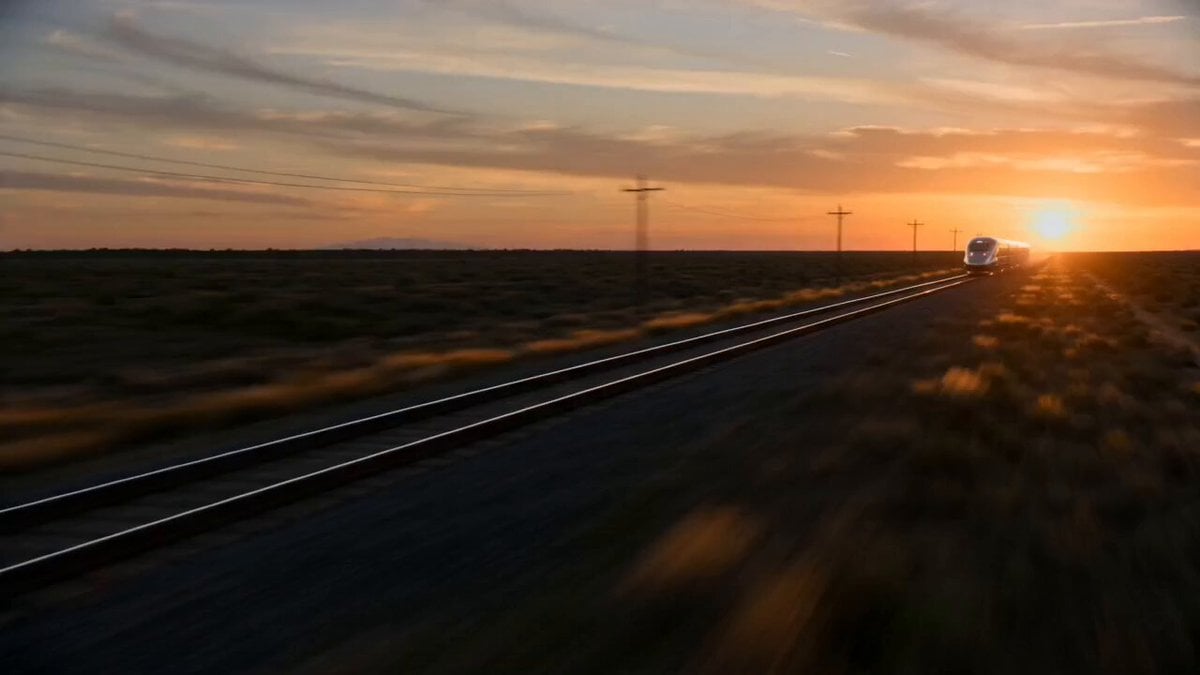
- Prompt included
- Model and format preset
- Premium template
The prompt behind this video
Copy the exact prompt behind Sci-Fi Train Transformation, or open it in the studio and make it yours.
Montage, multi-shot cinematic sci-fi transformation, 15 seconds, fast-paced editing, cinematic continuity, photorealistic, 35mm film look, dramatic lighting, motion blur, depth of field, dynamic tracking camera. The vehicle is a long high-speed train with metallic body, detailed mechanical parts, and glowing energy lines. Maintain strict design consistency. No redesign. The transformation must originate from the same train, preserving structure, color, and mechanical components. The scene takes place on an open railway track at sunset with wide landscapes and cinematic lighting. 0–2s: Wide shot. The train moves at high speed along the tracks. Camera tracks beside it, emphasizing speed and scale. 2–5s: The train accelerates. Wheels spark slightly. The environment blurs as it reaches maximum speed. 5–8s: Transformation begins while still moving. Train segments start separating and shifting. Mechanical parts unfold, panels rotate, glowing energy appears. 8–11s: Mid transformation. The front section becomes the upper body. Arms extend from the sides. Legs form from the rear segments. 11–13s: Full transformation. The train becomes a massive humanoid robot, still moving forward with heavy momentum. 13–15s: Final moment. The robot lands heavily beside the tracks, stabilizing with impact. Dust and debris rise as it stands tall in a powerful stance. smooth continuous motion, consistent vehicle identity, no redesign, controlled transformation, realistic mechanical movement, cinematic scale.
How to use Sci-Fi Train Transformation in 3 steps
- 1
Open
The prompt is already in the box next to the preview, with the template's model and format selected.
- 2…a portrait of your subject in softgolden-hour light, 85mm…
Personalize
Edit the subject and creative details for your destination.
- 3Generate
Generate
Press Generate — your video is created in PicX Studio, so you can compare it with the original and refine one variable at a time.
More like this
Templates with the same subject, style or setup. Open one to see its prompt.

Sci-Fi Disaster Movie Scene - Seedance 2.5

Magical Room Transformation - Seedance 2.5

Dark Tokusatsu Transformation - Seedance 2.5

RX-7 to Mech Transformation Cyberpunk

Sci-Fi Soldier Transformation VFX
Sci-Fi Action Scene on a Moving Train
Cinematic Sci-Fi Action Video Prompt on Train Tracks
Civilization Timelapse — Centuries in One Shot
Subway Flood — Epic Tunnel Chaos
Mecha Transformation vs Kaiju — 4-Scene Epic
Realistic Wing Chun Kung Fu Training Video

Maglev Train Action Sequence
Make it yours
Sci-Fi Train Transformation works as-is. These are the safest ways to change it without losing the look.
Change one field
Copy a single group, rewrite it, and generate again so you can see what that field is doing.
Keep the frame, change the subject
Hold the composition and light of Sci-Fi Train Transformation, then swap wardrobe, props or the person for a new take.
| If the result… | Why | Fix |
|---|---|---|
| The result drifts from the preview | Too many fields changed at once. | Reuse Sci-Fi Train Transformation as-is first, then change one group — subject, light, or setting. |
| The model over-stylizes the scene | The prose prompt leaves finish and camera underspecified. | Add one camera or lighting sentence and stay on Seedance 2.0. |
More Seedance 2.0 templates
Other prompts made for Seedance 2.0.

Comical Martial Arts Punch Scene

Martial Arts Fight Sequence

Wuxia Protection and Trust Script

Vintage Korean Arcade MiniDV Vlog

Mercedes 190 SL Luxury Ad

Rainy Night Supernatural Reverse Comedy Video Script

Amazon Civilization Discovery

Futuristic South Asian City Transformation

Cozy Luxury Cafe Commercial

Cyber Ronin Nanotech Transformation Video
More video prompts
Fresh picks from across the catalog.
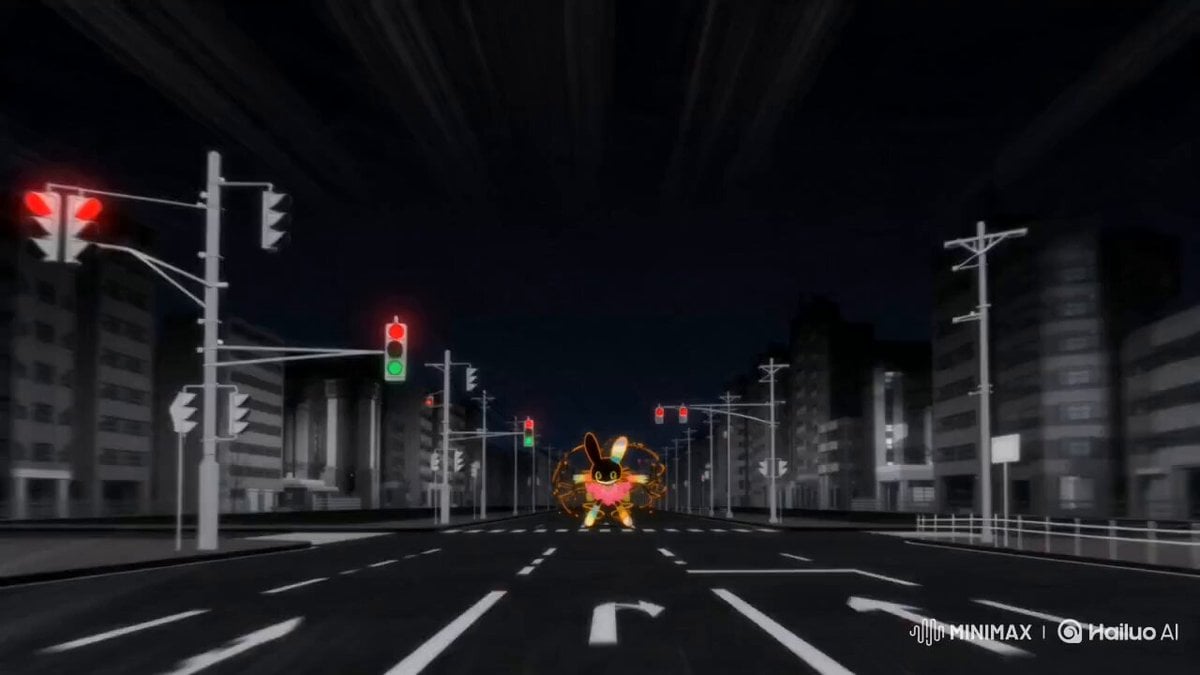
Epic Laboratory Anime Battle Scene
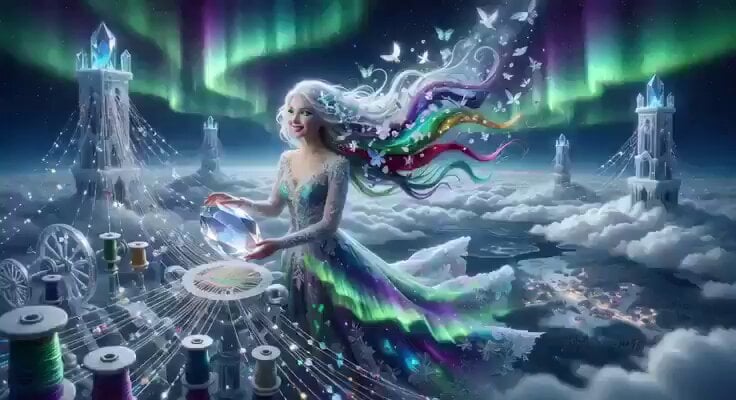
Celestial Aurora Weaving
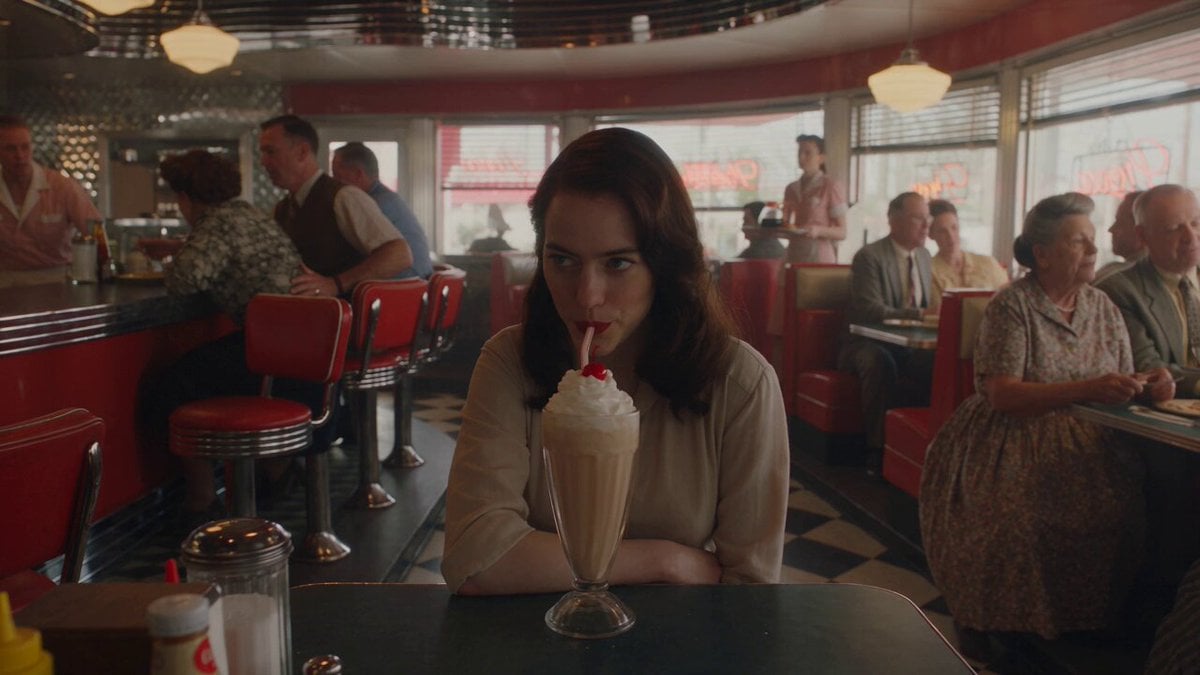
1950s Diner Time Freeze Rewind - Seedance 2.5
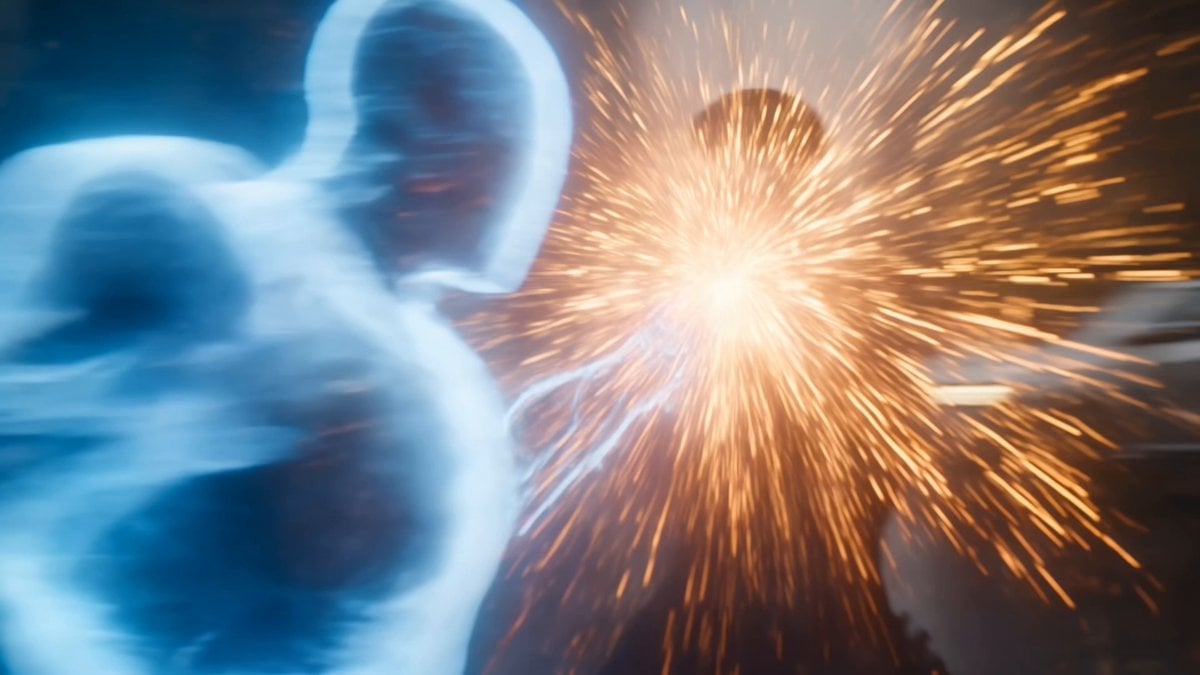
Martial Arts Cyborg Battle and Transformation

Cinematic Multi-Shot Luxury Street Scene
Sci-Fi Teaser Trailer Montage from Reference Images

Klimt-Inspired Ethereal Portrait Video Prompt
South Indian Movie Scene Prompt
Futuristic Tech Cafe with Robotic Barista
Extreme Off-Road Motorcycle Cinematic Stunt
Browse template categories
Sci-Fi Train Transformation questions
How do I use the Sci-Fi Train Transformation template?
Add your photo if the template asks for one, edit the prompt if you like — the template's model and format are already selected — and press Generate. Your version opens in PicX Studio.
Can I customize the Sci-Fi Train Transformation template?
Yes. You can change the subject, setting, lighting, mood, format, and available model controls before creating your video.
Is the Sci-Fi Train Transformation template free?
Opening and editing this template is free. Generating uses credits, shown on the Generate button when you are signed in.
Which AI model should I use?
Start with Seedance 2.0, which is the model associated with this template. You can compare another compatible model for a different finish.
Looking for something else? Browse all templates.

Your photo, any look
Thousands of ready templates for every top image and video model, from one credit balance.