
Epic Laboratory Anime Battle Scene
A detailed anime combat prompt for Seedance 2.0 featuring multiple characters, specific weapon interactions, barriers, and cinematic visual effects like 'tension and release' pacing.
- Prompt included
- Model and format preset
- Free template
The prompt behind this video
Copy the exact prompt behind Epic Laboratory Anime Battle Scene, or open it in the studio and make it yours.
@「キャラシート画像を指定」のキャラクターは「武器の特徴」を武器に戦い、@「キャラシート画像を指定」のキャラクターはバリアを張り、@「キャラシート画像を指定」が飛行しながら敵の気を引きつけ、「キャラシート画像を指定」が最後に「武器の特徴」で敵を仕留める。、敵は@「キャラシート画像を指定」の巨大な怪物。場所は@「背景画像を指定」「背景の簡単な説明」での激しい戦闘。部分的な手や武器のクローズアップカットや周囲の森が攻撃の影響で破壊されるカットなども入れ込み、臨場感と緊張感のある演出にしてください。また攻撃された後一瞬間をおいて衝撃が来るなどのアニメにおける「溜め」と「抜き」の演出も入れ込んでください。 Please strictly adhere to the color settings of the reference image. Intense visual effects, violent movement, rapid acceleration, intense wind pressure, exploding fragments, shattering, liquid distortion, severe camera shake, aggressive speed lines, cinematic destruction, emotional violence, unstable viewpoint, intense impact frames, distorted space, abstract particle explosions, dramatic motion blur, aggressive air pressure, sharp lighting contrast, visual overload, animational energy, flat graphic composition, no line art, strong color planes, emotionally overwhelming movement. Dynamic and exciting character movements. Chasing the camera at invisible speed, unleashing ferocious and intense attacks using motifs from the reference image. Quick hand movements, violently flowing hair and clothing. Immense pressure crushing space, walls of collapsing objects, explosions, heavy slow-motion destruction, suffocating compression, violently splashing liquid, distortion from overwhelming weight, cracks in the ground from pressure.
How to use Epic Laboratory Anime Battle Scene in 3 steps
- 1Upload ImagePNG, JPG or paste
Add your photo
Upload the photo the template builds on. The prompt, model and format are already set.
- 2…a portrait of your subject in softgolden-hour light, 85mm…
Personalize
Edit the subject and creative details for your destination.
- 3Generate
Generate
Press Generate — your video is created in PicX Studio, so you can compare it with the original and refine one variable at a time.
More like this
Templates with the same subject, style or setup. Open one to see its prompt.
Mecha Transformation vs Kaiju — 4-Scene Epic
Swordsman vs Shadow Monster — Bamboo Forest Battle
Tiger vs Gorilla — Jungle Canyon Clash
Sea Serpent vs Crab Titan — Ocean Battle

MiniMax H3 Character Introduction

Oceanic Civilization Epic Sci-Fi Film

Japanese Pure Love Short Film
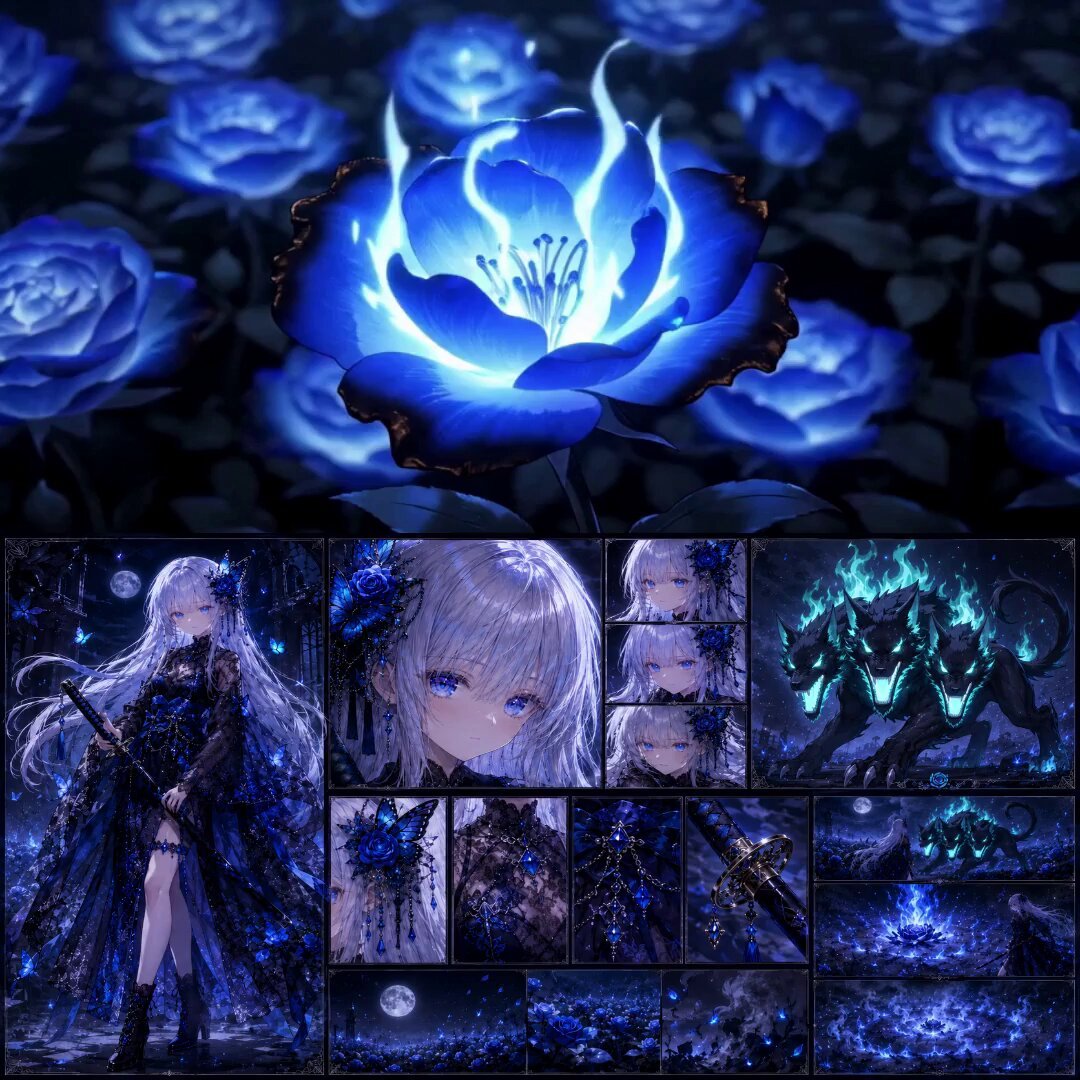
High-End Anime Dark Fantasy Cerberus Battle
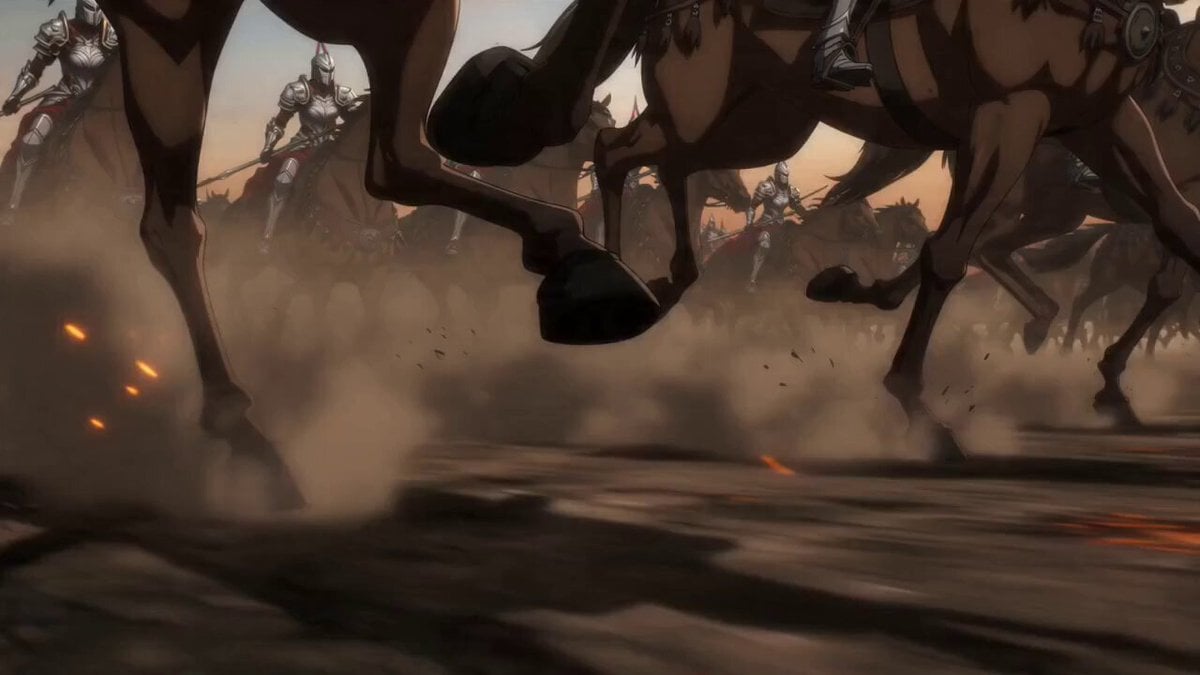
Epic Anime Warrior Queen Cavalry Charge
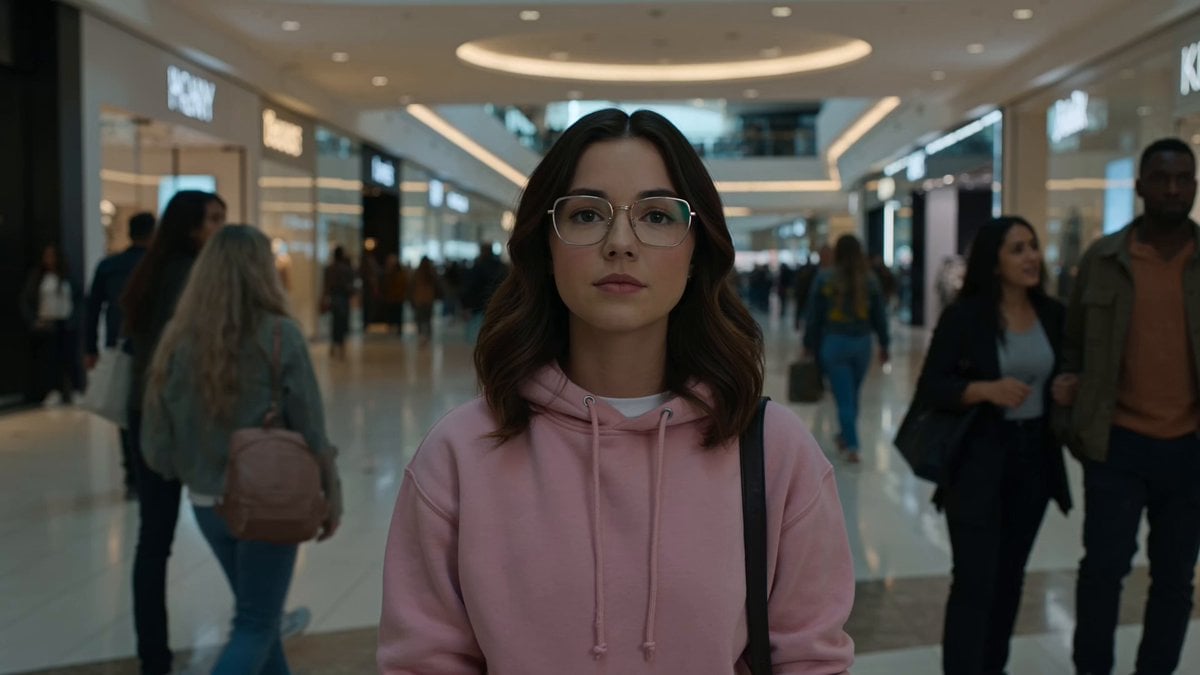
Cinematic Anime Battle in Modern Mall

Theatrical Anime Action Market Battle
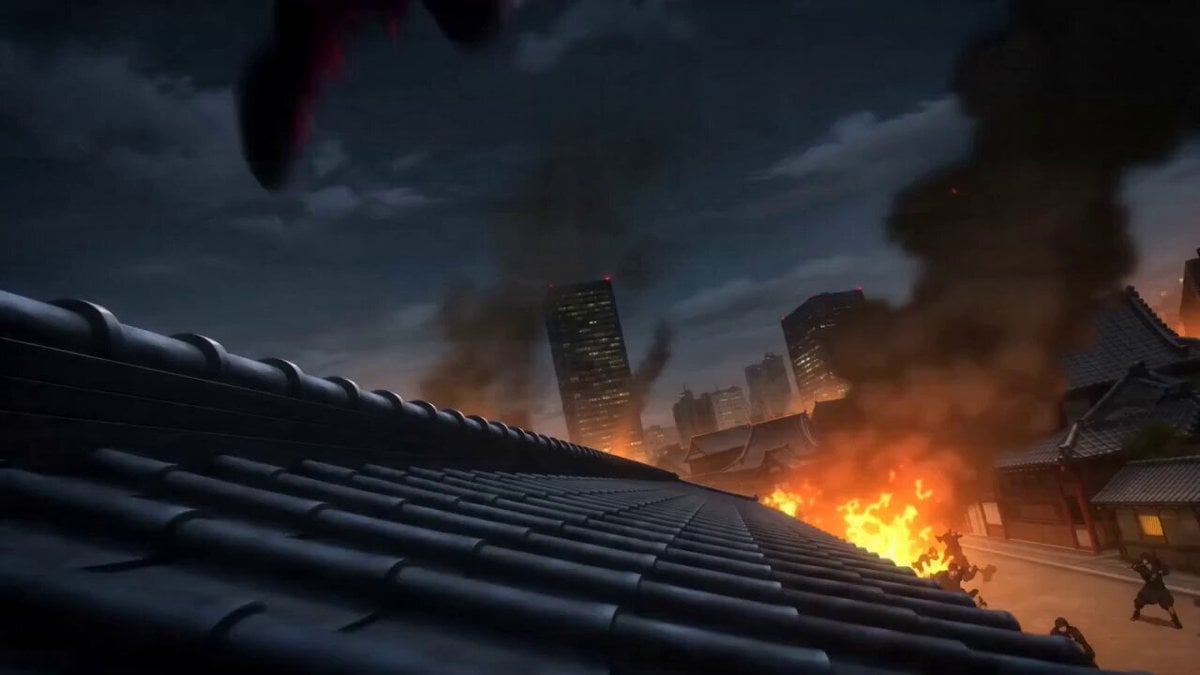
Anime Kunoichi Rooftop Battle
Make it yours
Epic Laboratory Anime Battle Scene works as-is. These are the safest ways to change it without losing the look.
Change one field
Copy a single group, rewrite it, and generate again so you can see what that field is doing.
Keep the frame, change the subject
Hold the composition and light of Epic Laboratory Anime Battle Scene, then swap wardrobe, props or the person for a new take.
| If the result… | Why | Fix |
|---|---|---|
| The result drifts from the preview | Too many fields changed at once. | Reuse Epic Laboratory Anime Battle Scene as-is first, then change one group — subject, light, or setting. |
| The model over-stylizes the scene | The prose prompt leaves finish and camera underspecified. | Add one camera or lighting sentence and stay on Seedance 2.0. |
More Seedance 2.0 templates
Other prompts made for Seedance 2.0.

Comical Martial Arts Punch Scene

Maglev Train Action Sequence

Martial Arts Fight Sequence

Wuxia Protection and Trust Script

Vintage Korean Arcade MiniDV Vlog

Mercedes 190 SL Luxury Ad

Rainy Night Supernatural Reverse Comedy Video Script

Amazon Civilization Discovery

Futuristic South Asian City Transformation

Cozy Luxury Cafe Commercial
More video prompts
Fresh picks from across the catalog.
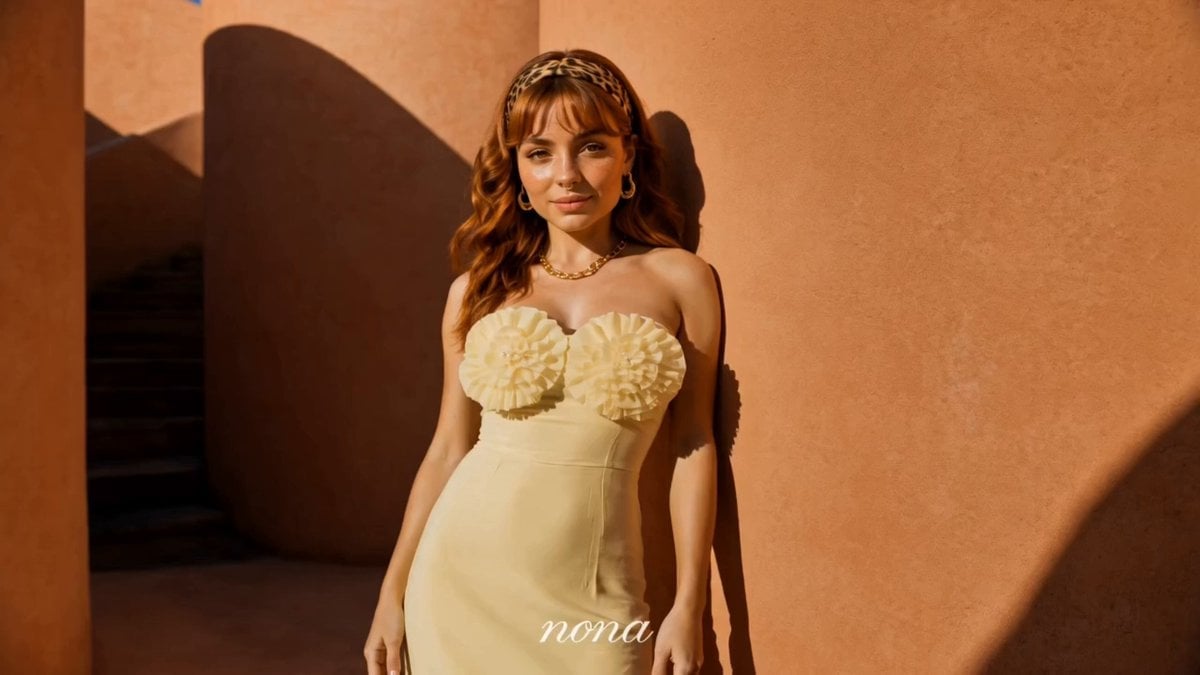
Luxury Fashion Campaign Spiral Staircase

Italian Espresso Coffee Commercial
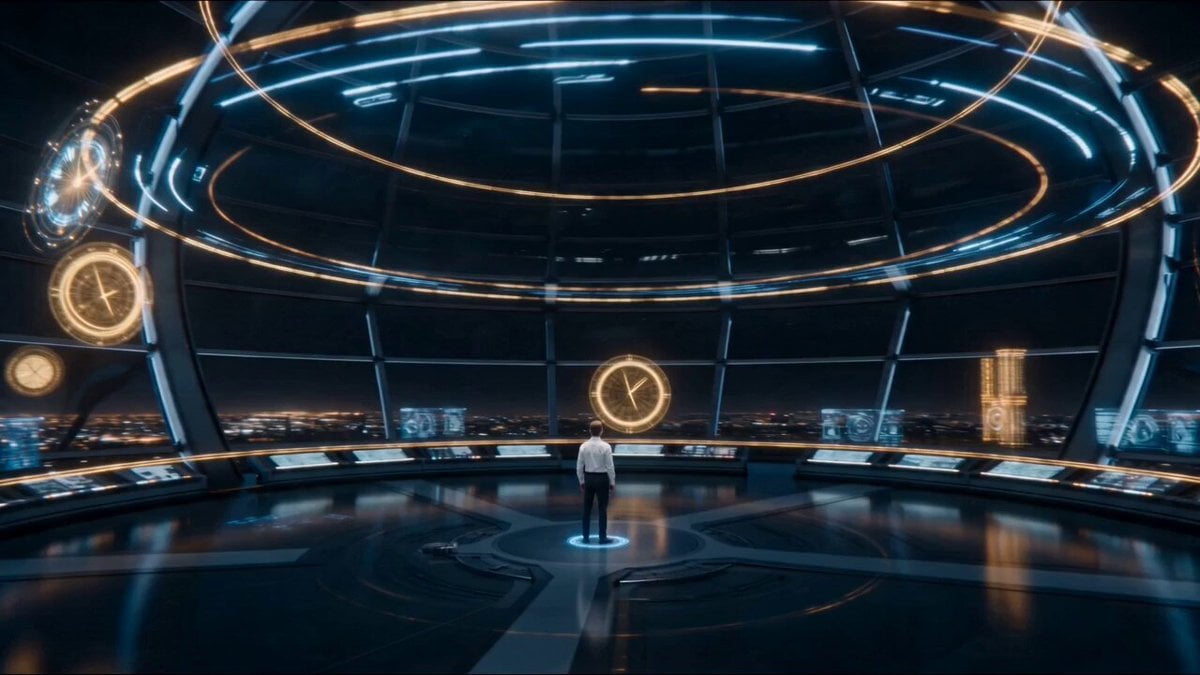
Temporal Chamber Sci-Fi Transformation
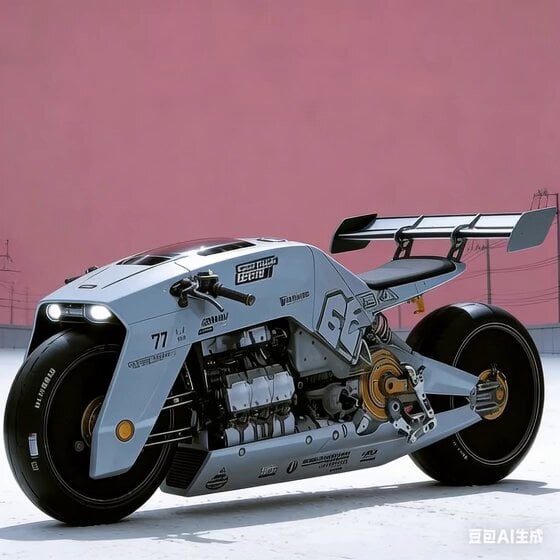
Future Industrial Sci-Fi Motorcycle Video Generation
Biotech Alien Suit Metamorphosis
Cinematic Wuxia Celestial Warrior Dance
Museum Diorama Sci-Fi Gateway
90s Cartoon Horror Story
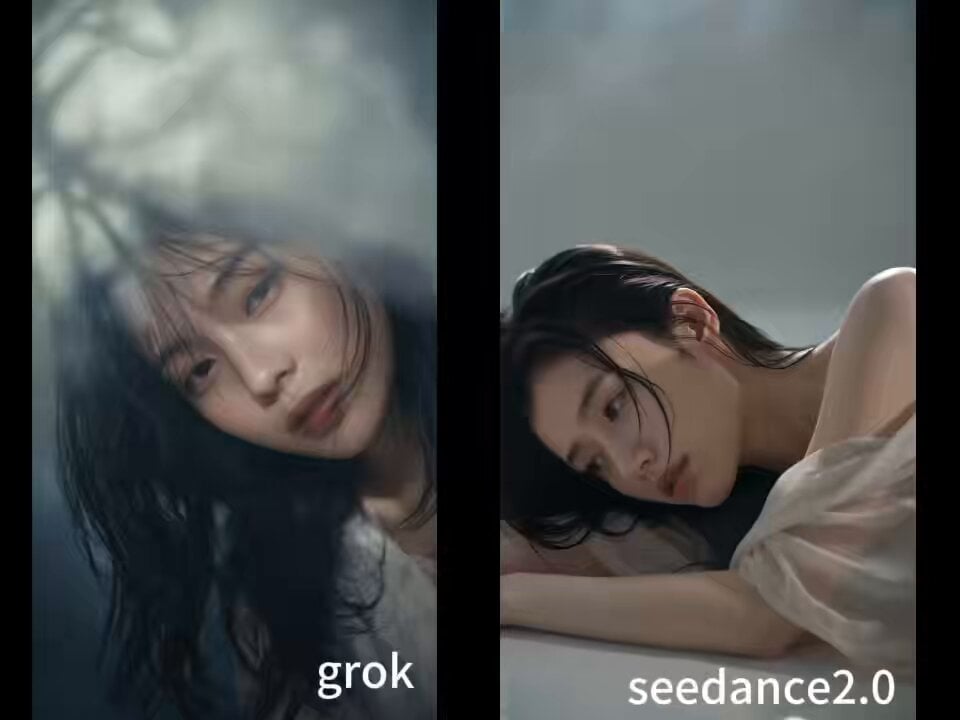
90s Asian Art Movie Cinematic Portrait
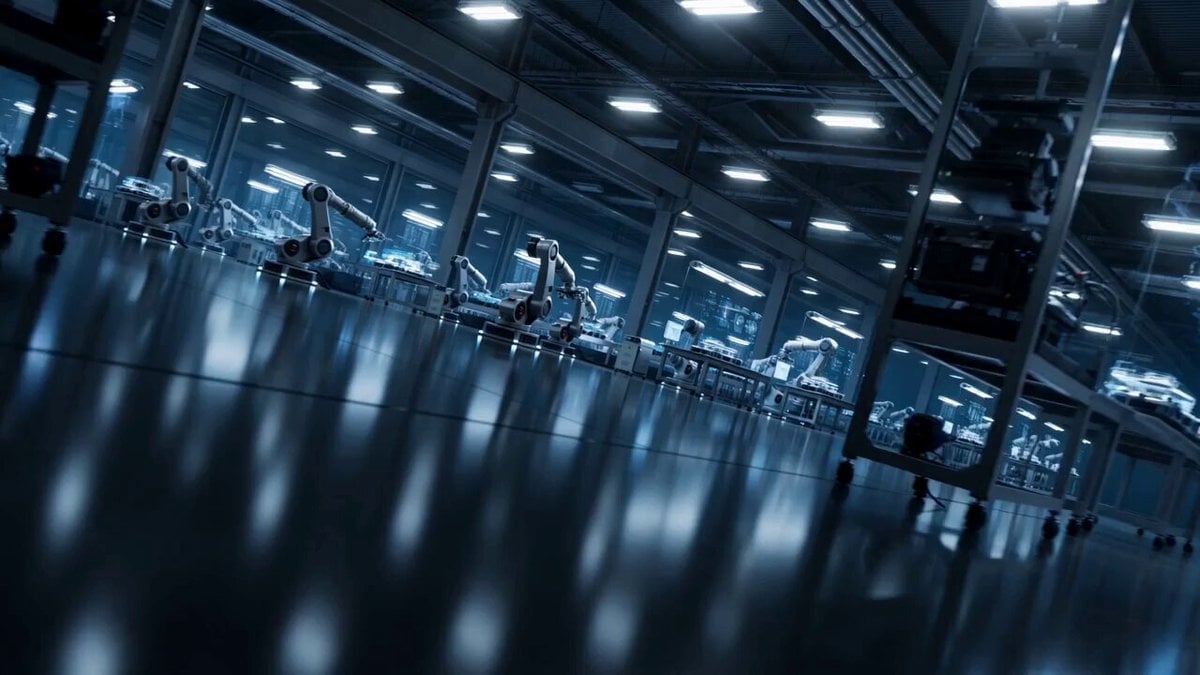
High-Tech AI Robotic Factory Floor
Browse template categories
Epic Laboratory Anime Battle Scene questions
How do I use the Epic Laboratory Anime Battle Scene template?
Add your photo if the template asks for one, edit the prompt if you like — the template's model and format are already selected — and press Generate. Your version opens in PicX Studio.
Can I customize the Epic Laboratory Anime Battle Scene template?
Yes. You can change the subject, setting, lighting, mood, format, and available model controls before creating your video.
Is the Epic Laboratory Anime Battle Scene template free?
Opening and editing this template is free. Generating uses credits, shown on the Generate button when you are signed in.
Which AI model should I use?
Start with Seedance 2.0, which is the model associated with this template. You can compare another compatible model for a different finish.
Looking for something else? Browse all templates.

Your photo, any look
Thousands of ready templates for every top image and video model, from one credit balance.