
Museum Diorama Sci-Fi Gateway
A complex cinematic prompt where a character enters a futuristic museum diorama that transforms into a living sci-fi world.
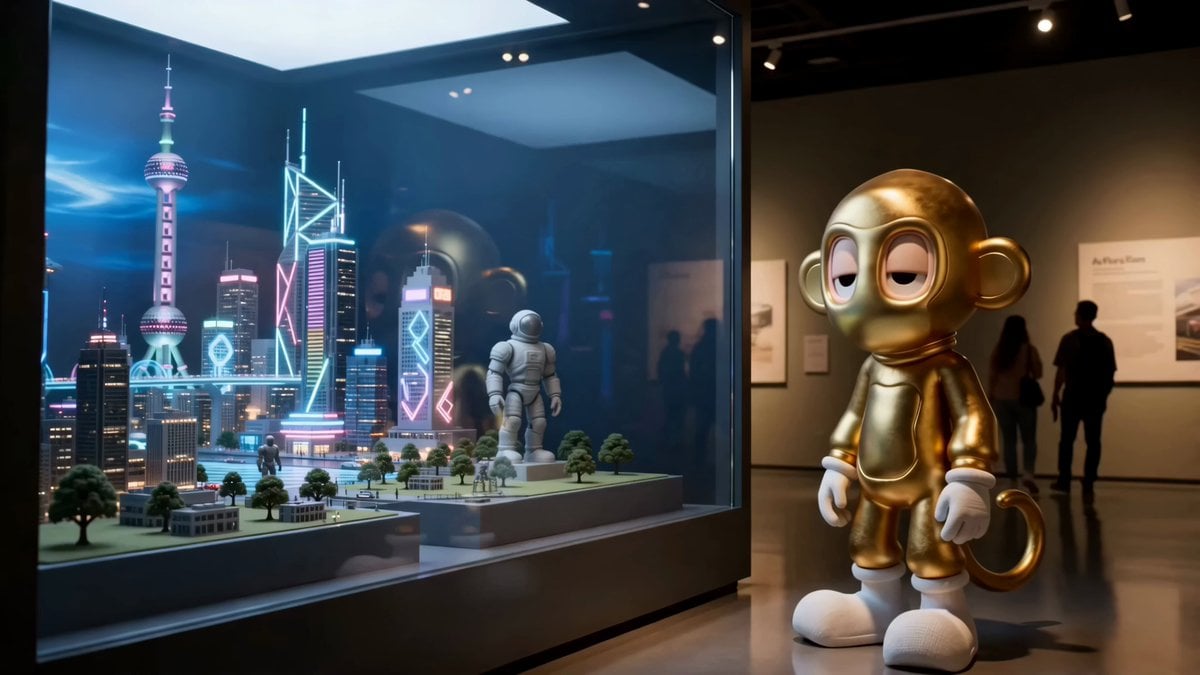
- Prompt included
- Model and format preset
- Premium template
The prompt behind this video
Copy the exact prompt behind Museum Diorama Sci-Fi Gateway, or open it in the studio and make it yours.
Create photorealistic cinematic movie-style video CHARACTER: IMG_12 is the main character. Preserve exact identity, proportions, wardrobe, materials, silhouette, face/eye design, and recognizable features through every scale change. Do not redesign, humanize, or change the character STYLE: Photoreal cinematic realism with surreal museum magic and futuristic sci-fi atmosphere. Handheld camera, slight natural shake, shallow depth of field, soft motion blur, realistic exposure shifts, subtle film grain, believable body physics. No on-screen text, subtitles, captions, logos, or dialogue SETTING: INT. QUIET MUSEUM GALLERY – DAY. A large glass display case holds a futuristic city diorama: miniature neon towers, tiny hover cars, magnetic rail lines, hologram bridges, robot statues, glowing street grids, antenna structures, energy shields, and a painted cyberpunk skyline backdrop. Cool blue and violet museum lights mix with warm spotlights. The museum feels real, but the diorama becomes a living sci-fi world SINGLE CONTINUOUS SHOT, no hard cuts. Camera follows dynamically 0–2s: IMG_12 stands beside the glass case, studying the futuristic city diorama. Neon reflections slide across the glass. Inside the model, a tiny hover car suddenly lights up and moves by itself. IMG_12 leans closer 2–4s: The glass ripples like liquid chrome. IMG_12 reaches toward it and is suddenly pulled forward, pressing through without breaking it. Scale snap: IMG_12 becomes miniature, now standing inside the diorama among giant glowing road lines, tiny towers, antennas, and robot statues 4–6s: INSIDE THE DIORAMA WORLD. The miniature city comes alive. Neon grids pulse underfoot, hover cars drift between towers, hologram bridges flicker on, and robot statues remain frozen like silent guardians. IMG_12 runs across a glowing magnetic road as the camera tracks low beside the character 6–8s: A tiny hover bike powers on and shoots past. IMG_12 jumps onto it in one fast motion. Scale snap: the character becomes proportional to the hover bike. The bike accelerates through the city, weaving between skyscrapers, robot statues, glowing lanes, and floating traffic. Camera orbits with motion blur and electric light streaks 8–10s: The hover bike launches across a flickering hologram bridge. The bridge glitches beneath them, turning transparent for a moment. IMG_12 hold tight as the city tilts unnaturally like a museum model becoming a real futuristic metropolis. The painted skyline briefly gains depth and moving clouds 10–12s: The hover bike races toward the curved glass wall of the display case. IMG_12 jumps from the bike toward the glass, passing through the rippling chrome surface mid-air. Scale snap: IMG_12 returns to normal size, bursting back into the museum gallery 12–14s: IMG_12 lands hard on the polished museum floor.
How to use Museum Diorama Sci-Fi Gateway in 3 steps
- 1
Open
The prompt is already in the box next to the preview, with the template's model and format selected.
- 2…a portrait of your subject in softgolden-hour light, 85mm…
Personalize
Edit the subject and creative details for your destination.
- 3Generate
Generate
Press Generate — your video is created in PicX Studio, so you can compare it with the original and refine one variable at a time.
More like this
Templates with the same subject, style or setup. Open one to see its prompt.

Sci-Fi Disaster Movie Scene - Seedance 2.5

Floating Desert Museum Cinematic Film
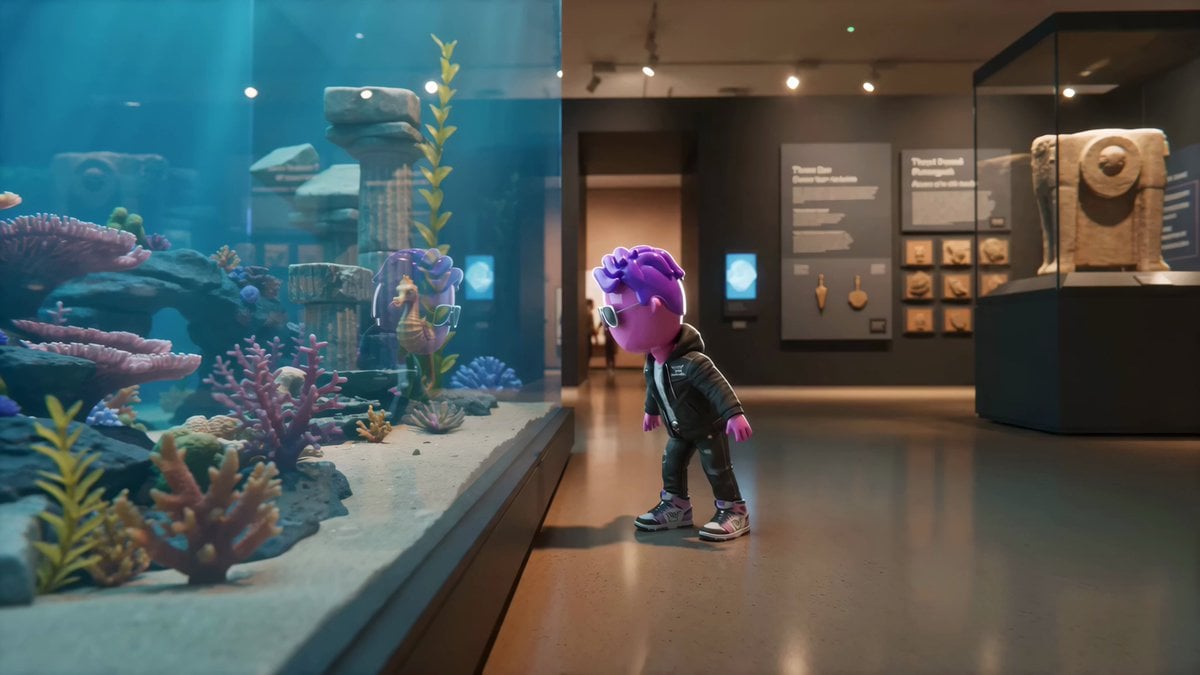
Living Museum Diorama Underwater Cinematic

Frozen Time Handycam Diorama
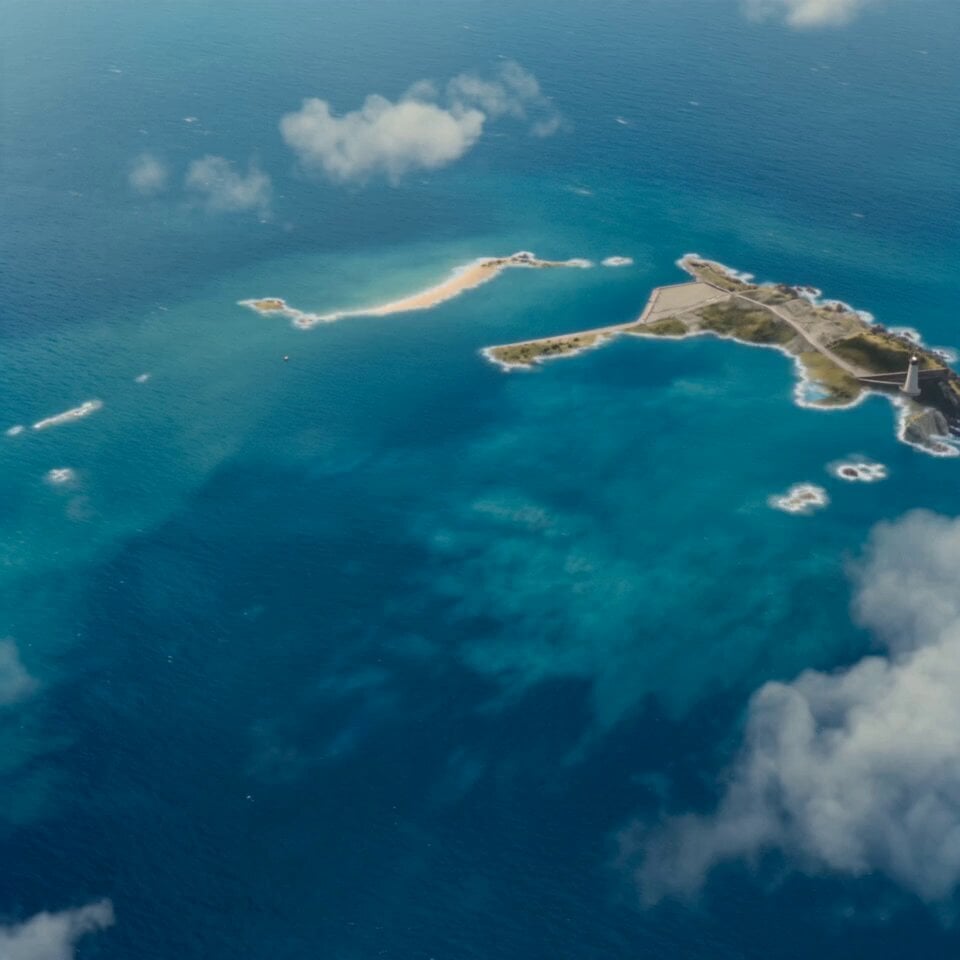
Island Diorama Harbor City Montage
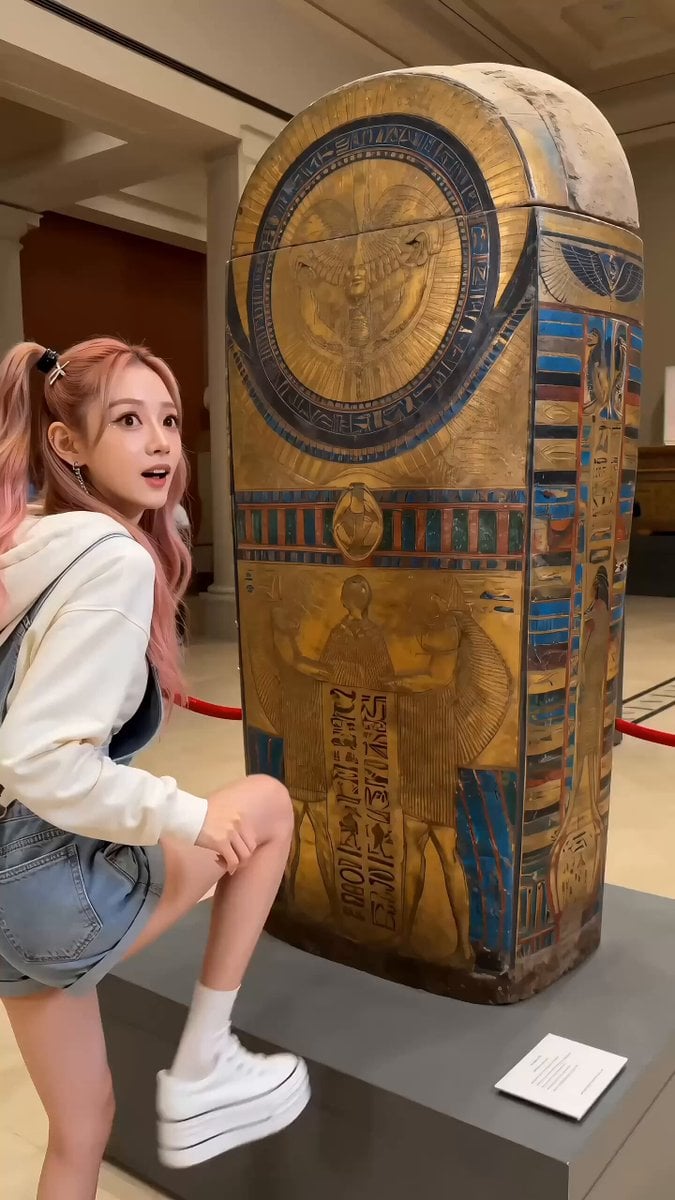
Museum Selfie Slapstick Comedy

Pi symbol transforming into Louvre Museum
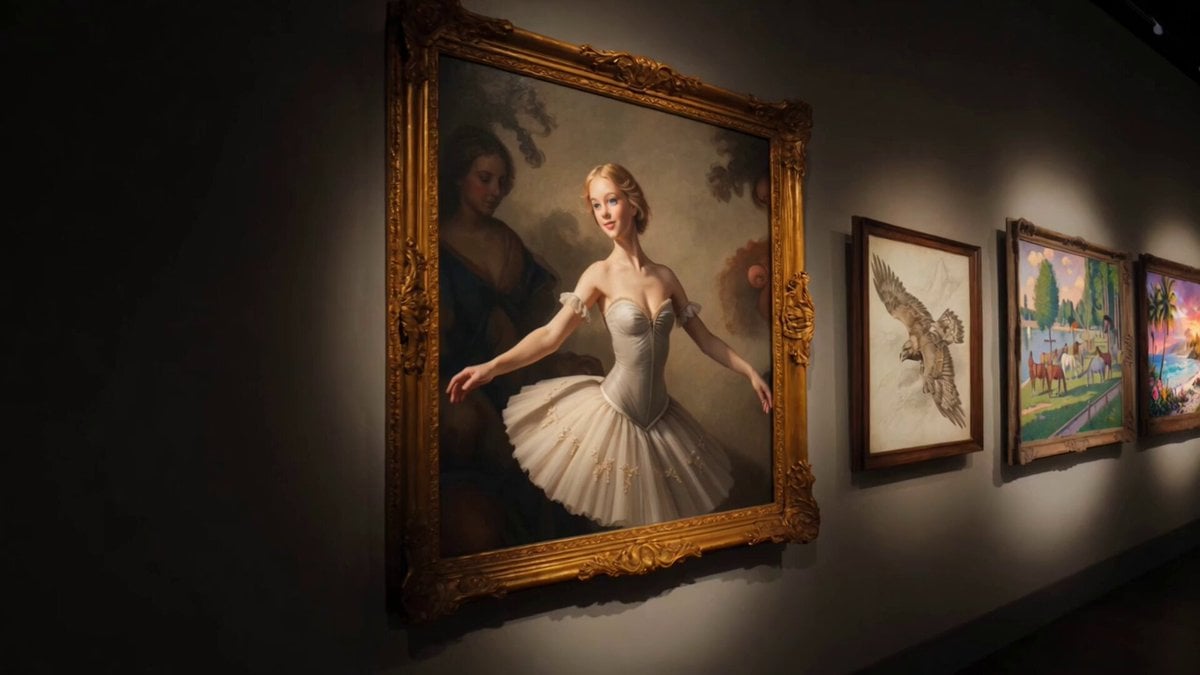
Museum Gallery Tracking Shot
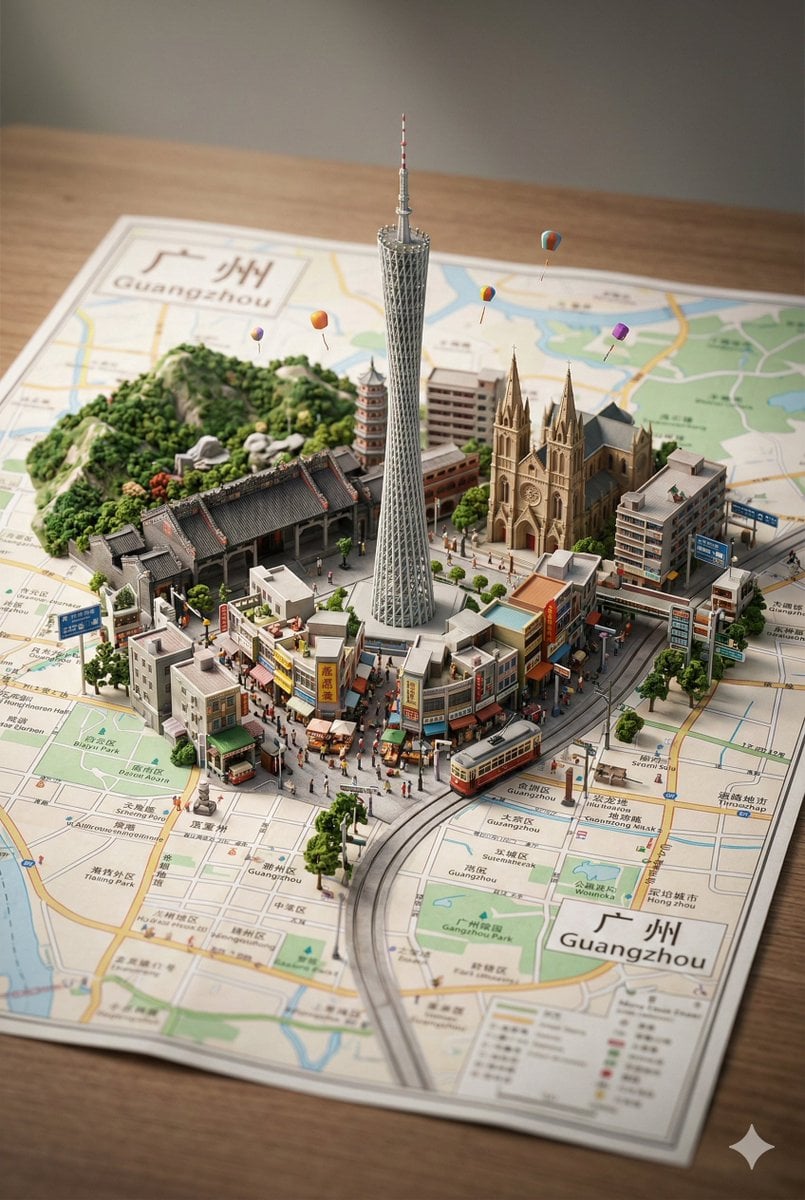
Nano Banana Pro Prompt: 3D City Diorama Map (Reference)
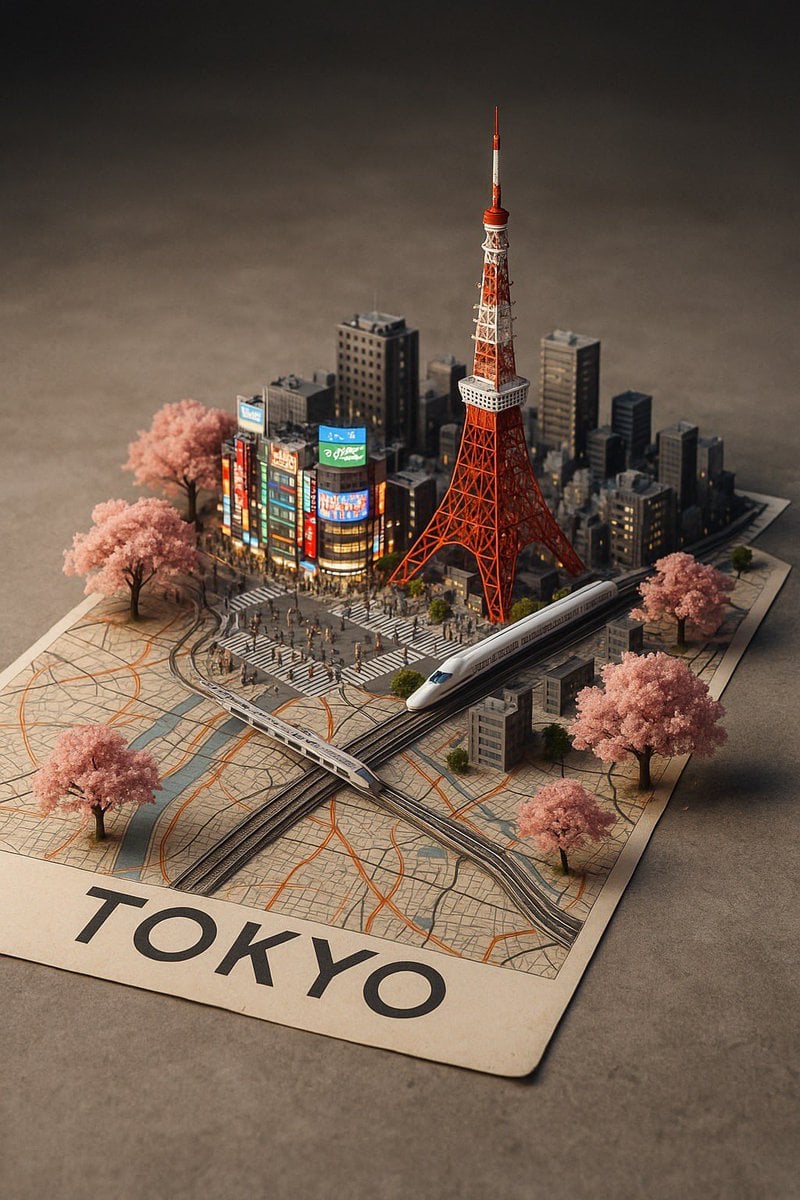
Nano Banana Pro Prompt: 3D City Diorama Map
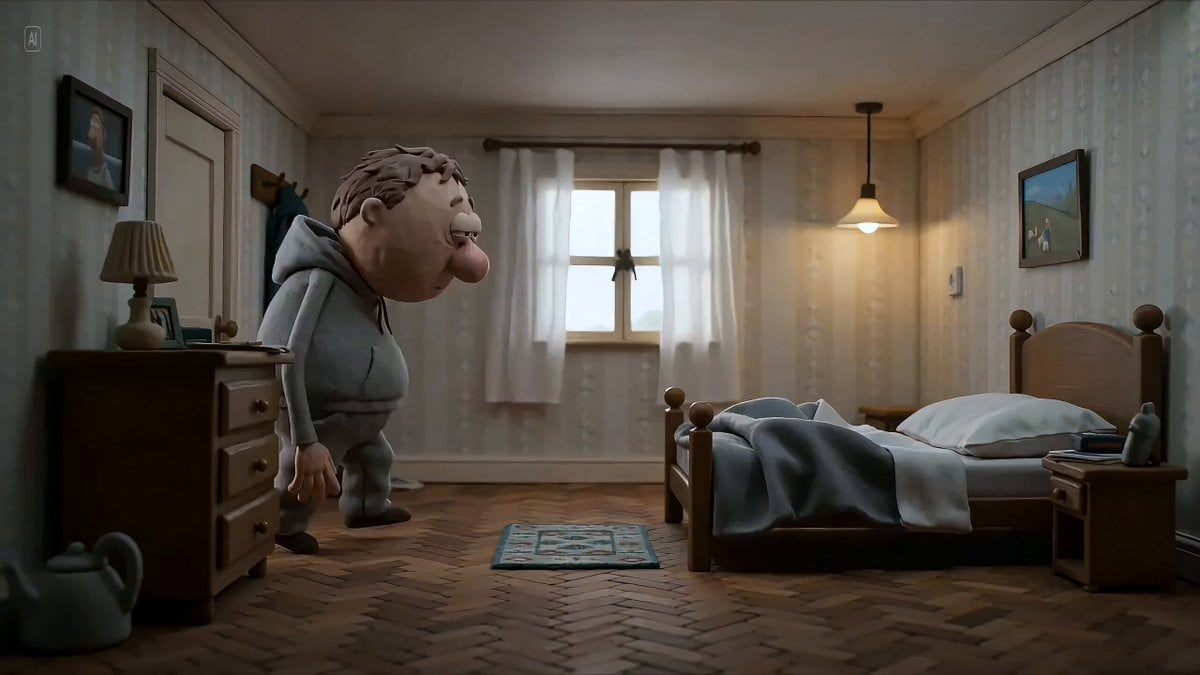
Hyperrealistic miniature diorama of a clay figure collapsing on a bed
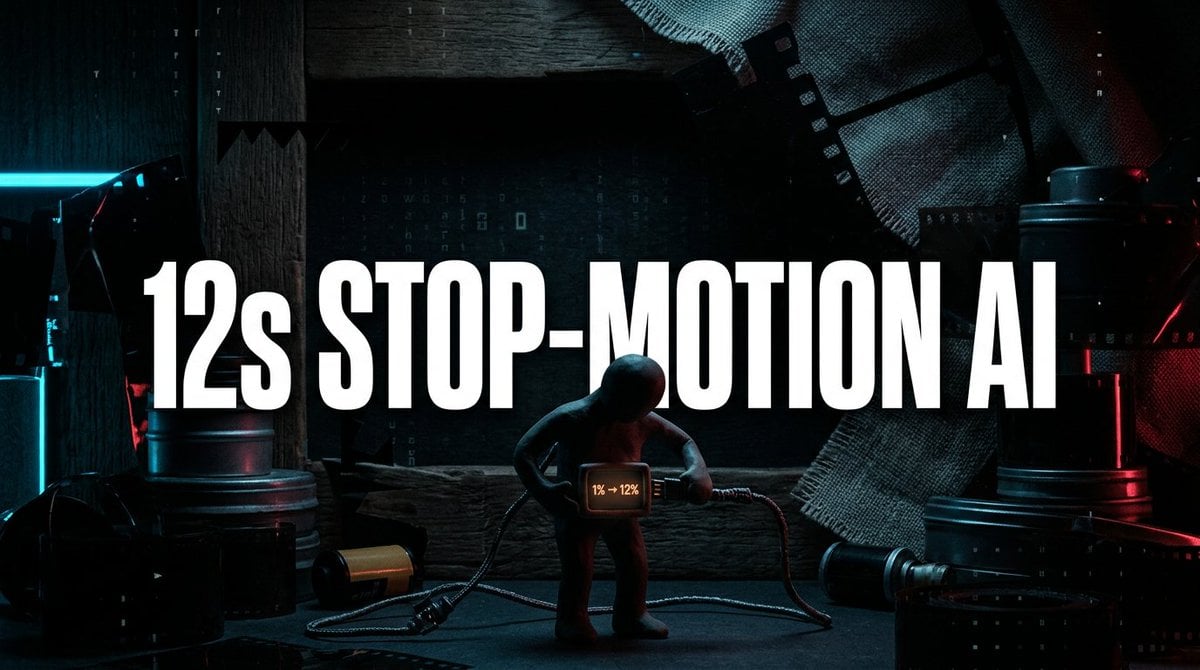
Seedance 2.0 Stop-Motion Diorama Prompt
Make it yours
Museum Diorama Sci-Fi Gateway works as-is. These are the safest ways to change it without losing the look.
Change one field
Copy a single group, rewrite it, and generate again so you can see what that field is doing.
Keep the frame, change the subject
Hold the composition and light of Museum Diorama Sci-Fi Gateway, then swap wardrobe, props or the person for a new take.
| If the result… | Why | Fix |
|---|---|---|
| The result drifts from the preview | Too many fields changed at once. | Reuse Museum Diorama Sci-Fi Gateway as-is first, then change one group — subject, light, or setting. |
| The model over-stylizes the scene | The prose prompt leaves finish and camera underspecified. | Add one camera or lighting sentence and stay on Seedance 2.0. |
More Seedance 2.0 templates
Other prompts made for Seedance 2.0.

Comical Martial Arts Punch Scene

Maglev Train Action Sequence

Martial Arts Fight Sequence

Wuxia Protection and Trust Script

Vintage Korean Arcade MiniDV Vlog

Mercedes 190 SL Luxury Ad

Rainy Night Supernatural Reverse Comedy Video Script

Amazon Civilization Discovery

Futuristic South Asian City Transformation

Cozy Luxury Cafe Commercial
More video prompts
Fresh picks from across the catalog.
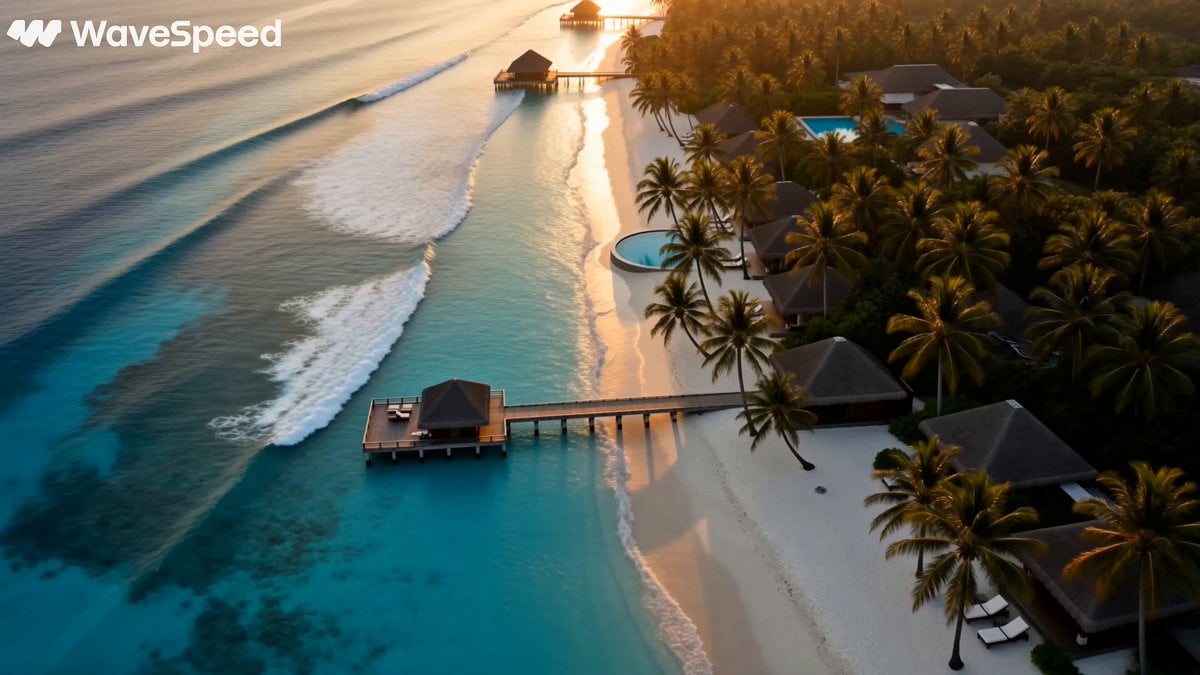
Luxury Tropical Resort Vlog
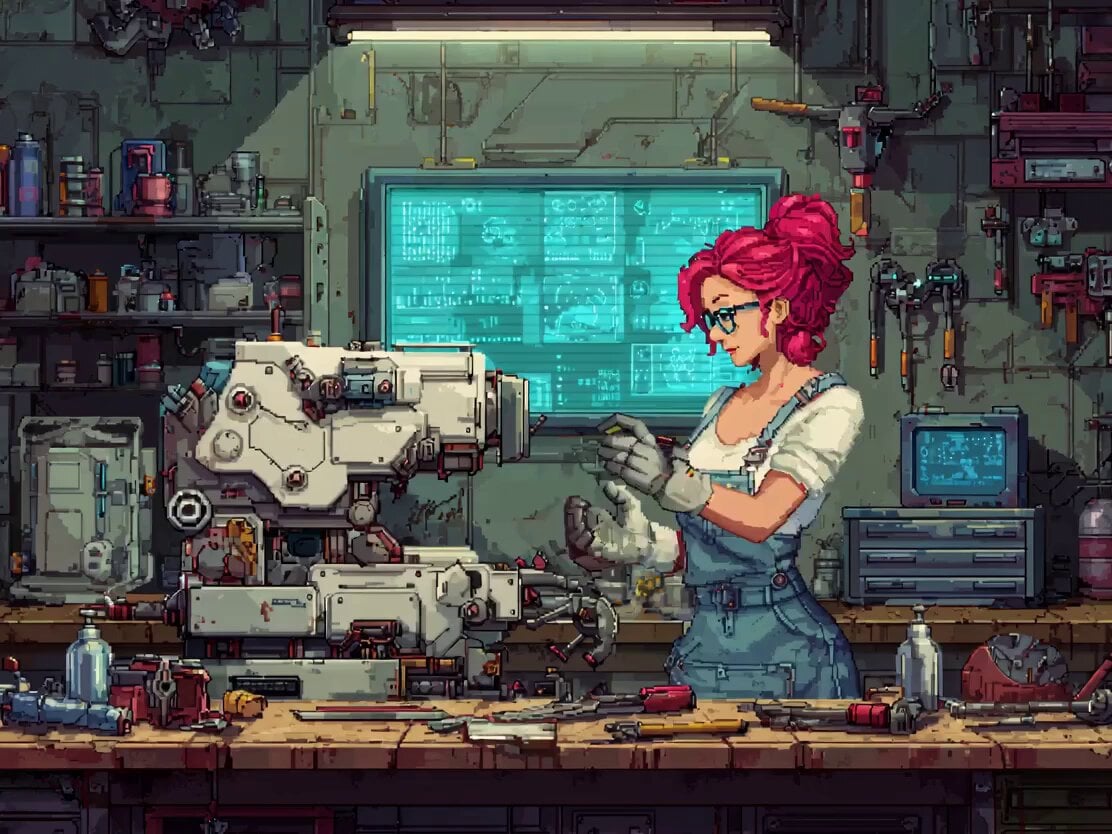
Pixel Art Animation Attempt with Seedance 2.0
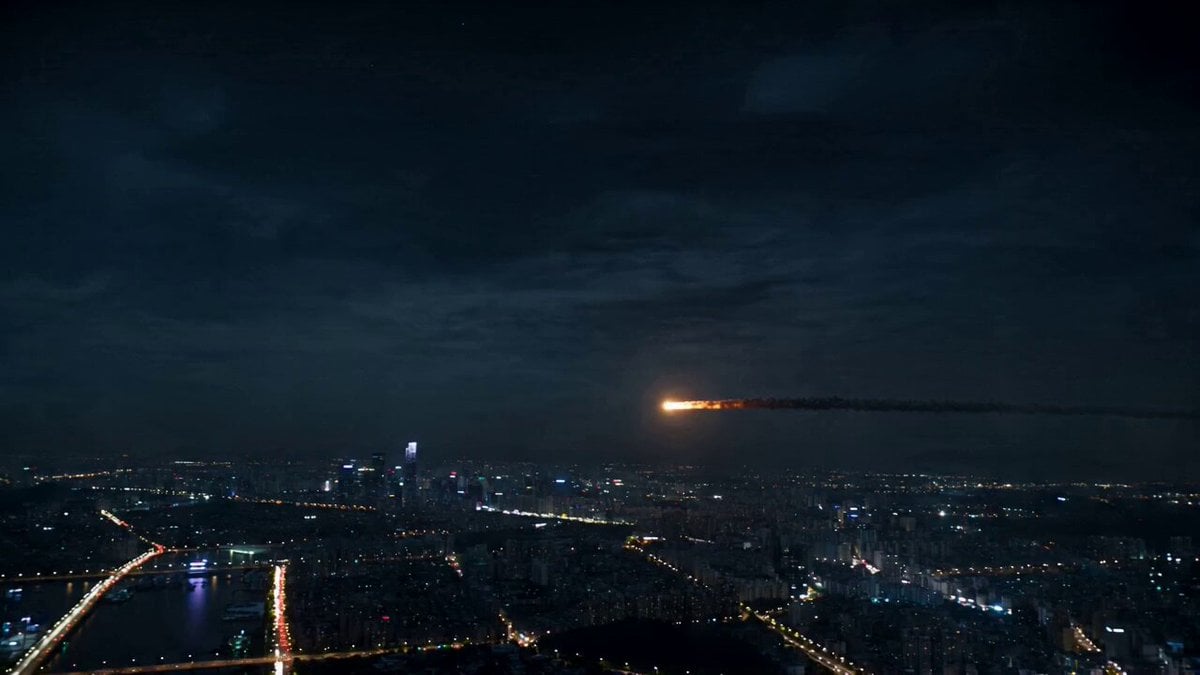
Asteroid City Impact Scene
High-Energy Commercial Script

AI Companion Ani French Salon Discussion
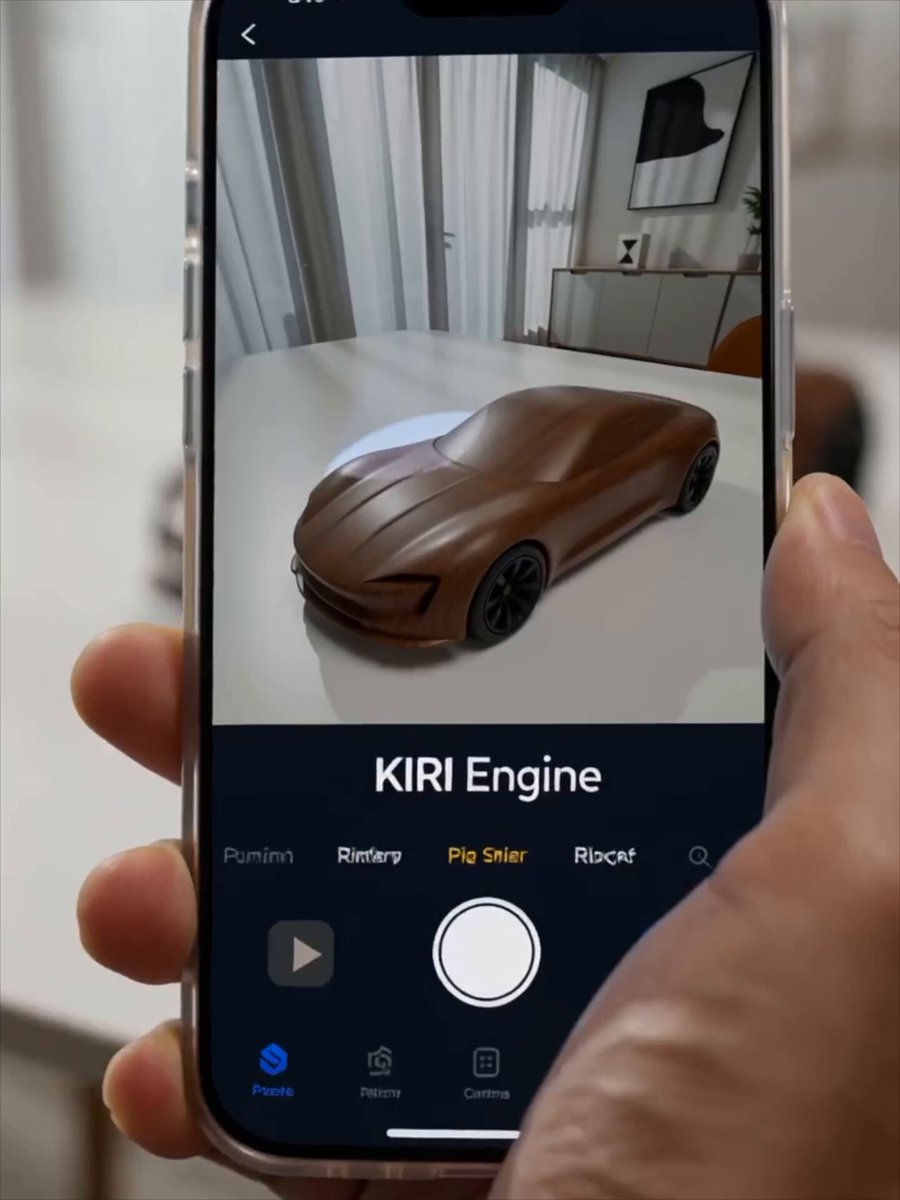
Futuristic Promotional Video for KIRI Engine

Xianxia Sect Administrative Comedy Short
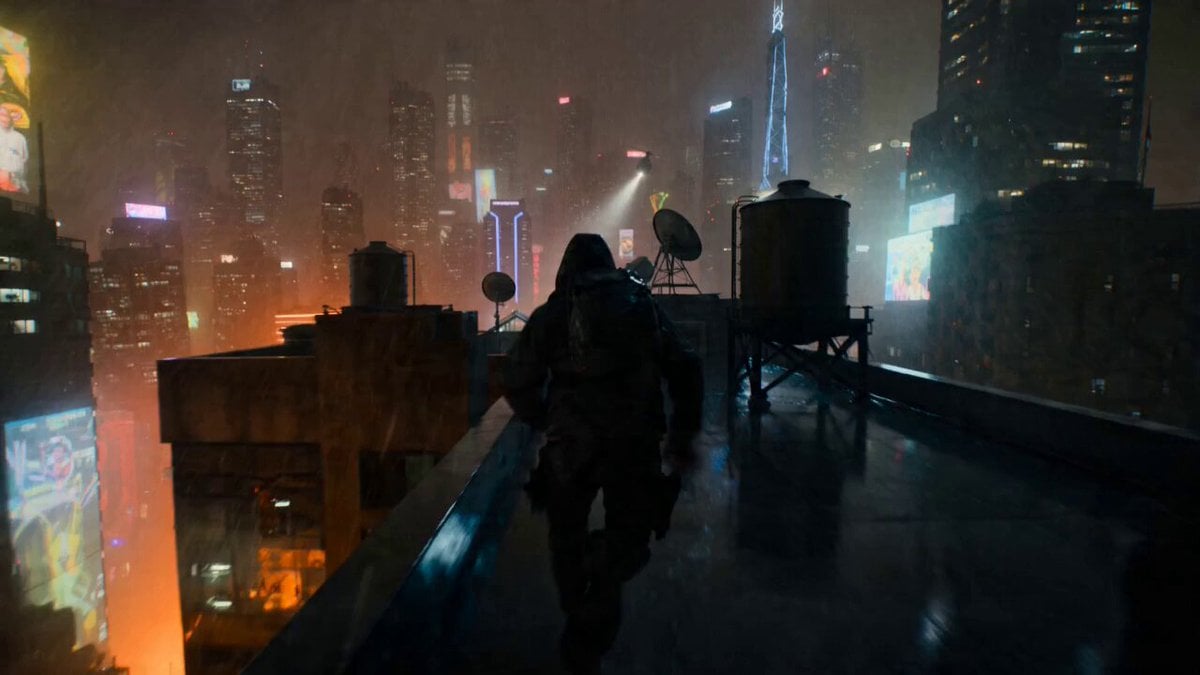
POV Rooftop Chase Prompt
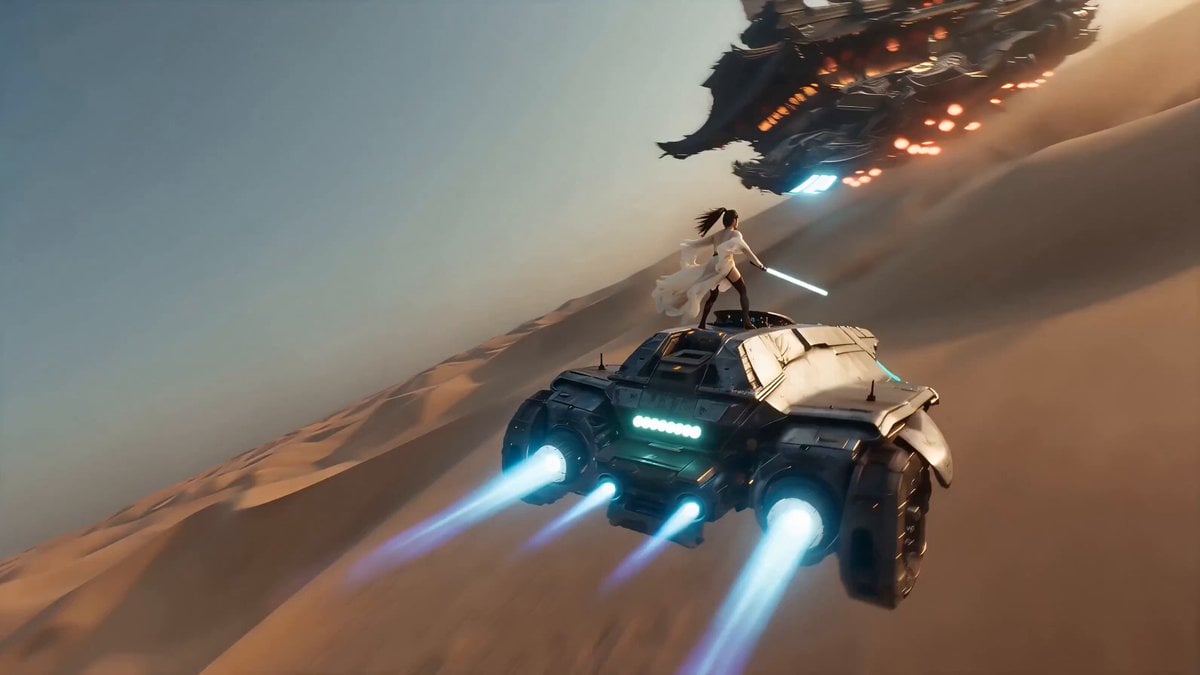
Handheld iPhone Style Sci-Fi Aerial Battle
Varanasi and Jemaa el-Fnaa Cinematic
Browse template categories
Museum Diorama Sci-Fi Gateway questions
How do I use the Museum Diorama Sci-Fi Gateway template?
Add your photo if the template asks for one, edit the prompt if you like — the template's model and format are already selected — and press Generate. Your version opens in PicX Studio.
Can I customize the Museum Diorama Sci-Fi Gateway template?
Yes. You can change the subject, setting, lighting, mood, format, and available model controls before creating your video.
Is the Museum Diorama Sci-Fi Gateway template free?
Opening and editing this template is free. Generating uses credits, shown on the Generate button when you are signed in.
Which AI model should I use?
Start with Seedance 2.0, which is the model associated with this template. You can compare another compatible model for a different finish.
Looking for something else? Browse all templates.

Your photo, any look
Thousands of ready templates for every top image and video model, from one credit balance.