
Handheld iPhone Style Sci-Fi Aerial Battle
An extremely detailed, multi-scene video prompt designed to simulate an unedited iPhone handheld recording of a high-speed steampunk and sci-fi sky battle.
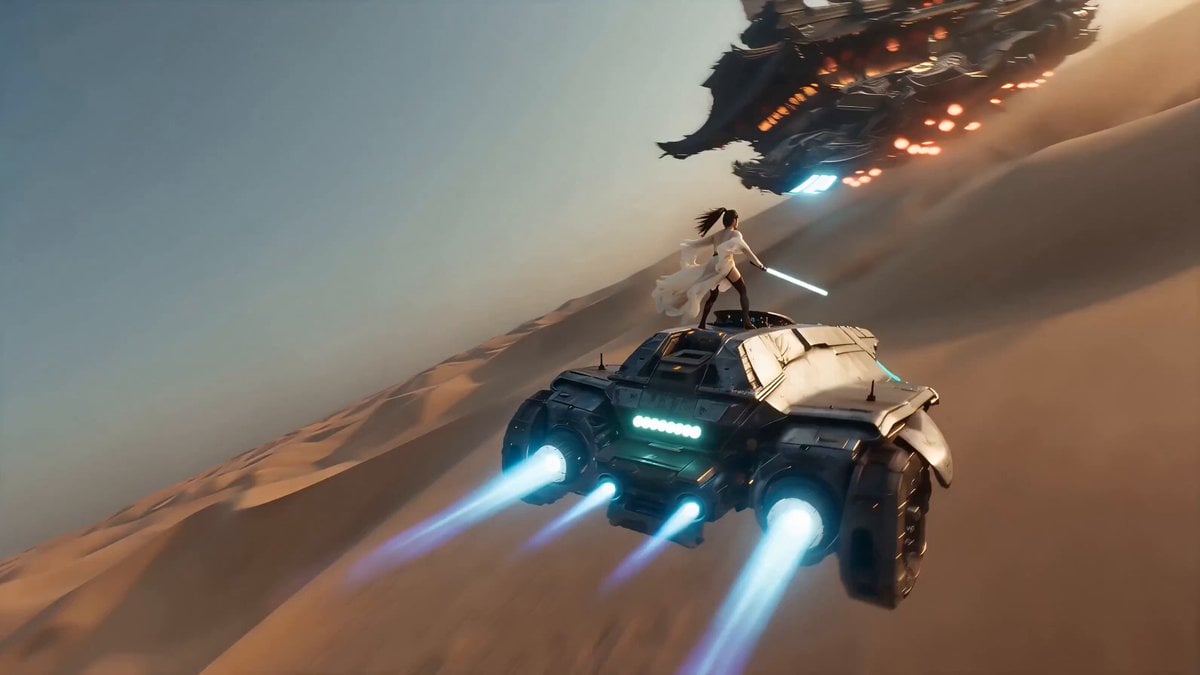
- Prompt included
- Model and format preset
- Free template
The prompt behind this video
Copy the exact prompt behind Handheld iPhone Style Sci-Fi Aerial Battle, or open it in the studio and make it yours.
以未经处理的iPhone手持拍摄真实视频风格呈现,所有设置自动。画面剧烈手持抖动与呼吸感,自动对焦在高速目标间激烈搜索并频繁延迟失焦,自动白平衡随夕阳与爆炸闪光剧烈切换。保留镜头光晕、高光溢出、紫绿 fringes、运动模糊与沙尘痕迹。仅画内音效,麦克风在爆炸与风声时严重低频失真。路人视角疯狂追踪空中混战,镜头完全跟随本能反应,构图偶尔不完美。 0秒时,镜头剧烈晃动对准远方沙漠天空中的蓝色机械飞行器与巨大蒸汽朋克中式飞船,自动对焦搜索,风沙模糊画面下部,夕阳高对比边缘出现紫绿 fringes。1-2秒时,女侠 穿着 hf_20260512_141032_8f8cd055-45ea-4e24-8b08-7ff27f30476a 骑飞行器 hf_20260521_005321_c57813c6-17b8-4d85-8d59-fc3b67a9dec3 高速贴近飞船 hf_20260521_005449_eff30408-8705-4af1-adbd-d1db757b34a0 ,镜头快速摇摄跟随,风声突然增大,自动曝光因夕阳过曝后快速恢复。3-4秒时,她跳下飞行器 hf_20260521_005321_c57813c6-17b8-4d85-8d59-fc3b67a9dec3 用光剑划开舰体冲进船舱内大开杀戒,刀光与异型身影在狭窄舱内快速交错,镜头剧烈左右晃动并被墙壁、管道短暂遮挡,对焦在光剑亮光与快速移动目标间激烈搜索挣扎。4-5秒时,她劈开船舱墙壁冲出重围,画面出现强烈运动模糊与残影。5-6秒时,飞船剧烈震动爆炸,火光瞬间吞没甲板,女侠被气浪掀飞从边缘跳出急速下坠,镜头跟着一起坠落,麦克风爆炸轰鸣严重失真,风声呼啸充满画面,一个异型在画面边缘快速接近试图抓住她。 6-7秒时,时间进入手机慢动作模式,但手持抖动依然强烈,自动对焦在旋转中挣扎,一个异型几乎在半空中抓住她,镜头开始跟随她踢出第一脚,火焰、浓烟、碎片、头发与衣物在画面中缓慢漂浮,操作者本能地快速旋转手机试图环绕拍摄,画面出现明显滚动快门扭曲与运动模糊。7-10秒时,她在空中灵活穿梭,以慢动作潇洒将异型一个接一个踢开,每一次踢击都将异型戏剧性击退穿过漂浮碎片,镜头持续围绕她高速旋转但抖动严重,自动对焦频繁丢失又拉回;大批异型在她身后悬停般缓慢坠落。她冷静拿出手机,比出和平手势对着镜头眨眼、俏皮吐舌头,在坠落的异型群中自拍,收起手机,整个过程镜头仍在剧烈旋转与抖动中挣扎。10-12秒时,时间瞬间恢复正常速度,异型被猛烈炸飞向四面八方,她快速下降同时轻松躲避剩余异型,大批异型继续在她身后穿过云层猛烈坠落,镜头猛地回正但仍不稳定。12-13秒时,她快速下降躲避最后异型,镜头跟随她下坠,背景燃烧残骸仍在爆炸。13-15秒时,蒸汽动力降落伞在她上方完全打开,镜头大幅拉远,燃烧的蒸汽朋克中式飞船残骸在远处夕阳下继续爆炸,最后画面定格在她在降落伞下平静下降的孤寂身影,背景是熊熊烈火与满目疮痍的沙漠天空,镜头最后轻微下沉并出现轻微倾斜,呈现真实未经处理手持视频质感,纪录片级自然不完美感,无任何后期调色或特效。所有相机行为均符合iPhone自动拍摄物理特性。
How to use Handheld iPhone Style Sci-Fi Aerial Battle in 3 steps
- 1
Open
The prompt is already in the box next to the preview, with the template's model and format selected.
- 2…a portrait of your subject in softgolden-hour light, 85mm…
Personalize
Edit the subject and creative details for your destination.
- 3Generate
Generate
Press Generate — your video is created in PicX Studio, so you can compare it with the original and refine one variable at a time.
More like this
Templates with the same subject, style or setup. Open one to see its prompt.
Mecha Transformation vs Kaiju — 4-Scene Epic
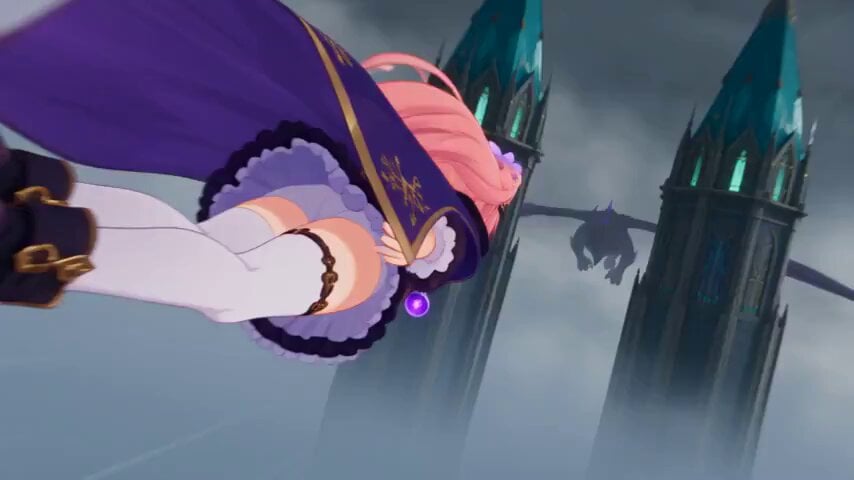
Magical Girl Aerial Battle Anime Scene
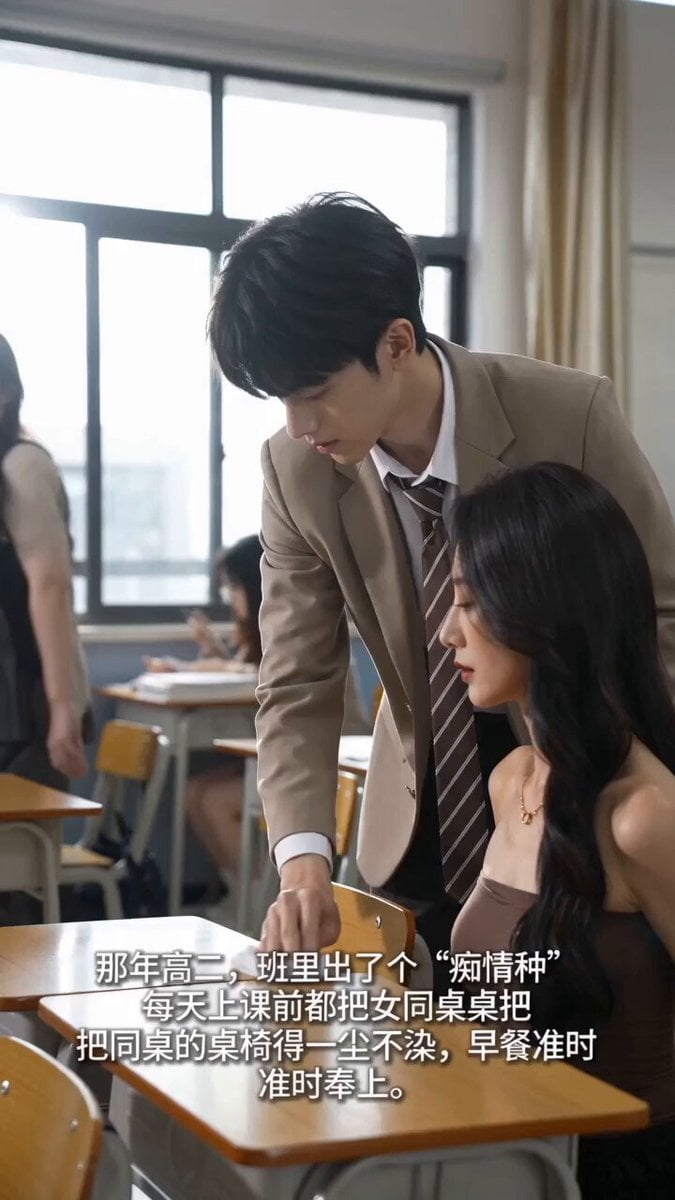
Handheld iPhone Style School Romance

Sci-Fi Disaster Movie Scene - Seedance 2.5

Handheld Tokyo Travel Vlog - Seedance 2.5

Mediterranean Morning Coffee Run Vlog (Seedance 2.5)
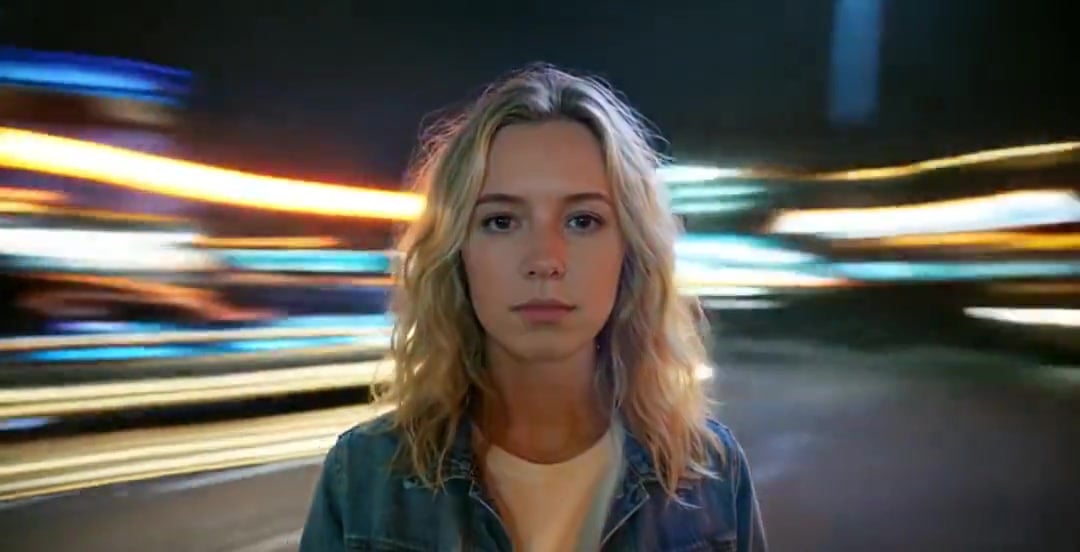
Handheld Neon Chaos Motion Blur — Kling 3.0 v3 Pro
Rushed Morning Routine Montage
Early-2000s Trainee Flashback Film

NYC Wingsuit Hot Dog Landing

Luxury Airport Travel Vlog

Iced Coffee Dog Good-News Montage
Make it yours
Handheld iPhone Style Sci-Fi Aerial Battle works as-is. These are the safest ways to change it without losing the look.
Change one field
Copy a single group, rewrite it, and generate again so you can see what that field is doing.
Keep the frame, change the subject
Hold the composition and light of Handheld iPhone Style Sci-Fi Aerial Battle, then swap wardrobe, props or the person for a new take.
| If the result… | Why | Fix |
|---|---|---|
| The result drifts from the preview | Too many fields changed at once. | Reuse Handheld iPhone Style Sci-Fi Aerial Battle as-is first, then change one group — subject, light, or setting. |
| The model over-stylizes the scene | The prose prompt leaves finish and camera underspecified. | Add one camera or lighting sentence and stay on Seedance 2.0. |
More Seedance 2.0 templates
Other prompts made for Seedance 2.0.

Comical Martial Arts Punch Scene

Maglev Train Action Sequence

Martial Arts Fight Sequence

Wuxia Protection and Trust Script

Vintage Korean Arcade MiniDV Vlog

Mercedes 190 SL Luxury Ad

Rainy Night Supernatural Reverse Comedy Video Script

Amazon Civilization Discovery

Futuristic South Asian City Transformation

Cozy Luxury Cafe Commercial
More video prompts
Fresh picks from across the catalog.
Friendsgiving Smartphone Home Video
Pastel Beach Anime MV
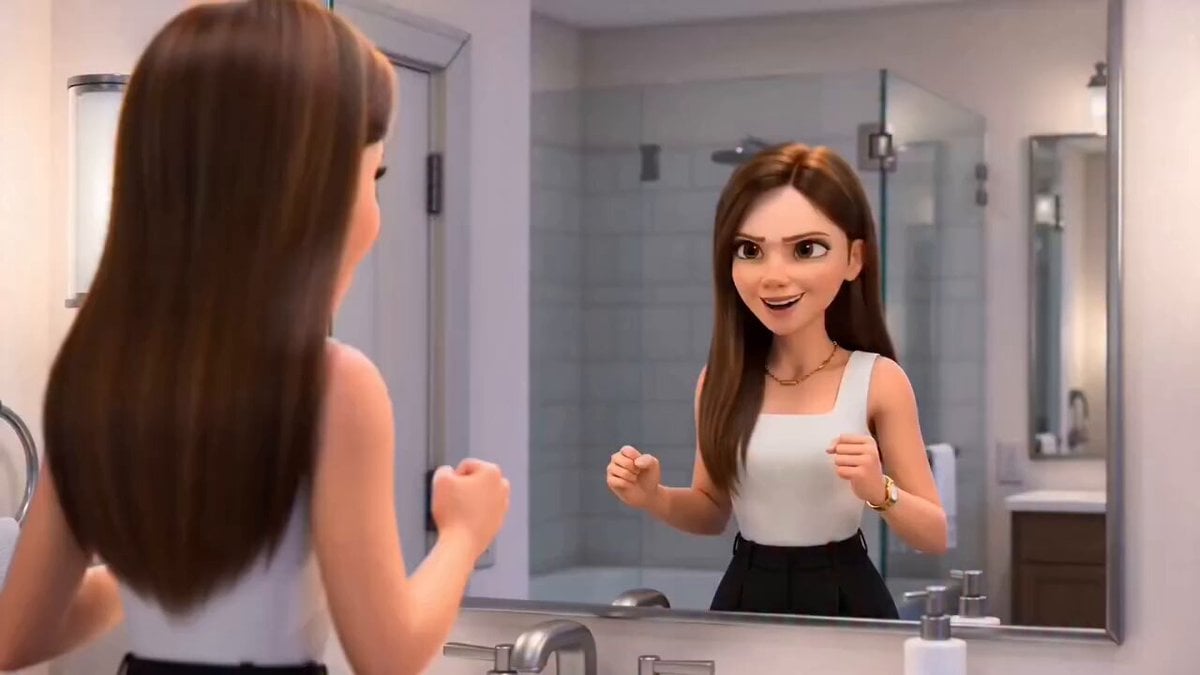
Pixar-Style Hairbun Transformation Animation

Real-World Fantasy Ninja Battle Prompt

Cinematic Emotional Face Close-up
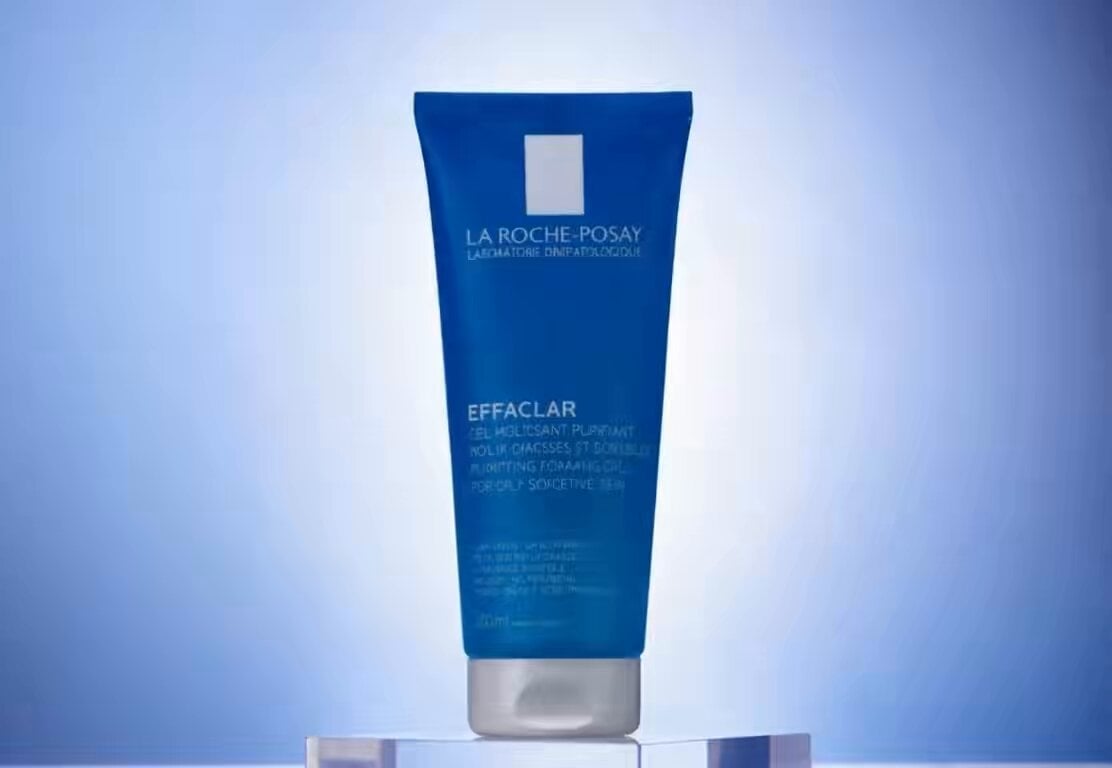
Luxury Skincare Product Commercial Video
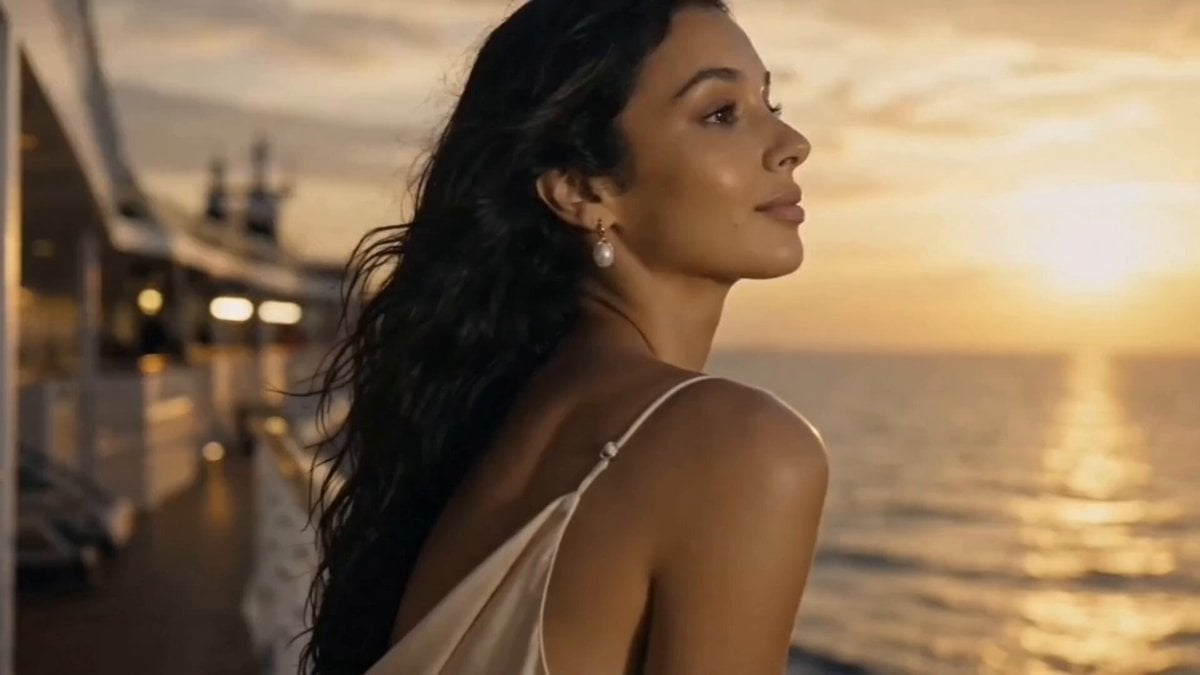
Luxury Cruise Sunset Journey

Cooking Pug Comedy Scene
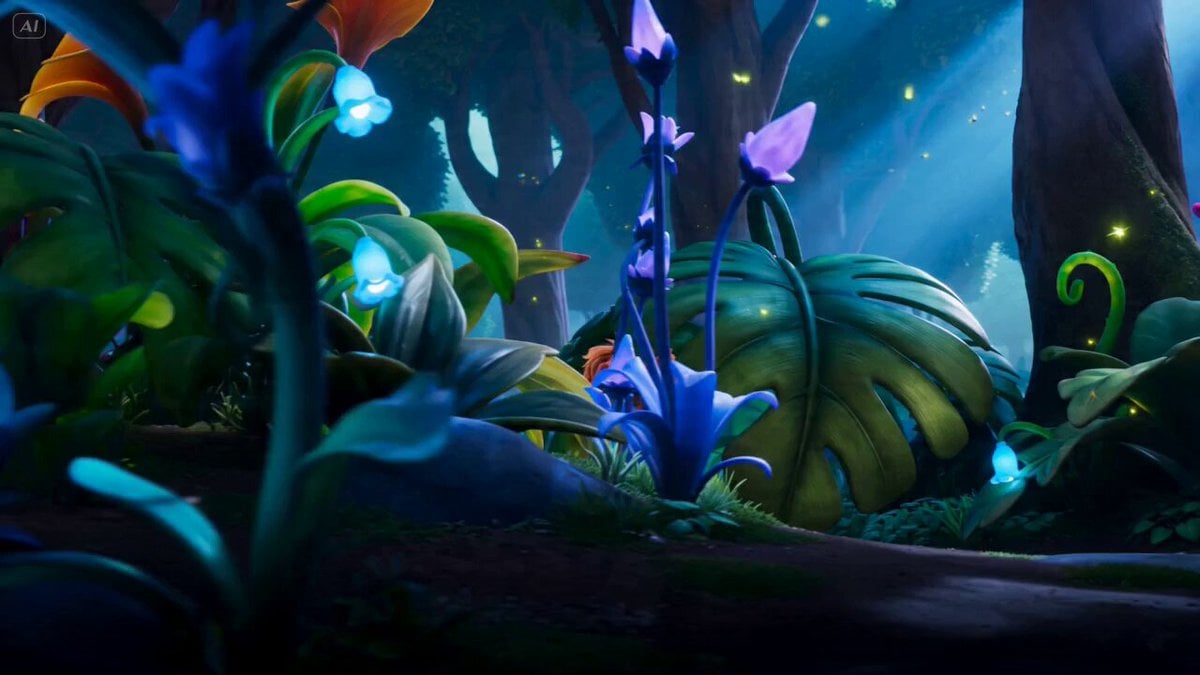
Seedance 2.0 Prompt: Cute Adventure Story
Seedance 2 Time Freeze Official
Browse template categories
Handheld iPhone Style Sci-Fi Aerial Battle questions
How do I use the Handheld iPhone Style Sci-Fi Aerial Battle template?
Add your photo if the template asks for one, edit the prompt if you like — the template's model and format are already selected — and press Generate. Your version opens in PicX Studio.
Can I customize the Handheld iPhone Style Sci-Fi Aerial Battle template?
Yes. You can change the subject, setting, lighting, mood, format, and available model controls before creating your video.
Is the Handheld iPhone Style Sci-Fi Aerial Battle template free?
Opening and editing this template is free. Generating uses credits, shown on the Generate button when you are signed in.
Which AI model should I use?
Start with Seedance 2.0, which is the model associated with this template. You can compare another compatible model for a different finish.
Looking for something else? Browse all templates.

Your photo, any look
Thousands of ready templates for every top image and video model, from one credit balance.