How do I use the Early-2000s Trainee Flashback Film template?
Edit the prompt in the box under the preview — the template's model and format are already selected — and press Generate. Your version appears right on this page.
Early-2000s Trainee Flashback Film is a ready video look for Seedance 2.0.
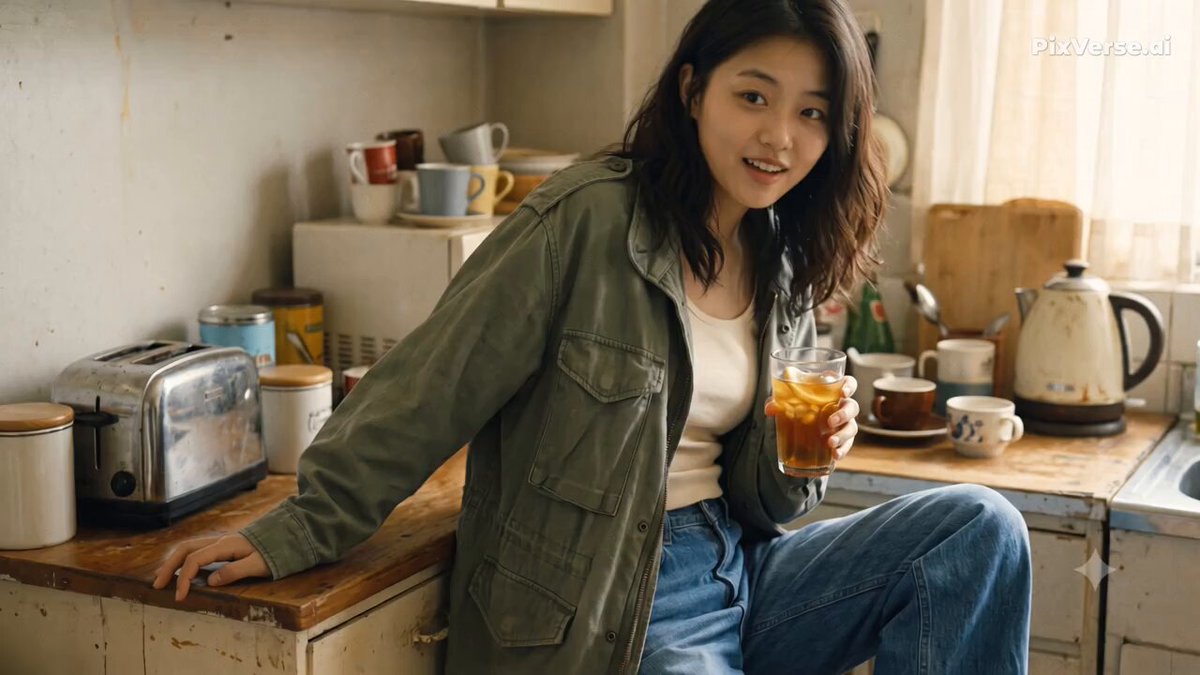
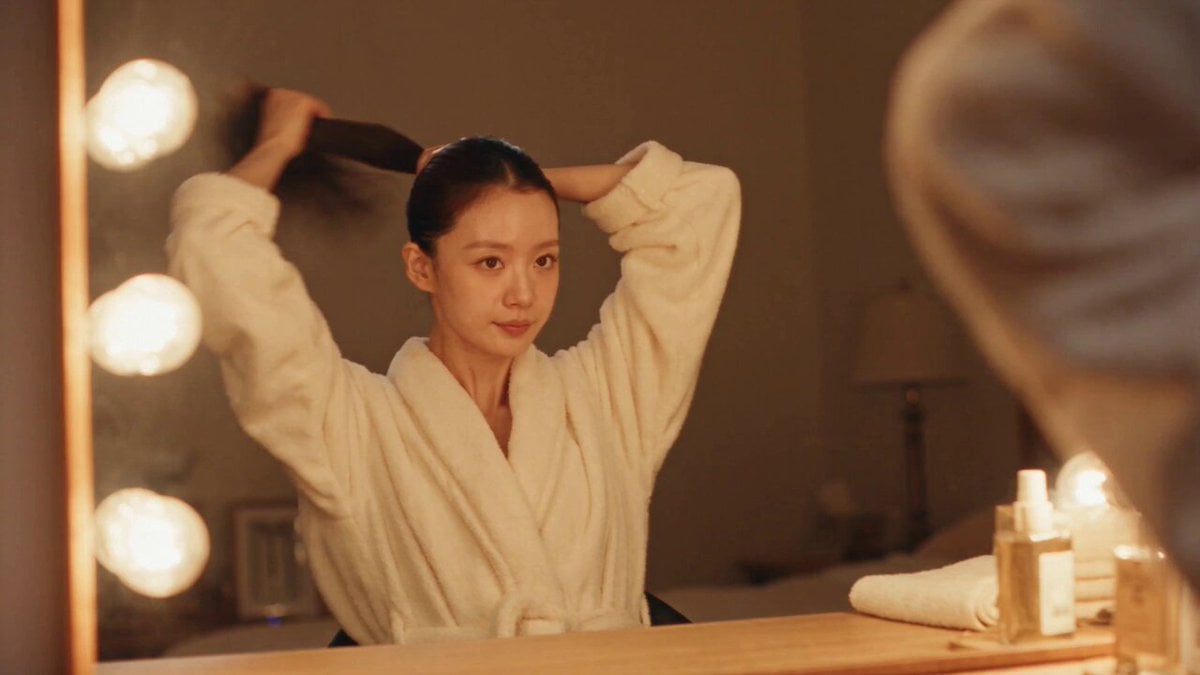
CHASE is the same character throughout. Maintain strict facial, hairstyle and appearance consistency. Create a 15-second nostalgic early-2000s trainee flashback filmed entirely on a handheld DV/16mm camcorder. Raw personal-footage aesthetic: natural camera shake, imperfect framing, slow autofocus, clumsy micro-zooms, slight blur, tape noise, motion smearing, bloomed highlights and occasional exposure flicker. No modern polished cinematography. STORY: 0–2s: Before sunrise, she wakes exhausted in a trainee dorm. “Nobody saw how it started.” 2–4s: She enters an empty dance studio, turns on the light and prepares to practice. 4–6s: In a vocal room, she misses a difficult note, exhales and tries again. “There were days I thought I wasn't good enough.” 6–9s: Repeatedly practices choreography, makes mistakes, then keeps going. 9–11s: Quick DV close-ups of worn sneakers, tired hands, sweat and a movement finally landing perfectly. 11–13s: Exhausted in a hallway, she smiles quietly, hears the practice music and gets back up. “But somehow… I kept coming back.” 13–15s: She walks toward a brightly lit evaluation room, pauses, takes a breath and enters. “Maybe that was enough to begin.” Cut to black. Raw, intimate and emotional. Subtle acting, realistic exhaustion and determination. Hard cuts, authentic room ambience, footsteps and breathing. Soft emotional music gradually builds. Make it feel like forgotten personal trainee footage, not a music video.
CHASE is the same character throughout. Maintain strict facial, hairstyle and appearance consistency. Create a 15-second nostalgic early-2000s trainee flashback filmed entirely on a handheld DV/16mm camcorder. Raw personal-footage aesthetic: natural camera shake, imperfect framing, slow autofocus, clumsy micro-zooms, slight blur, tape noise, motion smearing, bloomed highlights and occasional exposure flicker. No modern polished cinematography. STORY: 0–2s: Before sunrise, she wakes exhausted in a trainee dorm. “Nobody saw how it started.” 2–4s: She enters an empty dance studio, turns on the light and prepares to practice. 4–6s: In a vocal room, she misses a difficult note, exhales and tries again. “There were days I thought I wasn't good enough.” 6–9s: Repeatedly practices choreography, makes mistakes, then keeps going. 9–11s: Quick DV close-ups of worn sneakers, tired hands, sweat and a movement finally landing perfectly. 11–13s: Exhausted in a hallway, she smiles quietly, hears the practice music and gets back up. “But somehow… I kept coming back.” 13–15s: She walks toward a brightly lit evaluation room, pauses, takes a breath and enters. “Maybe that was enough to begin.” Cut to black. Raw, intimate and emotional. Subtle acting, realistic exhaustion and determination. Hard cuts, authentic room ambience, footsteps and breathing. Soft emotional music gradually builds. Make it feel like forgotten personal trainee footage, not a music video.
Edit the prompt in the box under the preview — the template's model and format are already selected — and press Generate. Your version appears right on this page.
Yes. You can change the subject, setting, lighting, mood, format, and available model controls before creating your video.
Opening and editing this template is free. Generating uses credits, shown on the Generate button when you are signed in.
Start with Seedance 2.0, which is the model associated with this template. You can compare another compatible model for a different finish.
Follow a topic to a crawlable collection of related PicX Studio templates.