
DV Camcorder POV Gym Montage — Seedance 2.5
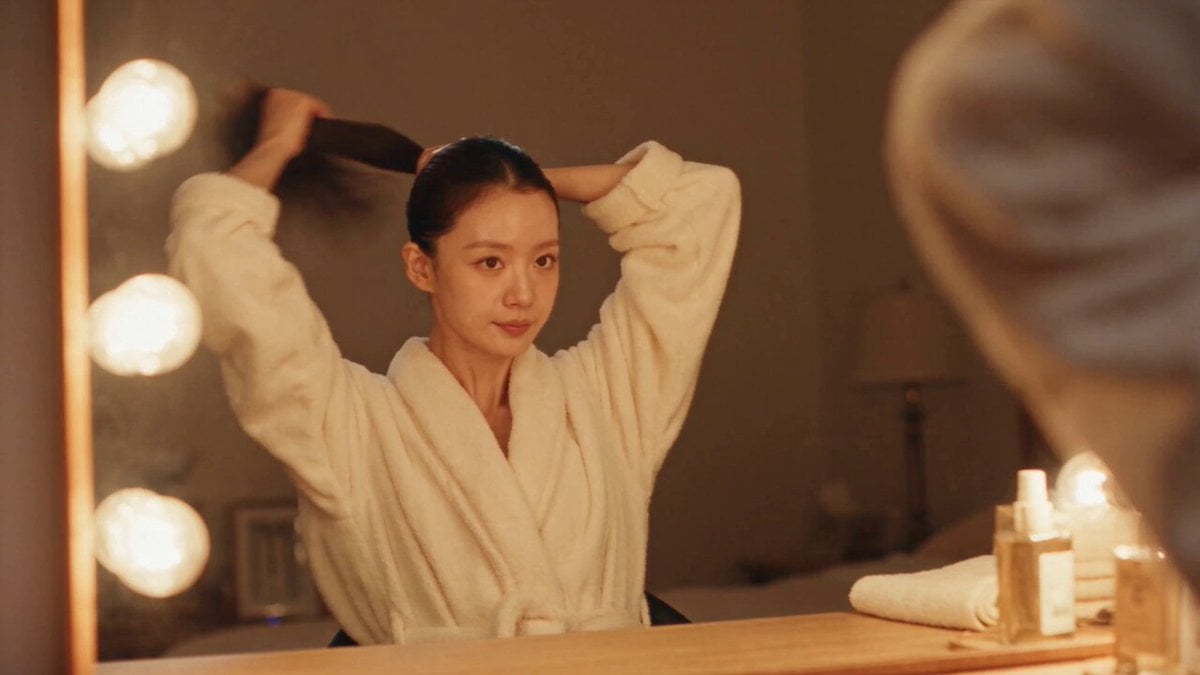
Seedance 2.5 video template: 30-second DV 16mm tape camcorder POV day-in-the-life montage following character CHASE through a full day (morning routine → gym workout → evening wind-down).
- Prompt included
- Model and format preset
- Free template
The prompt behind this video
Copy the exact prompt behind DV Camcorder POV Gym Montage — Seedance 2.5, or open it in the studio and make it yours.
30s | 16:9 | 9 cuts Style: DV 16mm tape camcorder, handheld POV by CHASE. Natural shake, soft focus, clumsy framing/zooms, delayed autofocus, tape noise, bloomed highlights, auto-exposure flicker, muted contrast. Full-day montage: calm GRWM → intense workout → relaxed wind-down. Voiceover over visuals. Character: CHASE, Korean idol (20s), long black hair, glass skin. Outfit: robe/loungewear → modest long-sleeve gym wear + leggings/joggers → robe/loungewear. Locations: Bedroom vanity → gym entrance → gym weights/cardio → stretching mat → walking home → couch. 1. Vanity, hair up. VO: "Some mornings start slow before they start fast." 2. Puts on gym top. VO: "Okay—gym clothes on, let's go." 3. Walks into gym. VO: "Time to actually do something with this energy." 4. Lifts weights. VO: "Every set gets a little harder than the last." 5. Close-up: hands gripping weight, sweat. Ambient only. 6. Cardio, pushing through. VO: "This is always the part I want to quit." 7. Stretching. VO: "But finishing always feels worth it." 8. Walking home, towel on shoulder. VO: "And then it's just the quiet walk back." 9. Flops onto couch, eyes closed. VO: "Best part of the whole day, honestly."
How to use DV Camcorder POV Gym Montage — Seedance 2.5 in 3 steps
- 1
Open
The prompt is already in the box next to the preview, with the template's model and format selected.
- 2…a portrait of your subject in softgolden-hour light, 85mm…
Personalize
Edit the subject and creative details for your destination.
- 3
 Generate
Press Generate — your video is created in PicX Studio, so you can compare it with the original and refine one variable at a time.
More like this
Templates with the same subject, style or setup. Open one to see its prompt.
DV Camcorder POV Gym Montage — Seedance 2.5
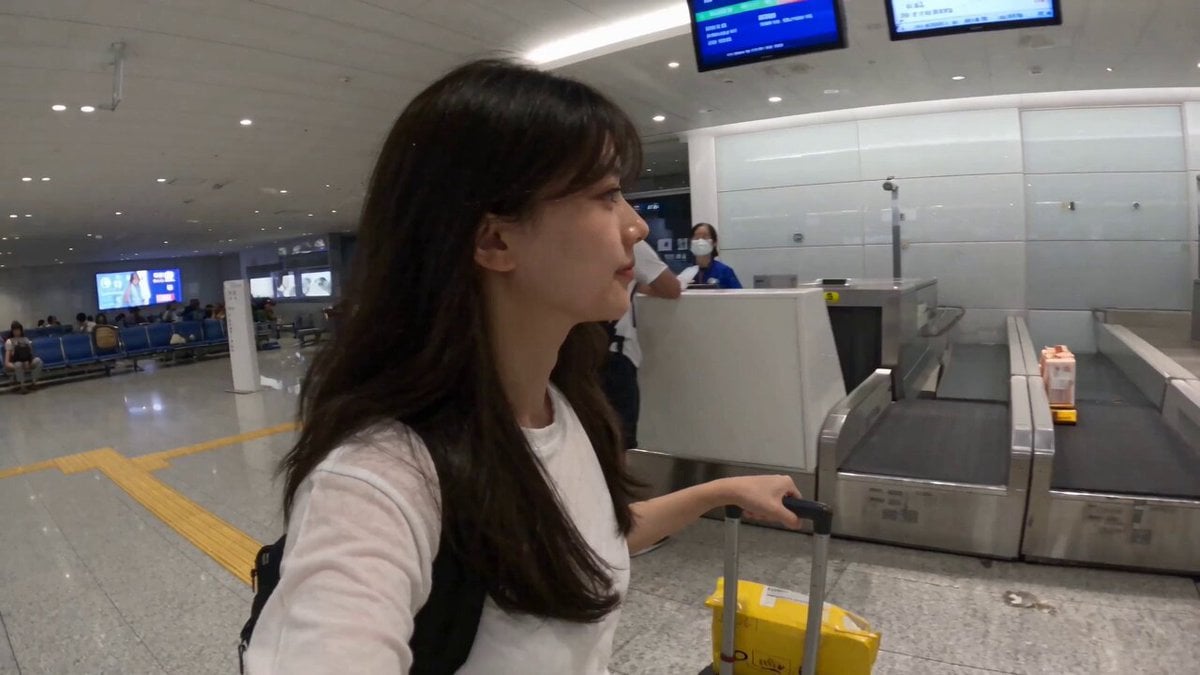
Smartphone Travel Vlog Tokyo Trip Identity Preserved

Dragon Rider Cinematic Flight — Seedance 2.5
Seedance 2.5 - @Diplomeme - 446818
Seedance 2.5 - @AIwithkhan - 728160
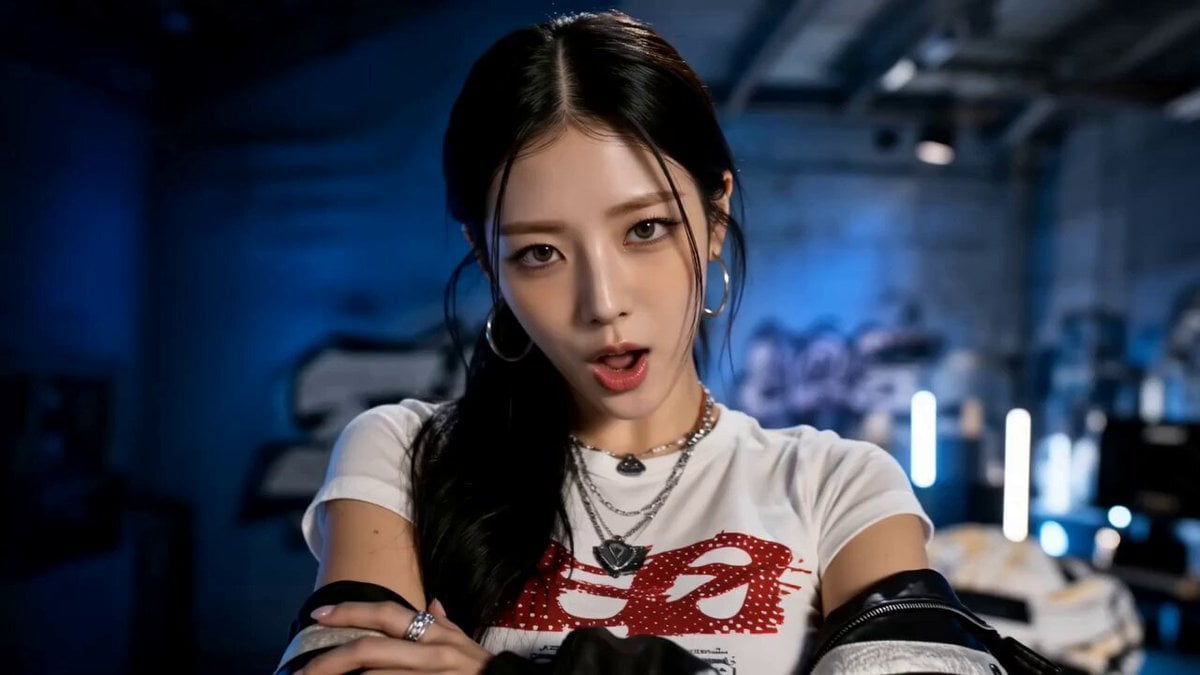
Seedance 2.5 - @AIwithkhan - 901550
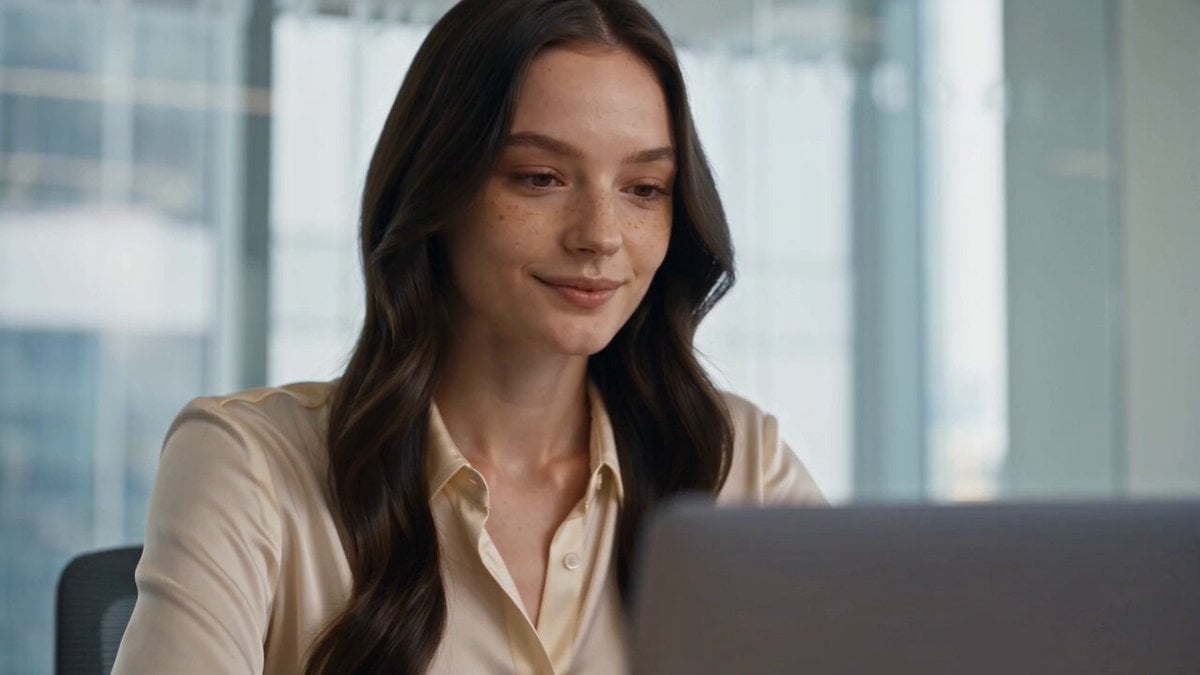
Seedance 2.5 - @AIwithkhan - 801709
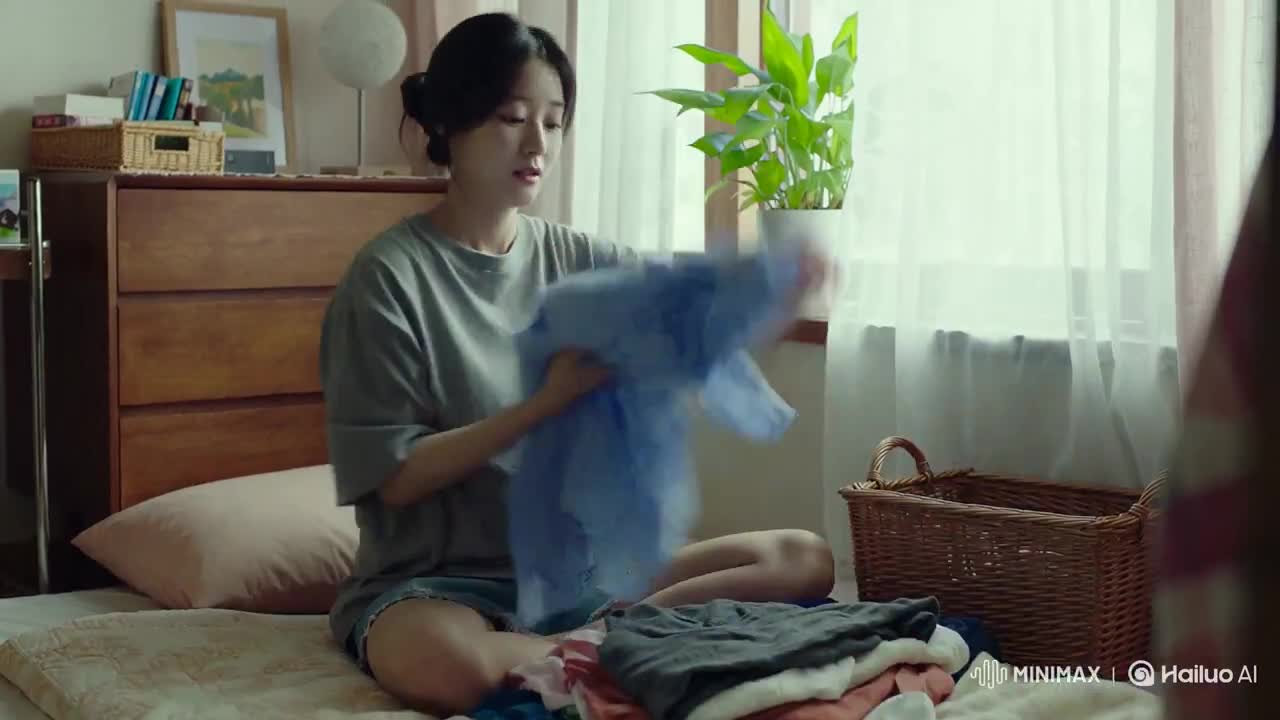
Korean Woman Laundry Folding DV Camcorder Morning
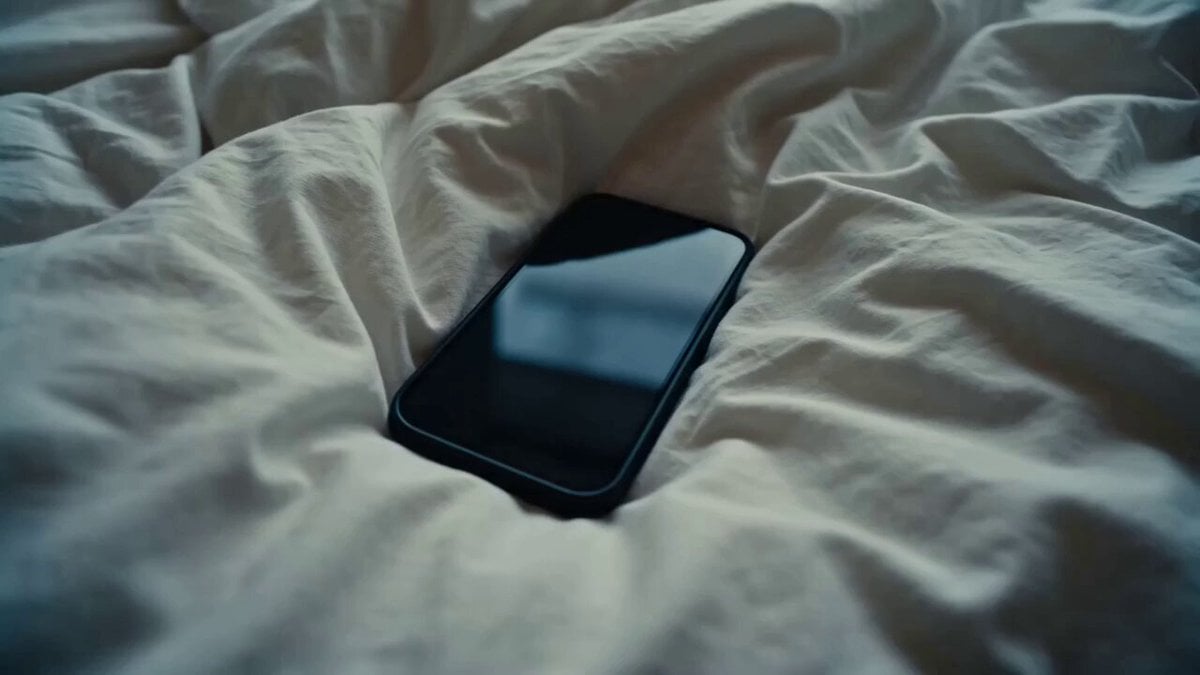
Rushed Morning Routine Montage
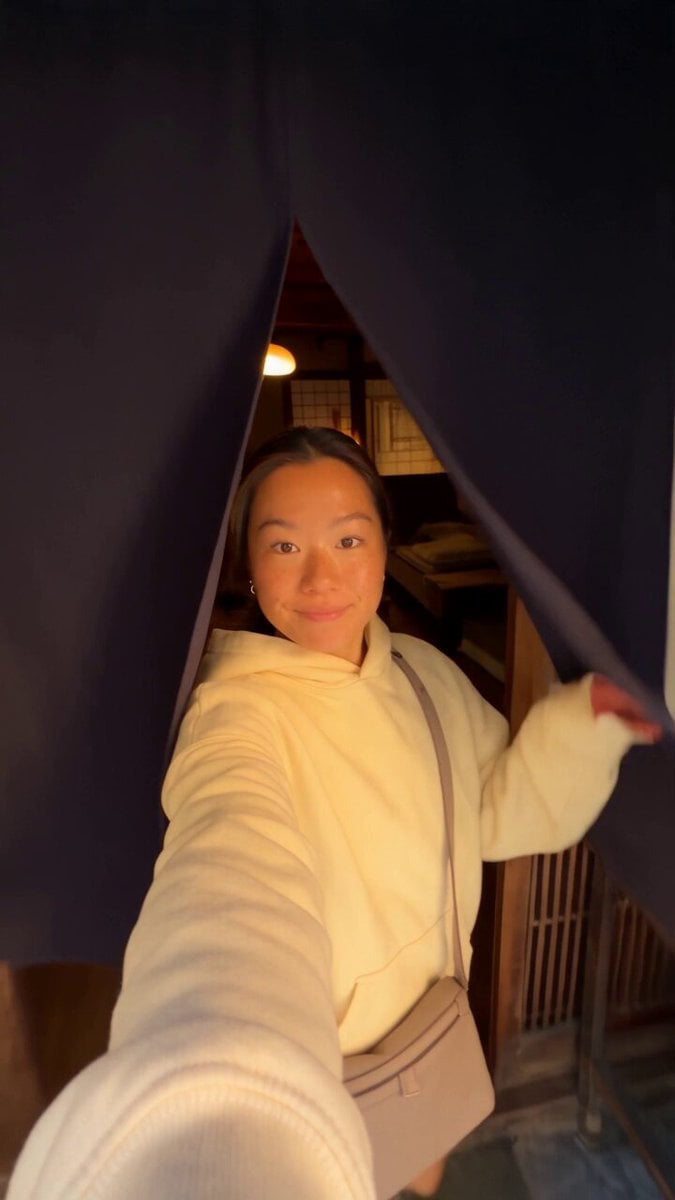
Kyoto Morning Selfie Vlog
Ice Queen — Frozen Battlefield Time Control (Seedance)
Luxury Handbag Commercial — Hollywood VFX Ad
Make it yours
DV Camcorder POV Gym Montage — Seedance 2.5 works as-is. These are the safest ways to change it without losing the look.
Change one field
Copy a single group, rewrite it, and generate again so you can see what that field is doing.
Keep the frame, change the subject
Hold the composition and light of DV Camcorder POV Gym Montage — Seedance 2.5, then swap wardrobe, props or the person for a new take.
| If the result… | Why | Fix |
|---|---|---|
| The result drifts from the preview | Too many fields changed at once. | Reuse DV Camcorder POV Gym Montage — Seedance 2.5 as-is first, then change one group — subject, light, or setting. |
| The model over-stylizes the scene | The prose prompt leaves finish and camera underspecified. | Add one camera or lighting sentence and stay on PicX Studio. |
More video prompts
Fresh picks from across the catalog.
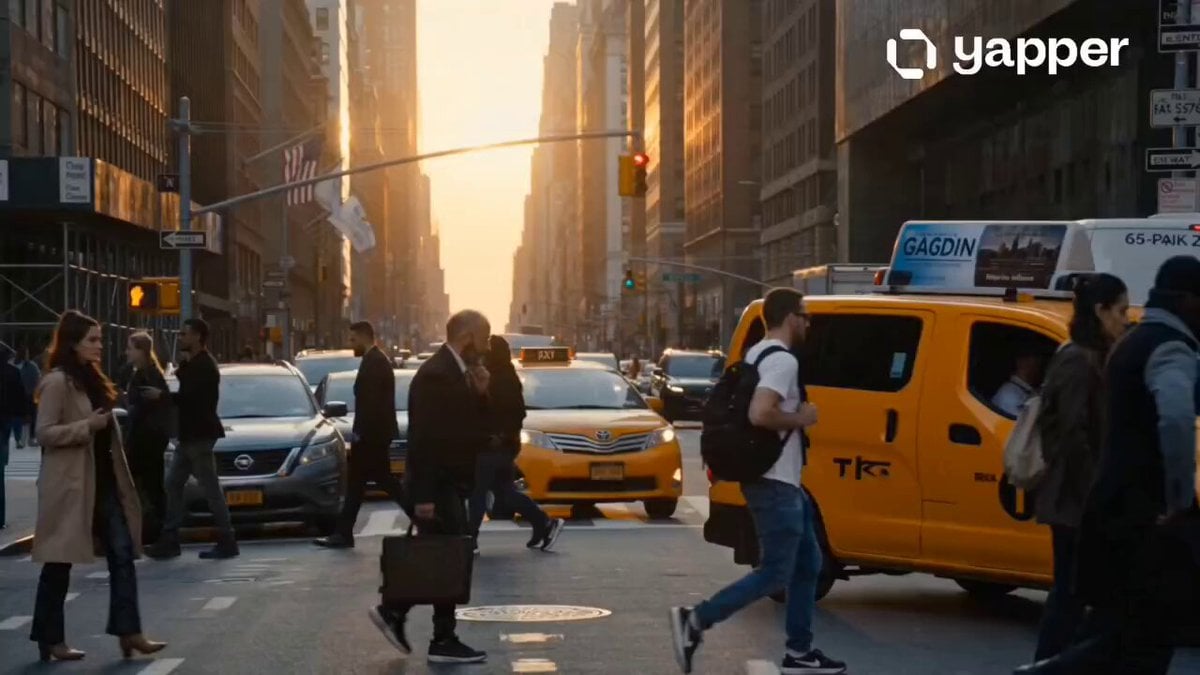
Hyper-Realistic NYC Action Sequence
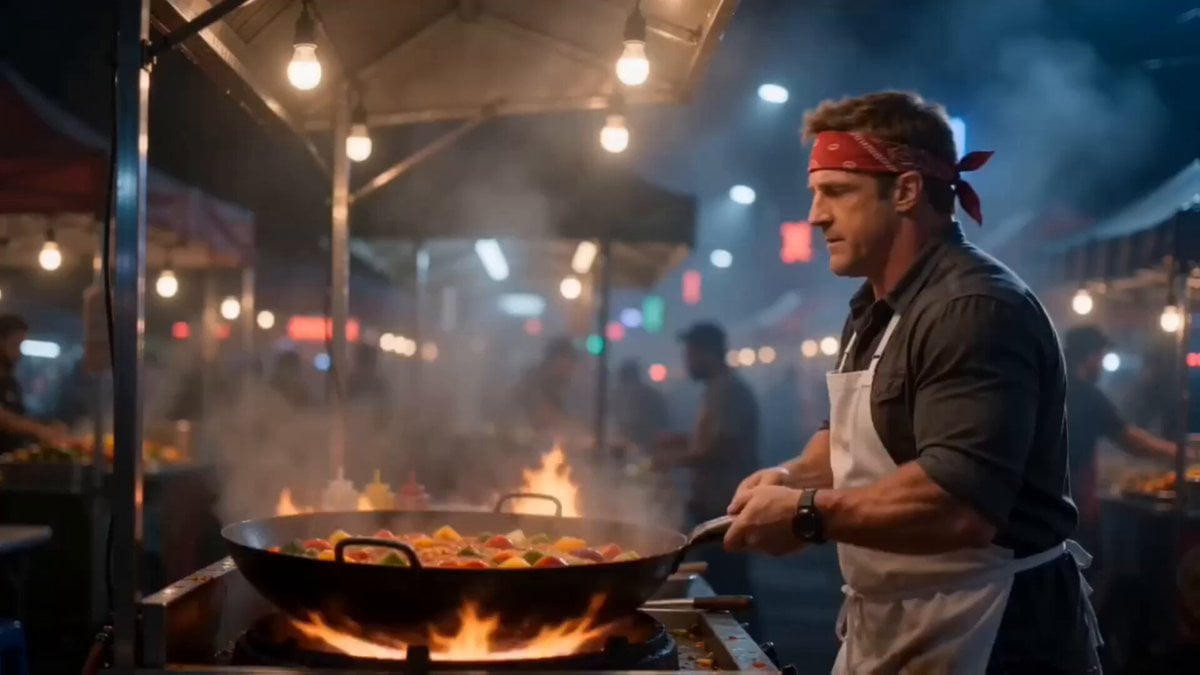
Deadpan Absurdist Comedy Video Prompt
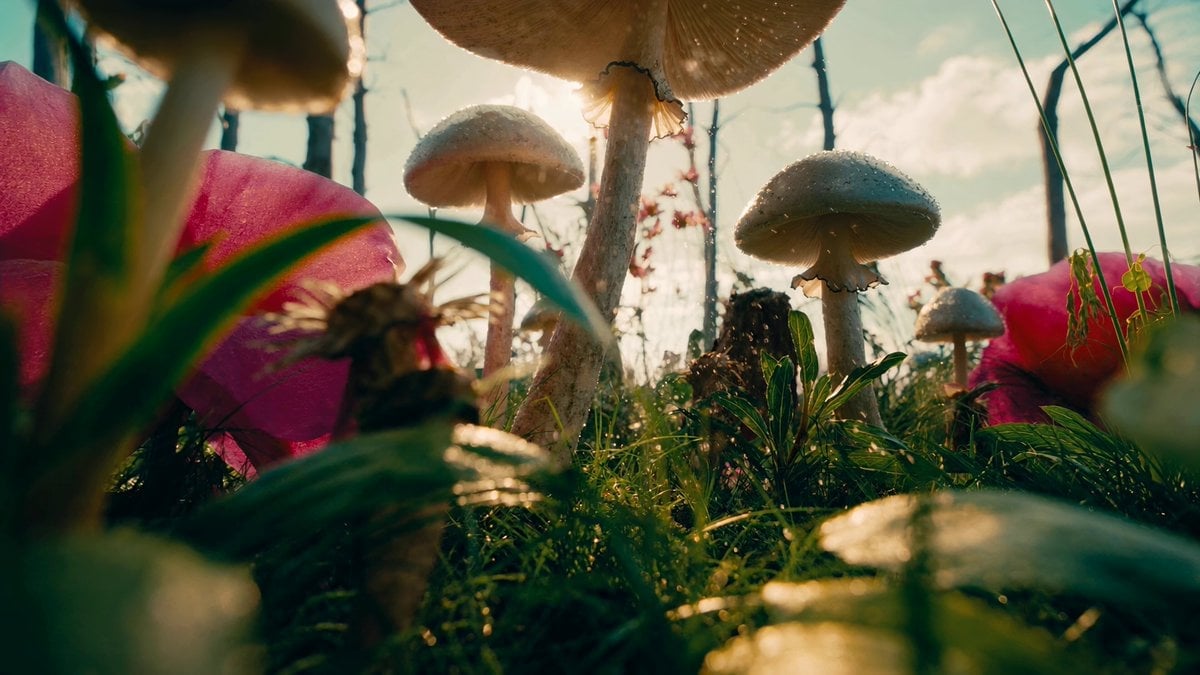
FPV Macro Fae Battlefield Drone Oner
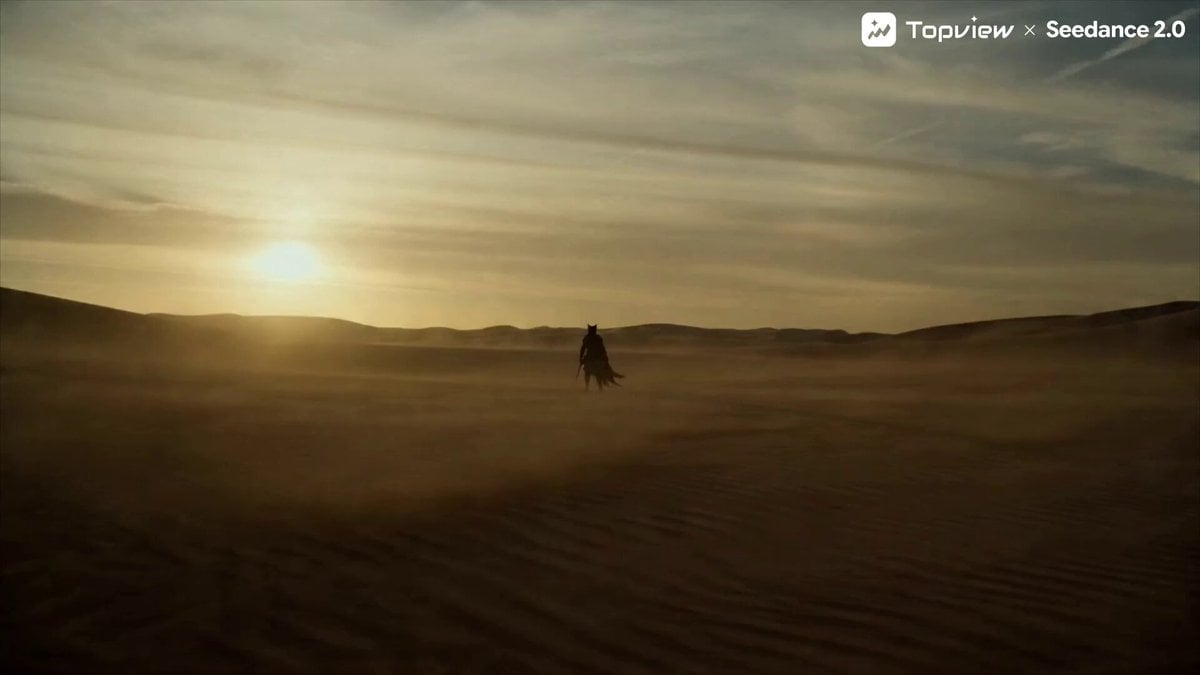
Seedance 2.0 Prompt for Cinematic Desert Fight Scene
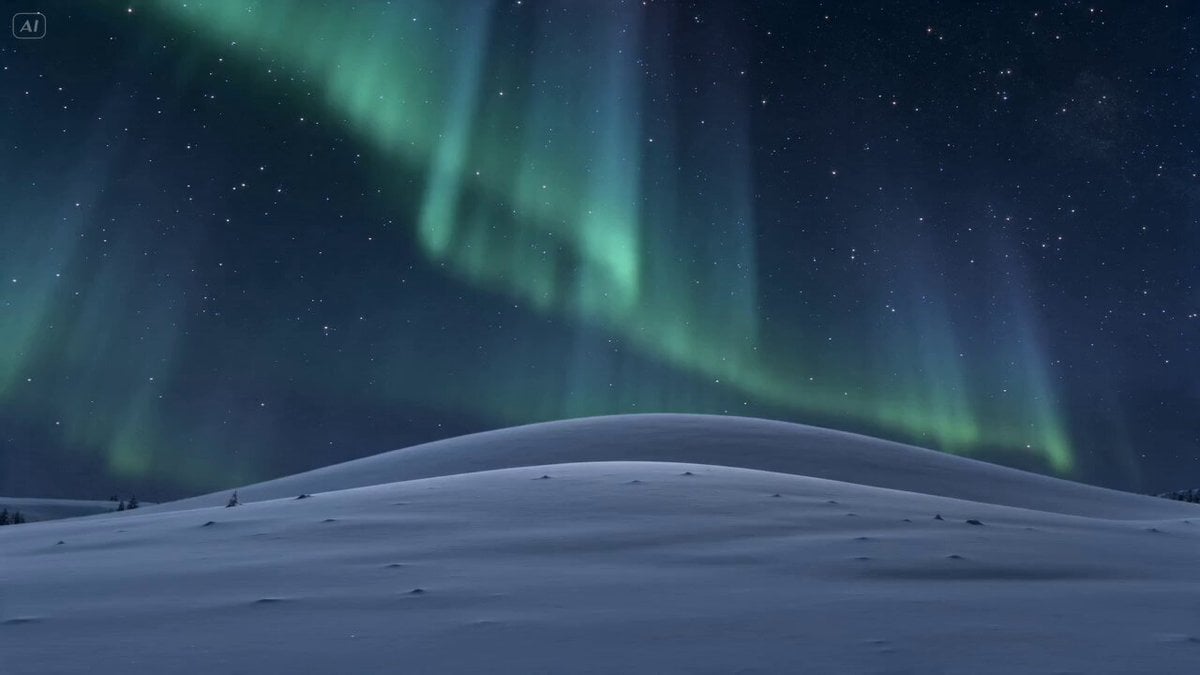
Meteor Wish Stardust Video
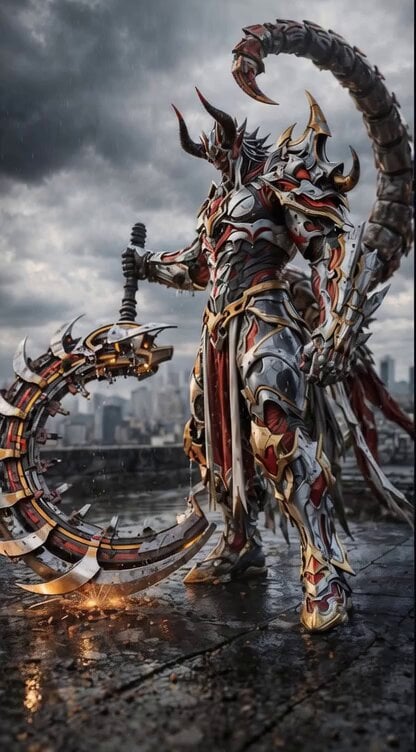
Grok Imagine Prompt: Cinematic 5-second 4K video of a demonic warrior swinging a scythe

Video Generation Prompt for a Race Scene
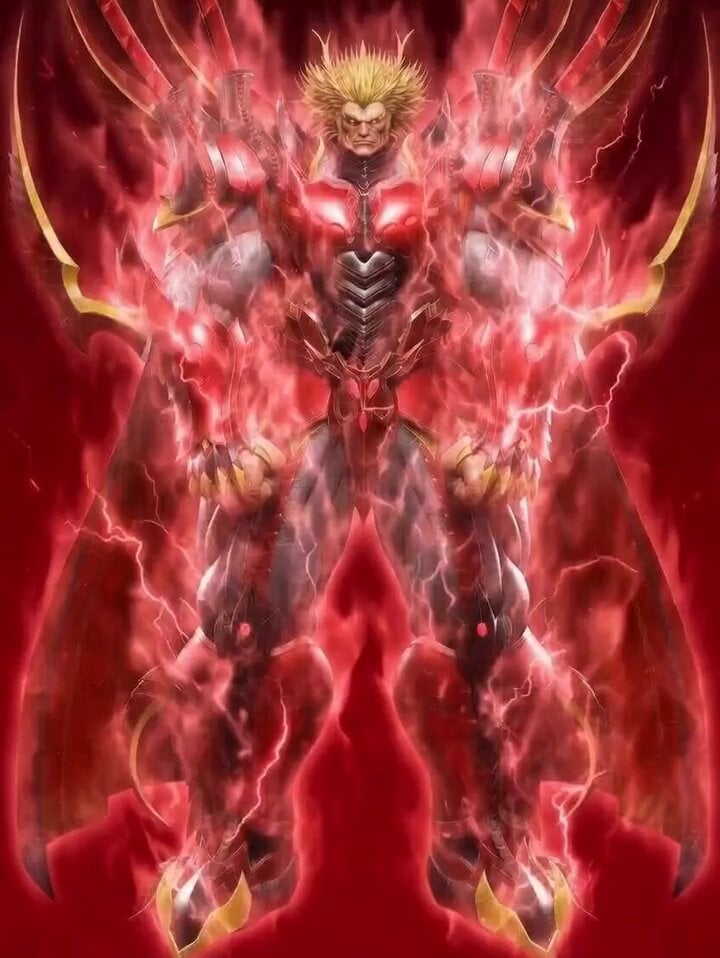
Obelisk The Tormentor Punch Prompt
Hyper-Tension Technician Video Prompt
Jungle Animal Interaction Video Prompt
Browse template categories
DV Camcorder POV Gym Montage — Seedance 2.5 questions
How do I use the DV Camcorder POV Gym Montage — Seedance 2.5 template?
Add your photo if the template asks for one, edit the prompt if you like — the template's model and format are already selected — and press Generate. Your version opens in PicX Studio.
Can I customize the DV Camcorder POV Gym Montage — Seedance 2.5 template?
Yes. You can change the subject, setting, lighting, mood, format, and available model controls before creating your video.
Is the DV Camcorder POV Gym Montage — Seedance 2.5 template free?
Opening and editing this template is free. Generating uses credits, shown on the Generate button when you are signed in.
Which AI model should I use?
Choose a compatible model in PicX Studio based on the style, speed, and output controls your project needs.
Looking for something else? Browse all templates.

Your photo, any look
Thousands of ready templates for every top image and video model, from one credit balance.