
Deadpan Absurdist Comedy Video Prompt
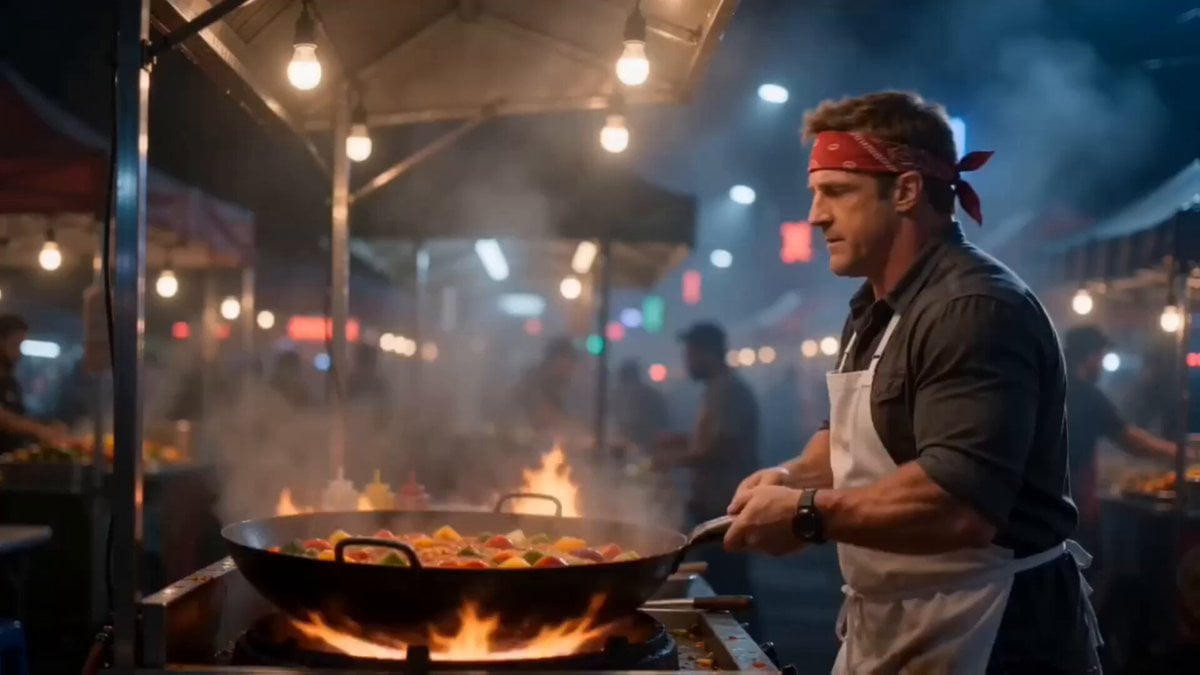
A detailed, narrative-driven prompt for Seedance 2.0 describing a street food vendor who freezes vegetables mid-air above a wok to answer a phone call, emphasizing freeze-frame physics and deadpan absurdist comedy.
- Prompt included
- Model and format preset
- Free template
The prompt behind this video
Copy the exact prompt behind Deadpan Absurdist Comedy Video Prompt, or open it in the studio and make it yours.
A street food vendor in his 40s, broad shoulders, white apron, red bandana headband, stands behind a wok on a night market stall. Just as he prepares a dramatic toss, his phone starts ringing in his pocket. Without hesitation he flips the vegetables and sauce into the air in a perfect arc above the wok under a burst of flame, and at the same moment pulls out his phone and answers it. Camera holds tight from the side on the arc above the wok. As the vegetables reach the apex, they suddenly stop — suspended mid-air. Every droplet of sauce and every vegetable piece hangs frozen in a precise sculptural formation above the wok. Calmly on the phone, the vendor says: “Okay, I’ll do it. I’m in the middle of something right now. I’ll do it after five minutes.” He hangs up. He checks his watch. He leans forward and examines the suspended arc from different angles, hands behind his back. He pokes one suspended carrot. It stays. He shrugs, reaches up, and rearranges a few pieces into a more aesthetically pleasing formation. Steps back. Assesses. Nods. Finally he casually taps the suspended arc. The vegetables and sauce instantly drop back down into the wok and continue cooking as if nothing happened. Night market warm sodium and neon lighting, steam from surrounding stalls. Deadpan absurdist comedy, freeze-frame physics, precise timing, photorealistic, 4K.
How to use Deadpan Absurdist Comedy Video Prompt in 3 steps
- 1
Open
The prompt is already in the box next to the preview, with the template's model and format selected.
- 2…a portrait of your subject in softgolden-hour light, 85mm…
Personalize
Edit the subject and creative details for your destination.
- 3Generate
Generate
Press Generate — your video is created in PicX Studio, so you can compare it with the original and refine one variable at a time.
More like this
Templates with the same subject, style or setup. Open one to see its prompt.
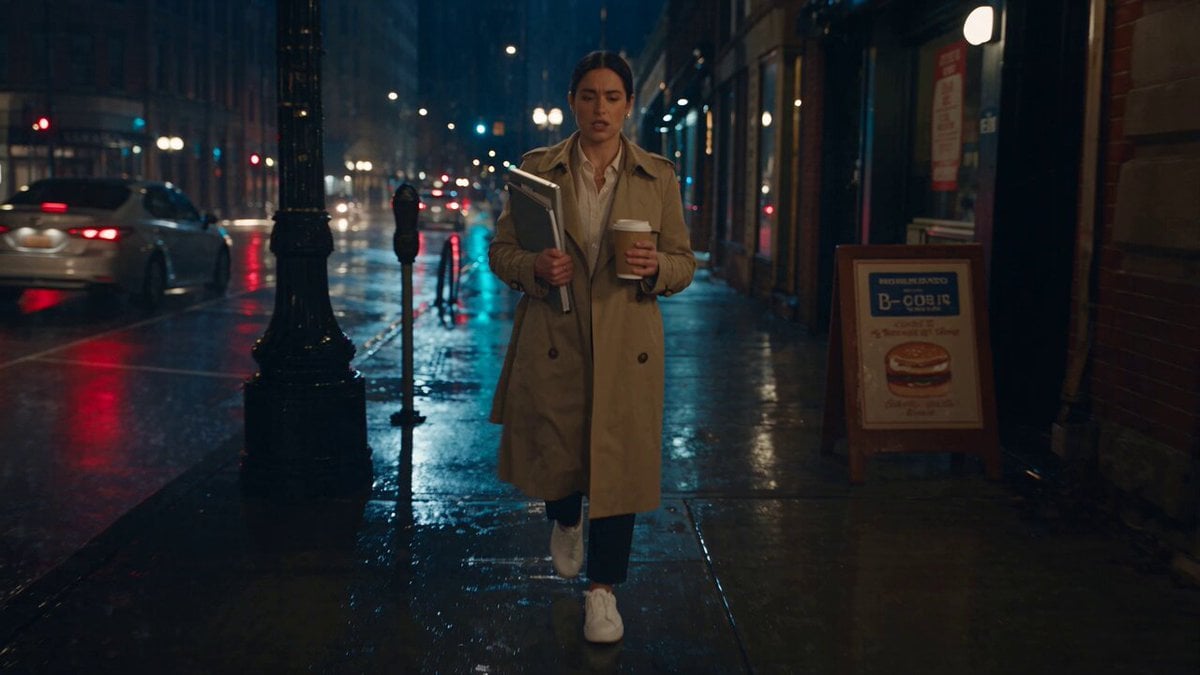
Viking in Modern America Comedy - Seedance 2.5
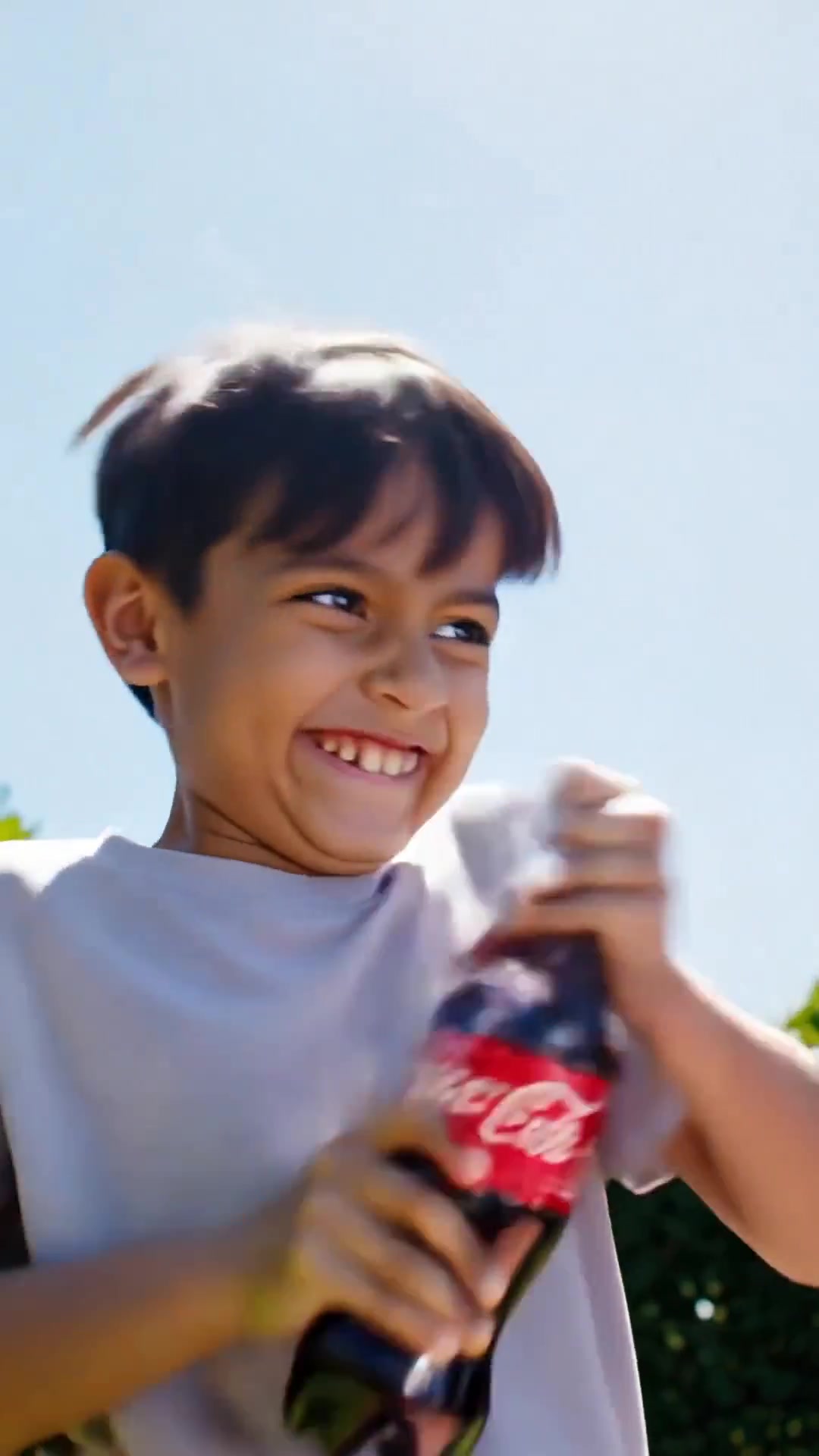
Comedy Coke Bottle Prank Reel — Kling 3.0 O3 Pro
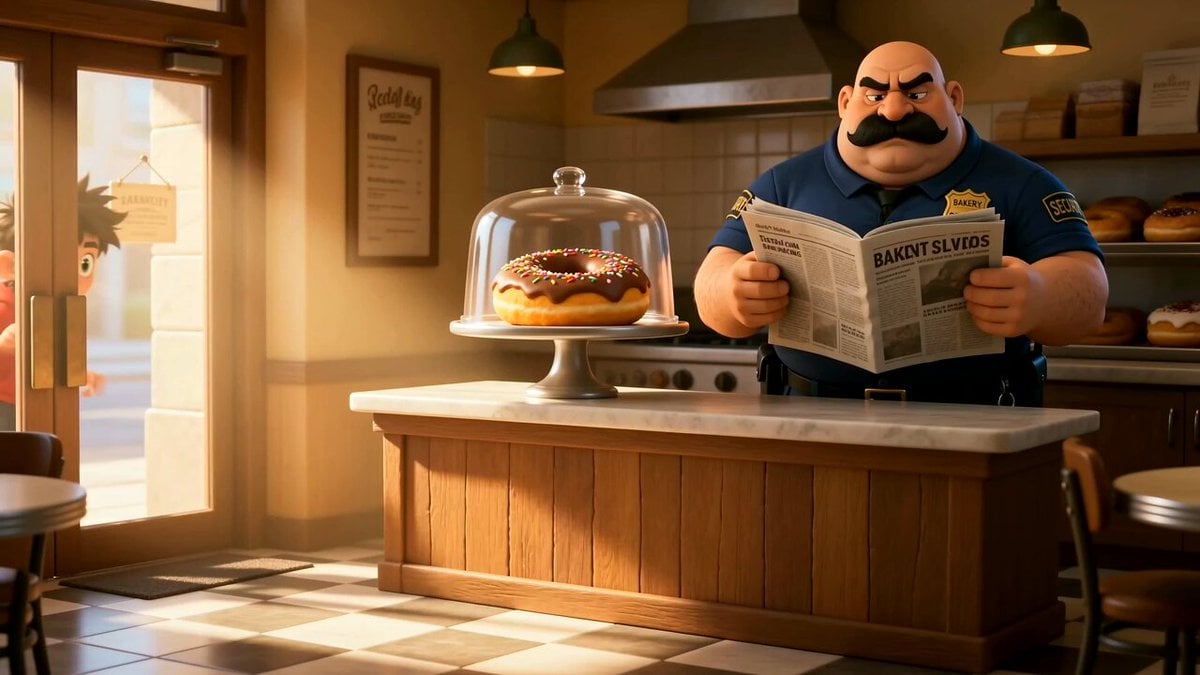
Cartoon Donut Heist Bakery Chase
Dim Sum Chase — Shrimp Dumpling Monster
Animal Garden Party Bar — Comedy Short
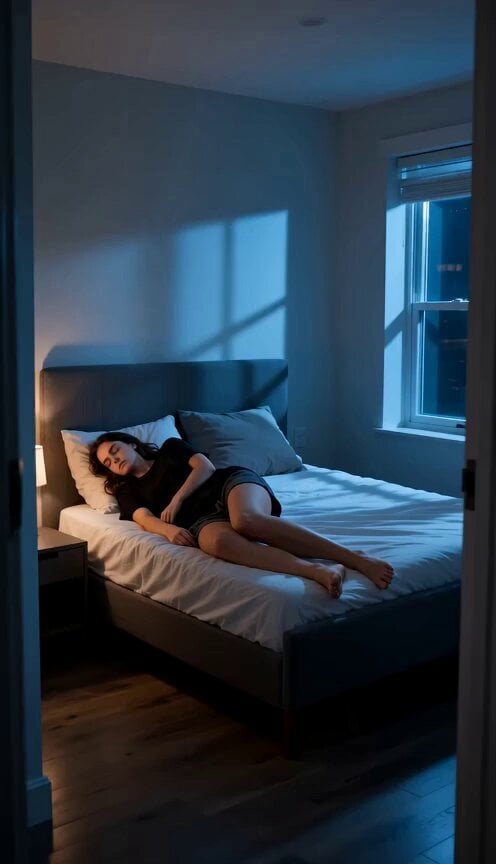
Deadpan Alien Bedroom Comedy

Wuxia Deadpan Comedy "Just a Sound"
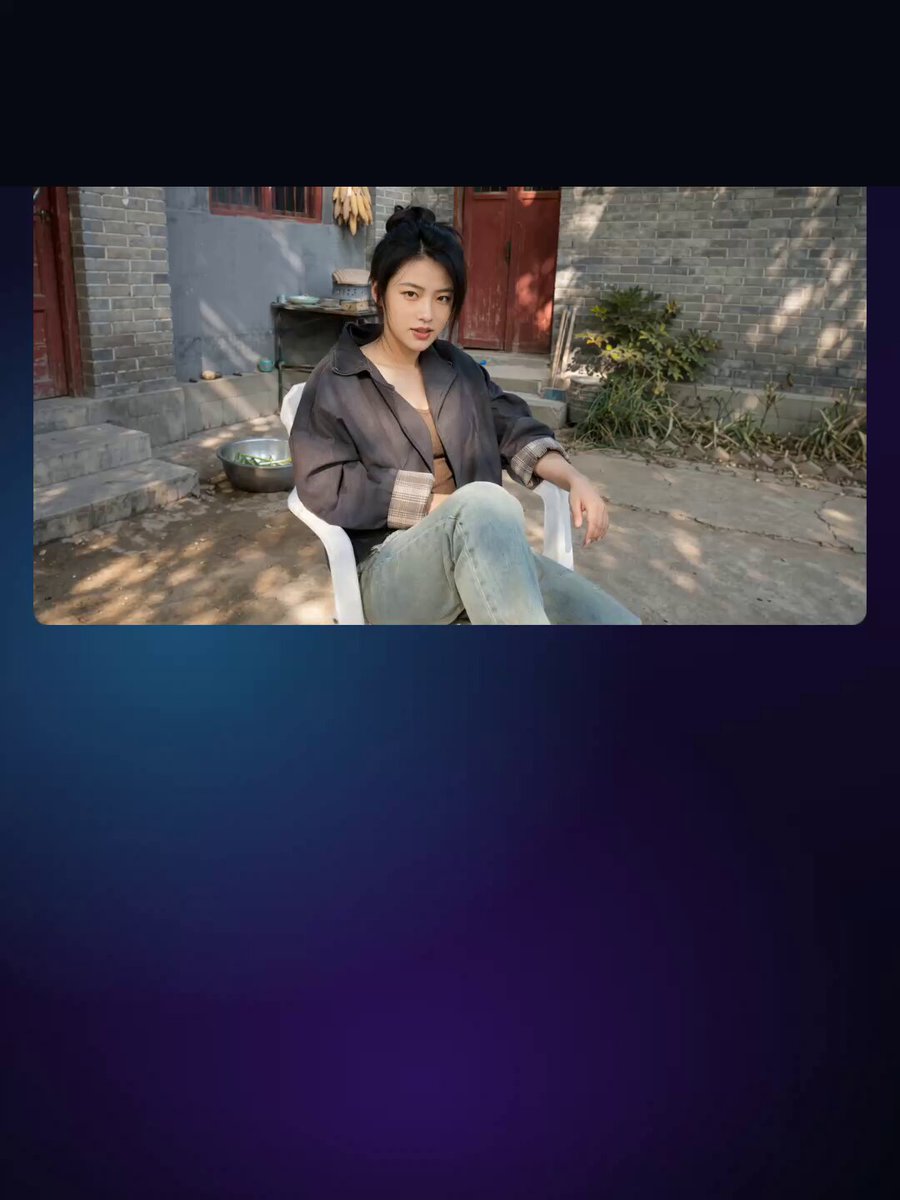
Chinese Deadpan Comedy Short Drama
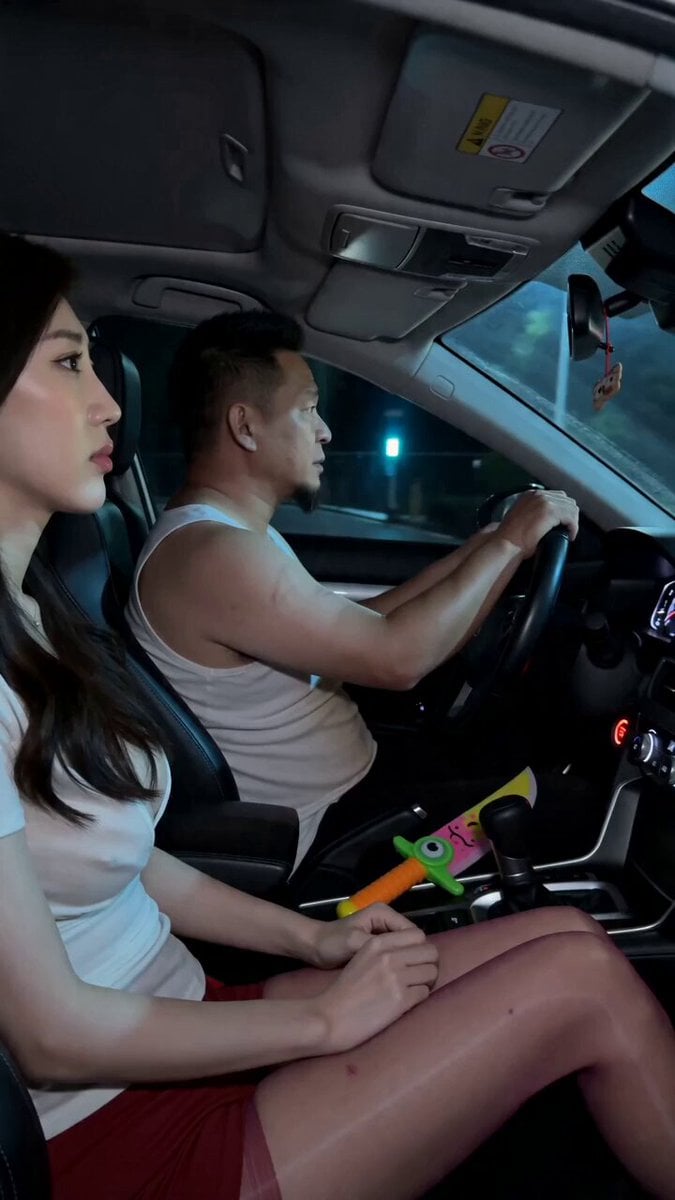
Road Rage Absurdist Comedy Scene

Deadpan Cinematic Dialogue Shot
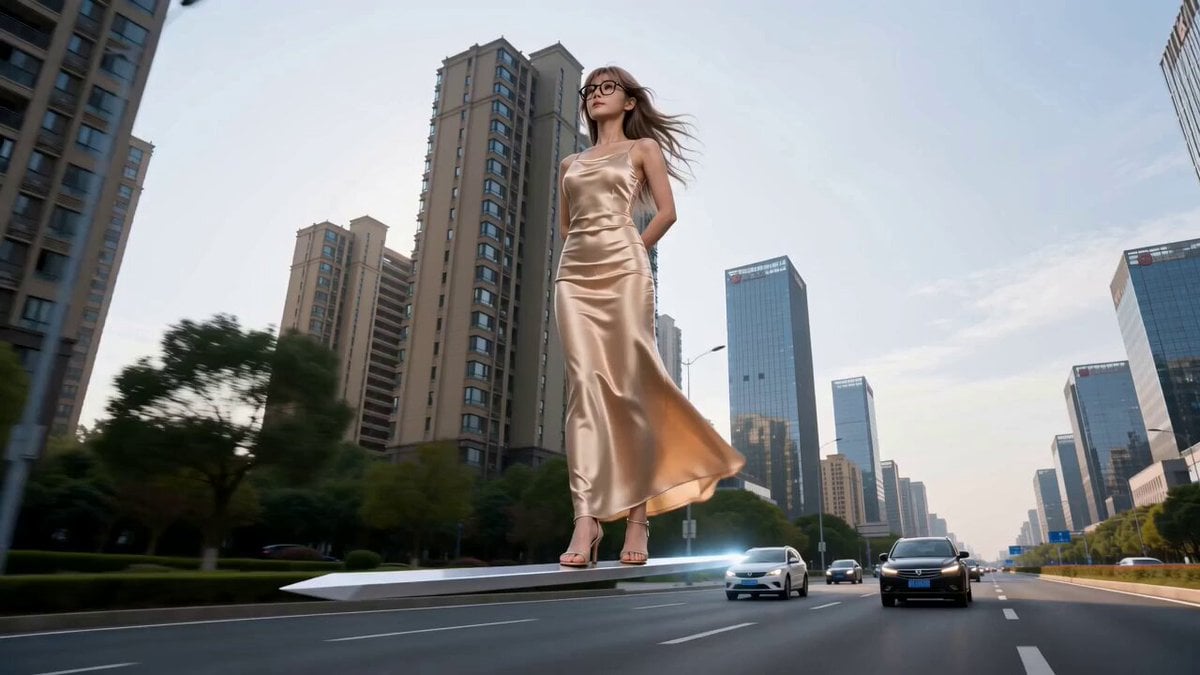
Modern Urban Fantasy Comedy Storyboard
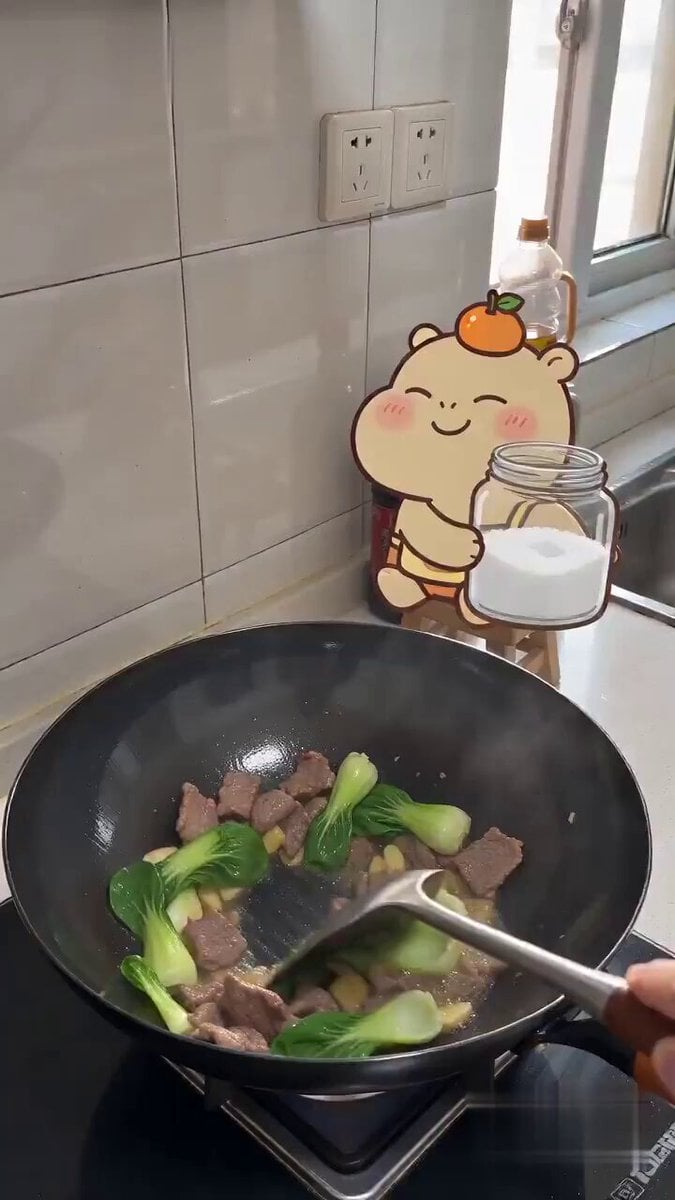
Capybara Sticker Cooking Comedy
Make it yours
Deadpan Absurdist Comedy Video Prompt works as-is. These are the safest ways to change it without losing the look.
Change one field
Copy a single group, rewrite it, and generate again so you can see what that field is doing.
Keep the frame, change the subject
Hold the composition and light of Deadpan Absurdist Comedy Video Prompt, then swap wardrobe, props or the person for a new take.
| If the result… | Why | Fix |
|---|---|---|
| The result drifts from the preview | Too many fields changed at once. | Reuse Deadpan Absurdist Comedy Video Prompt as-is first, then change one group — subject, light, or setting. |
| The model over-stylizes the scene | The prose prompt leaves finish and camera underspecified. | Add one camera or lighting sentence and stay on Seedance 2.0. |
More Seedance 2.0 templates
Other prompts made for Seedance 2.0.

Comical Martial Arts Punch Scene

Maglev Train Action Sequence

Martial Arts Fight Sequence

Wuxia Protection and Trust Script

Vintage Korean Arcade MiniDV Vlog

Mercedes 190 SL Luxury Ad

Amazon Civilization Discovery

Futuristic South Asian City Transformation

Cozy Luxury Cafe Commercial

Cyber Ronin Nanotech Transformation Video
More video prompts
Fresh picks from across the catalog.
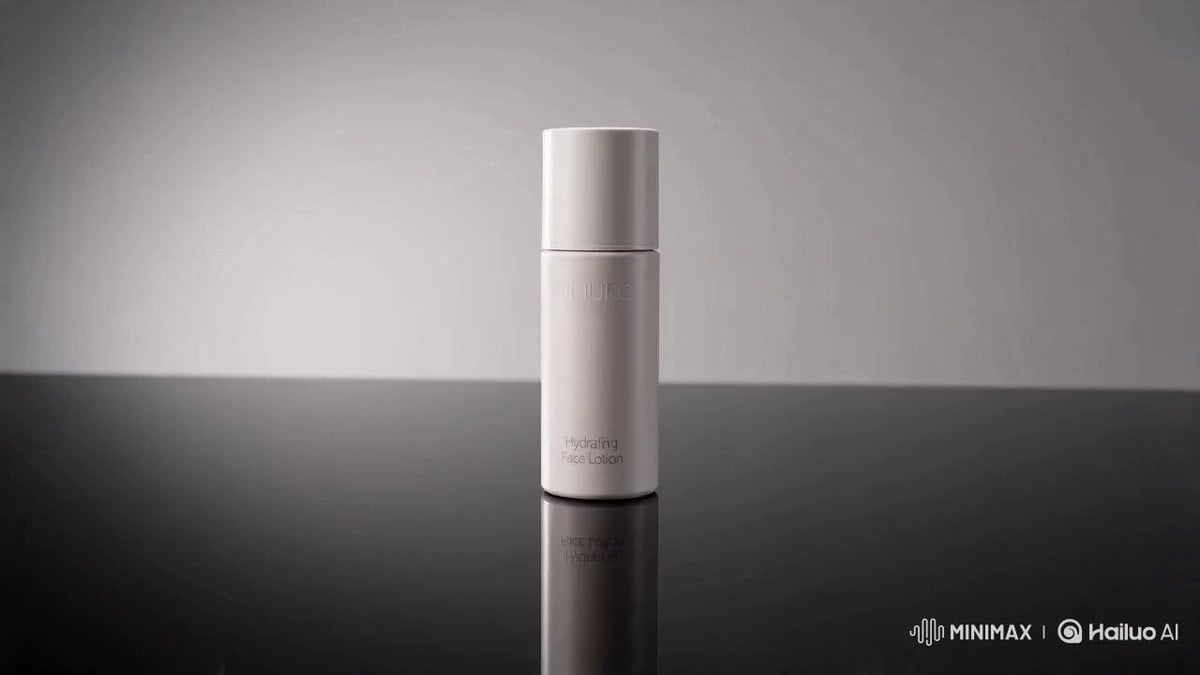
Luxury Skincare Commercial Video Prompt
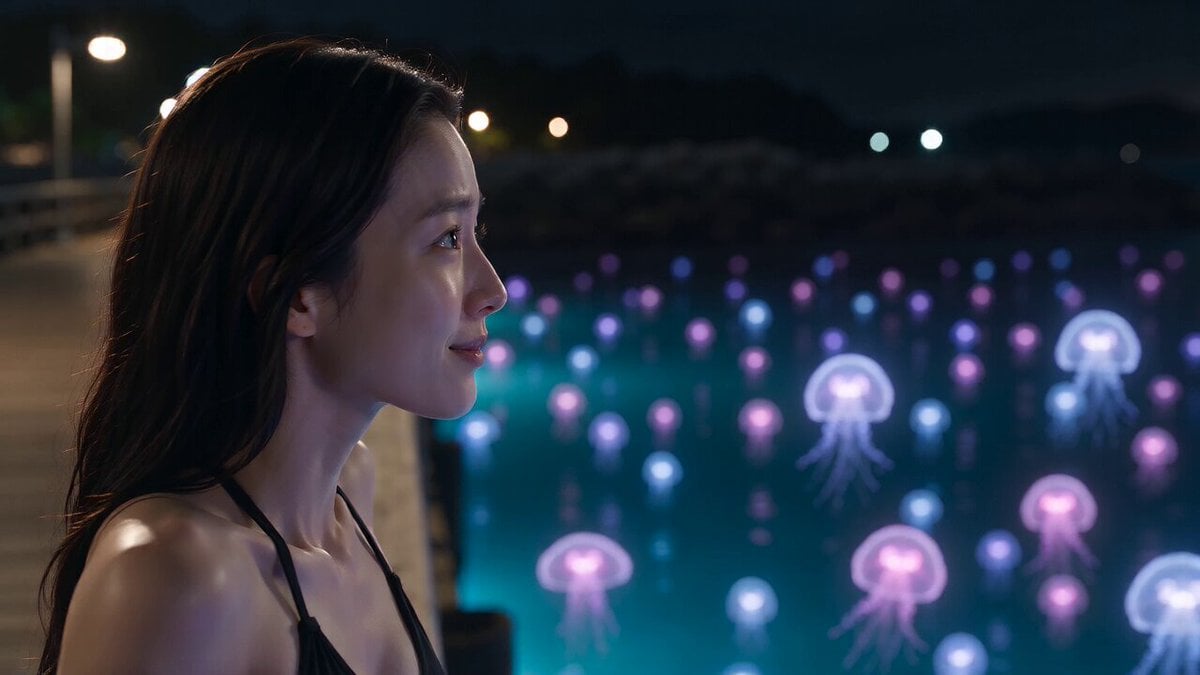
Bioluminescent Jellyfish and Prehistoric Monster Attack
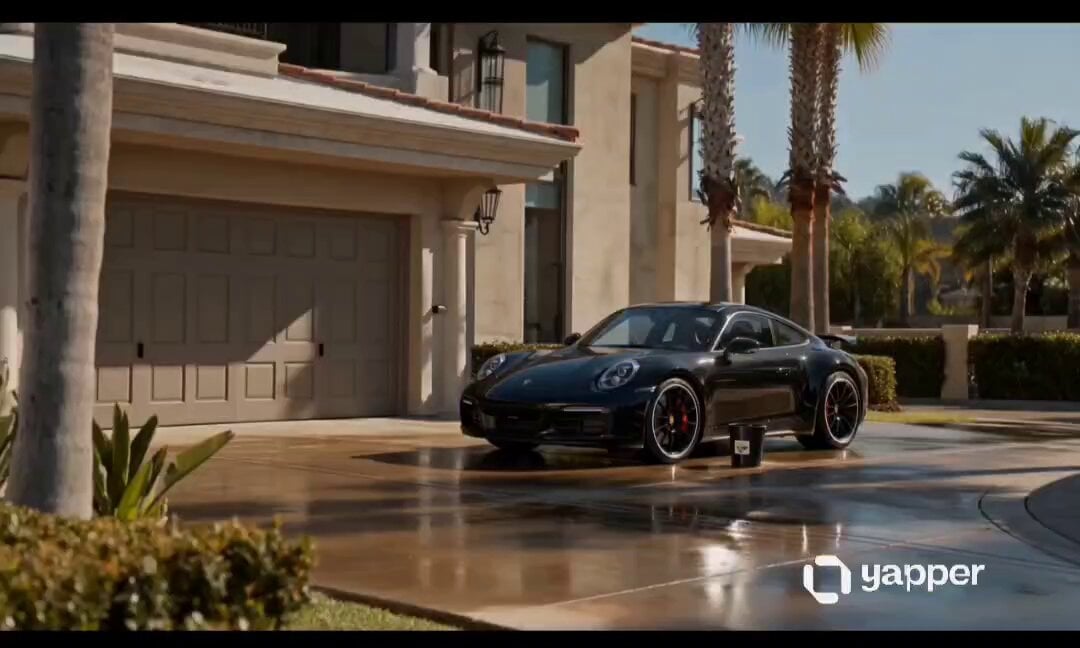
Luxury Car Wash Commercial
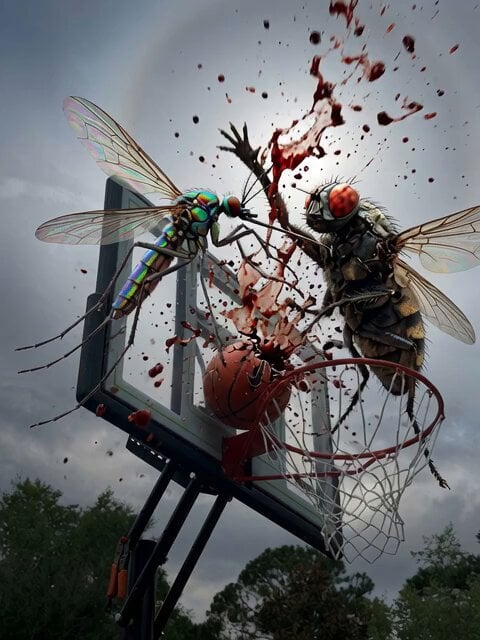
Mosquito Slam Dunk Rejection

Cinematic Golden Hour Portrait
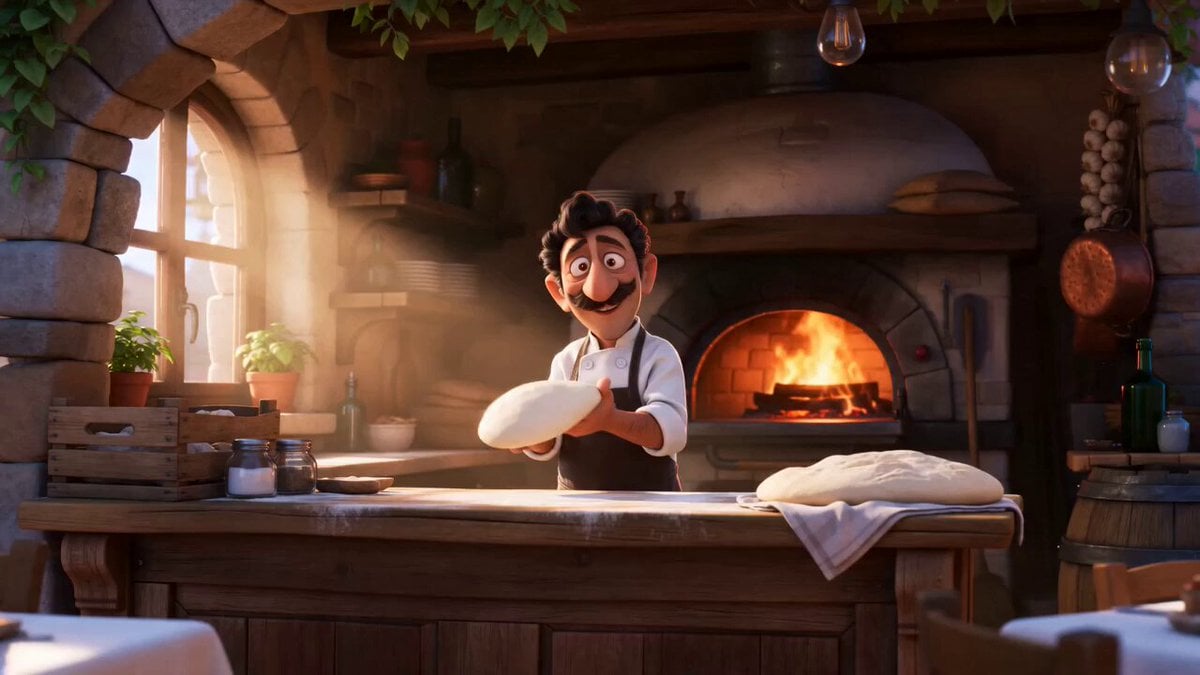
Pixar Style Pizzeria Animation
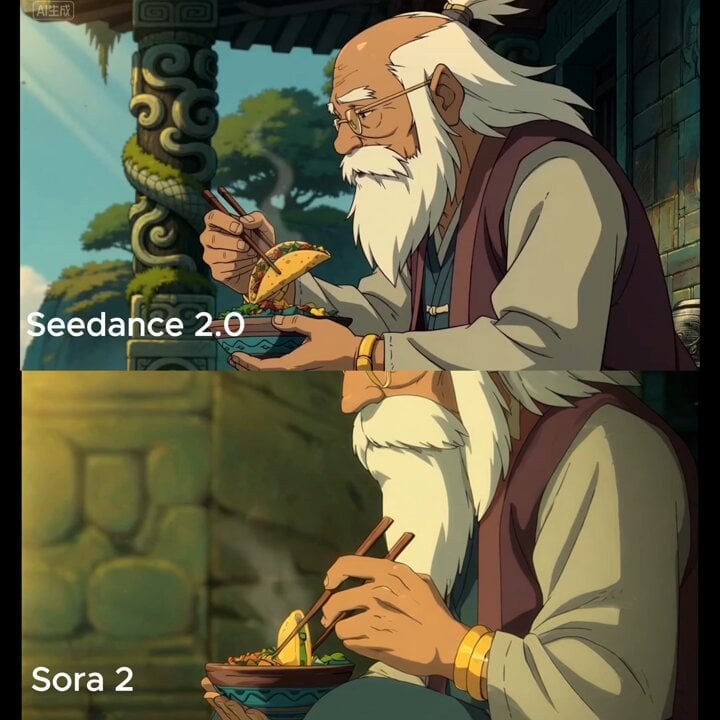
Medium shot of man lifting taco with chopsticks
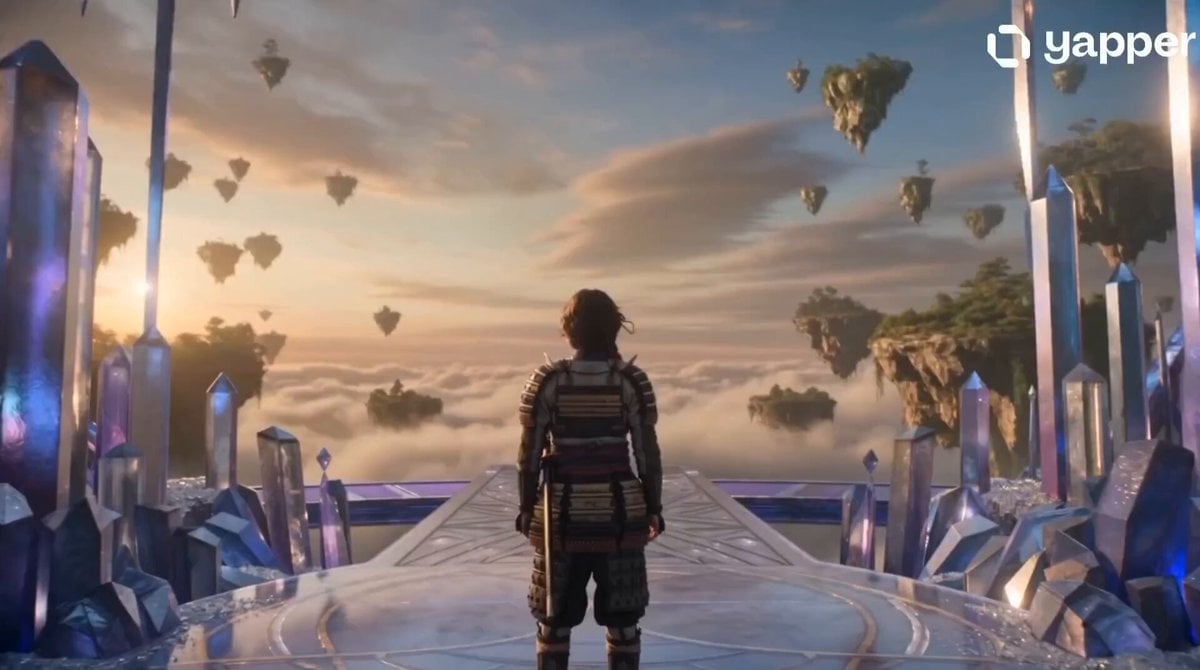
Crystal Castle Samurai Journey
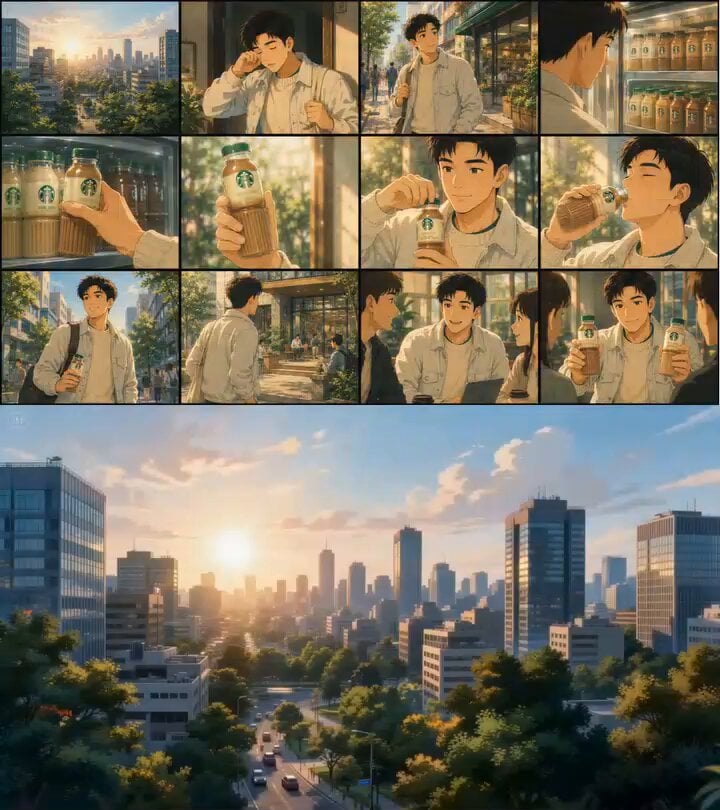
Ghibli Inspired Starbucks Commercial
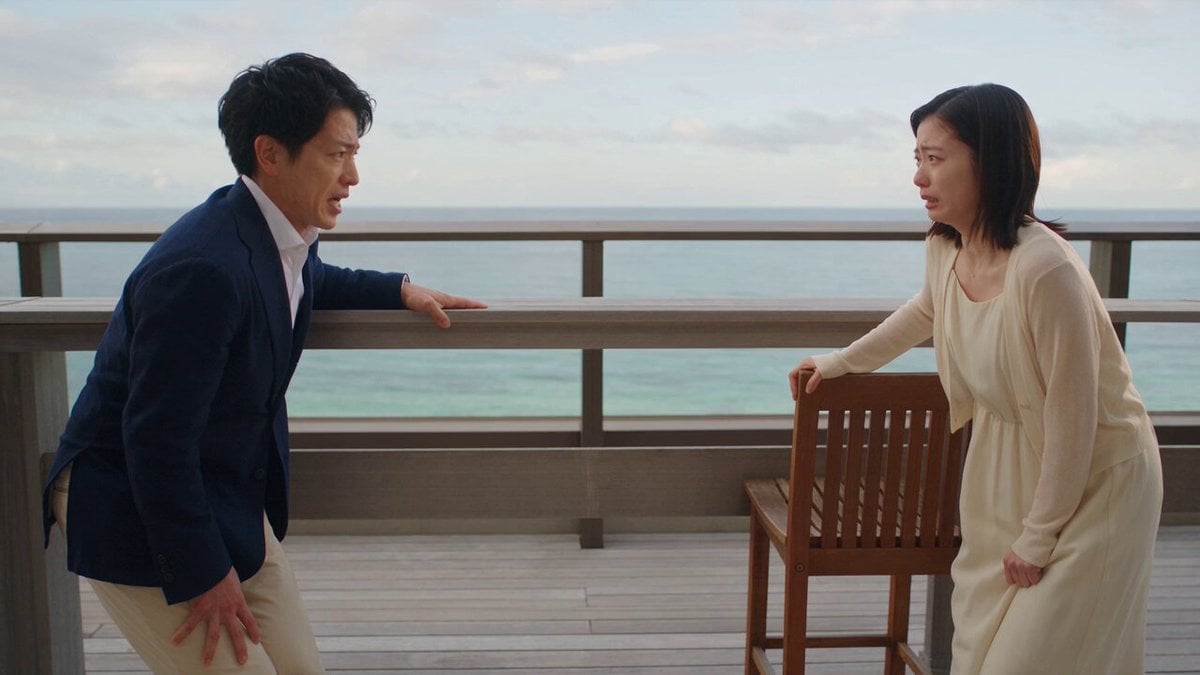
Romance Reality Show Confession
Browse template categories
Deadpan Absurdist Comedy Video Prompt questions
How do I use the Deadpan Absurdist Comedy Video Prompt template?
Add your photo if the template asks for one, edit the prompt if you like — the template's model and format are already selected — and press Generate. Your version opens in PicX Studio.
Can I customize the Deadpan Absurdist Comedy Video Prompt template?
Yes. You can change the subject, setting, lighting, mood, format, and available model controls before creating your video.
Is the Deadpan Absurdist Comedy Video Prompt template free?
Opening and editing this template is free. Generating uses credits, shown on the Generate button when you are signed in.
Which AI model should I use?
Start with Seedance 2.0, which is the model associated with this template. You can compare another compatible model for a different finish.
Looking for something else? Browse all templates.

Your photo, any look
Thousands of ready templates for every top image and video model, from one credit balance.