
Crystal Castle Samurai Journey
A comprehensive multi-section prompt for Seedance 2.0 covering character, setting, camera movement, and a 15-second story timeline.
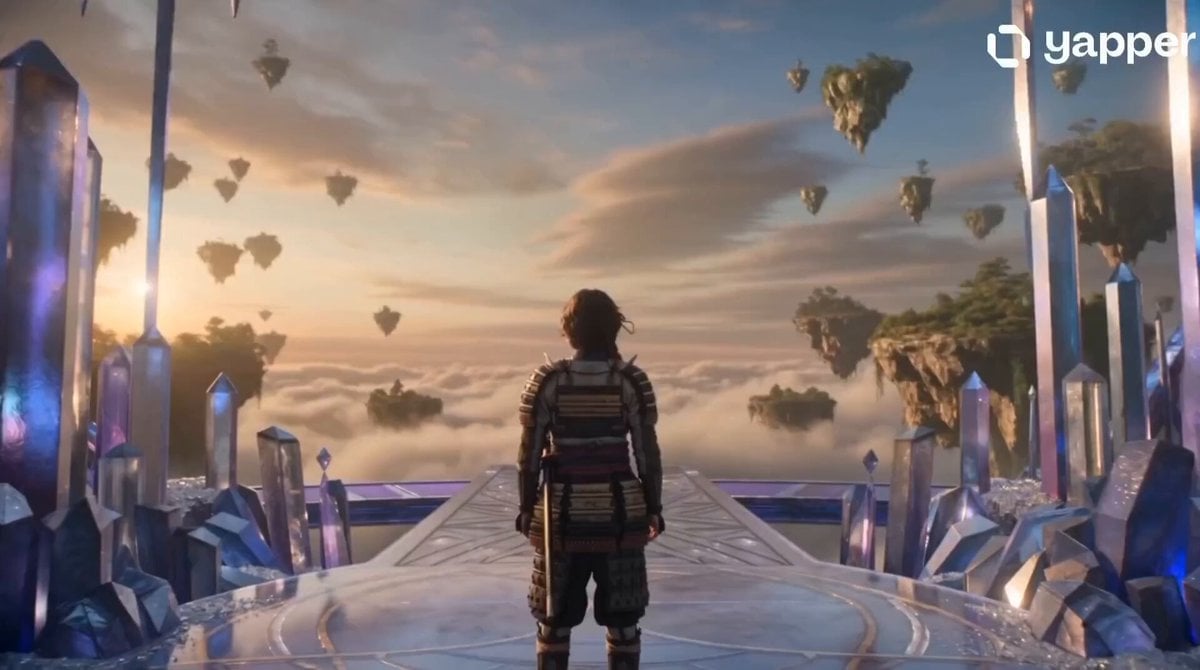
- Prompt included
- Model and format preset
- Premium template
The prompt behind this video
Copy the exact prompt behind Crystal Castle Samurai Journey, or open it in the studio and make it yours.
[character] Young samurai woman, 21 years old, long dark hair tied in a ponytail, sharp amber eyes, traditional samurai armor, calm and fearless expression, realistic facial details, cinematic realism, ultra detailed, photorealistic, 4K. [place] Enormous crystal castle on a mountain peak, glowing crystal towers, sparkling bridges, magical sky, floating lights, majestic fantasy atmosphere, cinematic lighting, ultra detailed, photorealistic, 4K. [camera] Smooth cinematic tracking shot from behind the samurai woman as she walks across a crystal bridge, camera slowly circles around her revealing the magnificent crystal castle, gentle stabilization, realistic motion blur, epic cinematic movement, film quality, 4K. [story] 0-5s: The samurai woman notices a floating island appearing among the clouds. 5-10s: A glowing crystal bridge forms from the castle toward the floating island. 10-15s: She confidently walks across the bridge and discovers a magnificent hidden kingdom floating above the sky, surrounded by glowing crystal palaces and magical light. [rule] same face, same hairstyle, same samurai armor, character consistency, realistic anatomy, natural motion, realistic facial expressions, realistic hair physics, realistic cloth physics, smooth cinematic camera, stable motion, photorealistic, ultra detailed, cinematic lighting, sharp focus, 4K quality, no blur, no distortion, no flicker, no extra fingers, no extra limbs, no text, no watermark
How to use Crystal Castle Samurai Journey in 3 steps
- 1
Open
The prompt is already in the box next to the preview, with the template's model and format selected.
- 2…a portrait of your subject in softgolden-hour light, 85mm…
Personalize
Edit the subject and creative details for your destination.
- 3Generate
Generate
Press Generate — your video is created in PicX Studio, so you can compare it with the original and refine one variable at a time.
More like this
Templates with the same subject, style or setup. Open one to see its prompt.

Crystal Ball Match-Cut Brand Film
Samurai Castle Siege Action
Crystal Cavern Mag-Lev Race — Seedance 2.0
Adventurer Path Creator - Seedance 2
Cinematic Anime Samurai Duel
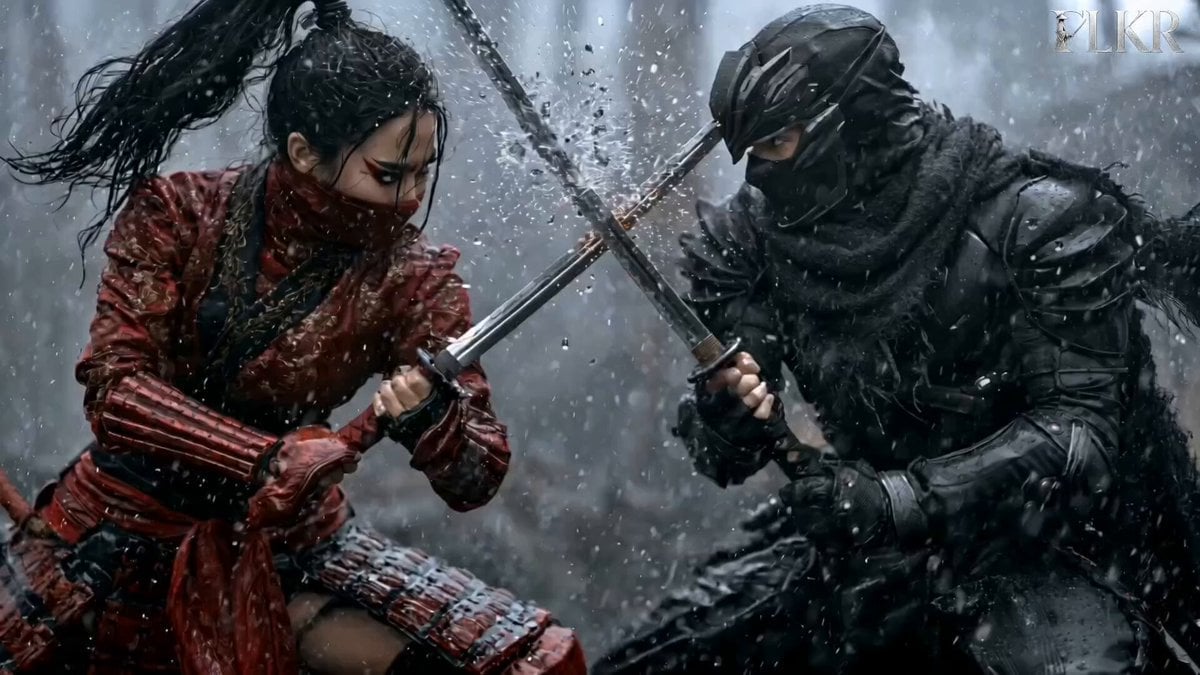
Samurai Duel in Stormy Rooftop

Rural Japanese Slice of Life Journey
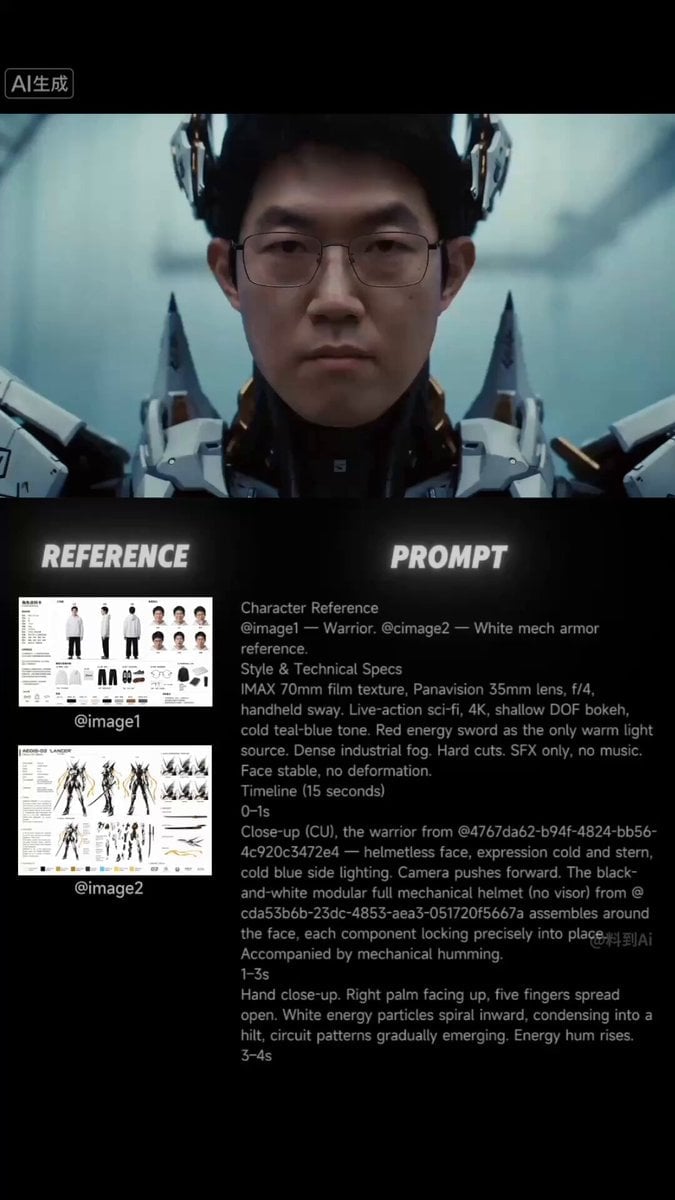
Futuristic Samurai Cinematic Action
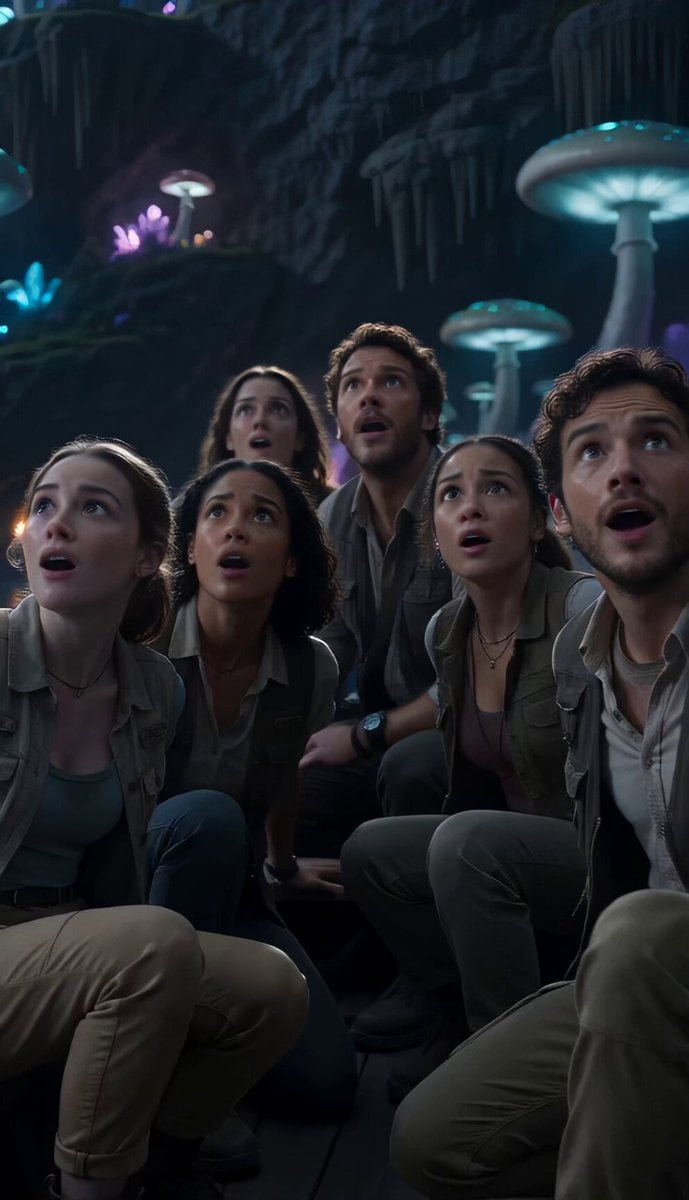
Underground Ocean Fantasy Journey
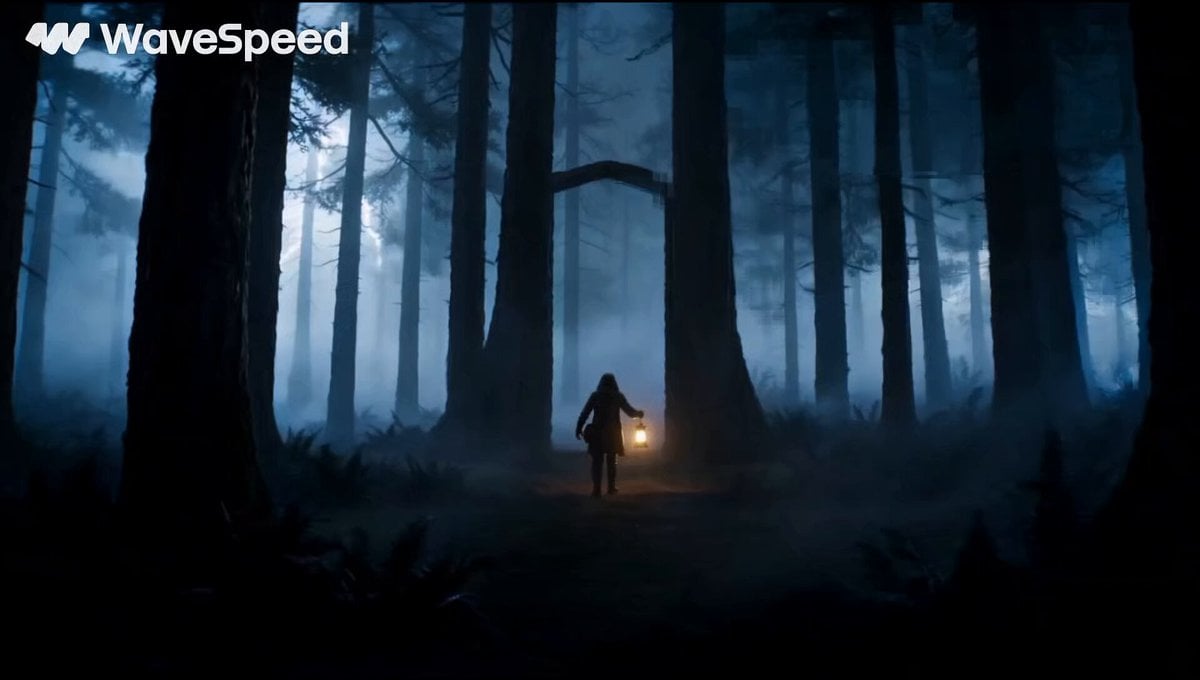
Magical Glowing Forest Portal Journey
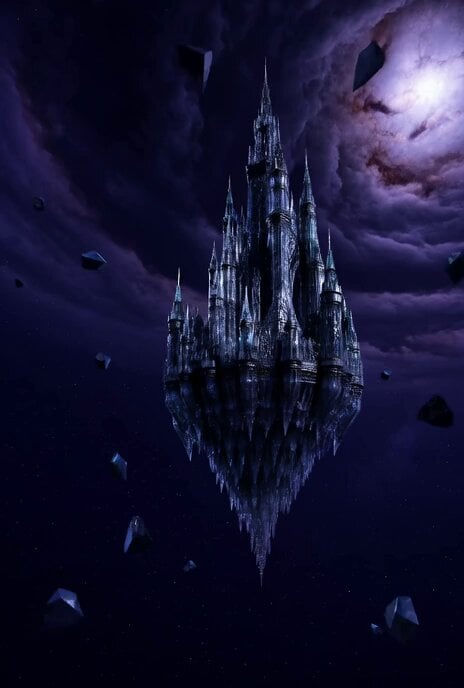
Floating Glass Castle in Cosmic Storm

Fresco Artwork and Crystal Tiles Video
Make it yours
Crystal Castle Samurai Journey works as-is. These are the safest ways to change it without losing the look.
Change one field
Copy a single group, rewrite it, and generate again so you can see what that field is doing.
Keep the frame, change the subject
Hold the composition and light of Crystal Castle Samurai Journey, then swap wardrobe, props or the person for a new take.
| If the result… | Why | Fix |
|---|---|---|
| The result drifts from the preview | Too many fields changed at once. | Reuse Crystal Castle Samurai Journey as-is first, then change one group — subject, light, or setting. |
| The model over-stylizes the scene | The prose prompt leaves finish and camera underspecified. | Add one camera or lighting sentence and stay on Seedance 2.0. |
More Seedance 2.0 templates
Other prompts made for Seedance 2.0.

Comical Martial Arts Punch Scene

Maglev Train Action Sequence

Martial Arts Fight Sequence

Wuxia Protection and Trust Script

Vintage Korean Arcade MiniDV Vlog

Mercedes 190 SL Luxury Ad

Rainy Night Supernatural Reverse Comedy Video Script

Amazon Civilization Discovery

Futuristic South Asian City Transformation

Cozy Luxury Cafe Commercial
More video prompts
Fresh picks from across the catalog.
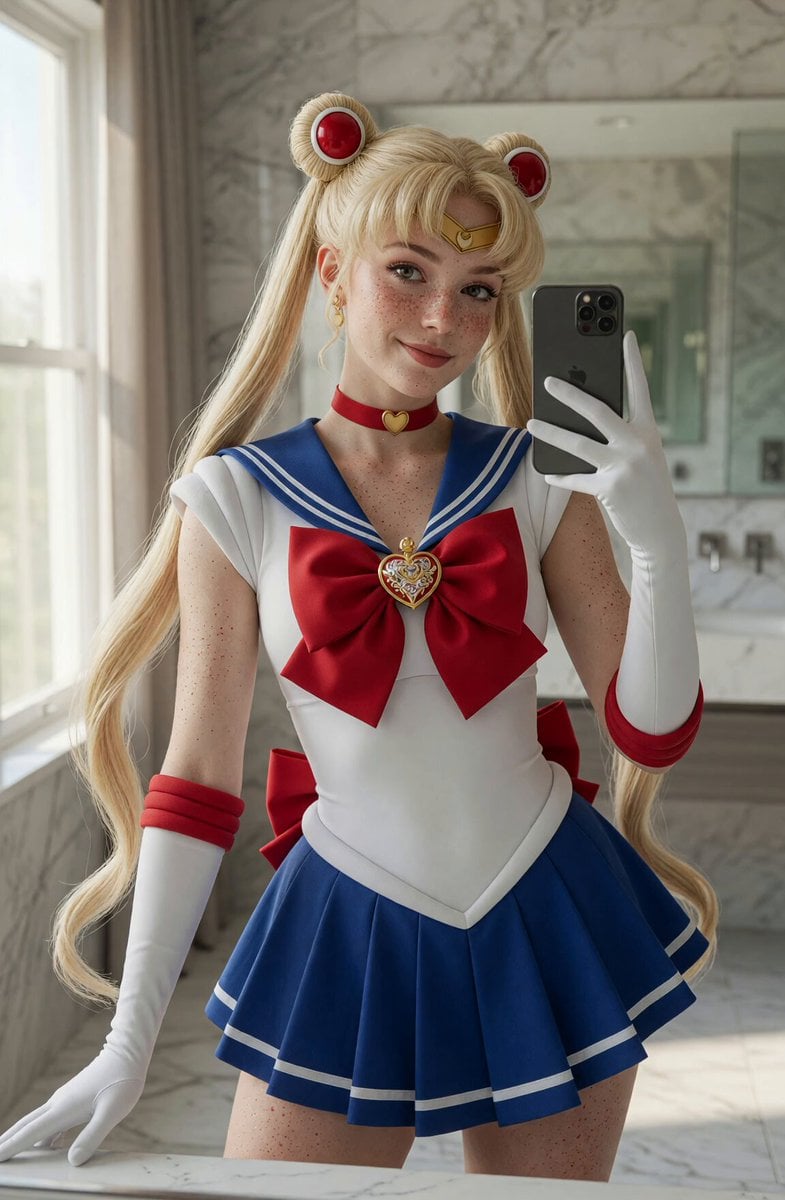
Sailor Moon Mirror Selfie Video
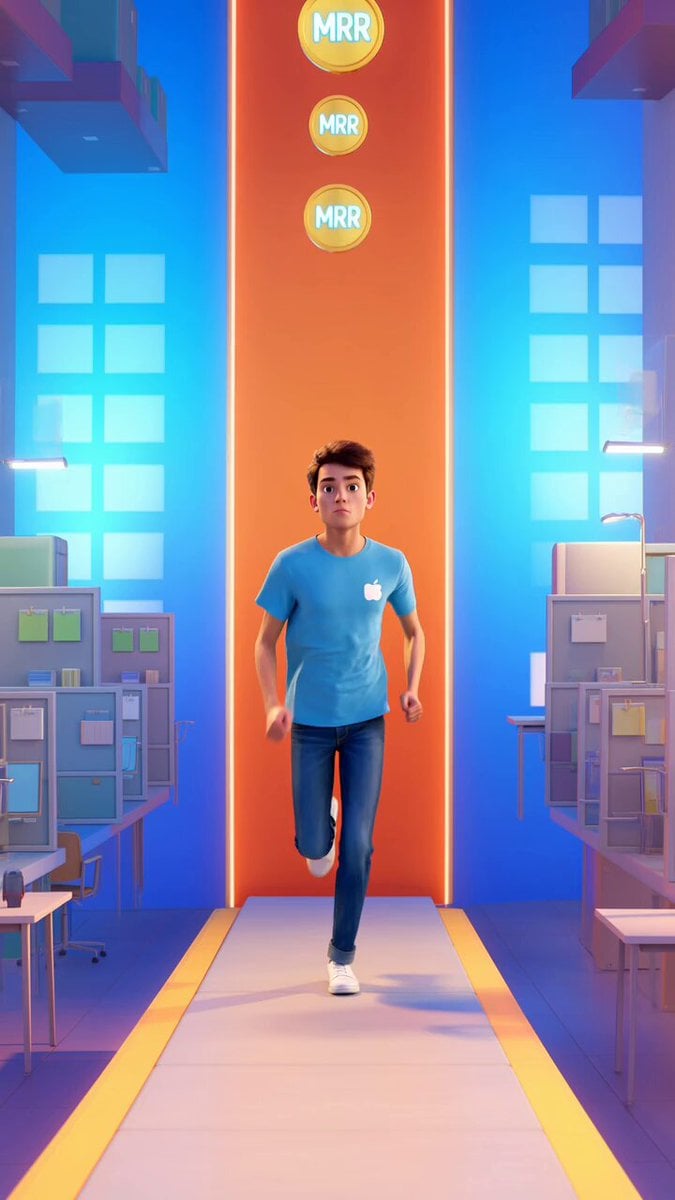
Endless Runner Mobile Game Video Prompt
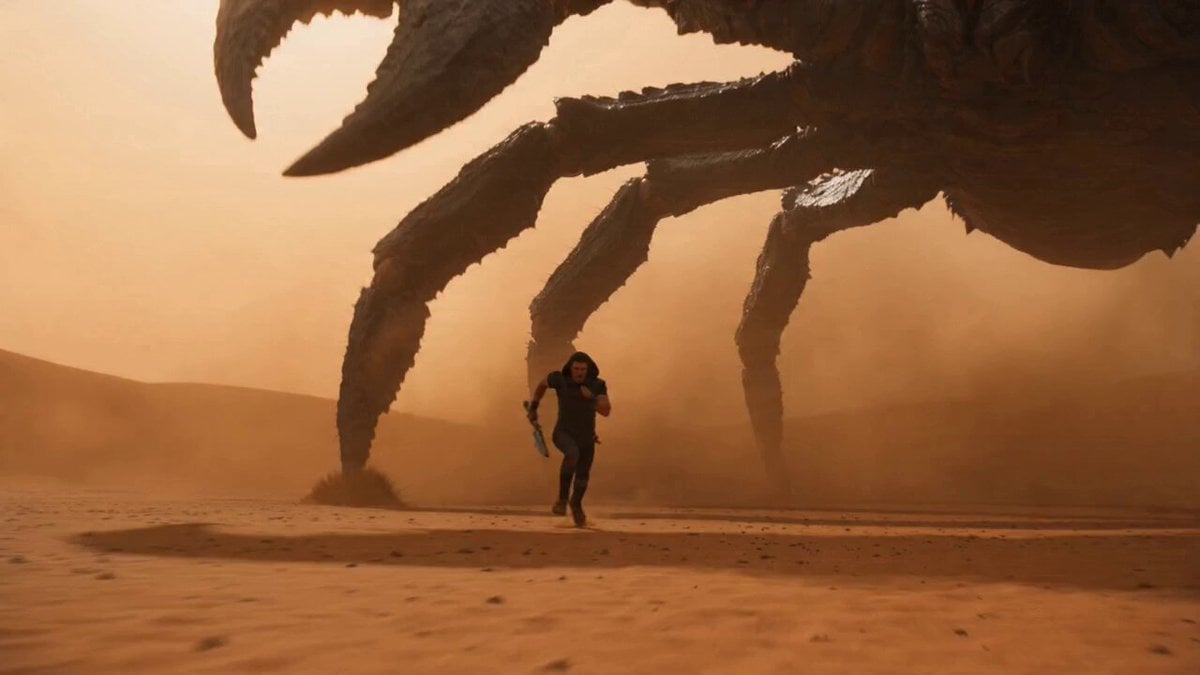
Kaiju Scorpion Desert Battle Video Prompt
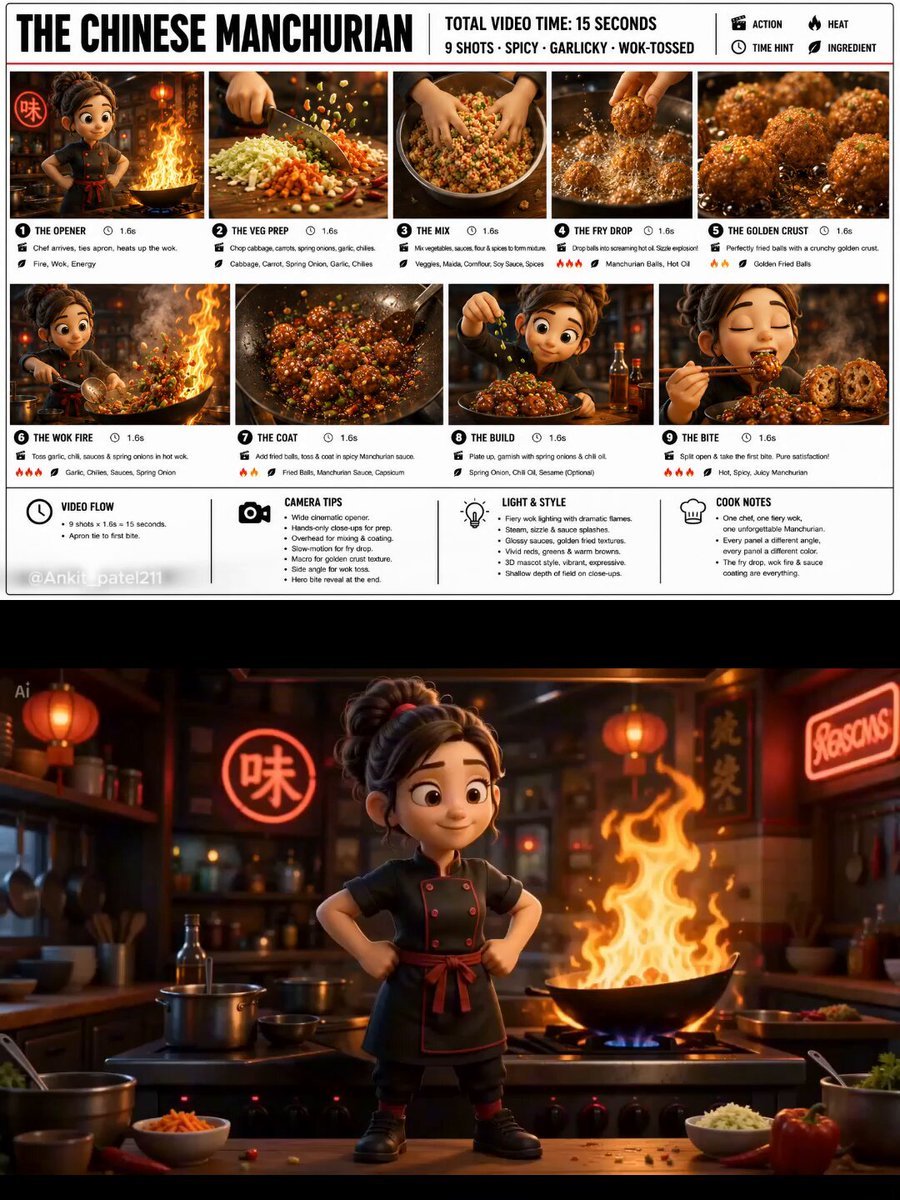
Pixar Style 3D Chef Mascot Animation

Pepsi Stadium Commercial Video
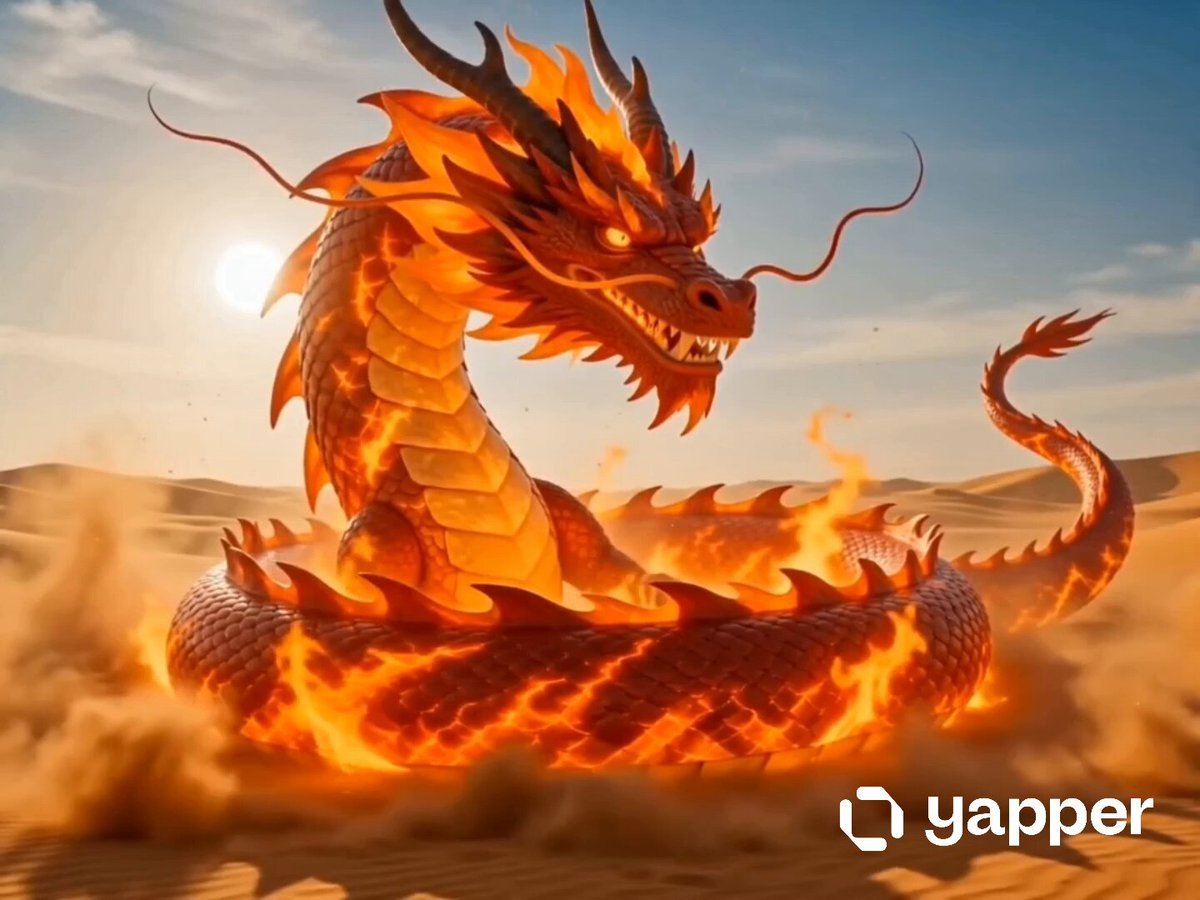
Dragon Fire Boxing Desert Combat
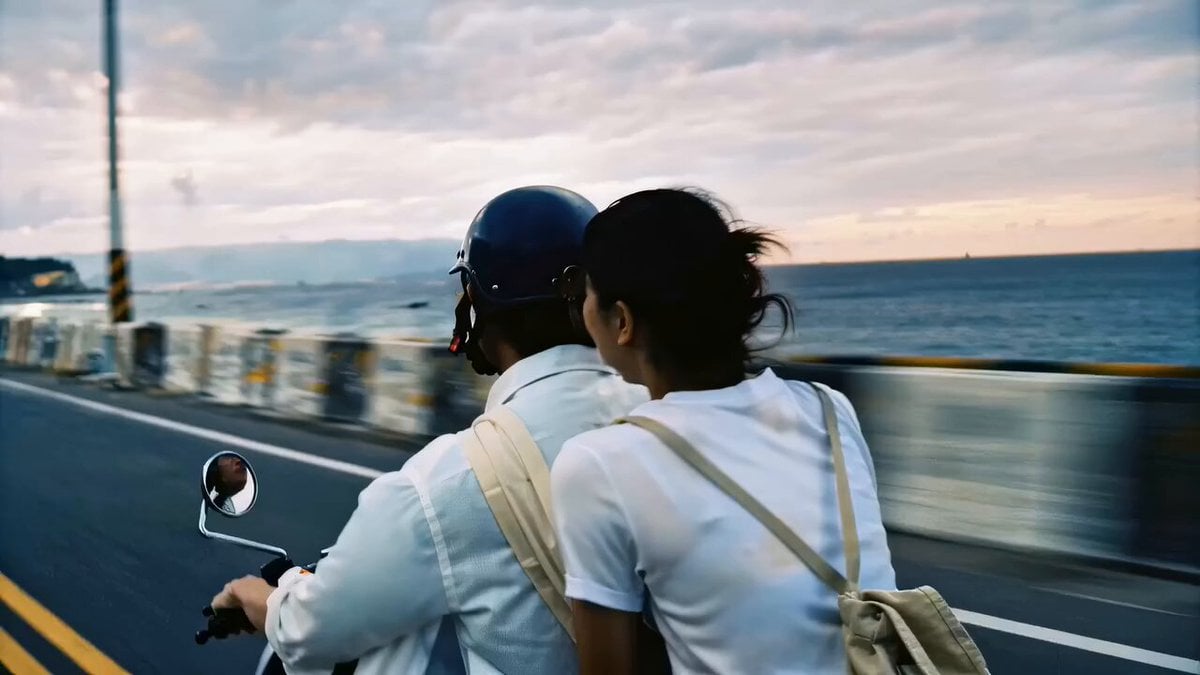
Nostalgic Taiwan Seaside Romance Film
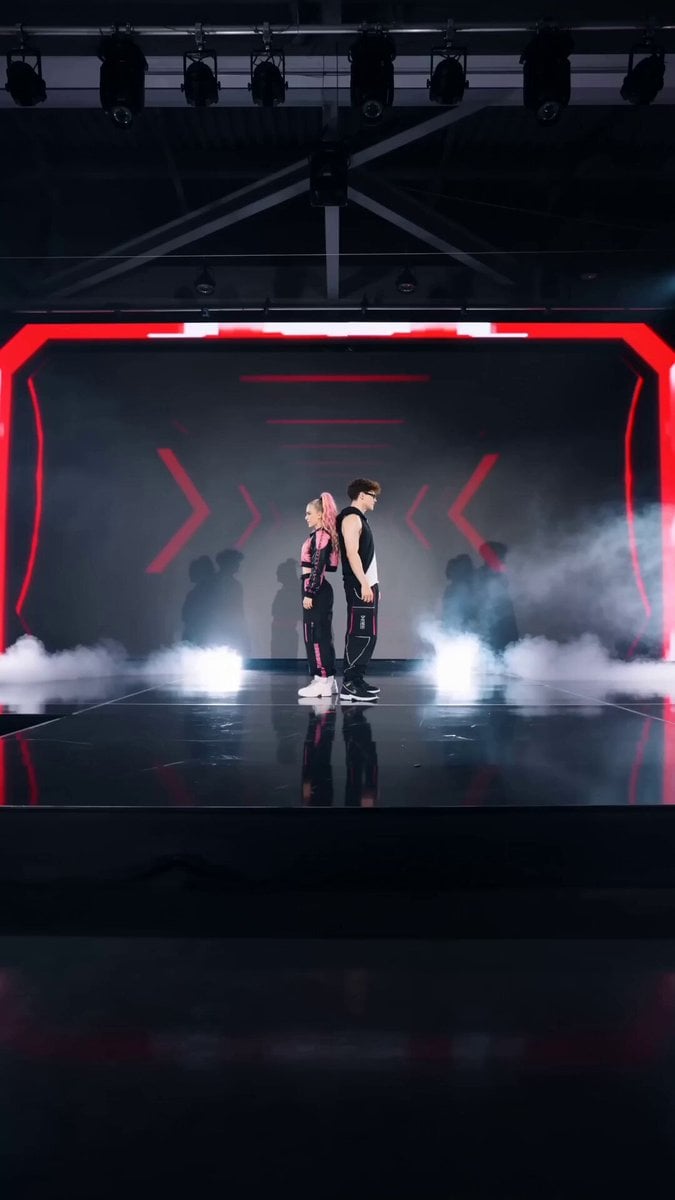
Pop Idol Concert Duo
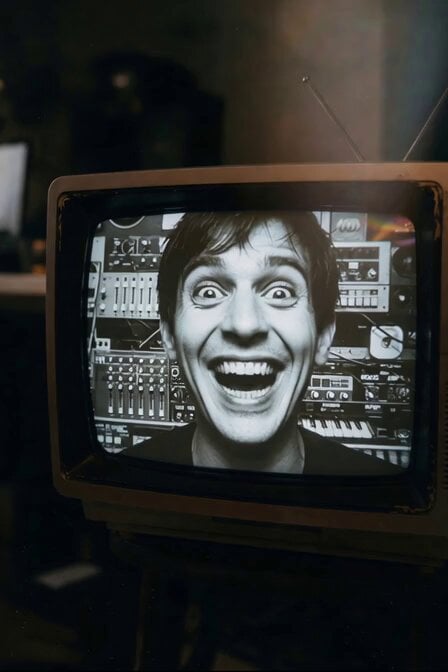
Man Laughing Inside Vintage TV
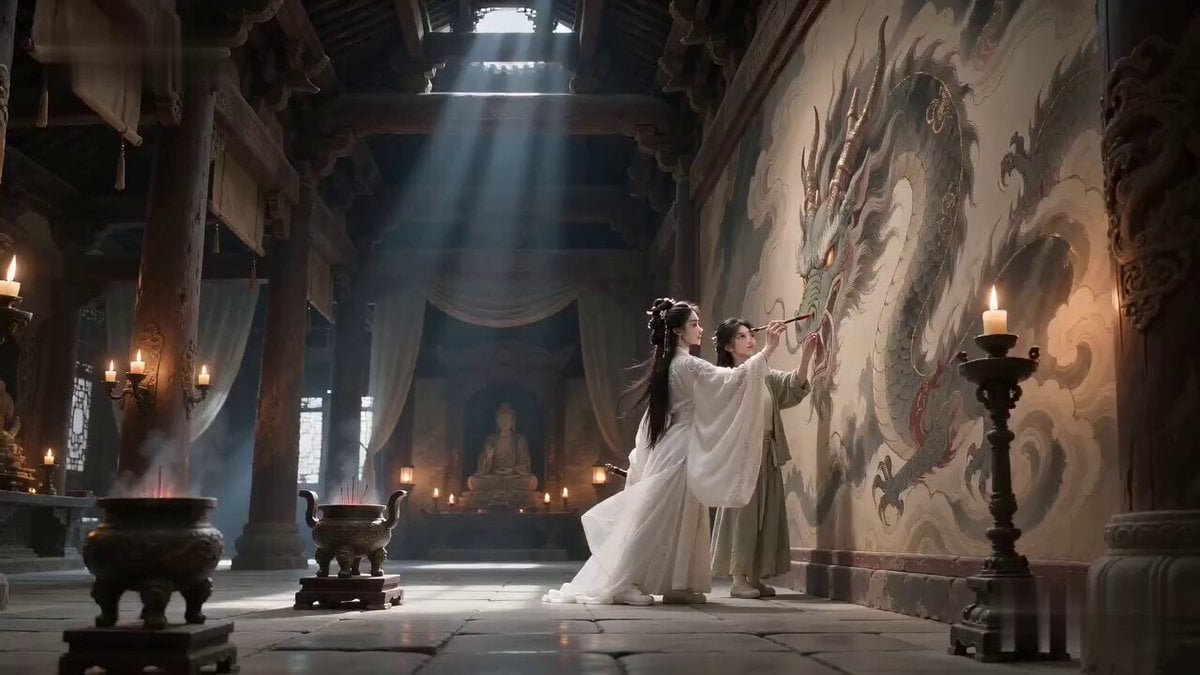
Ancient Temple Animated Mural Dragon
Browse template categories
Crystal Castle Samurai Journey questions
How do I use the Crystal Castle Samurai Journey template?
Add your photo if the template asks for one, edit the prompt if you like — the template's model and format are already selected — and press Generate. Your version opens in PicX Studio.
Can I customize the Crystal Castle Samurai Journey template?
Yes. You can change the subject, setting, lighting, mood, format, and available model controls before creating your video.
Is the Crystal Castle Samurai Journey template free?
Opening and editing this template is free. Generating uses credits, shown on the Generate button when you are signed in.
Which AI model should I use?
Start with Seedance 2.0, which is the model associated with this template. You can compare another compatible model for a different finish.
Looking for something else? Browse all templates.

Your photo, any look
Thousands of ready templates for every top image and video model, from one credit balance.