How do I use the Sailor Moon Mirror Selfie Video template?
Edit the prompt in the box under the preview — the template's model and format are already selected — and press Generate. Your version appears right on this page.
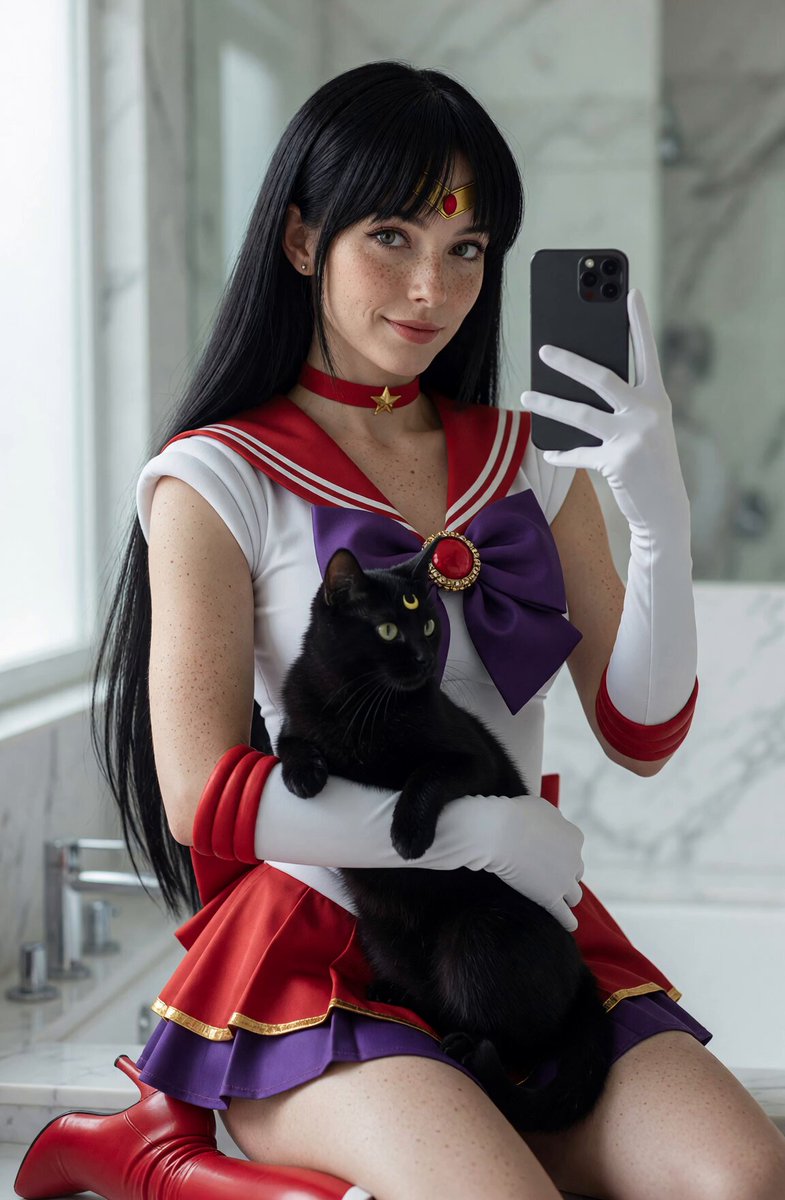
A highly detailed video prompt for generating a realistic mirror selfie of a woman in an accurate Sailor Moon costume within a modern bathroom setting.
Highly realistic mirror selfie of a woman with pale porcelain skin and delicate natural freckles across her face, shoulders and chest. She is dressed in a detailed, accurate Sailor Moon costume: white leotard with blue sailor collar and large red bow on the chest, short pleated blue skirt with white and red trim, golden crescent moon tiara, long white gloves with red accents, red boots, red choker with golden heart pendant, and golden brooch. Classic blonde hair in odango buns with long flowing pigtails. She is taking a mirror selfie in a modern bathroom, holding a black smartphone in one hand, looking directly at the camera with a confident and slightly playful expression. Soft natural window lighting, realistic skin texture, visible freckles, sharp focus, photorealistic.
Highly realistic mirror selfie of a woman with pale porcelain skin and delicate natural freckles across her face, shoulders and chest. She is dressed in a detailed, accurate Sailor Moon costume: white leotard with blue sailor collar and large red bow on the chest, short pleated blue skirt with white and red trim, golden crescent moon tiara, long white gloves with red accents, red boots, red choker with golden heart pendant, and golden brooch. Classic blonde hair in odango buns with long flowing pigtails. She is taking a mirror selfie in a modern bathroom, holding a black smartphone in one hand, looking directly at the camera with a confident and slightly playful expression. Soft natural window lighting, realistic skin texture, visible freckles, sharp focus, photorealistic.
Edit the prompt in the box under the preview — the template's model and format are already selected — and press Generate. Your version appears right on this page.
Yes. You can change the subject, setting, lighting, mood, format, and available model controls before creating your video.
Opening and editing this template is free. Generating uses credits, shown on the Generate button when you are signed in.
Start with Grok Imagine, which is the model associated with this template. You can compare another compatible model for a different finish.
Follow a topic to a crawlable collection of related PicX Studio templates.