How do I use the Dark Fantasy Frozen Bridge template?
Edit the prompt in the box under the preview — the template's model and format are already selected — and press Generate. Your version appears right on this page.
A comprehensive dark fantasy video prompt detailing a four-stage cinematic sequence of a hooded warrior on a mystical frozen bridge.

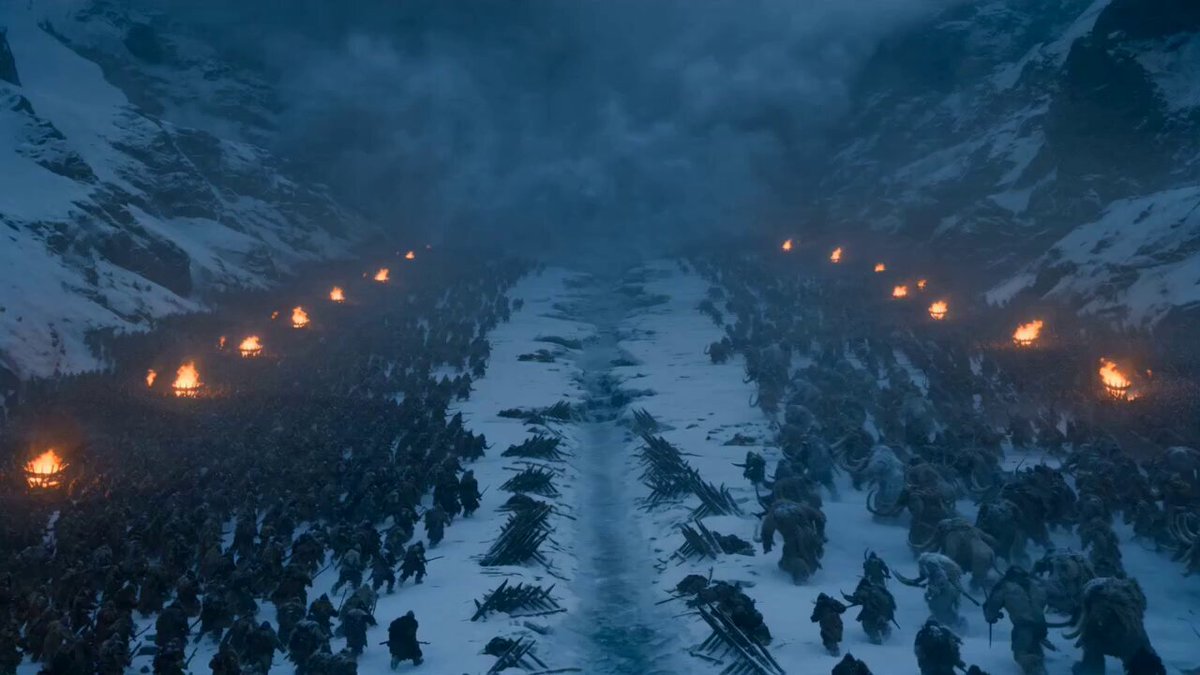
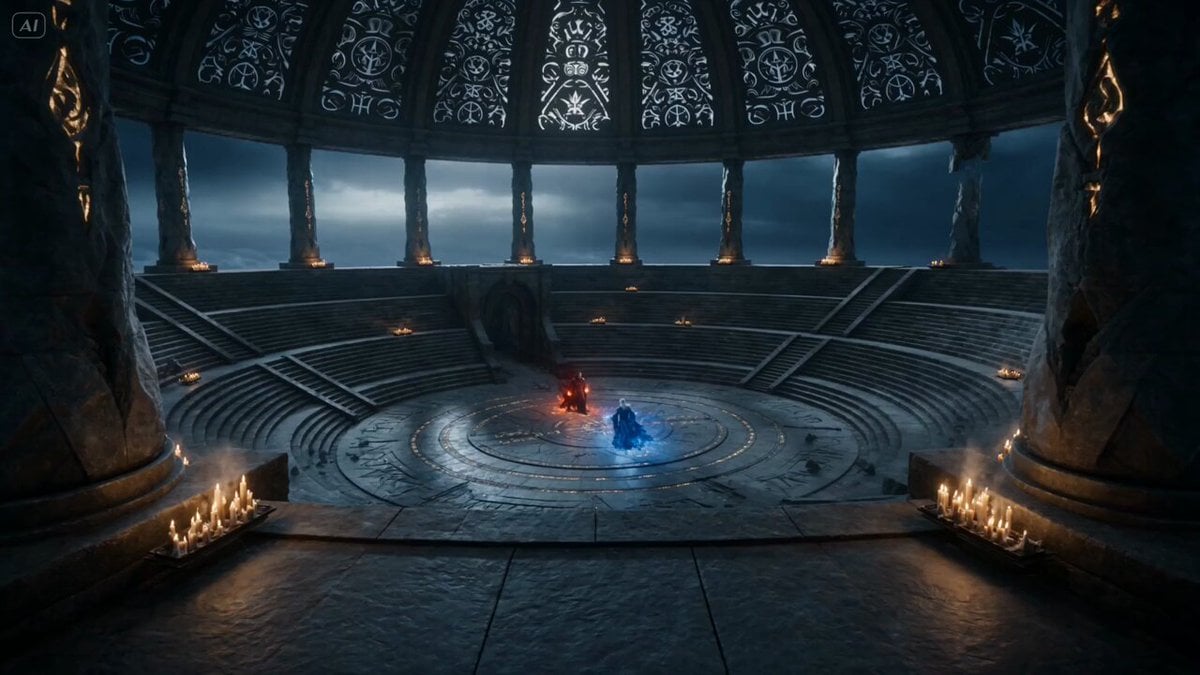
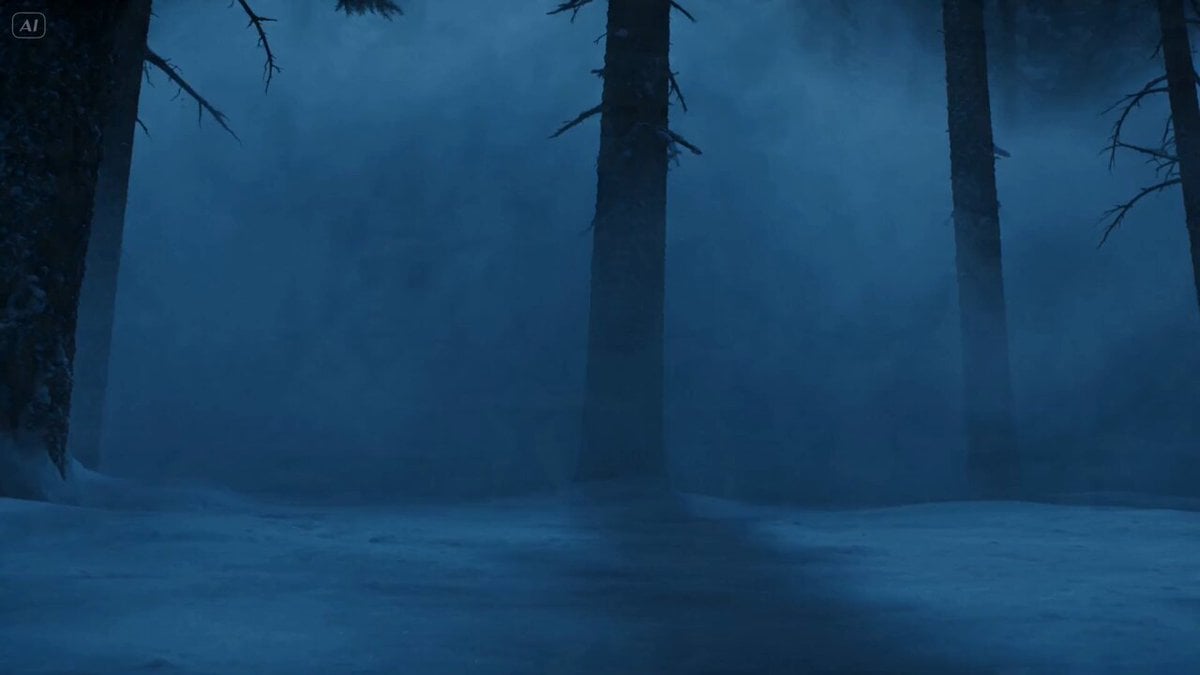
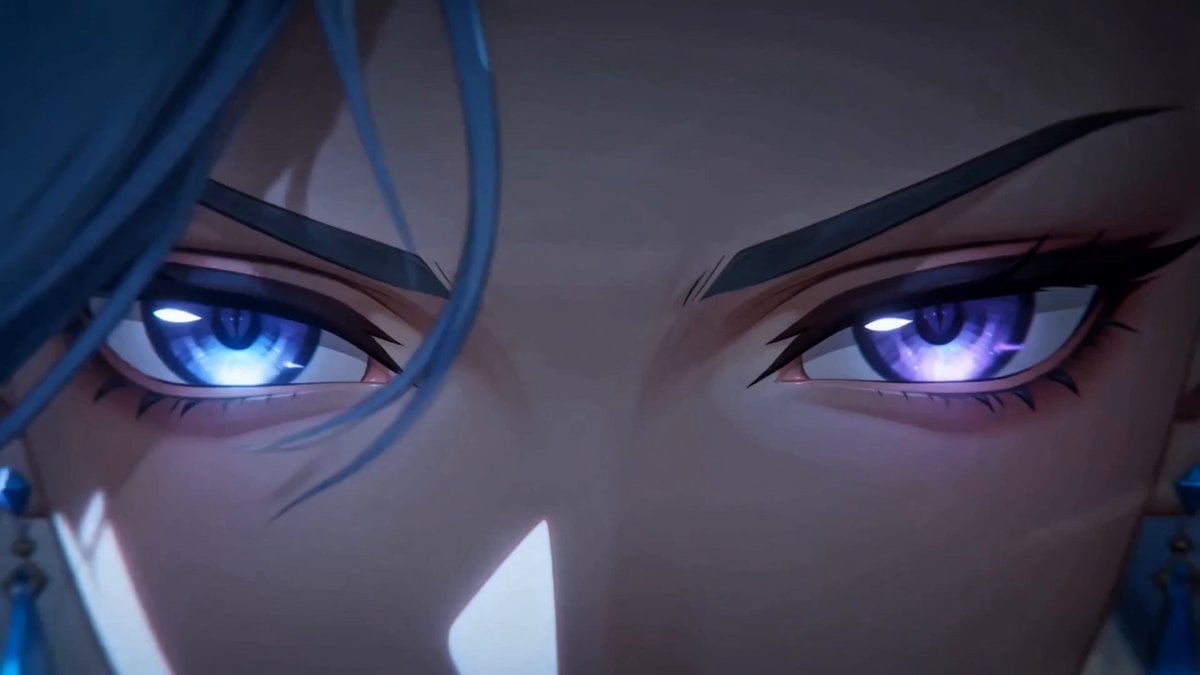
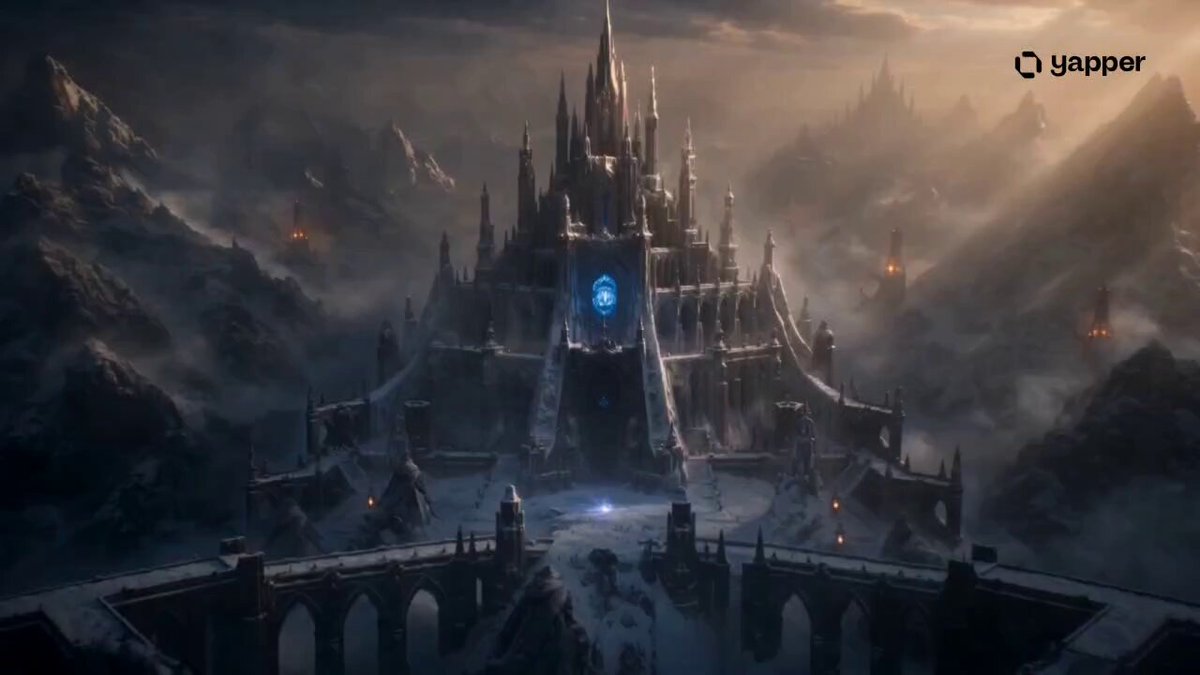
Duration: 15 seconds Style: Ultra-realistic cinematic, dark fantasy, hyper-realistic, 9:16 vertical, 8K, 60fps. 0–3s: A wide aerial shot reveals an ancient frozen stone bridge stretching over a bottomless icy canyon during blue hour. Snow falls steadily as blizzards sweep across distant mountains. Cracked ice glows with mysterious blue runes beneath the warrior's feet. Cinematic drone push-in. 3–7s: The camera slowly circles behind a mysterious hooded warrior standing motionless on the bridge. A tattered black cloak whips violently in the freezing wind. Ultra-detailed medieval armor glistens with frost while a glowing silver sword reflects the icy surroundings. Volumetric fog drifts through the canyon. 7–11s: A low-angle tracking shot moves toward the warrior as they slowly raise the enchanted sword. The blue runes pulse brighter across the frozen bridge, snow swirls dramatically around the cloak, and distant lightning briefly illuminates the storm clouds and snow-covered peaks. 11–15s: The warrior takes one powerful step forward. A shockwave of glowing blue energy races through the ancient runes beneath the ice, sending sparkling frost across the bridge. The camera rapidly pulls back into a breathtaking aerial view as the blizzard intensifies, ending on an epic cinematic wide shot with the lone warrior standing against the frozen wilderness.
Duration: 15 seconds Style: Ultra-realistic cinematic, dark fantasy, hyper-realistic, 9:16 vertical, 8K, 60fps. 0–3s: A wide aerial shot reveals an ancient frozen stone bridge stretching over a bottomless icy canyon during blue hour. Snow falls steadily as blizzards sweep across distant mountains. Cracked ice glows with mysterious blue runes beneath the warrior's feet. Cinematic drone push-in. 3–7s: The camera slowly circles behind a mysterious hooded warrior standing motionless on the bridge. A tattered black cloak whips violently in the freezing wind. Ultra-detailed medieval armor glistens with frost while a glowing silver sword reflects the icy surroundings. Volumetric fog drifts through the canyon. 7–11s: A low-angle tracking shot moves toward the warrior as they slowly raise the enchanted sword. The blue runes pulse brighter across the frozen bridge, snow swirls dramatically around the cloak, and distant lightning briefly illuminates the storm clouds and snow-covered peaks. 11–15s: The warrior takes one powerful step forward. A shockwave of glowing blue energy races through the ancient runes beneath the ice, sending sparkling frost across the bridge. The camera rapidly pulls back into a breathtaking aerial view as the blizzard intensifies, ending on an epic cinematic wide shot with the lone warrior standing against the frozen wilderness.
Edit the prompt in the box under the preview — the template's model and format are already selected — and press Generate. Your version appears right on this page.
Yes. You can change the subject, setting, lighting, mood, format, and available model controls before creating your video.
Opening and editing this template is free. Generating uses credits, shown on the Generate button when you are signed in.
Start with Seedance 2.0, which is the model associated with this template. You can compare another compatible model for a different finish.
Follow a topic to a crawlable collection of related PicX Studio templates.