
Dark Fantasy Horror Transformation
A complex multi-scene prompt describing a slow, disturbing transformation of a young woman into a massive shadow creature in a fog-covered wasteland, complete with dialogue and sound direction.
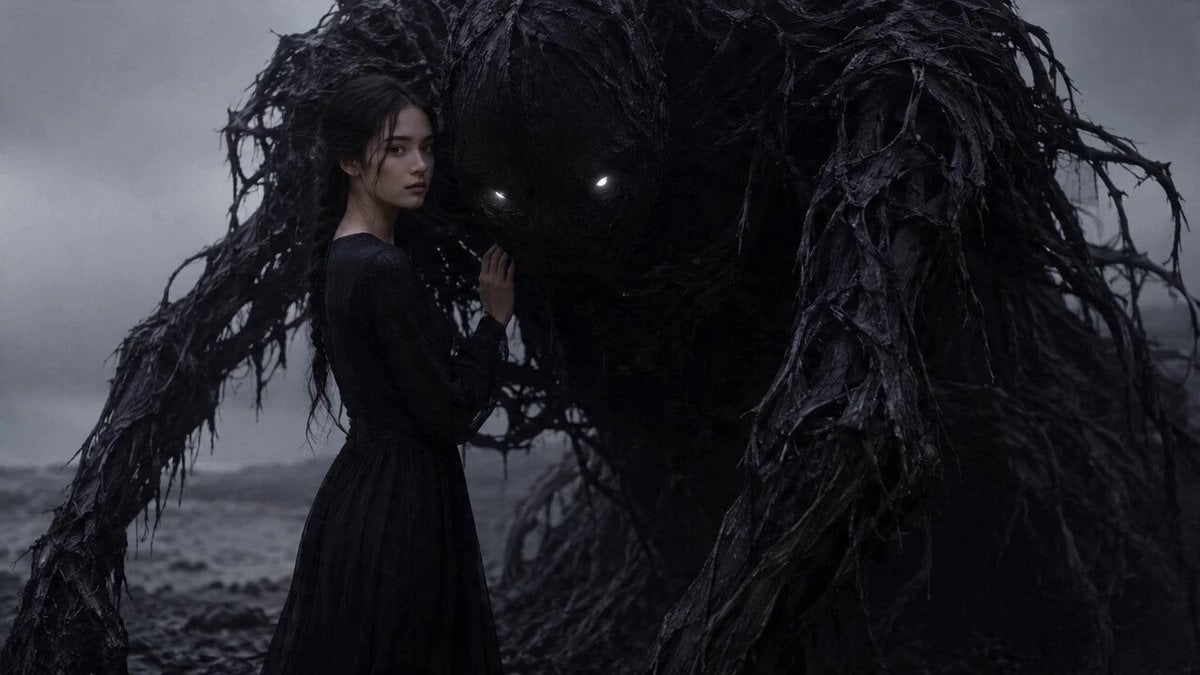
- Prompt included
- Model and format preset
- Free template
The prompt behind this video
Copy the exact prompt behind Dark Fantasy Horror Transformation, or open it in the studio and make it yours.
A bleak, wet, fog covered wasteland under cold gray light. A young woman with a pale face, long dark braided hair, and a flowing black dress stands beside a massive shadow creature made of soaked root like strands, torn black tendrils, and glowing white eyes. Keep the woman’s exact face, exact dress, and the creature’s exact design consistent throughout the video. Dark fantasy horror, disturbing, photoreal, ultra cinematic, slow dramatic pacing. Sound design: low horror pulse, deep rumble, cold wind, wet organic texture movement. [0:00–0:05] Medium shot, slow push in. The girl stands still with one hand resting against the creature, then turns her face slightly toward camera. Her hair and dress move subtly in the wind. Behind her, the towering shadow being breathes almost imperceptibly, its glowing eyes cutting through the fog. The mood is intimate, ominous, and deeply unsettling. [0:05–0:10] Closer chest up framing as the push in continues. Black tendrils begin spreading from her fingers, arms, shoulders, back, and the edges of her dress. The tendrils wrap around her body like liquid shadow. Her skin gradually darkens into slick shadow texture, her face melts into black organic form, and her hair unravels into root like shredded strands. The transformation is slow, painful, elegant, and disturbing. During this moment, with clear accurate lip sync and a calm eerie delivery, she says: “It was never following me. It was becoming me.” [0:10–0:15] Final reveal in a medium to wide shot, with the slow push in still continuing. Where the girl stood, there is now the fully formed shadow creature in the exact same design language: soaked, shredded, branch like black mass with glowing white eyes. It stands perfectly still and faces camera, tilting its head slightly with an unnervingly calm awareness, as if her human consciousness remains inside it. End on a disturbing calm final stare, heavy fog thickening around the creature, low rumble deepening, then fade to black. Sound Direction: Low horror pulse with deep sub rumble, distant wind, subtle wet organic movement, minimal dark drone rising during the tendril spread, no melodic music, just oppressive atmospheric tension.
How to use Dark Fantasy Horror Transformation in 3 steps
- 1
Open
The prompt is already in the box next to the preview, with the template's model and format selected.
- 2…a portrait of your subject in softgolden-hour light, 85mm…
Personalize
Edit the subject and creative details for your destination.
- 3Generate
Generate
Press Generate — your video is created in PicX Studio, so you can compare it with the original and refine one variable at a time.
More like this
Templates with the same subject, style or setup. Open one to see its prompt.
Dark Tokusatsu Transformation - Seedance 2.5
Chibi Cave Adventure — He Doesn't Know What's Coming
Seedance 2.0 Prompt: Dark Fantasy Action Horror
Magical Room Transformation - Seedance 2.5
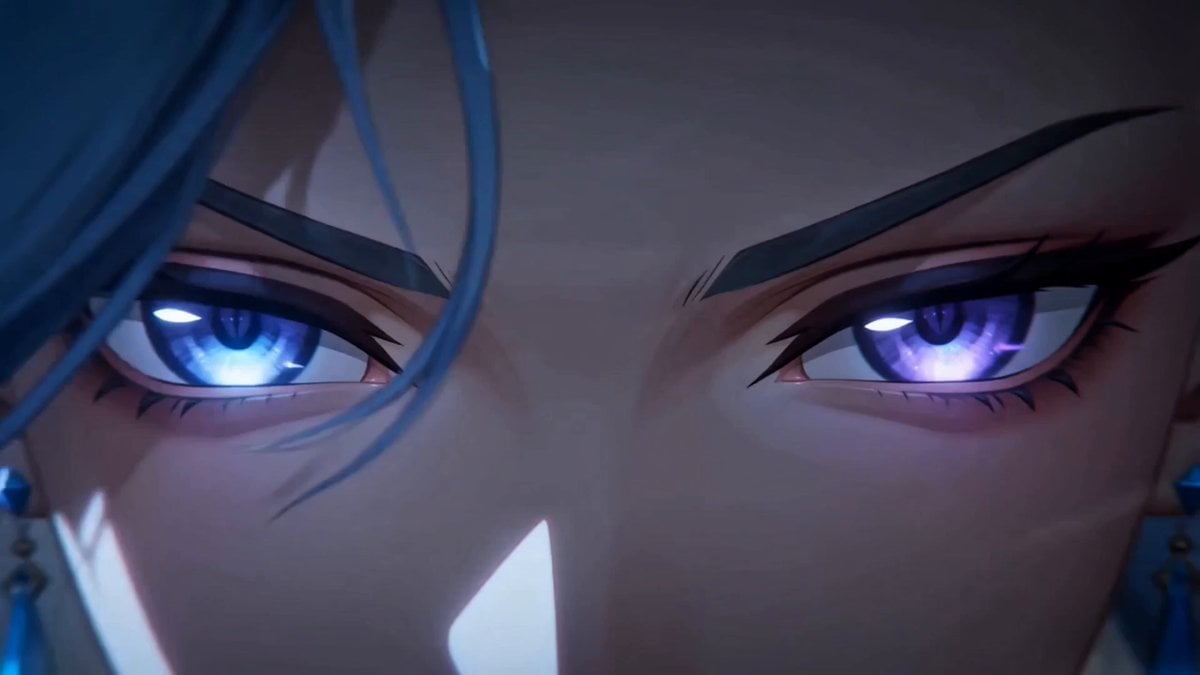
Dark Fantasy Anime Summoning Ritual
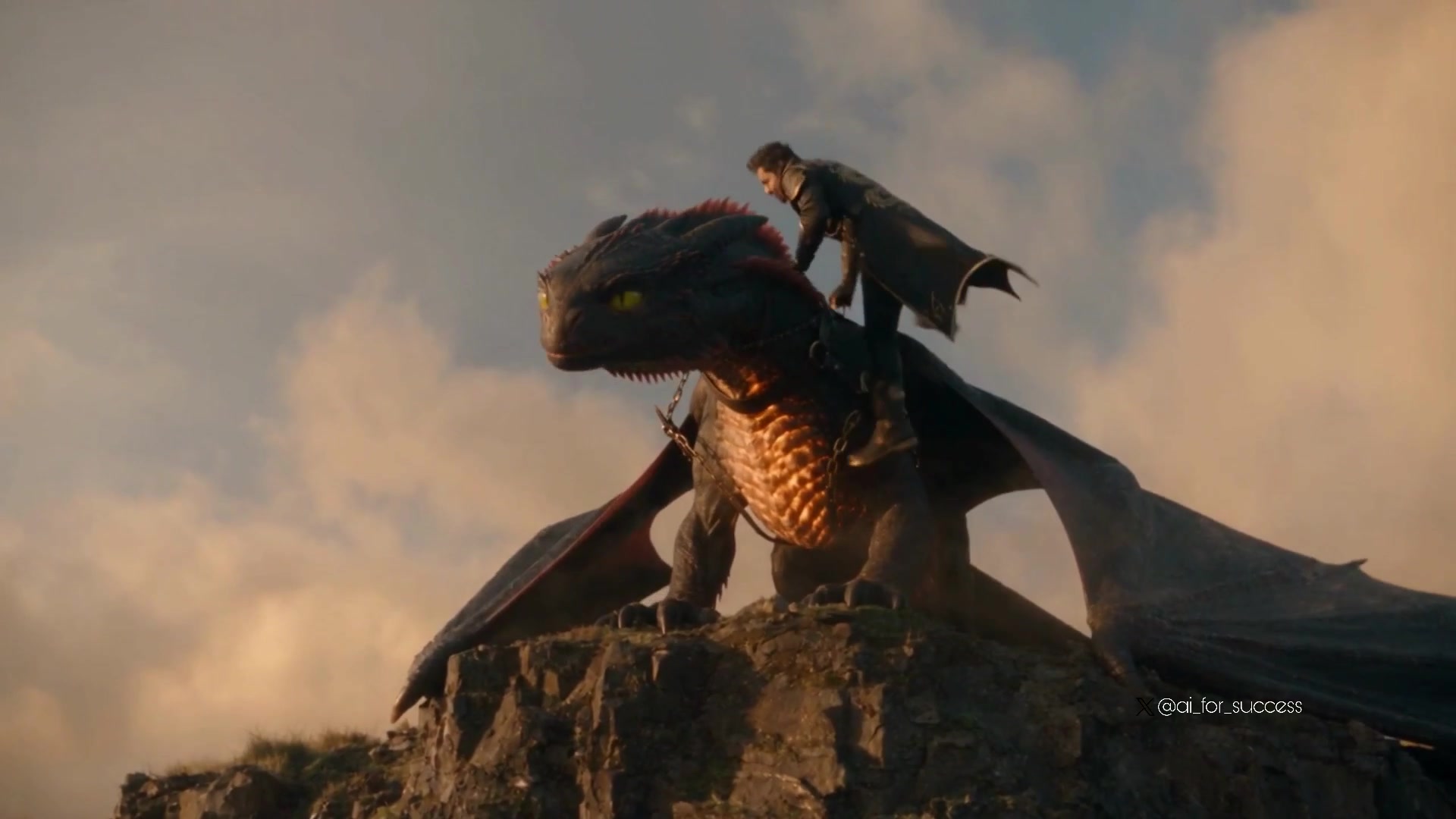
Dragon Rider Cinematic Flight — Seedance 2.5
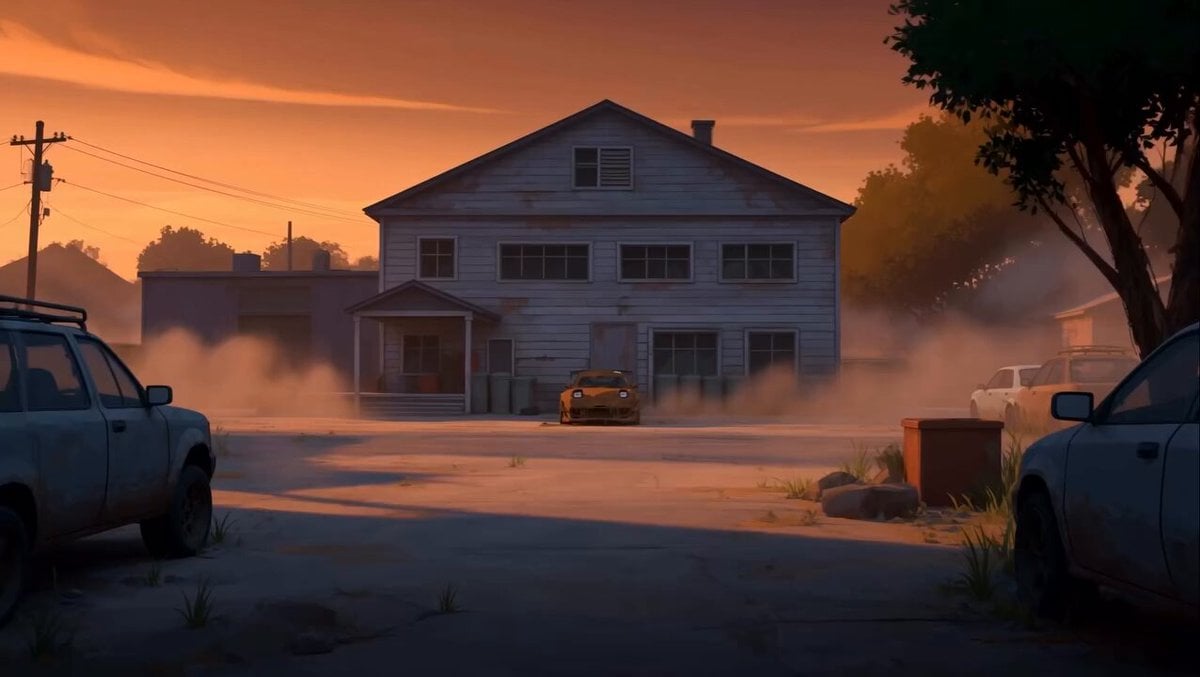
RX-7 to Mech Transformation Cyberpunk
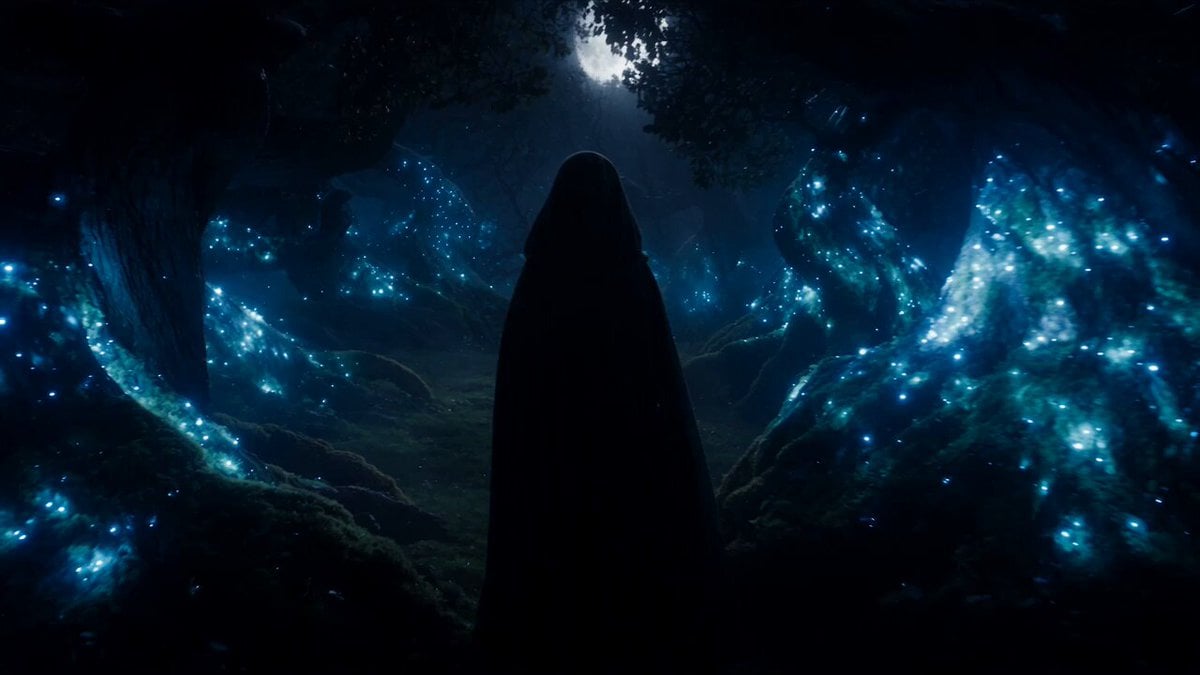
Forest Fantasy Girl Short Film
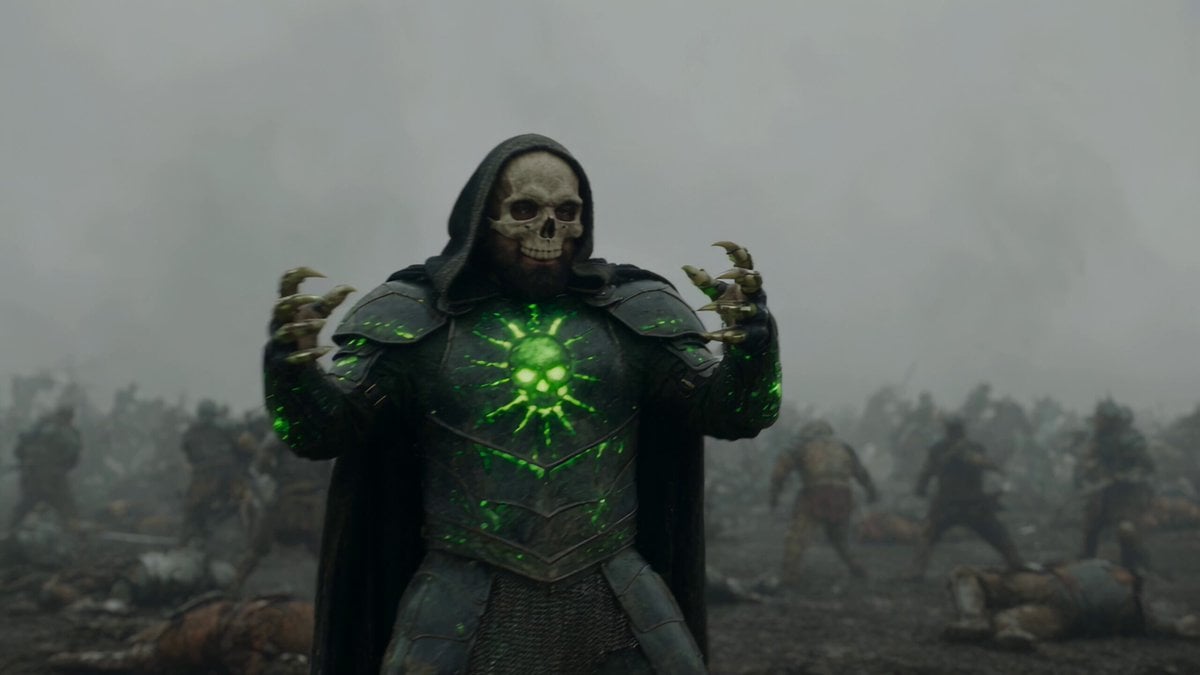
Necromancer Battlefield Orbit
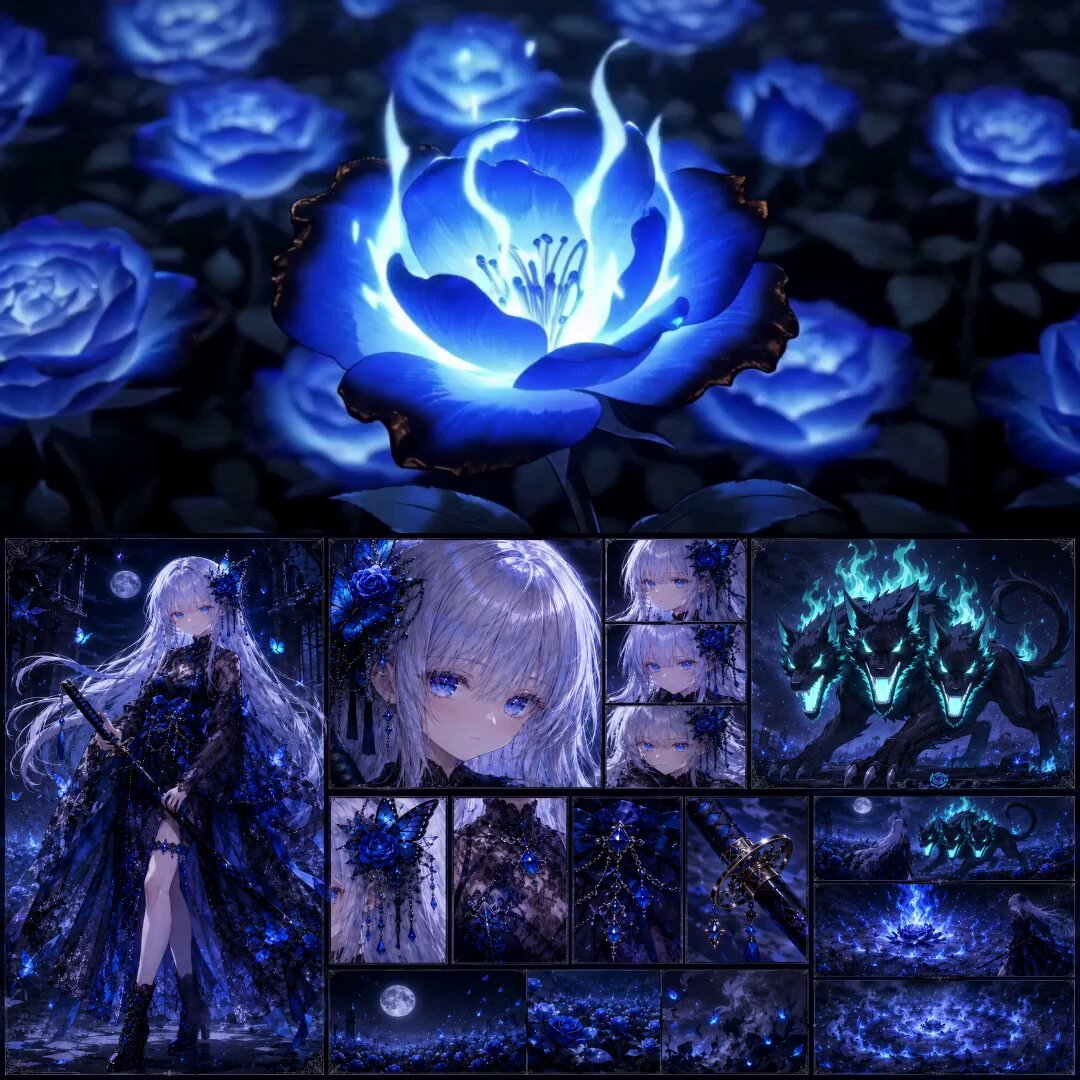
High-End Anime Dark Fantasy Cerberus Battle
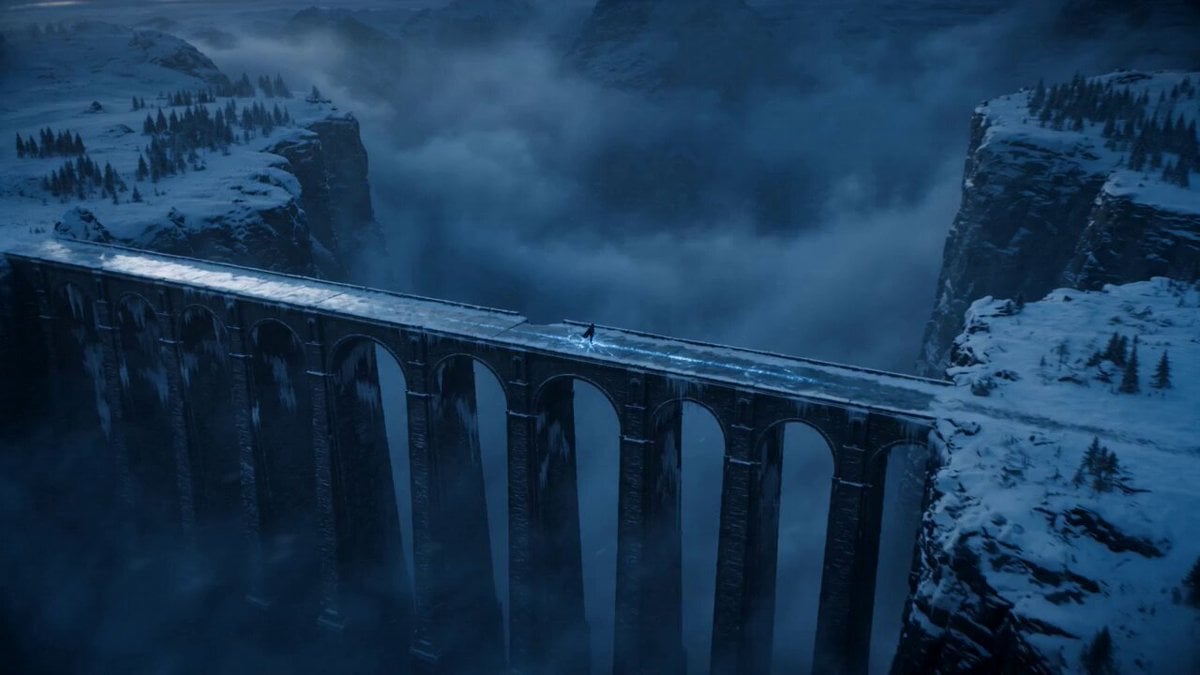
Dark Fantasy Frozen Bridge
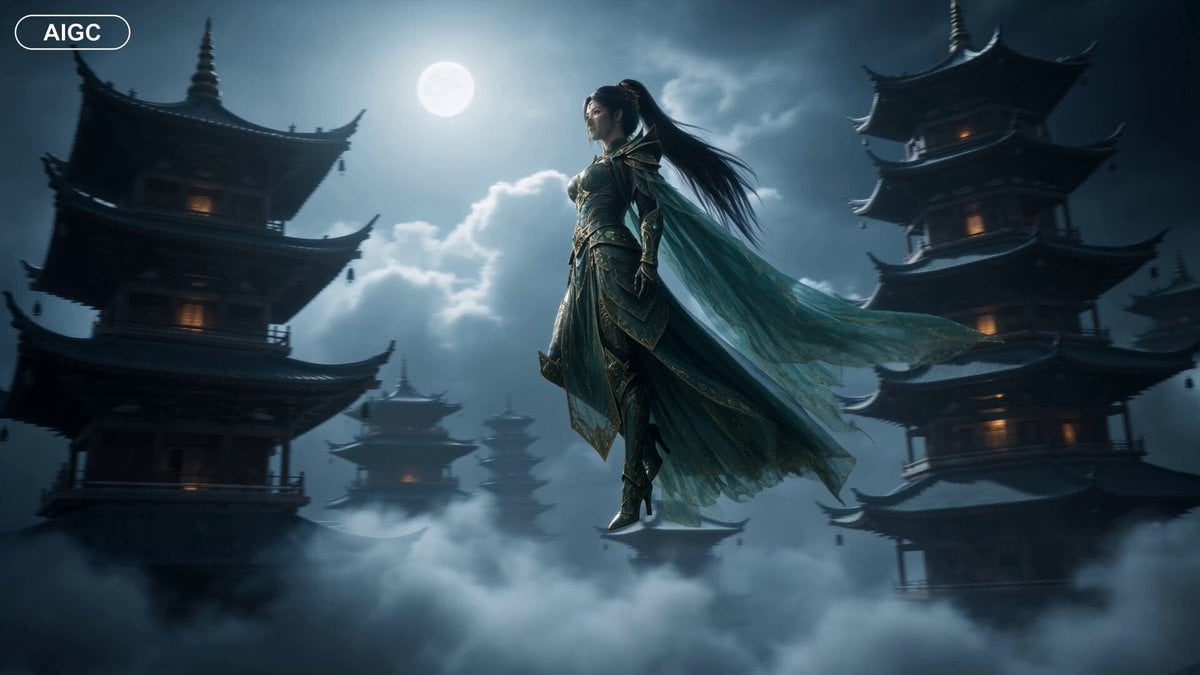
Fantasy Warrior Transformation Sequence
Make it yours
Dark Fantasy Horror Transformation works as-is. These are the safest ways to change it without losing the look.
Change one field
Copy a single group, rewrite it, and generate again so you can see what that field is doing.
Keep the frame, change the subject
Hold the composition and light of Dark Fantasy Horror Transformation, then swap wardrobe, props or the person for a new take.
| If the result… | Why | Fix |
|---|---|---|
| The result drifts from the preview | Too many fields changed at once. | Reuse Dark Fantasy Horror Transformation as-is first, then change one group — subject, light, or setting. |
| The model over-stylizes the scene | The prose prompt leaves finish and camera underspecified. | Add one camera or lighting sentence and stay on Seedance 2.0. |
More Seedance 2.0 templates
Other prompts made for Seedance 2.0.

Comical Martial Arts Punch Scene

Maglev Train Action Sequence

Martial Arts Fight Sequence

Wuxia Protection and Trust Script

Vintage Korean Arcade MiniDV Vlog

Mercedes 190 SL Luxury Ad

Rainy Night Supernatural Reverse Comedy Video Script

Amazon Civilization Discovery

Futuristic South Asian City Transformation

Cozy Luxury Cafe Commercial
More video prompts
Fresh picks from across the catalog.
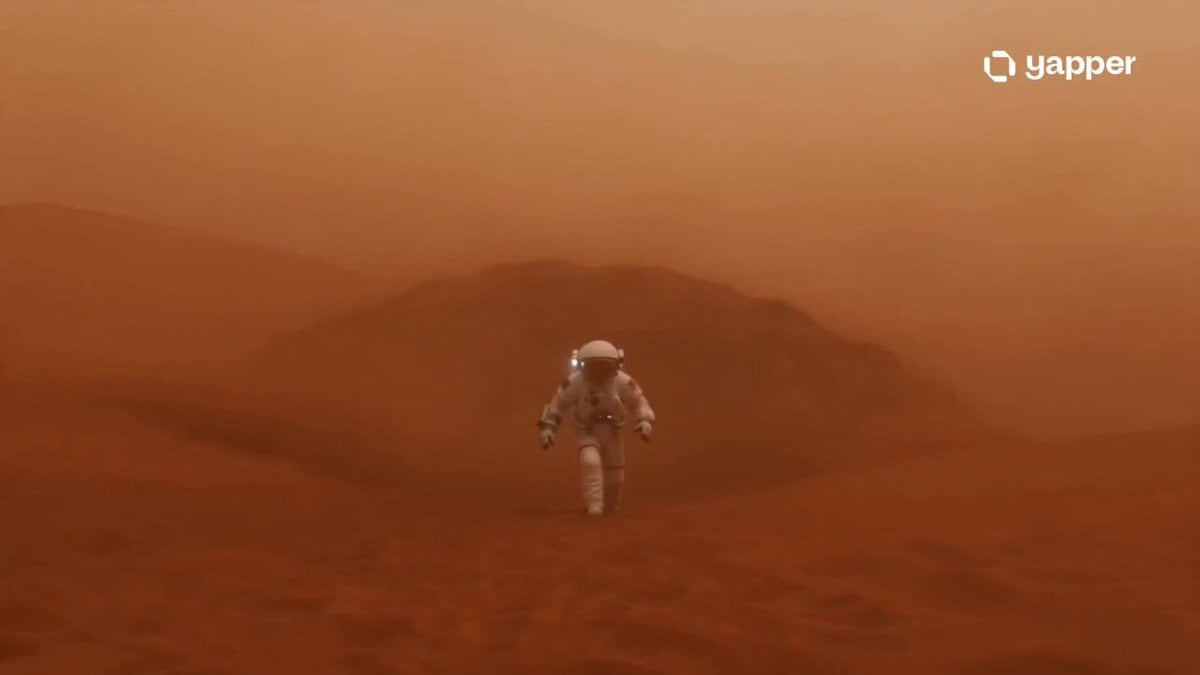
Martian Storm Sci-Fi Mystery Sequence

Rogue Pilot Canyon Dogfight
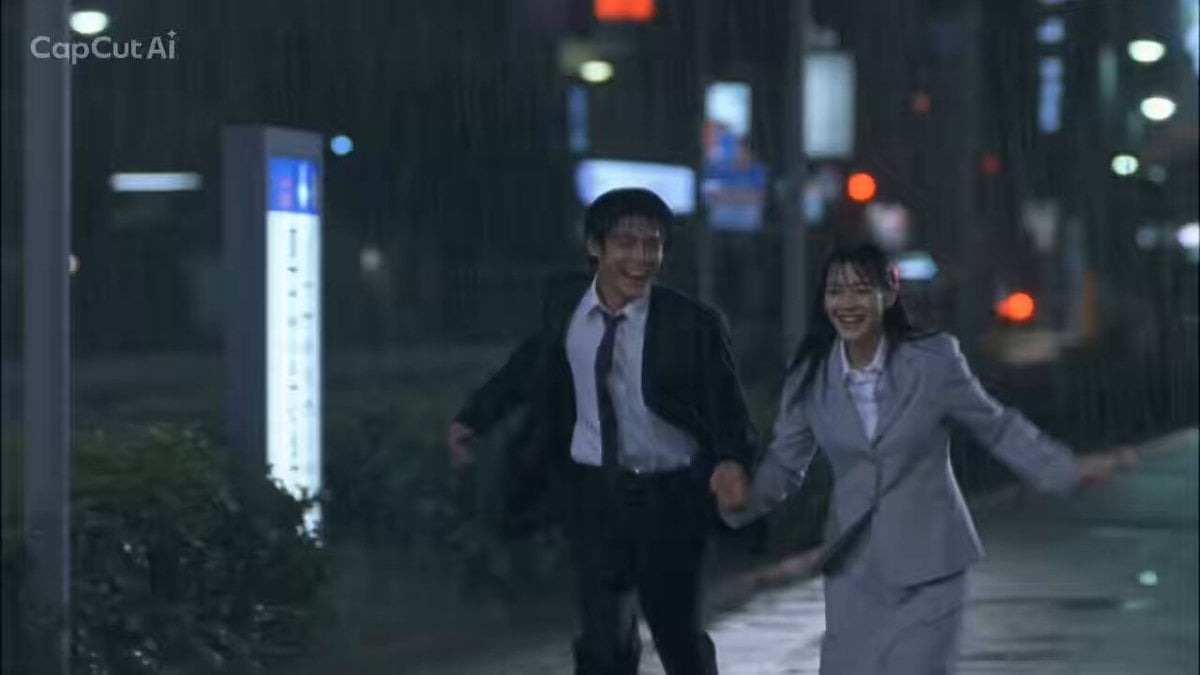
1990s Japanese Trendy Drama Style Video Prompt
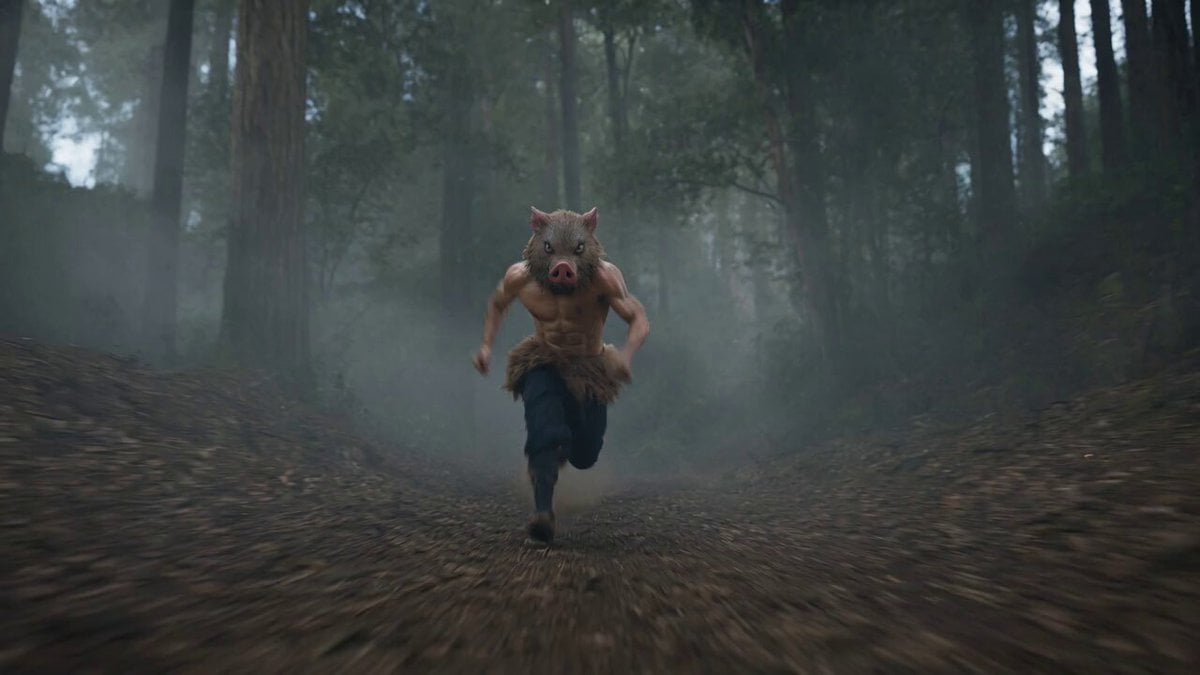
Live-Action Inosuke Combat Scene
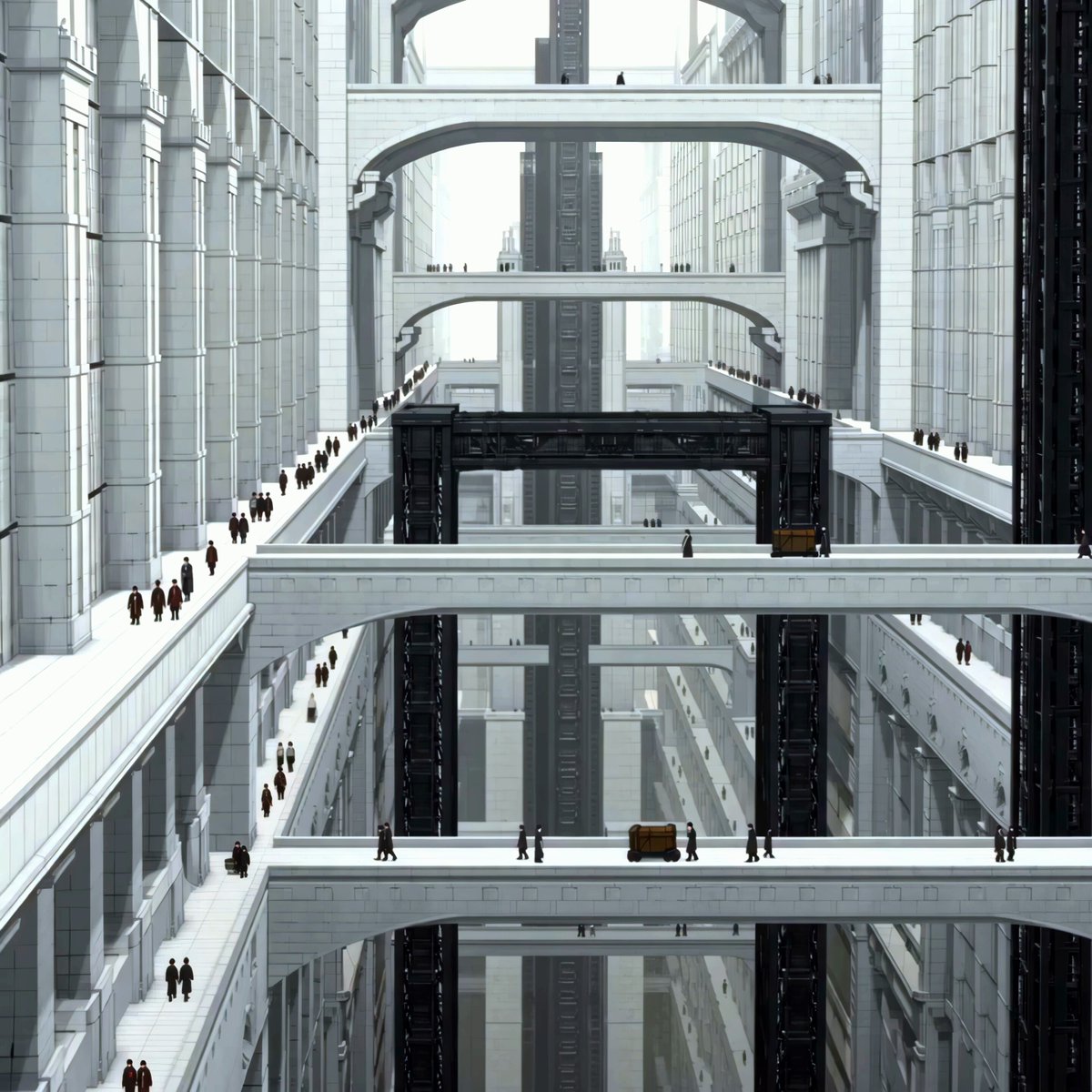
Futuristic Anime City PV Sequence
Allaaisling World Acceleration Kling
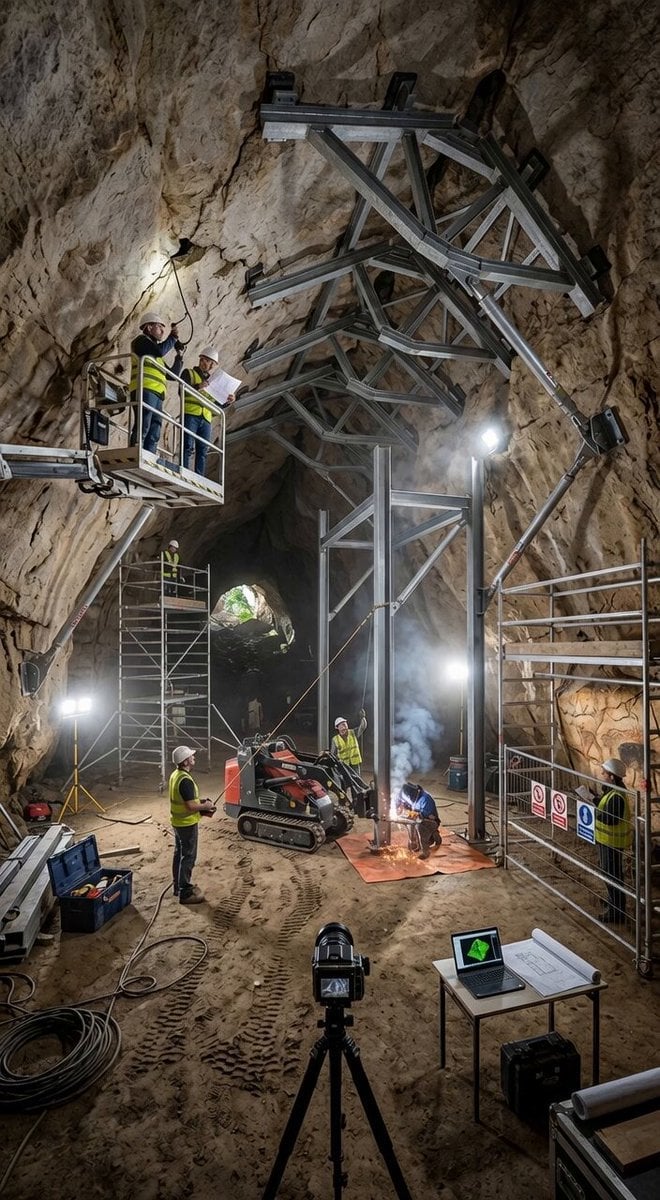
Cave Construction Scene Lock
Ballet Dancer vs Boxer Cinematic Fight
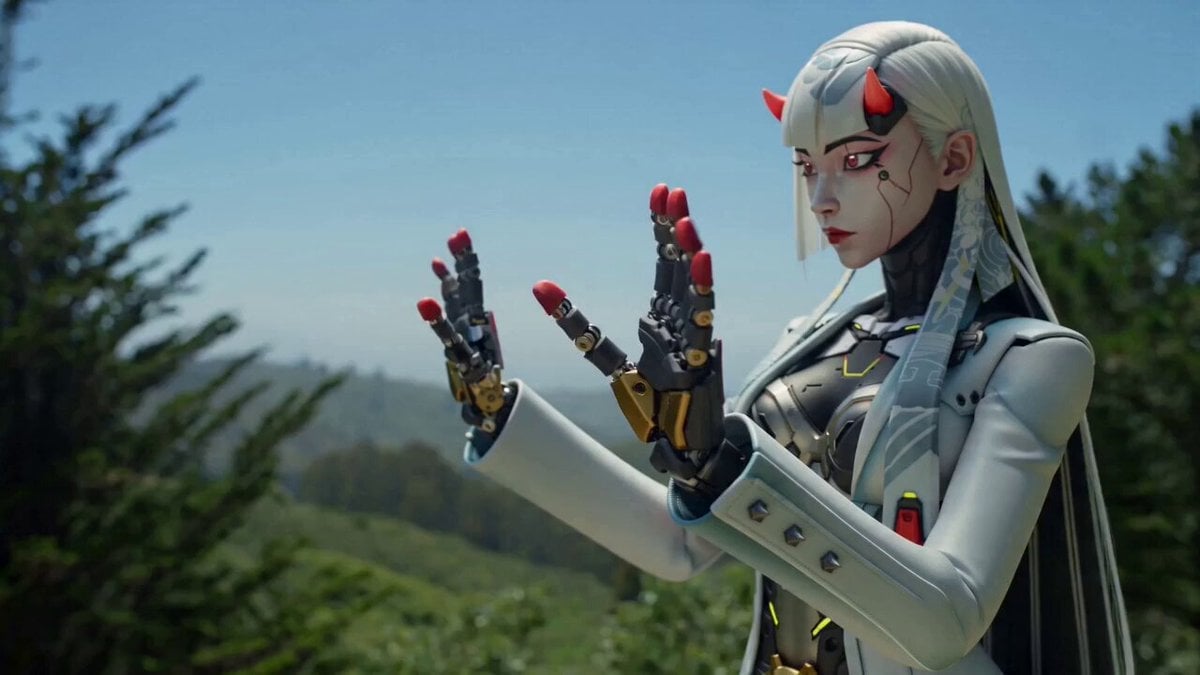
Full Character Video Reconstruction

Saturday coffee and Starship V3 video
Browse template categories
Dark Fantasy Horror Transformation questions
How do I use the Dark Fantasy Horror Transformation template?
Add your photo if the template asks for one, edit the prompt if you like — the template's model and format are already selected — and press Generate. Your version opens in PicX Studio.
Can I customize the Dark Fantasy Horror Transformation template?
Yes. You can change the subject, setting, lighting, mood, format, and available model controls before creating your video.
Is the Dark Fantasy Horror Transformation template free?
Opening and editing this template is free. Generating uses credits, shown on the Generate button when you are signed in.
Which AI model should I use?
Start with Seedance 2.0, which is the model associated with this template. You can compare another compatible model for a different finish.
Looking for something else? Browse all templates.

Your photo, any look
Thousands of ready templates for every top image and video model, from one credit balance.