
Allaaisling World Acceleration Kling
AllaAisling's World Acceleration effect with Kling AI 2.6 — camera locked in place while entire environments slam past the lens at extreme speed.
- Prompt included
- Model and format preset
- Free template
The prompt behind this video
Copy the exact prompt behind Allaaisling World Acceleration Kling, or open it in the studio and make it yours.
World Acceleration effect with Kling AI 2.6. Camera locked in place, cannot move. The world accelerates instead. Entire environments slam past the lens at extreme speed. Native audio included. Cinematic, ultra-realistic, short film aesthetic.
How to use Allaaisling World Acceleration Kling in 3 steps
- 1
Open
The prompt is already in the box next to the preview, with the template's model and format selected.
- 2…a portrait of your subject in softgolden-hour light, 85mm…
Personalize
Edit the subject and creative details for your destination.
- 3Generate
Generate
Press Generate — your video is created in PicX Studio, so you can compare it with the original and refine one variable at a time.
More like this
Templates with the same subject, style or setup. Open one to see its prompt.
Alla Kling World Acceleration
Whale in the Sky — City Shadows (Kling AI)
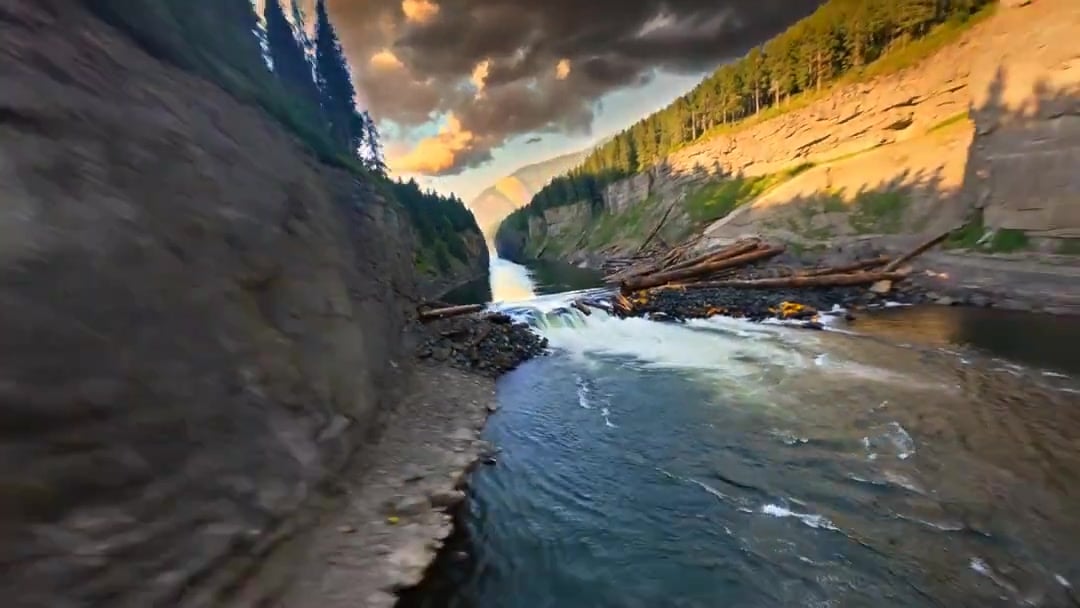
Cinematic Drone Specs Canyon — Kling 3.0 v3 Pro

Cinematic Short Film Scene

Rushed Morning Routine Montage
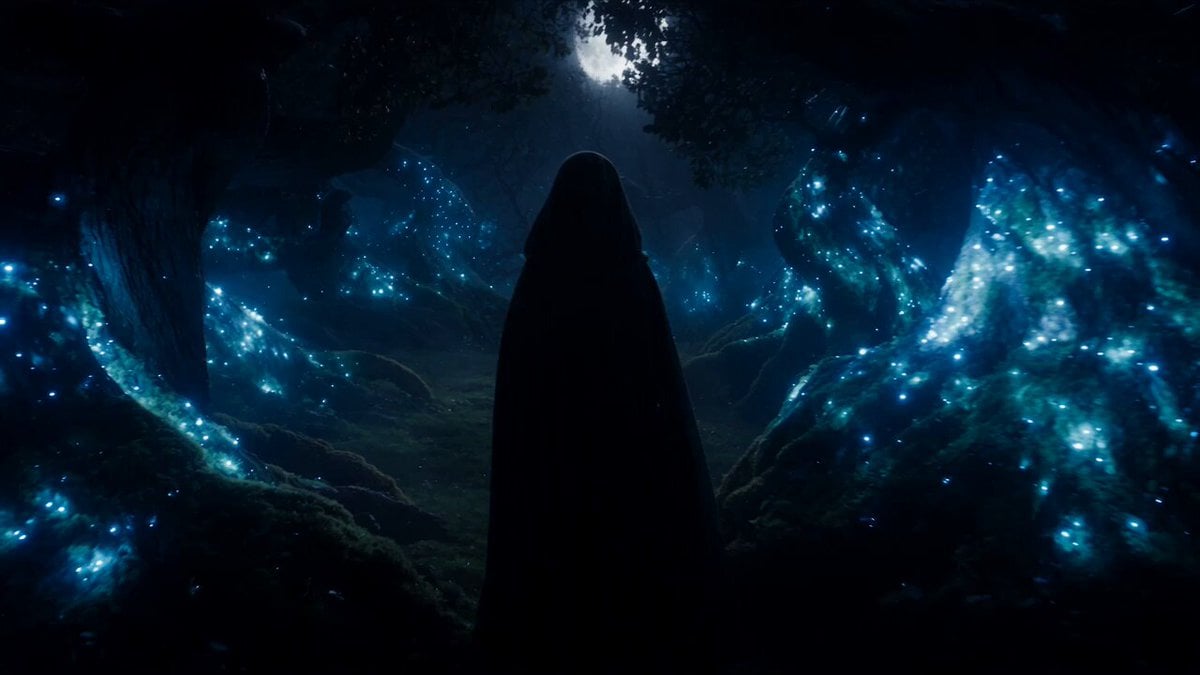
Forest Fantasy Girl Short Film
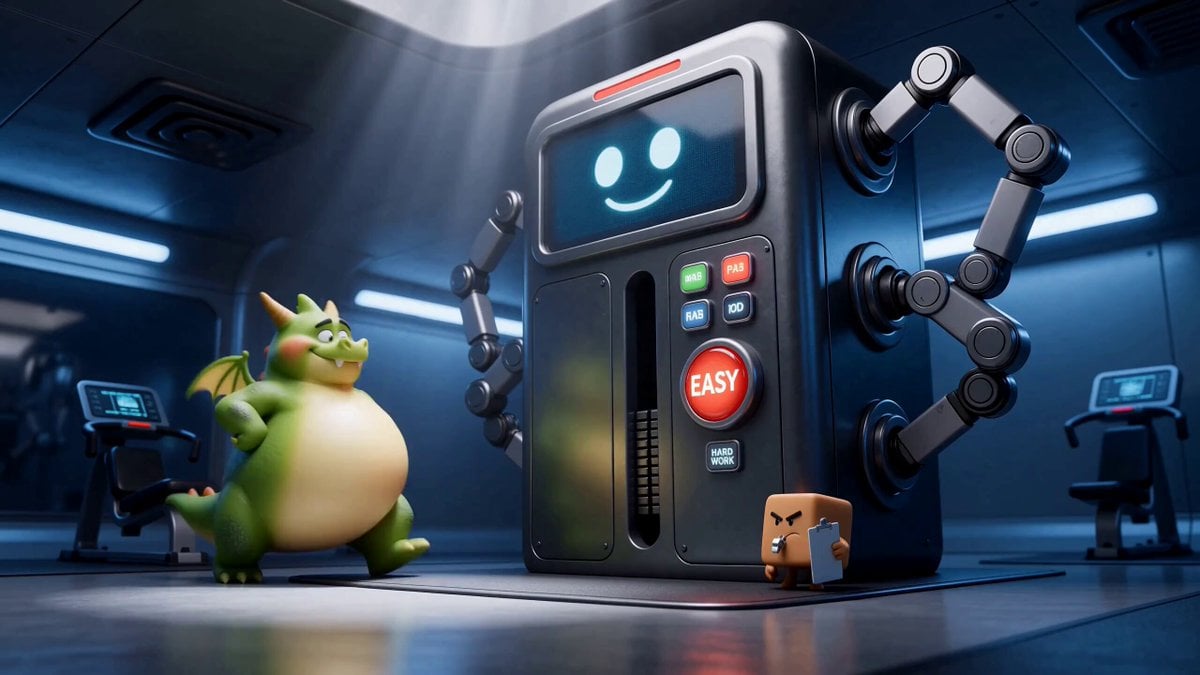
Green Dragon Training Short

Studio Ghibli Dumpling Kitchen Cooking Scene
Miilesus Sports Bar Time Freeze
Genmagnetic Time Freeze Filmmaker
Out of Control — Seedance 2.0
Nani Banana Pro + Seedance 2.0 Cinematic Lifestyle
Make it yours
Allaaisling World Acceleration Kling works as-is. These are the safest ways to change it without losing the look.
Change one field
Copy a single group, rewrite it, and generate again so you can see what that field is doing.
Keep the frame, change the subject
Hold the composition and light of allaaisling-world-acceleration-kling, then swap wardrobe, props or the person for a new take.
| If the result… | Why | Fix |
|---|---|---|
| The result drifts from the preview | Too many fields changed at once. | Reuse allaaisling-world-acceleration-kling as-is first, then change one group — subject, light, or setting. |
| The model over-stylizes the scene | The prose prompt leaves finish and camera underspecified. | Add one camera or lighting sentence and stay on GPT Image 2. |
More GPT Image 2 templates
Other prompts made for GPT Image 2.

Walking Factory with Rebel on Hoverbike - Wasteland
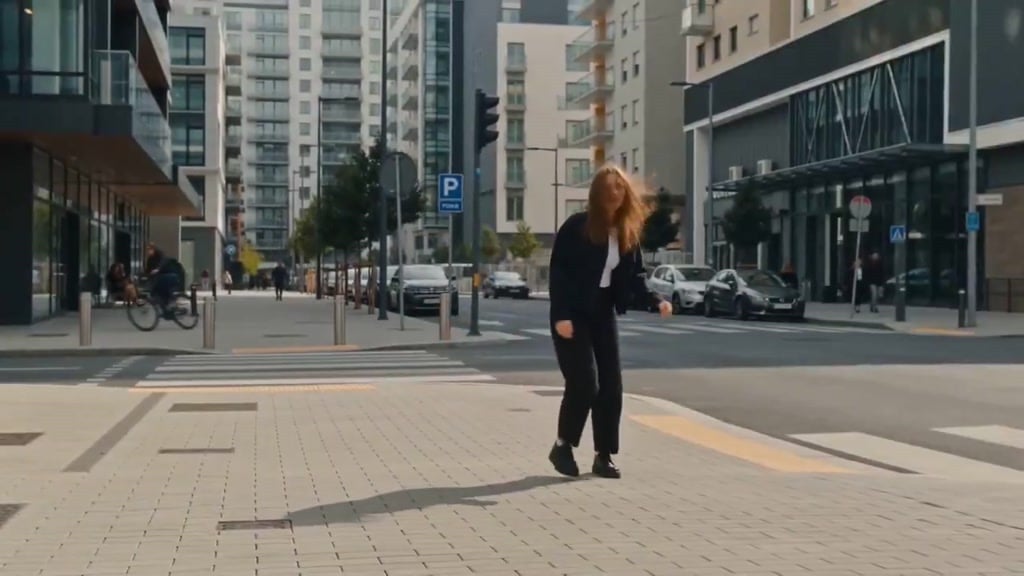
Seedance Wind Guides Path
Ankitpatel Time Freeze Viral
Duttasomrat Time Freeze Viral V2
Johnnywang Tokyo Time Freeze
Duttasomrat Time Freeze Viral
Elevencreative Time Freeze
Mayorking Time Freeze Higgsfield
Misa Time Freeze Japanese
Lillyli Time Freeze Avatar
More video prompts
Fresh picks from across the catalog.

Sunset City Skyscraper Rooftop View
Ultra-Realistic Ocean Fantasy with Dolphins Video Prompt
FPV Cinematic Flight Through a Hyper-Realistic Treehouse
Girl and Dragon Cinematic Orbit
Ancient Kingdom FPV Drone Shot
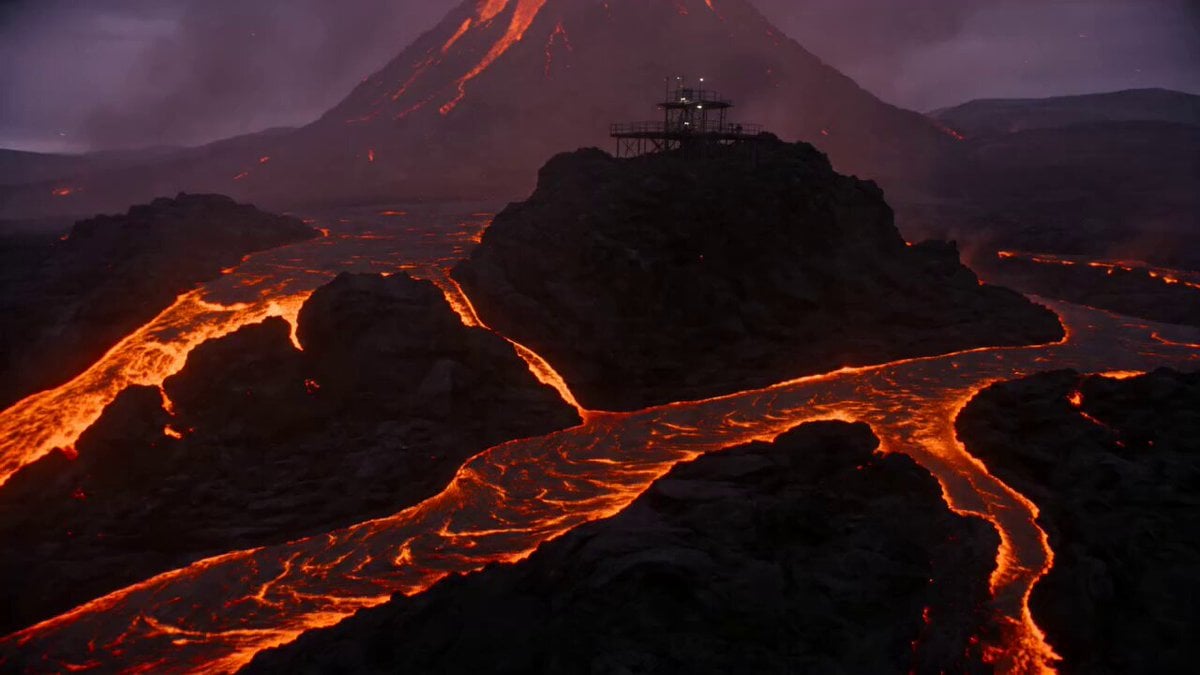
Volcanic Observatory Cinematic Disaster
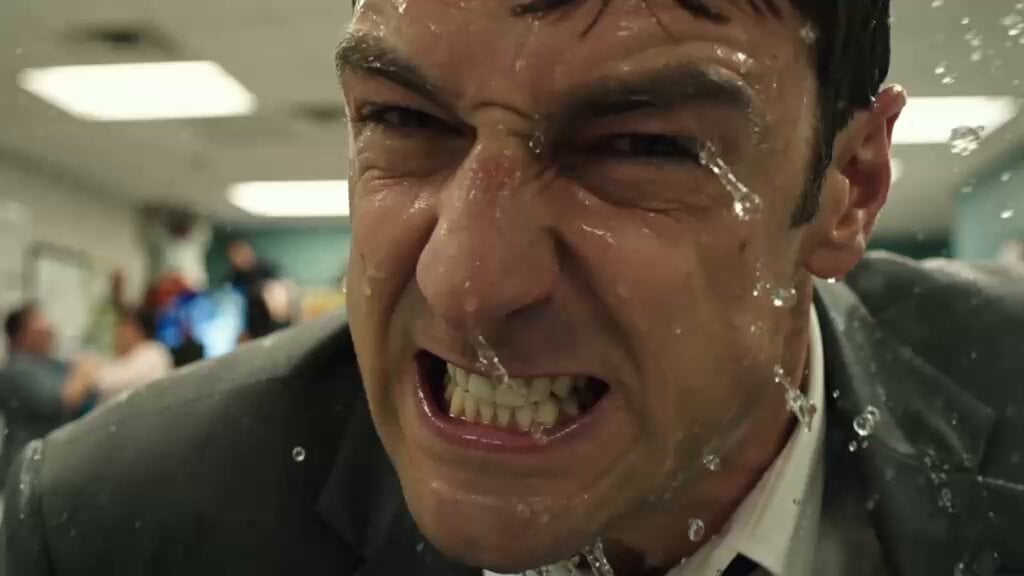
Flooded Office Intense Close-up

Street to Stadium Football Dream
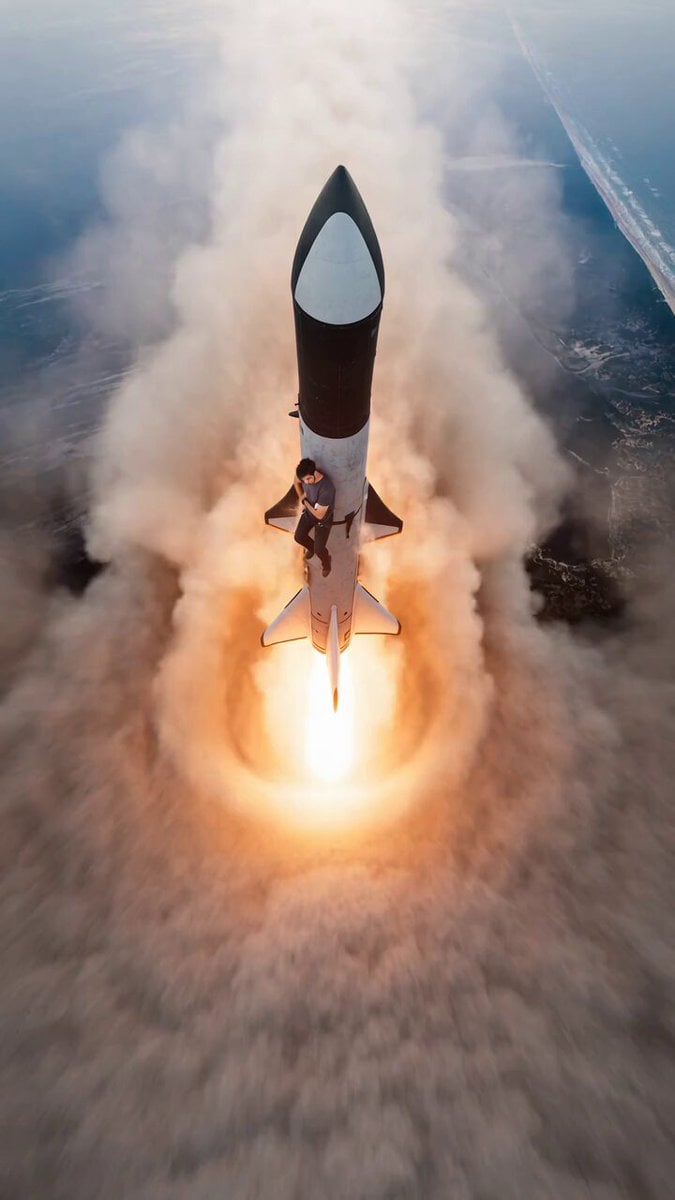
Starship Launch Video with Hanging Perspective
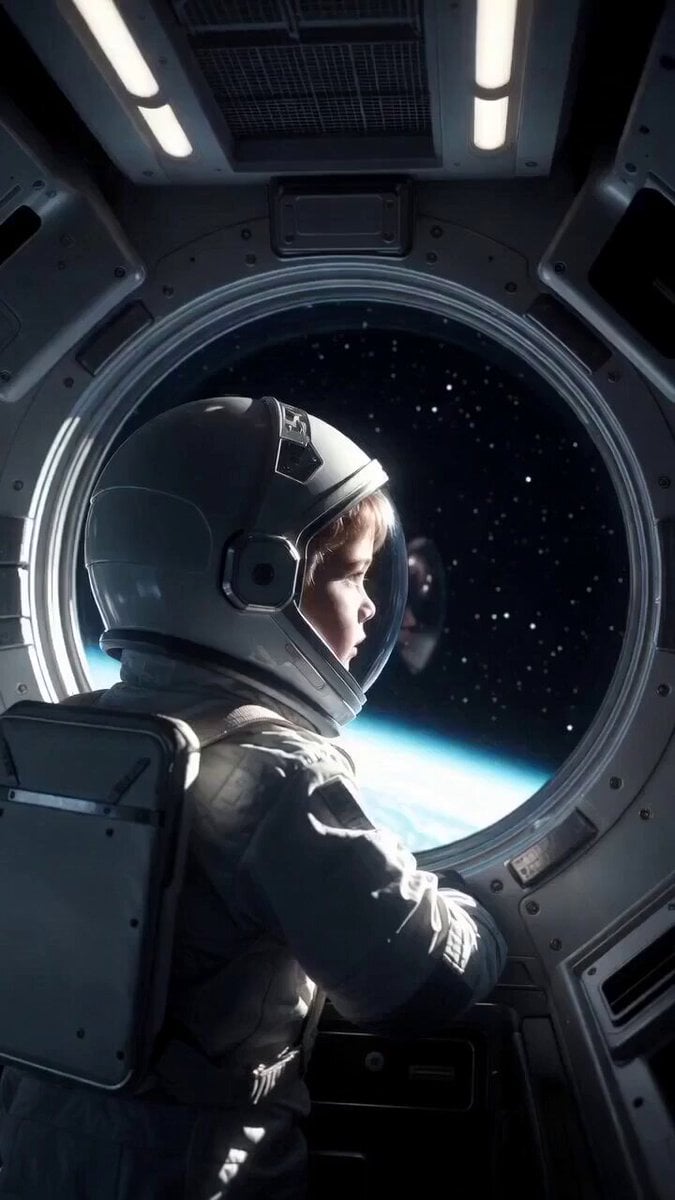
Child in Space with Voiceover
Browse template categories
Allaaisling World Acceleration Kling questions
How do I use the allaaisling-world-acceleration-kling template?
Add your photo if the template asks for one, edit the prompt if you like — the template's model and format are already selected — and press Generate. Your version opens in PicX Studio.
Can I customize the allaaisling-world-acceleration-kling template?
Yes. You can change the subject, setting, lighting, mood, format, and available model controls before creating your video.
Is the allaaisling-world-acceleration-kling template free?
Opening and editing this template is free. Generating uses credits, shown on the Generate button when you are signed in.
Which AI model should I use?
Start with GPT Image 2, which is the model associated with this template. You can compare another compatible model for a different finish.
Looking for something else? Browse all templates.

Your photo, any look
Thousands of ready templates for every top image and video model, from one credit balance.