
Flooded Office Intense Close-up
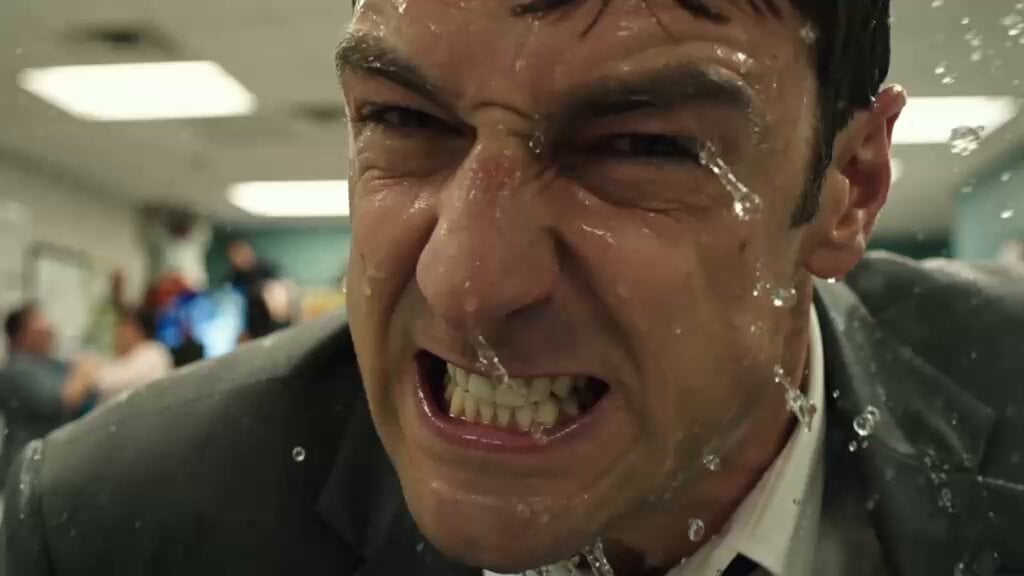
An intense, hyperrealistic slow-motion close-up of a man struggling in a flooded office, focusing on facial details and water droplets.
- Prompt included
- Model and format preset
- Premium template
The prompt behind this video
Copy the exact prompt behind Flooded Office Intense Close-up, or open it in the studio and make it yours.
Slow-motion extreme hyper close-up, 16:9. Shaky organic handheld shot pushed in tight and intimate on the face of a man in his thirties with dark wet side-parted hair plastered to his forehead, mid-lunge through the flood his face fills the entire frame, jaw clenched with teeth bared and gritted in a snarl of effort, brow deeply furrowed, eyes narrowed and locked forward with raw desperate determination. Water streams and beads down his skin, droplets clinging to his eyelashes and running off his chin, spray bursting across his face in slow suspended flecks. Every pore, water bead, and strand of wet hair rendered in sharp tactile detail. The chaotic flooded office and blurred panicking crowd fall completely out of focus behind him. In slow motion the droplets hang and drift, sweat and water glistening. Dynamic unsteady handheld movement right at his face, breathing with the motion. Sickly institutional palette muted seafoam green and cold reflective water bokeh behind him. Face anatomically correct, stable, hyperrealistic, genuine intense emotion, natural human proportions, no warping or distortion. Heavy coarse analog 35mm film grain baked into every frame, thick and consistent, grain crawling over highlights and shadows, like a scanned celluloid film print, never clean, never digital-looking. Flat overhead fluorescent light, dramatic slow-motion intensity, shallow depth of field, cinematic photorealistic, ultra-detailed.
How to use Flooded Office Intense Close-up in 3 steps
- 1
Open
The prompt is already in the box next to the preview, with the template's model and format selected.
- 2…a portrait of your subject in softgolden-hour light, 85mm…
Personalize
Edit the subject and creative details for your destination.
- 3Generate
Generate
Press Generate — your video is created in PicX Studio, so you can compare it with the original and refine one variable at a time.
More like this
Templates with the same subject, style or setup. Open one to see its prompt.
Flooded Office Surrealism Cinematic
Highway Biker — Aggressive Lane Split (PixVerse C1)
Intense Baji Quan Kung Fu Sequence
80s Singapore Office Yuppie Montage
Flooded Cyberpunk District Action Sequence
Fashion Outfit Transformation Office Vlog
Cinematic GRWM Office Routine
Romantic Action Comedy Office Scene

Flooded Corridor Cinematic Film

Medieval Knight and Queen Cinematic Close-up

Office Executive Cinematic Narrative
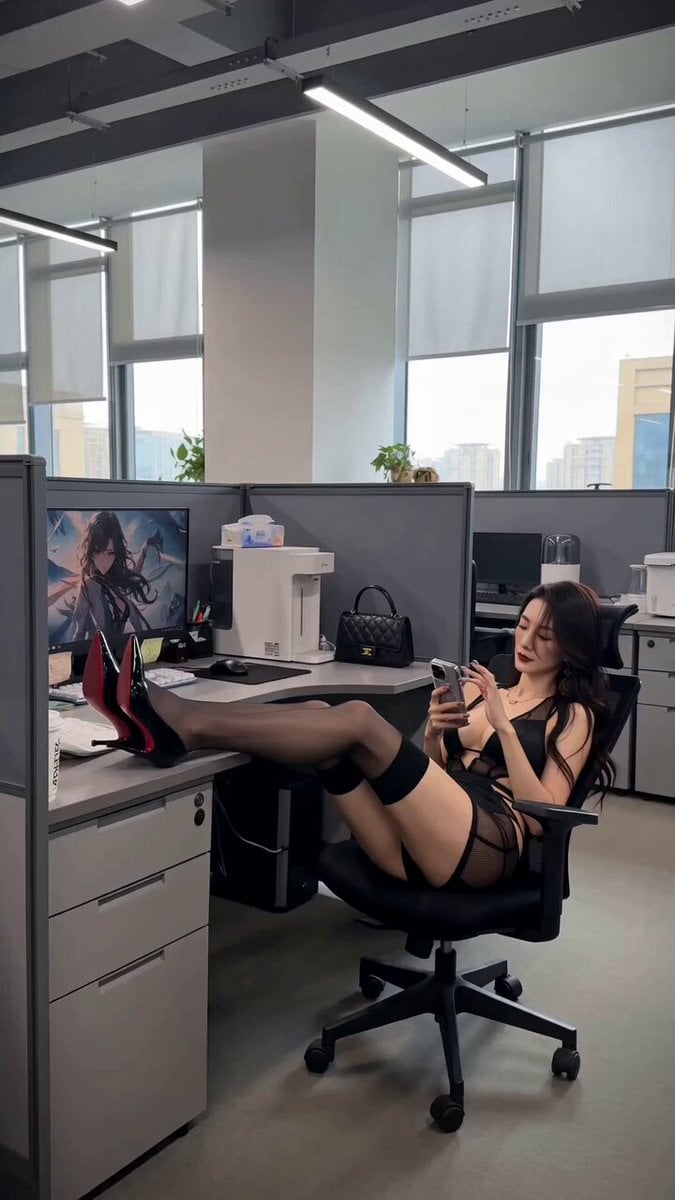
Office Absurdity Mockumentary Comedy Video
Make it yours
Flooded Office Intense Close-up works as-is. These are the safest ways to change it without losing the look.
Change one field
Copy a single group, rewrite it, and generate again so you can see what that field is doing.
Keep the frame, change the subject
Hold the composition and light of Flooded Office Intense Close-up, then swap wardrobe, props or the person for a new take.
| If the result… | Why | Fix |
|---|---|---|
| The result drifts from the preview | Too many fields changed at once. | Reuse Flooded Office Intense Close-up as-is first, then change one group — subject, light, or setting. |
| The model over-stylizes the scene | The prose prompt leaves finish and camera underspecified. | Add one camera or lighting sentence and stay on Seedance 2.0. |
More Seedance 2.0 templates
Other prompts made for Seedance 2.0.

Comical Martial Arts Punch Scene

Maglev Train Action Sequence

Martial Arts Fight Sequence

Wuxia Protection and Trust Script

Vintage Korean Arcade MiniDV Vlog

Mercedes 190 SL Luxury Ad

Rainy Night Supernatural Reverse Comedy Video Script

Amazon Civilization Discovery

Futuristic South Asian City Transformation

Cozy Luxury Cafe Commercial
More video prompts
Fresh picks from across the catalog.
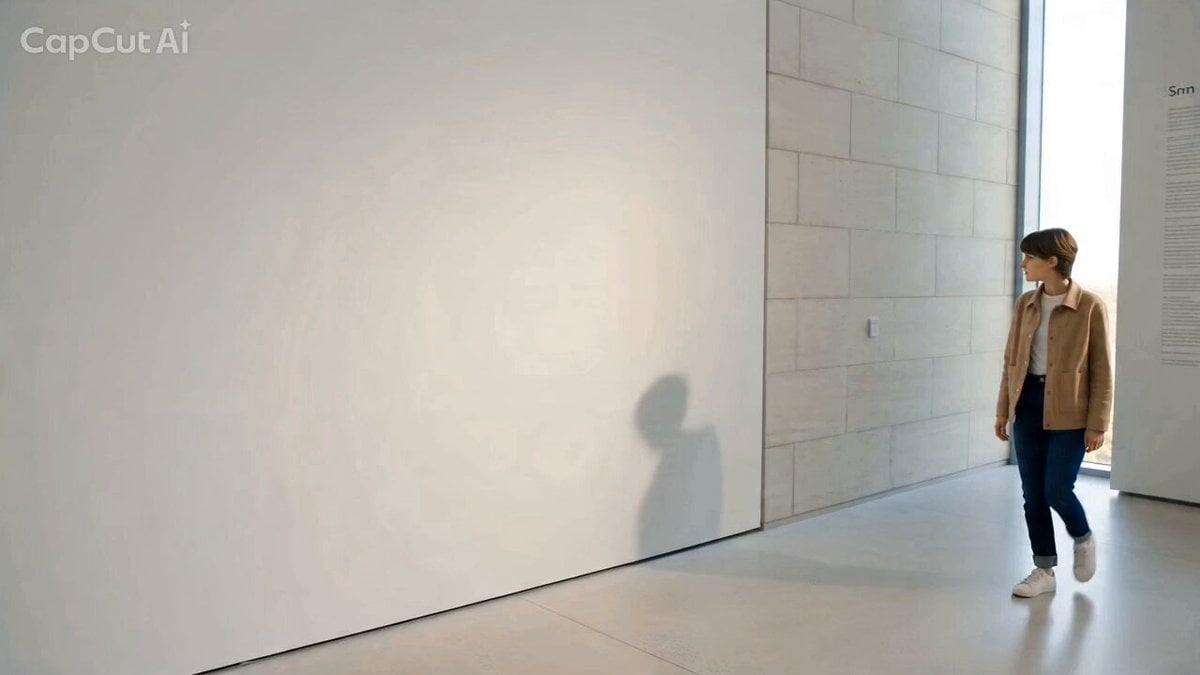
Starlight Shadow: Interaction with a Magical Shadow
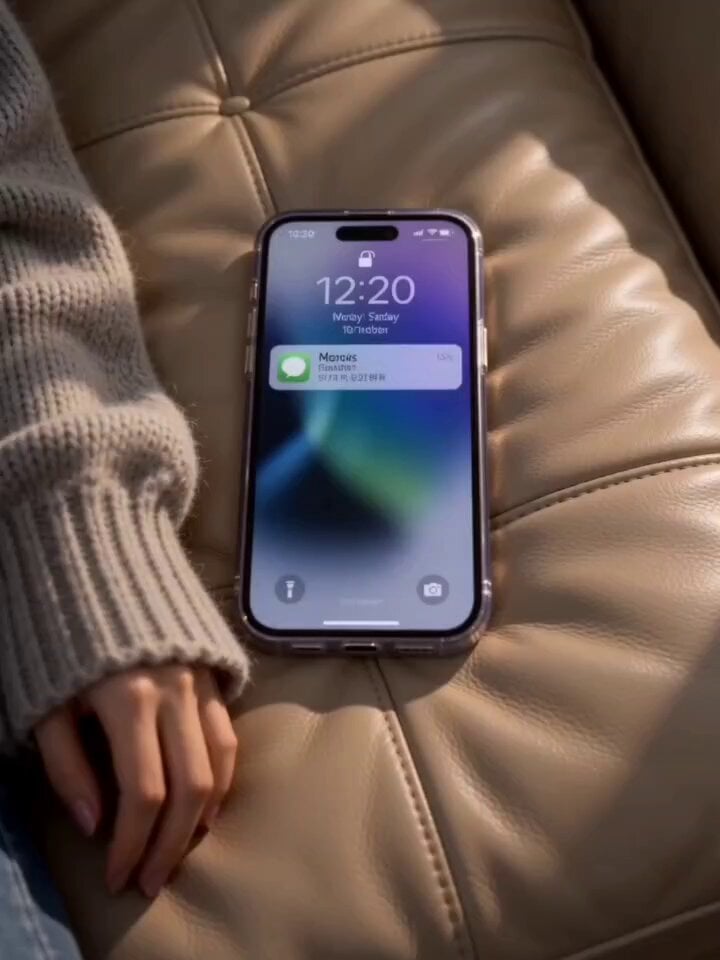
Seedance 2.0 Video Generation Prompt: Routine with Multiple Scenes and Outfits
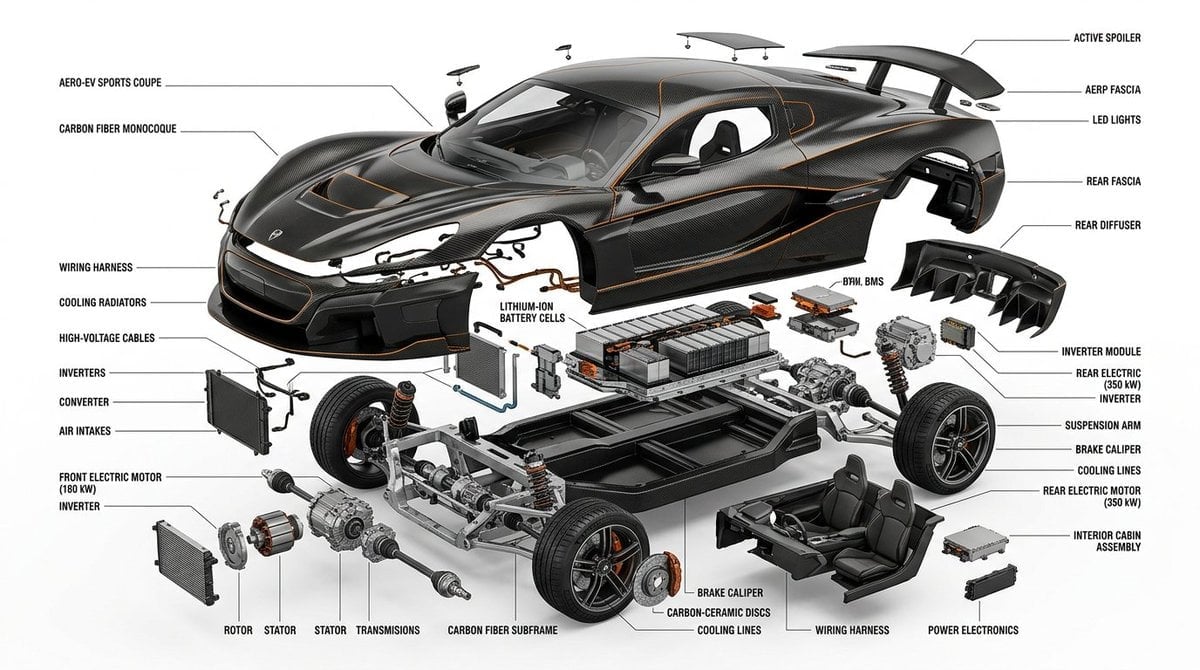
Detailed Exploded View Diagram
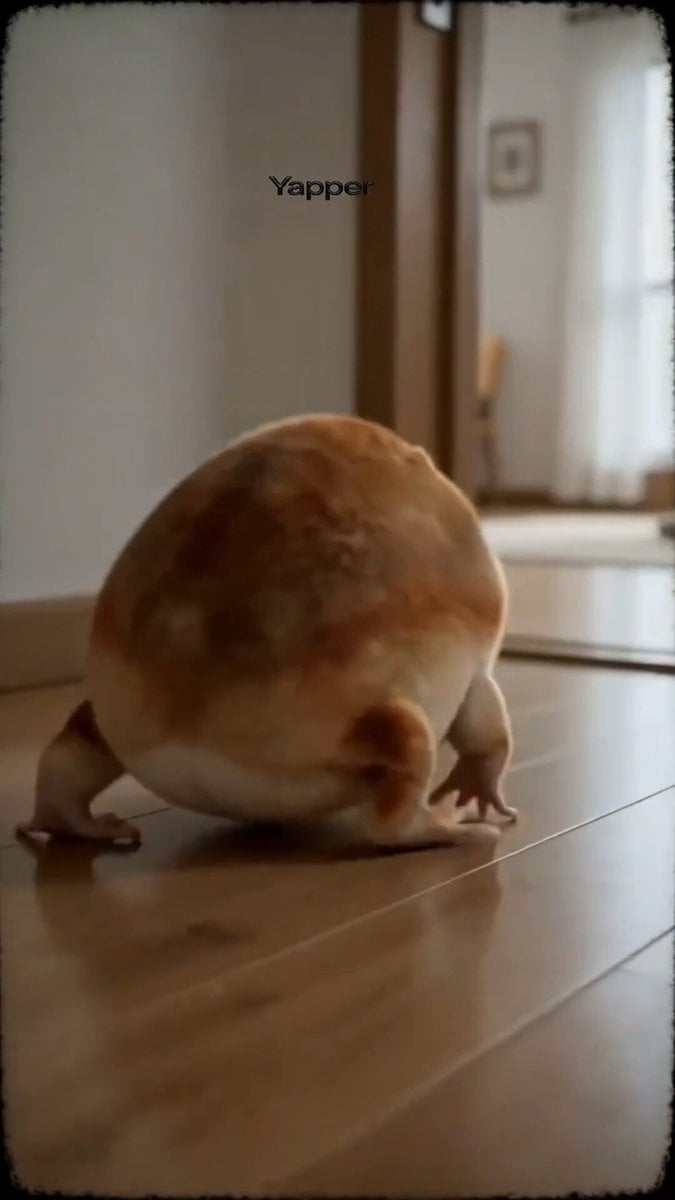
Absurd Cute Dog Video Prompt
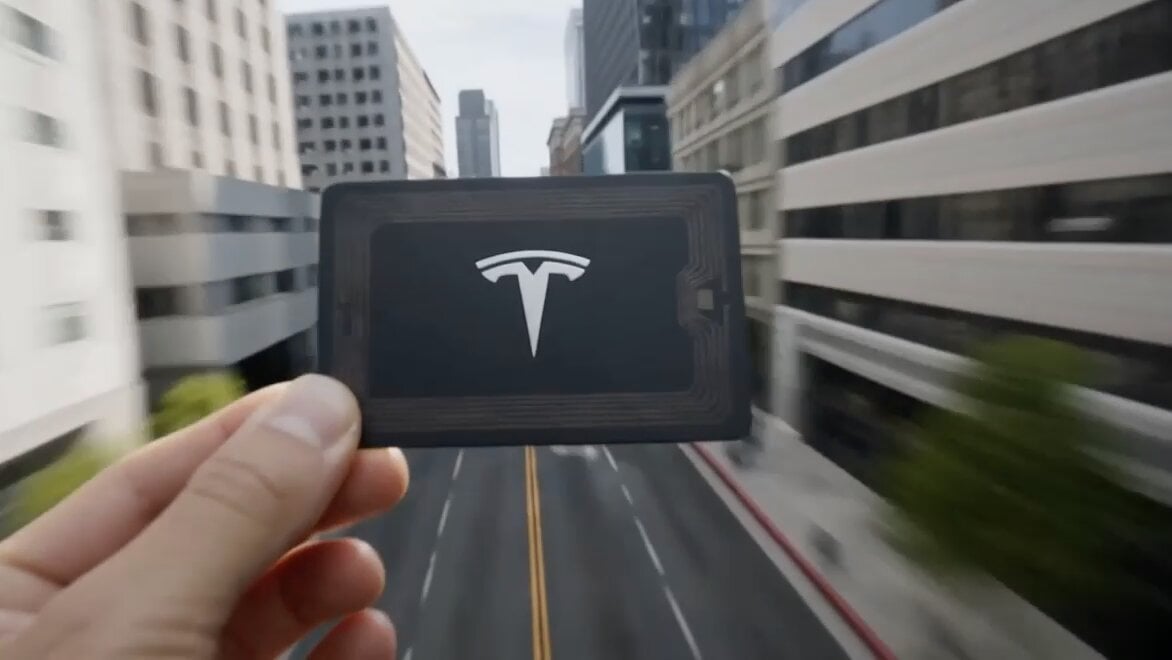
Cinematic CG Ad POV Video Prompt
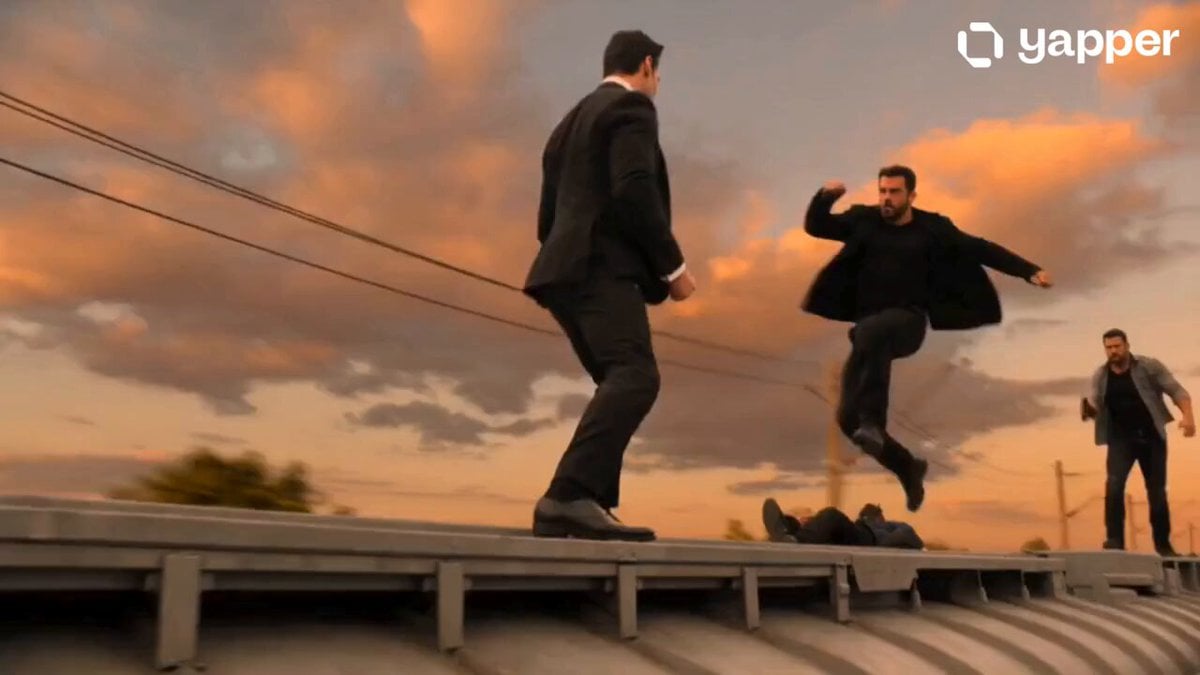
Secret Agent Train Fight

Cinematic Animated Pizza Chef Sequence
Colossal Sea Creature — Stormy Shore Charge (Seedance)
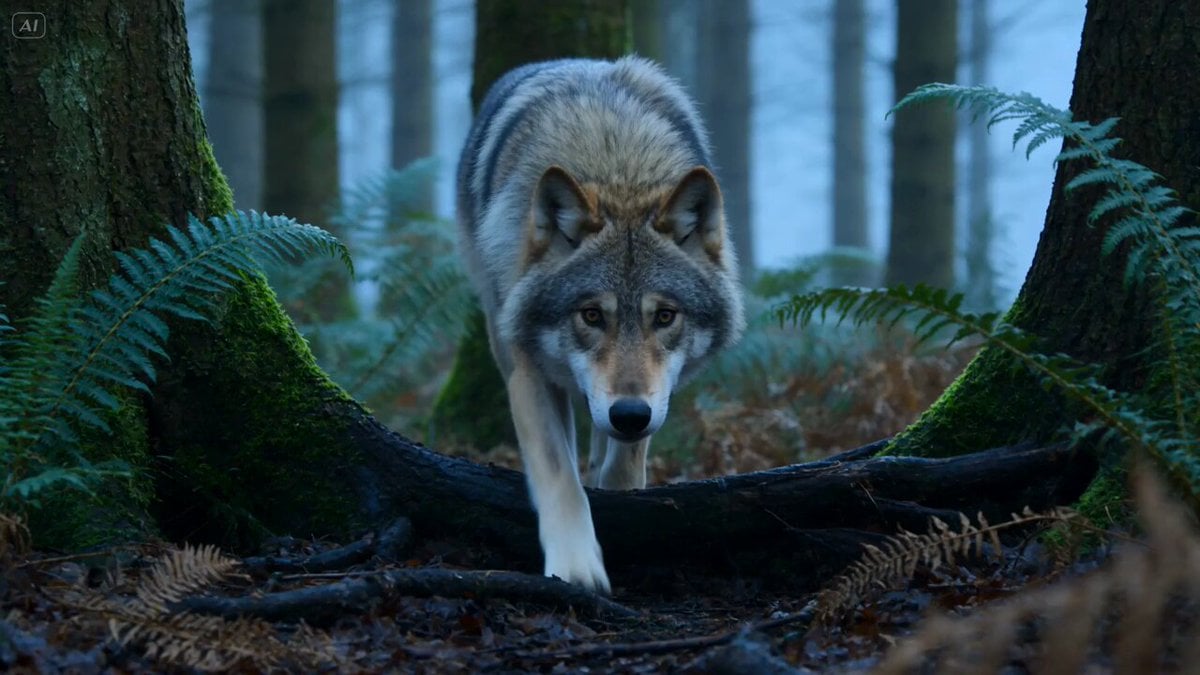
Wildlife Predator-Prey Chase

Bora Bora Dialogue Video Prompt
Browse template categories
Flooded Office Intense Close-up questions
How do I use the Flooded Office Intense Close-up template?
Add your photo if the template asks for one, edit the prompt if you like — the template's model and format are already selected — and press Generate. Your version opens in PicX Studio.
Can I customize the Flooded Office Intense Close-up template?
Yes. You can change the subject, setting, lighting, mood, format, and available model controls before creating your video.
Is the Flooded Office Intense Close-up template free?
Opening and editing this template is free. Generating uses credits, shown on the Generate button when you are signed in.
Which AI model should I use?
Start with Seedance 2.0, which is the model associated with this template. You can compare another compatible model for a different finish.
Looking for something else? Browse all templates.

Your photo, any look
Thousands of ready templates for every top image and video model, from one credit balance.