
Wildlife Predator-Prey Chase
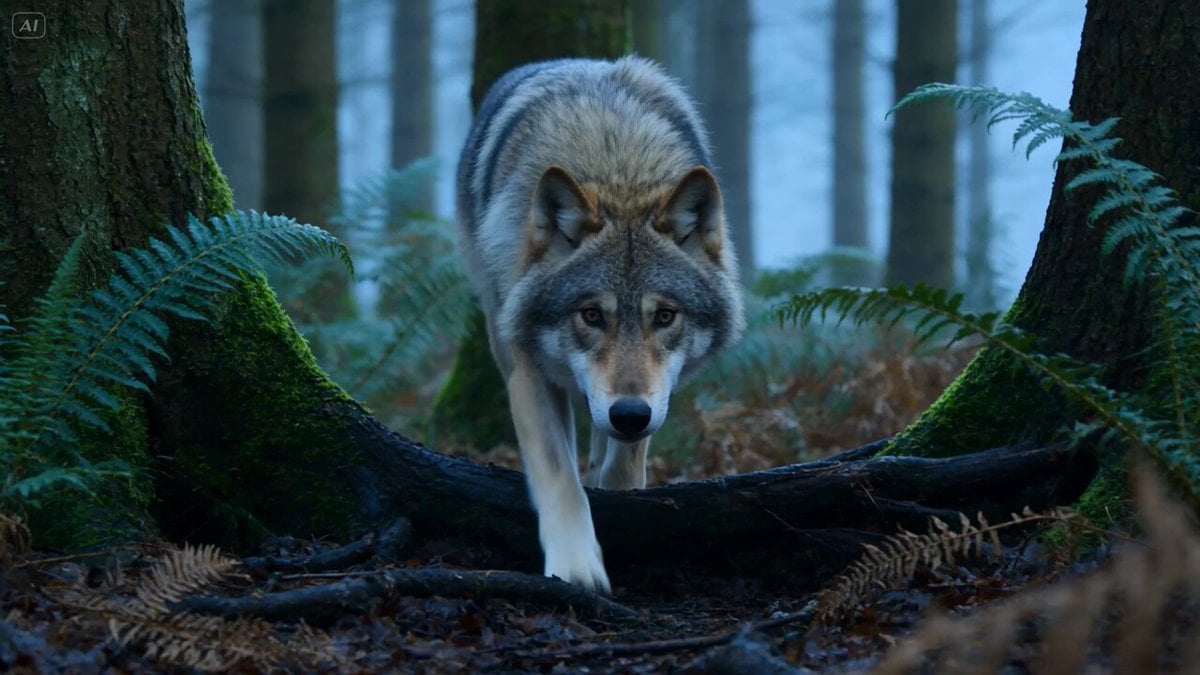
An ultra-realistic wildlife documentary-style prompt depicting a high-stakes chase between a wolf and a deer in a misty forest.
- Prompt included
- Model and format preset
- Free template
The prompt behind this video
Copy the exact prompt behind Wildlife Predator-Prey Chase, or open it in the studio and make it yours.
Ultra-realistic 15-second wildlife sequence in a dense forest at dawn, cold mist between trees, wet leaves and soft earth underfoot. 0–3s: Low tracking shot — a wolf moves silently through ferns and tree roots, body low, ears forward, eyes locked ahead, breath faint in the cold air. 3–5s: Cut to a deer grazing near a clearing, head suddenly lifting, ears twitching, sensing danger. 5–7s: The wolf bursts from cover, accelerating through brush, paws kicking up leaves and dirt. 7–10s: Fast side tracking shot — the deer sprints away between trees, muscles flexing, hooves striking mud, branches shaking as it passes. 10–12s: The wolf closes distance, weaving around trunks with powerful strides, focused and controlled. 12–14s: Near-contact moment — the wolf lunges forward, jaws close near the deer’s hind leg, but the deer sharply changes direction. 14–15s: Final shot — the deer escapes deeper into the forest as the wolf skids slightly on wet leaves, chase unresolved. Camera: wildlife documentary style, low angles, fast but readable tracking, slight handheld realism. Environment: dense forest, moss, roots, mist, falling leaves, natural morning light. Style: ultra-realistic wildlife behavior, grounded physics, natural motion, no graphic detail, no text, no overlays, stable proportions.
How to use Wildlife Predator-Prey Chase in 3 steps
- 1
Open
The prompt is already in the box next to the preview, with the template's model and format selected.
- 2…a portrait of your subject in softgolden-hour light, 85mm…
Personalize
Edit the subject and creative details for your destination.
- 3Generate
Generate
Press Generate — your video is created in PicX Studio, so you can compare it with the original and refine one variable at a time.
More like this
Templates with the same subject, style or setup. Open one to see its prompt.

Cartoon Donut Heist Bakery Chase
Osprey Plunge Wildlife Documentary

Walking Factory with Rebel on Hoverbike - Wasteland
Amazon FPV Drone Chase — Seedance 2.0
Dim Sum Chase — Shrimp Dumpling Monster
Speeder Chase Across a Cliff City
Bioluminescent Deep Sea Predator Chase
Realistic Wildlife Nature Documentary Prompt

Epic Fantasy Ice Predator Hunt
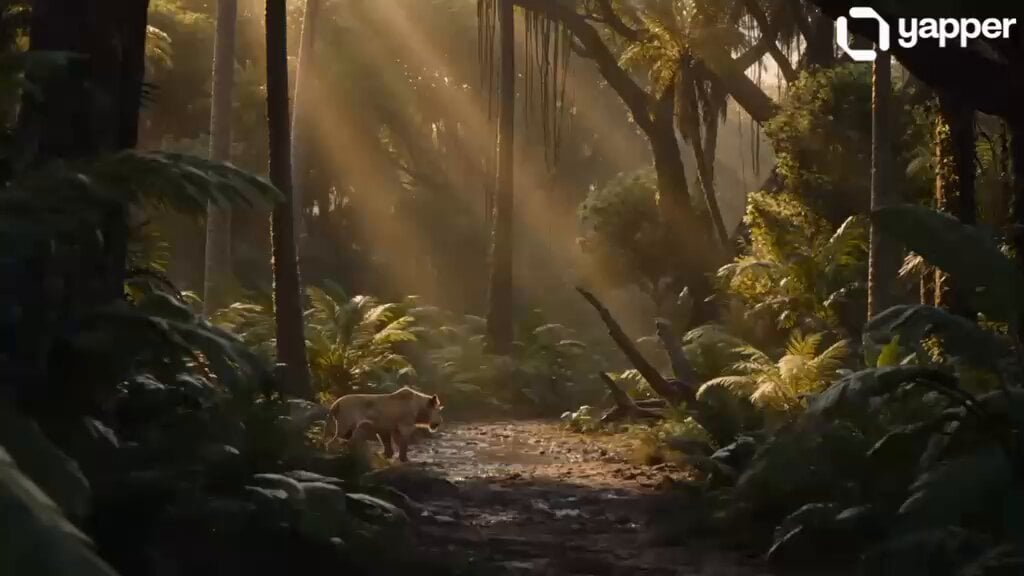
Wildlife Documentary: Lion and Elephant
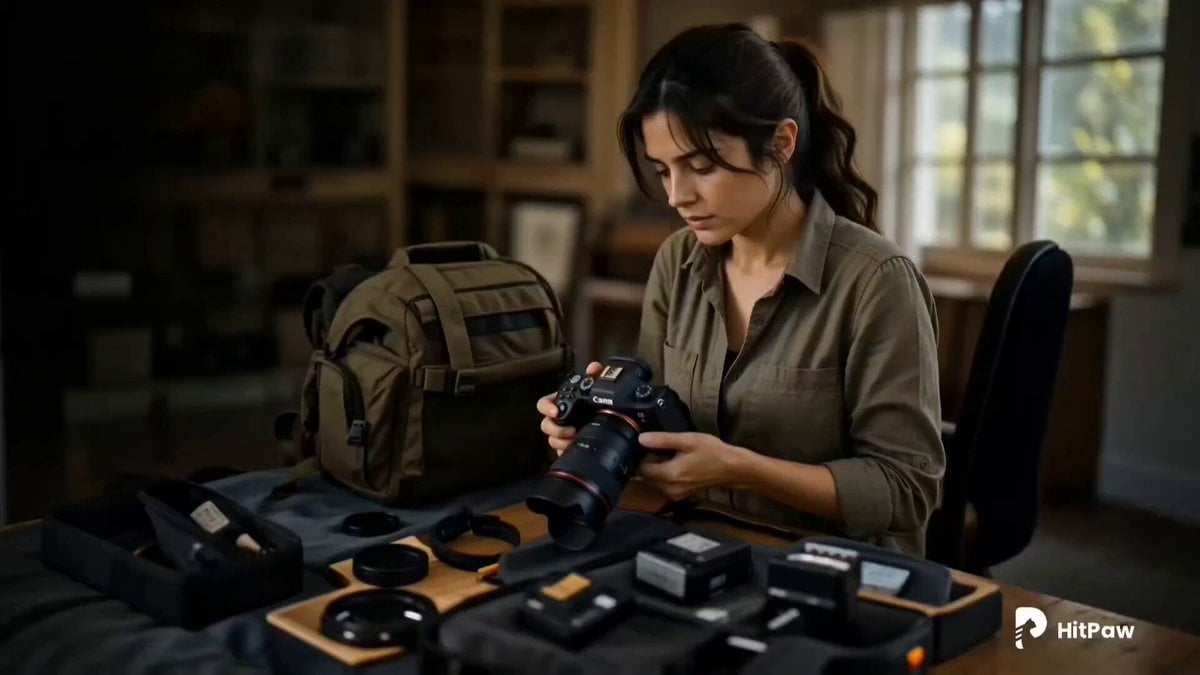
Cinematic Wildlife Adventure Video Prompt
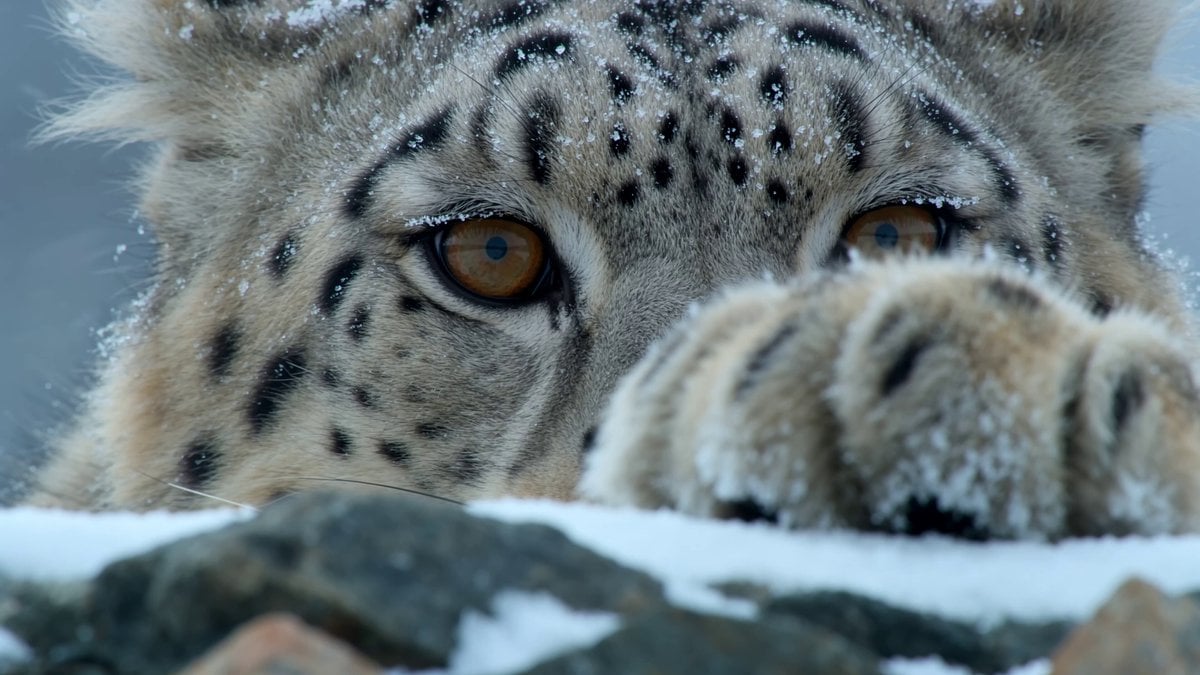
Snow Leopard Wildlife Documentary Scene
Make it yours
Wildlife Predator-Prey Chase works as-is. These are the safest ways to change it without losing the look.
Change one field
Copy a single group, rewrite it, and generate again so you can see what that field is doing.
Keep the frame, change the subject
Hold the composition and light of Wildlife Predator-Prey Chase, then swap wardrobe, props or the person for a new take.
| If the result… | Why | Fix |
|---|---|---|
| The result drifts from the preview | Too many fields changed at once. | Reuse Wildlife Predator-Prey Chase as-is first, then change one group — subject, light, or setting. |
| The model over-stylizes the scene | The prose prompt leaves finish and camera underspecified. | Add one camera or lighting sentence and stay on Seedance 2.0. |
More Seedance 2.0 templates
Other prompts made for Seedance 2.0.

Comical Martial Arts Punch Scene

Maglev Train Action Sequence

Martial Arts Fight Sequence

Wuxia Protection and Trust Script

Vintage Korean Arcade MiniDV Vlog

Mercedes 190 SL Luxury Ad

Rainy Night Supernatural Reverse Comedy Video Script

Amazon Civilization Discovery

Futuristic South Asian City Transformation

Cozy Luxury Cafe Commercial
More video prompts
Fresh picks from across the catalog.
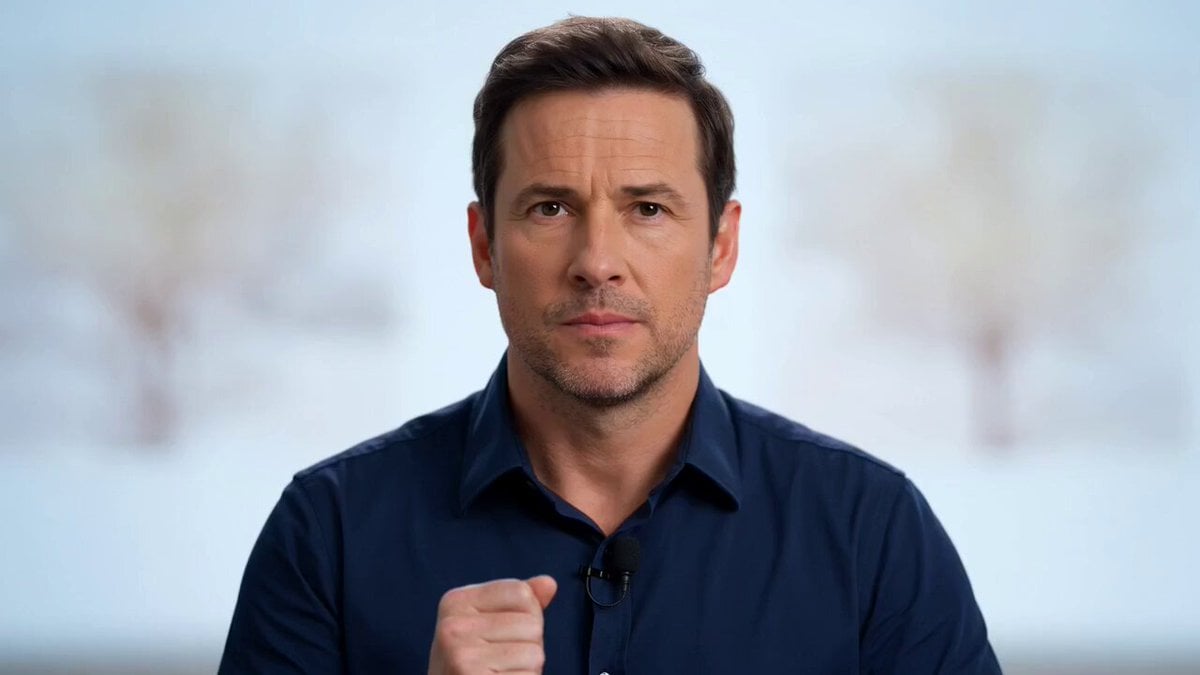
Fake game show intro video
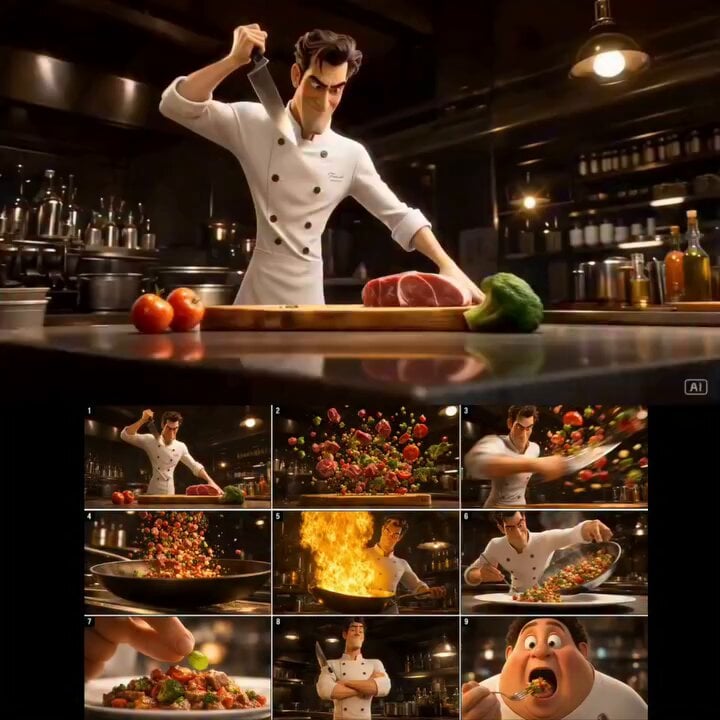
Cinematic 3D Chef Cooking Stir-fry
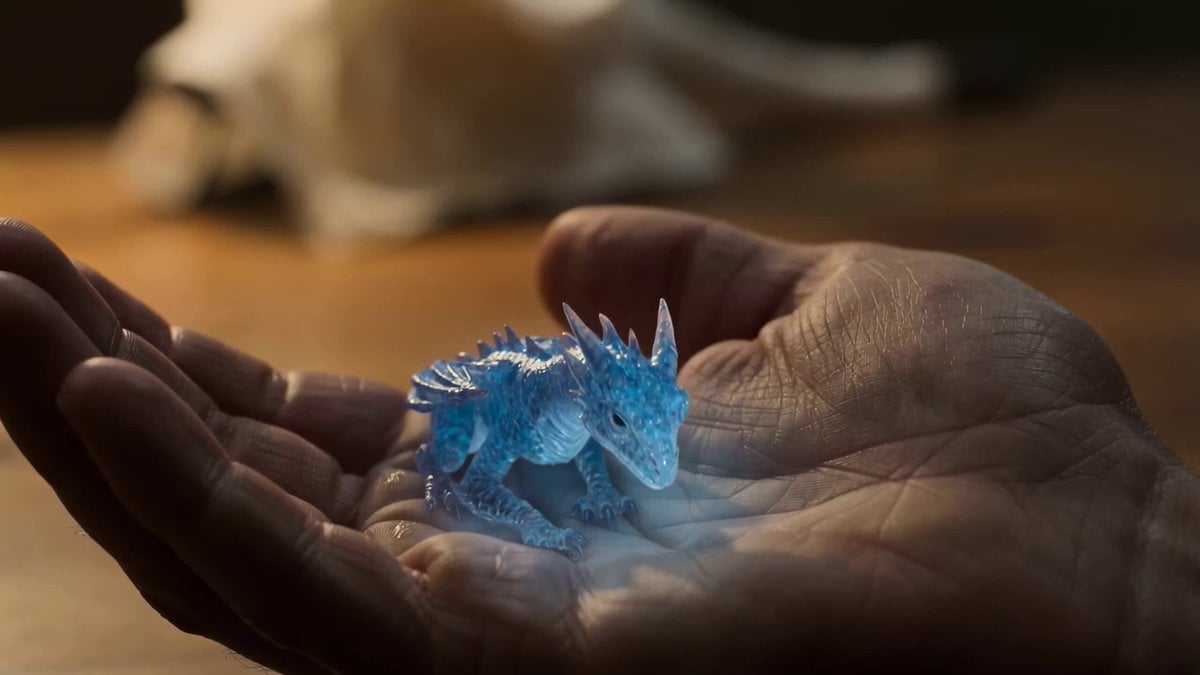
Seedance 2.0 Video Prompt: Crystal Tiny Dragon
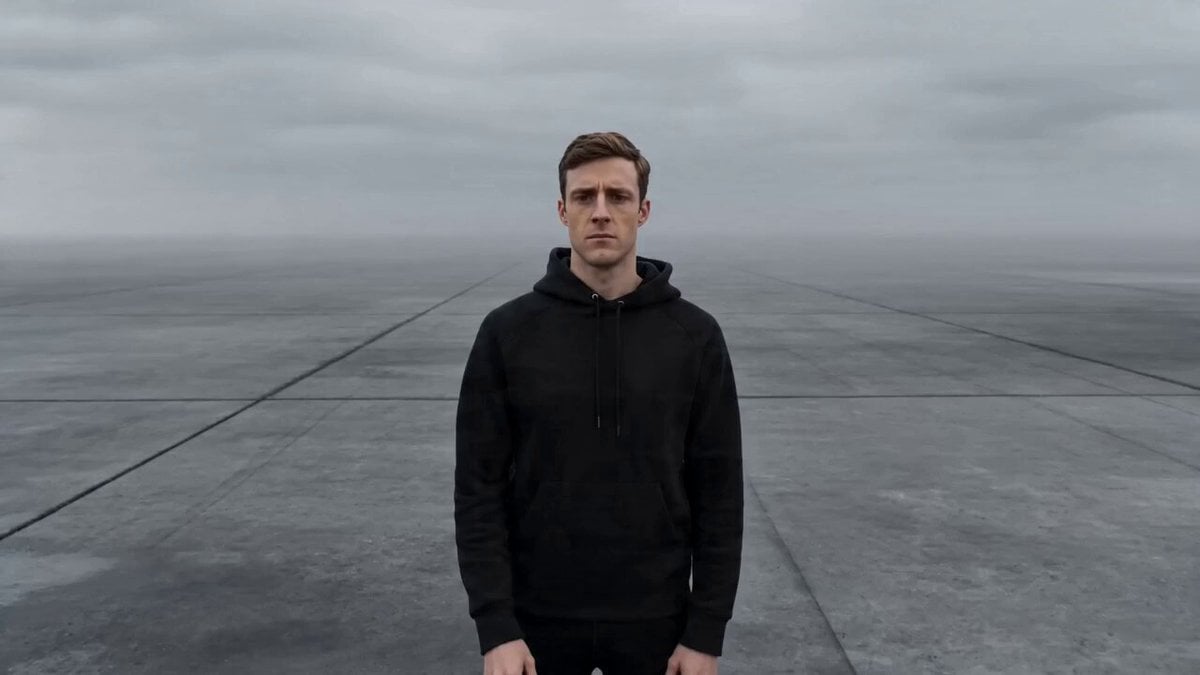
Cinematic Creator Scene Transformation
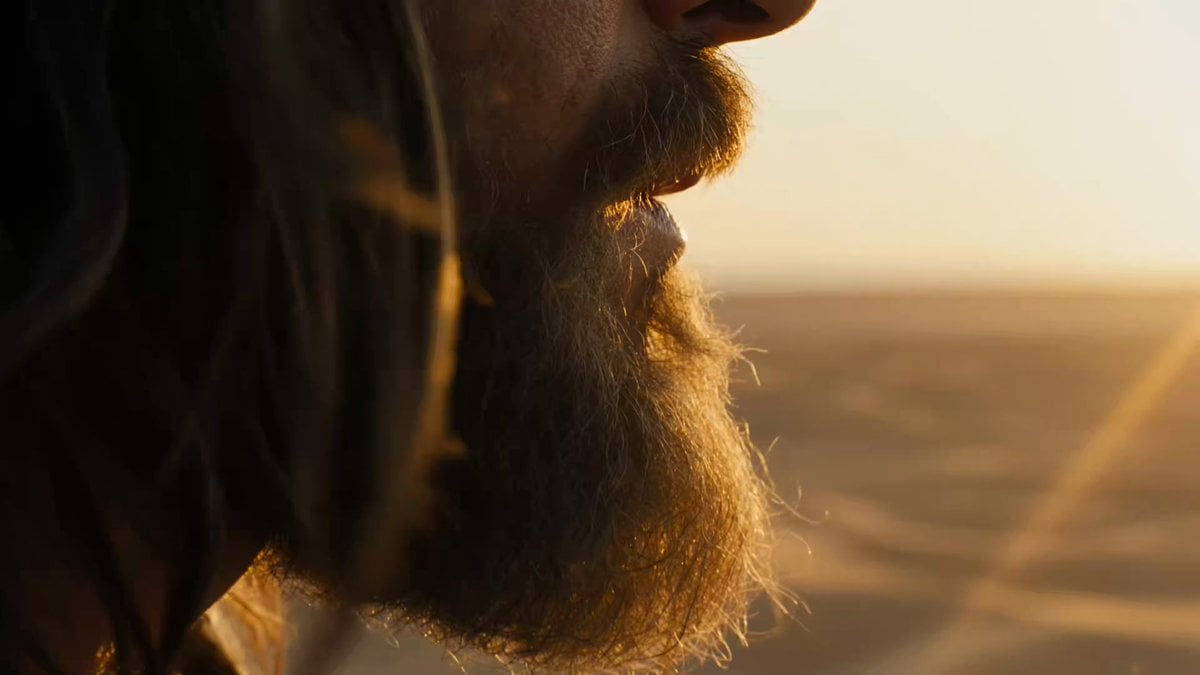
Macro Portrait Cinematic Traveler

Emotional Breakdown Sequence

Candid Cat Cafe Documentary
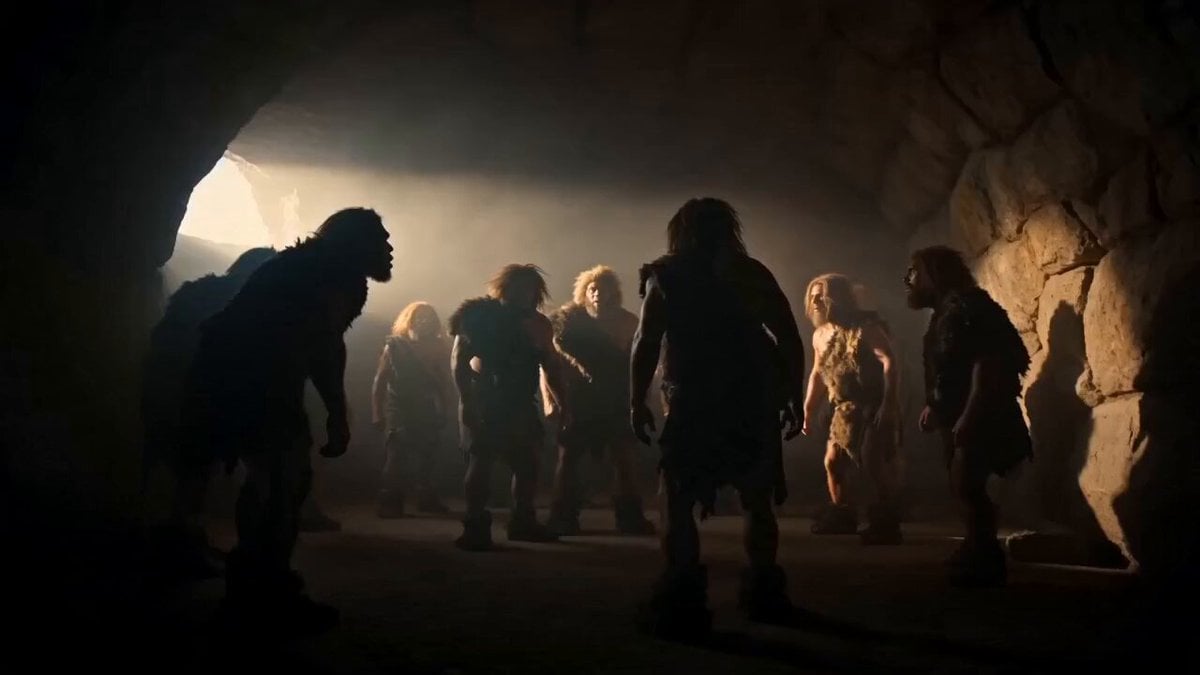
History of Dance Evolution
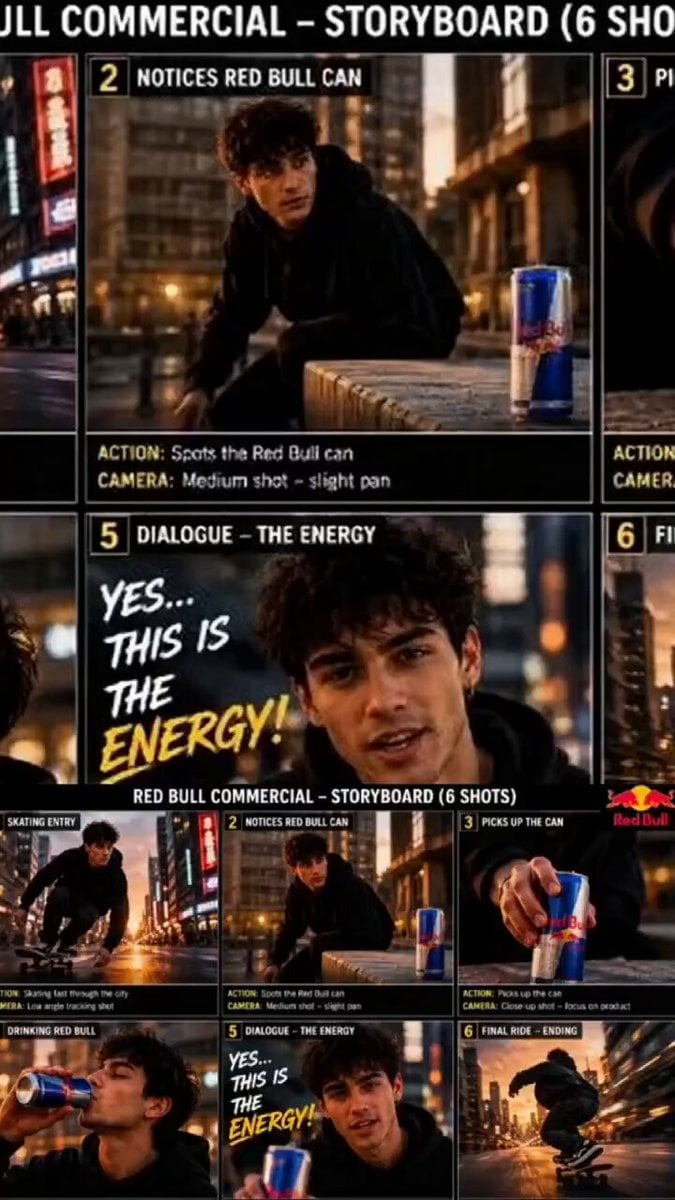
Red Bull Skateboarder Commercial
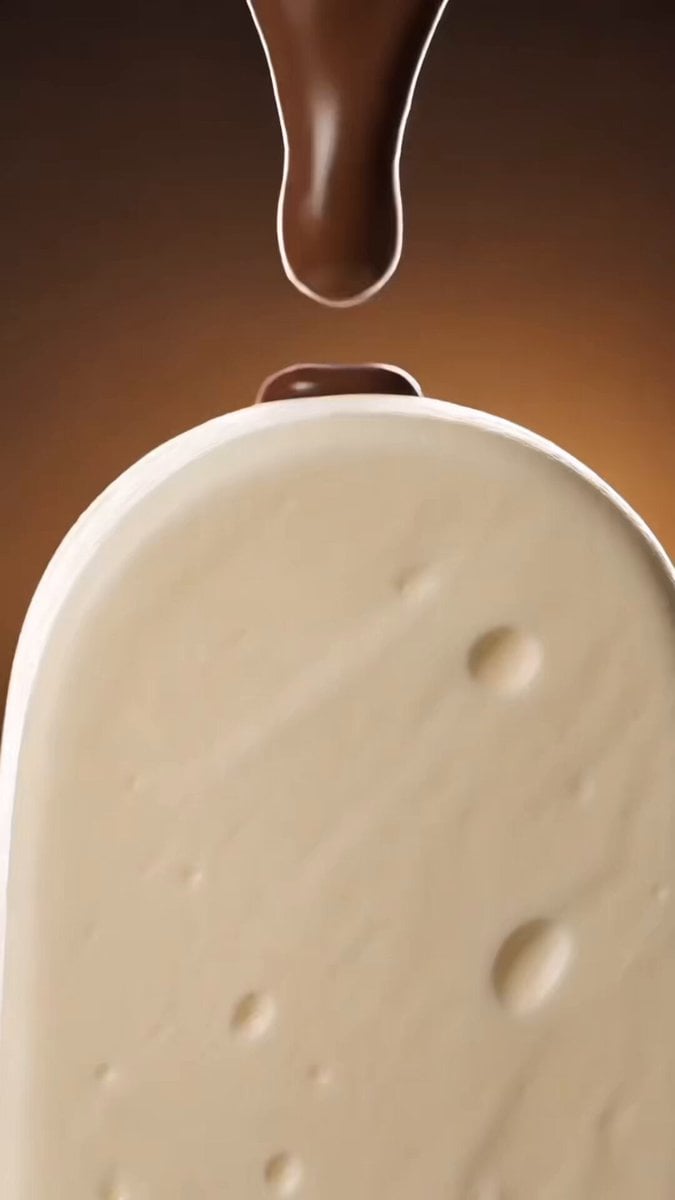
Luxury Chocolate Commercial Ad
Browse template categories
Wildlife Predator-Prey Chase questions
How do I use the Wildlife Predator-Prey Chase template?
Add your photo if the template asks for one, edit the prompt if you like — the template's model and format are already selected — and press Generate. Your version opens in PicX Studio.
Can I customize the Wildlife Predator-Prey Chase template?
Yes. You can change the subject, setting, lighting, mood, format, and available model controls before creating your video.
Is the Wildlife Predator-Prey Chase template free?
Opening and editing this template is free. Generating uses credits, shown on the Generate button when you are signed in.
Which AI model should I use?
Start with Seedance 2.0, which is the model associated with this template. You can compare another compatible model for a different finish.
Looking for something else? Browse all templates.

Your photo, any look
Thousands of ready templates for every top image and video model, from one credit balance.