
Emotional Breakdown Sequence
A high-emotion prompt for a woman's crying sequence with specific fabric interactions and character consistency.

- Prompt included
- Model and format preset
- Free template
The prompt behind this video
Copy the exact prompt behind Emotional Breakdown Sequence, or open it in the studio and make it yours.
Use the reference image as the starting frame. Maintain exact character consistency: young East Asian woman, grey sleeveless top, large thin silver hoop earrings, soft overcast lighting, and a completely blurred coastal background. Maintain a subtle, continuous handheld camera drift, with her hair gently moving in the wind throughout. Sequence of actions: 1. She suppresses a cry—lips press tightly together, chin trembles, chest heaves with a sharp inhale. Tears pool in her eyes but do not fall. 2. The emotion breaks. Her eyes squeeze shut, her mouth opens into a sob, and tears begin rolling down both cheeks. Her head tilts slightly downward. 3. The front collar of her grey shirt is pulled straight upward from the bottom edge of the frame, naturally stretching over her chin, mouth, and nose. The fabric must deform realistically around her facial features. No hands, fingers, or arms enter the frame. 4. The fabric releases and naturally falls back to her collarbones. Her face is revealed again—eyes slightly open and looking downward, mouth open as she takes heavy, exhausted breaths.
How to use Emotional Breakdown Sequence in 3 steps
- 1Upload ImagePNG, JPG or paste
Add your photo
Upload the photo the template builds on. The prompt, model and format are already set.
- 2…a portrait of your subject in softgolden-hour light, 85mm…
Personalize
Edit the subject and creative details for your destination.
- 3Generate
Generate
Press Generate — your video is created in PicX Studio, so you can compare it with the original and refine one variable at a time.
More like this
Templates with the same subject, style or setup. Open one to see its prompt.

Emotional Breakdown and Fabric Interaction - Seedance 2.5
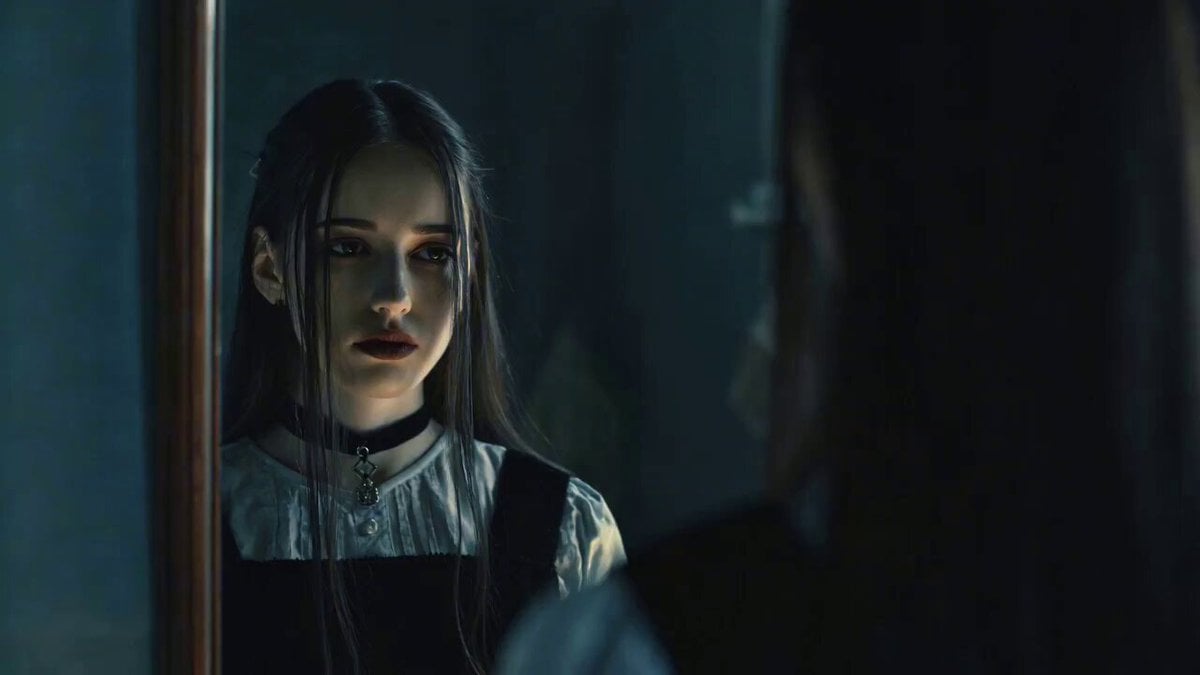
Emotional Breakdown Scene with Image and Video References

Emotional Parisian Apartment Drama
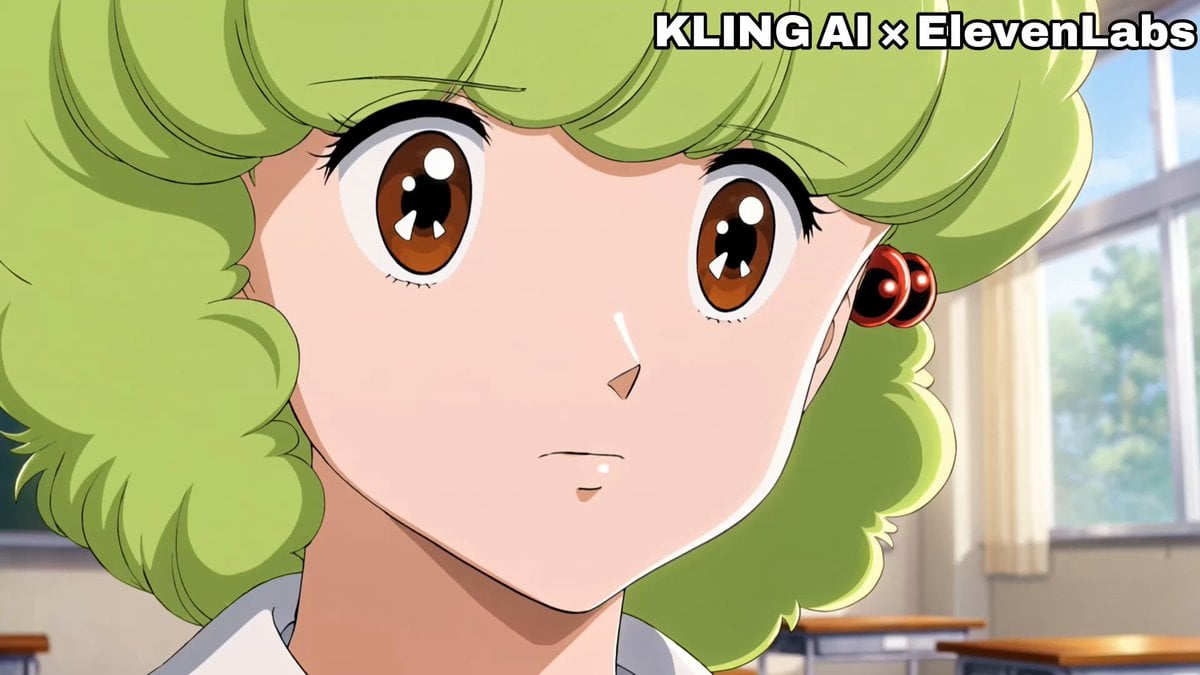
Emotional Anime Monologue Video
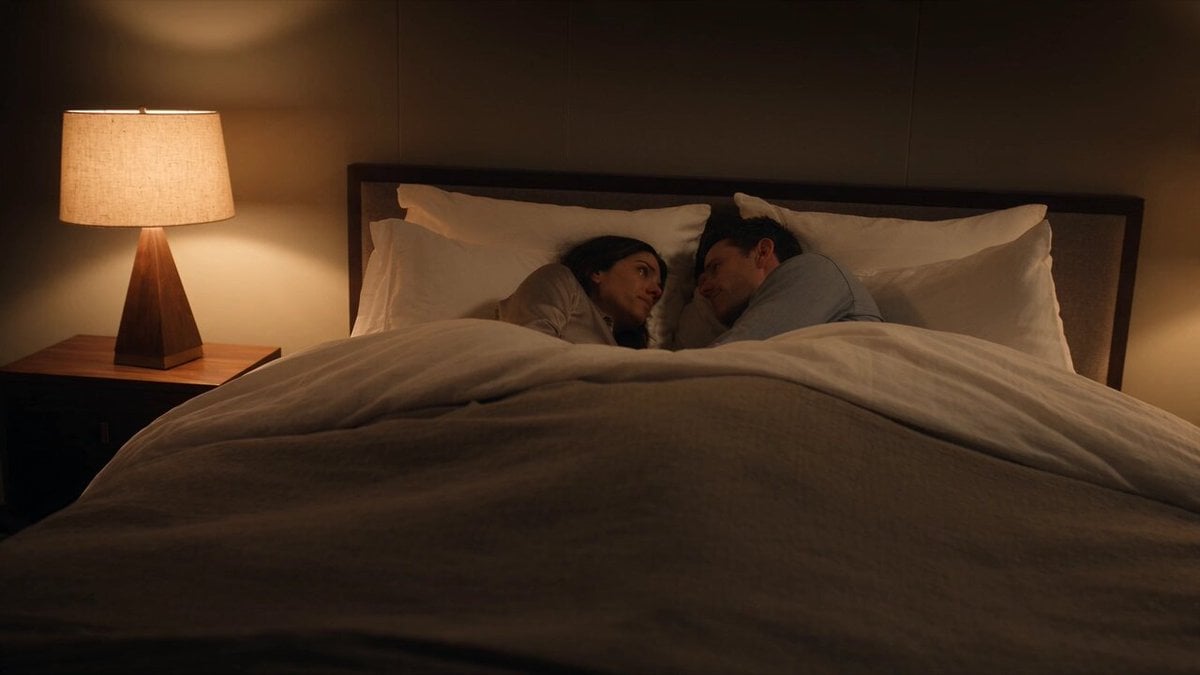
Emotional Bedroom Dialogue Scene

Maglev Train Action Sequence

Martial Arts Fight Sequence

Field Hospital Medic Breakdown
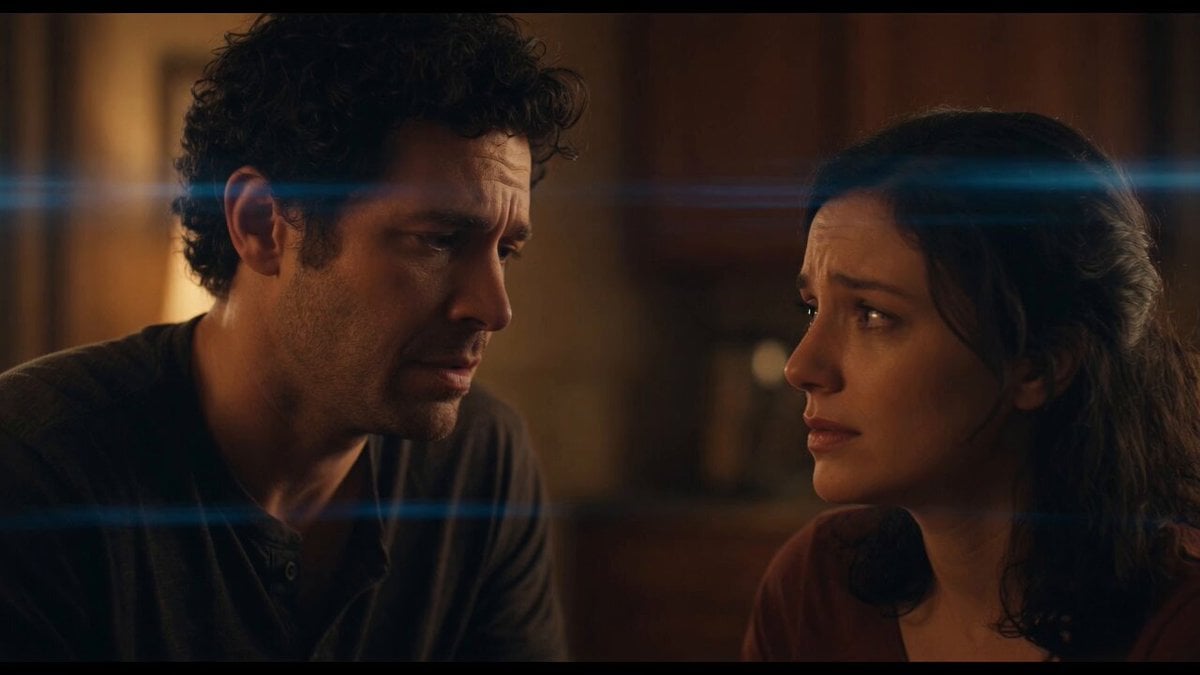
Emotional Angry Couple Drama

World Cup Final Emotional Drama

Cinematic Samurai Duel Sequence
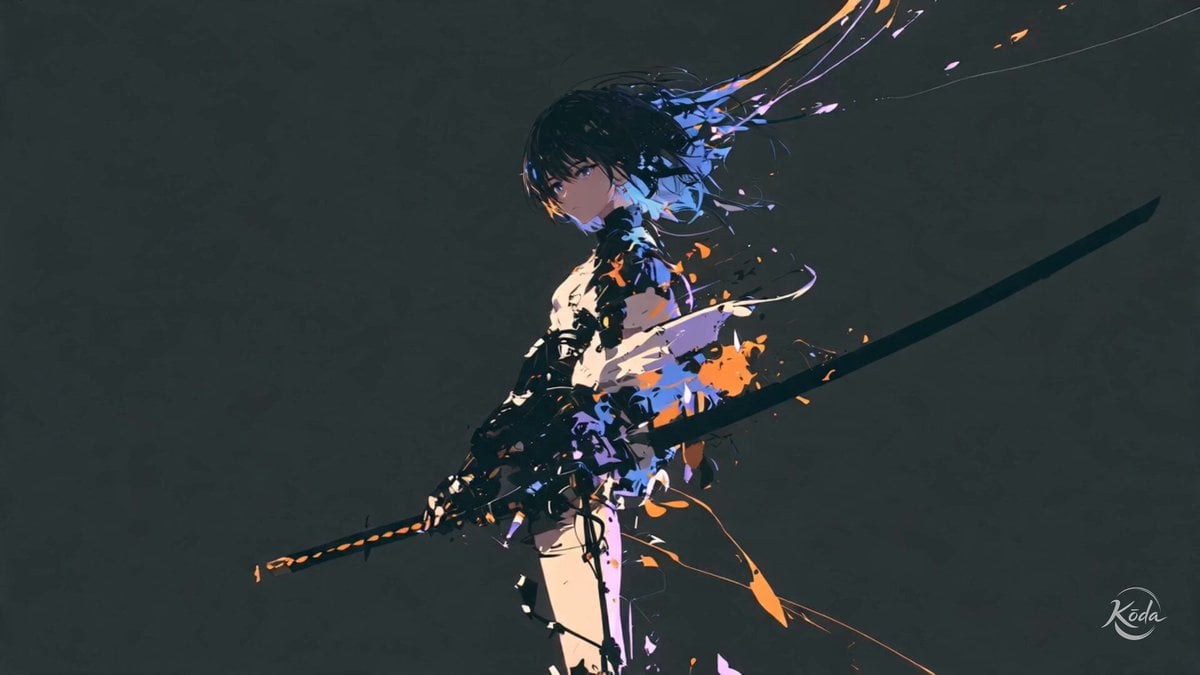
Cinematic Swordswoman Action Sequence
Make it yours
Emotional Breakdown Sequence works as-is. These are the safest ways to change it without losing the look.
Change one field
Copy a single group, rewrite it, and generate again so you can see what that field is doing.
Keep the frame, change the subject
Hold the composition and light of Emotional Breakdown Sequence, then swap wardrobe, props or the person for a new take.
| If the result… | Why | Fix |
|---|---|---|
| The result drifts from the preview | Too many fields changed at once. | Reuse Emotional Breakdown Sequence as-is first, then change one group — subject, light, or setting. |
| The model over-stylizes the scene | The prose prompt leaves finish and camera underspecified. | Add one camera or lighting sentence and stay on Seedance 2.0. |
More Seedance 2.0 templates
Other prompts made for Seedance 2.0.

Comical Martial Arts Punch Scene

Wuxia Protection and Trust Script

Vintage Korean Arcade MiniDV Vlog

Mercedes 190 SL Luxury Ad

Rainy Night Supernatural Reverse Comedy Video Script

Amazon Civilization Discovery

Futuristic South Asian City Transformation

Cozy Luxury Cafe Commercial

Cyber Ronin Nanotech Transformation Video

Desert Courier and Sandstorm Leviathan Chase
More video prompts
Fresh picks from across the catalog.
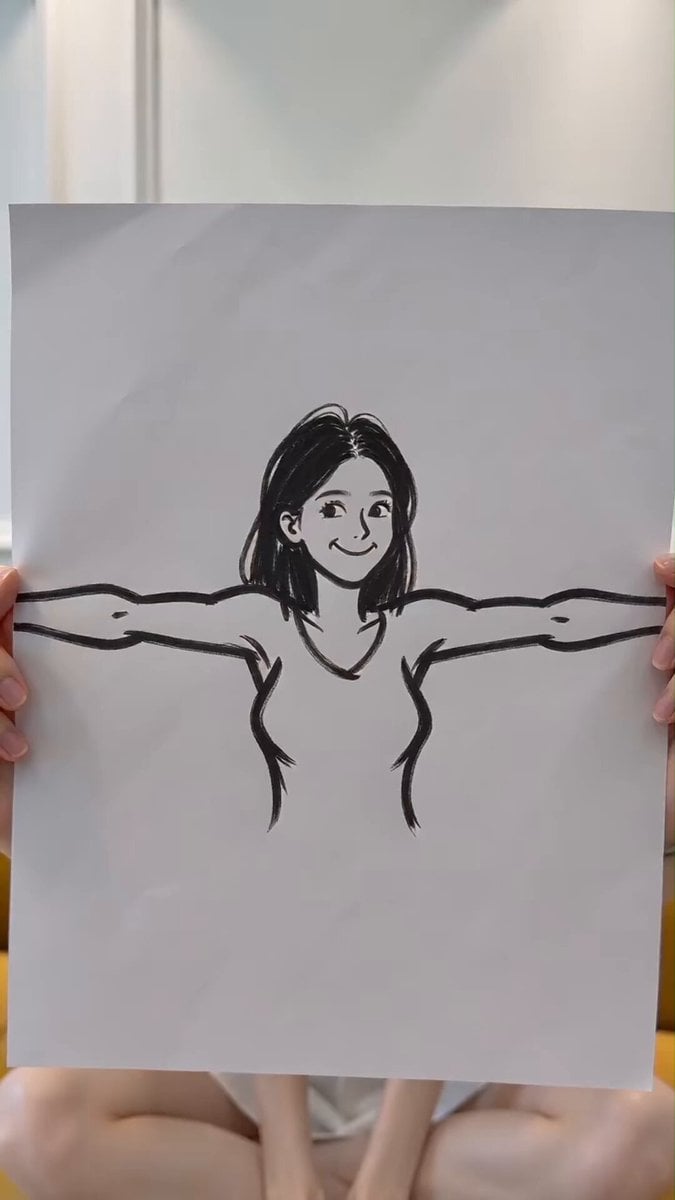
Handheld Phone Drawing Transition Video
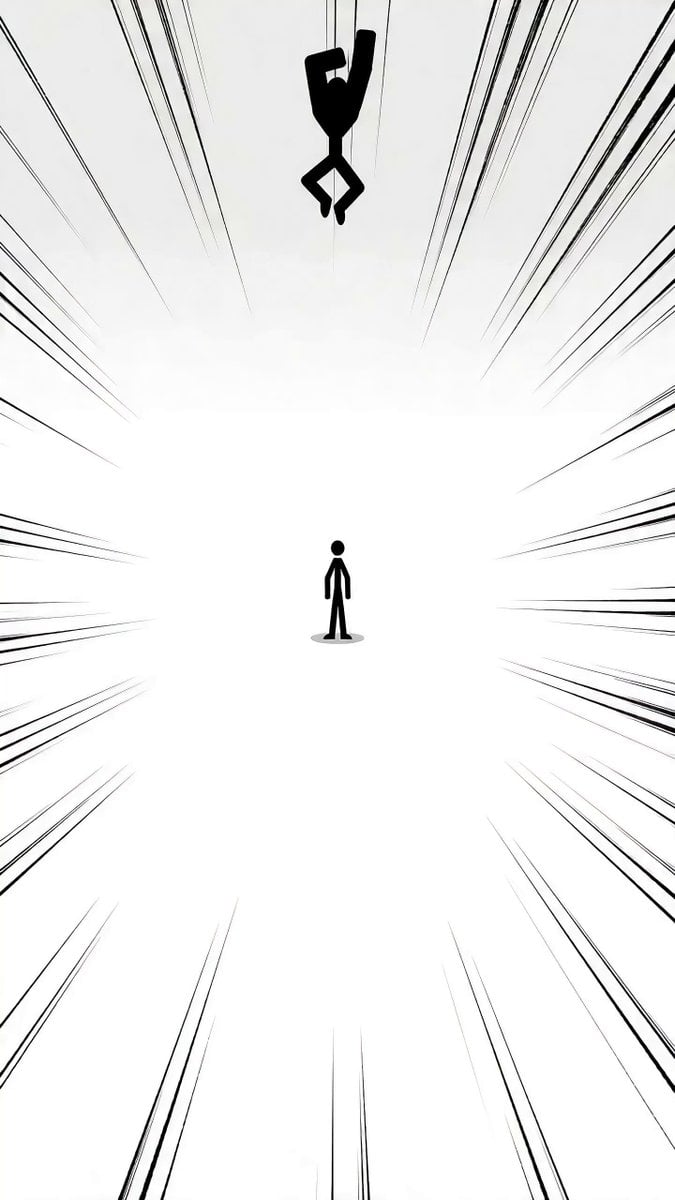
Detailed Stickman Fight prompt for Seedance 2.0

Seedance 2.0 Top Gun Pigeon Prompt

GRWM Gym Edition Video Sequence

Futuristic Desert Off-Road Racing Prompt

Cyberpunk Android Mechanical Transformation Video

Cinematic Basketball Storyboard

Cinematic Beach Pizza Advertisement

Multi-shot Creature Race Scene
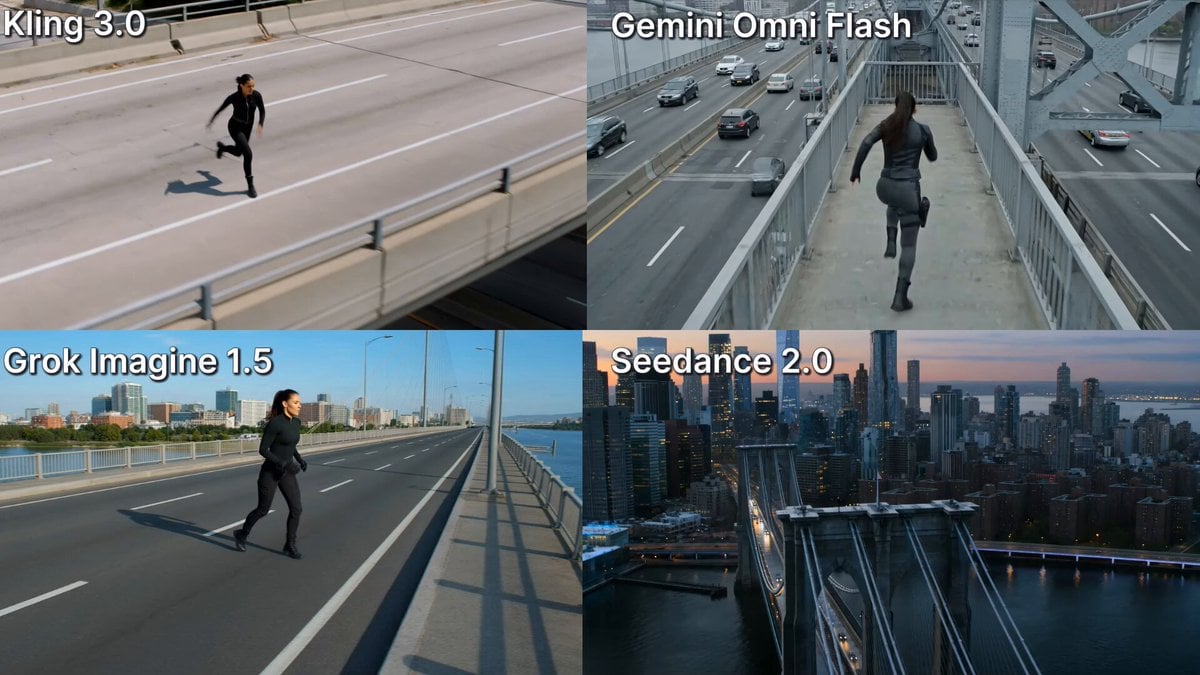
Action Stunt Scene: Bridge Jump
Browse template categories
Emotional Breakdown Sequence questions
How do I use the Emotional Breakdown Sequence template?
Add your photo if the template asks for one, edit the prompt if you like — the template's model and format are already selected — and press Generate. Your version opens in PicX Studio.
Can I customize the Emotional Breakdown Sequence template?
Yes. You can change the subject, setting, lighting, mood, format, and available model controls before creating your video.
Is the Emotional Breakdown Sequence template free?
Opening and editing this template is free. Generating uses credits, shown on the Generate button when you are signed in.
Which AI model should I use?
Start with Seedance 2.0, which is the model associated with this template. You can compare another compatible model for a different finish.
Looking for something else? Browse all templates.

Your photo, any look
Thousands of ready templates for every top image and video model, from one credit balance.