
Detailed Stickman Fight prompt for Seedance 2.0
An extremely detailed, multi-cut prompt for Seedance 2.0 to generate a 15-second minimalist 2D stick-fight animation, specifying format, BPM, cuts, subjects, environment, mood, color logic, and a precise timeline of…
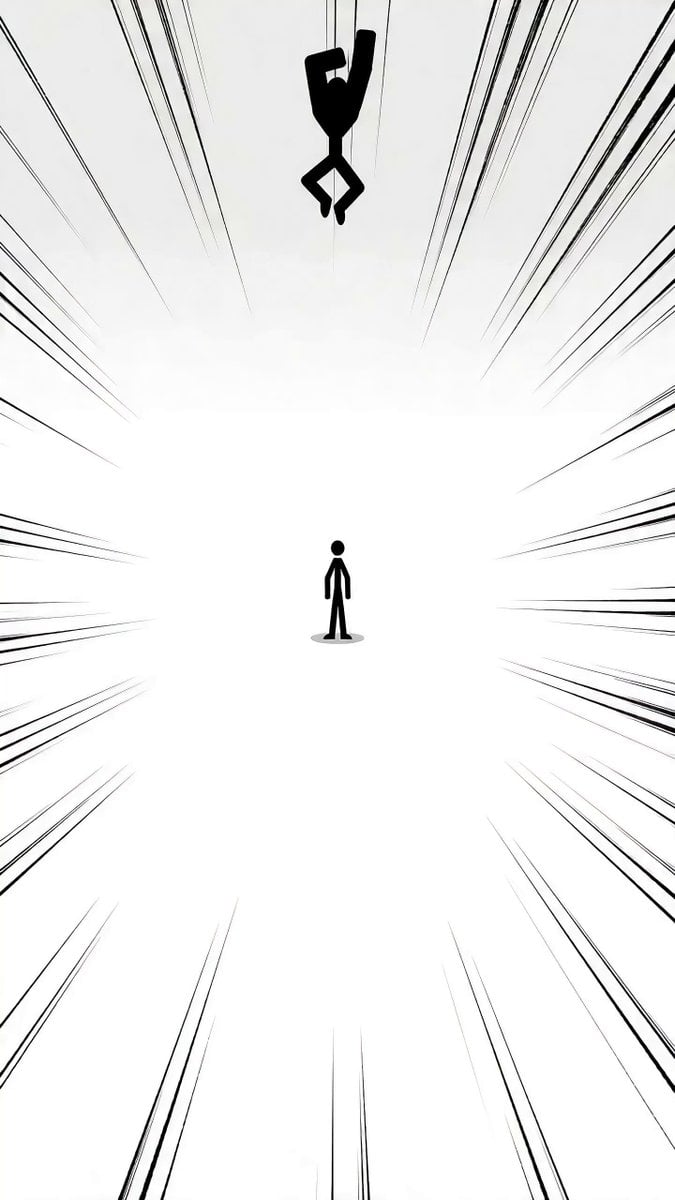
- Prompt included
- Model and format preset
- Premium template
The prompt behind this video
Copy the exact prompt behind Detailed Stickman Fight prompt for Seedance 2.0, or open it in the studio and make it yours.
FORMAT: 15s / 182 BPM / 7 CUTS / minimalist 2D stick-fight animation, pure white background, ultra-fast readability SUBJECTS: Two 2D stick fighters drawn in solid black lines on a blank white field. One is lean, evasive, and elastic. The other is wider, heavier, and constantly presses forward with crushing force. ENVIRONMENT: Empty white void, no props. Only black speed lines, impact rings, smear frames, skid marks, and sharp red blood accents. Clean negative space keeps every move instantly readable. MOOD: Brutal, explosive, relentless, stylish, unfinished. COLOR LOGIC: Monochromatic Grading TIMELINE: 0:00-0:01 - Wide shot, extreme negative space. The lean fighter stands centered and still. The heavy fighter drops from above already throwing a downward strike. Sudden hard push-in. 24mm wide feel. SFX: air drop, hard land, cutting whoosh. 0:01-0:03 - CUT ON ACTION. Side wide shot. Heavy fighter unleashes jab, hook, knee. Lean fighter slips, guards, absorbs the knee, then fires back with calf kick, straight punch, spinning back kick. A sharp red blood arc snaps off the final hit. Short truck move. 35mm feel. SFX: swishes, dry thuds, foot taps, impact ticks. 0:03-0:05 - SMASH CUT. Medium wide side view. Heavy fighter answers with body hook, elbow, backfist, stomp kick, then drives through with a rushing shoulder check, forcing the lean fighter across frame. Quick red flecks burst near the impact rings. Fast lateral move with slight undercrank feel. SFX: impact cracks, whip swishes, stomp hit, air bursts. 0:05-0:07 - CUT ON ACTION. Side wide shot. Lean fighter ducks the next swing, steps inside, lands a rib shot, slicing elbow to the chin, then a rising kick to the chest. A brief red spray snaps off the last connection. Short truck move. 35mm film feel. SFX: duck swish, body thud, elbow crack, kick crack, skid scrape. 0:07-0:10 - WHIP PAN TRANSITION. Side wide shot. Both crash back together and trade a savage twelve-hit chain: punch, block, elbow, knee, duck, backfist, kick, catch, shove, hook, spinning elbow, straight cross. Red flicks burst only on the hardest impacts. Fast truck move with momentum-based cutting. Thick black impact circles on the heaviest blows. SFX: rapid hit flurry, hard swishes, bass ticks, breath bursts. 0:10-0:12 - CUT ON ACTION. Worm's-eye wide shot. Heavy fighter surges forward again. Lean fighter eats two hits, slips the third, steps off the planted thigh, vaults upward, and hammers down. Both collide midair in a tight X-shaped silhouette that splits apart instantly. Quick arc move around the clash. 24mm wide feel. SFX: rising whoosh, hit flurry, double crack, burst hiss, bass slam. 0:12-0:15 - HARD CUT. Monumental wide shot. Both land already in motion, skid a step, rebound, and charge back to center without pause, dissolving into black strike smears and red flecks as the exchange continues. Tiny push-in. End mid-fight, unresolved. 50mm standard feel. SFX: skid scrape, hard
How to use Detailed Stickman Fight prompt for Seedance 2.0 in 3 steps
- 1
Open
The prompt is already in the box next to the preview, with the template's model and format selected.
- 2…a portrait of your subject in softgolden-hour light, 85mm…
Personalize
Edit the subject and creative details for your destination.
- 3Generate
Generate
Press Generate — your video is created in PicX Studio, so you can compare it with the original and refine one variable at a time.
More like this
Templates with the same subject, style or setup. Open one to see its prompt.
Swordsman vs Shadow Monster — Bamboo Forest Battle
Wholesome Puppy and Kitten Story - Seedance 2.5

Mysterious Home Exploration Vlog - Seedance 2.5
Dark Tokusatsu Transformation - Seedance 2.5

Cinematic Xinjiang Drone Landscapes - Seedance 2.5
Late Night Kitchen Phone Recording - Seedance 2.5
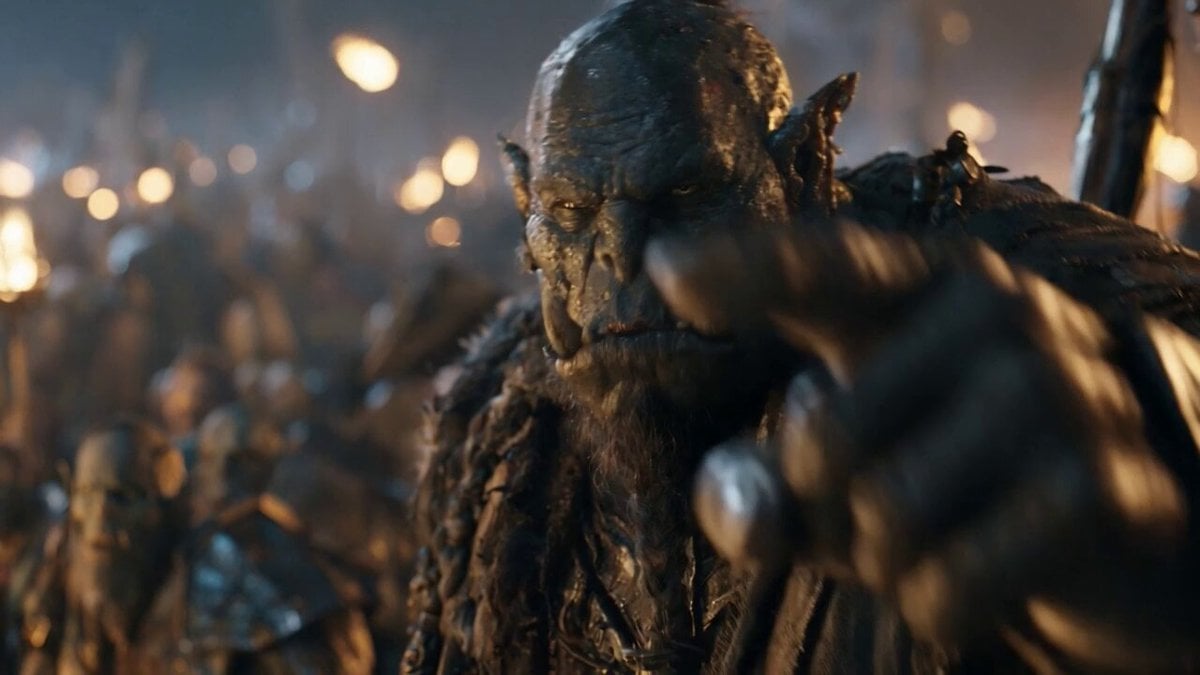
3D Animated Cat and Old Man - Seedance

Realistic City Street Story Cinematic Video - Seedance
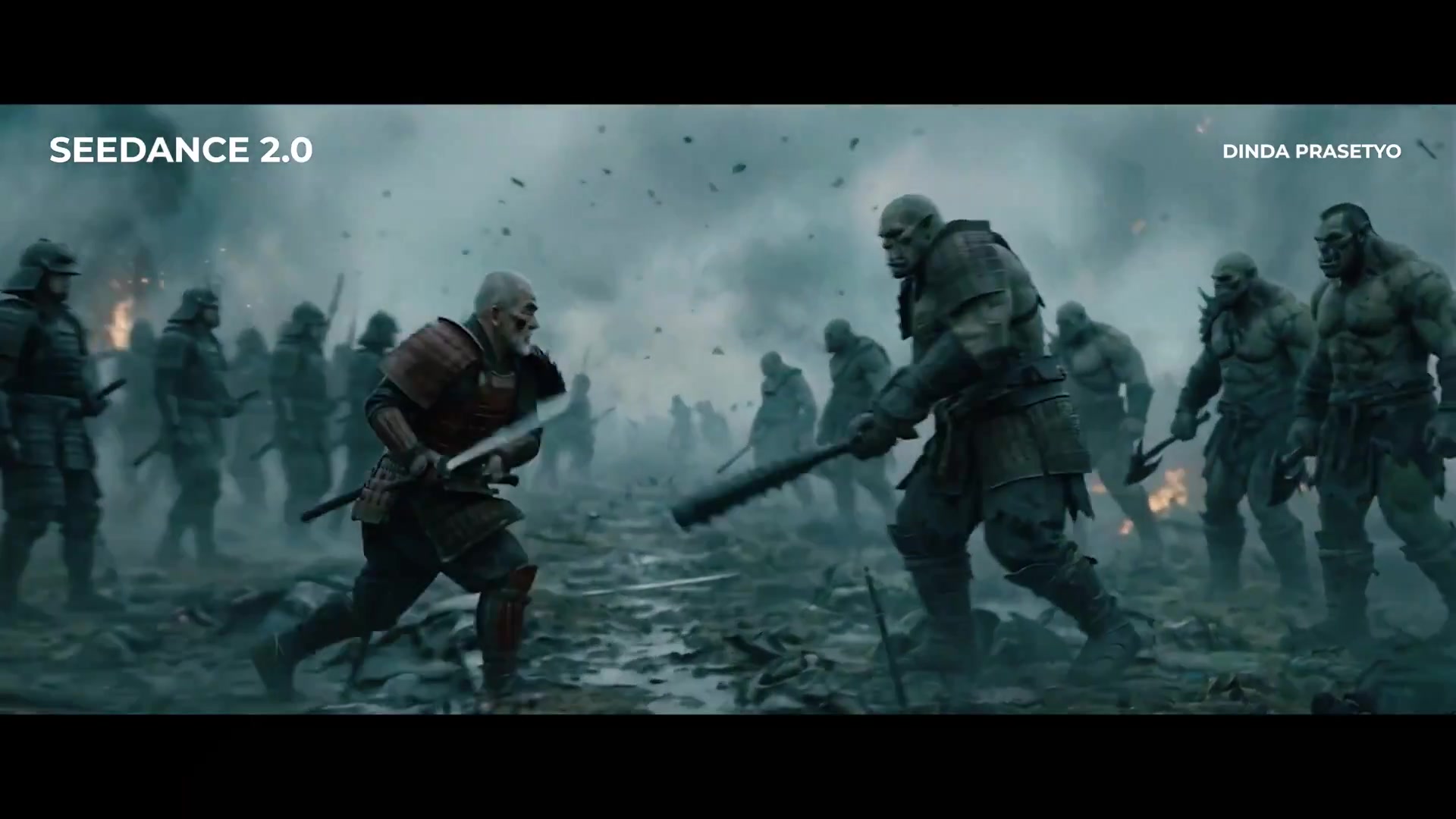
Seedance 2.0 First Test — Dynamic Motion Showcase
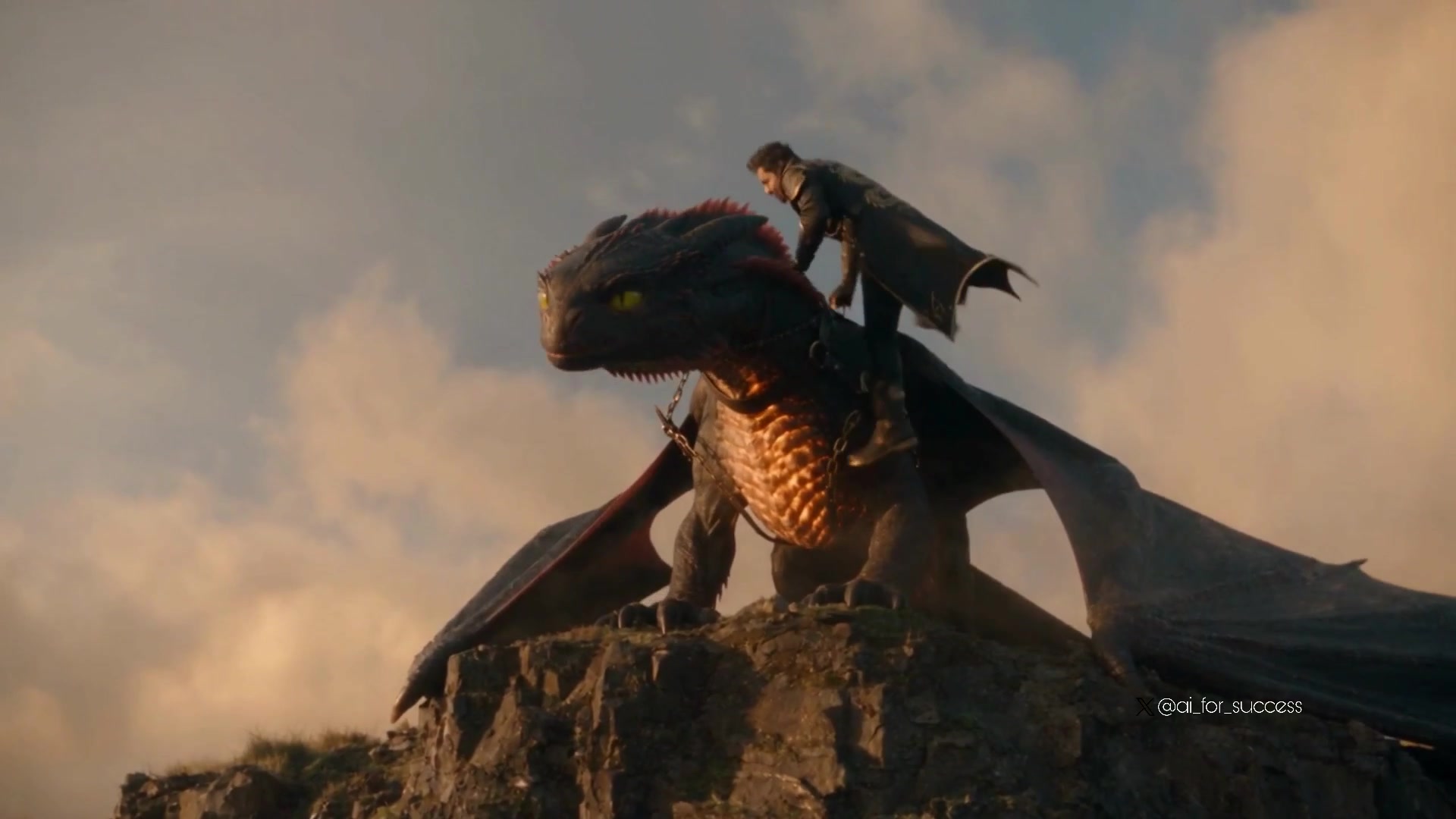
Dragon Rider Cinematic Flight — Seedance 2.5
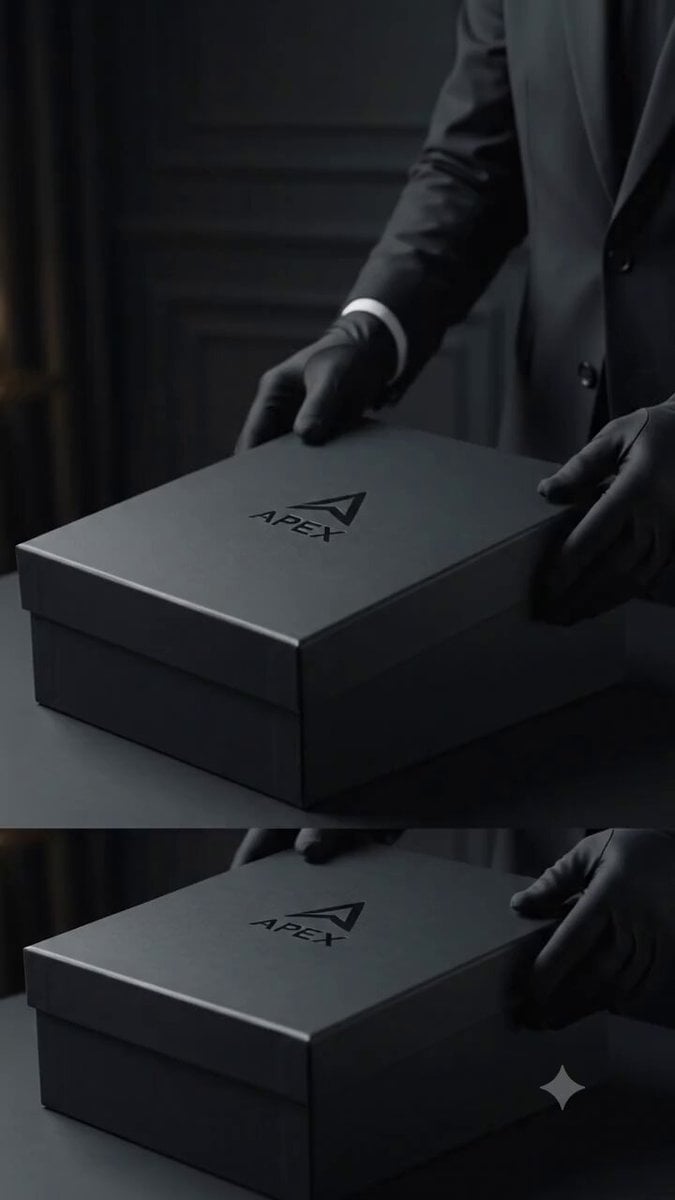
Sneaker Product Commercial

Cinematic Short Film Scene 2
Make it yours
Detailed Stickman Fight prompt for Seedance 2.0 works as-is. These are the safest ways to change it without losing the look.
Change one field
Copy a single group, rewrite it, and generate again so you can see what that field is doing.
Keep the frame, change the subject
Hold the composition and light of Detailed Stickman Fight prompt for Seedance 2.0, then swap wardrobe, props or the person for a new take.
| If the result… | Why | Fix |
|---|---|---|
| The result drifts from the preview | Too many fields changed at once. | Reuse Detailed Stickman Fight prompt for Seedance 2.0 as-is first, then change one group — subject, light, or setting. |
| The model over-stylizes the scene | The prose prompt leaves finish and camera underspecified. | Add one camera or lighting sentence and stay on Seedance 2.0. |
More Seedance 2.0 templates
Other prompts made for Seedance 2.0.

Comical Martial Arts Punch Scene

Maglev Train Action Sequence

Martial Arts Fight Sequence

Wuxia Protection and Trust Script

Vintage Korean Arcade MiniDV Vlog

Mercedes 190 SL Luxury Ad

Rainy Night Supernatural Reverse Comedy Video Script

Amazon Civilization Discovery

Futuristic South Asian City Transformation

Cozy Luxury Cafe Commercial
More video prompts
Fresh picks from across the catalog.

Chinese Street Drama Buns Shop Scene
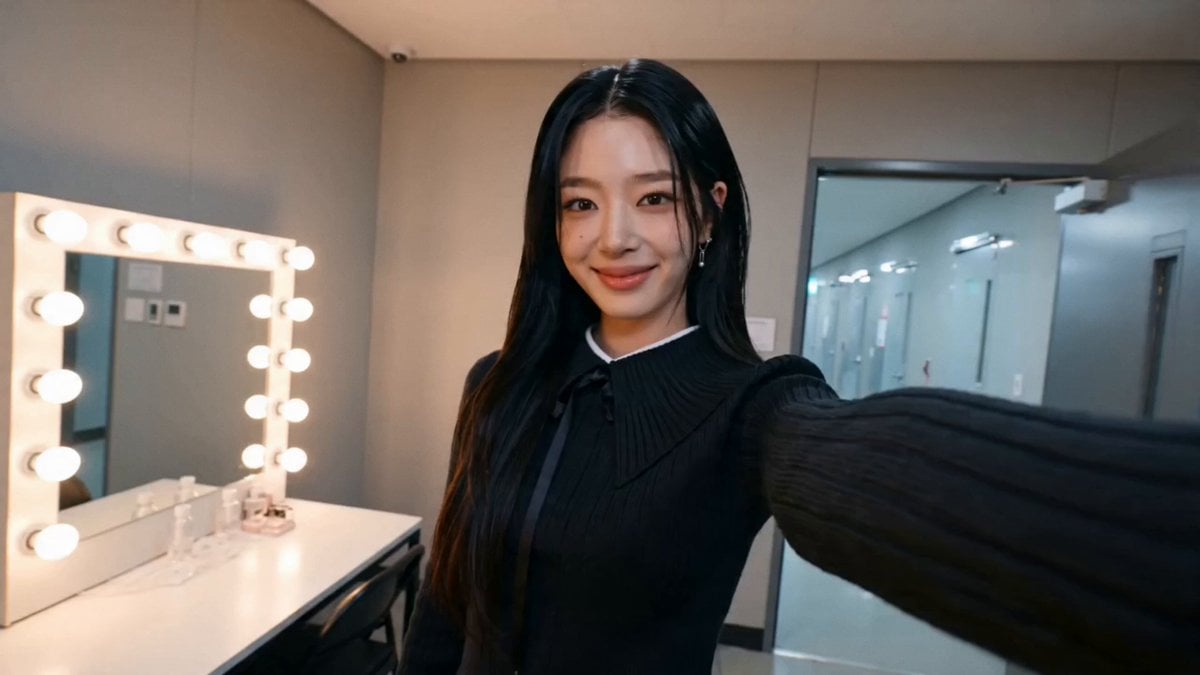
K-pop Idol BTS Vlog Scene
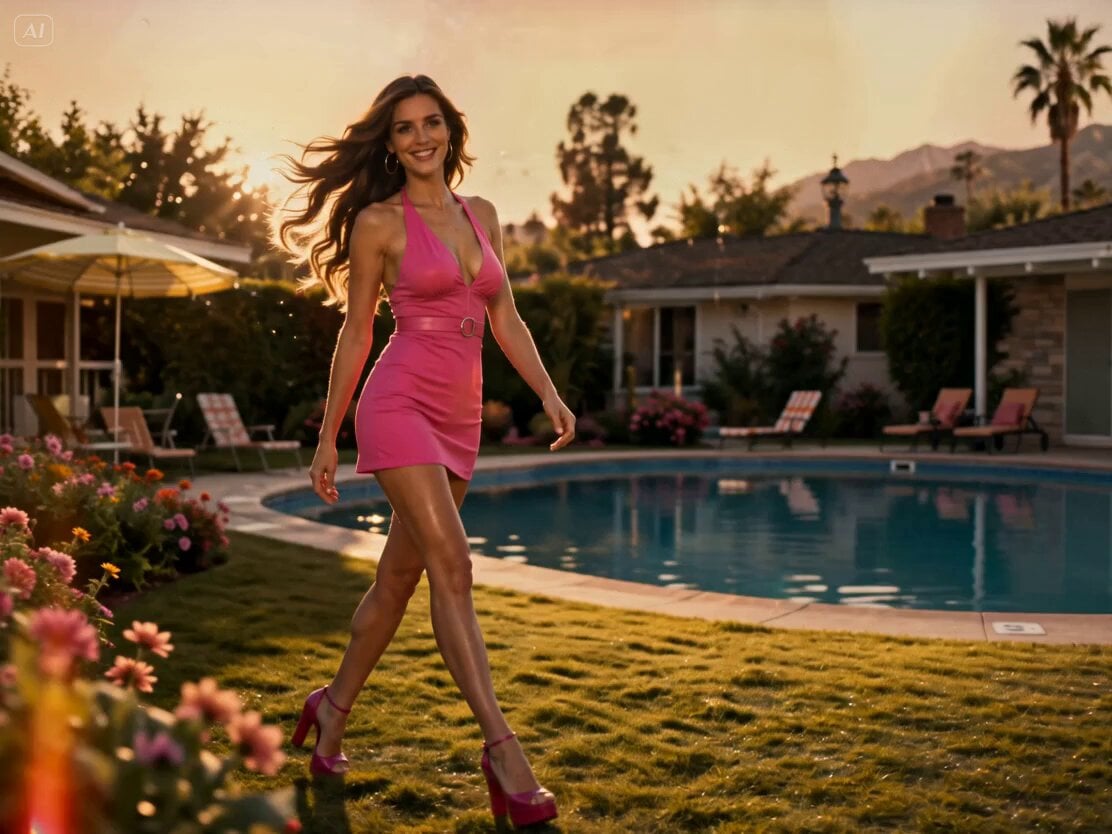
70s Backyard Comedy Pool Crash

Spanish woman in retro dress, cartoon style
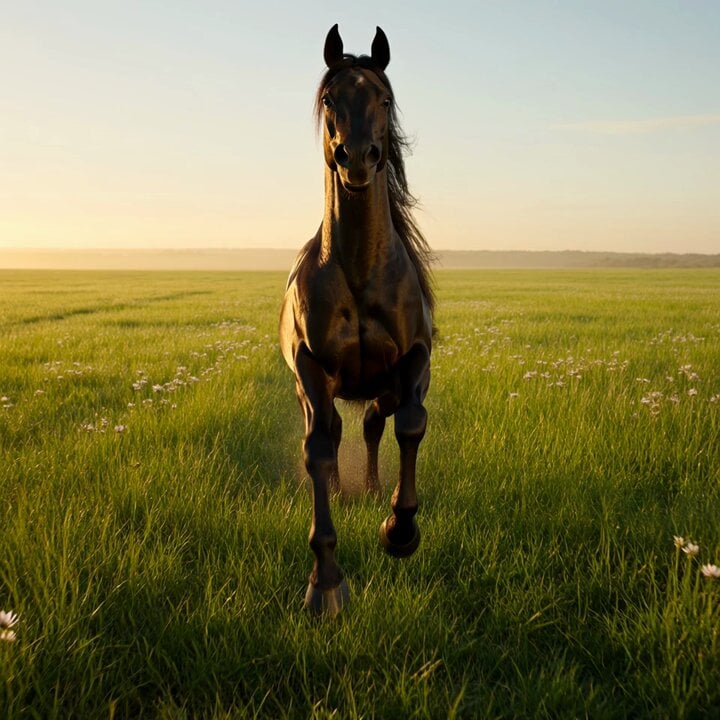
second video prompt of a majestic black horse galloping
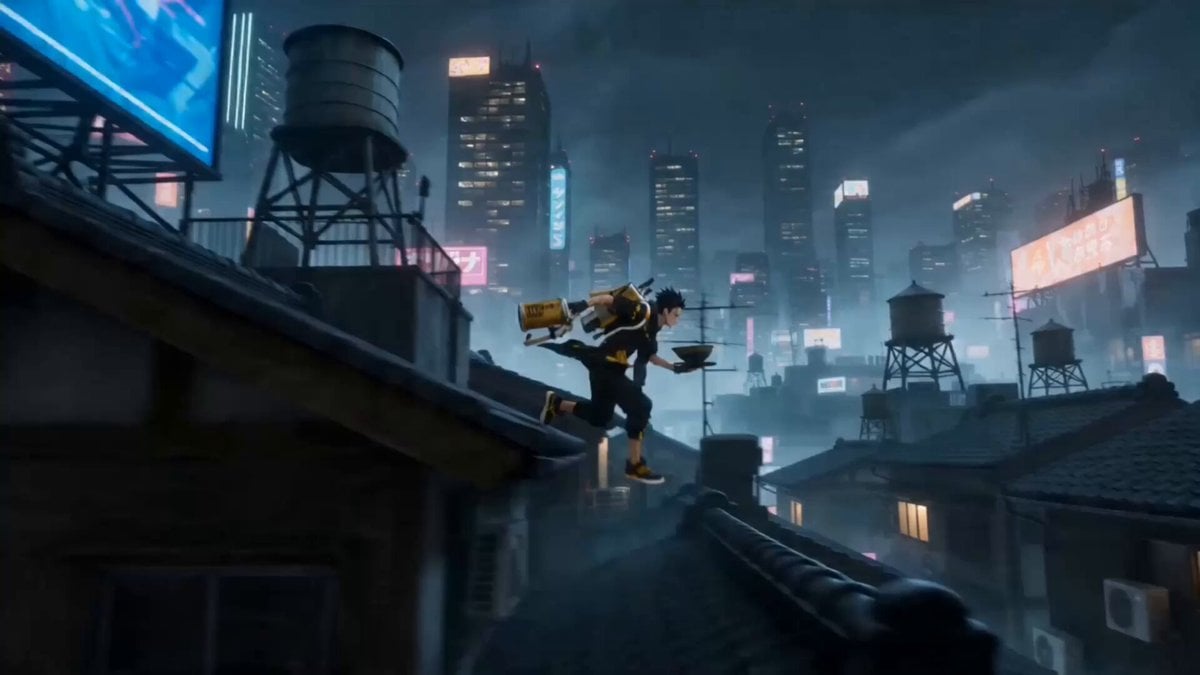
The Noodle Master Scene Description
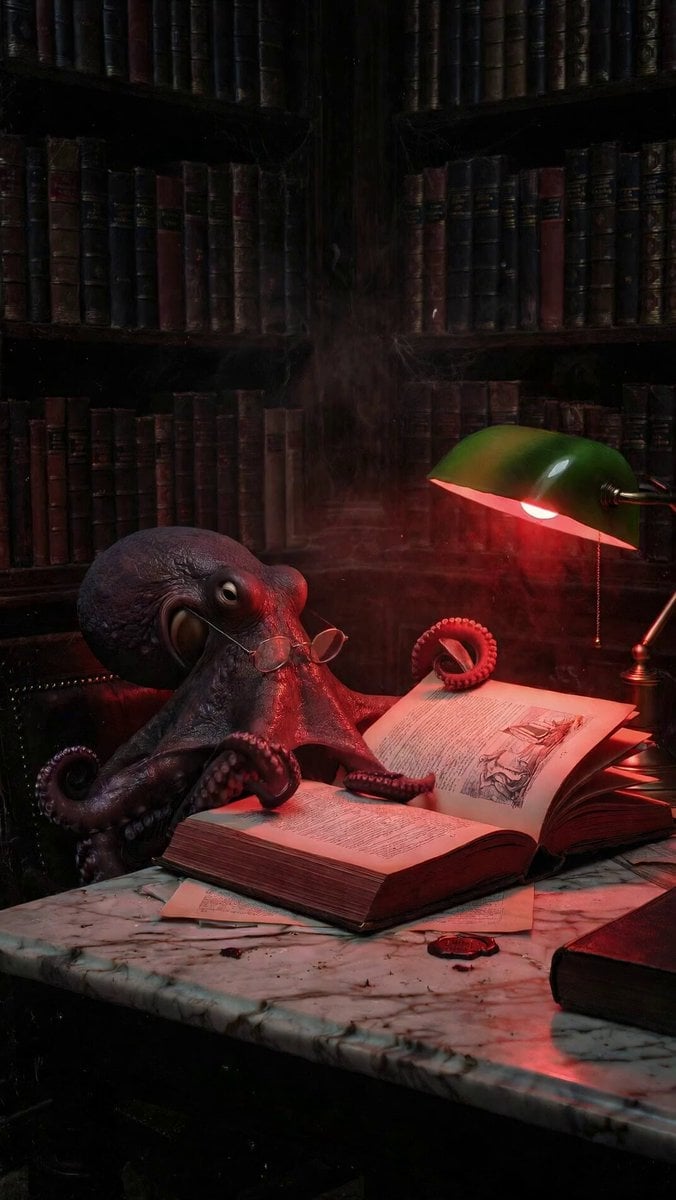
Octopus Reading in Library

Monk Placing a Glowing Flame in Hieronymus Bosch Style
Time Stealer — Seedance 2.0
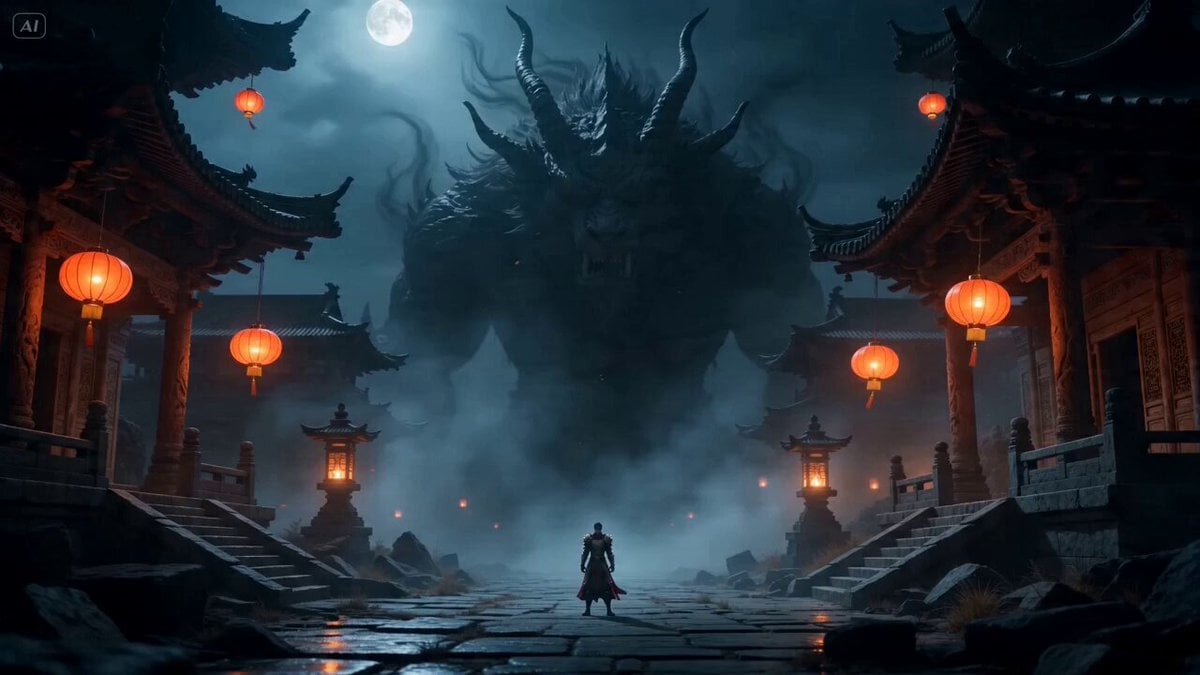
Cinematic Fantasy Action Scene
Browse template categories
Detailed Stickman Fight prompt for Seedance 2.0 questions
How do I use the Detailed Stickman Fight prompt for Seedance 2.0 template?
Add your photo if the template asks for one, edit the prompt if you like — the template's model and format are already selected — and press Generate. Your version opens in PicX Studio.
Can I customize the Detailed Stickman Fight prompt for Seedance 2.0 template?
Yes. You can change the subject, setting, lighting, mood, format, and available model controls before creating your video.
Is the Detailed Stickman Fight prompt for Seedance 2.0 template free?
Opening and editing this template is free. Generating uses credits, shown on the Generate button when you are signed in.
Which AI model should I use?
Start with Seedance 2.0, which is the model associated with this template. You can compare another compatible model for a different finish.
Looking for something else? Browse all templates.

Your photo, any look
Thousands of ready templates for every top image and video model, from one credit balance.