
Cinematic Basketball Storyboard
A comprehensive sports storyboard prompt for a high-intensity basketball play, from a defensive steal to a powerful dunk.
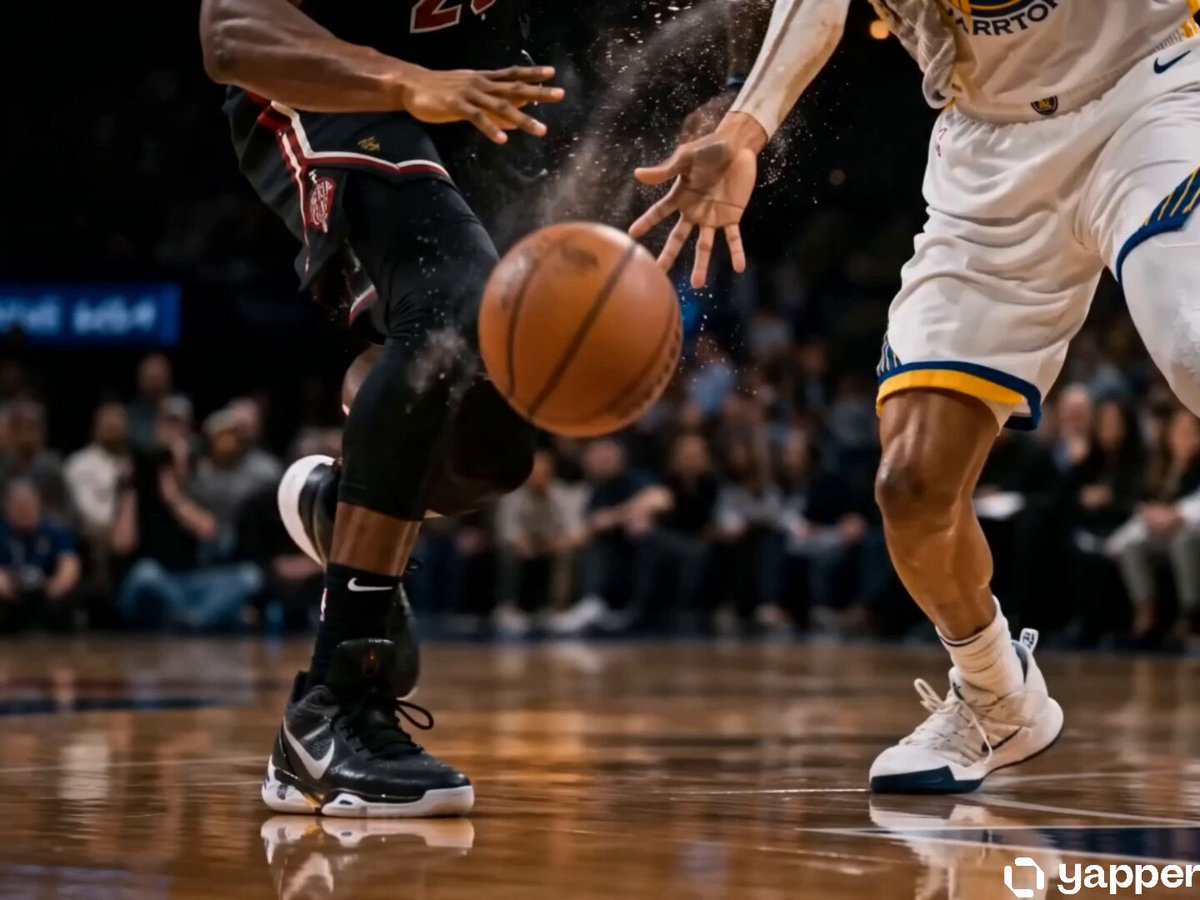
- Prompt included
- Model and format preset
- Premium template
The prompt behind this video
Copy the exact prompt behind Cinematic Basketball Storyboard, or open it in the studio and make it yours.
Create a high-quality 4K cinematic basketball storyboard showing a full sequence from defense to a powerful score, using dynamic arena lighting, dramatic crowd atmosphere, and professional sports broadcast style. The scene begins with an intense half-court moment where a defender performs a clean steal or block, the ball sharply deflected as sweat and motion particles are captured in slow motion. Transition immediately into a fast break: the player recovers the ball, dribbles with speed and control, accelerating past opponents with quick crossovers and footwork. Show close-ups of sneakers gripping the court, the ball bouncing with precise rhythm, and focused facial expressions, mixed with wide shots of the court opening up. Add a key assist moment where the ball is passed sharply between defenders, followed by a sprint toward the basket with the crowd rising in anticipation. Build tension with a slow-motion approach to the paint, then a powerful finish—either a high-impact dunk, smooth layup, or clean jump shot. Show the ball swishing through the net or the rim rattling with force, including defender and crowd reactions. Integrate realistic background audio throughout: squeaking sneakers on hardwood, echoing dribbles, player shouts, referee whistle, crowd murmurs building into loud cheers, commentator-style distant hype, and arena reverb that intensifies during key moments like the steal, fast break, and final shot. End with an emotional celebration: the scorer running back, flexing, or raising arms as teammates join, arena lights glowing and crowd erupting. Use varied camera angles (wide, tracking, close-up, POV, slow motion), strong motion blur, and realistic physics (ball bounce, shoe friction, body movement), emphasizing the transition from defensive control to offensive dominance and victory.
How to use Cinematic Basketball Storyboard in 3 steps
- 1
Open
The prompt is already in the box next to the preview, with the template's model and format selected.
- 2…a portrait of your subject in softgolden-hour light, 85mm…
Personalize
Edit the subject and creative details for your destination.
- 3Generate
Generate
Press Generate — your video is created in PicX Studio, so you can compare it with the original and refine one variable at a time.
More like this
Templates with the same subject, style or setup. Open one to see its prompt.

3x3 Grid Storyboard Racing — Kling 3.0 O3 Pro

Dragon Rider Cinematic Flight — Seedance 2.5

Gpt2 Gpt2 Seedance Storyboard to Video
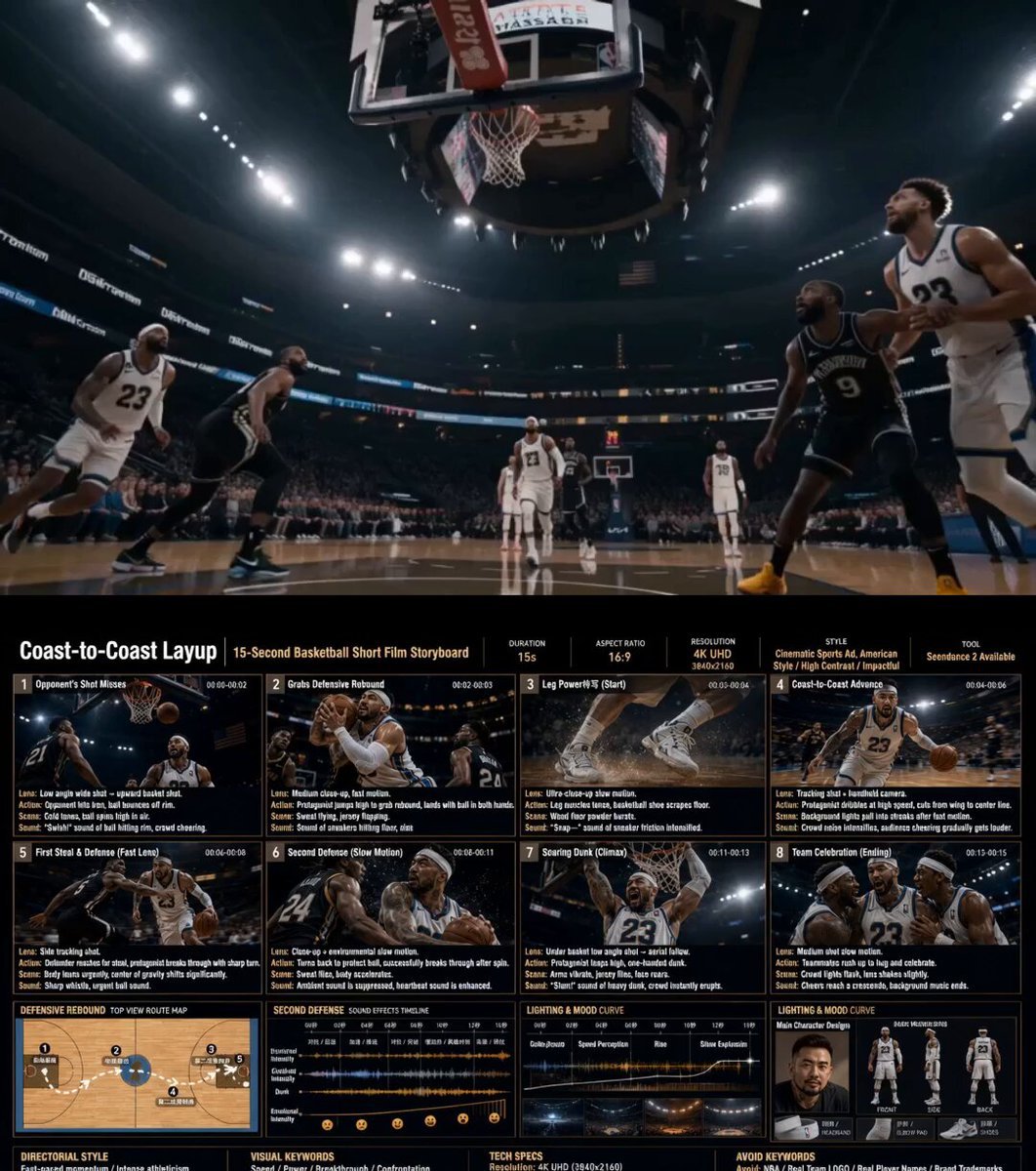
Cinematic Basketball Storyboard Animation
Anime and Live-Action Basketball Mix
Y2K Basketball Court Cause-and-Effect
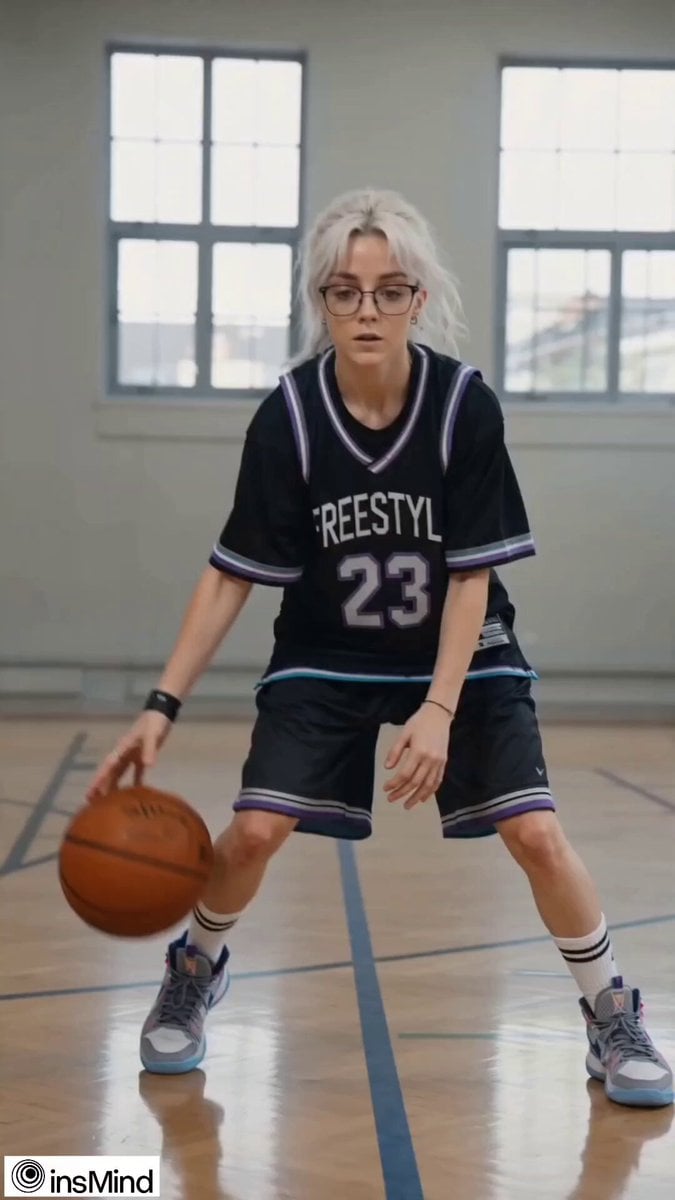
Teenage Girl Basketball Freestyle
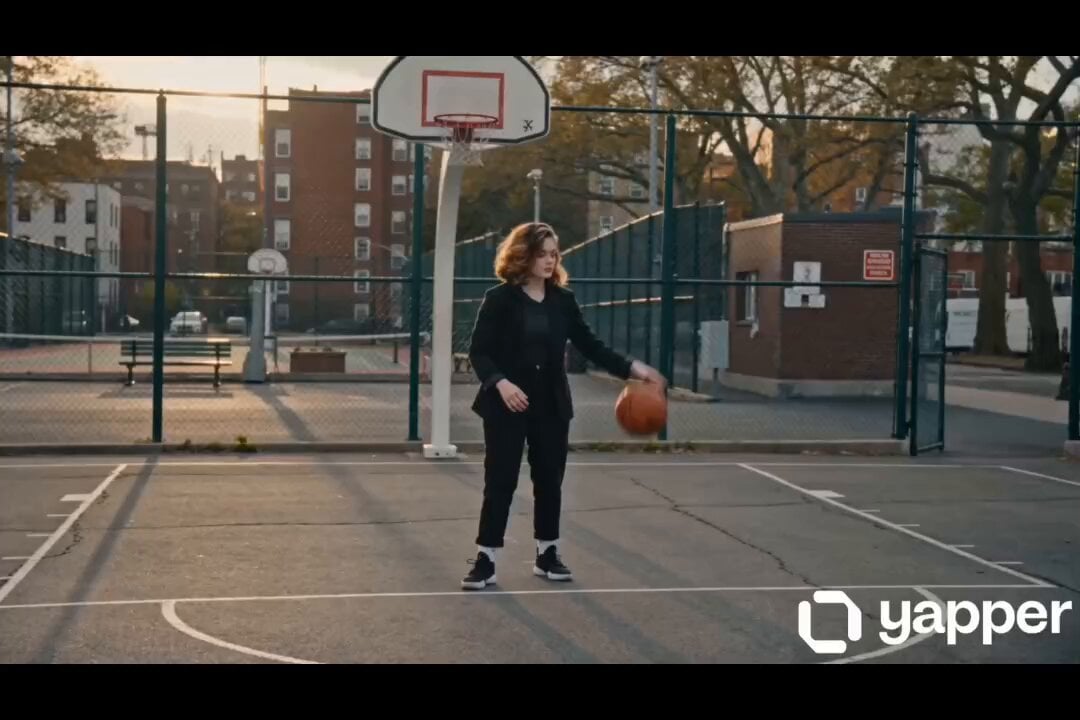
Female street basketball freestyle video
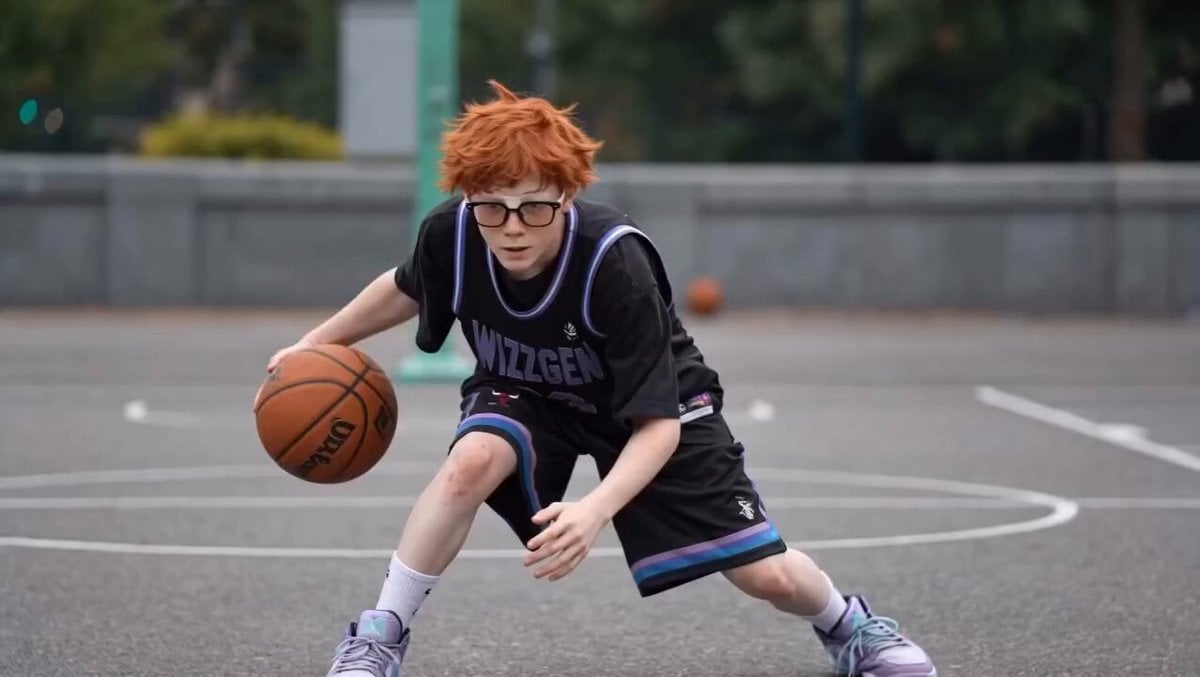
Basketball Player Action Sequence
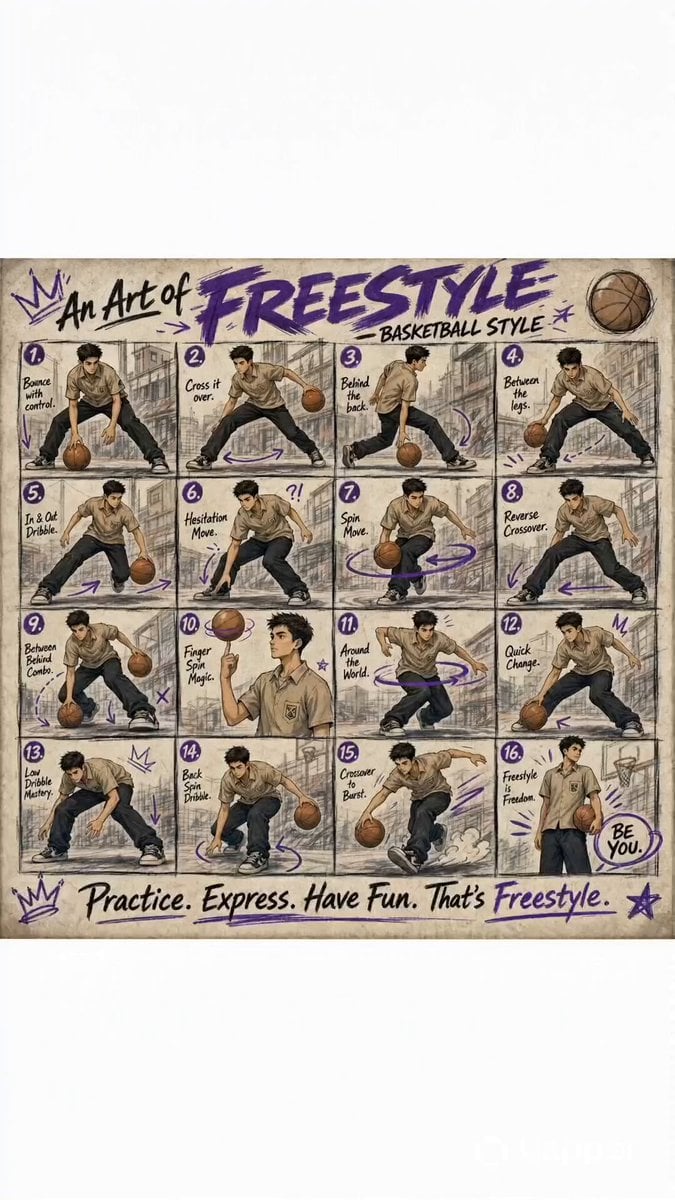
Animated Basketball Freestyle Poster
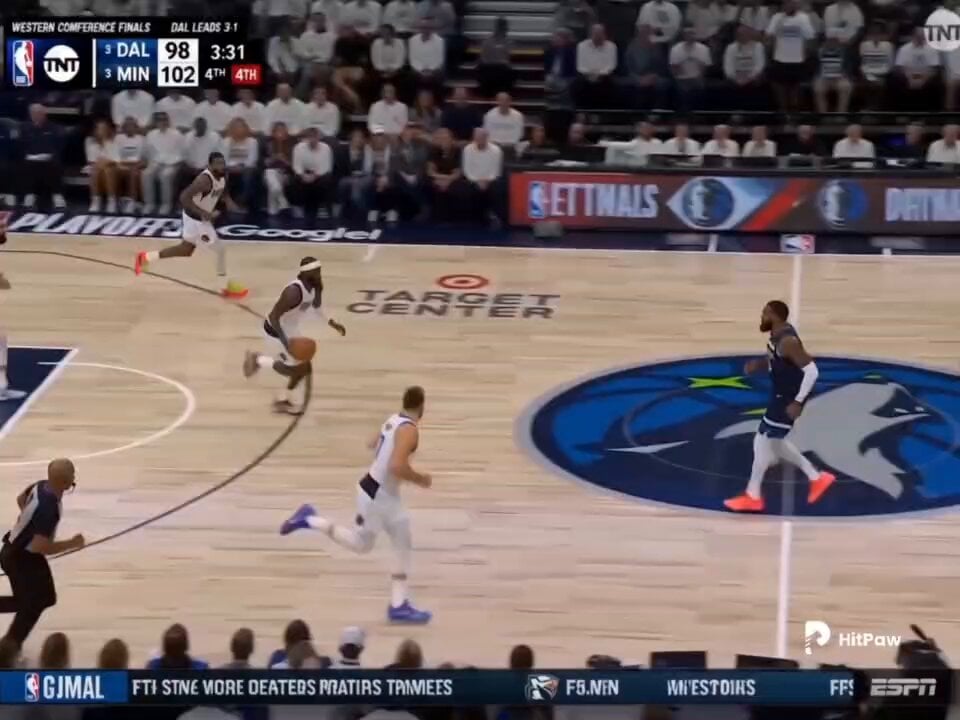
Basketball Broadcast Motion Sequence
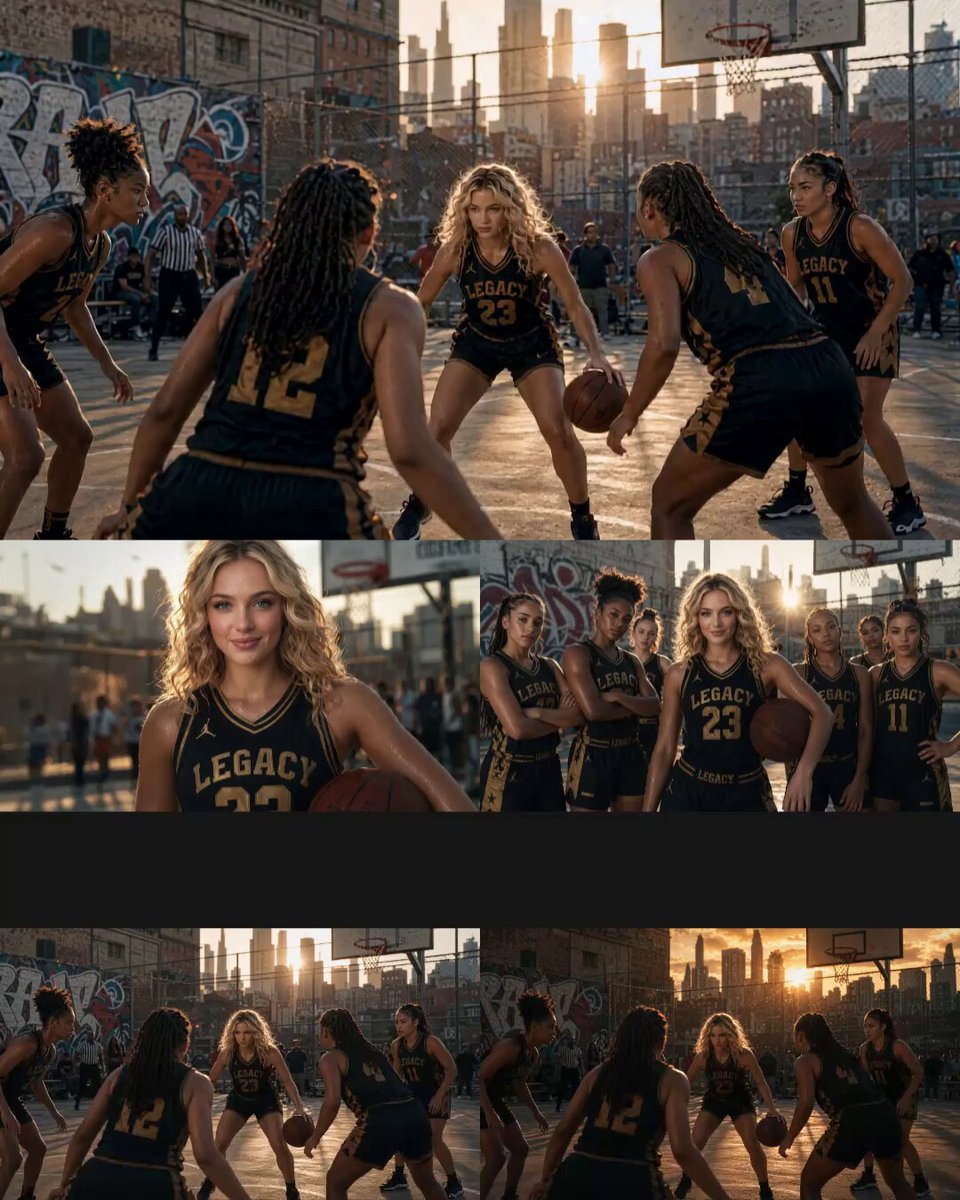
Cinematic Basketball Movie Sequence
Make it yours
Cinematic Basketball Storyboard works as-is. These are the safest ways to change it without losing the look.
Change one field
Copy a single group, rewrite it, and generate again so you can see what that field is doing.
Keep the frame, change the subject
Hold the composition and light of Cinematic Basketball Storyboard, then swap wardrobe, props or the person for a new take.
| If the result… | Why | Fix |
|---|---|---|
| The result drifts from the preview | Too many fields changed at once. | Reuse Cinematic Basketball Storyboard as-is first, then change one group — subject, light, or setting. |
| The model over-stylizes the scene | The prose prompt leaves finish and camera underspecified. | Add one camera or lighting sentence and stay on Seedance 2.0. |
More Seedance 2.0 templates
Other prompts made for Seedance 2.0.

Comical Martial Arts Punch Scene

Maglev Train Action Sequence

Martial Arts Fight Sequence

Wuxia Protection and Trust Script

Vintage Korean Arcade MiniDV Vlog

Mercedes 190 SL Luxury Ad

Rainy Night Supernatural Reverse Comedy Video Script

Amazon Civilization Discovery

Futuristic South Asian City Transformation

Cozy Luxury Cafe Commercial
More video prompts
Fresh picks from across the catalog.
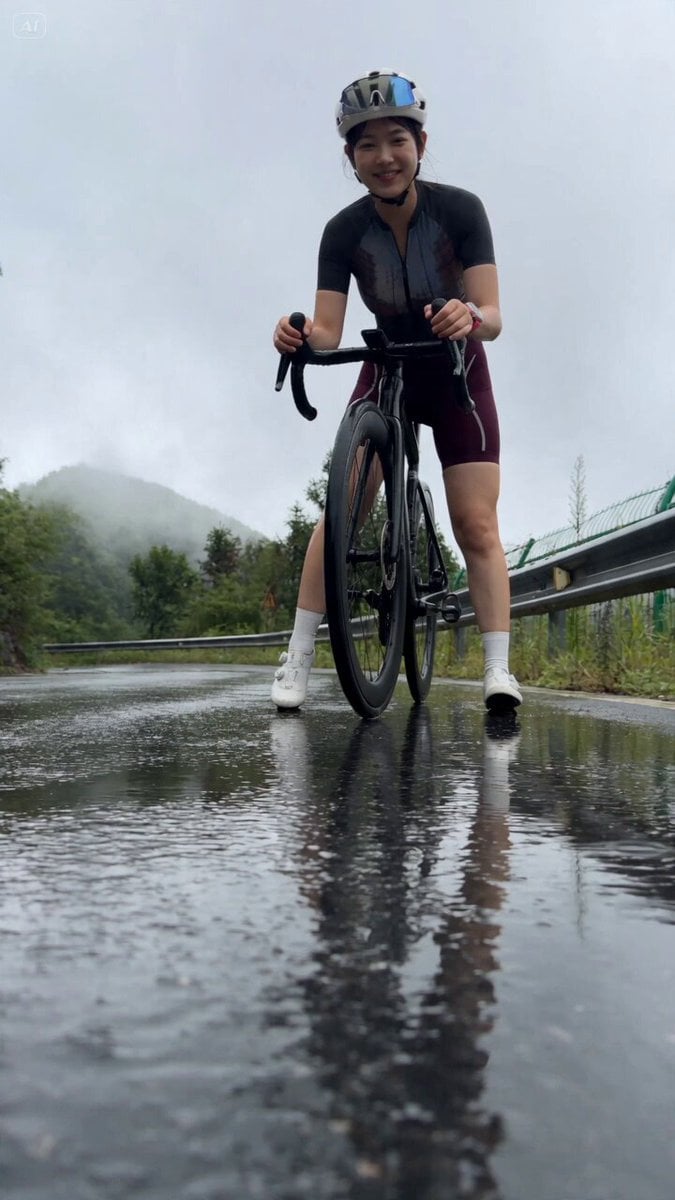
Authentic Mountain Cycling Vlog
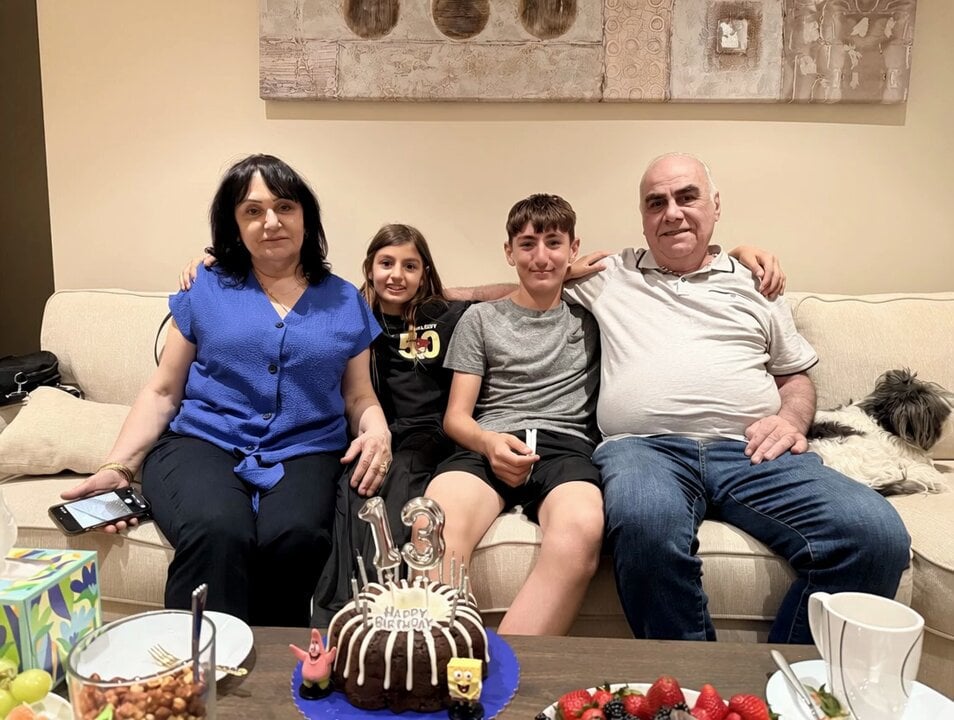
Surreal birthday scene with time manipulation video
Cinematic Martial Arts Emotional Reversal
Mona Lisa vs Venus Fighting Game Style
Video prompt: Seamless continuation of Evangelion Unit-09
Pixar-Style Telekinesis Animation Sequence
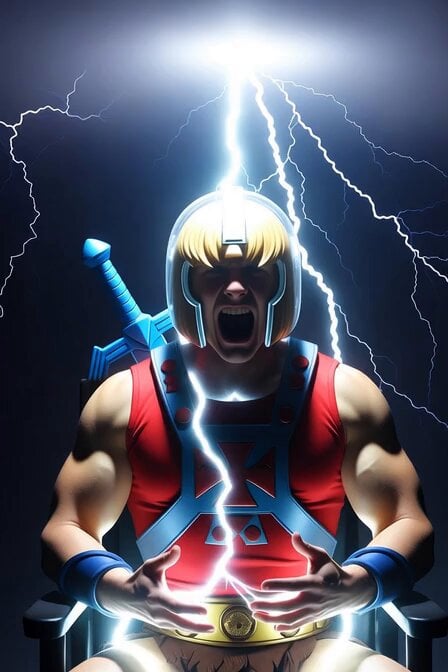
He-Man Lightning Transformation Video
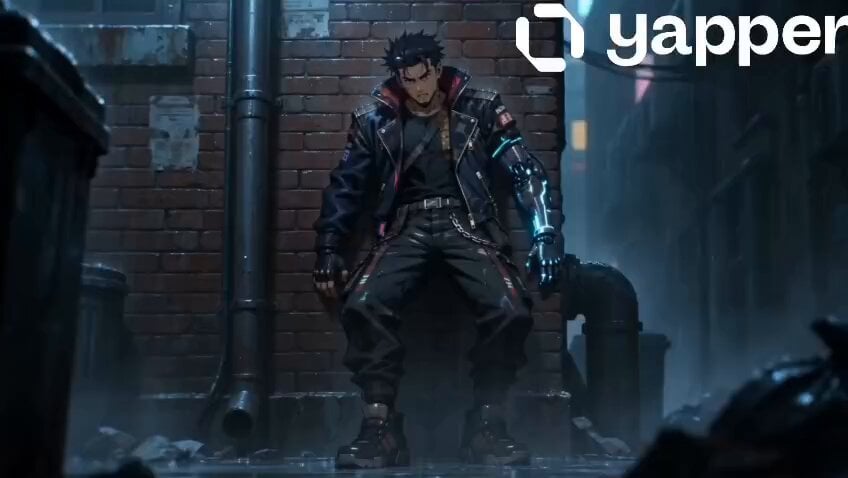
Gritty 90s Cyberpunk Anime Noir
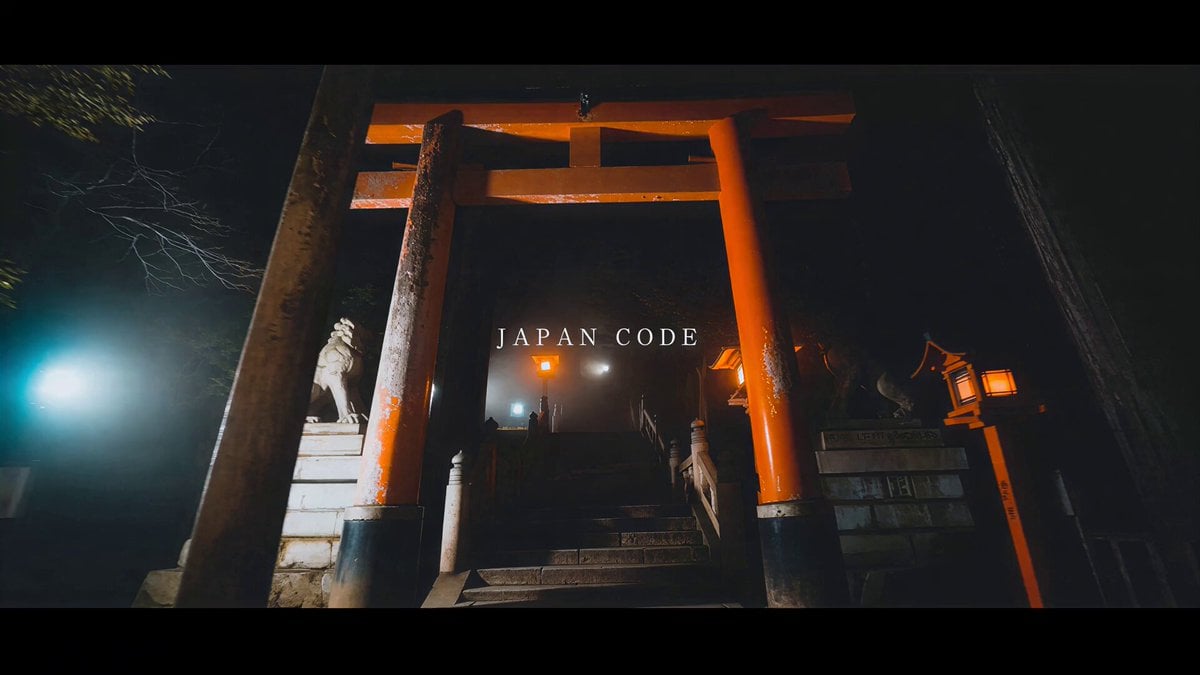
High-Energy Japan Travel Documentary Montage
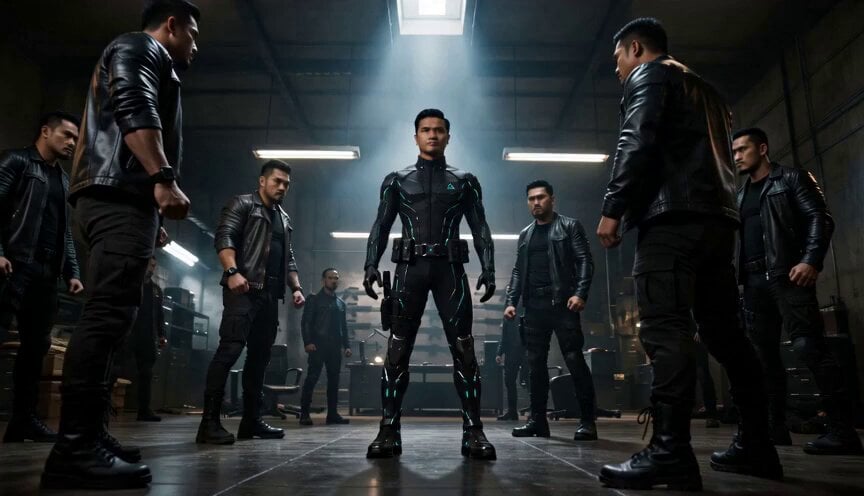
Cyberpunk Standoff Action Scene
Browse template categories
Cinematic Basketball Storyboard questions
How do I use the Cinematic Basketball Storyboard template?
Add your photo if the template asks for one, edit the prompt if you like — the template's model and format are already selected — and press Generate. Your version opens in PicX Studio.
Can I customize the Cinematic Basketball Storyboard template?
Yes. You can change the subject, setting, lighting, mood, format, and available model controls before creating your video.
Is the Cinematic Basketball Storyboard template free?
Opening and editing this template is free. Generating uses credits, shown on the Generate button when you are signed in.
Which AI model should I use?
Start with Seedance 2.0, which is the model associated with this template. You can compare another compatible model for a different finish.
Looking for something else? Browse all templates.

Your photo, any look
Thousands of ready templates for every top image and video model, from one credit balance.