
Cyberpunk Standoff Action Scene
A high-octane 35mm film style video prompt featuring a tactical action sequence with bullet-time effects and cyberpunk aesthetics.
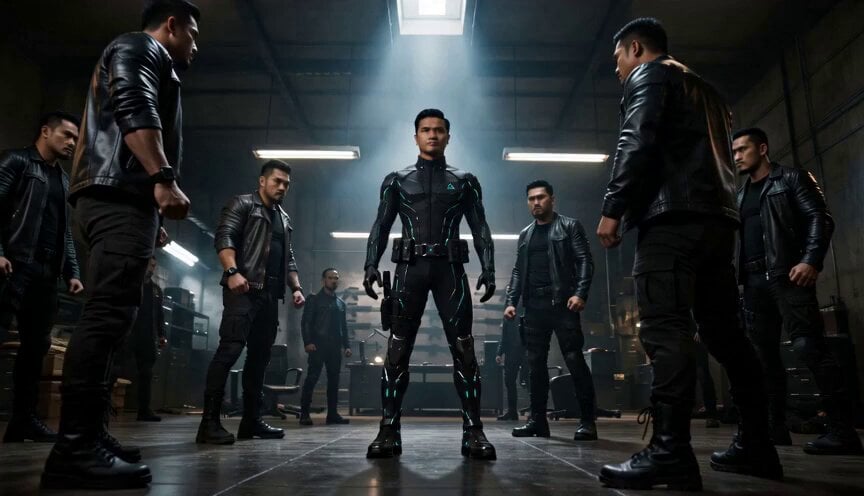
- Prompt included
- Model and format preset
- Premium template
The prompt behind this video
Copy the exact prompt behind Cyberpunk Standoff Action Scene, or open it in the studio and make it yours.
A 15-second hybrid live-action and 2D-animated action sequence shot on gritty 35mm film inside a dim industrial office with gray concrete weapon-rack walls, a steel desk, toppled office chairs, dust haze, and cold halo backlight; the protagonist is the exact young Southeast Asian man from reference, wearing the same black futuristic tactical suit with cyan glowing piping, triangular chest emblem, utility belt, thigh holster, gloves, and armored boots, calm and composed throughout. Open with a low-angle wide standoff as burly Asian men in leather jackets and tactical gear surround him and the camera slowly dollies in for 3 seconds; cut to a 4-second tight bullet-time close-up as a fired round slices past his face and he leans back in a Matrix-like dodge, hair lifting while rack focus shifts from bullet to his unshaken eyes; cut to a 3-second medium side-tracking fight beat as he whips a high kick into a thug’s chin and carries the momentum through the room; cut to a 2-second straight-down surveillance-camera overhead in grainy black-and-white as he drops multiple attackers with lightning-fast precision; finish with a 3-second slow push-in close-up as he walks toward camera adjusting his backpack, defeated thugs behind him, then turns with a cold confident smile.
How to use Cyberpunk Standoff Action Scene in 3 steps
- 1
Open
The prompt is already in the box next to the preview, with the template's model and format selected.
- 2…a portrait of your subject in softgolden-hour light, 85mm…
Personalize
Edit the subject and creative details for your destination.
- 3Generate
Generate
Press Generate — your video is created in PicX Studio, so you can compare it with the original and refine one variable at a time.
More like this
Templates with the same subject, style or setup. Open one to see its prompt.

Cyberpunk Holographic Dance Performance - Seedance 2.5

RX-7 to Mech Transformation Cyberpunk

Walking Factory with Rebel on Hoverbike - Wasteland
Thornmaw Monarch — Crimson Glass Desert Beast
Warhorse Sprint on Cliff Aqueduct
Parametric Fight Scenes Seedance

Nano Banana Seedance Time Control Streets
Colossal Sea Creature — Stormy Shore Charge (Seedance)
Skybridge Rescue — Supertall Tower Collapse (Seedance)
Highway Biker — Aggressive Lane Split (PixVerse C1)
Bullet Time Selfie — Modular Parameter Template (Seedance)
Dragon Rescue — Volcanic Kingdom Collapse (Seedance)
Make it yours
Cyberpunk Standoff Action Scene works as-is. These are the safest ways to change it without losing the look.
Change one field
Copy a single group, rewrite it, and generate again so you can see what that field is doing.
Keep the frame, change the subject
Hold the composition and light of Cyberpunk Standoff Action Scene, then swap wardrobe, props or the person for a new take.
| If the result… | Why | Fix |
|---|---|---|
| The result drifts from the preview | Too many fields changed at once. | Reuse Cyberpunk Standoff Action Scene as-is first, then change one group — subject, light, or setting. |
| The model over-stylizes the scene | The prose prompt leaves finish and camera underspecified. | Add one camera or lighting sentence and stay on Seedance 2.0. |
More Seedance 2.0 templates
Other prompts made for Seedance 2.0.

Comical Martial Arts Punch Scene

Maglev Train Action Sequence

Martial Arts Fight Sequence

Wuxia Protection and Trust Script

Vintage Korean Arcade MiniDV Vlog

Mercedes 190 SL Luxury Ad

Rainy Night Supernatural Reverse Comedy Video Script

Amazon Civilization Discovery

Futuristic South Asian City Transformation

Cozy Luxury Cafe Commercial
More video prompts
Fresh picks from across the catalog.
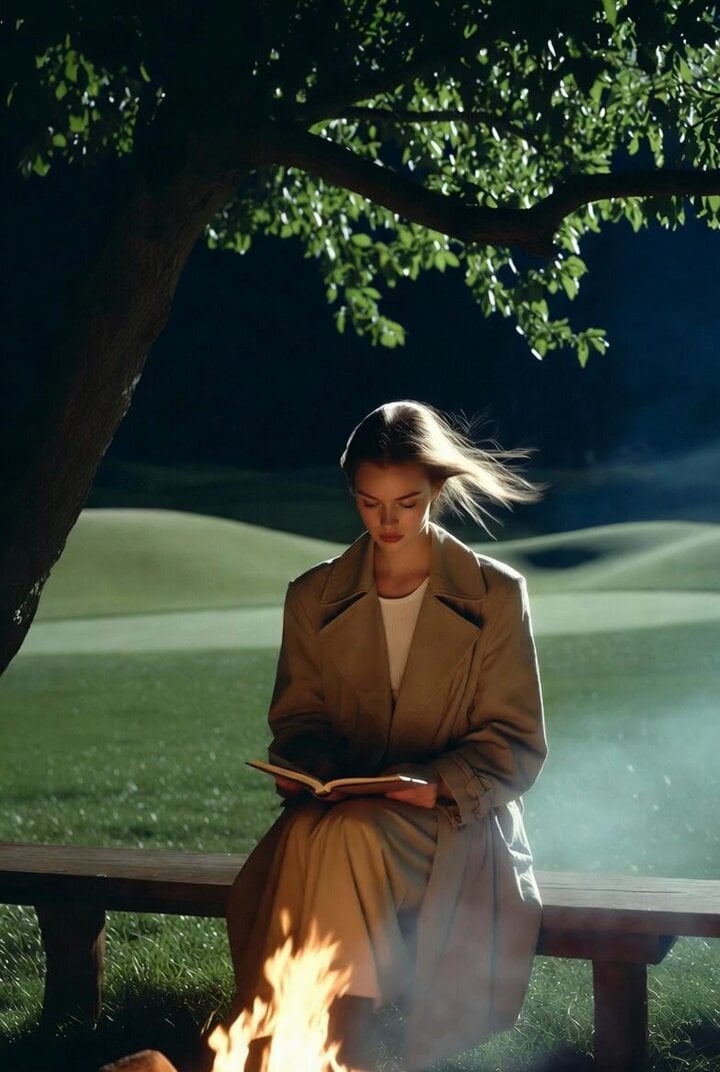
Ultra-realistic cinematic photo of woman on bench at night
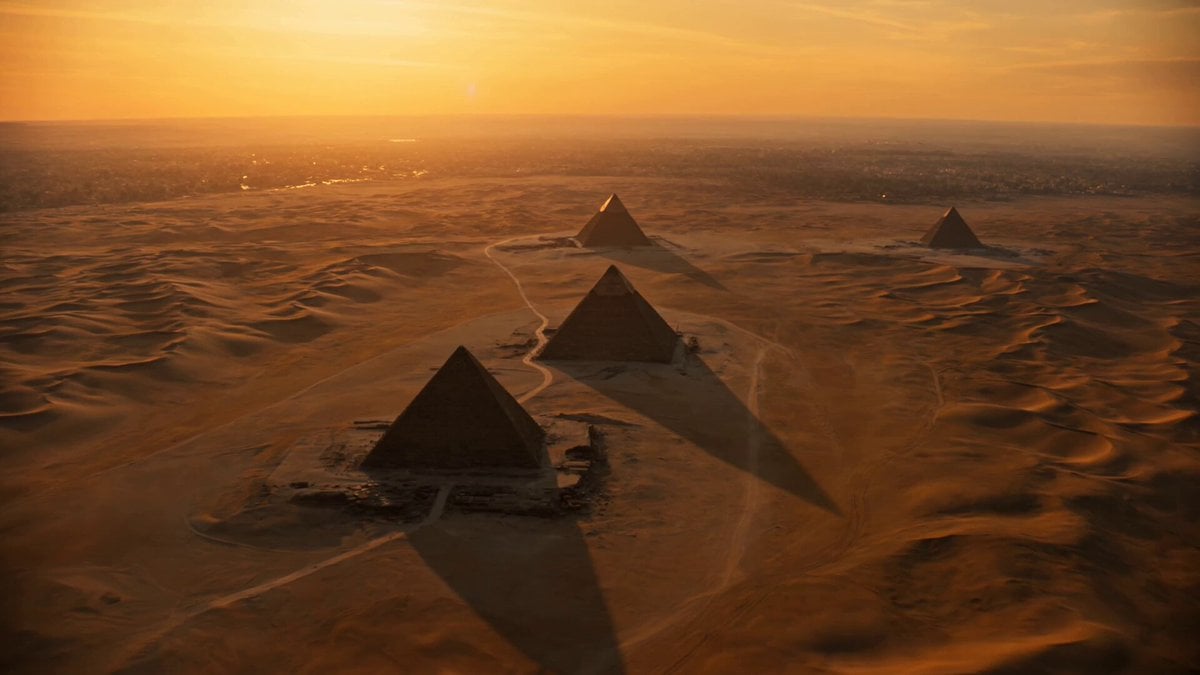
Egyptian Pyramid Sandstorm Aerial
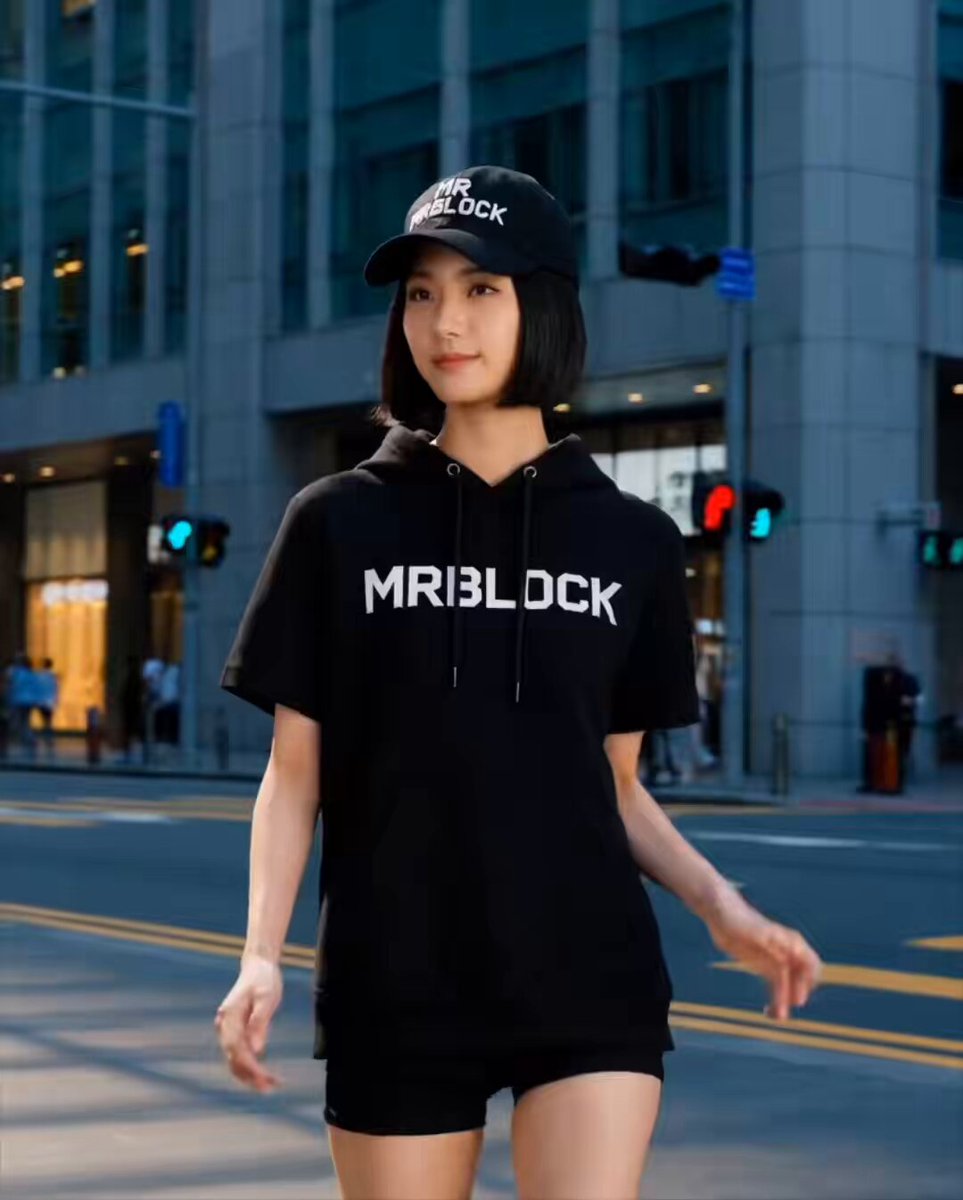
Grok Imagine Video Generation Prompt Pack
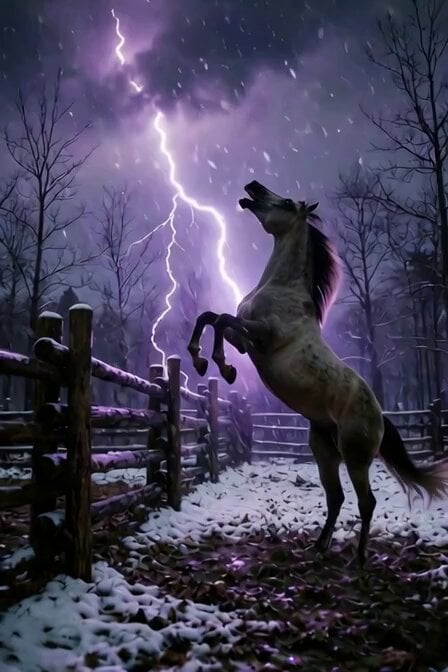
Cinematic Horse in Snowy Forest
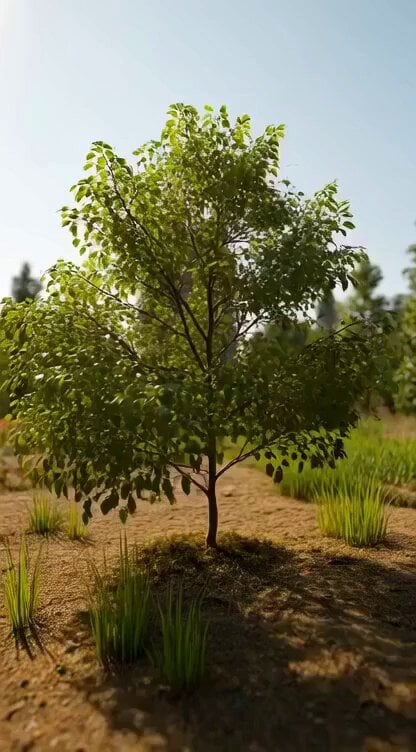
Giant Cat in Miniature Forest
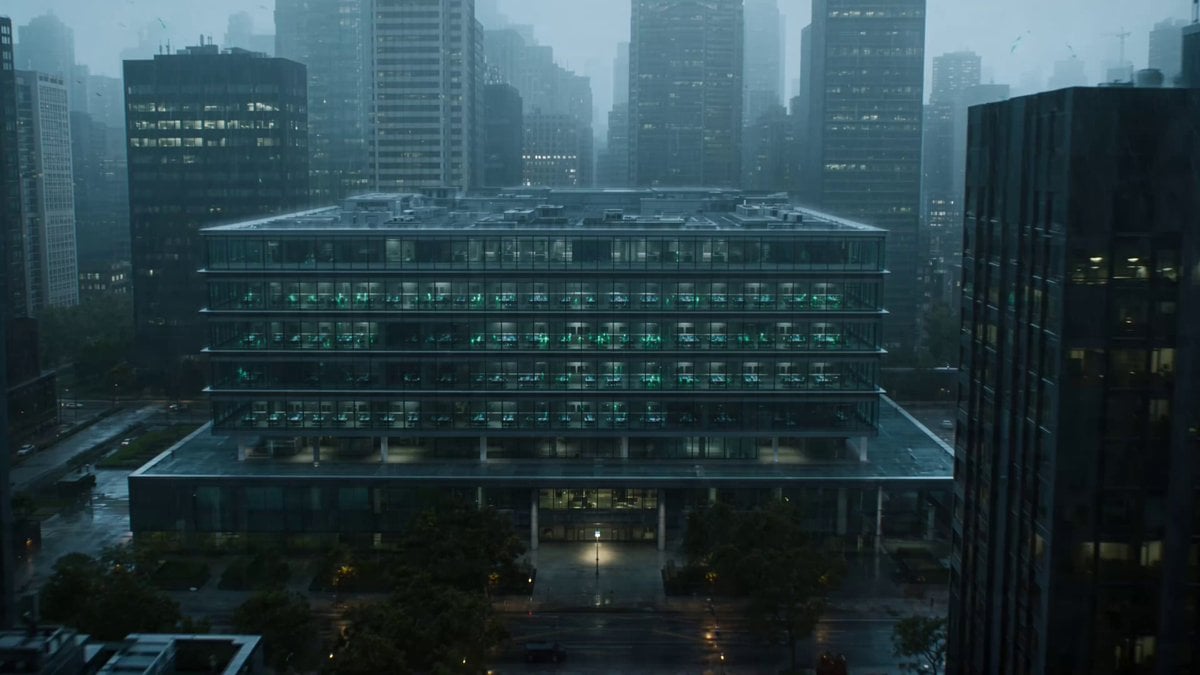
Neural Swarm Urban Horror Video

Golden Sea Creature and Angel Fin Gift
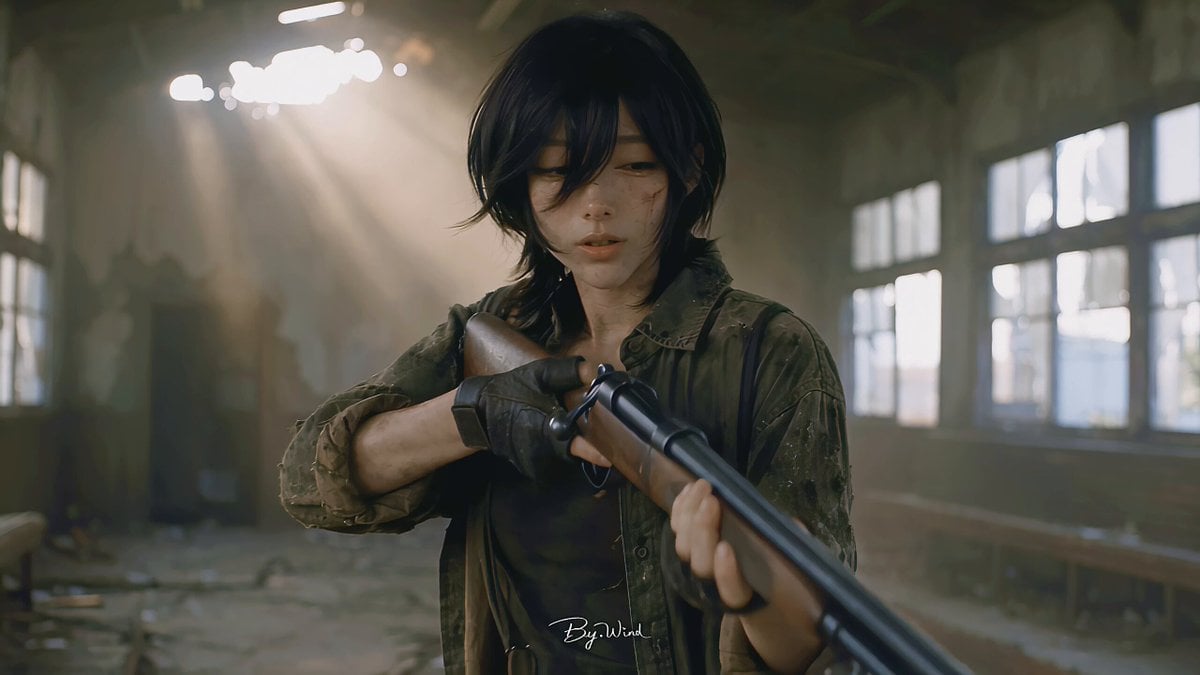
Multi-Shot Character Sequence Prompt
Cosmic Zoom to Café One-Take
Kyoto Solo Date Travel Film
Browse template categories
Cyberpunk Standoff Action Scene questions
How do I use the Cyberpunk Standoff Action Scene template?
Add your photo if the template asks for one, edit the prompt if you like — the template's model and format are already selected — and press Generate. Your version opens in PicX Studio.
Can I customize the Cyberpunk Standoff Action Scene template?
Yes. You can change the subject, setting, lighting, mood, format, and available model controls before creating your video.
Is the Cyberpunk Standoff Action Scene template free?
Opening and editing this template is free. Generating uses credits, shown on the Generate button when you are signed in.
Which AI model should I use?
Start with Seedance 2.0, which is the model associated with this template. You can compare another compatible model for a different finish.
Looking for something else? Browse all templates.

Your photo, any look
Thousands of ready templates for every top image and video model, from one credit balance.