
Multi-Shot Character Sequence Prompt
A structural video sequencing prompt designed to maintain high character and setting consistency across multiple hard cuts.
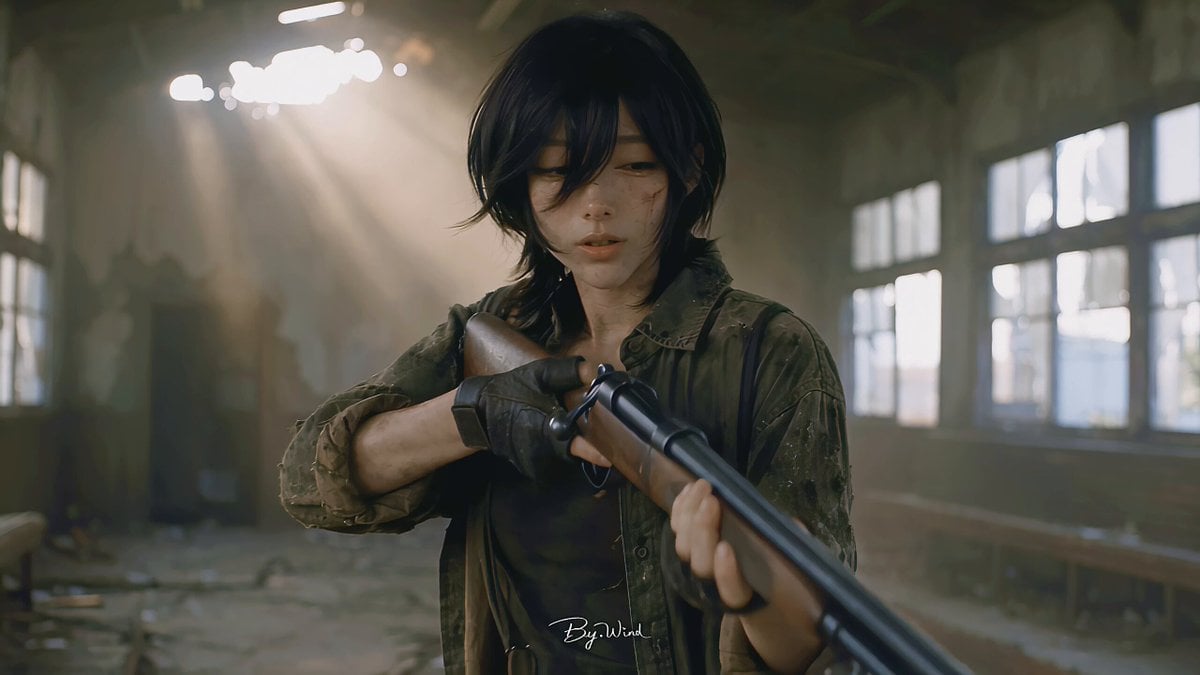
- Prompt included
- Model and format preset
- Free template
The prompt behind this video
Copy the exact prompt behind Multi-Shot Character Sequence Prompt, or open it in the studio and make it yours.
30秒|16:9|8镜|多镜头序列|Hard Cuts 多镜头序列,镜头之间使用明确硬切。全片保持同一个知夏、同一只三花猫@a2b2a146-e6b3-4238-9a2b-f7130db0c416“花生”、同一颗五彩毛茸茸球、统一环境逻辑与视觉风格。无音乐、无配乐,仅真实自然同期声。
How to use Multi-Shot Character Sequence Prompt in 3 steps
- 1
Open
The prompt is already in the box next to the preview, with the template's model and format selected.
- 2…a portrait of your subject in softgolden-hour light, 85mm…
Personalize
Edit the subject and creative details for your destination.
- 3Generate
Generate
Press Generate — your video is created in PicX Studio, so you can compare it with the original and refine one variable at a time.
More like this
Templates with the same subject, style or setup. Open one to see its prompt.
Extended Multi-Shot Xianxia Battle Sequence
Multi-Character Parkour Action Sequence
Multi-Shot Heist Sequence — Kling 3.0 O3 Pro
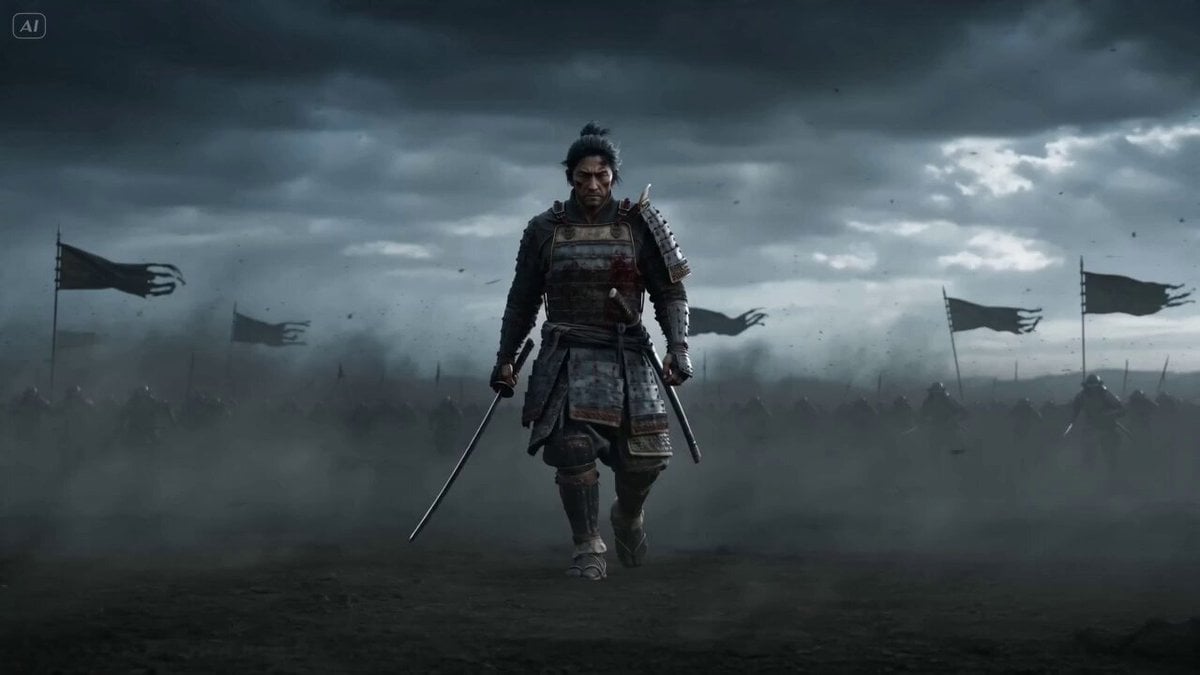
Epic Samurai Multi-Slash Sequence
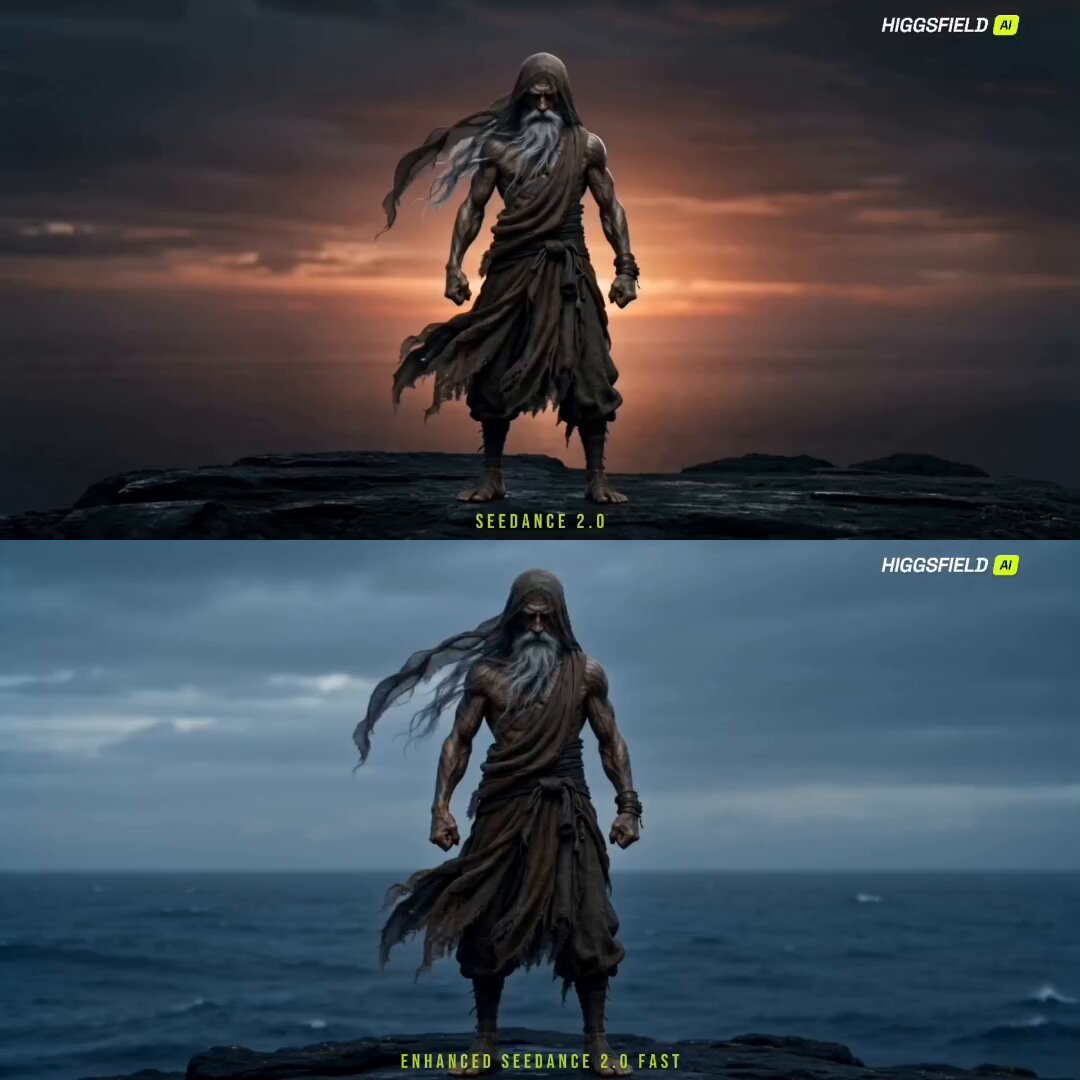
Cinematic Sorcerer vs Leviathan Multi-Shot Sequence
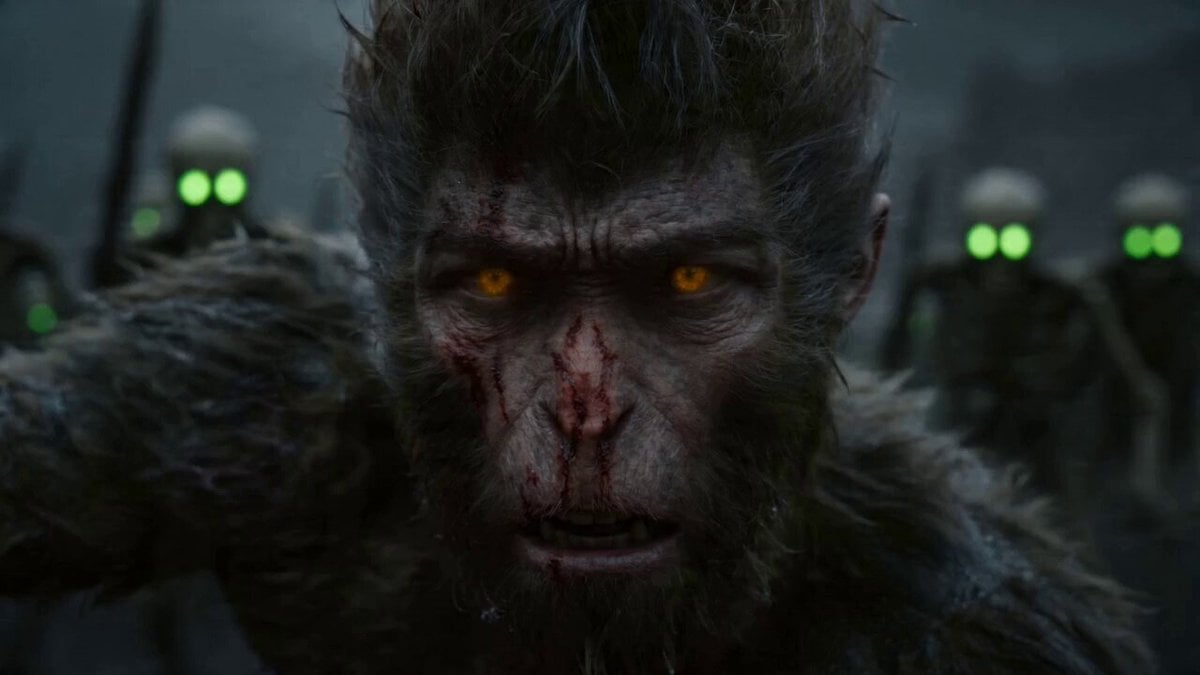
Epic Multi-Shot Sequence of Sun Wukong on a Mythological Battlefield
Multi-Cut Western Duel and Arm Wrestling Sequence
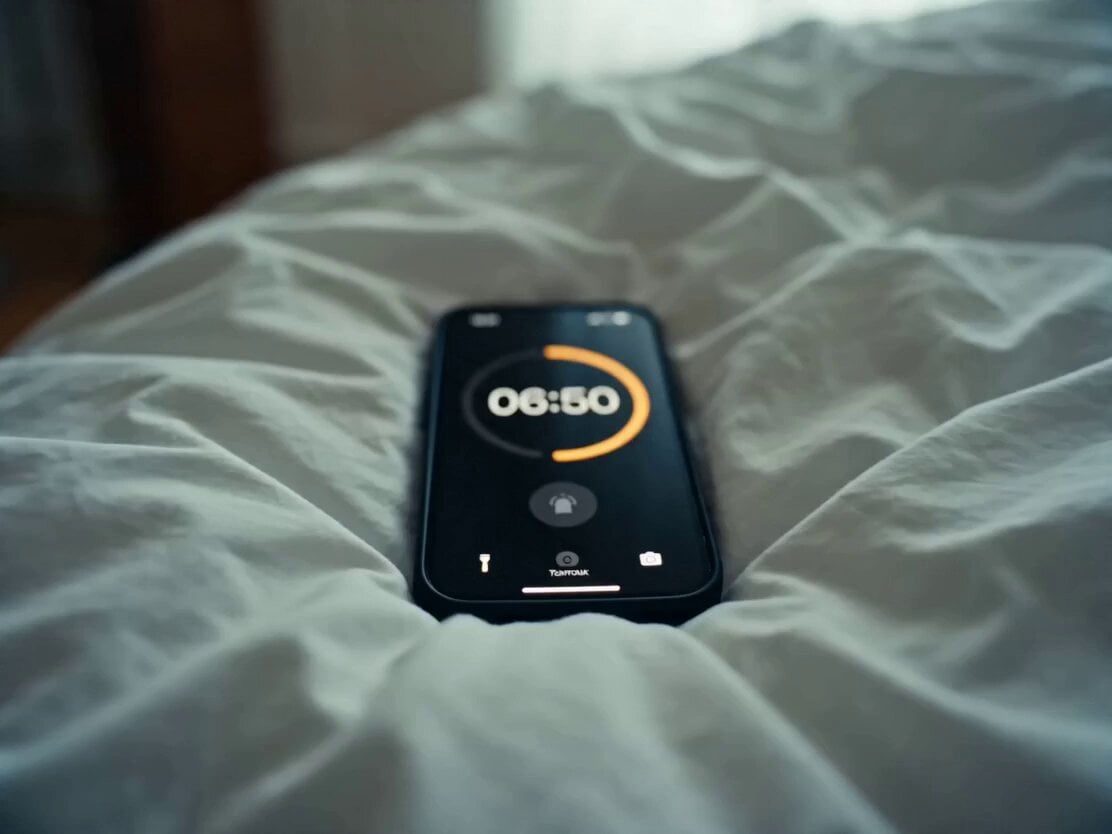
Daily Routine Multi-Shot Sequence
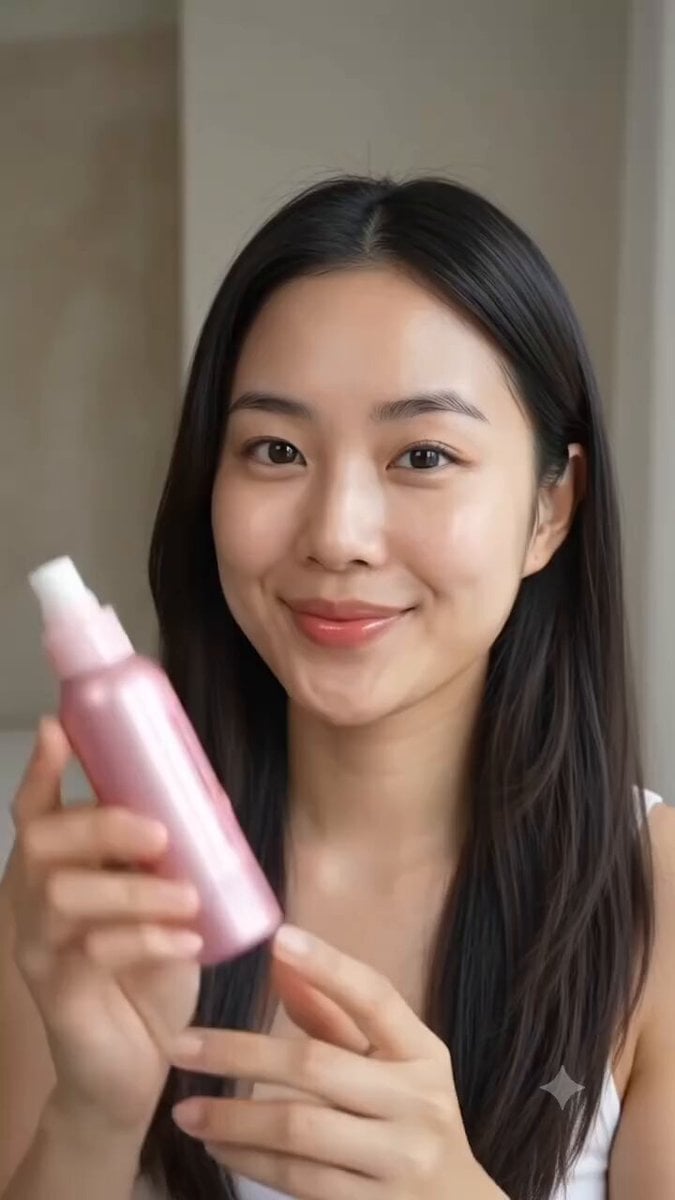
Multi Panel Storyboard Sheet
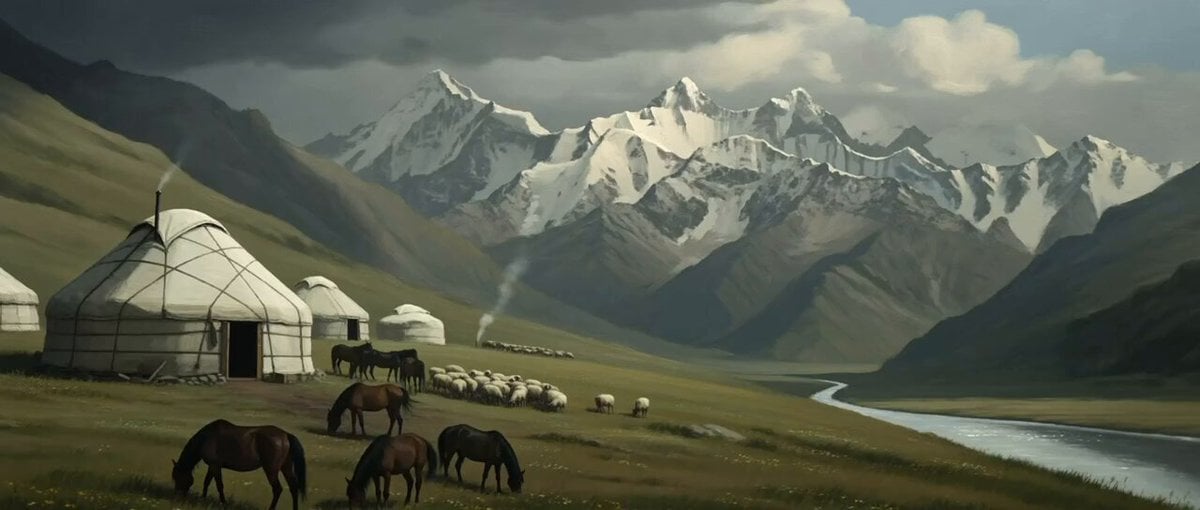
Multi-Shot Kazakh Nomadic Summer Camp
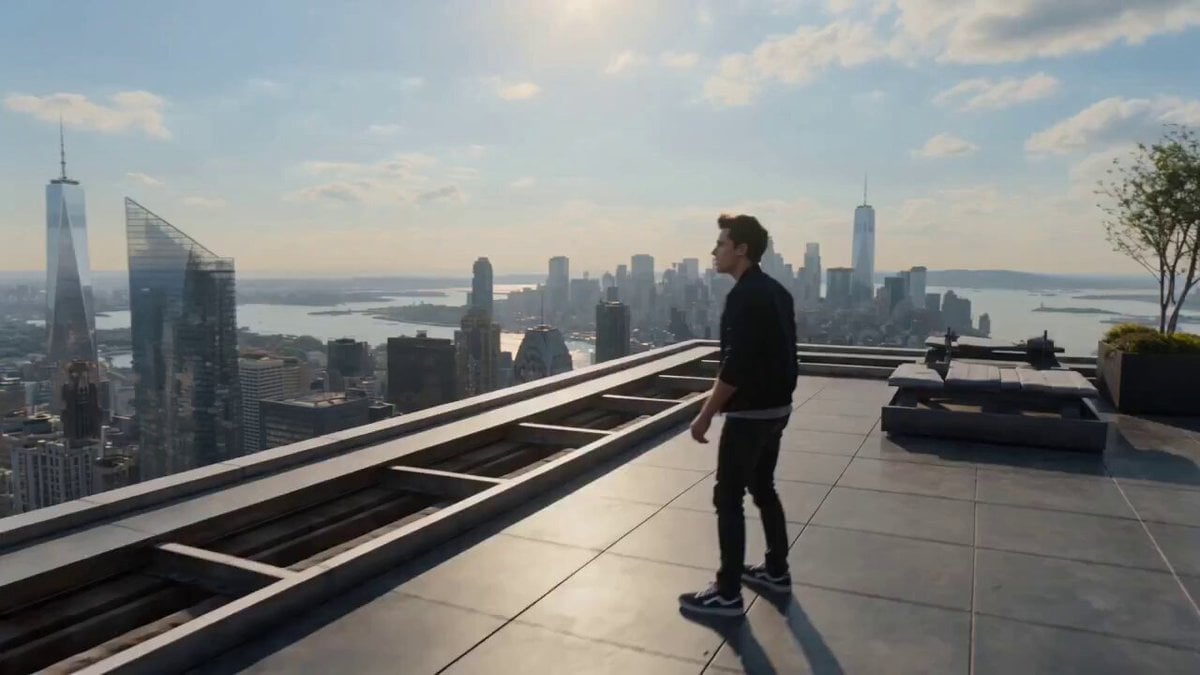
Multiverse Dimensional Portal Fall
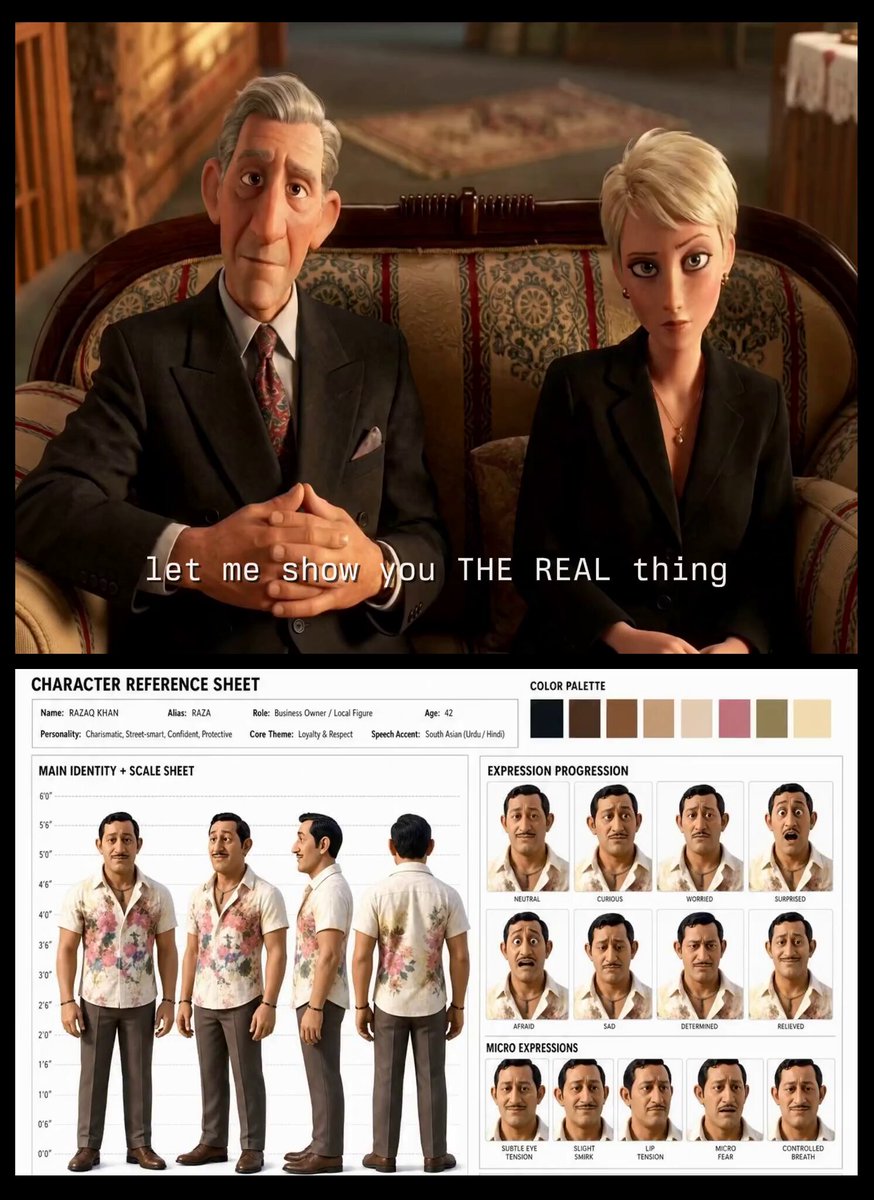
Turkish Carpet Seller Multi-Cut Video
Make it yours
Multi-Shot Character Sequence Prompt works as-is. These are the safest ways to change it without losing the look.
Change one field
Copy a single group, rewrite it, and generate again so you can see what that field is doing.
Keep the frame, change the subject
Hold the composition and light of Multi-Shot Character Sequence Prompt, then swap wardrobe, props or the person for a new take.
| If the result… | Why | Fix |
|---|---|---|
| The result drifts from the preview | Too many fields changed at once. | Reuse Multi-Shot Character Sequence Prompt as-is first, then change one group — subject, light, or setting. |
| The model over-stylizes the scene | The prose prompt leaves finish and camera underspecified. | Add one camera or lighting sentence and stay on Seedance 2.0. |
More Seedance 2.0 templates
Other prompts made for Seedance 2.0.

Comical Martial Arts Punch Scene

Maglev Train Action Sequence

Martial Arts Fight Sequence

Wuxia Protection and Trust Script

Vintage Korean Arcade MiniDV Vlog

Mercedes 190 SL Luxury Ad

Rainy Night Supernatural Reverse Comedy Video Script

Amazon Civilization Discovery

Futuristic South Asian City Transformation

Cozy Luxury Cafe Commercial
More video prompts
Fresh picks from across the catalog.
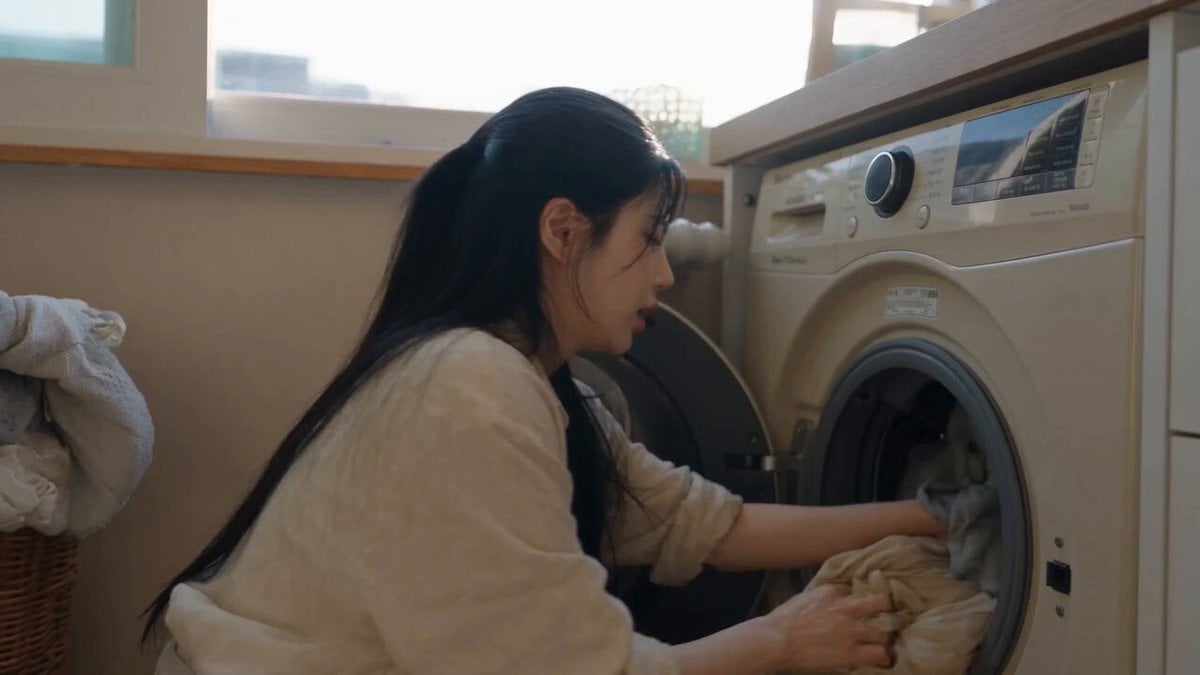
Sunny Morning Laundry Vlog
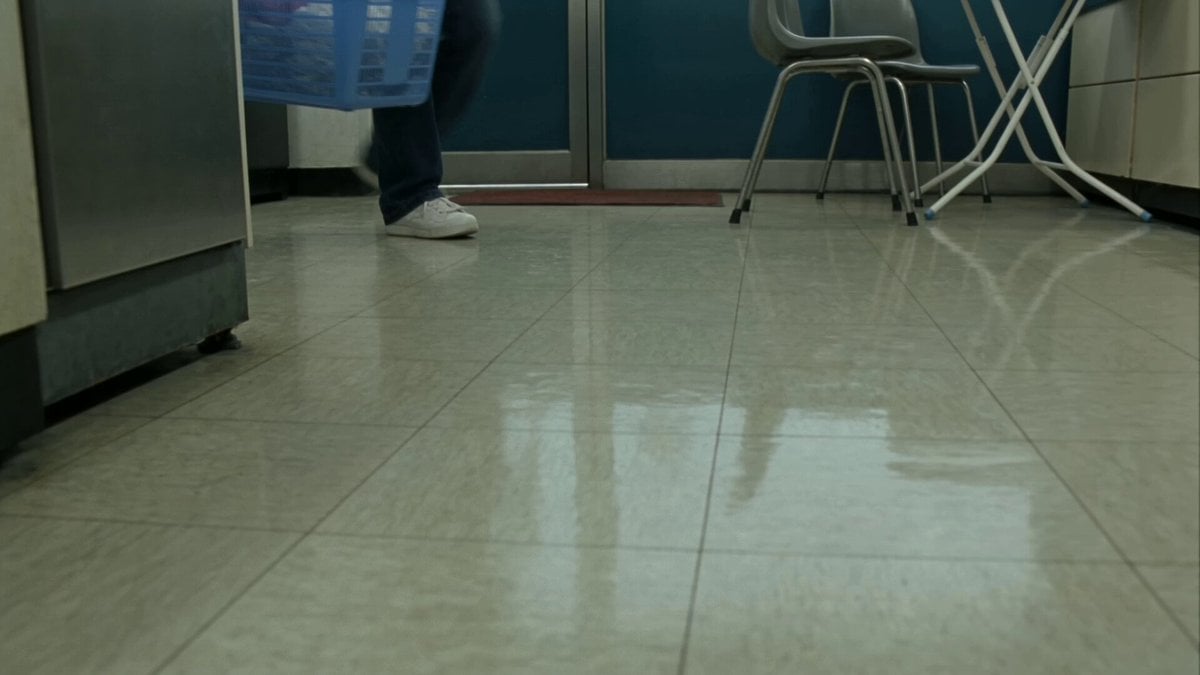
Seoul Laundromat MiniDV Nostalgia
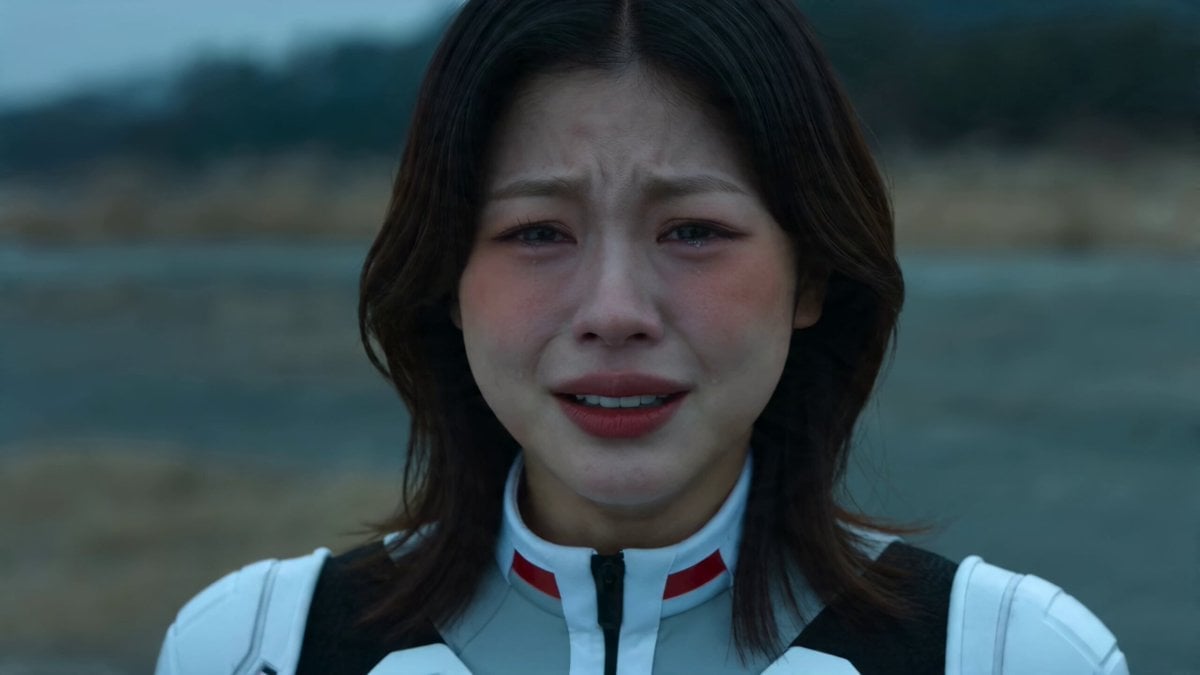
Wasteland Sister Battle
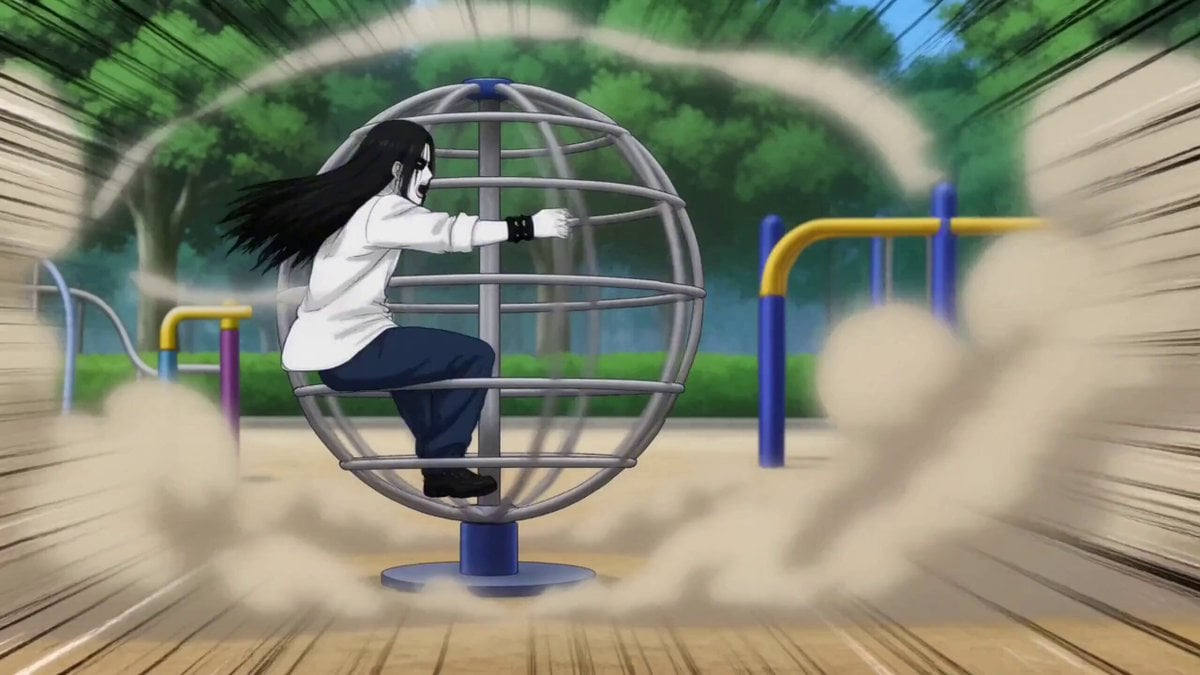
Gag Anime Comedy Reaction Scene
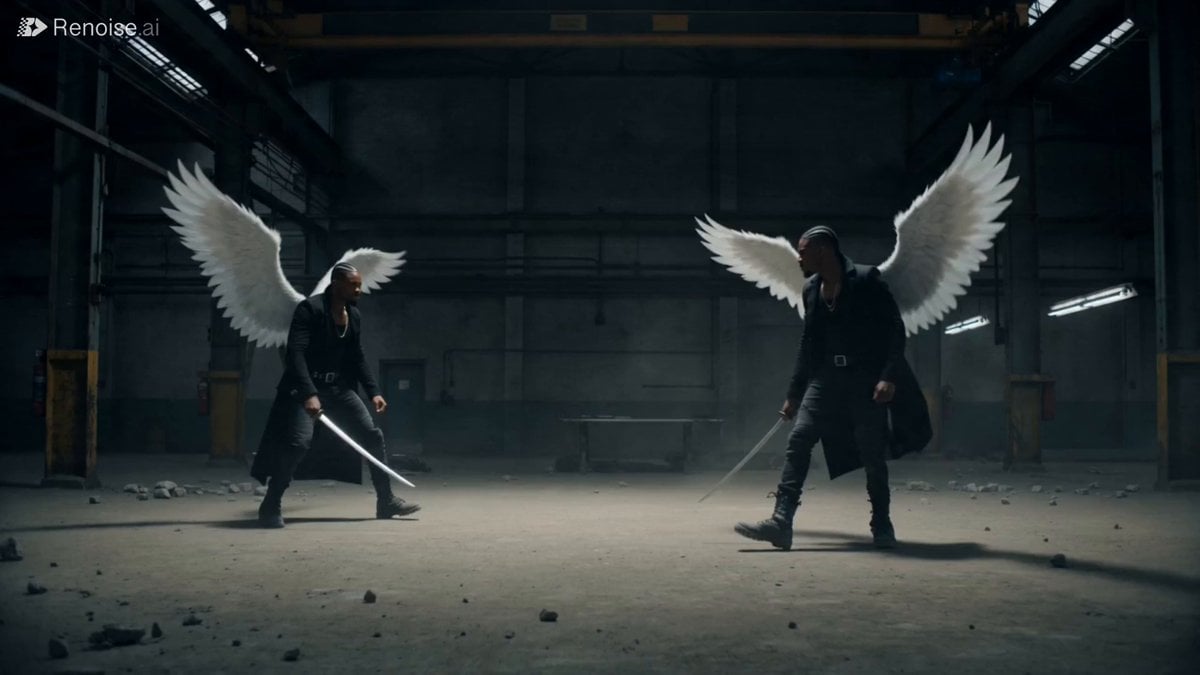
Cinematic Katana Battle Scene
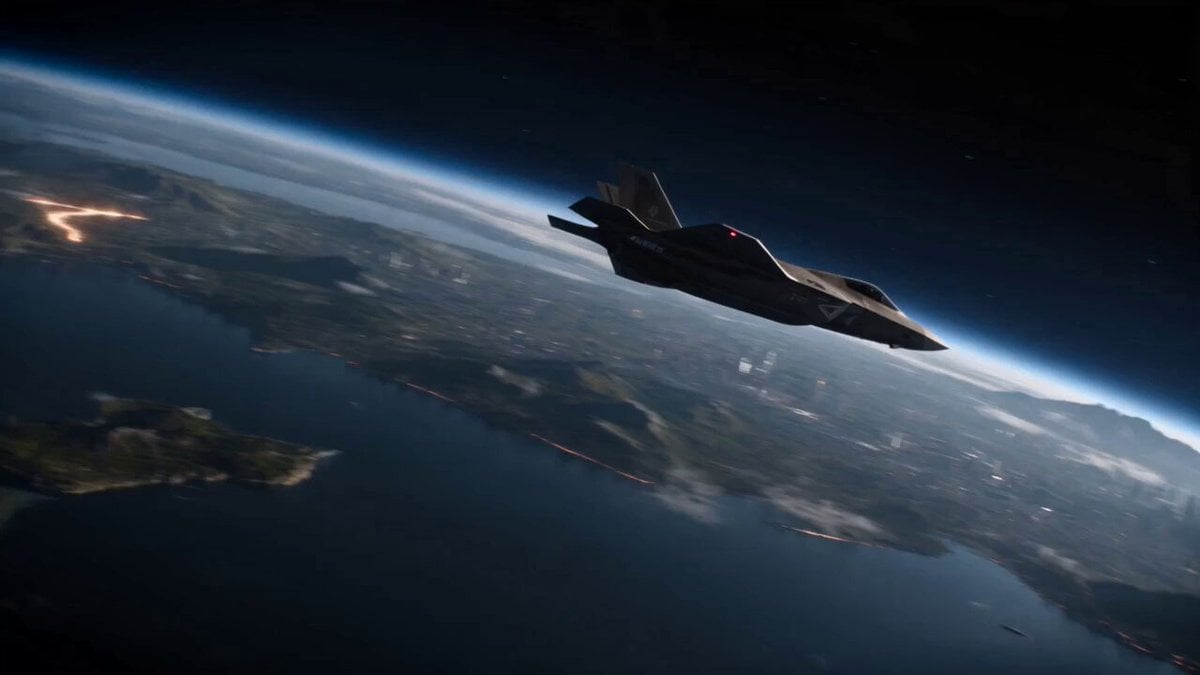
Planetary Engineering Sci-Fi Action Sequence
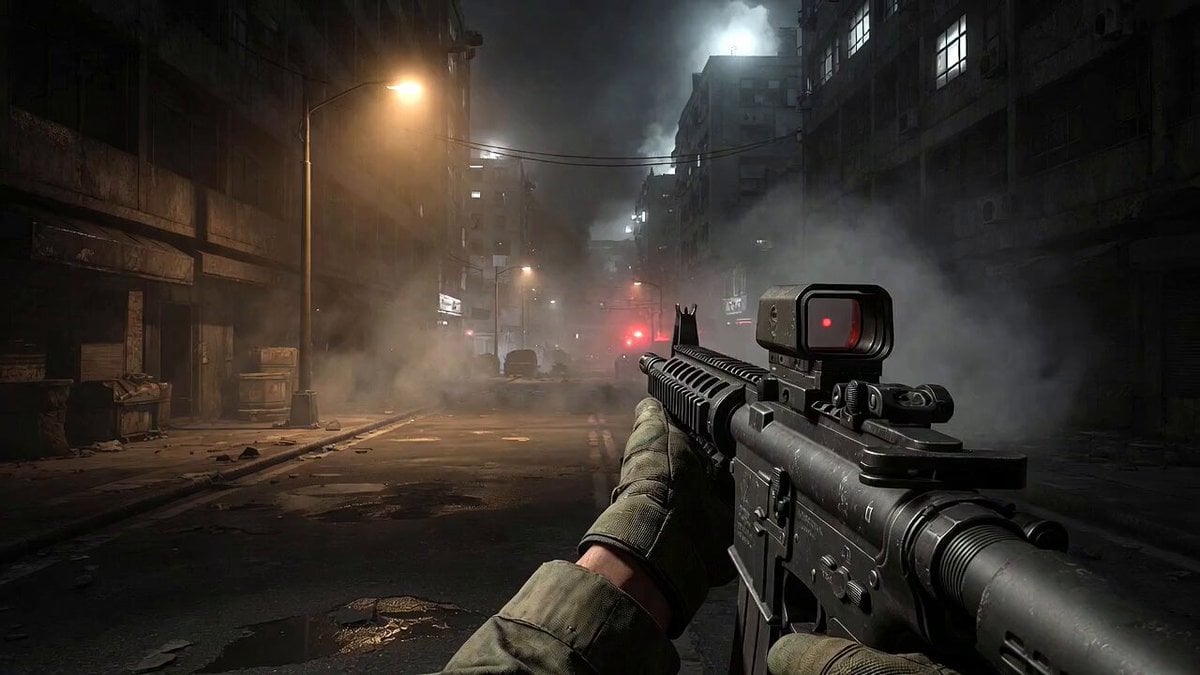
Call of Duty FPS Gameplay
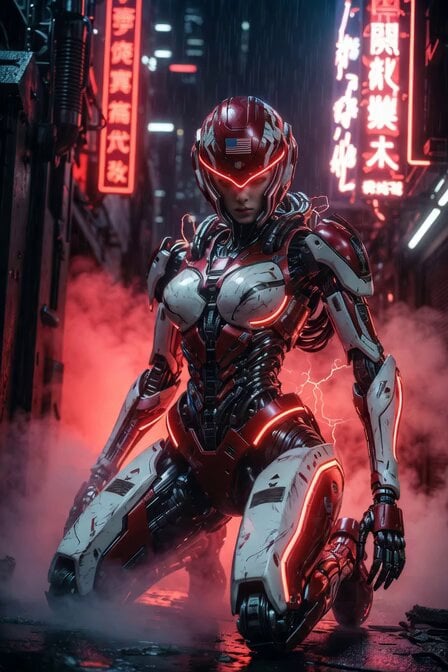
Cyberpunk Mecha Warrior Video Prompt
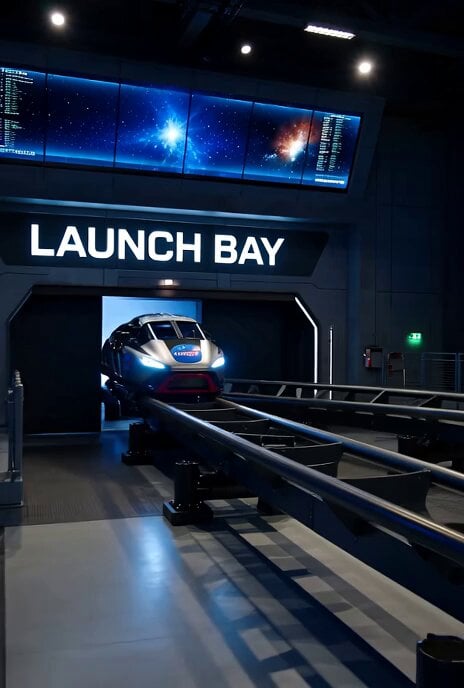
Video Generation Prompt: SpaceX Reimagined Space Mountain
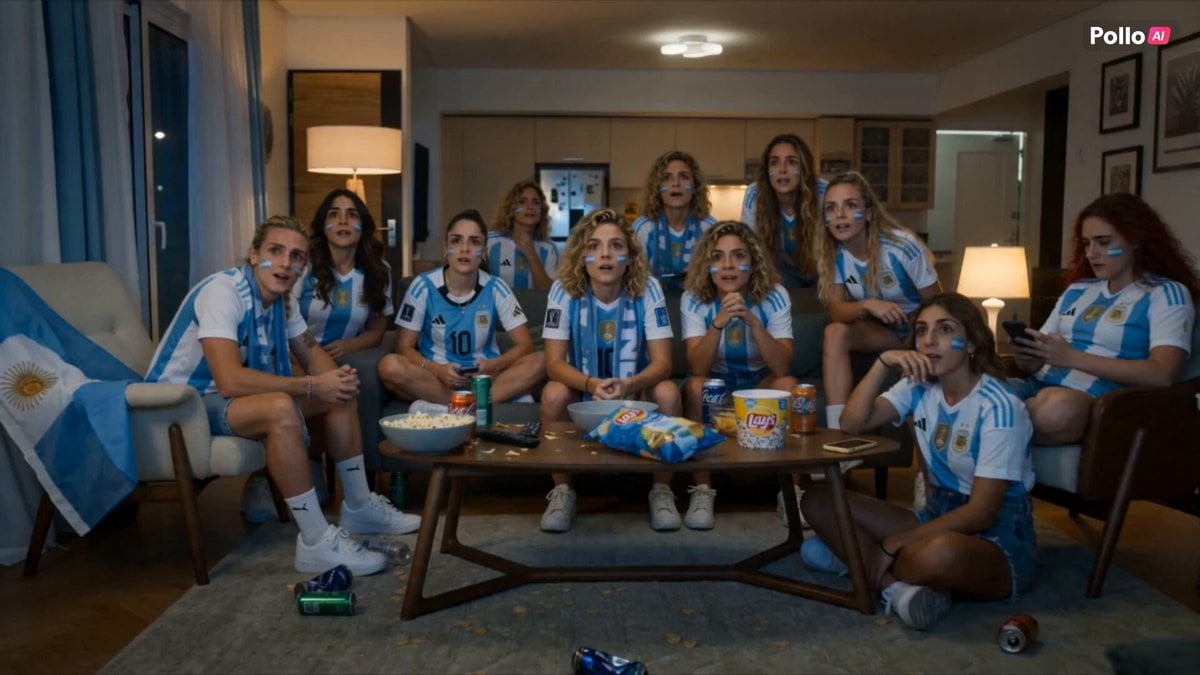
Lays World Cup 2026 Commercial
Browse template categories
Multi-Shot Character Sequence Prompt questions
How do I use the Multi-Shot Character Sequence Prompt template?
Add your photo if the template asks for one, edit the prompt if you like — the template's model and format are already selected — and press Generate. Your version opens in PicX Studio.
Can I customize the Multi-Shot Character Sequence Prompt template?
Yes. You can change the subject, setting, lighting, mood, format, and available model controls before creating your video.
Is the Multi-Shot Character Sequence Prompt template free?
Opening and editing this template is free. Generating uses credits, shown on the Generate button when you are signed in.
Which AI model should I use?
Start with Seedance 2.0, which is the model associated with this template. You can compare another compatible model for a different finish.
Looking for something else? Browse all templates.

Your photo, any look
Thousands of ready templates for every top image and video model, from one credit balance.