
Cyberpunk Mecha Warrior Video Prompt
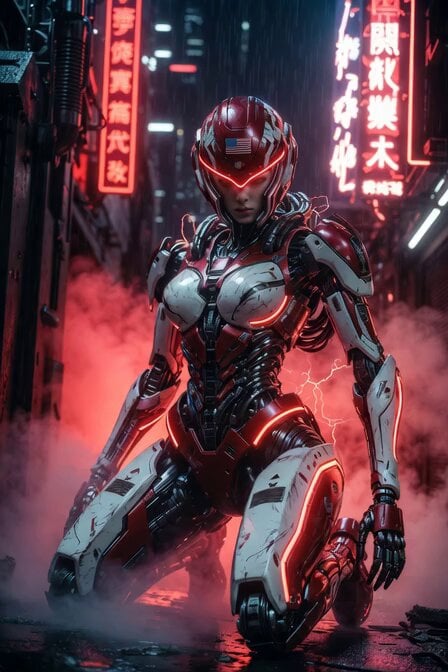
A detailed cinematic video prompt for generating a high-quality 6-second clip of a female cyberpunk warrior in battle-damaged red and white armor, kneeling in a rainy neon-lit alleyway.
- Prompt included
- Model and format preset
- Free template
The prompt behind this video
Copy the exact prompt behind Cyberpunk Mecha Warrior Video Prompt, or open it in the studio and make it yours.
Cinematic photorealistic 6-second video, 4K, ultra-detailed, next-level Transformers-style female cyberpunk mecha warrior. She has a sleek feminine athletic body in heavily detailed white and vibrant red battle-scarred armor with glowing red neon lines, exposed mechanical joints, pistons, hydraulic cables, and advanced sci-fi tech details. Helmet is glossy red with white "USA" text and glowing red visor. Scene opens on a dramatic low-angle shot of her kneeling powerfully in a rainy cyberpunk megacity alley at night. Thick atmospheric red neon fog swirls around her, vertical red neon signs and holographic advertisements reflect on wet ground. Subtle sparks and electrical arcs flicker across her armor. Slow cinematic camera movement: starts close on her helmet and glowing red visor, then steadily pulls back and orbits smoothly to the right while she rises from the kneeling position with powerful mechanical grace, servos whirring, rain droplets sliding off her armor. She stands tall in a heroic pose, head turning slightly as her visor brightens. Dynamic lighting with strong red neon rim lights, volumetric fog, lens flares, and subtle motion blur on moving parts. Hyper-realistic textures, photorealistic materials, cinematic color grading, epic sci-fi atmosphere, cyberpunk aesthetic, next-gen Transformer design, flawless anatomy and mechanical detail, shot on Arri Alexa 65 + anamorphic lenses, 24fps, masterpiece quality.
How to use Cyberpunk Mecha Warrior Video Prompt in 3 steps
- 1
Open
The prompt is already in the box next to the preview, with the template's model and format selected.
- 2…a portrait of your subject in softgolden-hour light, 85mm…
Personalize
Edit the subject and creative details for your destination.
- 3Generate
Generate
Press Generate — your video is created in PicX Studio, so you can compare it with the original and refine one variable at a time.
More like this
Templates with the same subject, style or setup. Open one to see its prompt.
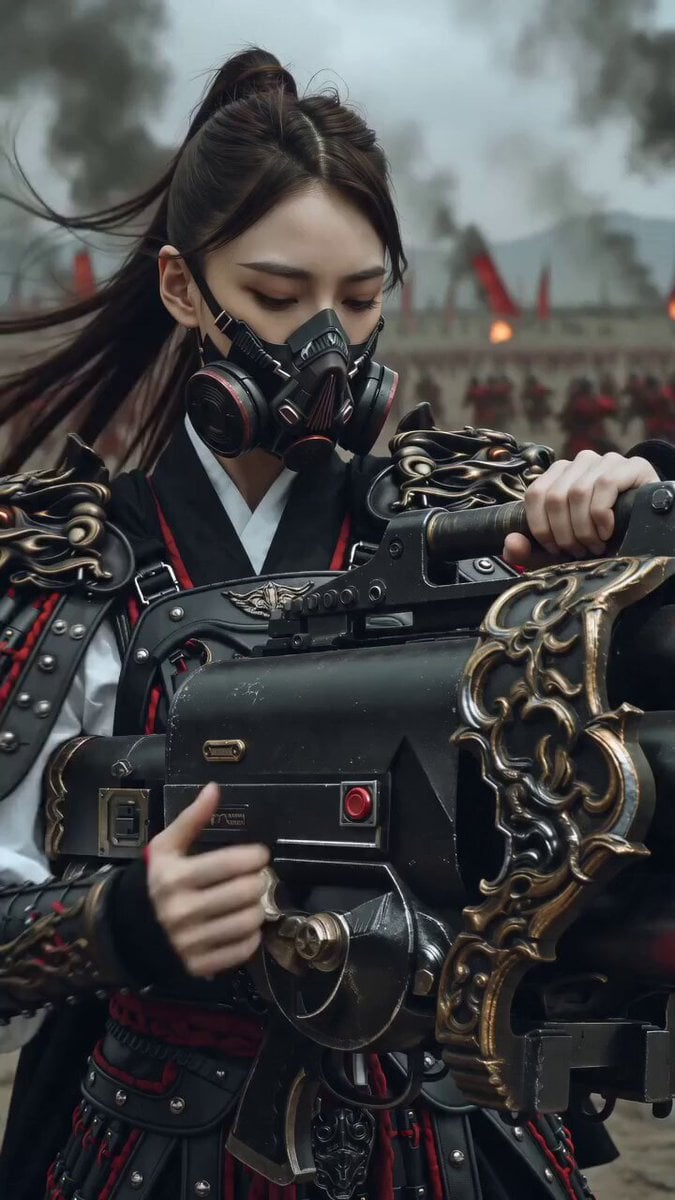
East Asian Female Warrior Mecha Transformation
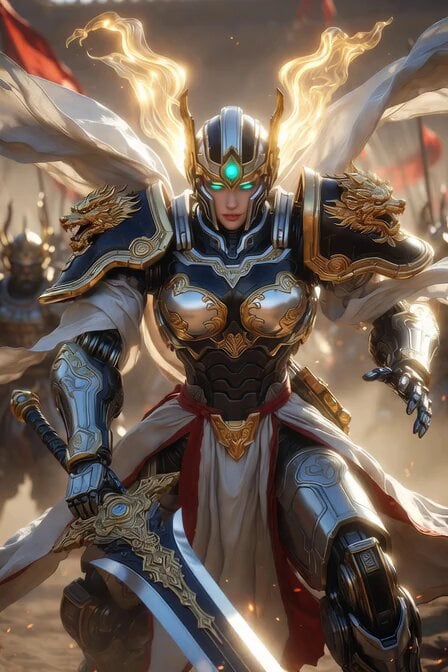
Imperial Dragon Mecha Warrior
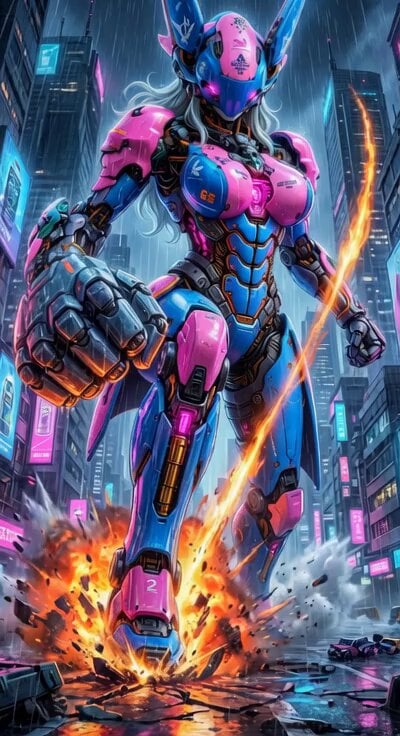
Cyberpunk Mecha Action Scene
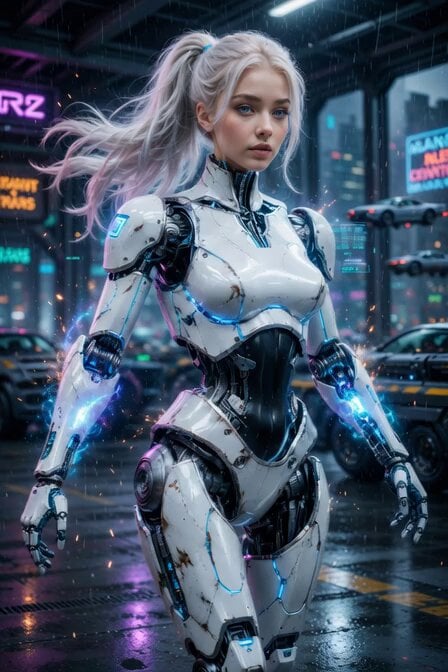
Cyberpunk Cyborg Mechanical Transformation
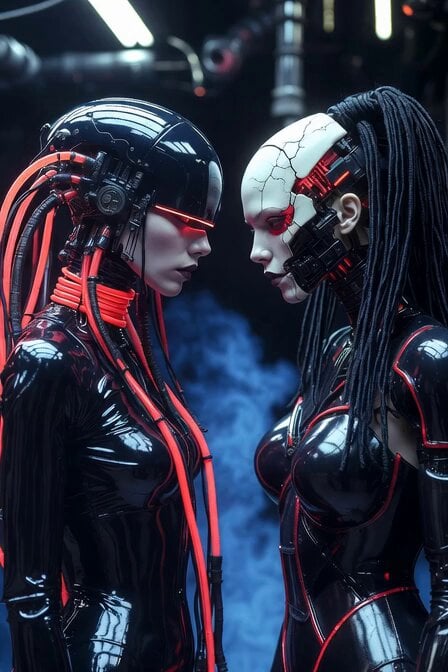
Cyberpunk Android Mechanical Transformation Video
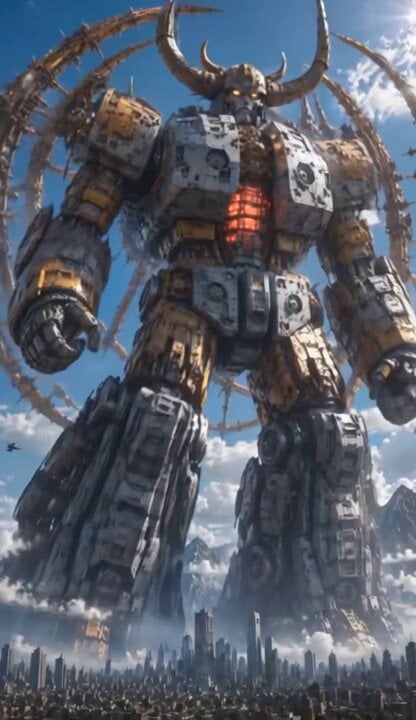
Colossal Biomechanical Cyberpunk Mecha Video

Mecha Runway Tap Dance Video Prompt

Cyberpunk Guerrilla Girl Video Generation
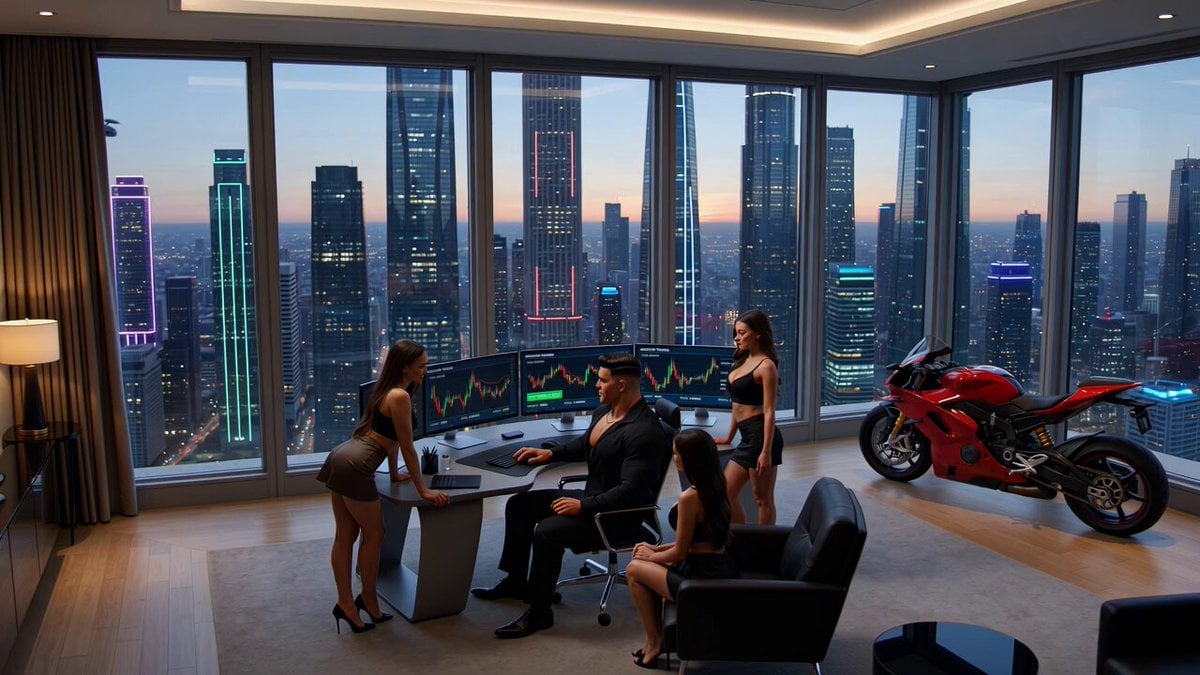
Crypto memecoin degen trading in a cyberpunk high-rise bachelor pad
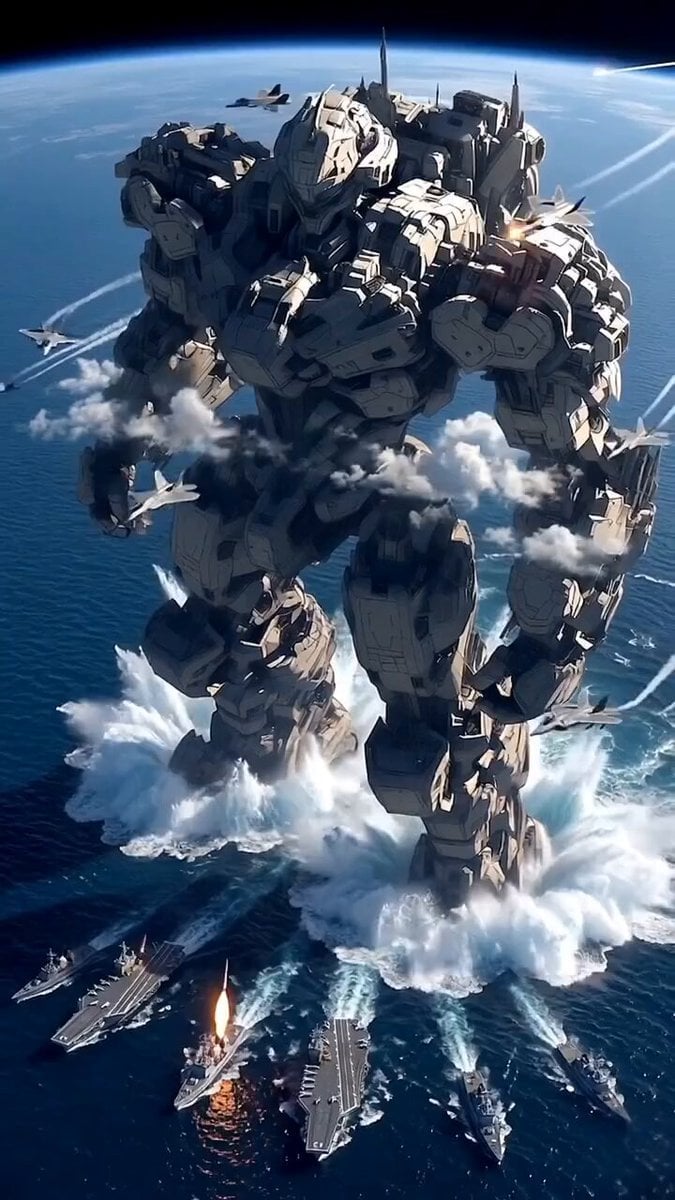
Giant Mecha Naval Battle
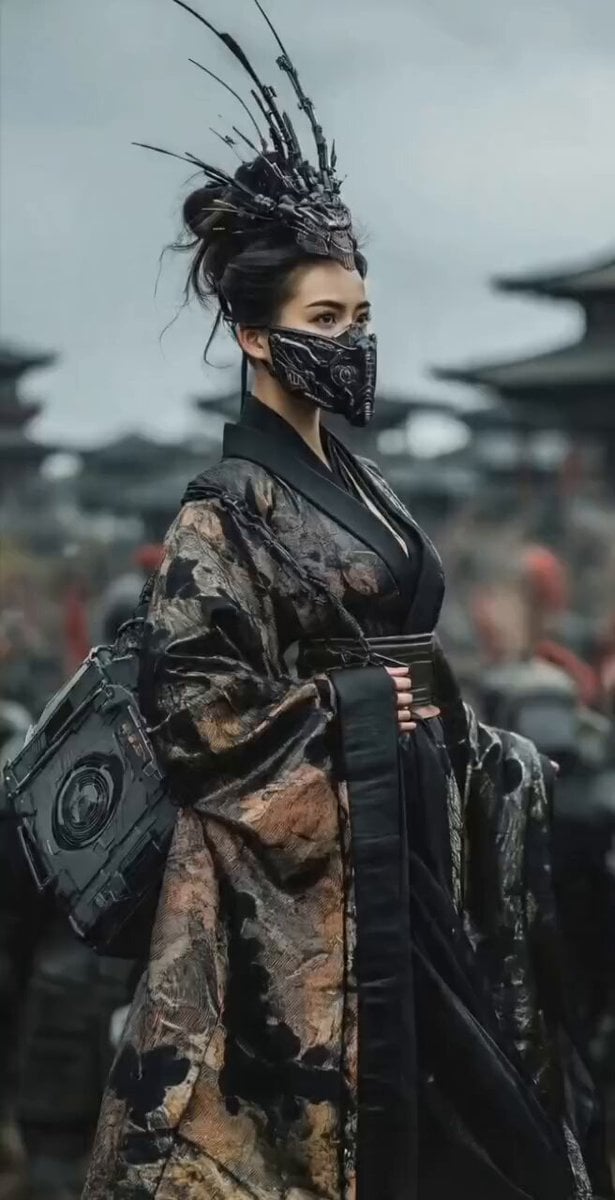
Mysterious Japanese Warrior
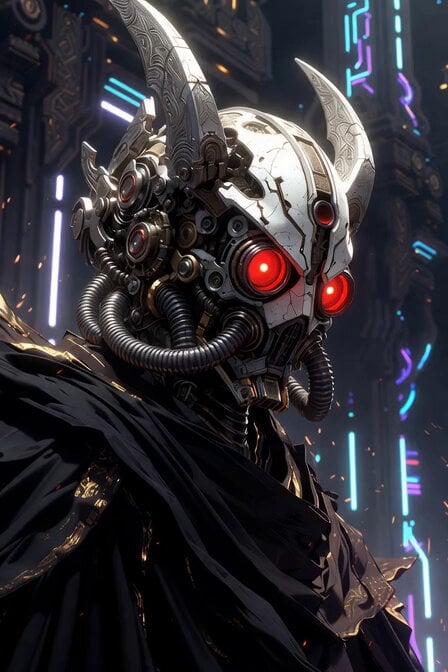
Sacred Cyber Warrior Transformation
Make it yours
Cyberpunk Mecha Warrior Video Prompt works as-is. These are the safest ways to change it without losing the look.
Change one field
Copy a single group, rewrite it, and generate again so you can see what that field is doing.
Keep the frame, change the subject
Hold the composition and light of Cyberpunk Mecha Warrior Video Prompt, then swap wardrobe, props or the person for a new take.
| If the result… | Why | Fix |
|---|---|---|
| The result drifts from the preview | Too many fields changed at once. | Reuse Cyberpunk Mecha Warrior Video Prompt as-is first, then change one group — subject, light, or setting. |
| The model over-stylizes the scene | The prose prompt leaves finish and camera underspecified. | Add one camera or lighting sentence and stay on Grok Imagine. |
More Grok Imagine templates
Other prompts made for Grok Imagine.

Voice Controlled Water Animation

Pterodactyl Transformation Journey

Candle Mandala Mirror Video

Psychedelic Purple Disc World Video

Quantum Inventor in Sonoran Desert

Emotional Angry Couple Drama

Train Zooming in Star Field Video Prompt

Detailed multi-part video prompt

Interior View Video Generation Prompt
GTA 6 never came out in 1 million years
More video prompts
Fresh picks from across the catalog.
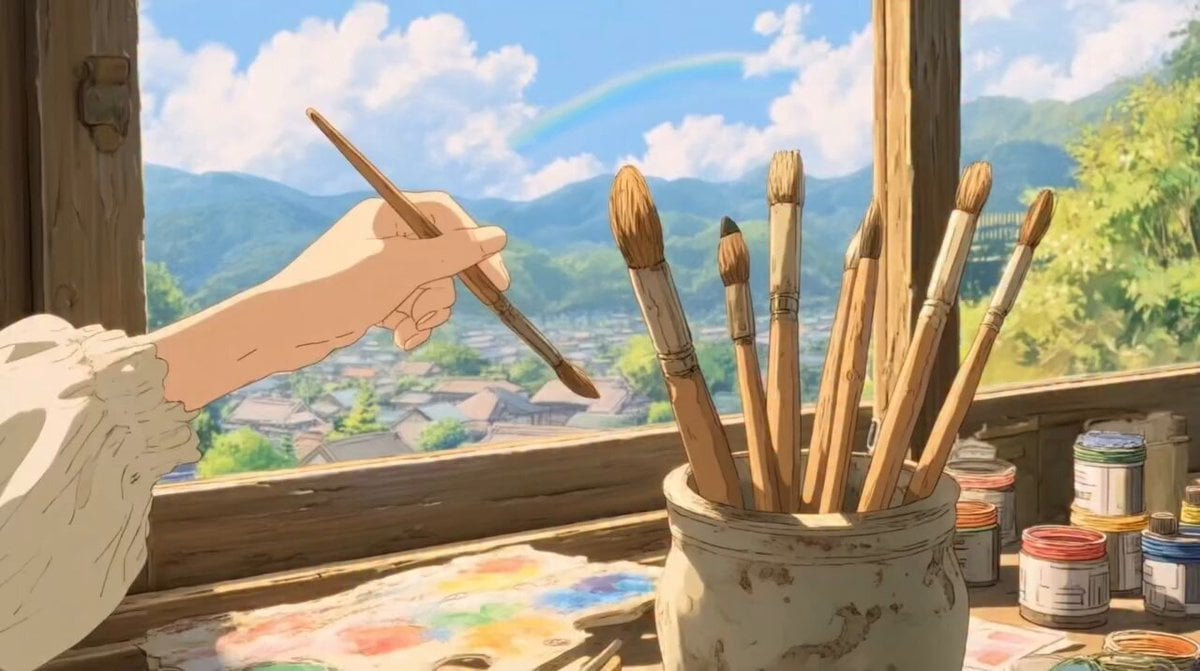
Ghibli-Style Studio Anime Sequence
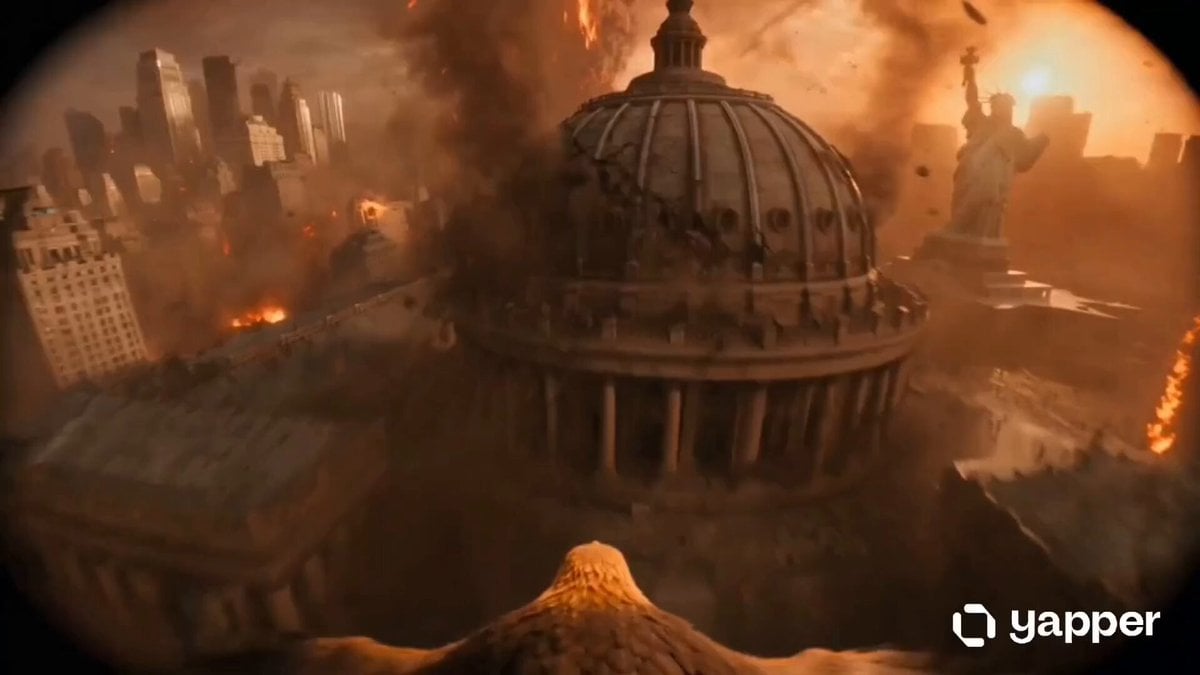
Golden Eagle Escape from Volcanic New York
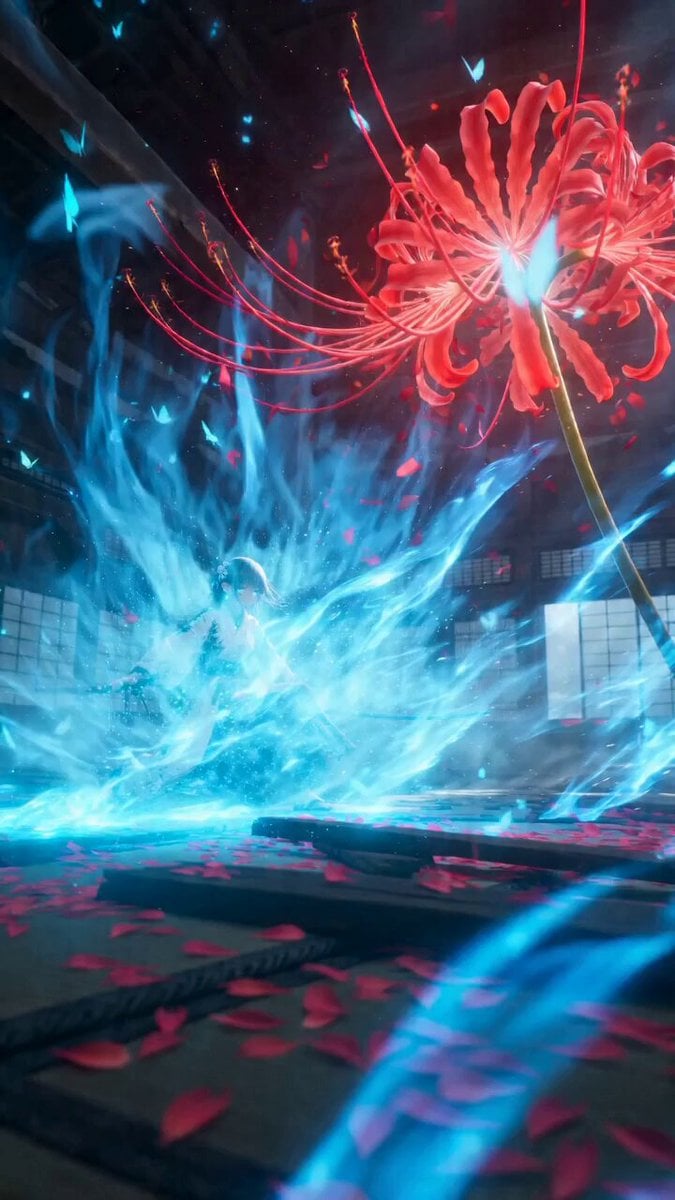
Japanese Dark Fantasy Action Short Film Prompt for Seedance 2.0
Vertical Descent Orc Battle Siege
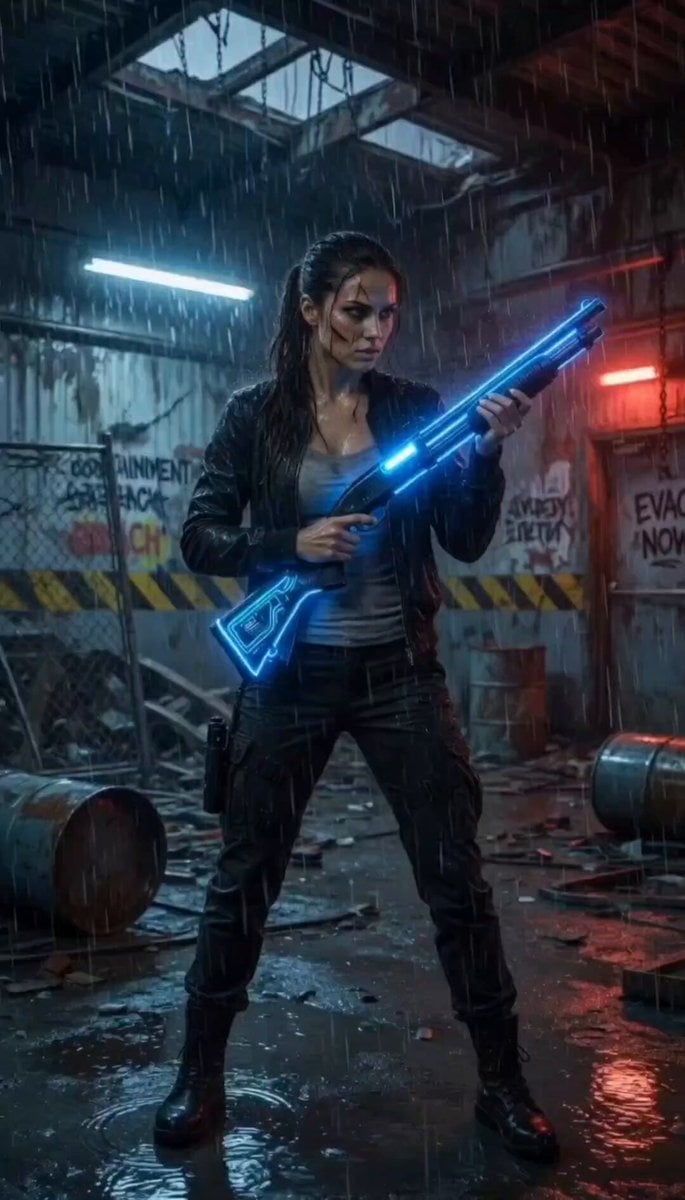
Cinematic Abandoned Warehouse Horror Scene
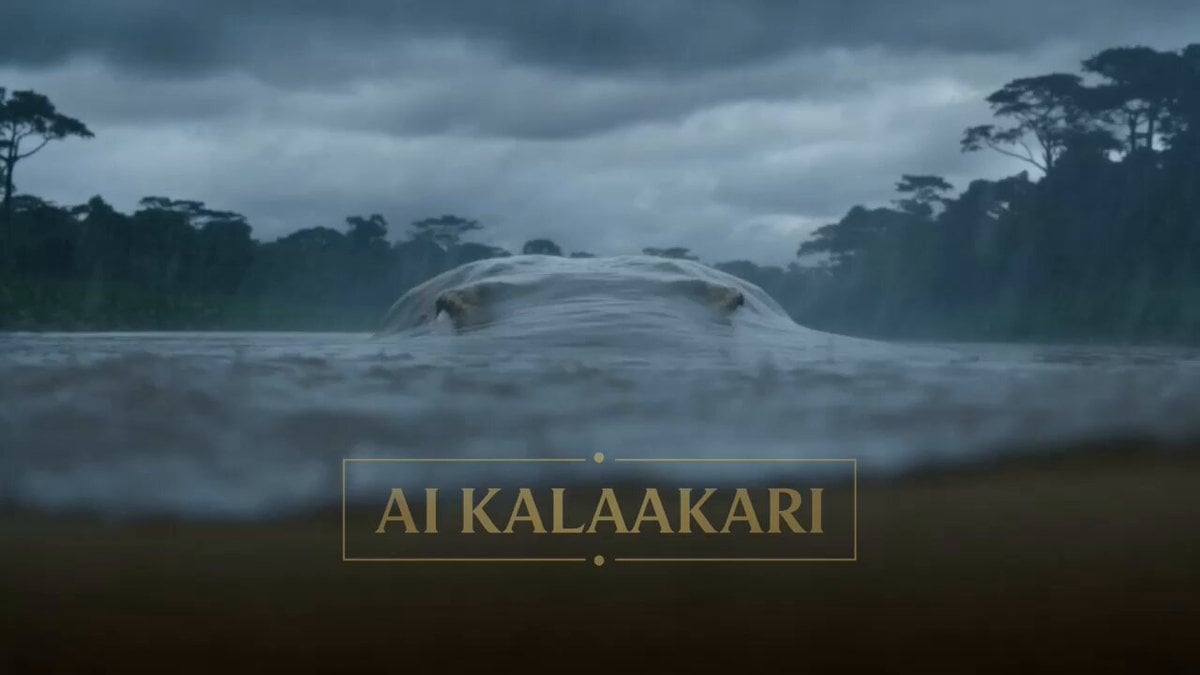
Giant Crocodile River Attack
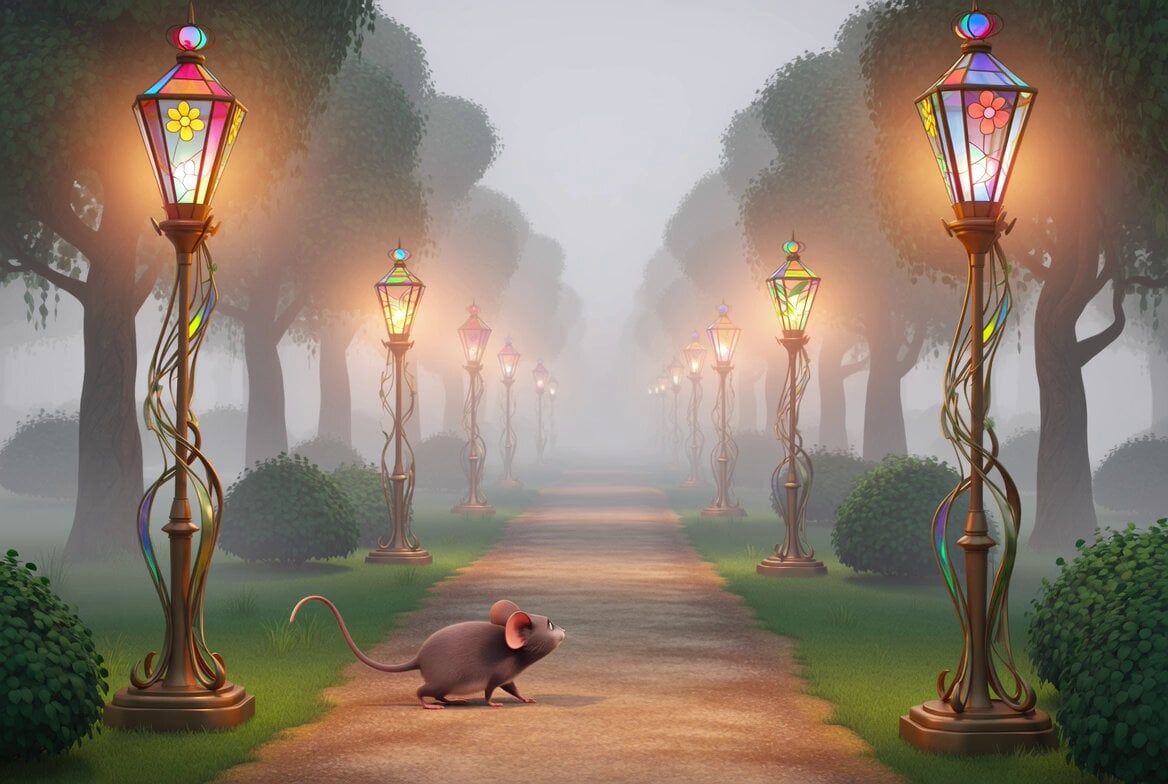
Art Nouveau Pink Elephant
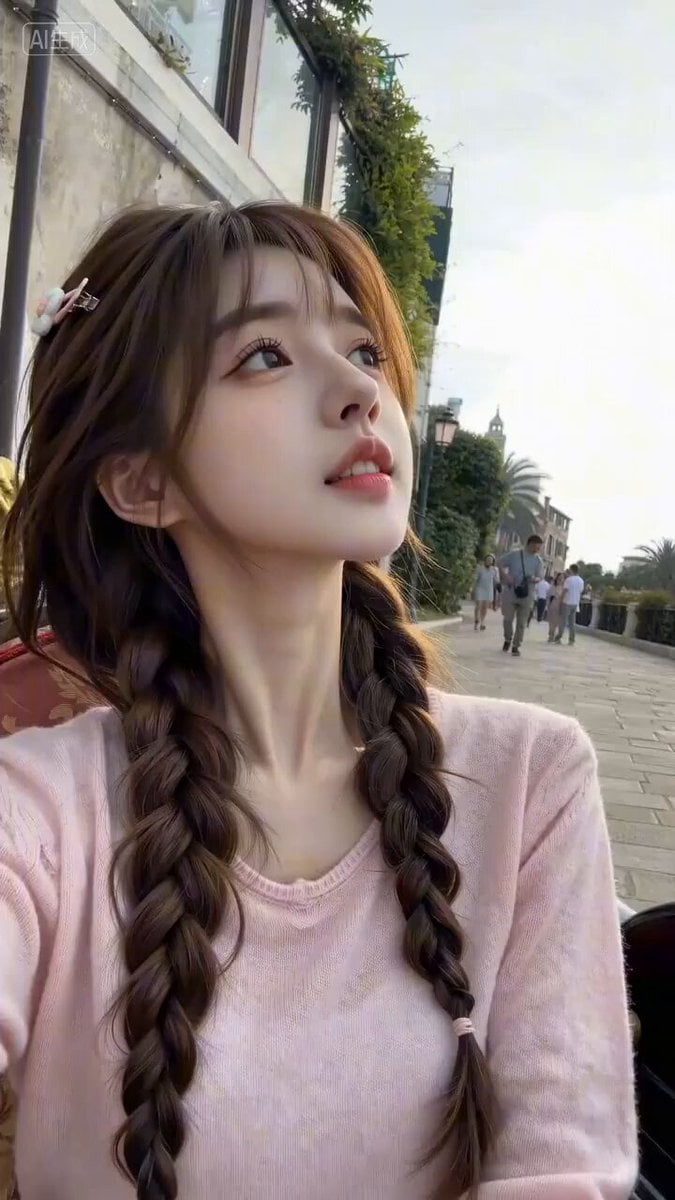
Seedance 2.0 Travel Vlog Prompt - Venice
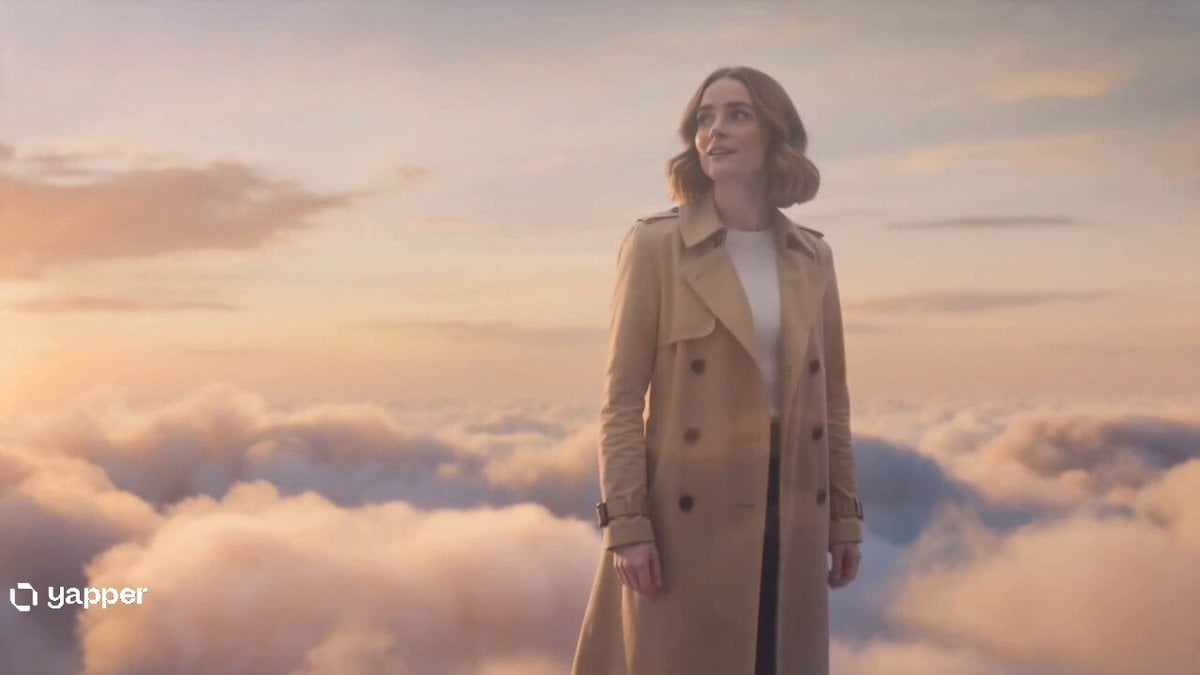
Two Strangers Surreal Dream Island Dance
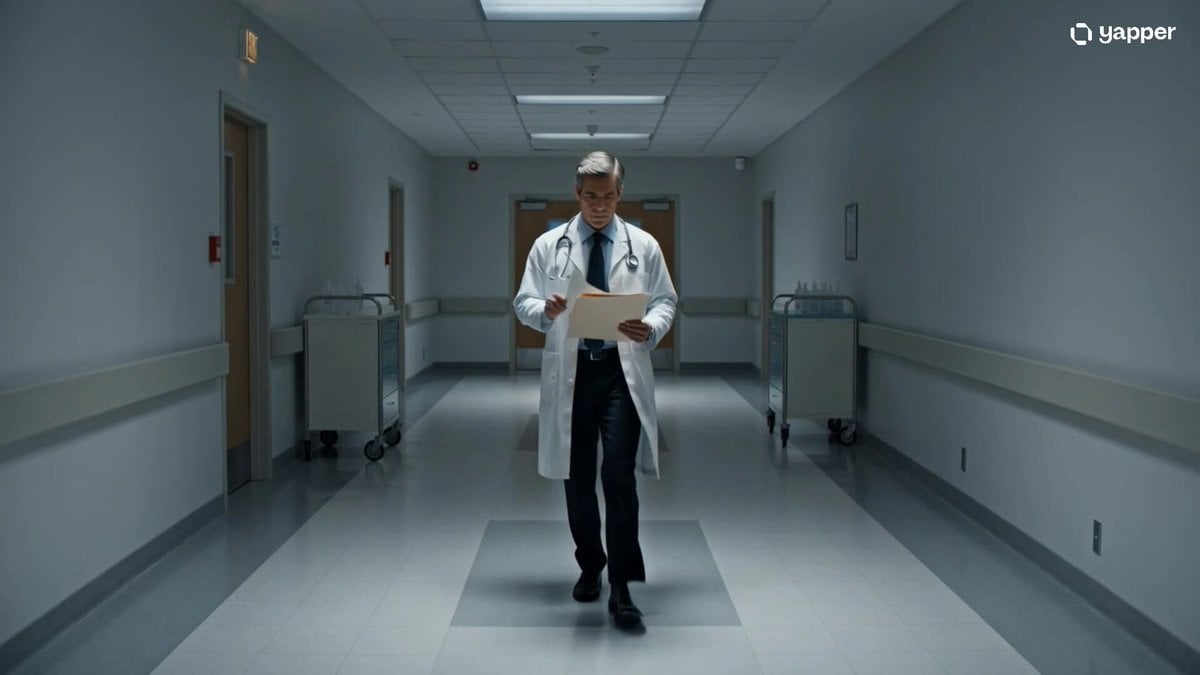
Cinematic sci-fi hospital video scene
Browse template categories
Cyberpunk Mecha Warrior Video Prompt questions
How do I use the Cyberpunk Mecha Warrior Video Prompt template?
Add your photo if the template asks for one, edit the prompt if you like — the template's model and format are already selected — and press Generate. Your version opens in PicX Studio.
Can I customize the Cyberpunk Mecha Warrior Video Prompt template?
Yes. You can change the subject, setting, lighting, mood, format, and available model controls before creating your video.
Is the Cyberpunk Mecha Warrior Video Prompt template free?
Opening and editing this template is free. Generating uses credits, shown on the Generate button when you are signed in.
Which AI model should I use?
Start with Grok Imagine, which is the model associated with this template. You can compare another compatible model for a different finish.
Looking for something else? Browse all templates.

Your photo, any look
Thousands of ready templates for every top image and video model, from one credit balance.