How do I use the Cyberpunk Mecha Action Scene template?
Edit the prompt in the box under the preview — the template's model and format are already selected — and press Generate. Your version appears right on this page.
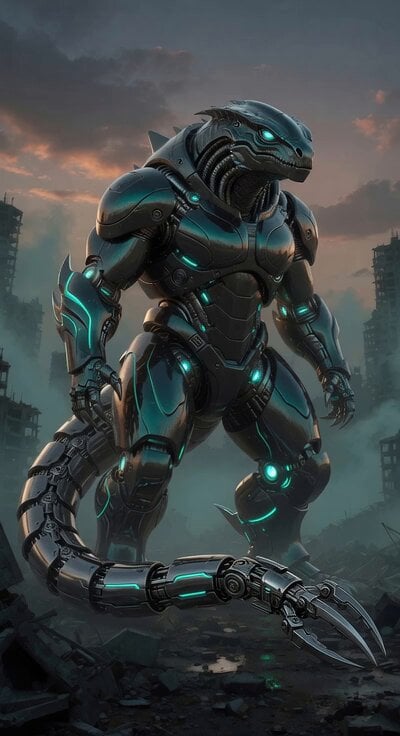
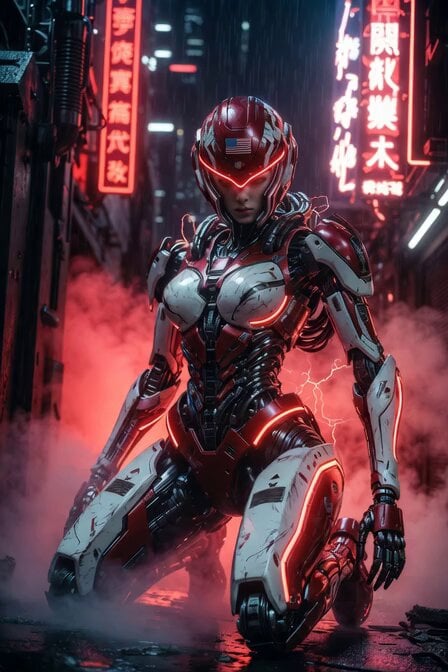
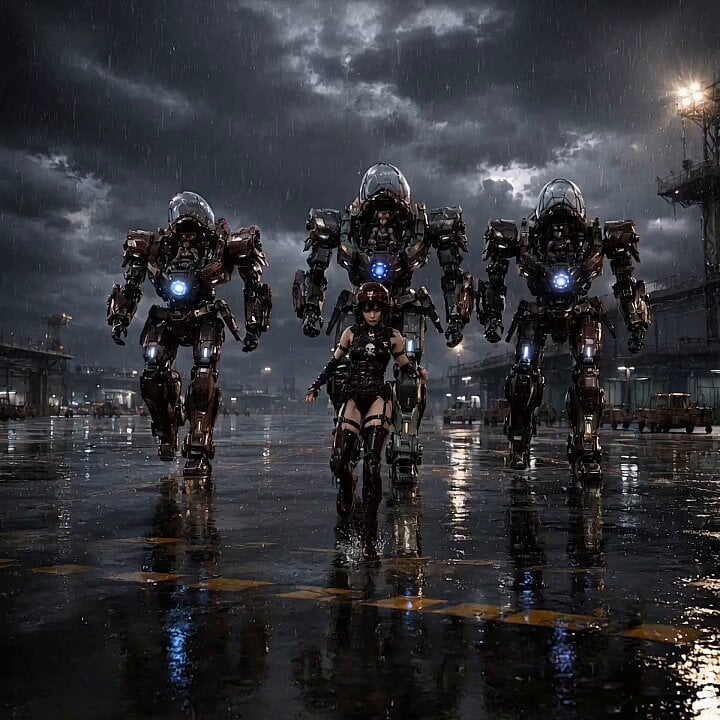
An epic, high-detail action sequence featuring a colossal mecha in a rainy cyberpunk city, complete with explosions and energy weapons.
Cinematic 6-second action scene, epic slow-motion: A colossal beautiful female mecha in shiny pink and vibrant blue armored suit with glowing magenta circuits and long flowing silver hair stands in a rainy cyberpunk city at night. She powerfully stomps forward, her giant foot smashing the street causing a massive fiery explosion, flying debris, sparks and shockwave. She swings a long blazing orange energy sword in her right hand. Heavy rain, dramatic neon reflections on wet ground and armor, flying cars and destruction. Dynamic low-angle tracking camera, intense action, volumetric lighting, cinematic masterpiece, ultra realistic, photorealistic, 8K detail --ar 9:16
Cinematic 6-second action scene, epic slow-motion: A colossal beautiful female mecha in shiny pink and vibrant blue armored suit with glowing magenta circuits and long flowing silver hair stands in a rainy cyberpunk city at night. She powerfully stomps forward, her giant foot smashing the street causing a massive fiery explosion, flying debris, sparks and shockwave. She swings a long blazing orange energy sword in her right hand. Heavy rain, dramatic neon reflections on wet ground and armor, flying cars and destruction. Dynamic low-angle tracking camera, intense action, volumetric lighting, cinematic masterpiece, ultra realistic, photorealistic, 8K detail --ar 9:16
Edit the prompt in the box under the preview — the template's model and format are already selected — and press Generate. Your version appears right on this page.
Yes. You can change the subject, setting, lighting, mood, format, and available model controls before creating your video.
Opening and editing this template is free. Generating uses credits, shown on the Generate button when you are signed in.
Start with Grok Imagine, which is the model associated with this template. You can compare another compatible model for a different finish.
Follow a topic to a crawlable collection of related PicX Studio templates.