
Parisian Fashion Campaign Streetwear Editorial
A 15-second cinematic fashion campaign prompt set in various locations across Paris, focusing on character consistency and realistic urban lighting.
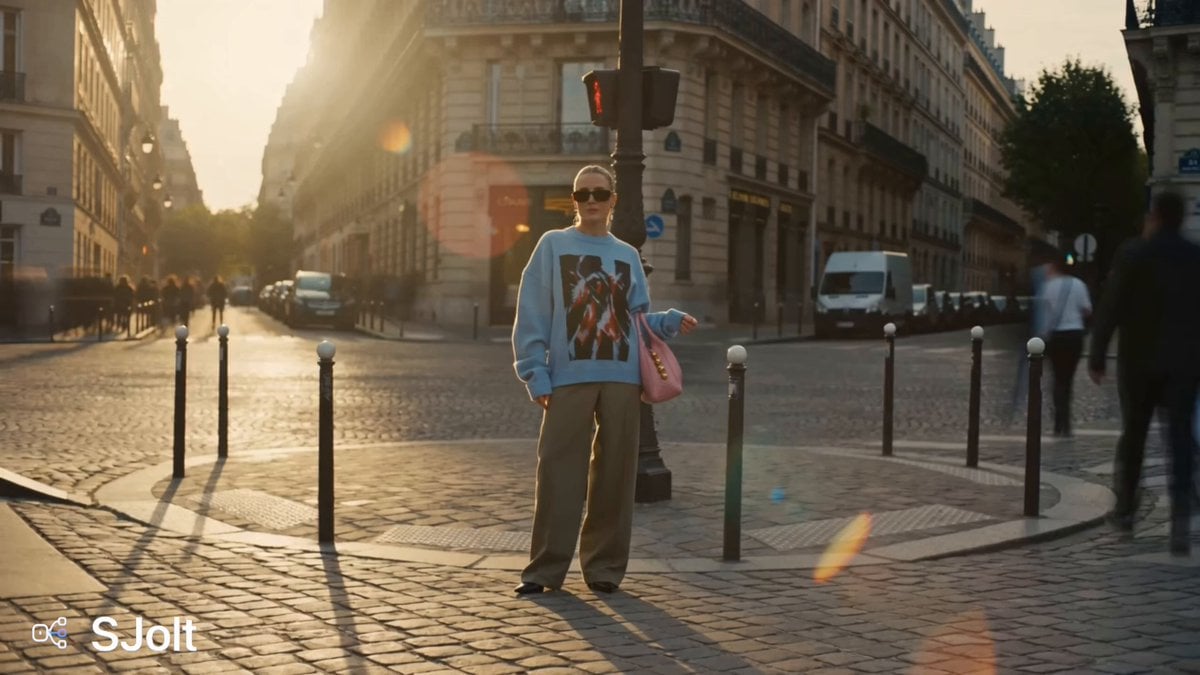
- Prompt included
- Model and format preset
- Free template
The prompt behind this video
Copy the exact prompt behind Parisian Fashion Campaign Streetwear Editorial, or open it in the studio and make it yours.
A 15-second hyper-realistic cinematic fashion campaign video. European woman, fair glowing skin, sharp features, wavy blonde hair in sleek high ponytail, small dark rectangular sunglasses, pearl drop earring, oversized light blue black-red graphic streetwear jersey, sage green wide-leg trousers, black pointed-toe heels, babypink smooth leather hobo shoulder bag with gold dome studs hanging naturally on arm throughout all scenes. Scene 1 · 3 sec Full body wide shot. She stands alone on Paris cobblestone street corner, adjusting sunglasses with one hand, babypink bag hanging naturally on arm, warm golden hour light, real people and city chaos blurring around her, classic Haussmann buildings background. Scene 2 · 3 sec Full body shot. She strides boldly across Paris zebra crossing on Champs-Elysees, iced coffee cup in one hand, babypink bag with gold studs swinging on other arm, mouth slightly open as if singing, bold confident walk, cars and city blurring behind her. Scene 3 · 3 sec Full cinematic wide establishing shot. She is tiny in center of frame walking down grand Paris boulevard, Arc de Triomphe massive in background, real crowd of people around her, babypink bag clearly visible as burgundy detail on her arm. Scene 4 · 3 sec Medium shot. She stops on a sunlit Paris cobblestone street, spontaneous small carefree dance move, arms slightly out, babypink bag swinging naturally, street musician blurred in background, joyful open expression, warm golden light on face. Scene 5 · 3 sec Medium close-up. She stands inside Paris Metro carriage holding pole, slowly pushes sunglasses up with one finger, slight smirk, babypink bag with gold dome studs clearly visible on arm, moody warm metro overhead lighting, other passengers naturally blurred in background. Smooth seamless transitions between all 5 scenes. Overall mood: Candid chaotic Parisian city energy, luxury streetwear editorial, golden hour warmth, shot on Canon EOS R5 35mm f/1.4, Kodak Portra 400 film tone, natural film grain, handheld camera movement, real people in background every scene, hyper-realistic photography feel, no plastic skin, no robotic movement, no stiff poses, no AI artifacts. AVOID: cartoon, CGI, plastic skin, robotic movement, stiff poses, blurry face, overexposed, watermark, text overlay, logo, AI generated look, jerky motion, empty streets, studio background, fake crowd, extra fingers, deformed
How to use Parisian Fashion Campaign Streetwear Editorial in 3 steps
- 1
Open
The prompt is already in the box next to the preview, with the template's model and format selected.
- 2…a portrait of your subject in softgolden-hour light, 85mm…
Personalize
Edit the subject and creative details for your destination.
- 3Generate
Generate
Press Generate — your video is created in PicX Studio, so you can compare it with the original and refine one variable at a time.
More like this
Templates with the same subject, style or setup. Open one to see its prompt.

Sneaker Product Commercial
Cinematic Short Film Scene

Luxury Lifestyle Day Vlog
Nano Banana Seedance Environment Render Walk
Luxury Handbag Commercial — Hollywood VFX Ad
High Fashion Editorial Video
Anime Editorial Fashion Film
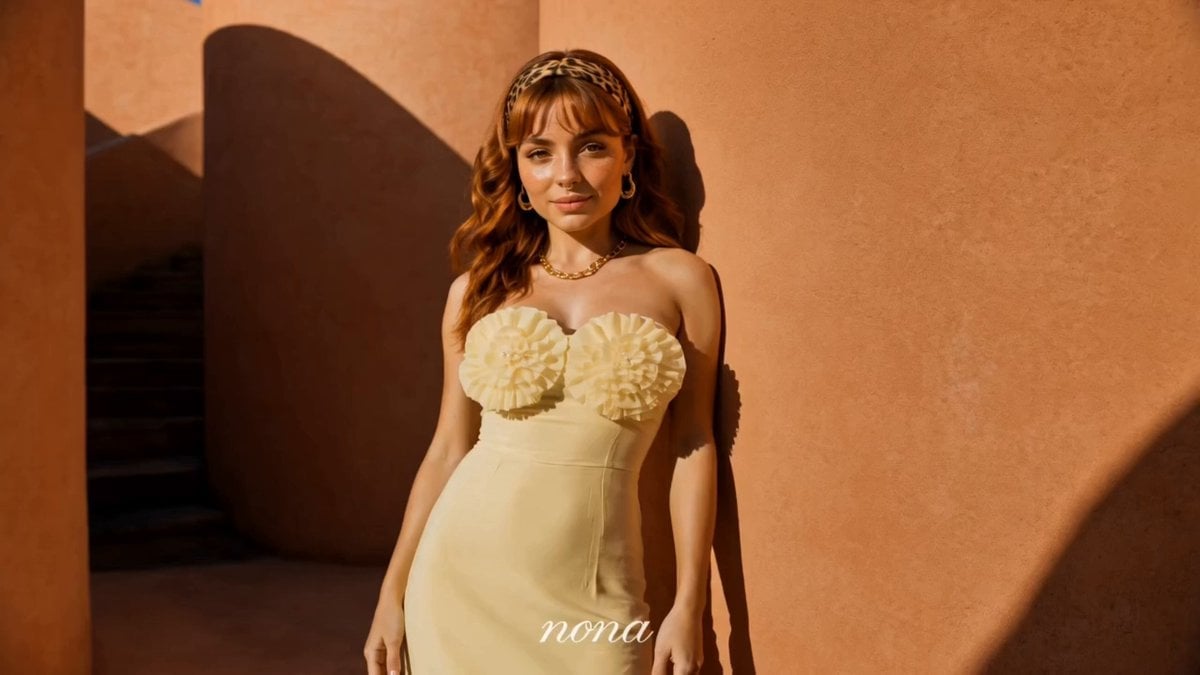
Luxury Fashion Campaign Spiral Staircase
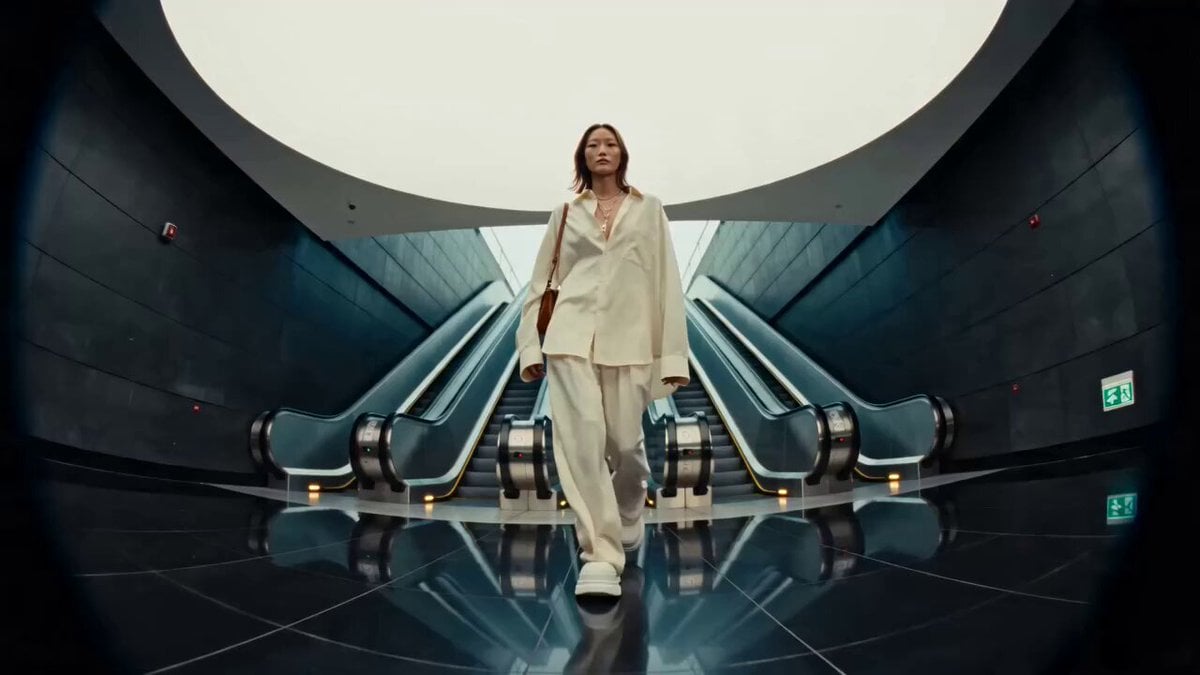
Editorial Street Fashion Cinema Film
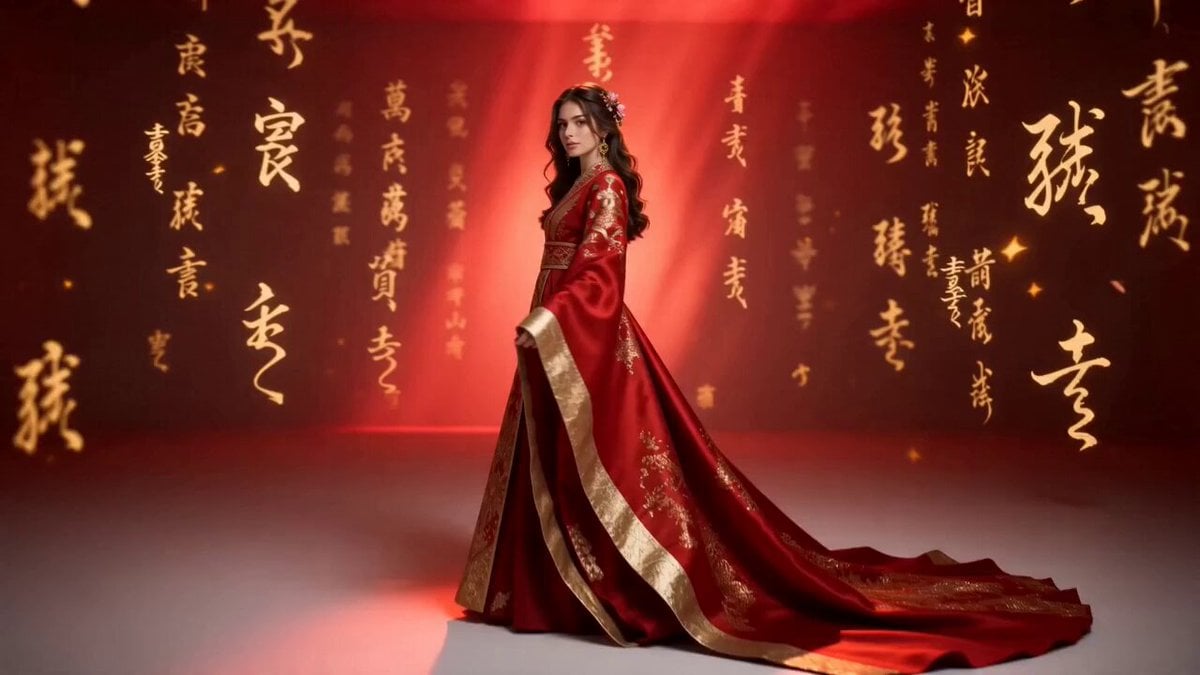
Global Luxury Fashion Cultural Campaign
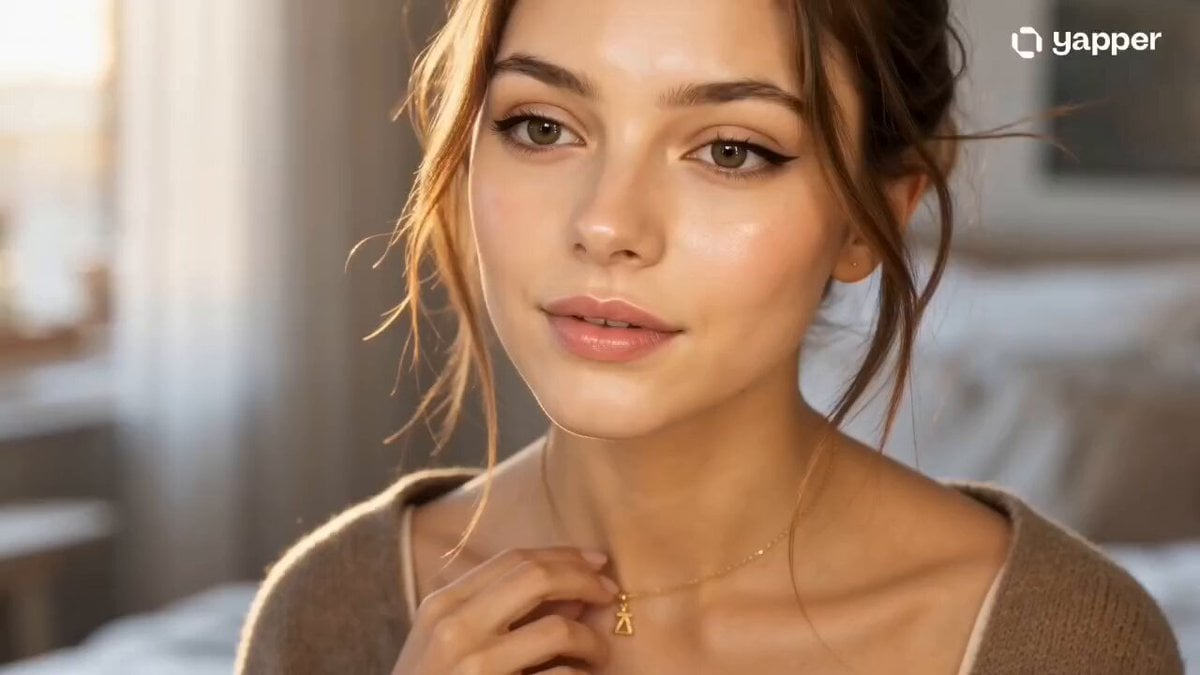
Cinematic GRWM Fashion Editorial
High-Fashion Editorial Glow-Up
Make it yours
Parisian Fashion Campaign Streetwear Editorial works as-is. These are the safest ways to change it without losing the look.
Change one field
Copy a single group, rewrite it, and generate again so you can see what that field is doing.
Keep the frame, change the subject
Hold the composition and light of Parisian Fashion Campaign Streetwear Editorial, then swap wardrobe, props or the person for a new take.
| If the result… | Why | Fix |
|---|---|---|
| The result drifts from the preview | Too many fields changed at once. | Reuse Parisian Fashion Campaign Streetwear Editorial as-is first, then change one group — subject, light, or setting. |
| The model over-stylizes the scene | The prose prompt leaves finish and camera underspecified. | Add one camera or lighting sentence and stay on Seedance 2.0. |
More Seedance 2.0 templates
Other prompts made for Seedance 2.0.

Comical Martial Arts Punch Scene

Maglev Train Action Sequence

Martial Arts Fight Sequence

Wuxia Protection and Trust Script

Vintage Korean Arcade MiniDV Vlog

Mercedes 190 SL Luxury Ad

Rainy Night Supernatural Reverse Comedy Video Script

Amazon Civilization Discovery

Futuristic South Asian City Transformation

Cozy Luxury Cafe Commercial
More video prompts
Fresh picks from across the catalog.
Japanese Idol Lifestyle Vlog

Bio-Engineered Demon Knight Cinematic
Futuristic Arena Sci-Fi Combat
Cyber-City Skateboard Dog Animation
Monterey Bay Aquarium Neon Fish Video
Luxury Spa Storyboard Animation
Ethereal dark fairy goddess cosmic video
Swordsman vs Shadow Monster — Bamboo Forest Battle
Mini-Drama: Rainy Night Breakup and Reunion Prompt
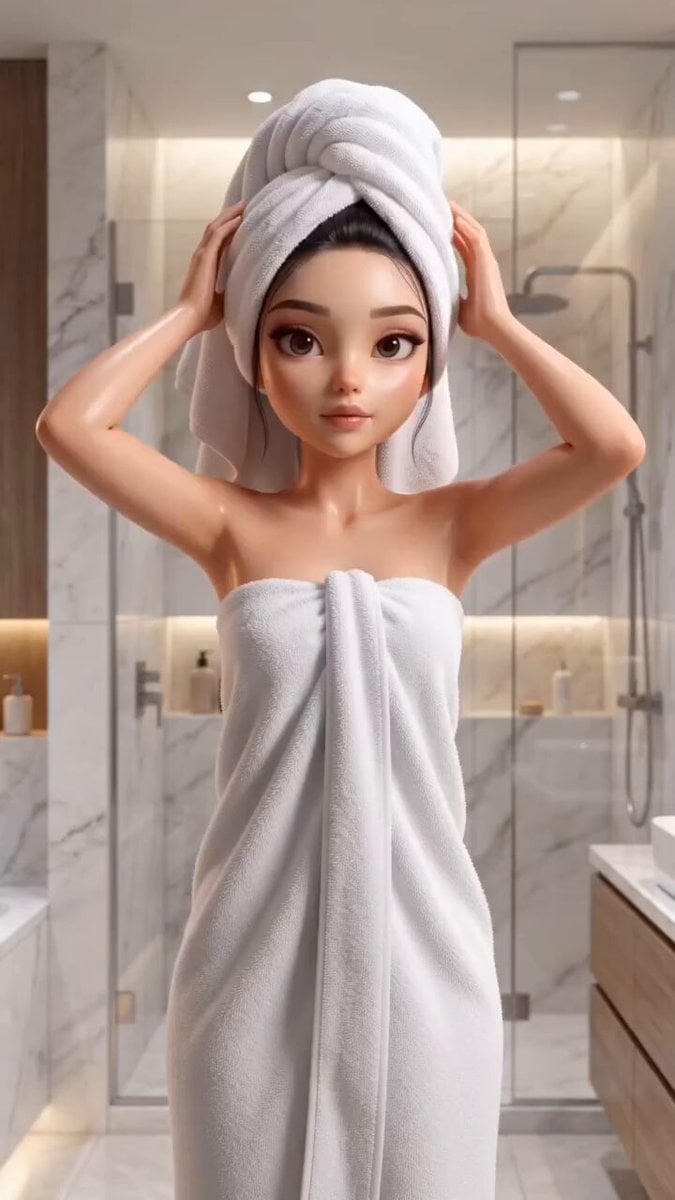
Pixar Style Beauty Routine Animation
Browse template categories
Parisian Fashion Campaign Streetwear Editorial questions
How do I use the Parisian Fashion Campaign Streetwear Editorial template?
Add your photo if the template asks for one, edit the prompt if you like — the template's model and format are already selected — and press Generate. Your version opens in PicX Studio.
Can I customize the Parisian Fashion Campaign Streetwear Editorial template?
Yes. You can change the subject, setting, lighting, mood, format, and available model controls before creating your video.
Is the Parisian Fashion Campaign Streetwear Editorial template free?
Opening and editing this template is free. Generating uses credits, shown on the Generate button when you are signed in.
Which AI model should I use?
Start with Seedance 2.0, which is the model associated with this template. You can compare another compatible model for a different finish.
Looking for something else? Browse all templates.

Your photo, any look
Thousands of ready templates for every top image and video model, from one credit balance.